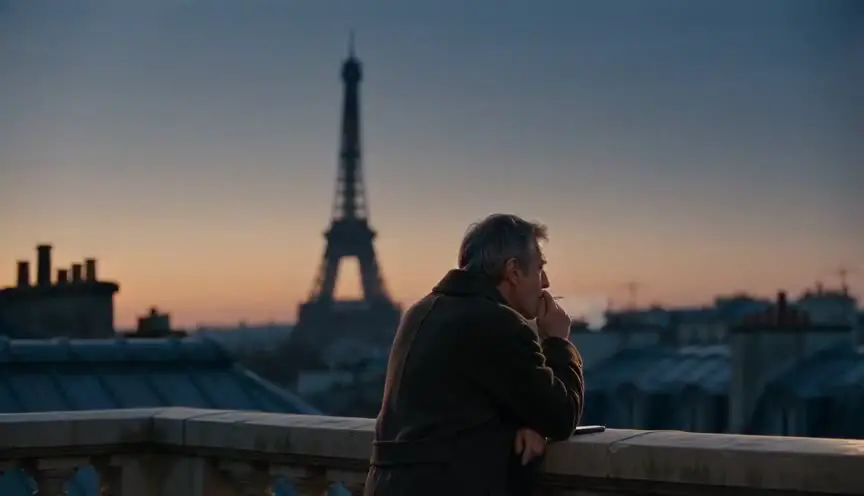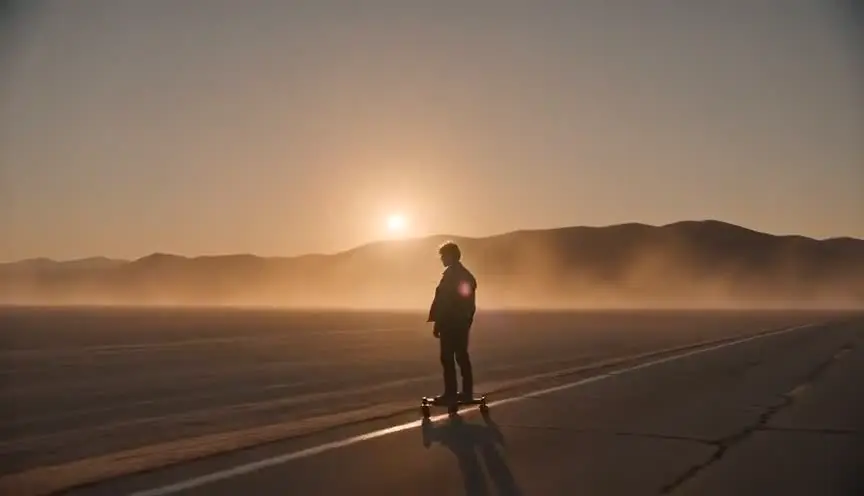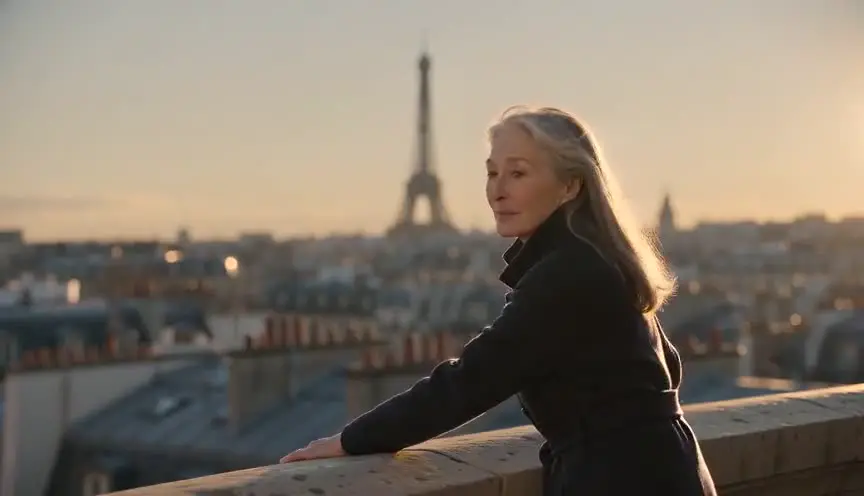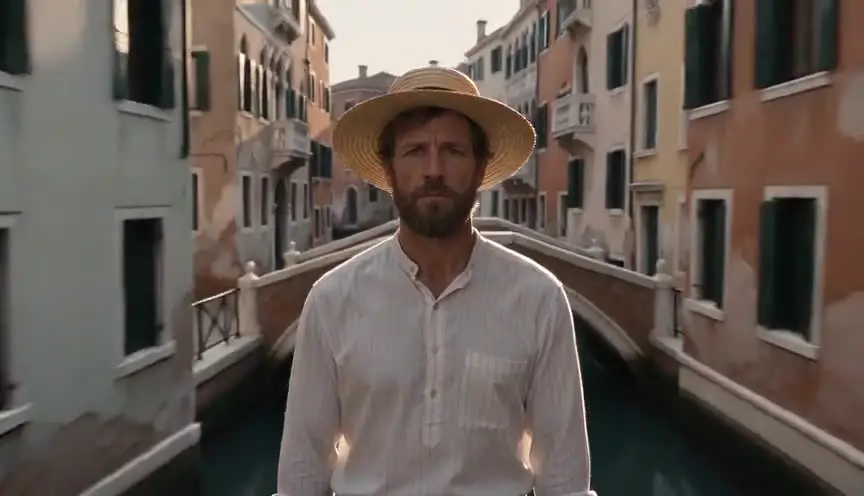

A cinematic prompt is not a longer prompt. It is a prompt written in the order the model reads: how it is shot, who is in it, what they do, where they are, and how it looks. Veo, Kling and Seedance all publish some version of that order. Learning the order beats learning any word list.
Everything below is about video models. Prompting a language model to help you write pages is a different craft with different rules, and it lives in our piece on prompt engineering for screenwriters. For the pipeline these prompts sit inside, start at how to make an AI film.
Three models, three formulas, one structure
Every major platform has published a prompt formula. They use different labels and they order the slots differently, but underneath they are asking for the same six things.
| Platform | Published formula |
|---|---|
| Veo (Google) | Cinematography + Subject + Action + Context + Style & Ambiance |
| Kling | Subject (description) + Subject Movement + Scene (description) + (Camera Language + Lighting + Atmosphere) |
| Seedance 2.5 | Asset binding, then a one-line summary of Subject + Location + Event + Style + Camera, then the timeline |
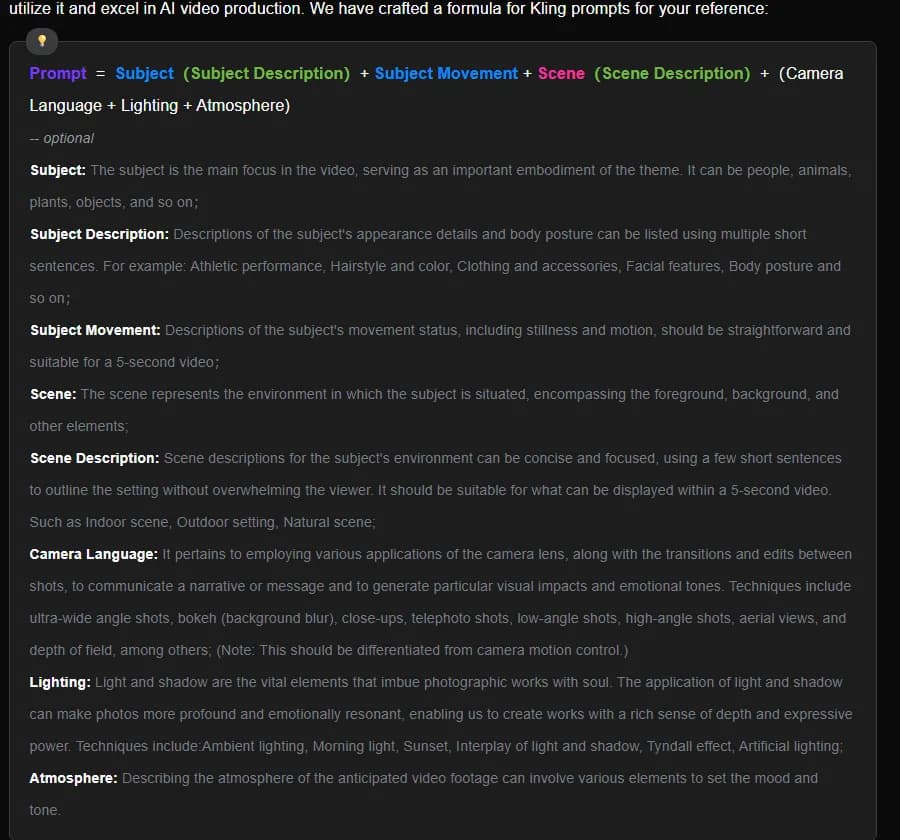
Kling's text-to-video prompt guide, captured 5 October 2026. Note that camera language, lighting and atmosphere are marked optional, and that the subject's movement is to be "suitable for a 5-second video".
Google leads with cinematography, Kling leads with subject, which tells you something about how each model weighs the opening of your prompt. And Kling's parenthesis around camera, lighting and atmosphere is honest: those are the parts the model will happily ignore if the rest of your sentence is vague.
The structure is worth more than the vocabulary. Most prompts that fail are not missing a fancy word. They are missing a slot.
The six slots, and what breaks when you leave one empty
| Slot | The question it answers | A filled example | What you get if you skip it |
|---|---|---|---|
| Camera | How is this framed and does it move? | "Medium shot, slow dolly in" | A default mid-wide with drifting, unmotivated movement |
| Subject | Who or what, specifically? | "A ferry mechanic in her fifties, oil-stained coveralls" | Generic faces that change between takes |
| Action | What happens in these few seconds? | "She wipes her hands on a rag and looks up" | A near-still image with ambient wobble |
| Scene | Where and when? | "Engine room below deck, late afternoon" | A plausible but arbitrary background |
| Light and style | What does it look like? | "Hard side light from a porthole, 35mm film grain" | Flat, evenly lit, slightly plastic |
| Time and sound | Pacing, audio, dialogue | "Slow motion. Ambient: low engine hum" | Default pacing, generated audio you did not plan for |
Google's own guide breaks the same ground into subject, action, scene or context, camera angles, camera movements, lens and optical effects, visual style, ambiance, temporal elements, audio and cinematic terms. That is eleven headings for six jobs. You do not need all of them in every prompt, and Google says so directly.
Camera language is the part that actually buys you something
Google's video generation prompt guide prints the same warning twice, once under camera angles and once under lens effects: some advanced camera angles are not officially supported, and results and reliability may vary depending on your overall prompt.
Which is a polite way of saying the common vocabulary works and the rest is a lottery. Eye level, low angle, high angle, overhead, close-up, extreme close-up, medium shot, wide shot, over the shoulder, POV. Dolly, pan, tilt, truck, pedestal, zoom, crane, handheld, arc. Those are documented with examples. The exotic stuff, dolly zoom and fisheye and split dioptre and bullet time, is documented too, with that warning attached.
My rule after enough wasted takes: one camera idea per clip. A slow dolly in, or an arc, or a handheld follow. Not a crane move that becomes a rack focus that ends on a Dutch angle. The model will pick one of the three and discard the others, and you will not get to choose which.
If you want the full vocabulary with examples, the camera movement prompt reference and the shot size reference are both free and both list the phrasings that models respond to consistently.
Negative prompts: name the noun, do not give the order
This is the mistake I see most often, and it is the one the documentation warns about in the plainest language it uses anywhere.
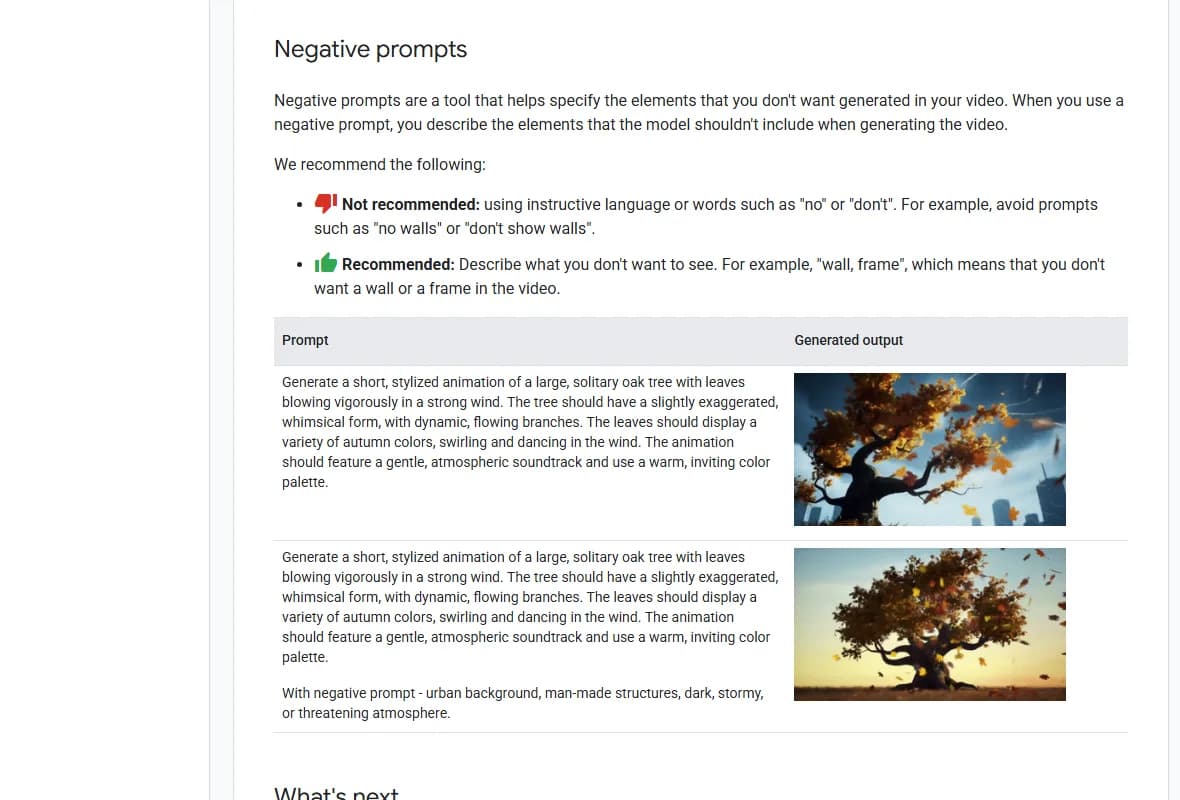
Google's Vertex AI video generation prompt guide, captured 5 October 2026. The page was last updated 1 October 2026.
Writing "no walls" in a negative prompt is likely to produce walls. The field takes a list of things to steer away from, so you write the noun. "Wall, frame." Google's example in the screenshot adds "urban background, man-made structures, dark, stormy or threatening atmosphere" and the tree moves from a city skyline to an open field.
Then check whether your model has the field at all. Seedance 2.5's documentation says negative constraints work only for subtitles and audio, which is why "no subtitles" and "no BGM, only environmental and action sounds" are the two negatives you see in every Seedance prompt and almost nothing else. Everything else has to be said positively, inside the description.
Treat negative prompting as plumbing that varies by model. Five minutes on the docs of whichever one you are about to spend a hundred credits on will tell you which kind you have.
Write to the clip length you are actually going to get
The published limits differ enough to change how you write.
| Model | Clip length | Aspect ratios | Resolution |
|---|---|---|---|
| Veo 3.1 | 4, 6 or 8 seconds | 16:9 or 9:16 | 720p or 1080p |
| Kling | 5 or 10 seconds | 16:9, 9:16 or 1:1 | Standard or Professional mode |
| Seedance 2.5 | up to 30 seconds | set by your input assets | varies by request |
Kling's guide tells you to describe movement "suitable for a 5-second video" and to keep scene description to what can be displayed in that window. That is the most useful line in the whole document. Five seconds holds one action. A woman crossing a room is one action. A woman crossing a room, opening a drawer, finding a photograph and reacting is four, and you will get a smeared version of the first one.
Seedance is the exception, and the reason to learn it separately. It accepts integer-second timestamps and expects a continuous timeline with no gaps, so "0 to 3 seconds" then "3 to 7 seconds" rather than "0 to 3" then "5 to 6". Its documentation also warns in both directions: too little content in a range and the model improvises, too much and it either adds cuts you did not ask for or drops beats.
Extending a short clip to cover a longer action is tempting and it has a cost in quality that compounds. We measured it in the video extension piece. Writing shorter is usually cheaper than fixing longer, and the related arithmetic sits in the ten mistakes that burn credits.
Try it free
Try Screenweaver for free on your script
It is free. Import your existing project, get a clearer view of your outline, and regain control of your story structure in minutes.
Start FreeSound belongs in the prompt, in its own sentences
Veo's documentation is specific here: put audio in separate sentences from the visuals, and split it into three kinds.
- Sound effects. Discrete sounds inside the scene. "SFX: a floorboard creaks off screen."
- Ambient noise. The bed that makes the location feel real. "Ambient: distant traffic and a siren."
- Dialogue. Put the spoken line in quotation marks and name who says it. "The detective says: Your story has holes."
Google's own worked example runs an entire interrogation scene this way, two lines of dialogue plus a ticking clock plus rain on glass, in one prompt. It works because each element got its own sentence.
One decision to make before you write any of it: are you doing a real sound pass later? If yes, generating audio you will mute is money spent on nothing, and on some models audio doubles the per-second rate.
What a prompt cannot fix
A prompt describes one clip. It does not remember the last one.
Faces drift, wardrobe shifts, the kitchen changes colour between shot four and shot nine. No amount of adjective stacking solves this, because you are asking a stateless system to recall something it never stored. The fix is references: image references, character sheets, first and last frame locking, whatever your model supports. Seedance 2.5 takes up to 30 reference images and works best with one to eight subjects bound explicitly in the text, by number, not by labels drawn inside the image.
The full version of that argument, with the failure modes, is in character drift in AI video, and the series-scale version is in AI series production consistency.
The other thing a prompt cannot do is decide what the shot is for. That decision happens upstream, on a storyboard, which is the entire argument of the storyboard-first workflow.
The checklist, before you spend a credit
- One camera idea, stated first or stated clearly. Not three.
- One action, sized to the clip length your model actually produces.
- The subject described by specifics, not by adjectives. Age, clothing, posture.
- Location and time of day present, even in a close-up.
- A light source named, with a direction and a quality.
- A style anchor: a stock, a decade, a grain, a palette.
- Negatives written as nouns, and only if your model has the field.
- Audio in its own sentences, or deliberately switched off.
- References attached for anything that has to match another shot.
- Prompt tested as a still image first if your platform allows it, because stills cost a fraction of video takes.
Tools for this
The AI video prompt generator builds a structured prompt with the six slots filled, which is faster than remembering the order. The camera movement reference and the shot size reference cover the vocabulary. If you have not picked a model yet, the model picker compares them on the things that change your prompt, length and ratio and reference support. And if a term in a model's documentation is new to you, the AI filmmaking glossary has it.
FAQ
What makes a prompt cinematic rather than just descriptive?
Named camera and light choices. A descriptive prompt says what is in the frame. A cinematic prompt says how the frame was made: the shot size, the angle, whether the camera moves, where the key light comes from and what the image was notionally shot on. Those four additions are what move output from stock-footage flat to something with a point of view.
Should camera direction go at the start or the end of the prompt?
Follow the model. Google's published formula for Veo opens with cinematography, Kling's opens with the subject and treats camera language as an optional block later. Both work with their own model. If you are switching platforms, reorder rather than reusing the same string, because the opening of a prompt carries more weight than the middle.
Do negative prompts work on every video model?
No. Veo has a documented negative prompt field and Google publishes guidance for it. Seedance 2.5's documentation says negative constraints apply only to subtitles and audio, so everything else has to be phrased positively inside the main description. Check your model's documentation before building a workflow around a negative prompt, because the technique does not transfer.
Why does the model ignore half of my prompt?
Usually because the prompt contains more action than the clip can hold. Kling's guide asks you to size movement to a five-second video, and that constraint is real on every short-clip model. When a prompt describes four consecutive beats, the model compresses them, picks one or invents a cut. Split the beats into separate shots.
How long should a cinematic prompt be?
Long enough to fill the six slots and no longer. Google's published examples run between one and five sentences. Kling's own before-and-after shows a single clause growing into roughly fifty words, with the gain coming from specificity rather than from length. Padding with adjectives after that point tends to dilute the instructions that were working.
Can I write one prompt and run it on several models?
You can, and it is a reasonable way to compare models, but expect to rewrite for production. Clip lengths differ, so the amount of action you can specify differs. Negative prompt support differs. Audio support differs. Reference handling differs the most of all. The description of the shot carries across; the plumbing around it does not.
Final Step
Build your next script with Screenweaver
Move from ideas to production-ready pages faster with timeline-native writing and AI-assisted story flow.
Try Screenweaver