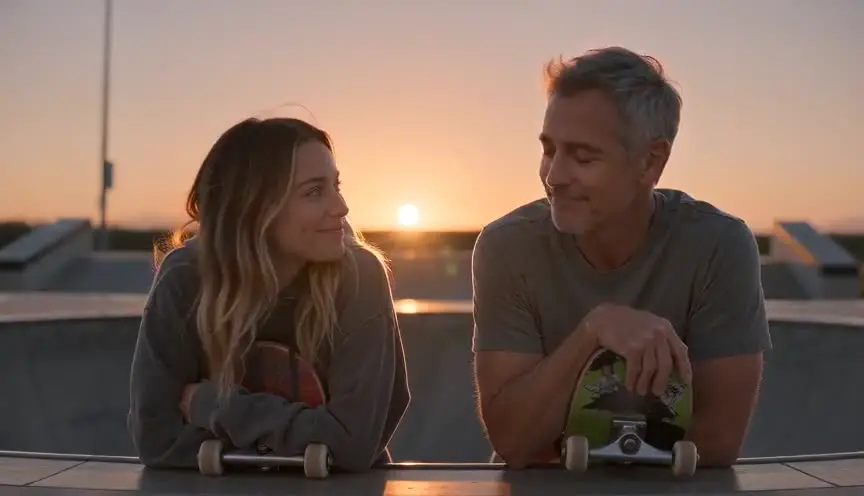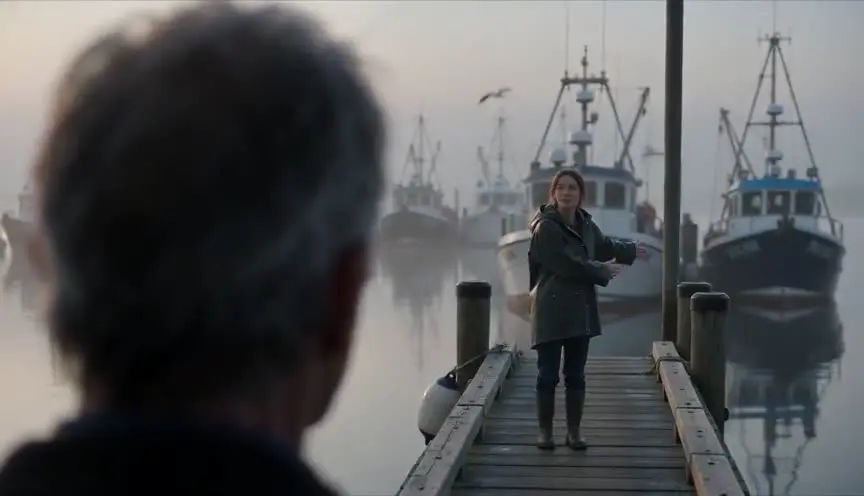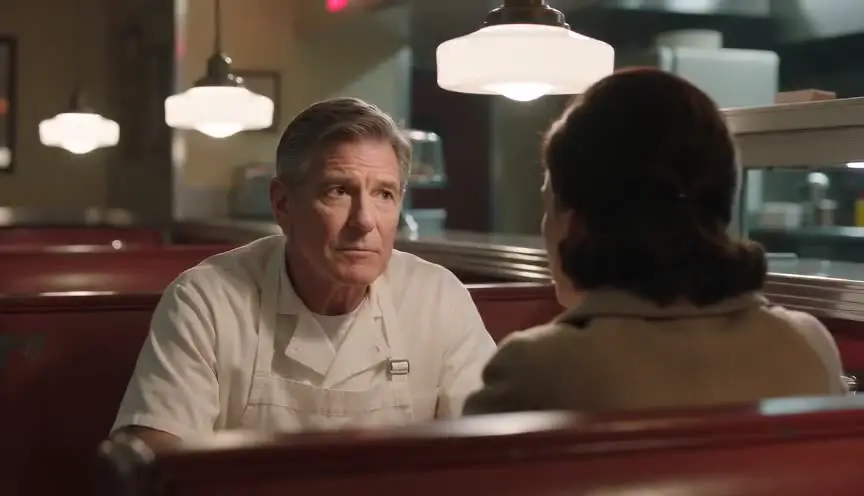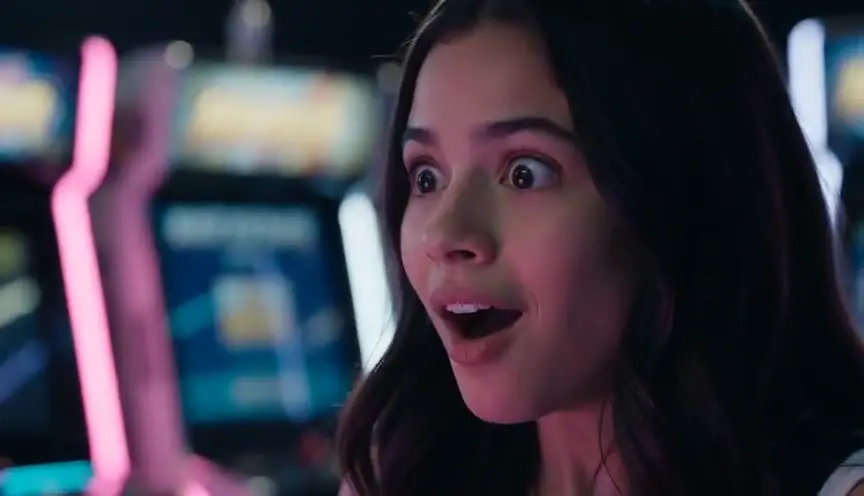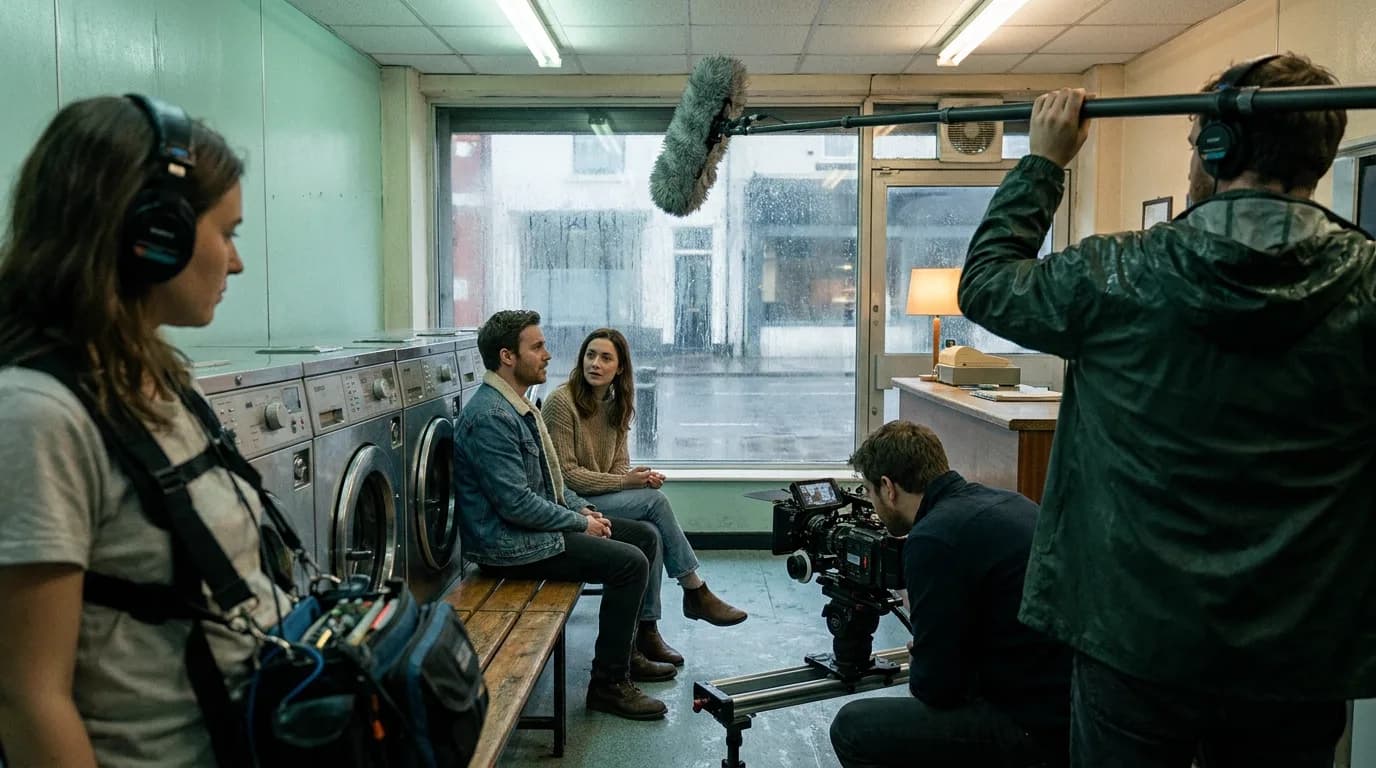

Dialogue scene prompts work when you treat a conversation the way a camera crew would: decide the coverage first, write each character's screen side and eyeline into every prompt, label every speaker, and keep each line short enough for the clip. Video models don't remember the previous shot, so the prompt has to carry the geometry of the scene.
The general prompt order is in our pillar on cinematic prompts, and the syntax for each model sits in the Kling and Veo guides. Conversations get their own page because the audience spends the whole scene watching faces and eyes, so a flipped screen side or a line from the wrong mouth shows immediately. What follows holds whatever model you pick.
One clip or real coverage? Decide before you write
There are three ways to put a conversation on screen with a video model, and each one wants a different prompt.
| Approach | What you generate | Good for | Where it breaks |
|---|---|---|---|
| One clip, both speakers | A single two-shot with the lines inside it | Short exchanges, two or three lines, a scene that plays in one frame | The model attributes a line to the wrong mouth, or runs two speakers together |
| Multi-shot in one generation | Several labelled shots in one output (Kling 3.0 does up to six) | A quick back-and-forth where you want the model to cut | You give up control of where the cut lands and how long each shot holds |
| Separate coverage clips | A master, then over-the-shoulders, singles and reactions, each generated alone | Anything you want to edit properly, scenes longer than a few lines | More generations, and continuity has to be written into every prompt |
Our view: for anything that matters, generate coverage. A one-clip two-shot is fine for a throwaway exchange. But a scene built from separate clips is the only version where a bad take costs you one shot instead of the whole conversation, and where the editor gets to choose when to cut to the listener. That choice is most of what makes dialogue play.
The multi-shot route sits in between. fal's Kling 3.0 guide says the model understands "shot-reverse-shot dialogue" as a term, which is useful when you want a quick exchange without assembling it yourself. Just treat the result as a finished edit you can't re-cut.
Write the coverage list before any prompt
Coverage is the set of angles a crew shoots so the editor has options. For a two-hander, the classic list is short:
- Master or two-shot: both characters, the whole exchange, establishing where everyone is. See the two-shot and master shot pages.
- Over-the-shoulder on A, with the camera behind B's shoulder, A facing us. The over-the-shoulder page shows the framing.
- Over-the-shoulder on B, the mirror of shot 2: the reverse angle.
- A clean single on A, then one on B. Tighter, no shoulder in frame, kept for the lines that land hardest.
- Reactions: each character listening, no lines.
Write this list in plain text first, with the line or lines each shot covers. You'll find that most lines need only one angle, and that the reactions are the shots you were going to forget. Breaking a scene into clip-sized units is what the scene-to-clip splitter does if you'd rather start from the scene text.
| Shot | Prompt phrase that fixes the framing | What else the prompt must state |
|---|---|---|
| Two-shot | "Medium two-shot, both seated, Mara frame left, Theo frame right" | Who speaks, in what order, with a linking word between lines |
| OTS on Mara | "Over-the-shoulder shot from behind Theo's shoulder, Mara facing camera" | Mara's eyeline to frame right, Theo's shoulder soft in the foreground |
| OTS on Theo | "Over-the-shoulder shot from behind Mara's shoulder, Theo facing camera" | Theo's eyeline to frame left |
| Single on Mara | "Medium close-up single on Mara" | Eyeline just off camera right, not into the lens |
| Reaction on Theo | "Close-up on Theo listening, silent" | No dialogue, a small visible reaction |
Put the 180-degree line into words
On a set, the camera stays on one side of an imaginary line drawn between the two actors. Cross it and A, who was looking right, suddenly looks left, and the audience loses track of who is talking to whom. Film people call it the 180-degree rule.
A video model has no idea where the line is. Each generation starts from nothing. So the only way to keep screen direction is to write it, every time, in the same words:
- Who is on which side of frame: "Mara on frame left, Theo on frame right."
- Which way each person looks: "Mara looks toward frame right."
- In singles, where the other person would be: "Theo is off-screen right."
The phrasing has to match across prompts. If the two-shot says "Mara on the left" and her single says "Mara looks to her right," you've written two different instructions, because her right is the viewer's left whenever she faces the camera. Stick to frame left and frame right, which describe the image, and never use the character's own left and right.
Then check the result before you generate the next angle. If the two-shot came back with the characters flipped, rewrite the coverage prompts to match what you got. Fighting the master costs more than following it.
Eyelines: say where the eyes go
An eyeline is the direction a character looks. In coverage it does two jobs: it tells the audience who the character is talking to, and it has to match the reverse shot or the two people won't seem to see each other.
When a prompt says nothing about the eyes, a face looking straight into the lens is a common result, and that reads as a character breaking the fourth wall. For a conversation you almost always want the opposite: "looking just off camera right, at eye level," or "eyes on Theo, who is off-screen right." On set, crews give the actor a mark next to the lens (a piece of tape, a hand, the assistant director's face) so the look lands in the right place. In a prompt, that mark is the sentence.
Height matters too. If Theo stands and Mara sits, her eyeline goes up and his goes down, in every angle. Write "looking up toward frame right" in her single, or her close-up will look like she's talking to someone at her own height, and the cut will feel wrong without anyone being able to say why.
A small trick that helps: put the eyeline next to the action, not at the end of the prompt with the style words. "Mara puts down her cup and looks up toward frame right" is one visible event. "Mara puts down her cup. Cinematic, 35mm, warm light, eyeline frame right" buries the instruction in the part of the prompt models weigh least.
Who speaks, when: labels, actions and linking words
When the model generates audio, the hardest job is attaching each line to the right mouth. fal's Kling 3.0 guide lays out four rules for it:
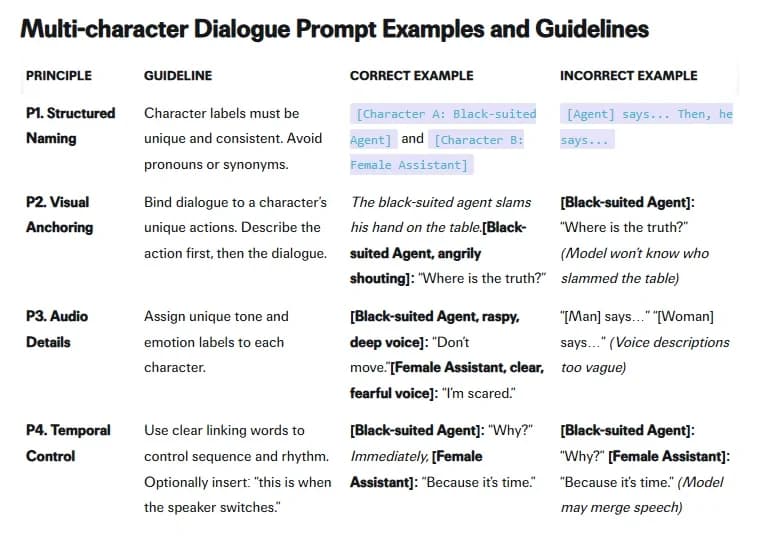
The four rules carry over to other models with small changes:
- Unique labels and no pronouns. "The black-suited agent" every time, never "he." Once two people share a frame, "he" points at nobody.
- The action goes before the line. fal's incorrect example puts the line first and notes that the model "won't know who slammed the table." The action is how the model knows whose face to animate.
- Each speaker gets a tone label. "Raspy, deep voice" and "clear, fearful voice" give each person a separate sound.
- Linking words go between speakers. Without something like "Immediately," fal warns the model "may merge speech."
The punctuation changes from model to model. Kling's examples use bracketed labels. Google's Vertex AI page for Veo prefers a colon after the speaker's action and no quotation marks, so the line doesn't appear as on-screen text; our Veo guide shows both of Google's conflicting recommendations. OpenAI's Sora 2 guide puts dialogue in its own block under the visual description. Use the format of the model you're on. The four rules apply to all of them.
Keep lines short enough for the clip
Long speeches are where lip-sync falls apart. OpenAI's Sora 2 prompting guide gives the clearest numbers we've found from a vendor:
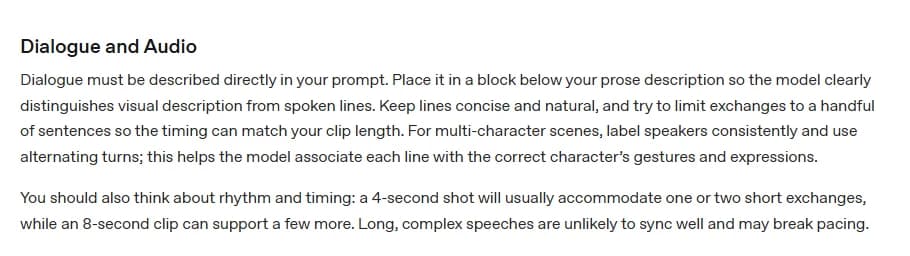
"A 4-second shot will usually accommodate one or two short exchanges," it says, while an 8-second clip "can support a few more." It also warns that "long, complex speeches are unlikely to sync well." The page is archived and written for Sora 2, but the timing logic holds for any model with native audio.
In practice, coverage solves the length problem for you. A speech that won't fit in one clip gets split across angles: the first two sentences on the over-the-shoulder, the turn on the clean single, the last line over a reaction shot of the listener. That's how editors cut long speeches anyway. Read every line aloud with a stopwatch before you assign it to a clip, and leave half a second of silence at each end so the editor has room to cut.
If you're writing the scene yourself, write it for the screen in the first place. Short lines, interruptions, people who don't finish their sentences. Our piece on AI voices and lip sync covers how to make the voices themselves hold up.
Try it free
Try Screenweaver for free on your script
It is free. Import your existing project, get a clearer view of your outline, and regain control of your story structure in minutes.
Start FreeReaction shots are the cheapest fix you have
A silent close-up of someone listening is the easiest shot to generate: no lip-sync, no line attribution, one small action. It's also, in our opinion, the most useful shot you can hand an editor.
With a reaction you can cut away from a line that synced badly and keep the audio running underneath. A continuity jump between two angles disappears behind it. And sometimes a line simply lands harder on the person hearing it, which is often where the drama is. A scene with two good reactions per character can survive a lot of imperfect dialogue clips.
Prompt them as their own shots, with no dialogue at all and one visible response: "Close-up on Theo listening, silent. He looks down at the table, then back up toward frame left. No speech." The words "silent" and "no speech" matter when the model has audio on by default.
A worked example: one exchange, five prompts
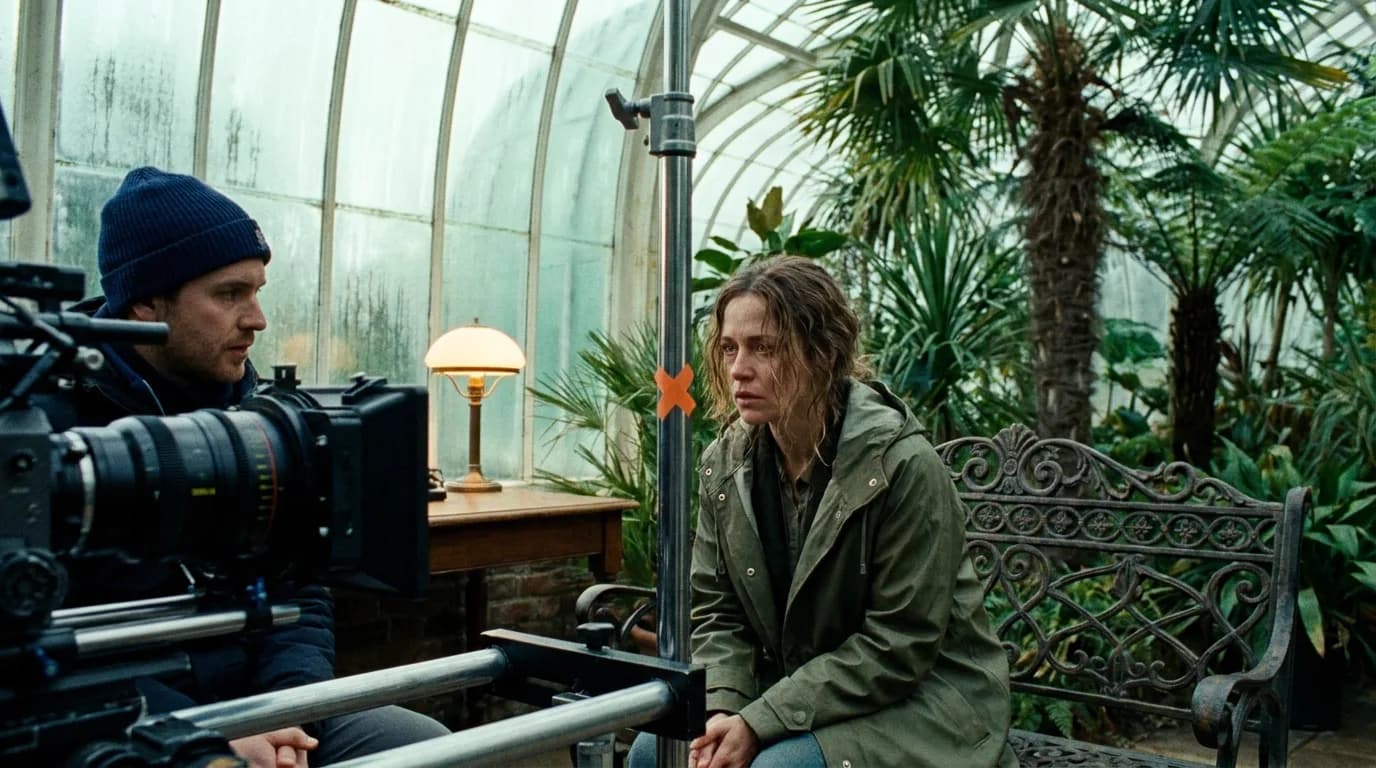
Here's a short scene of our own, written for coverage. Mara and Theo sit on opposite ends of a bench in a glasshouse. Mara is frame left.
Shot 1, the two-shot that serves as master:
Medium two-shot, eye level. Mara, a woman in her thirties in an olive raincoat, sits on the left end of an iron bench, frame left. Theo, a man in a navy coat, sits on the right end, frame right. Mara turns toward Theo. Mara, quiet and tired: You kept the key. Immediately, Theo looks down at his hands. Theo, flat voice: I kept everything. Morning light through misted glass.
Shot 2, over-the-shoulder on Mara:
Over-the-shoulder shot from behind Theo's shoulder, Theo soft in the foreground frame right, Mara facing camera frame left. Mara looks toward frame right and says, quiet and tired: You kept the key.
Shot 3, over-the-shoulder on Theo:
Over-the-shoulder shot from behind Mara's shoulder, Mara soft in the foreground frame left, Theo facing camera frame right. Theo looks down at his hands, then toward frame left, and says, flat voice: I kept everything.
Shot 4, Mara's reaction:
Close-up on Mara listening, silent, eyes toward frame right. She breathes out and almost smiles. No speech.
Shot 5, the insert:
Extreme close-up of a brass key on Theo's open palm. No speech.
Each prompt repeats the same descriptions, the same frame sides and the same tone labels. That repetition is the continuity. The syntax here follows the colon style; switch to bracketed labels for Kling or a dialogue block for Sora.
Checklist before you spend a generation
- Coverage list written, with each line assigned to one shot.
- Every prompt says which character is frame left and which is frame right.
- Eyelines written as frame directions, with height (up, down, level) where the characters differ.
- Nobody looks into the lens unless the scene calls for it.
- Each speaker has a unique label and a tone label, repeated word for word in every shot.
- The action comes before each line.
- A linking word sits between speakers in any shot with two people talking.
- Each line read aloud and timed against the clip length.
- Reaction shots prompted as silent, with one visible response each.
- Master checked before generating the reverse angles.
Tools for this
The scene-to-clip splitter breaks a scene into clip-sized units. The film techniques library has demo clips and prompts for the two-shot, the over-the-shoulder and the reaction shot. For the full path from script to storyboard to generated shots, see how to make an AI film.
FAQ
How do I stop an AI video model from giving a line to the wrong character? Give each speaker a unique label and repeat it exactly, put the speaker's action right before the line, and add a linking word such as "Immediately" when the speaker changes. fal's Kling 3.0 guide lists these as its rules for multi-character dialogue. Generating each speaker in their own over-the-shoulder or single removes the problem entirely.
Can a video model follow the 180-degree rule? Not on its own, because each generation knows nothing about the last one. You keep screen direction by writing it into every prompt: who is frame left, who is frame right, and which way each person looks. Use frame directions, never the character's own left and right.
How much dialogue fits in one clip? OpenAI's Sora 2 guide says a 4-second shot usually fits one or two short exchanges and an 8-second clip a few more, and that long speeches are unlikely to sync well. Time each line aloud, and split anything longer across several angles.
Should I generate a whole conversation in one clip? Only for short throwaway exchanges. Separate coverage clips cost more generations, but a bad take then costs one shot, and the editor can choose when to cut to the listener. Kling 3.0's multi-shot mode is a middle ground that cuts for you, with less control.
How do I keep eyelines matching between the two angles? Write them as frame directions in both prompts: if Mara looks toward frame right in her shot, Theo looks toward frame left in his. If one character stands and the other sits, add "looking up" or "looking down" in every angle.
Why do my characters keep looking into the camera? When the prompt doesn't say where to look, models often return a face aimed at the lens. Write the eyeline next to the action, for example "looks just off camera right, at Theo," and keep it out of the style words at the end of the prompt.
Final Step
Build your next script with Screenweaver
Move from ideas to production-ready pages faster with timeline-native writing and AI-assisted story flow.
Try Screenweaver