
You type "give me a scene" and get something generic. You add a character name and a location and get something a little better. Then you try a prompt that spells out the beat, the conflict, and what’s under the surface, and suddenly the output is usable. The difference isn’t the model. It’s the prompt. For screenwriters, prompt engineering means asking in a way that gets you structure, options, or a first draft you can actually rewrite instead of throw away. Here’s how to do it.
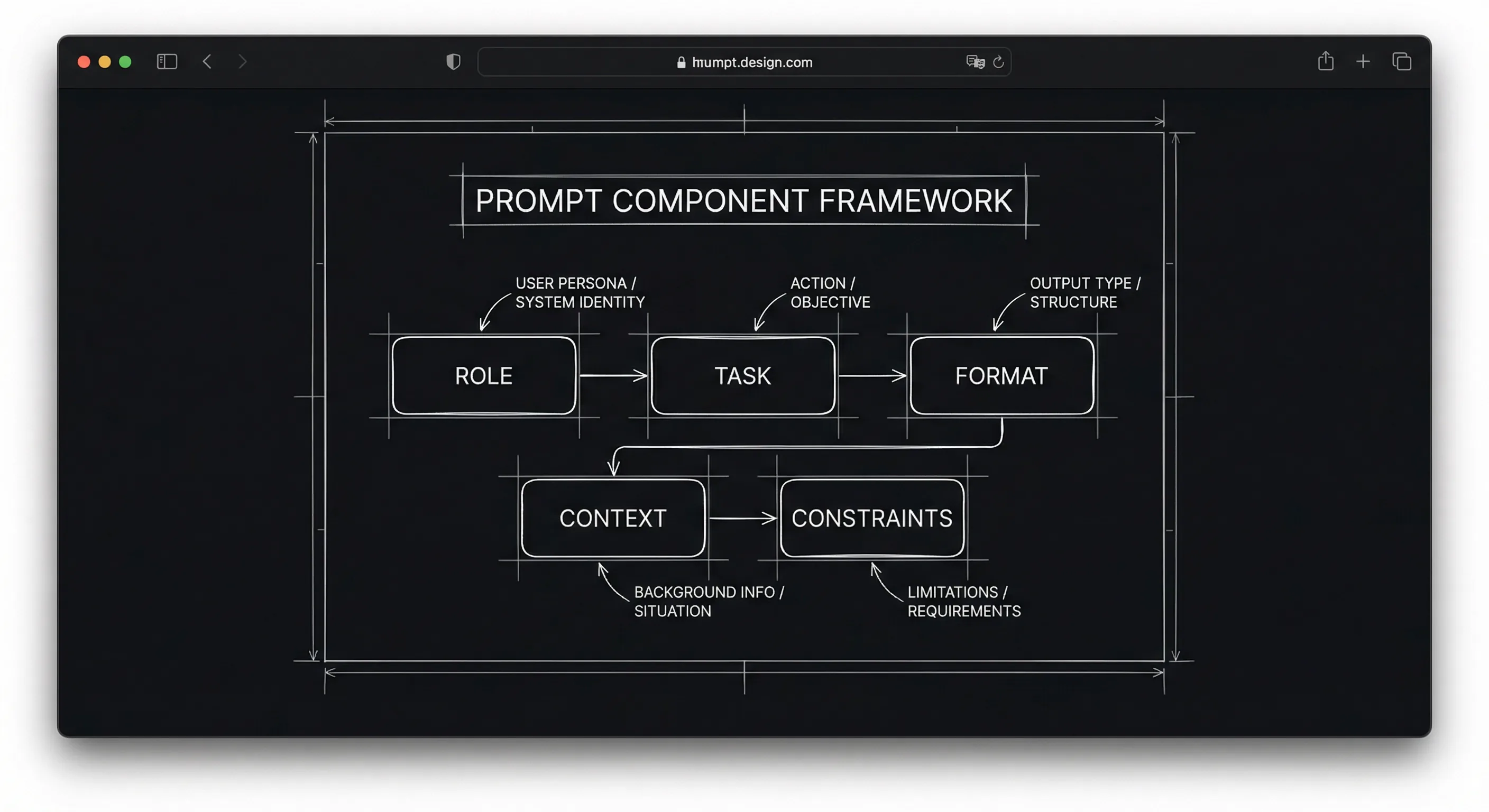
Good prompts are specific. They give the model a role, a task, and constraints. They don’t ask for "something good." They ask for a beat sheet in a named structure, or three dialogue options that keep a given subtext, or a scene in screenplay format with a clear conflict. You get out what you put in.
For using those prompts in an outlining workflow, see AI for outlining. For the limits of what models can do (e.g. subtext), can AI write subtext. For the ethics of using the output, ethics of AI in screenwriting.
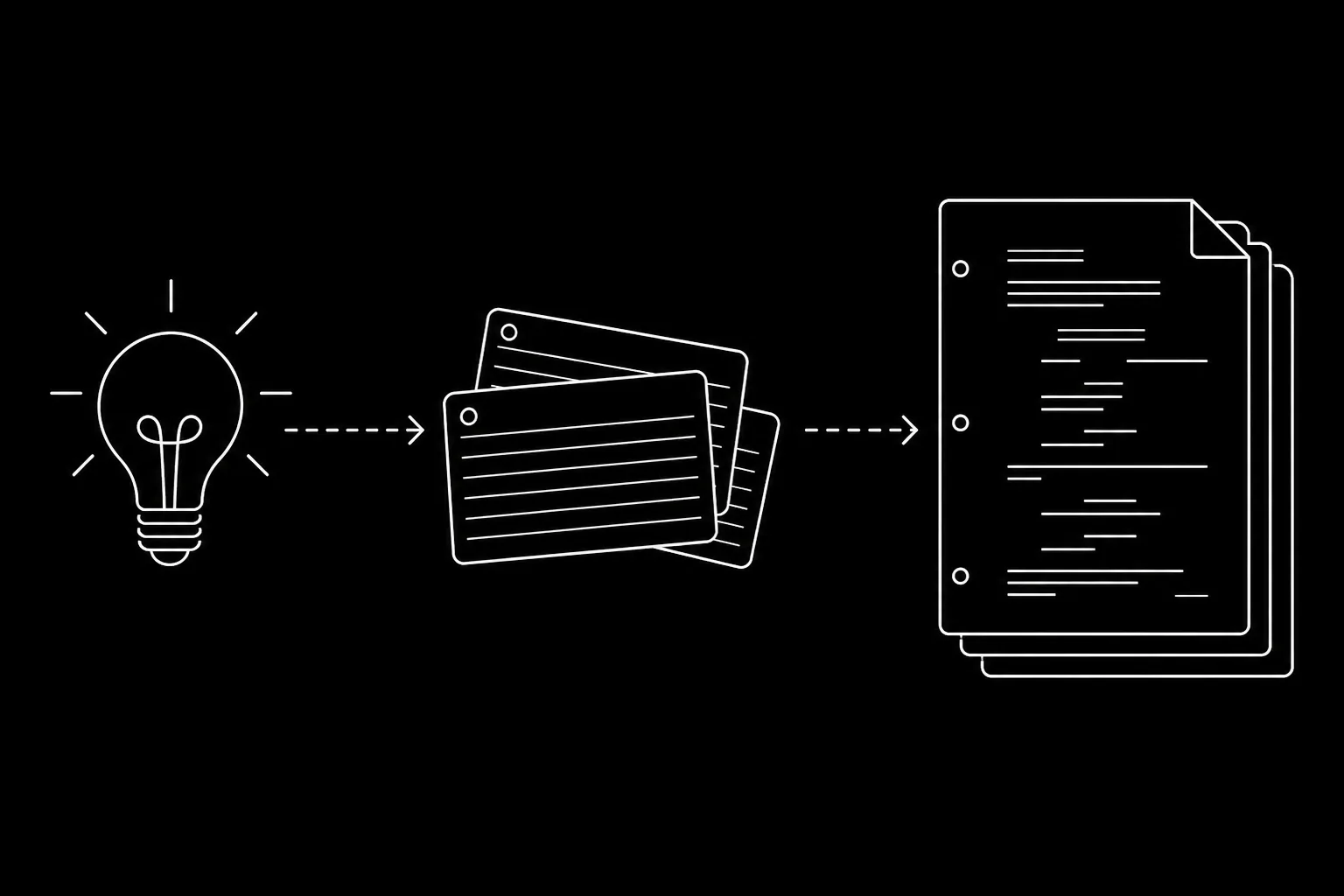
Prompts sit inside a larger stack: idea → first draft for sequencing work, free learning resources if you want outside primers without mistaking a chat for a syllabus.
Free tool: use the Beat Sheet Calculator to map these beats to exact page numbers for your script length.
What "Prompt Engineering" Actually Means
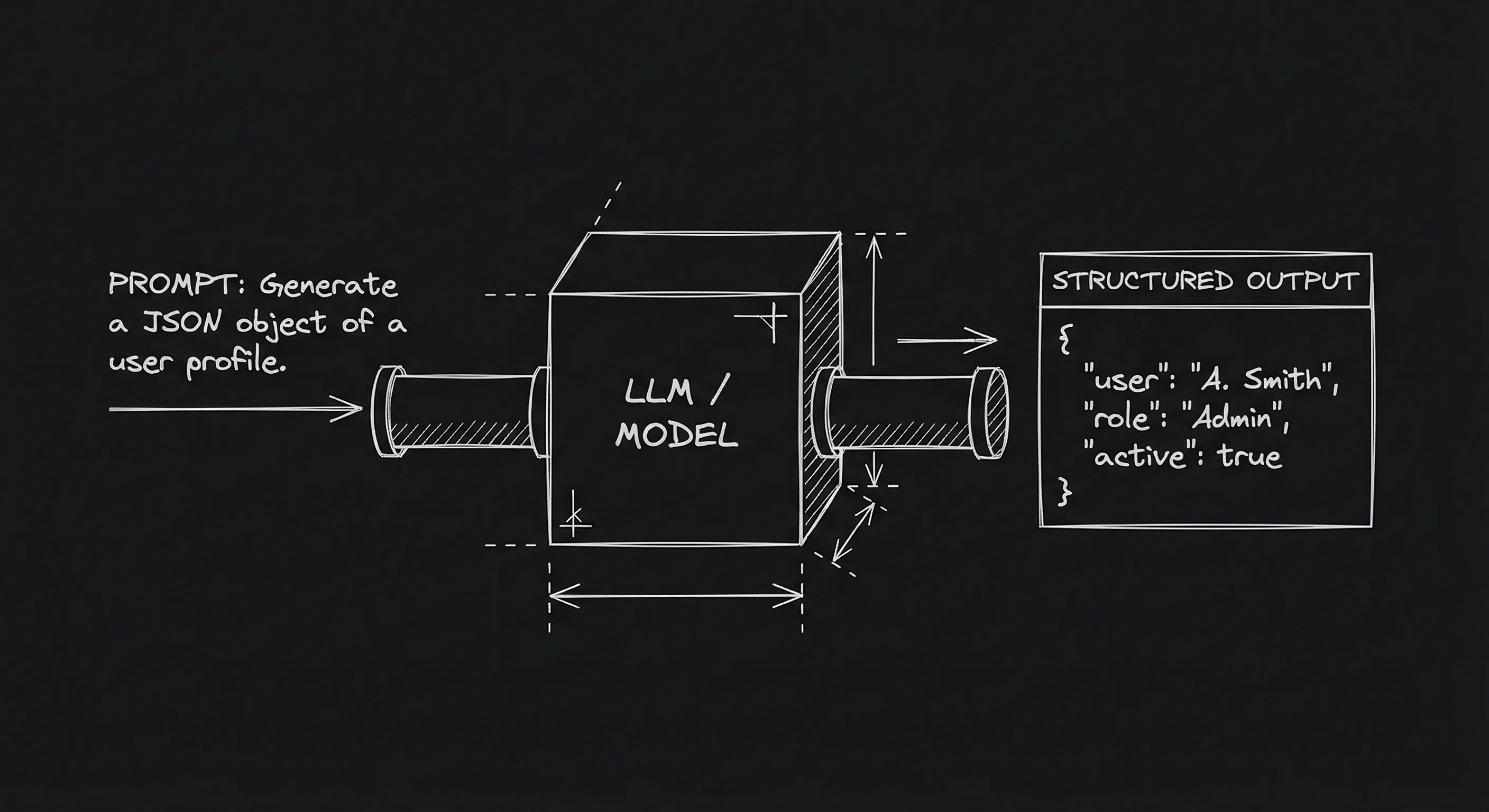
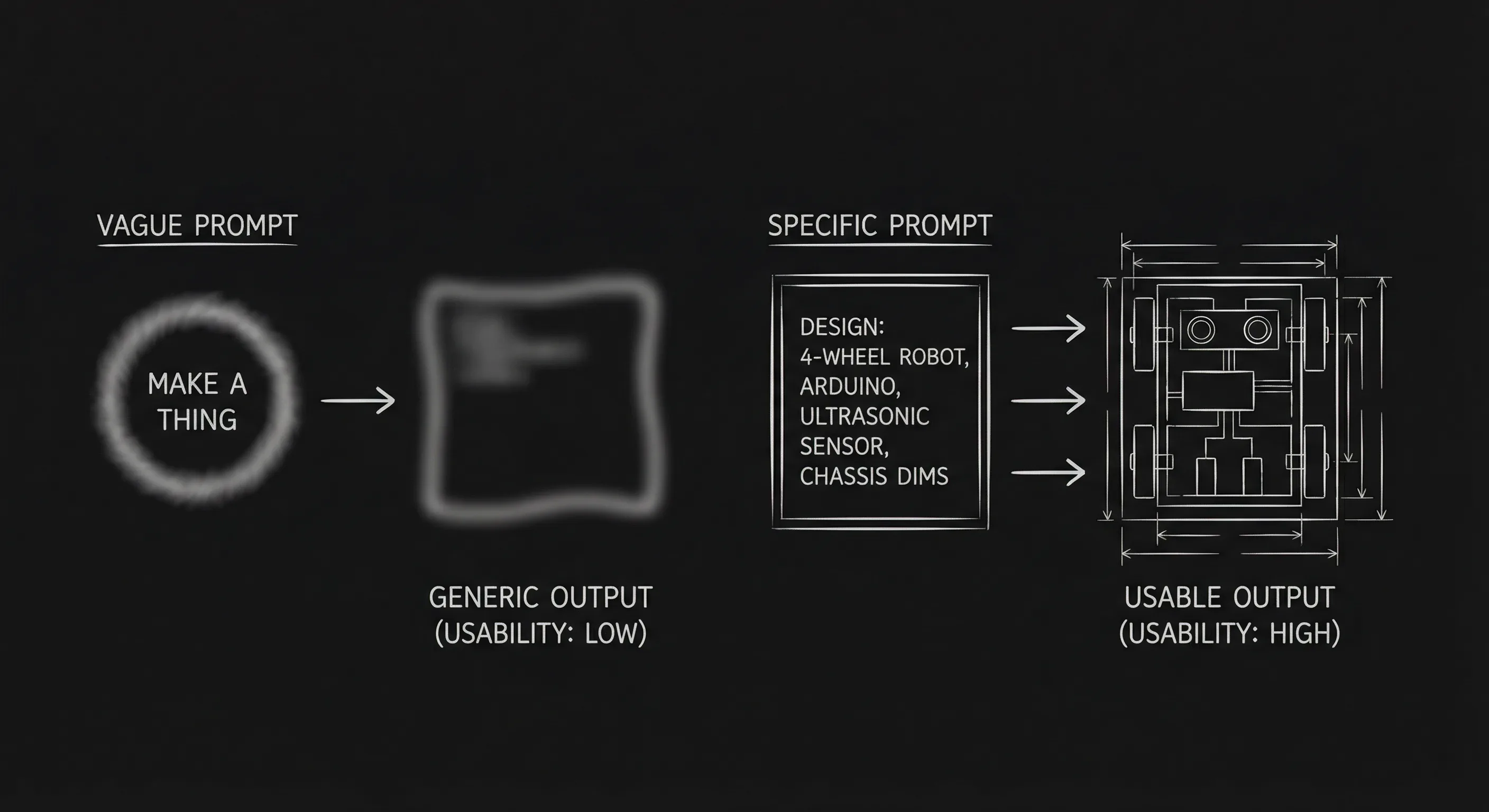
Prompt engineering is the practice of writing the instruction, the prompt, so the model returns something useful. For screenwriters, "useful" usually means: (1) in the right format (e.g. screenplay, beat sheet), (2) constrained to your story (premise, characters, tone), and (3) scoped to the task (outline, not full script; options, not final dialogue). A bad prompt is vague: "write a thriller scene." A better prompt is: "You are a screenwriter. Write a 2-page screenplay scene. INT. INTERROGATION ROOM - NIGHT. Two characters: DETECTIVE (suspicious, hiding something) and SUSPECT (calm, deflecting). The subtext is: the detective knows the suspect is guilty but can’t prove it; the suspect knows the detective knows. Use only dialogue and action. No exposition in dialogue." The second prompt gives role, format, location, characters, relationship, subtext, and a constraint (no exposition). The model has something to work with. You get a draft you can rewrite instead of a random scene. That’s prompt engineering for scripts.
Think about it this way. The model doesn’t know your script. It doesn’t know your theme. It only knows what you put in the prompt. So the more you put in, who the characters are, what they want, what’s at stake, what should not happen, the more the output will align with your intent. You’re not "cheating." You’re giving clear instructions, the same way you’d brief a research assistant. For a workflow that uses prompts for structure only, AI for outlining shows how to get from premise to beat sheet with one or two prompts.
The Building Blocks of a Good Prompt
Role. Tell the model who it’s supposed to be. "You are a screenwriter." "You are a story consultant." That sets tone and format expectations.
Task. Be explicit. "Write a 12-beat Save the Cat beat sheet." "Give me three alternate lines for this dialogue that keep the same subtext." "Summarize this scene in one sentence." One task per prompt works best. If you want both an outline and a scene, do two prompts.
Format. If you want screenplay format, say so. "Output in screenplay format: scene headings in caps, character names in caps in dialogue, action lines in sentence case." If you want a list, say "one sentence per beat" or "bullet points." The model won’t guess. For the rules of that format, screenplay format guide is the reference.
Context. Give the premise, the characters, the world. Paste the logline. Name the protagonist and what they want. The more context, the less generic the output. But keep it concise, a long prompt can dilute the main task. A paragraph of premise plus a clear task is usually enough.
Constraints. Say what to avoid. "No voiceover." "No on-the-nose dialogue." "Keep under 2 pages." "Don’t resolve the conflict." Constraints cut down the space of possible outputs and push the model toward what you want.
Examples (optional). For tricky tasks, one example can help. "Example of the format I want: [paste one beat or one line]." The model will tend to match the style and structure. Don’t overdo it, one short example is often enough.
ChatGPT, Claude, or any other chat LLM: same rules
“Which model writes better scripts?” Wrong question.
Right question: did you brief it like a human who knows what they want? Role, task, format, context, caps on length, things you forbid. That bundle travels. Anthropic updates Claude; OpenAI ships another GPT; your job is still the brief, not the logo in the corner.
One beat per message. Seriously. Paste a logline plus one scene, not eighty pages of lore, or the model will freestyle off a detail on page four and you will not notice until rewrite hell.
Want dialogue? Ask for three versions, pick none of them verbatim, steal the rhythm, rewrite in your voice. For how generalist chat stacks against a fiction sidecar when you are shoving screenplay text through a web UI, ChatGPT vs Sudowrite for scripts spells out the trade in product terms, free tier or not.
When the brief works, stop pasting the answer by hand. Connect your assistant to your script with the ScreenWeaver MCP server: the same prompt can then read scene 7, rewrite it and keep the old version in History.
Models wander. Some vomit prose until you scream “screenplay format.” Some never shut up until you say “one sentence per beat.” Before you blame the brand, tighten the constraints. Still shopping a dedicated AI script product instead of raw chat? Top AI tools for screenwriters in 2026 lines up Squibler, NolanAI, Sudowrite in one read.
Prompts for Common Screenwriting Tasks
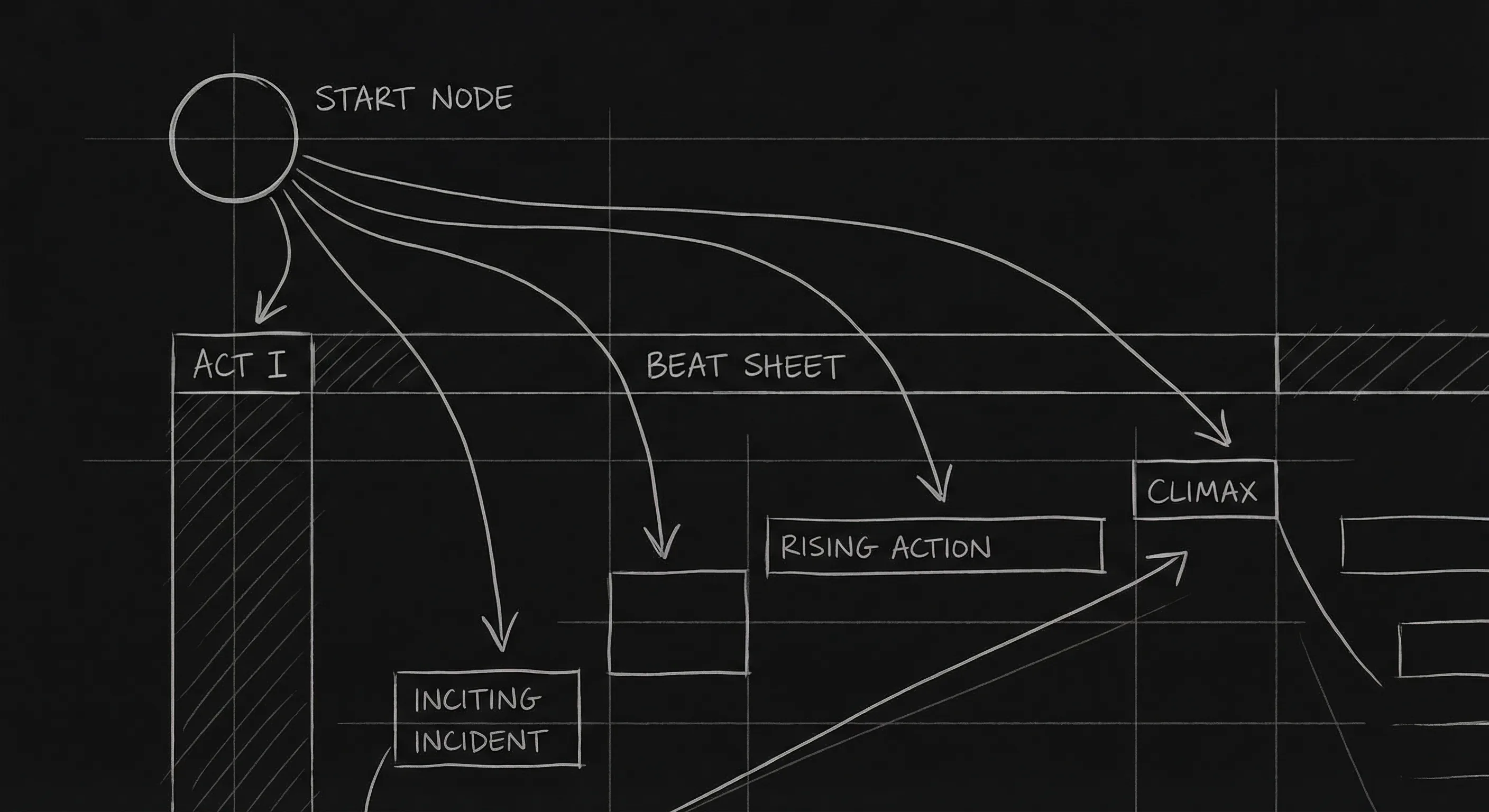
Beat sheet from premise. "You are a screenwriter. Using the Save the Cat 15-beat structure, create a beat sheet for the following premise. One sentence per beat. [Paste premise.]" You get a list. You rewrite every beat to make it yours. For more on structure choices, Save the Cat vs other structures and inciting incident are good follow-ups.
Scene ideas for a beat. "You are a screenwriter. The next beat in my script is: [paste beat]. Give me five possible ways this could play out in a single scene. One paragraph each. Focus on conflict and character choice." You pick one or merge ideas, then write the scene yourself. For turning beats into scenes, scene entry and exit and structure help.
Dialogue options with fixed subtext. "You are a screenwriter. I need three alternate versions of this line. The subtext is: [describe]. The character is [brief trait]. Keep the line under 15 words. [Paste current line.]" You get options; you pick or rewrite. For subtext itself, dialogue subtext is the craft reference.
Research summary. "Summarize the following for a screenplay: [topic]. Focus on what would be relevant for a character who [role/situation]. 3–5 bullet points. No jargon unless necessary." You get a starting point; you verify anything that has to be accurate. For using AI in research, AI for research and worldbuilding goes deeper.
Format reminder. "Convert the following into screenplay format: scene heading, action, dialogue. Character names in caps in dialogue. [Paste prose or rough draft.]" Use when you have a rough scene in prose and want a quick pass at script format. You’ll still need to edit. For format rules, screenplay format 2026.
Try it free
Try Screenweaver for free on your script
It is free. Import your existing project, get a clearer view of your outline, and regain control of your story structure in minutes.
Start FreeRelatable Scenario: The Stuck Beat
You have a beat: "She confronts him." You don’t know what happens in the scene. You prompt: "You are a screenwriter. My beat is: she confronts him. Characters: SHE wants an apology and is angry; HE is defensive and hiding the real reason he did it. Give me five possible scene outcomes, what actually happens in the scene, in one sentence each. No resolution; the conflict should still be open at the end." You get five options. One sparks an idea. You write the scene from that idea. The prompt gave you options; you did the writing. That’s the right split.
Relatable Scenario: The Flat Line
You have a line: "I can’t do this anymore." It’s on-the-nose. You prompt: "You are a screenwriter. Give me five alternate lines that convey the same meaning, someone ending something (a relationship, a job, a situation), but with subtext. No one says 'I can’t do this anymore' directly. Each line under 10 words." You get options. You pick one and tweak it for your character’s voice. The prompt constrained the task (subtext, short); you applied it to your script. For more on subtext, dialogue subtext and can AI write subtext.
What Beginners Get Wrong
Being too vague. "Write something good" or "help me with my script" gives the model nothing to latch onto. Always include at least: task, format, and a bit of context. The more specific, the better the result.
Asking for too much in one prompt. "Give me a full beat sheet and write the first three scenes" will usually get a shallow version of both. Split it: one prompt for the beat sheet, then separate prompts (or your own writing) for each scene. One task per prompt.
Forgetting constraints. If you don’t say "no on-the-nose dialogue" or "keep it under 2 pages," you’ll often get exactly what you didn’t want. So add negative constraints: what to avoid, length limits, tone.
Accepting the first output. The first response might be generic. Try rephrasing the prompt, adding a constraint, or asking for "three options" and picking the best. Iteration is part of prompt engineering.
Using prompts to replace thinking. The best prompts come from knowing what you want. If you don’t know your premise or your character’s want, the model can’t fix that. So do the creative work first, logline, character, theme, then use prompts to get structure and options. For building that foundation, want vs need and logline are good reads.
A Quick Reference Table
| Goal | Include in prompt |
|---|---|
| Beat sheet | Role (screenwriter), structure name (e.g. Save the Cat), premise, "one sentence per beat" |
| Scene draft | Role, format (screenplay), location, characters + want, conflict, length, constraints (e.g. no V.O.) |
| Dialogue options | Role, current line, subtext, character trait, length limit |
| Research | Topic, what you need it for (character/situation), "summarize" or "bullet points" |
| Format fix | "Convert to screenplay format," paste text, specify caps for names |
For more on using these in a full workflow, AI for outlining and AI for research show where prompts fit. For the limits of generated dialogue, can AI write subtext.
The Perspective
Prompt engineering is just clear instruction. Give the model a role, a task, format, context, and constraints. You get back something you can use, a beat sheet to rewrite, options to choose from, or a first draft to heavily edit. The better the prompt, the less you throw away. You’re still the author. The prompt is how you steer the tool.
For putting prompts to work in structure, AI for outlining. For when the output isn’t enough (e.g. subtext), can AI write subtext. For ethics and authorship, ethics of AI. OpenAI’s prompt guide is an external reference for general prompt design.
The Perspective
You get out what you put in. Specific prompts, role, task, format, context, constraints, produce usable output. Vague prompts produce generic output. Learn to write the prompt. Then rewrite the result. That’s prompt engineering for screenwriters.
Final Step
Build your next script with Screenweaver
Move from ideas to production-ready pages faster with timeline-native writing and AI-assisted story flow.
Try Screenweaver