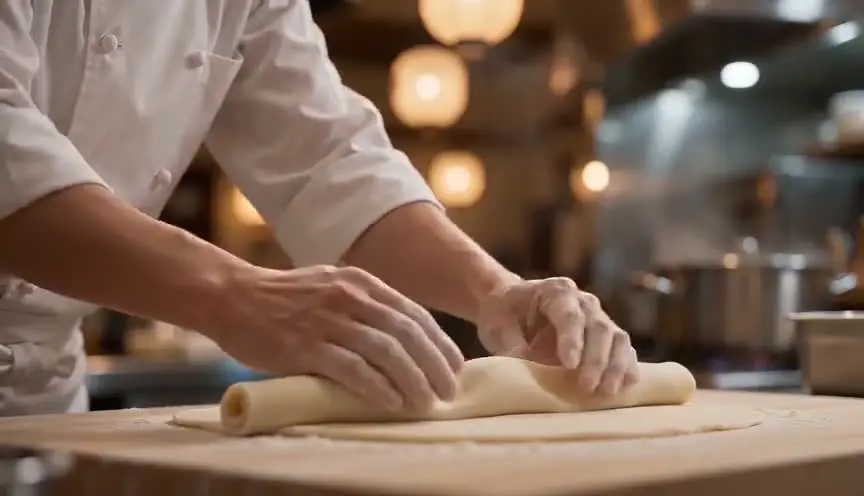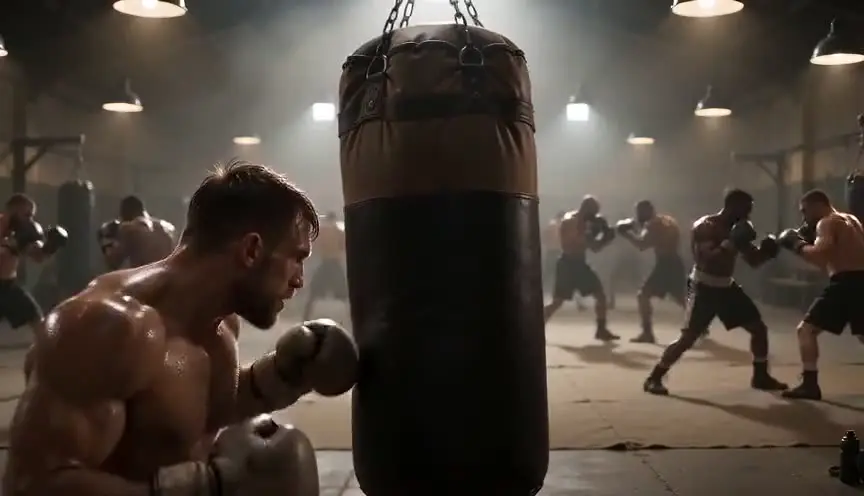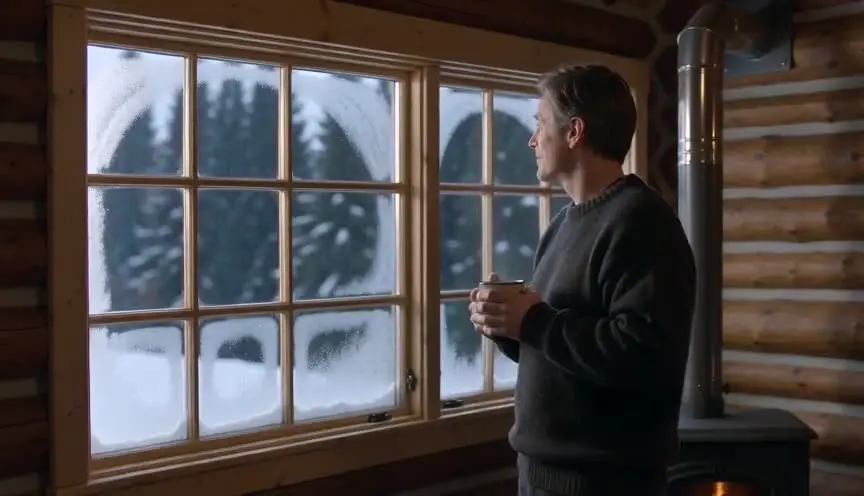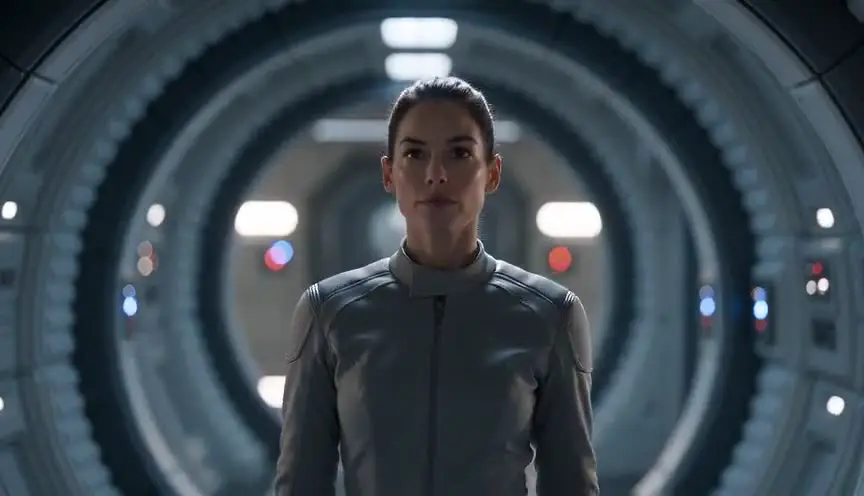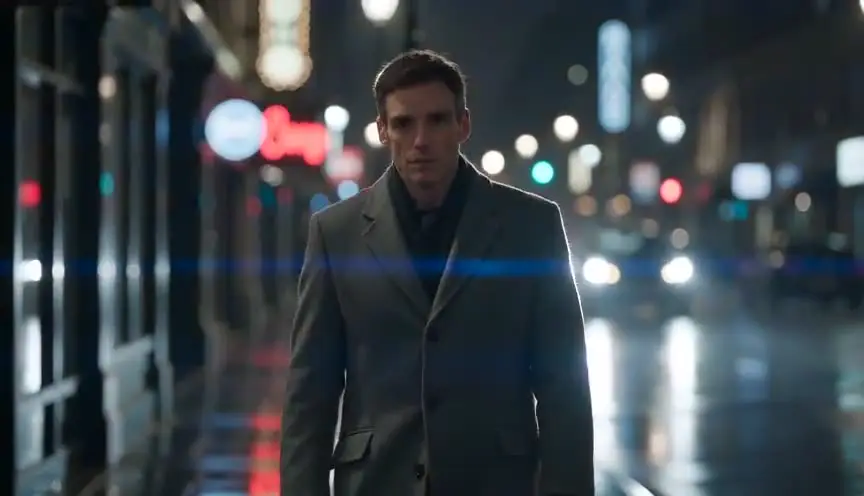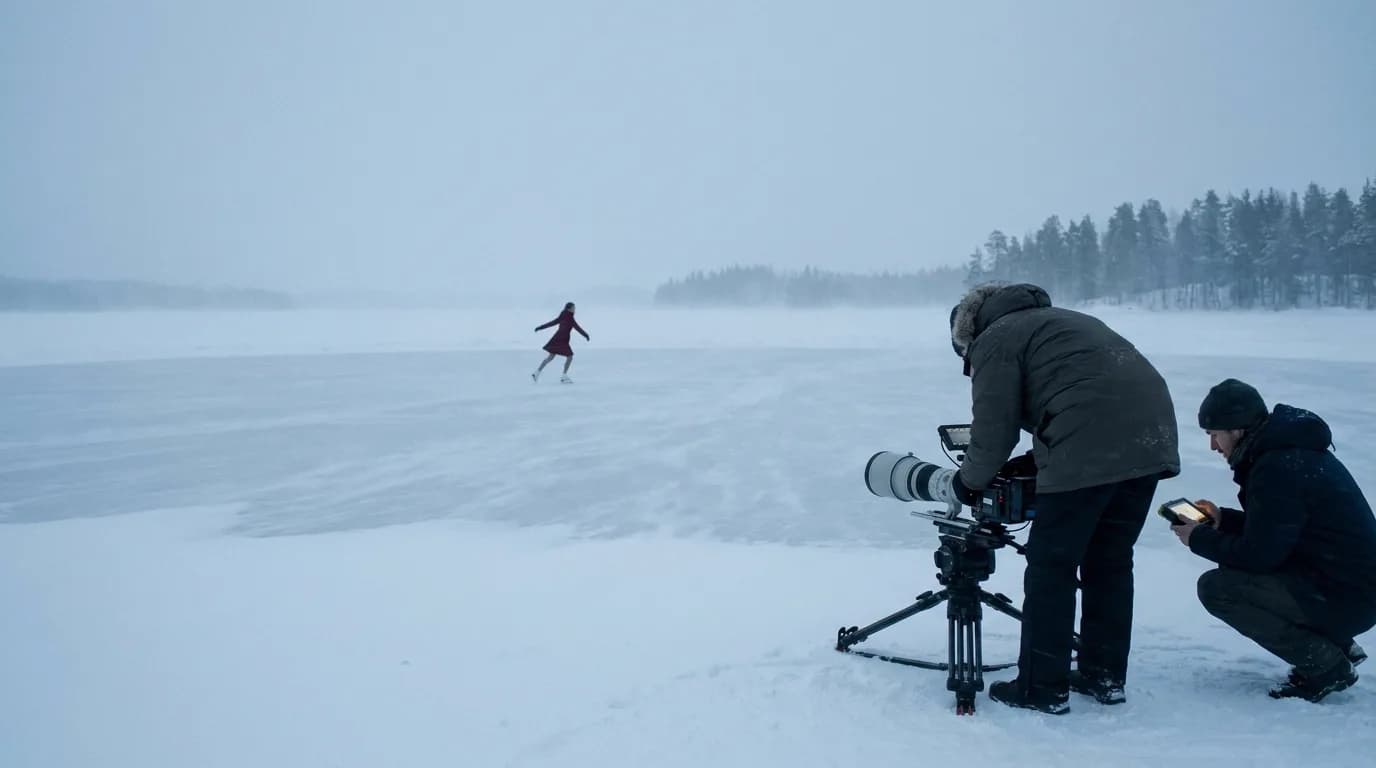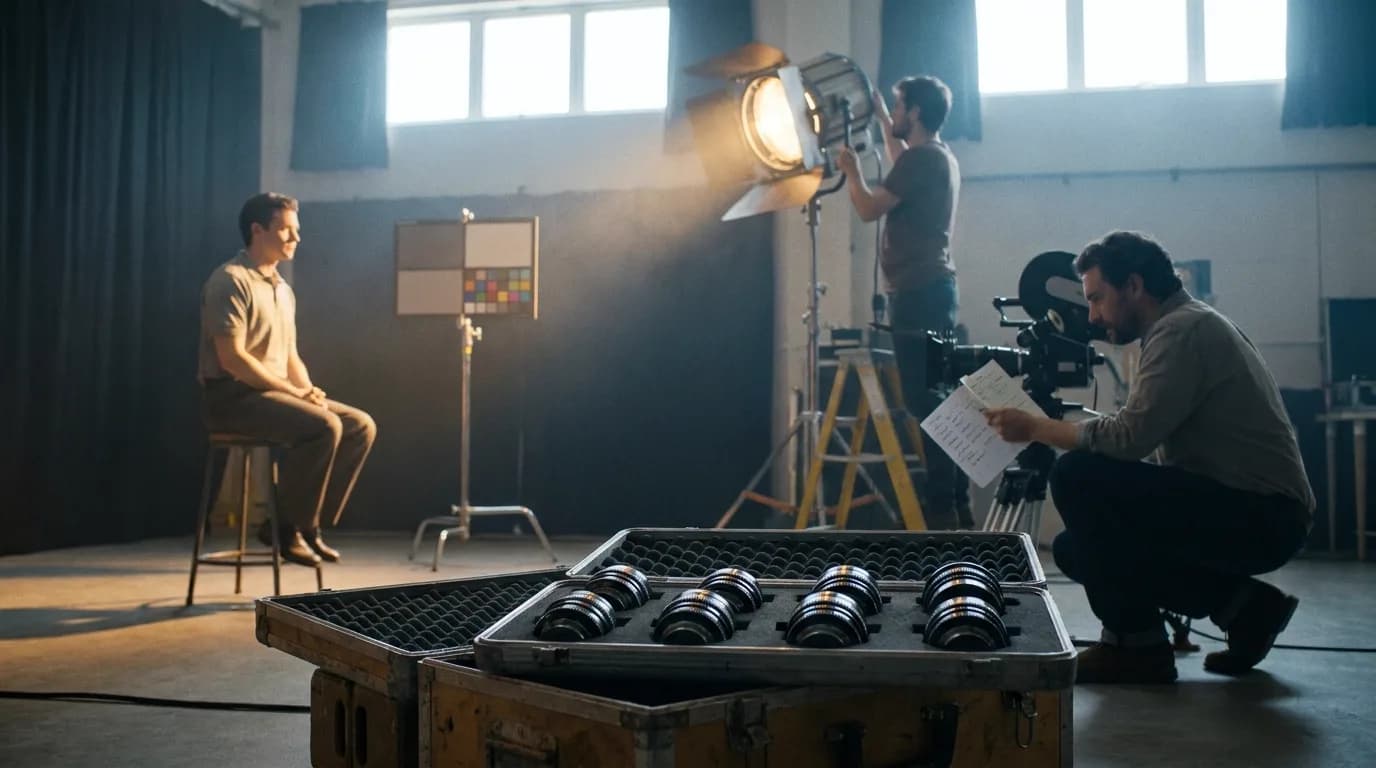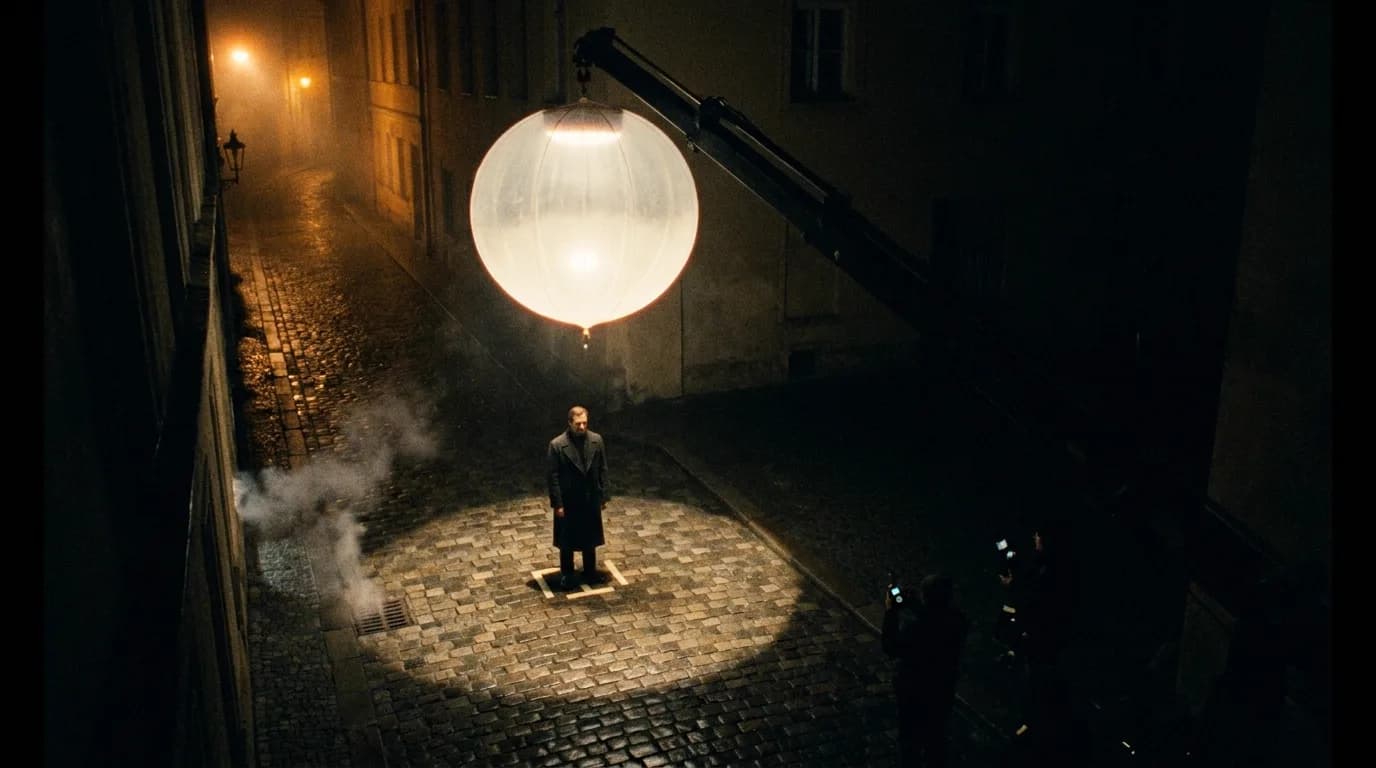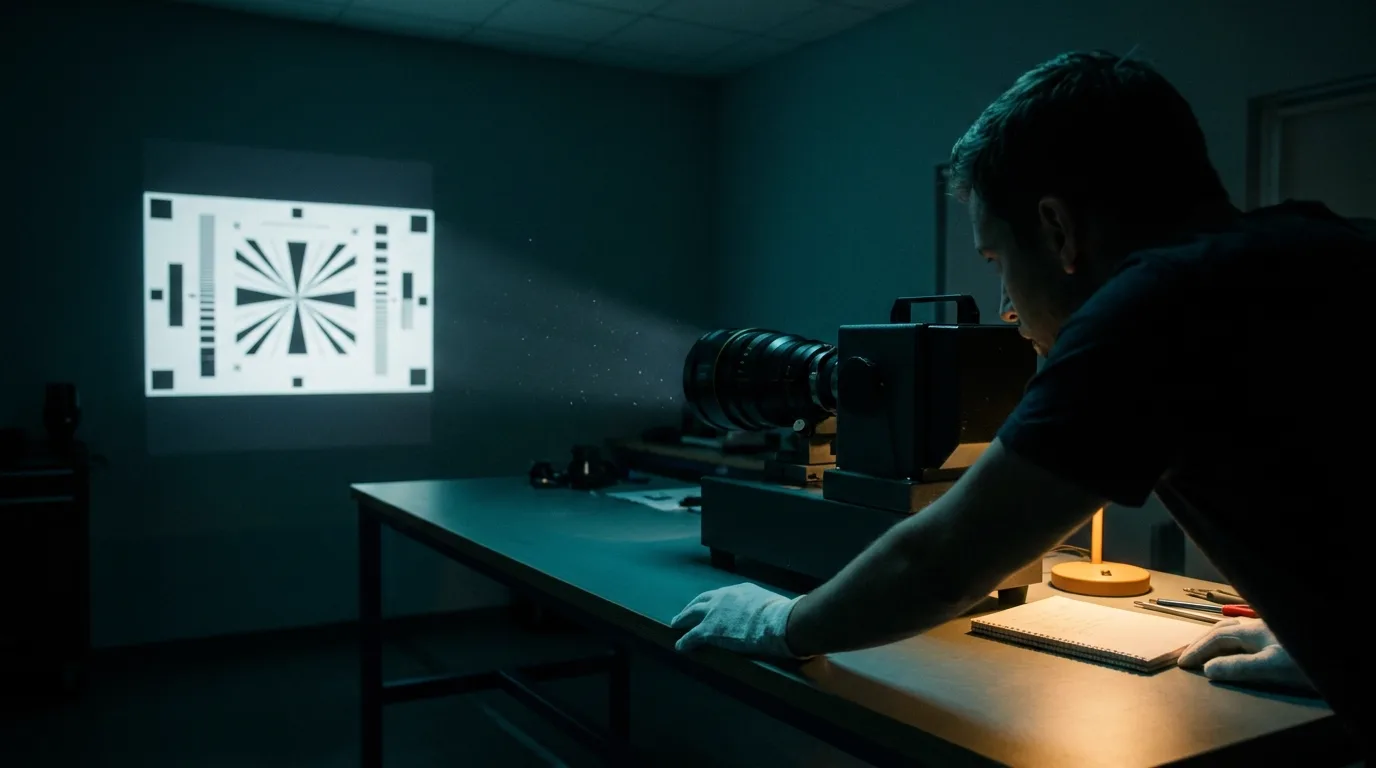
A lens prompt works when it describes what the lens does to the picture, not just its number. "85mm" is a caption the model has seen under portraits, nothing more. Add the camera distance, how big the background looks, how much of it is sharp and whether the edges bend, and the model has something it can actually draw.
This page is part of our director's guide to cinematic prompts, which covers the whole structure of a video prompt. The lens belongs in the camera sentence, right next to the shot size, and the two have to agree.
Why the number alone doesn't work
A camera lens has a focal length, and the focal length, together with where the camera stands, decides three things you can see: how much of the scene fits in the frame, how big the background looks next to the subject, and how much of the depth stays sharp. A video model has no lens. It has learned what footage captioned "85mm" or "wide-angle" tends to look like, and it reproduces the average of that.
So "85mm" in a prompt pulls toward a portrait look: one face, blurred background. That's fine when it's what you wanted. It goes wrong when the rest of the prompt describes a wide room full of people, because now the label and the description disagree, and the description usually wins.
Google's prompt guide for Veo handles lenses the same way, by their effect. Its "Lens and optical effects" section lists wide-angle, telephoto, shallow and deep depth of field, lens flare, rack focus, fisheye and the vertigo effect, and every definition says what changes in the image.
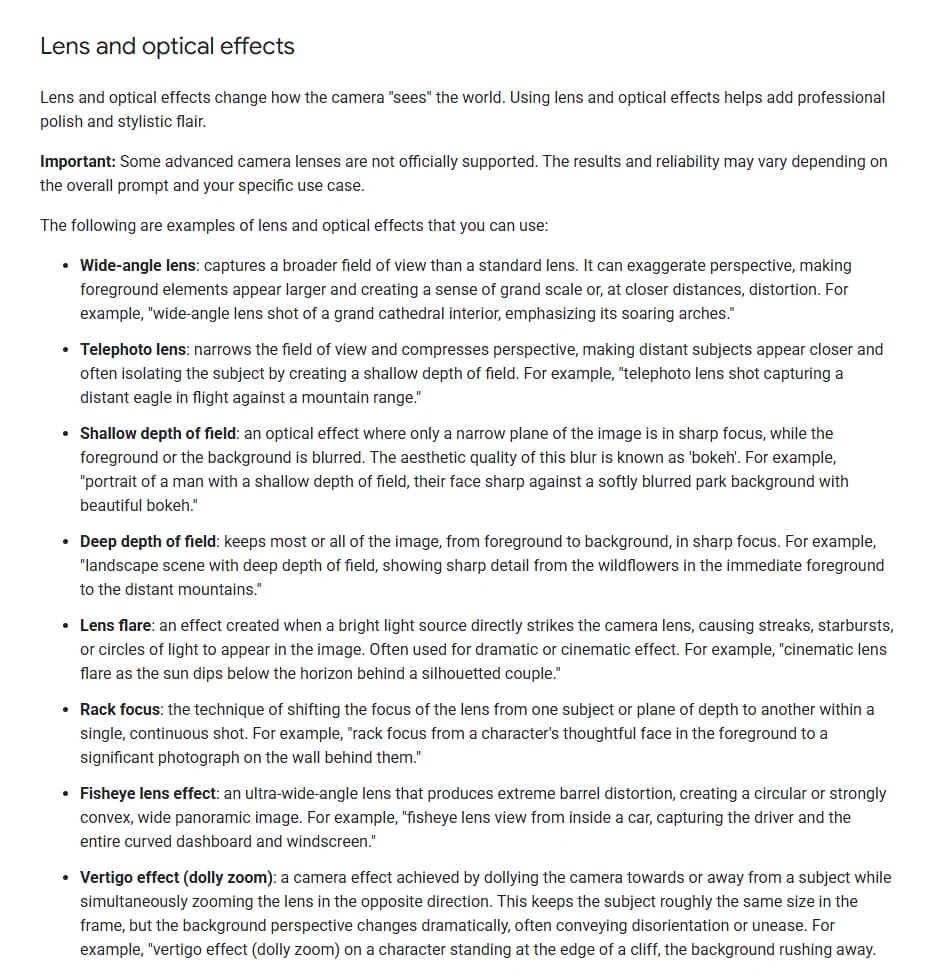
Lens and optical effects section of Google's video generation prompt guide for Veo, captured 9 October 2026. The page was last updated 7 October 2026.
That page opens the section with a warning that "some advanced camera lenses are not officially supported." And none of its lens examples uses a millimeter figure. The only "35mm" on the page sits under visual style, as "shot on 35mm film," which is a film gauge and has nothing to do with focal length.
So "35mm" in a prompt can read as a lens or as a film look with grain and warm color. If you want the lens, write "35mm lens." If you want the film stock, write "shot on 35mm film." Never leave the bare number to be guessed.
The reference table
| Lens | What it does to the picture | Write it like this | Common drift | First fix |
|---|---|---|---|---|
| 14-18mm ultra-wide | Huge field of view, stretched edges, near things look big | "Ultra-wide lens a foot from his face, the cockpit walls bending in at the edges" | Plain wide shot, no stretch | Put the camera very close to something and say the edges bend |
| 24mm wide | Room and subject together, depth exaggerated | "24mm lens, camera four feet from the vendor, the crowd stretching deep behind her, all planes sharp" | Subject shrinks to a speck | State the distance to the subject; keep it close |
| 35mm | The "standing in the room" view, slight width | "35mm lens, medium shot from six feet, the cabin walls and window in natural perspective" | Read as film grain instead of a lens | Always write "35mm lens," never "35mm" alone |
| 50mm | Close to how the eye sees, no distortion | "50mm lens, eye level, the stools behind her keeping their true size and spacing" | Turns into a portrait with heavy blur | Ask for moderate background softness, name what stays readable |
| 85mm | Flattering face, background compressed and soft | "85mm lens, six feet from her face, the horizon melting into warm blur behind her" | Wide frame with sharp background | Describe only what fits in a close-up, and the blur |
| 135-200mm telephoto | Far layers stacked together, very shallow focus | "200mm lens from across the gym, the boxers behind him looking as close as the bag" | A simple close-up with no compression | Place the camera far away and name layers along the line of sight |
| Anamorphic | Wide frame, oval bokeh, horizontal flares | "Anamorphic lens, tall oval bokeh from the shop signs, a thin blue horizontal flare from a passing headlight" | A flare filter on a normal frame | Describe the oval bokeh, and set the aspect ratio in the tool |
The examples in the middle column are adapted from the prompts behind our film techniques lens library, which renders a demo clip for fifteen lenses and optical techniques and publishes the exact prompt under each one.
The five reasons a lens request gets ignored
1. The number has no consequence attached. "Shot on 85mm" with nothing else is a style tag. Follow it with what the 85mm does in this shot: the distance, the background, the blur. Our 85mm portrait lens page writes "six feet from her face, aperture wide open so her eyes and freckles stay sharp while the flat desert horizon and distant orange sky dissolve into soft, warm bokeh." The number is barely needed after that.
2. The lens and the shot size disagree. A long lens and a wide establishing frame pull in opposite directions. So do an ultra-wide and a tight face with no room around it. Pick the lens that fits the size you need, or change the size. The shot size guide explains why everything else in the prompt has to fit the frame too.
3. The camera distance is missing. On a real set, compression comes from standing far away, and the long lens only lets you fill the frame from there. Without a stated distance, the model has no reason to stack anything. This is the most useful sentence you can add to any lens prompt: where the camera is, in feet or in plain terms ("from across the street," "an arm's length from his face").
4. Nothing in the scene shows the effect. Telephoto compression needs layers to compress. A wide lens needs something close to the camera to look big. Shallow focus needs a background with lights or texture to blur. An 85mm close-up against a plain gray wall looks like any other close-up. Give the lens something to work on.
5. The start frame already chose. In image-to-video, perspective is baked into the still. A start image shot wide can't become telephoto because the text says "200mm." Generate the still with the lens look you want, then animate it.
Wide lenses: 14mm to 24mm
Wide lenses are about presence. The audience feels placed inside the space, and anything close to the camera gets big. For a prompt, that means two things: name the near object and say how close the camera is to it.
"Wide-angle shot of a kitchen" mostly gets you a kitchen. "24mm lens, camera at chest height four feet from the cook, steam from the pan filling the foreground, the restaurant stretching deep behind her" gets you the lens. Our 24mm wide lens demo adds one more phrase that helps: "edges of the frame showing mild perspective stretch on the nearest stall corners." Naming where the distortion shows up works better than asking for "distortion."
Go wider than 24mm only when distortion is the point. On a face, an ultra-wide is a choice for panic, comedy or a character losing their grip. If you want it, say so plainly: "the nose looming large, the ears falling away." If you don't, keep faces away from the edges of the frame, where even a 24mm stretches them.
Normal lenses: 35mm and 50mm
These are the lenses you don't notice, which makes them the hardest to prompt. There's no signature effect to describe, so the model has to fill the gap with something, and a blurred-background portrait look is the easy guess.
The fix is to describe the absence of an effect. Our 50mm demo prompt does it in one line: "natural, undistorted proportions matching human eye perspective: the coffee pots and stools behind her keep their true size and spacing, with a gentle, moderate falloff in the softly out-of-focus background." Moderate is the word that matters. Without it, you get a blurry room.
For the 35mm, write "35mm lens" every time, and add what keeps it from being a wide shot: a stated distance of a few feet and the environment visible around the character. Our 35mm lens demo uses "a static medium shot from about six feet away."
Portrait and long lenses: 85mm to 200mm
The 85mm is the lens people overuse. A whole scene on 85mm close-ups loses its geography; cover the room with a wider shot first.
Telephoto compression is the opposite: easy to describe, easy to miss. The model needs three cues at once: a long focal length, a camera far from the subject, and several things stacked along the line of sight. Our demo clip for compression shows what happens when all three are in the prompt.
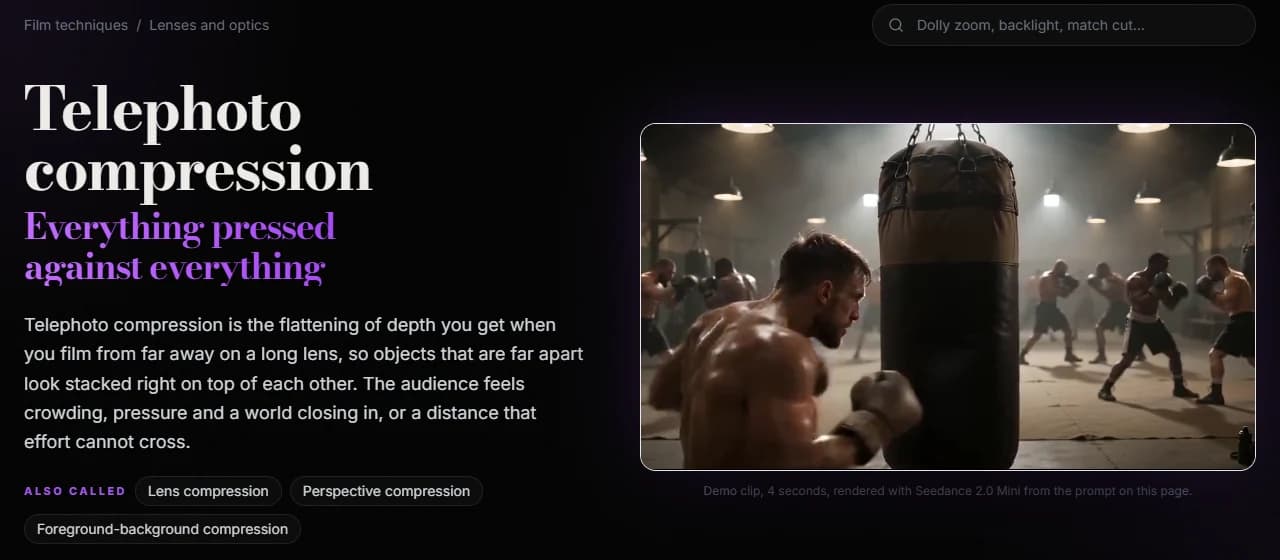
The telephoto compression page of ScreenWeaver's film techniques library, captured 9 October 2026. The clip is a 4-second render from Seedance 2.0 Mini.
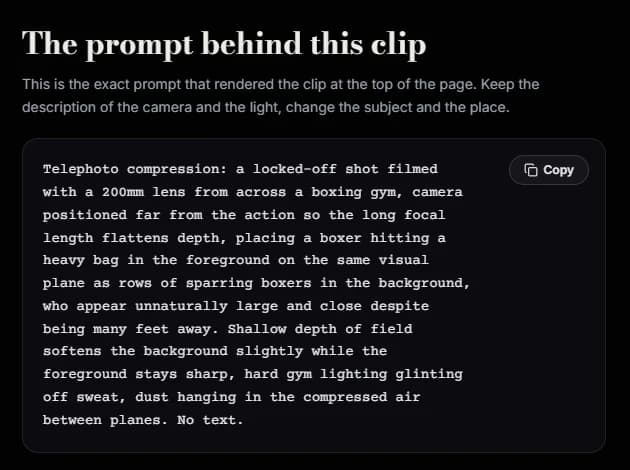
The "prompt behind this clip" block on the same page, captured 9 October 2026.
Look at how much of that prompt is about the result rather than the lens. "200mm" appears once. The rest says where the camera stands ("from across a boxing gym," "positioned far from the action"), what lines up ("on the same visual plane as rows of sparring boxers"), and how it should feel ("unnaturally large and close despite being many feet away"). Any long-lens prompt can borrow that order.
Try it free
Try Screenweaver for free on your script
It is free. Import your existing project, get a clearer view of your outline, and regain control of your story structure in minutes.
Start FreeAnamorphic: the look and the ratio
People usually ask for anamorphic because they want three things: oval bokeh, long horizontal flares and a very wide frame. A model can fake the first two if you describe them. It won't change the third.
Our anamorphic lens demo asks for a "wide 2.39:1 cinemascope frame" in its prompt. The clip that came back is 864 by 496 pixels, which is about 1.74:1, roughly 16:9. The oval bokeh and the blue streak are there; the aspect ratio came from the generator's settings, as it always does. Set the ratio in the tool, or render in 16:9 and crop to 2.39:1 in the edit, and frame with the crop in mind.
Describe the flares with a source, too. "A passing headlight draws a long thin horizontal blue lens flare" reads as photography. "Anamorphic lens flares" with no light source reads as a filter, and you'll get streaks across every shot.
Depth of field: the half of the lens you can actually steer
Focal length is only half of what makes a lens look a certain way. Depth of field is the other half, and it is easier to steer, because you can describe it directly instead of hoping a number implies it. Google's guide gives shallow and deep focus their own entries, each with an example prompt.
Use that. When the focal length isn't landing, fall back on describing focus directly: "only her eyes sharp, the room behind dissolving into soft blur," or "everything sharp from the flowers in the foreground to the mountains." And when you want focus to move during the shot, write a rack focus with both ends named, the way camera movement prompts name the start and end of a move.
Light changes how blur reads, too. Bokeh needs points of light behind the subject; a flat, evenly lit background blurs into gray mush. The lighting prompts guide covers placing practical lights where the lens can use them.
A prompt pattern for lenses
The order we use, in the first sentence of the prompt:
[shot size], [lens], [camera distance or position], [what the lens does to the background or edges].
Then the action, the light and the look.
Before: Cinematic 85mm shot of a detective in a crowded train station, anamorphic, shallow depth of field, 8K.
After: Close-up, 85mm lens, six feet from the detective's face as he scans the crowd, commuters behind him reduced to soft shapes, the departure board above melting into blurred amber points of light.
The first prompt asks for a portrait lens, an anamorphic look and a crowded station at once, then adds a resolution tag the model can't honor. The second picks one lens, gives a distance, keeps the crowd in the background where an 85mm puts it, and hands the blur something to work with: the lights of the departure board.
Checklist before you generate
- The lens is written with its unit and the word "lens" ("50mm lens," never "50mm")
- The camera distance or position is stated
- The lens matches the shot size (no ultra-wide on a tight face unless distortion is the point, no 200mm on an establishing shot)
- The prompt names what the lens does: background size, sharpness, edge stretch
- For long lenses, there are layers along the line of sight to compress
- For shallow focus, there are lights or texture behind the subject to blur
- "Shot on 35mm film" is used only when you mean the film look
- For anamorphic, the aspect ratio is set in the tool, not just in the prompt
- In image-to-video, the start frame already has the perspective you want
- Shots that cut together in one scene use the same lens wording for the same setup
Tools for this
The film techniques lens library has fifteen lenses and optical techniques, each with a demo clip and the exact prompt that made it. The AI video prompt generator has a "Lens / look" field with presets such as telephoto compression, wide-angle distortion and anamorphic lens flare, and builds the rest of the prompt around your choice. If your character's face changes between a 24mm wide and an 85mm close-up, that's a consistency problem rather than a lens one; our guide to character drift covers it. And if you're starting from a screenplay, ScreenWeaver breaks each scene into shots and writes the prompt for each one, lens included; the AI film guide shows how.
FAQ
Do AI video models understand focal lengths like 24mm or 85mm? They recognize them as style cues learned from captions, not as optics. "85mm" tends to produce a portrait look and "24mm" a wider view, but the result is far more reliable when you also describe the camera distance and what the lens does to the background.
How do I get telephoto compression in an AI video? Name a long lens, place the camera far from the subject ("from across the street"), and describe several layers lined up along the line of sight, such as people, poles or cars. Say that the background looks close and large. Without the distance and the layers, you get a plain close-up.
What is the best lens prompt for a cinematic look? There isn't one. A cinematic look comes from a lens that fits the shot: a wide lens to place the audience in a space, a normal lens for scenes that should feel observed, a portrait lens for faces that carry the moment. Pick the lens for the shot, then describe its effect.
Does "shot on 35mm" mean the lens or the film? Either, which is the problem. Google's Veo guide lists "shot on 35mm film" as a visual style keyword, meaning the film look. Write "35mm lens" for the focal length and "shot on 35mm film" for grain and color.
Can I get a real anamorphic 2.39:1 frame from a prompt? Not from the prompt alone. Our anamorphic demo asked for a 2.39:1 frame and came back at about 1.74:1. Describe the oval bokeh and horizontal flares in the prompt, then set the aspect ratio in the generator or crop in the edit.
Should I put lens choices in my screenplay? In a spec script, no. Write what the audience should feel and let the director pick the glass. If you direct your own AI film, the lens belongs in the shot list and in the prompt for each shot.
Final Step
Build your next script with Screenweaver
Move from ideas to production-ready pages faster with timeline-native writing and AI-assisted story flow.
Try Screenweaver