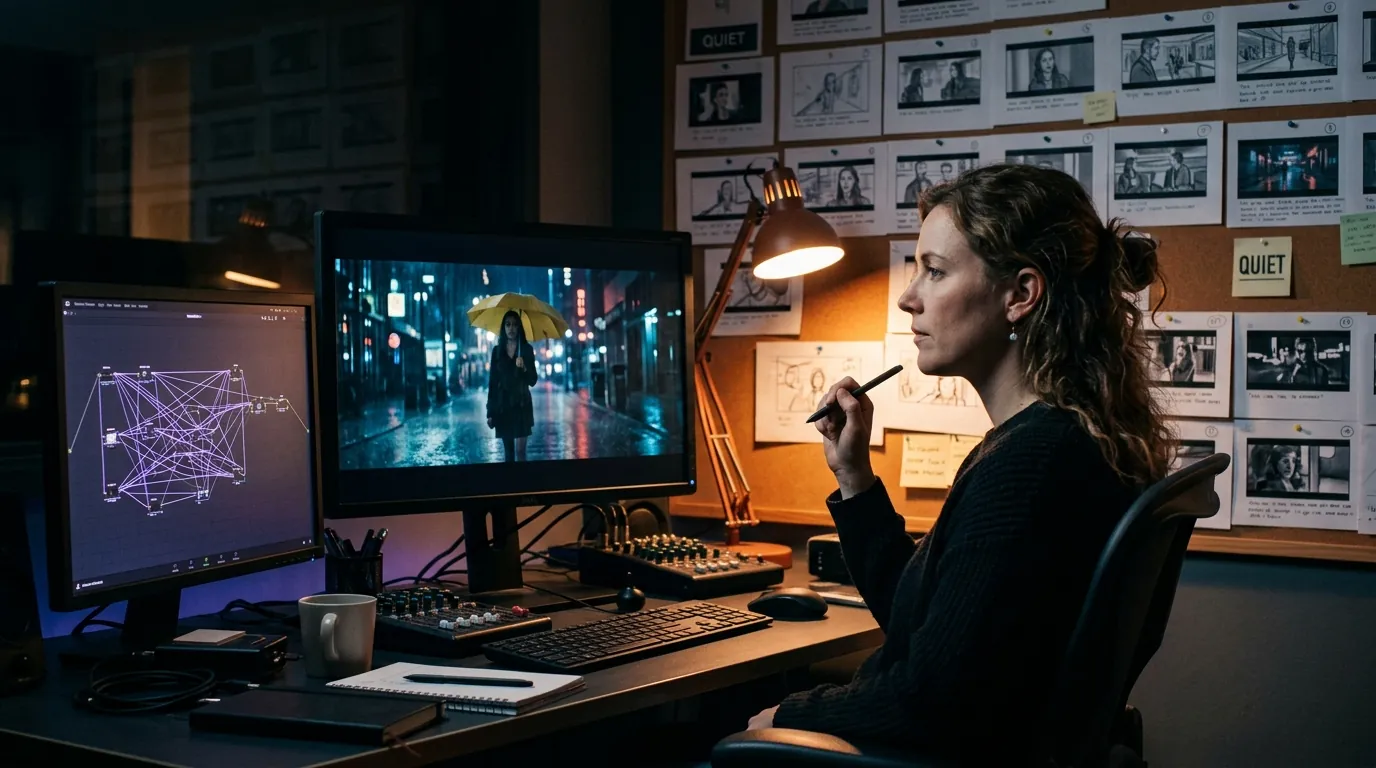

You used to need three separate careers to move from words on a page to something that looked like a movie. Writer. Storyboard artist. Editor. Each handoff cost time, money, and coherence. A line that felt cinematic in the script became awkward in a board. A board that sold the tone became impossible on a location scout. The edit revealed scenes that never belonged in the same film.
AI does not erase those handoffs. It compresses them. When the script, the still frames, and the motion experiments live in one development graph, you stop retyping the same scene five times across five tabs. You argue with the story in one place. You export truth in another.
That is the practical promise of an AI filmmaking workflow from script to screen: not automatic movies, but a continuous pipeline where structure, visuals, and motion prototypes stay tethered to screenplay reality. Tools like ScreenWeaver's AI storyboard generator and film pre-production hub exist because fragmentation was the hidden tax on indie development. (The name is ScreenWeaver, not Script Weaver, a mix-up common enough to have its own page.) This guide maps how a serious filmmaker runs that pipeline in 2026 without confusing demo clips for finished cinema.
Free tool: use the AI Video Prompt Generator to build structured cinematic prompts for Veo, Sora, Runway, and Kling before you generate a single clip.
What Script-to-Screen Actually Means
Script-to-screen is not one button. It is a sequence of decisions about what artifact leads at each phase. Sometimes the screenplay leads and visuals follow. Sometimes a pitch sprint leads and the script catches up. Sometimes a motion test leads and you rewrite dialogue to match a rhythm you did not hear until you saw it move.
The mistake is treating every AI output as the same kind of truth. A generated storyboard frame is a hypothesis about staging. A script-to-video clip is a hypothesis about pacing and performance. A formatted screenplay PDF is a contract with collaborators. Collapse those categories and you will pitch one movie while shooting another.
Script-to-screen succeeds when each output knows its job. Structure validates intent. Stills validate space. Motion validates time.
Think in layers. Layer one is narrative spine: beats, scene purpose, character pressure. Layer two is spatial translation: boards, blocking, eyelines. Layer three is temporal translation: animatics, AI video tests, assembly edits. Layer four is production reality: breakdowns, schedules, location constraints. AI tools differ in which layers they own natively and which layers they merely visit.
The Development Graph vs the Export Moment
Most broken workflows confuse the development graph with the export moment. The graph is where you iterate: rearrange sequences, regenerate frames, test a two-shot against a master. The export moment is where you freeze a package for a reader, a producer, or your future self on set. Mix them and you either never ship or you ship mismatched pairs.
A healthy graph keeps scene IDs stable. Scene 14 is Scene 14 whether you are looking at sluglines, panels, or a Seedance clip. When IDs drift, your AI regenerations lie. You think you updated the kitchen confrontation. You actually updated a duplicate slug from draft nine.
For a deeper comparison of tools that emphasize motion output versus script-linked structure, read LTX Studio vs ScreenWeaver. For storyboard-specific handoffs, see Boords vs ScreenWeaver. For full-stack AI filmmaking platforms, see mStudio vs ScreenWeaver.
Workflow Comparison: Where Each Phase Lives
| Phase | Primary Question | Strong AI Support Looks Like | Common Trap |
|---|---|---|---|
| Structure | Does the story turn? | Beat-linked scenes, revision history | Generating visuals before act two earns them |
| Spatial | Can we stage this? | Script-linked boards, blocking diagrams | Pretty frames that contradict sluglines |
| Temporal | Does time feel right? | Clip tests tied to scene beats | Demo motion that ignores dialogue rhythm |
| Packaging | What does the room receive? | PDF + board strip + optional animatic | Sending clips without script anchors |
| Production | What do we actually shoot? | Breakdowns, continuity notes | Treating AI boards as final shot list |
Use the table as a lens, not a scoreboard. Your project may skip temporal tests until late development. A dialogue-heavy chamber piece might live in structure and spatial layers for months before anyone generates motion.
Scenario One: Writer-Director Proving a Thriller Sequence
Mara writes a parking-garage pursuit. On the page it reads clean. In her head it feels tight. She runs the scene through an AI storyboard pass linked to Scene 22: establishing level, stairwell choke point, hero beat at the ramp.
The boards expose a geography problem. The hero gains ground in dialogue rhythm but loses ground in space. Mara rewrites action lines so the pursuit uses the ramp's sightlines instead of generic running. She regenerates two panels, not twelve. Restraint matters. She is testing staging, not building a graphic novel.
Next she runs a short motion test on the stairwell beat only. The clip reveals something the boards hid: the pause before the hero commits reads too long when bodies move. She trims two lines of dialogue. The script gets shorter. The scene gets faster. That is script-to-screen working. Motion informed writing. Writing stayed canonical. The genre-specific version of that loop, from pursuit staging to the final cut, is laid out on the AI thriller movie generator page.
Scenario Two: Producer Pack for a Micro-Budget Drama
Jonah and his producing partner need a financier meeting in ten days. The script is solid but the room skims. They pair a screenplay PDF with a board strip that shows emotional escalation across six key scenes, not plot summary in pictures.
They resist the urge to generate motion for every scene. One animatic for the opening, one still strip for the mid-film fracture, one frame for the final image. Each visual ties to a scene number and page anchor. When Jonah rewrites the midpoint, the board updates the same afternoon. The package stays one movie.
Their AI workflow is deliberately boring: stable slugs, dated exports, a one-page index that maps scene to artifact. Boring is how you avoid the classic pitch failure where investors remember a frame the script no longer supports.
Scenario Three: Animation-Adjacent Previs for a Genre Short
Lena directs a horror short with heavy sound design. She boards for silhouette and reveal timing, not illustration beauty. AI generation gives her fast iterations on shadow placement and door geometry. She cares whether the audience's eye lands on the handle before the sound stinger.
She does not let panels drive structure. She locks beats first. Then she uses film pre-production workflows to attach location photos that constrain regen prompts. A frame that ignores the actual doorway width is worse than no frame. Context beats novelty.
Her motion tests are silent. Audio will be designed later, in its own pass, because AI voices are still the tell and deserve undivided attention. She watches for whether movement sells dread or comedy. Unintentional comedy in horror is a tone fracture. The clip catches it. She fixes the preceding beat. Again, motion as laboratory, script as delivery.
When the generated footage is the film rather than the previs, Lena's instincts become the method. Making AI horror videos that actually scare explains why a creature seen in pieces frightens more and drifts less than one shown whole, and why the sounds go into the script before the first shot is generated.
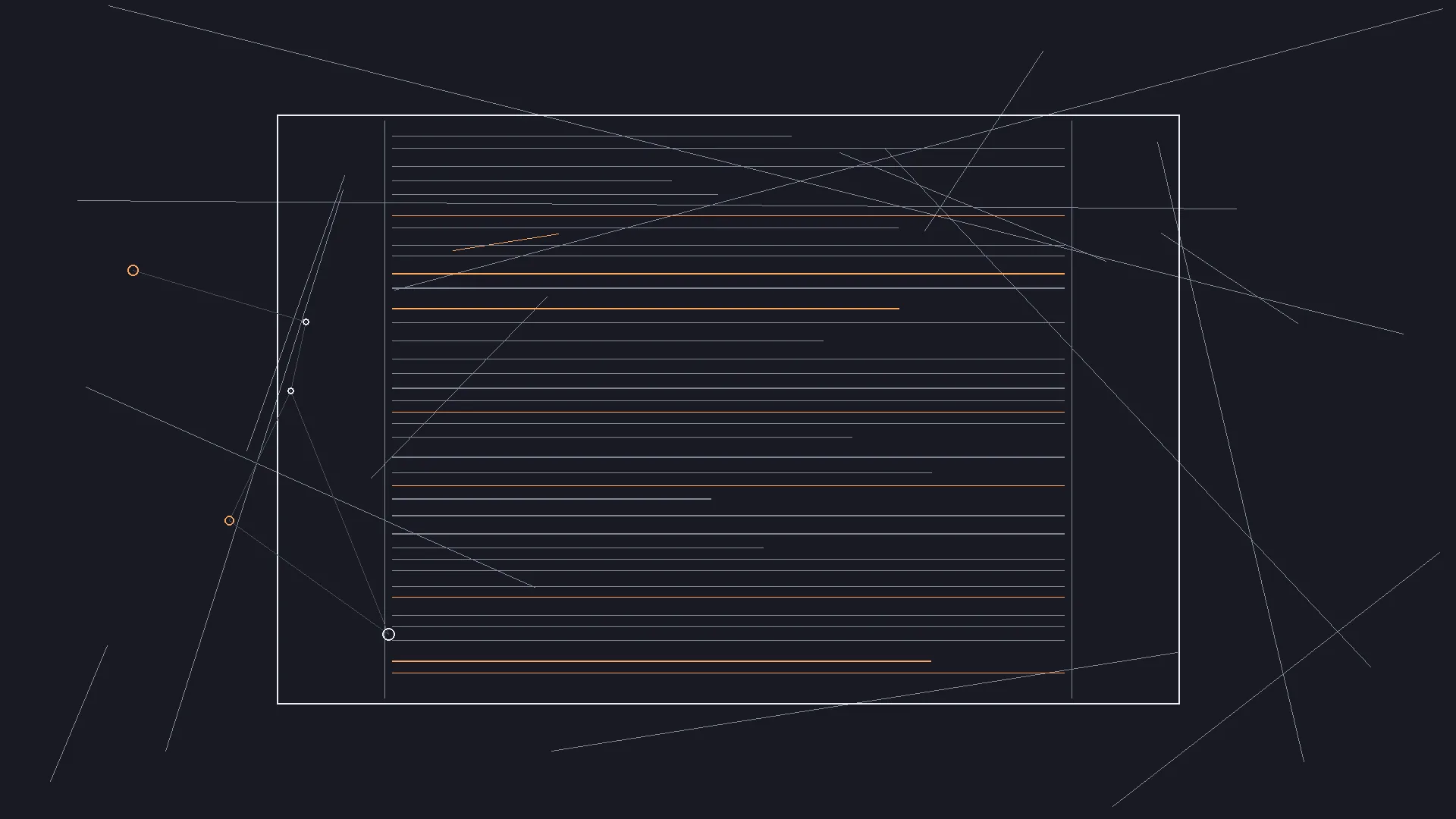
Granular Order of Operations
Start Monday with structure, not images. Write or confirm beat sentences for the sequences you will visualize this week. If you cannot state what turns for whom, AI will give you confident nonsense.
Tuesday, mark which sequences need spatial clarity. Not every dialogue scene needs boards. Kitchen geography that affects power dynamics needs boards. Two people on a couch might need one diagram or none until late draft.
Wednesday, run a minimal board pass: three to six frames per sequence for most dialogue scenes. Label by beat, not by cool shots. Regenerate with constraints from sluglines, not from vibes.
Thursday, sync check. Read sluglines aloud while skimming frames. Does attention move as intended? If not, fix script pressure before redrawing.
Friday, optional motion test on one high-risk beat. Watch without sound if sound is not designed yet. Note timing failures, not render quality failures.
Weekend, snapshot. Export script PDF and visual package with matching scene index. Future you on set will not remember which draft owned which frame.
Parameter discipline: keep location names consistent in sluglines and prompts. INT. HOUSE - KITCHEN and INT. KITCHEN in the same project will rot your links.
Tool Categories Without Mythology
Script-first workspaces anchor AI generation in scene graphs. They win when your bottleneck is coherence across drafts. They lose if you treat them as video editors.
Motion-first platforms assemble clips from prompts or scripts. They win when you need fast temporal proof for a sizzle reel. They lose when script structure is still moving and clips become false canon.
Dedicated storyboard tools win on illustration rituals some teams already trust. They lose when handoff to screenplay versions becomes manual labor.
Hybrid stacks are valid if the bridge ritual is strict: nightly packaging, consistent filenames, one canonical index. Three apps feels creative until Scene 18 exists in four places with four different endings.
If your motion test looks better than your script reads, you do not have a movie yet. You have a trailer for a different movie.
Try it free
Try Screenweaver for free on your script
It is free. Import your existing project, get a clearer view of your outline, and regain control of your story structure in minutes.
Start FreeTrench Warfare: Failure Modes and Fixes
Premature motion. You generate clips before act two earns its turns. The clips seduce you into keeping broken structure because they look cinematic. Fix: no motion tests until beat sentences pass a cold read.
Board drift. Script updates, frames do not, or the reverse. Collaborators stop trusting visuals. Fix: any rewrite that changes staging triggers a board diff review, even if only one panel moves.
Prompt sprawl. Every regen uses a new vague prompt. Faces change. Wardrobe changes. The sequence feels like a montage of different films. Fix: lock character and location reference packs per sequence, and write each shot against a fixed structure rather than from scratch, which is what the director's guide to cinematic prompts lays out slot by slot. Regen with constraints, not curiosity.
Over-directing on the page. Boards tempt shot grammar in action lines. Readers smell insecurity. Fix: translate visual insight into behavior. Knuckles whitening, not PUSH IN.
Demo addiction. You ship AI clips to investors without script anchors. They remember motion that dialogue cannot support. Fix: always pair motion with scene numbers and a PDF truth.
Tool hoarding. Five subscriptions, zero index. Fix: one dated folder structure, one mapping document, one person accountable for exports.
False continuity. AI smooths transitions between incompatible frames. On set, the geography does not connect. Fix: treat boards as feasibility tests, not magic carpets.
Ethics of oversell. Beautiful AI frames promise spectacle your budget cannot shoot. Fix: label boards as scale hypotheses. Pitch honesty ages better than pitch polish.
For external grounding on screenplay form while you balance action lines and visual planning, see <a href="https://www.oscars.org/nicholl/about/screenwriting-resources" rel="nofollow">Nicholl Fellowship screenwriting resources</a>.
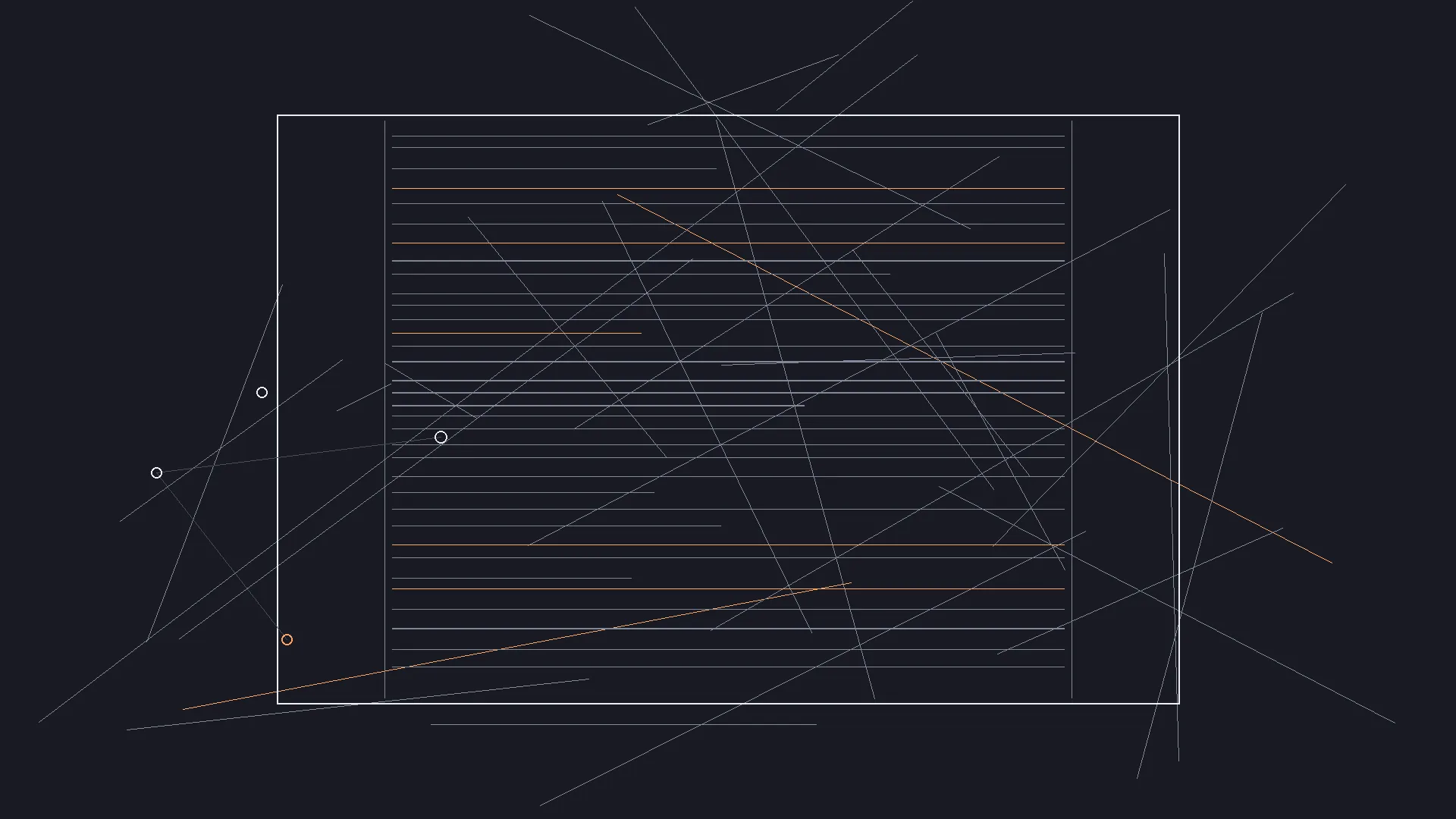
Story Structure Visualization Before You Animate Anything
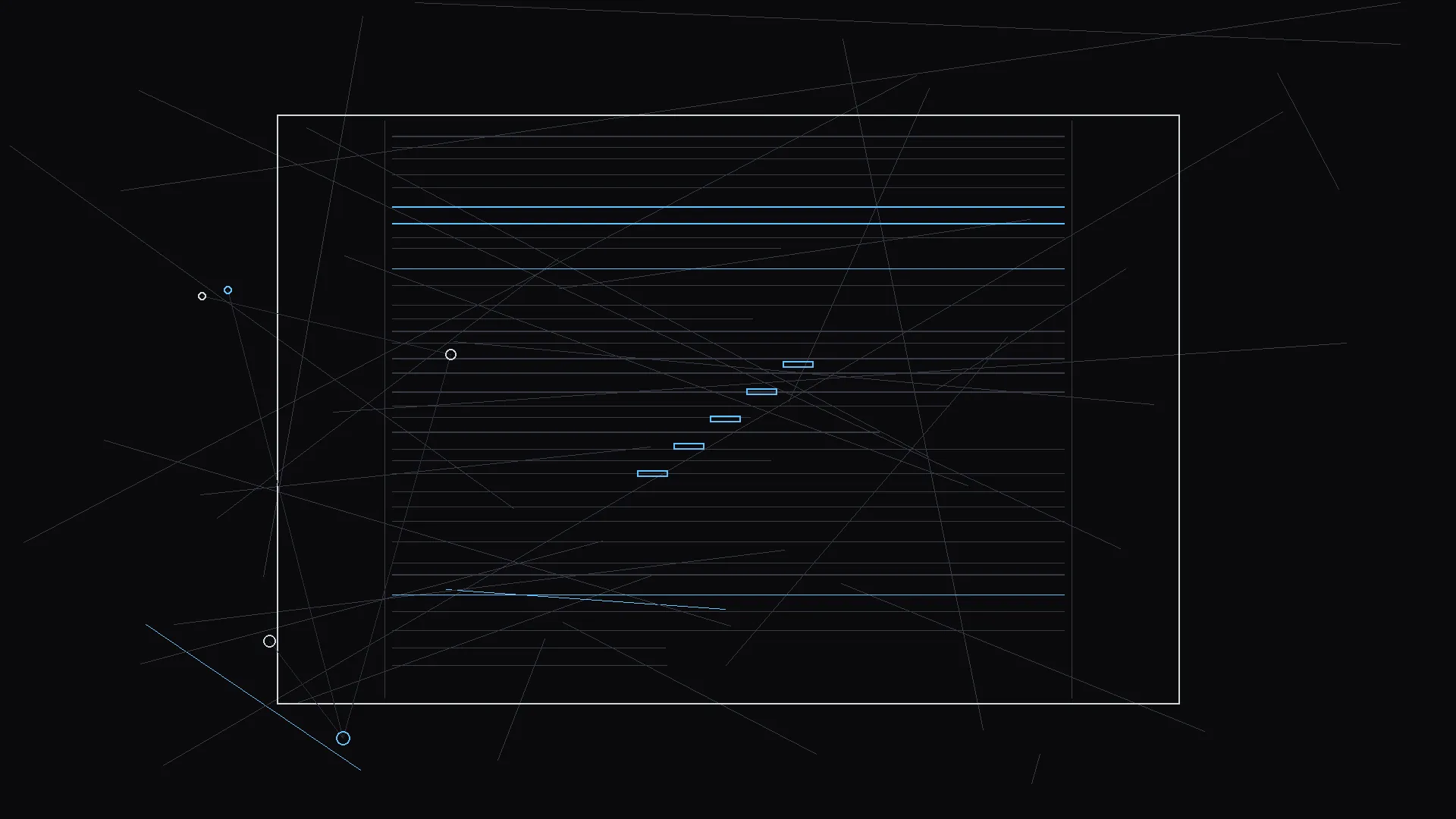
Structure visualization is not decoration. It is how you decide which scenes deserve AI spend this week. A beat map that shows the midpoint fracture tells you where a board strip must land for a pitch. A flat middle on the map is a warning: no amount of motion blur fixes a wandering second act.
When your structure graph links to scenes, you can mark "visual risk" sequences: stunts, crowds, VFX beats, silent turns. Those marks become your regen queue. Everything else waits. Discipline is how indie filmmakers afford AI without becoming demo machines.
From Stills to Motion: When to Cross the Line
Cross to motion when spatial questions are mostly answered and temporal questions are real. Does the pause before the line land? Does the chase feel faster on the page than in the body? Does the reveal need an earlier eyeline setup?
Do not cross to motion when you are avoiding a structure rewrite. Motion is expensive attention. If you are stuck on act two, write index cards on the floor. Walk the room. AI video will not find your midpoint for you.
When you cross, test one beat. Not the whole sequence. Export with a filename that includes scene number and draft version. SC22_STAIRWELL_D7.mp4 tells future you something. final_final_2.mp4 tells you nothing. Once the beats hold, the same discipline scales to a finished piece: making an AI short film from your screenplay is this loop repeated scene by scene, with the boards as the contract.
Packaging for Collaborators
Your cinematographer does not want forty unrelated AI clips. They want script truth, a board strip for the sequences that matter, and a short note on what each visual is claiming. Hypothesis, not mandate.
Your producer wants a package moment: PDF, visuals, optional animatic, one index page. Same afternoon. Same draft number. Mismatched pairs erode trust faster than ugly frames.
Your actors want readable scenes, not embedded video links in place of rewriting. AI supports development. Performance still happens in bodies.
Long-Term Skill Transfer
Filmmakers who run disciplined script-to-screen loops often write tighter action lines. They stop repeating what the audience already saw. They stop hiding turns in unfilmable interior monologue because they practiced making turns visible. The board trained attention. The motion test trained rhythm. The script improved even when nobody saw the experiments.
Closing Stance
AI filmmaking from script to screen is not a replacement for taste. It is a compression of iteration cost. The math behind that compression, credits, takes, rerolls, is laid out in what an AI film really costs, and the habit that keeps your lead recognizable from shot 1 to shot 30 is covered in the character drift guide.
Keep structure canonical. Let stills test space. Let motion test time. Export packages that tell one story.
When images, movement, and words agree, pitching gets quieter. Not because you are louder. Because the room stops asking basic questions about what the movie is.
That quiet is what you are buying when you build a script-to-screen workflow in 2026.
FAQ
What is an AI filmmaking workflow from script to screen?
It is a development pipeline where screenplay structure, storyboard stills, and optional motion tests stay linked through stable scene IDs and dated exports, so each AI output validates a specific question instead of replacing the script.
Do I need AI video to make a storyboard from my screenplay?
No. Many projects stop at script-linked boards for months. Motion tests help when timing and performance pressure matter. Structure and spatial clarity come first.
How do I avoid my AI visuals diverging from my script?
Use consistent scene slugs, regenerate from slugline constraints not vague prompts, and run a board diff review after any rewrite that changes staging. Pair every export package with a PDF and a scene index.
Which tools fit script-first vs motion-first workflows?
Script-first tools anchor generation in scene graphs and boards. Motion-first tools emphasize clip assembly. Compare specifics in LTX Studio vs ScreenWeaver and mStudio vs ScreenWeaver.
When should an indie filmmaker invest in AI pre-production?
Invest when fragmentation is costing you rewrites: boards in one app, script in another, pitch deck in a third. A linked workflow pays off when you pitch, collaborate, or direct the same project you wrote.
Final Step
Build your next script with Screenweaver
Move from ideas to production-ready pages faster with timeline-native writing and AI-assisted story flow.
Try Screenweaver