Free Screenwriting Tools
ScreenWeaver gives screenwriters practical tools for formatting, structure, analysis, and production prep. Pick a workflow stage below and jump into the exact tool you need.
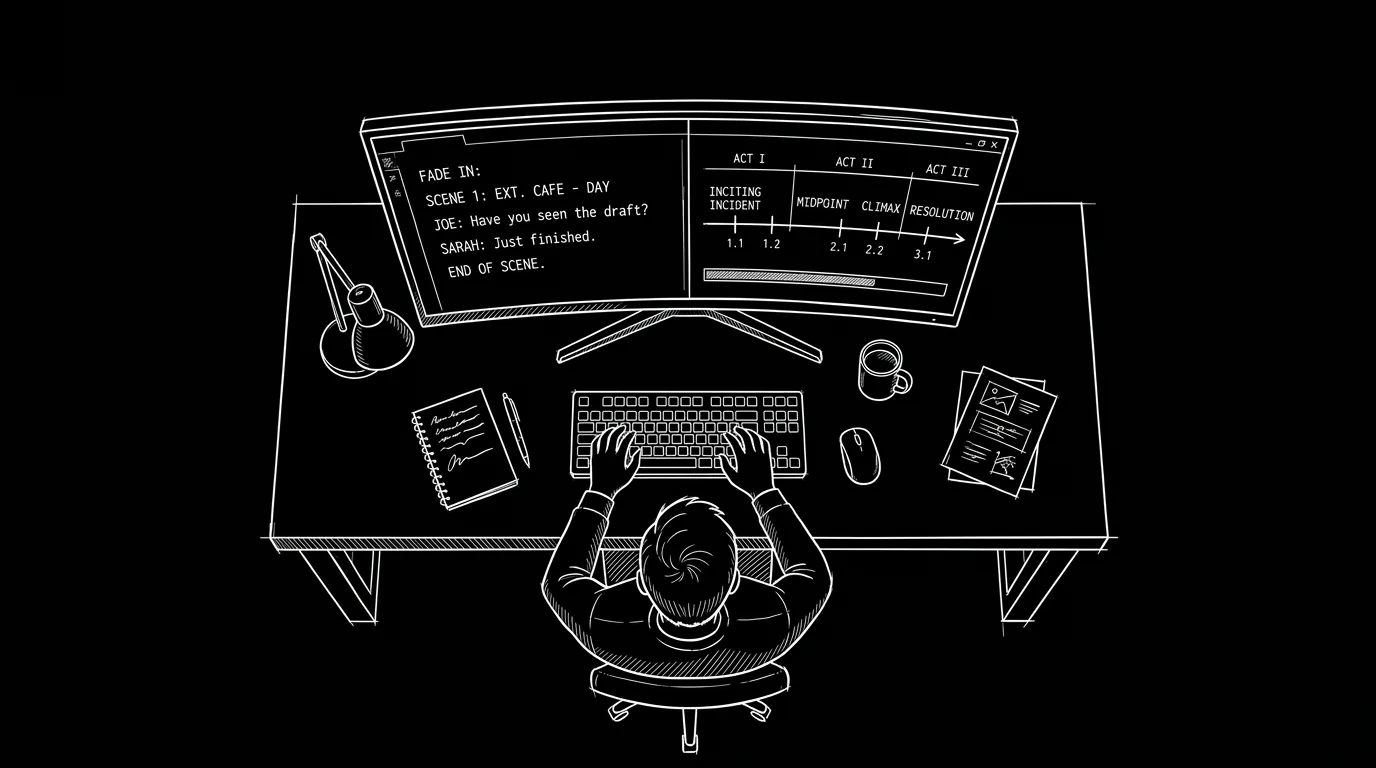
Free tools for sluglines, beat sheets, loglines, Fountain export, and production prep.
Pair tools with the long reads: idea → first draft, format guide, revision passes, curated free learning.
Scene analysis tools
Script Time Calculator
Estimate runtime from pasted script text or a word count.
Action Dialogue Ratio
Estimate balance between action lines and dialogue.
Echo Finder
Flag repeated words that cluster too closely.
Character Line Counter
Count lines, words, and scenes per character in a script.
French Scene Breakdown
Generate a character-presence chart from a screenplay or stage play.
Script Draft Compare
Scene aware diff between two screenplay drafts: added, omitted, and changed scenes.
Formatting tools
Title Page Maker
Create a screenplay title page and export cleanly.
Fountain to PDF
Convert Fountain text to an industry-standard screenplay PDF.
Screenplay Formatter
Paste a draft typed in plain text and get a formatted screenplay: PDF, Final Draft or Word.
Slugline Formatter
Format screenplay scene headings consistently.
FDX to PDF Converter
Convert a Final Draft .fdx file to a formatted screenplay PDF in your browser.
Screenplay Converter
Convert scripts between FDX, Fountain, PDF, Word, Fade In, Celtx and more, in your browser.
PDF to FDX Converter
Turn a screenplay PDF back into an editable Final Draft file.
PDF to Fountain Converter
Convert a screenplay PDF into an editable Fountain file.
FDX to Fountain Converter
Convert Final Draft files to Fountain plain text, nothing lost.
Fountain to FDX Converter
Convert Fountain screenplays to typed Final Draft files.
FDX to Word Converter
Convert Final Draft files to editable Word documents with screenplay styles.
Word to FDX Converter
Turn a Word screenplay into a typed Final Draft file.
Celtx to FDX Converter
Convert Celtx scripts to Final Draft files.
Screenplay Format Checker
Run 17 formatting checks on sluglines, cues, dialogue and parentheticals.
Script Watermarker
Watermark a screenplay PDF in your browser, with per-recipient batch copies.
Documentary Script Template
Two-column A/V documentary script with running time, and PDF, Docs, Word, CSV and .fdx export.
Story structure tools
Beat Sheet Calculator
Map structural beats to page numbers.
Save the Cat Genre Tester
Quick genre-fit quiz for story direction.
Screenplay Outline Builder
Generate an editable multi-act screenplay outline.
Story Circle Generator
Map Dan Harmon's 8 steps onto your script's page count.
TV Pilot Beat Sheet
Act breaks and pilot beats with page targets by format.
Short Drama Episode Planner
Plan a vertical drama season: episode grid, cliffhanger rotation, paywall episode.
Pitch and development tools
Production planning tools
Scene Extractor
Extract scene headings from screenplay text.
Capitalization Extractor
Extract ALL CAPS terms from script text.
Scene Card Generator
Create and export structured scene cards.
Script Breakdown Checklist Generator
Create per-scene production breakdown checklists.
Shooting Schedule Calculator
Estimate how many shoot days your script needs.
AI Video Prompt Generator
Build cinematic prompts for Veo, Sora, Runway, and Kling.
Storyboard Template Generator
Create printable storyboard sheets in any aspect ratio.
Camera Movement Prompts
Animated library of camera moves with copy-paste AI video prompts.
Shot Size Guide
Every framing visualized, from extreme wide to extreme close-up, with AI prompts.
Cue Sheet Generator
Build a standard music cue sheet with validated timecodes, PDF and CSV export.
Day Out of Days Generator
Build a DOOD cast scheduling grid with SW, W, H, WF codes and auto totals.
Lined Script Generator
Line your script with setup coverage marks like a script supervisor.
Script Eighths Calculator
Measure every scene in page eighths from pasted script text.
Script Sides Generator
Generate audition or shooting sides from any script as a formatted PDF.
Shooting Script Converter
Turn a spec script into a numbered shooting script with A scenes and OMITTED markers.
Comic to Animation Calculator
Turn comic pages and panels into a shot count, runtime and episode split.
AI filmmaking tools
AI Character Consistency Sheet
Build a reusable character block that stops drift across AI video clips.
AI Video Cost Calculator
Budget an AI film per finished minute, retries included.
AI Video Model Picker
Compare AI video models against what your shot actually needs.
Scene to Clip Splitter
Split a scene into AI video clips that fit your model's duration cap.
Video Frames Calculator
Convert frames, FPS, and duration for AI video workflows.
Frequently Asked Questions
Are ScreenWeaver tools free to use?
Yes. Every tool on this page is available for free and can be used directly in your browser.
Do I need an account to use these tools?
No account is required for the core tool workflows. You can open a tool and start using it immediately.
Which tools are best for screenplay structure?
Start with Beat Sheet Calculator, then move to Screenplay Outline Builder and Logline Workshop to tighten your concept and execution.
Can I use these tools for professional scripts?
Yes. These tools are designed for practical screenwriting workflows, from early ideation to production-oriented breakdown tasks.
How should I choose the right tool first?
Choose based on your current bottleneck. If your structure is unclear, start with beat and outline tools. If your draft exists but feels uneven, start with analysis tools. If you are moving toward production, use extraction and checklist tools.
Do these tools replace script editors or consultants?
No. They accelerate repeatable checks and formatting tasks so you can spend more time on higher-level creative decisions with collaborators, consultants, or producers.
Can beginners and advanced writers use the same workflows?
Yes. Beginners get guidance and structure quickly, while advanced writers use the same tools to reduce friction and maintain consistency across rewrites.
What is the best rewrite cadence with tool-based support?
Use short cycles: run a focused tool, apply decisions, then validate in context. Repeat this per draft pass. Small iterations generally produce better scripts than one large, late-stage overhaul.
Complete Guide To Screenwriting Tool Workflows
A practical path from concept clarity to production-ready organization.
The strongest screenplay workflows combine creative judgment with practical systems. This tools hub is designed for that exact balance: each utility solves a specific writing or production problem, and together they form a coherent path from idea to execution. Instead of treating tools as isolated widgets, think in terms of sequences. A sequence starts with concept clarity, moves through structural planning, verifies scene-level effectiveness, and ends with production-oriented organization. Writers who use this approach usually rewrite faster, spot issues earlier, and protect creative focus under deadline.
A practical starting point is to define your draft stage. If you are in idea mode, development tools are the best first move: sharpen your premise, pressure-test the core conflict, and make sure stakes are visible enough to carry the full script. If you are mid-draft, structure tools help align pacing and act progression. If you are near lock or handoff, analysis and pre-production tools become critical because they convert creative material into operational clarity. This stage-based selection prevents wasted effort and aligns each tool run with a meaningful output.
Formatting tools are often underestimated, but they produce real leverage. Consistent sluglines, title pages, and export quality reduce back-and-forth with readers and collaborators. They also make your script easier to scan, which improves first-read experience. In practical terms, clean formatting lowers cognitive load for everyone touching the document. That includes assistants, coordinators, contest readers, and development executives who need fast comprehension before they can engage with deeper craft.
Story structure tools should not be used as rigid formulas; they are calibration devices. A beat target is useful because it reveals drift, not because every script must hit identical page numbers. If your midpoint lands later for a valid dramatic reason, keep it. The value is in awareness. Structural awareness helps you make intentional trade-offs rather than accidental ones. Over multiple drafts, this discipline protects momentum and keeps your script aligned with audience expectations while preserving voice.
Analysis tools provide objective signals that complement intuition. Dialogue density, repeated wording, and scene distribution are hard to evaluate perfectly by feel alone, especially after many rewrites. Lightweight diagnostics reveal hidden patterns quickly. Use those signals as prompts for deeper reading, not automatic edits. If a metric flags imbalance, inspect the sequence in context: maybe the scene is intentionally quiet, or maybe pacing has actually softened. The best practice is evidence plus interpretation.
Pre-production tools bridge writing and logistics. Scene extraction, capitalization capture, and checklist generation turn script text into team-ready artifacts. That transition matters because production planning depends on reliable scene data. The earlier your breakdown foundation is clean, the smoother your scheduling and budgeting discussions become. Even solo creators benefit from this discipline because it highlights scope early and prevents late surprises around locations, cast load, or technical requirements.
An effective weekly workflow can be simple. Day one: refine premise and stakes. Day two: tune beats and outline flow. Day three: draft or revise targeted scenes. Day four: run analysis checks and apply only high-confidence fixes. Day five: export cleaner assets for feedback or team prep. This cadence keeps writing momentum while maintaining technical quality. It also creates a repeatable loop you can scale for features, pilots, shorts, branded content, or creator-led micro-series.
Collaboration quality improves when tool outputs are documented with decisions. Add quick notes: accepted, rejected, or pending. That tiny habit avoids duplicate debates and gives collaborators context for why a change exists. Over time, your revision record becomes a strategic asset for pitch rooms, producer updates, and script handoff continuity. The point is not just to finish pages; the point is to keep creative intent traceable from early concept to final draft.
Use this tools page as an operating system for your script process. Start where your pain is highest, chain related tools, and move in short iterations. Keep what strengthens narrative clarity, discard what flattens voice, and review outcomes after each pass. That disciplined loop is how writers consistently ship better scripts with less friction.
The Trench Warfare: What Beginners Get Wrong
The “Tool-First” Fallacy. Beginners often spend more time choosing tools than actually writing. They think the right app will solve a broken story. Fix: Pick a tool in 30 seconds, run it, and spend the next hour applying the results to your script.
The “One-and-Done” Mistake. Running a tool once and assuming the problem is fixed forever. Stories evolve. Fix: Re-run your analysis or structure checks after every major rewrite pass.
Ignoring the Data. Seeing a structural flag (e.g., “Act 2 is too long”) and ignoring it because you’re “attached” to the scenes. Fix: Trust the diagnostic. If the tool says there’s a pacing issue, there usually is.
A tool is only as good as the writer’s willingness to act on its findings.
The “Manual Sync” Trap. Trying to manually update a beat sheet in one app while writing in another. Fix: Use tools that export to standard formats (PDF/FDX) so you can keep your data synchronized without retyping.
Over-complicating the Workflow. Using ten different tools for a five-page short. Fix: Match the tool load to the project scale. For a short, you only need a logline check and a formatting sweep.