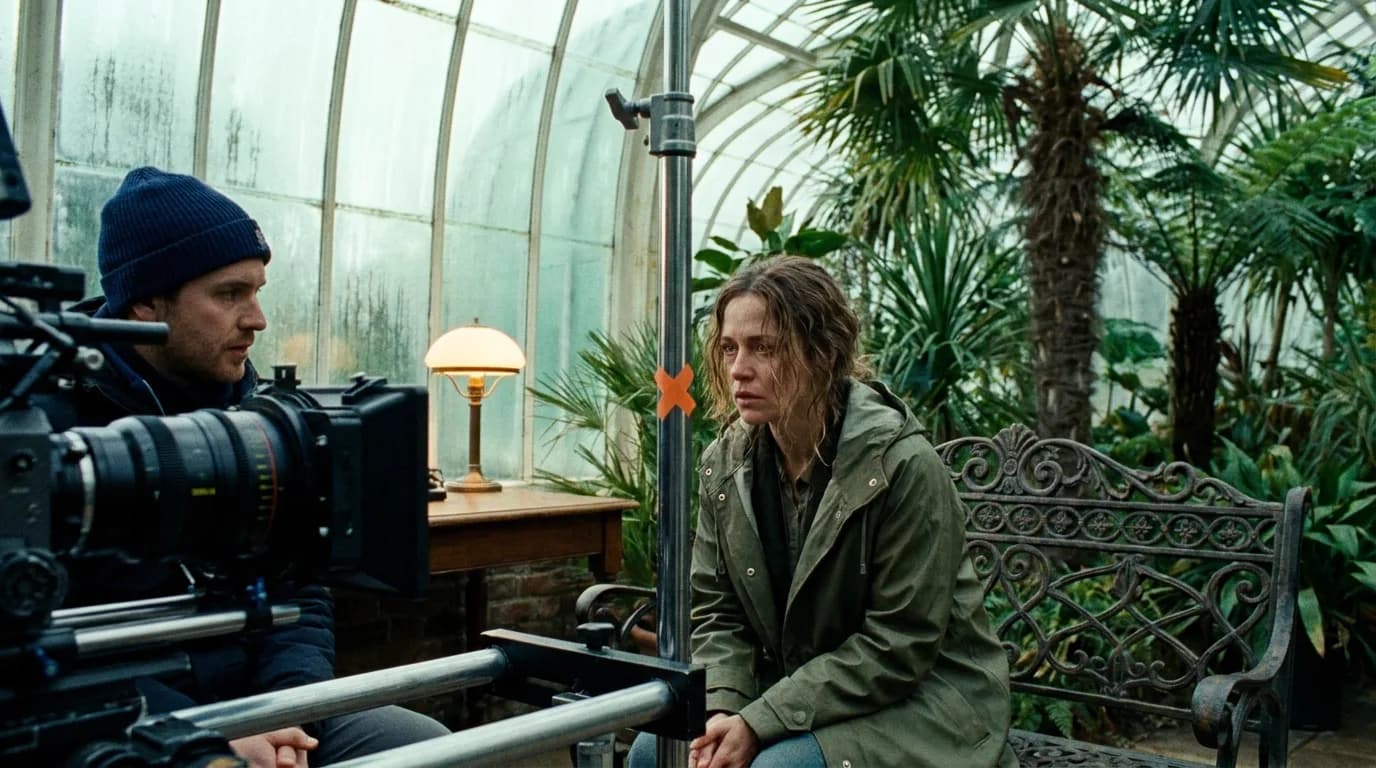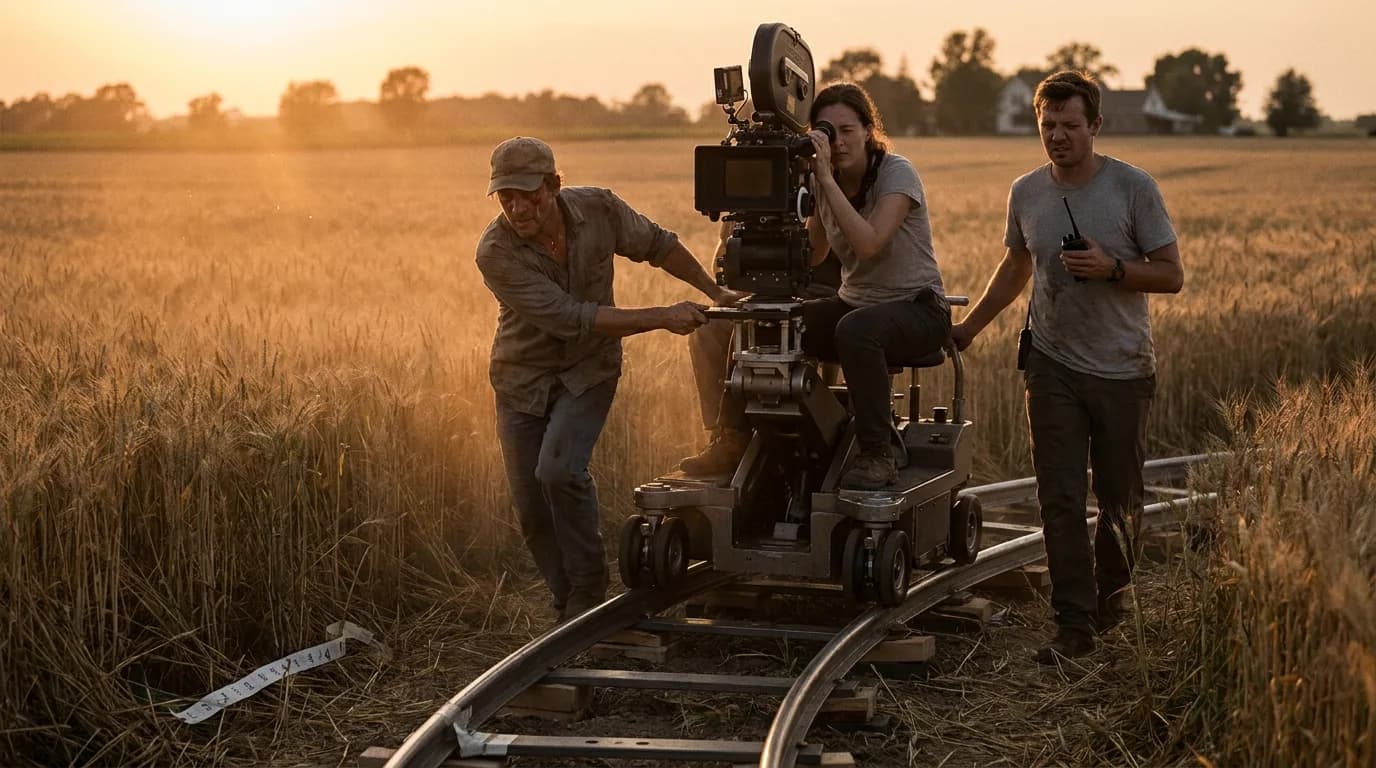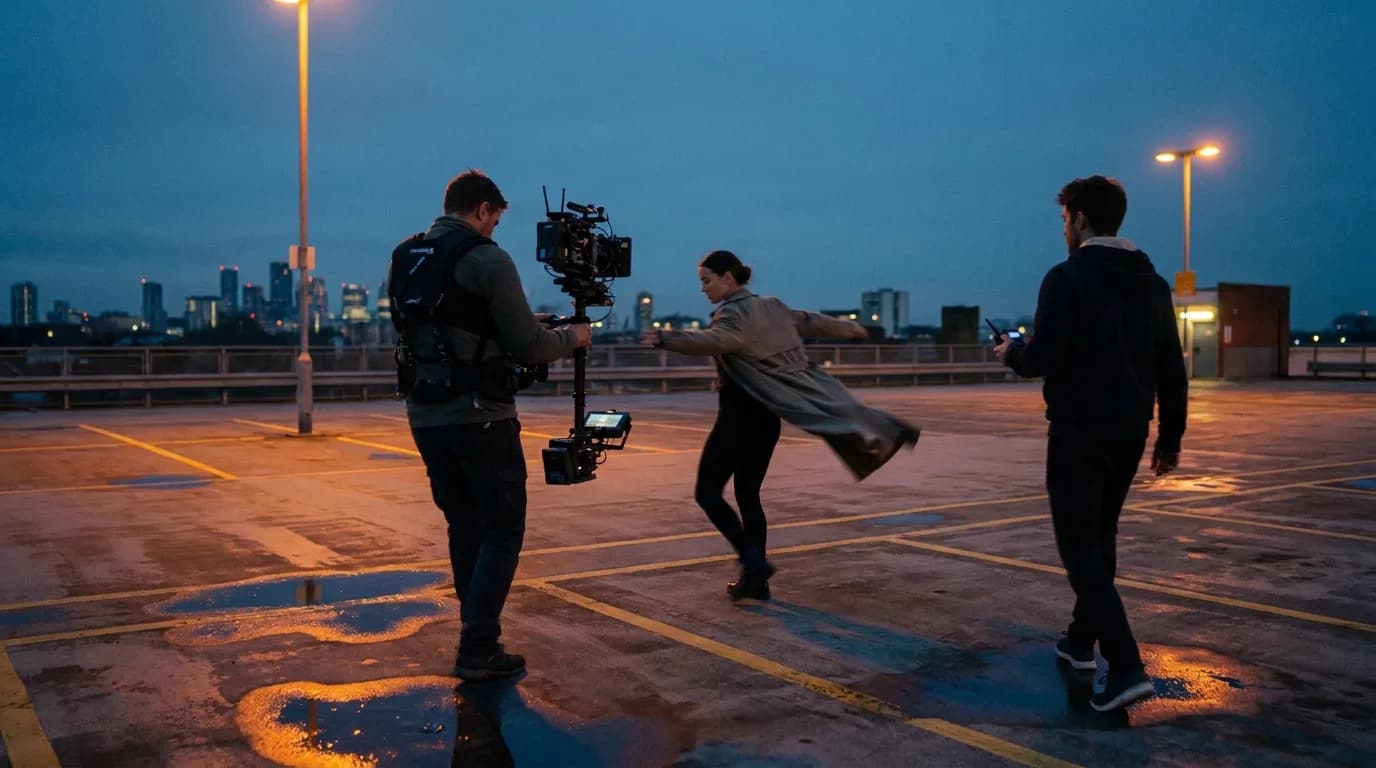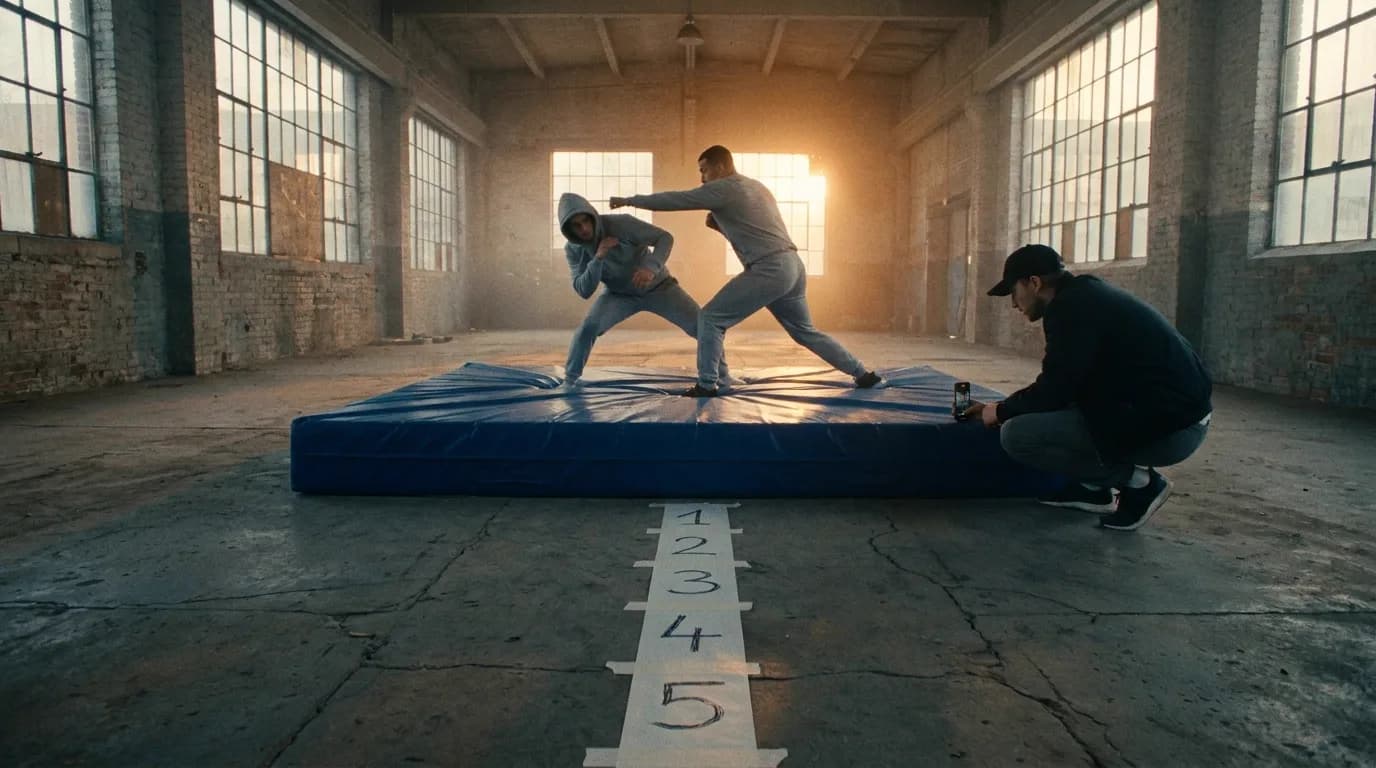

Action scene prompts work when each clip carries one beat of the action: one swing, one fall, one jump. Write the weight, the moment of contact and what happens after it, give speed as steps and distances instead of adjectives, keep screen direction the same from clip to clip, and let one simple camera move follow the subject.
The general prompt order lives in our pillar on cinematic prompts, and the camera vocabulary has its own page on camera movement prompts. Fights, falls and chases get a separate guide because they fail differently from quiet scenes: a quiet scene can survive a soft frame or a slow drift, but an action beat where a fist passes through a jaw or a body floats down a staircase is dead on arrival.
Why action breaks first
A person crossing a room is one continuous motion. A fight is dozens of small events packed into a few seconds: a weight shift, a swing, a block, a contact, a stumble, a recovery. Every one of those is a place where the model can merge two arms, morph a weapon or forget which way someone was falling.
OpenAI says it plainly in its Sora 2 prompting guide: "Movement is often the hardest part to get right, so keep it simple." The same guide asks for "one clear camera move and one clear subject action" per shot. Read that next to a typical action prompt (a man dodges a punch, spins, kicks his attacker into a shelf, grabs the bag and runs while the camera whips around him) and you can see the problem. That's six actions and at least two camera moves in one clip.
Our position: when an action clip comes back broken, look at how much you asked for before you look at the wording. Usually the fix starts before the prompt.
Break the sequence into beats before you prompt
Fight choreographers break a fight into numbered beats, and that's how you should write it too. One beat is one action with a clear start and a clear end: the swing, the block, the fall. Each beat becomes a clip, or at most a labelled shot inside a multi-shot generation.
| Sequence | Beats | Clips to generate |
|---|---|---|
| Bar fight, 3 punches | Shove, first swing missed, counter to the body, attacker hits the bar, hero backs off | 5 clips, plus 1 reaction from the bartender |
| Rooftop chase | Exit through the door, run along the parapet, jump the gap, rough landing, look back | 5 clips |
| Car stops short | Driver brakes, passenger thrown forward against the belt, a cup flies off the dash | 3 clips, or 2 if the cup shares the passenger's clip |
| Fall down stairs | Foot misses the step, body tips, slide on the back, stop on the landing | 3 clips, cutting on the tip |
ByteDance's Seedance 2.5 guide points the same way from the other side: keep actions general, describe only one or two memorable moves in detail, and don't use timestamps for high-frequency actions. We covered that guide in depth in prompting Seedance. Translated to action work, a five-second clip can hold one clean move and a little of what comes after it. Any more and something drops.
If you already have the scene on the page, the scene-to-clip splitter does the first pass of this breakdown for you. And if you storyboard before you generate, the beat list is the same one you'd draw for a fight scene storyboard.
Physics: write weight, contact and consequence
Typing "realistic physics" into a prompt does very little, because there's nothing in it to animate. Describe the things that obey physics instead. Three details carry it:
- Weight before the move: where the body is before it acts: "feet planted wide, weight on the back leg." A punch with no wind-up reads as weightless because nothing loaded it.
- The moment of contact: name the two surfaces that meet: "his shoulder hits the door just below the handle." Vague contact ("they collide") invites the model to blend the bodies.
- The consequence: what moves because of the contact: "the door bangs open, he stumbles two steps into the room and catches himself on the table." Consequence is what the eye reads as mass.
| Weak | Strong |
|---|---|
| She falls hard | She trips on the kerb, lands on her hip and palms, her bag skids a metre ahead on the wet pavement |
| He punches him | He shifts his weight forward and drives a short right into the other man's ribs; the man folds at the waist and steps back |
| The car crashes | The van clips the parked car's rear corner, its tail lights shatter, the van rocks on its springs and stops |
| Realistic physics, intense action | (Delete this. Describe the event.) |
Materials help too. Wet concrete, loose gravel, a thin plywood door and a steel fire door all behave differently, and naming them gives the model a reason to make a fall slide, a foot slip or a door bounce. Debris and dust are worth one mention each, not a list. A prompt that spends three lines on sparks and smoke usually gets sparks and smoke instead of the action.
Momentum: give speed as counts, keep direction across cuts
"Fast" is the weakest word in an action prompt. The Sora 2 guide suggests replacing "moves quickly" with something like "jogs three steps and stops at the curb", and that one swap does a lot of work: the model now has a number of steps, a distance and an end point.
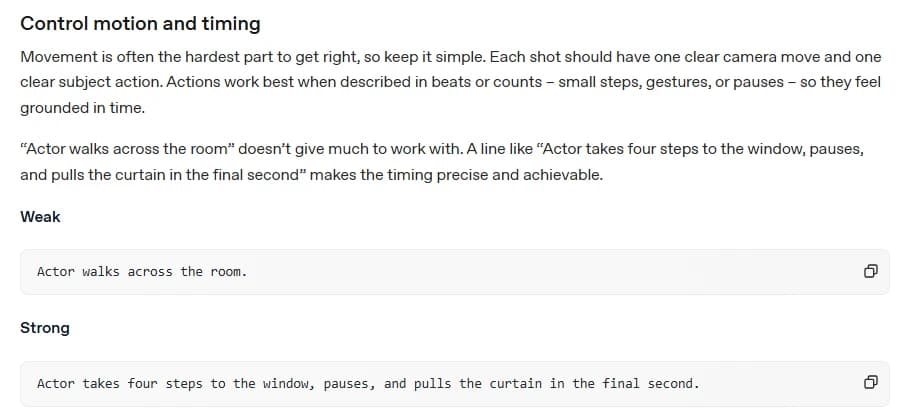
Counts work for action the way they work for a walk. "Sprints five strides and vaults the railing on the sixth" gives a rhythm the model can hit. So does timing against the clip: "the glass breaks in the final second."
Direction is the other half of momentum. In a chase, the runner who exits frame right has to enter the next clip from frame left, still heading right. Flip that and the audience reads it as a turnaround, or worse, as two different chases. It's the same 180-degree logic we wrote into every prompt for dialogue scenes, only now it applies to motion instead of eyelines. Write it the same way every time:
- "Runs from frame left to frame right."
- "Enters from frame left, still running toward frame right."
- "The pursuer is off-screen left, behind her."
The camera: one move, tied to the subject
Action needs the camera to have a clear relationship with what it's filming. fal's Kling 3.0 prompting guide frames this well:
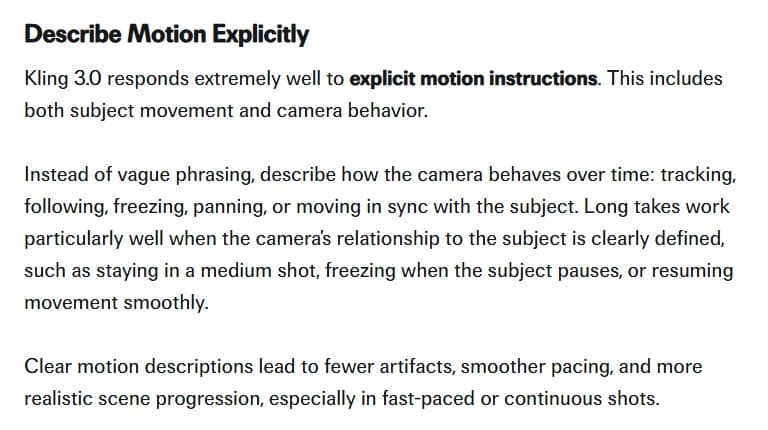
The guide's examples of camera behaviour (tracking, following, freezing, panning, moving in sync with the subject) all describe the camera in relation to someone. That's the useful habit. For action, three relationships cover most beats:
| Camera relationship | Prompt phrase | Use it for |
|---|---|---|
| Static wide, action crosses the frame | "Locked-off wide shot, she runs through frame from left to right" | Geography: where everyone is, how far the gap is |
| Tracking alongside | "Camera tracks alongside at her speed, staying in a medium shot" | Sustained running, a car chase, a bike |
| Handheld follow | "Handheld camera follows two steps behind him through the corridor" | Close, chaotic, subjective moments |
Pick one per clip. A whip pan into a crash zoom into an orbit is three moves, and the model will either average them into a mushy drift or spend the clip on the camera and forget the subject. If a beat needs a second camera idea, it needs a second clip. The camera movement prompts page has the full vocabulary.
Clarity: what the audience has to read
An action scene works when the viewer always knows three things: where everyone is, who wants what, and what just changed. Prompts can protect all three.
Start with a geography shot. Before the first punch, generate one wide clip that shows the space: the bar, the exit, the distance between the two men. Every tighter clip after it borrows that map.
State the start and end positions too. "Starts at the top of the stairs, ends sitting on the landing" gives the model both ends of the move. Open-ended action is where clips drift.
Then clear the background. The Sora guide's advice for a shot that keeps misfiring is to "freeze the camera, simplify the action, clear the background." Crowds, traffic and moving extras all compete with the action for the model's attention. Add them back once the beat works.
Last, give the reaction its own clip. The bartender flinching, the friend covering her mouth. Reactions tell the audience how hard the hit was, and they're cheap: no contact, no physics.
Try it free
Try Screenweaver for free on your script
It is free. Import your existing project, get a clearer view of your outline, and regain control of your story structure in minutes.
Start FreeA worked example: a five-clip rooftop chase
This is our own example, written for this guide. One courier, one pursuer, a rooftop at dusk. Each block is a separate generation.
Clip 1 (geography): Locked-off wide shot of a flat rooftop at dusk,
wet gravel, a low brick parapet, a two-metre gap to the next roof on
frame right. A courier in a yellow rain jacket bursts out of a metal
stairwell door on frame left and runs toward frame right.
Clip 2 (momentum): Camera tracks alongside her at running speed,
medium shot, she runs from frame left to frame right along the
parapet, five strides, gravel spraying behind each step, breath
visible in the cold air.
Clip 3 (the jump): Low static shot from the far roof looking back.
She plants her right foot on the parapet and launches across the gap
toward camera, arms forward, the street visible far below.
Clip 4 (consequence): Medium shot. She lands on the second roof, her
feet slide on wet tar paper, she drops to one knee and both palms,
then pushes up. Her bag swings forward and hits the ground beside her.
Clip 5 (reaction and threat): Medium shot of the pursuer in a dark
coat arriving at the edge of the first roof, frame left, stopping
hard, looking across the gap toward frame right. He does not jump.
There's no "epic", "intense" or "realistic physics" anywhere in those five blocks. Every clip has one subject action and at most one camera move. Direction stays left to right for the runner, and the pursuer looks frame right toward where she went. The landing gets its own clip because the landing is where physics either sells the jump or ruins it.
Common failures and the fix
| What you see | Likely cause | Fix |
|---|---|---|
| Limbs merge during contact | Too many contacts in one clip, or contact described vaguely | One contact per clip, name the two surfaces that meet |
| Weapon changes shape mid-swing | Fast swing with no description of the object | Describe the object once with material and size, slow the beat to a count |
| Body floats down instead of falling | No weight or impact written | Add the landing surface and what the body does on impact |
| The camera spins, the action stalls | Two or three camera moves stacked | Keep one move, move the rest to another clip |
| Runner flips direction between clips | Screen direction not written | "Frame left to frame right" in every clip of the sequence |
| The whole beat plays in slow motion | Ambiguous timing | Give counts and an end point inside the clip length |
Each of these costs a reroll, and a sequence of twelve beats gives them plenty of chances to add up. Our list of mistakes that burn AI video credits covers the cost side. If your workflow asks for a frame count instead of seconds (ComfyUI video nodes do), the video frames calculator converts a beat's duration into frames.
Pre-generation checklist for an action beat
- The beat is one action with a clear start and end
- The prompt says where the weight is before the move
- Contact names the two surfaces that meet
- The consequence of the contact is written
- Speed is given as steps, counts or distance, not as "fast"
- Screen direction matches the previous clip
- There is one camera move, described relative to the subject
- Start and end positions are stated
- The background is quiet enough for the action to read
- No adjectives doing the job of a description ("epic", "intense", "realistic")
FAQ
How long should an action clip be? As short as the beat. OpenAI's Sora 2 guide says the model follows instructions more reliably in shorter clips, and that you may get better results by stitching two four-second clips together in the edit. Kling 3.0 can go up to 15 seconds, but fal's guide says longer durations work best when the prompt describes progression over time, which is a different job from a single hard beat.
Can I generate a whole fight in one multi-shot prompt? You can, and Kling 3.0 accepts up to six labelled shots in one output. Treat the result as a pre-cut edit: if one shot breaks, you redo the whole set. For a fight that matters, separate clips per beat give you more control and cheaper retakes.
Does adding "realistic physics" to the prompt help? Not on its own: the model has nothing concrete to animate. Physics shows up through what you describe: the weight before the move, the contact and the reaction after it. Replace the adjective with the event.
How do I keep a chase readable across many clips? Write screen direction into every clip in the same words ("runs from frame left to frame right"), open with a wide geography shot, and give the pursuer's position relative to the frame, not to the character.
Should I write the action in the screenplay the same way? Close, but not identical. A screenplay can compress a fight into a paragraph and trust the stunt team. A prompt can't. Our guide to formatting fight scenes covers the page; this guide covers the conversion into clips.
Final Step
Build your next script with Screenweaver
Move from ideas to production-ready pages faster with timeline-native writing and AI-assisted story flow.
Try Screenweaver