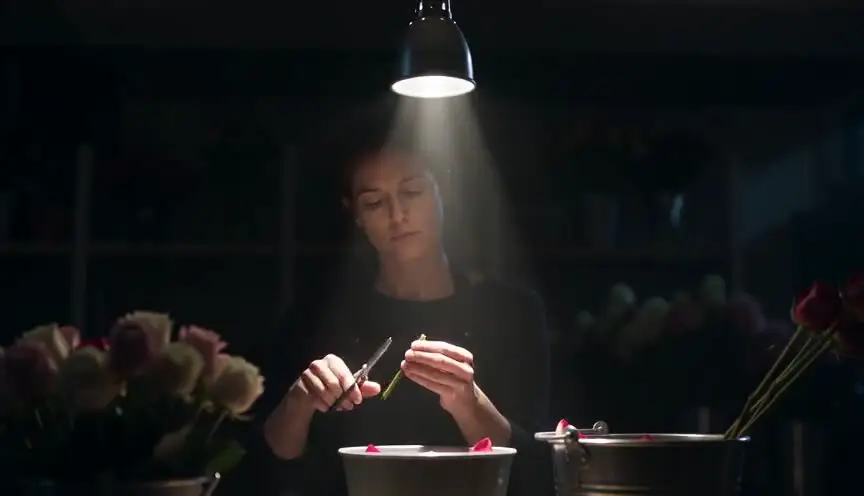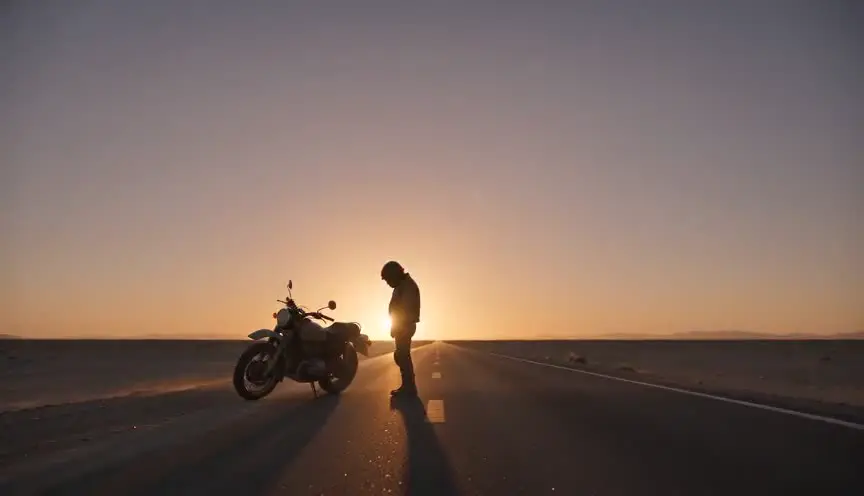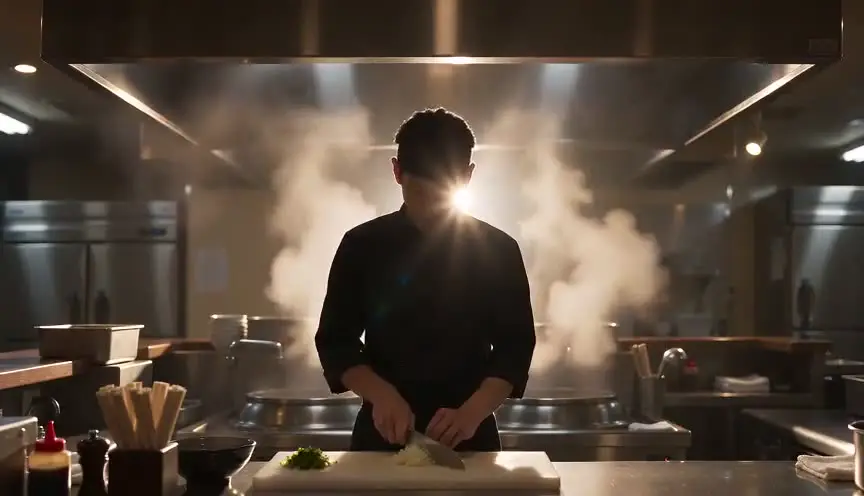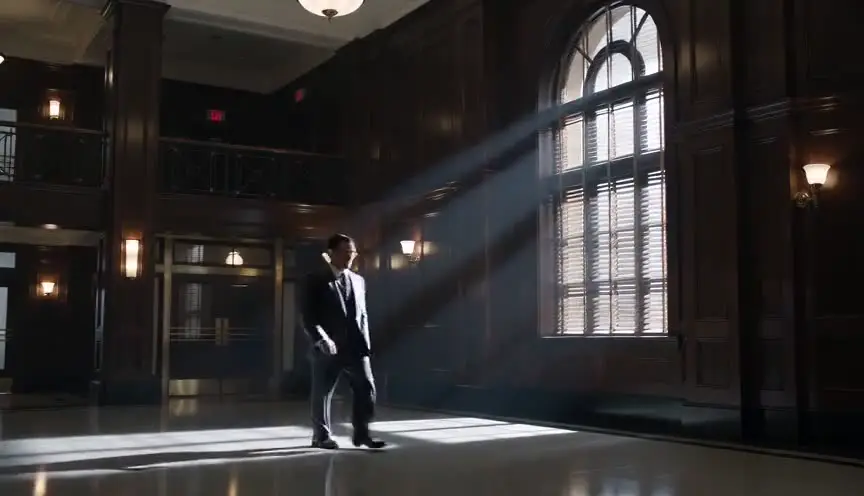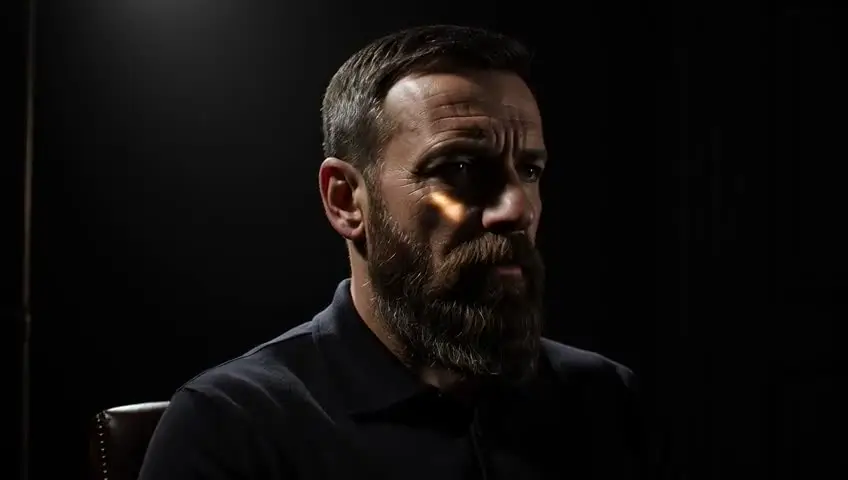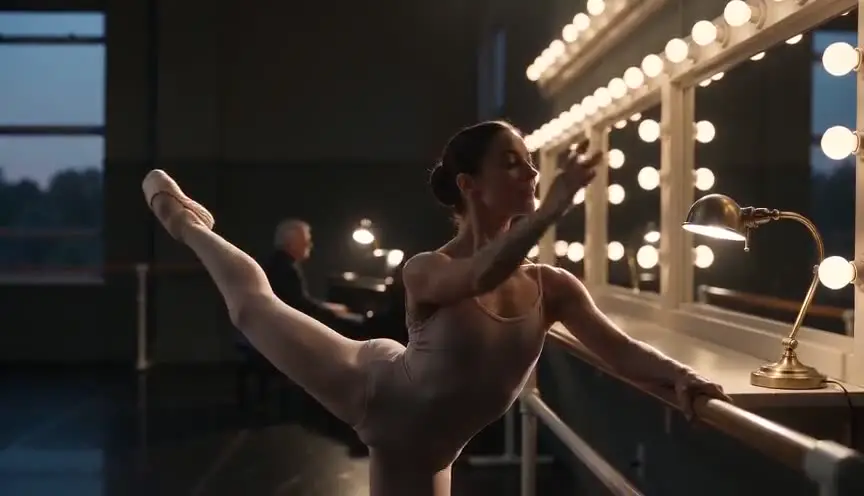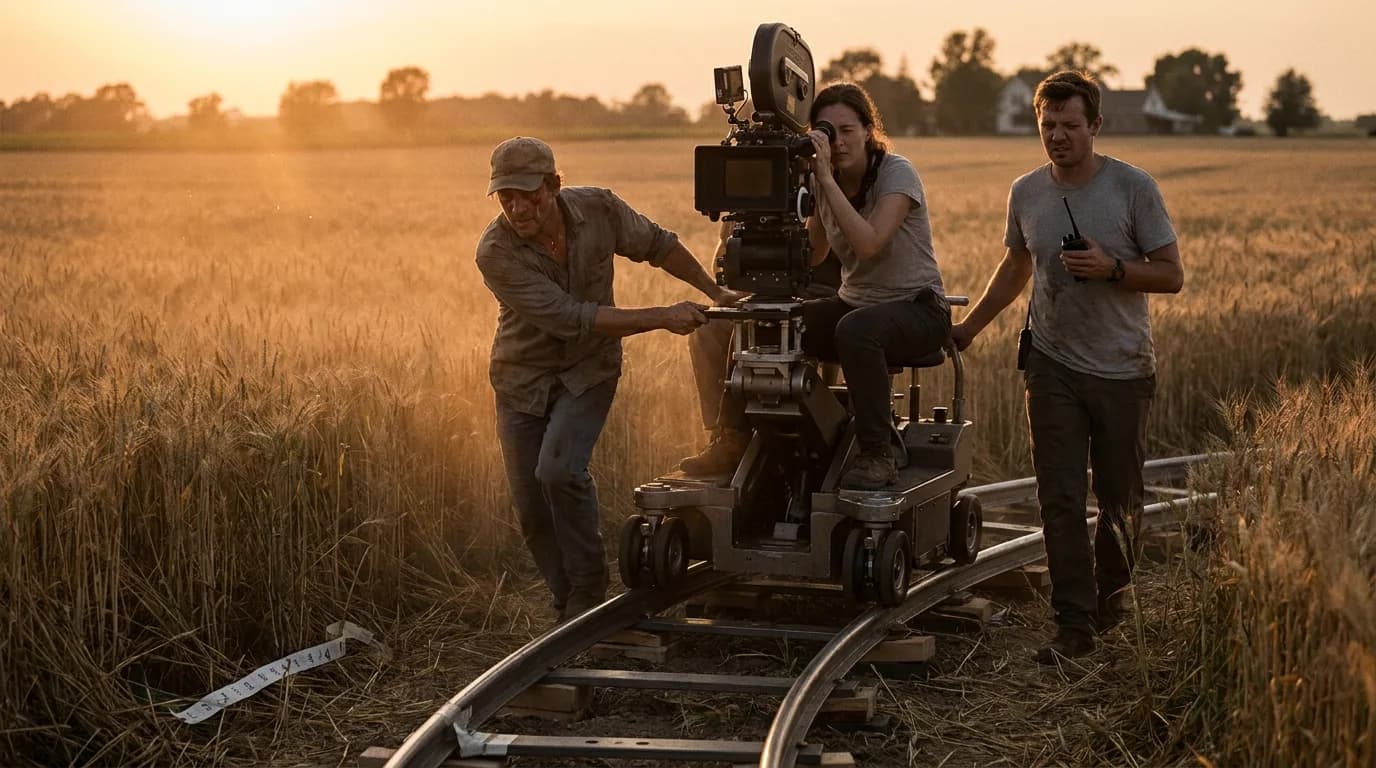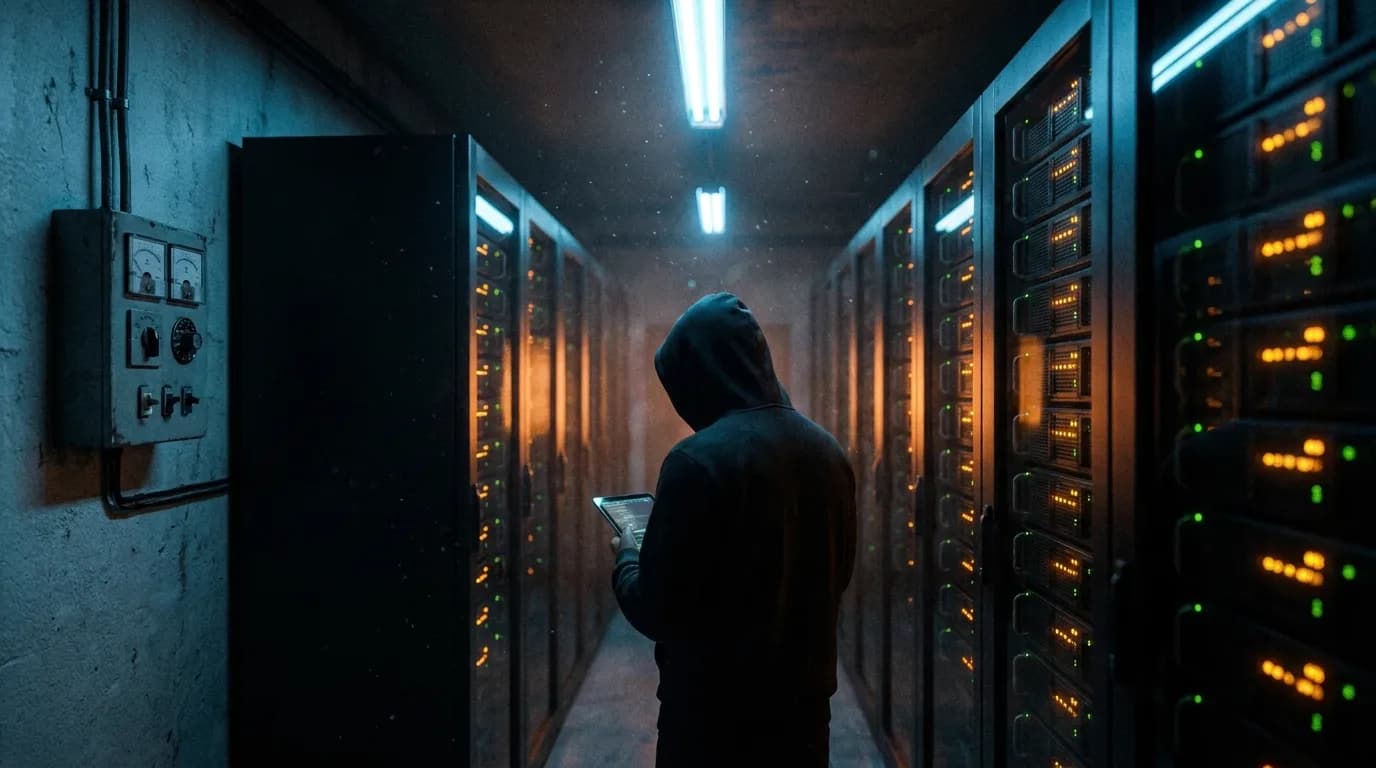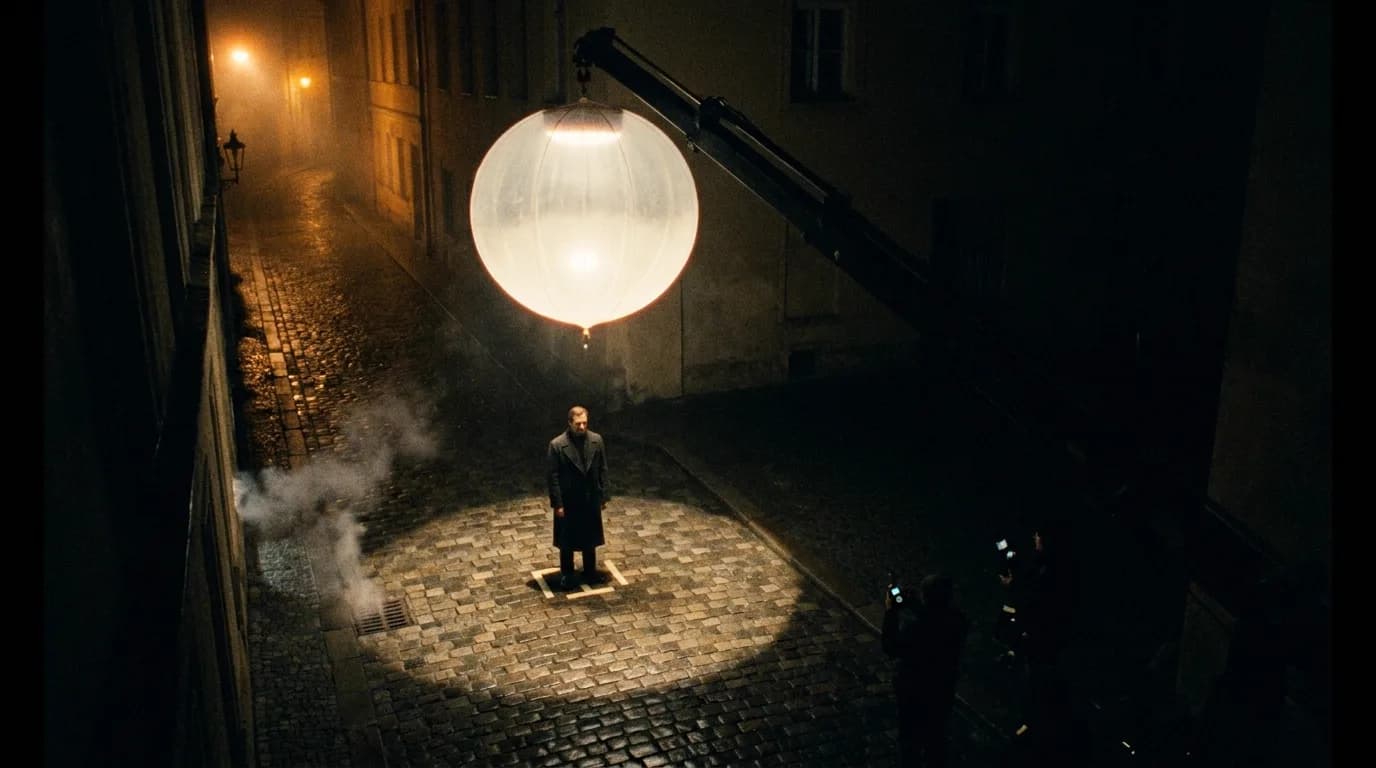

A lighting prompt works when it names a source, says where that source sits, says whether its light is hard or soft, and says what stays dark. "Cinematic lighting" gives the model nothing to do. "A single hard lamp overhead, the background falling into black" gives it a picture. Style names like chiaroscuro or golden hour help most when you add that physical description underneath them.
This page is part of our director's guide to cinematic prompts, which covers how a full shot prompt is built. This one is only about light.
Why "cinematic lighting" does nothing
Video models learned from footage where light was a decision. Someone placed a lamp, chose a window, waited for the sun to drop. When a prompt doesn't make that decision, the model falls back on the safest answer: soft, even, front-ish light with a bit of everything visible. That is the stock-footage look, and it's the main reason AI clips feel flat even when the subject and camera work are good.
Google's video generation prompt guide for Veo files lighting under visual style, next to tone, artistic style and ambiance. None of its examples say "beautiful lighting." They name a source ("warm glow of a fireplace", "harsh fluorescent office lighting"), a classic setup ("rembrandt lighting on a portrait") or an effect with its cause ("volumetric lighting creating visible light rays", "backlighting to create a silhouette").
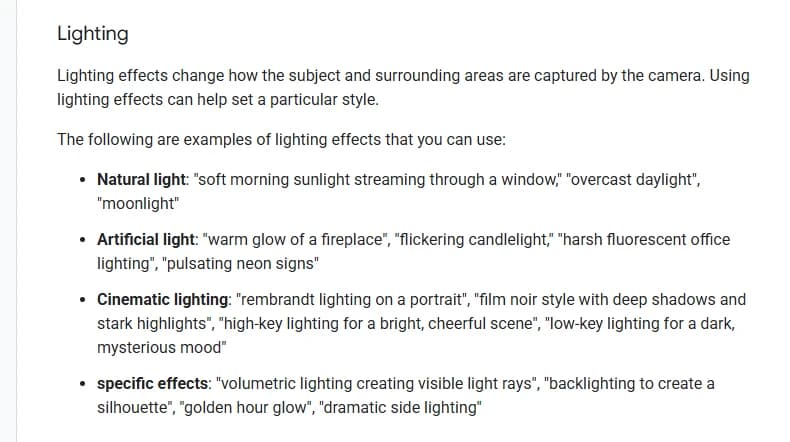
Lighting section of Google's video generation prompt guide for Veo, captured 7 October 2026. The page was last updated 6 October 2026.
Kling's published prompt formula puts lighting in a bracket of optional extras at the end, together with camera language and atmosphere. Optional for the model means easy to drop. If light matters to the shot, it needs more than one adjective, and it should sit early enough in the prompt that the model reads it before it has committed to everything else.
The four-part light sentence
A lighting prompt worth keeping answers four questions, and they fit in one sentence.
- What makes the light? A window, a desk lamp, a neon sign, the low sun, a fire. Naming a physical source is the strongest single edit you can make.
- Where is it? From the side, from above, behind the subject, from below. Direction is what creates shape on a face.
- Is it hard or soft? Hard light gives crisp shadow edges (bare bulb, direct sun). Soft light wraps and fades (overcast sky, a lamp through a shade, a window with sheer curtains).
- What stays dark, and how dark? This is the part people forget, and it's the part that makes chiaroscuro, low-key and noir work at all.
Put together: "A single hard light from an overhead work lamp falls on her face and hands, the rest of the room collapsing into near black." Source, direction, quality, falloff. Color and temperature are a fifth layer you add when it matters: warm tungsten, cool moonlight, a sodium streetlamp's orange.
Reference table: lighting styles that read in a prompt
The left column is the name a cinematographer would use. The right three columns are what matter in practice: how to write it, what usually goes wrong, and the first fix to try.
| Style | Write it like this | Common failure | First fix |
|---|---|---|---|
| Chiaroscuro | "One hard light from the side and slightly above, the background collapsing into near total black" | Dark image with no shape | Say which faces, hands or objects the light must reveal |
| Low-key | "Low-key lighting, a single warm sidelight on one half of his face, everything else in deep shadow" | Muddy grey instead of black | Ask for strong highlights next to real darkness, not just "dark" |
| High-key | "High-key lighting, bright and almost shadowless, white walls, soft light everywhere" | Flat, plastic faces | Keep a gentle direction on the key: "soft window light from the left" |
| Rembrandt | "Single hard light high and to one side, a small bright triangle of light on the shadowed cheek" | Triangle opens into flat front light | Describe the triangle and the high, three-quarter source |
| Split lighting | "Light from directly at her side, exactly half of her face lit, the other half in shadow" | Becomes a generic side light with fill | Say "no fill" and "exactly half" |
| Silhouette / backlight | "Strong backlight behind him, his figure dark against the bright window, a thin rim on his shoulders" | Face half-lit, no silhouette | Put the source in the frame and say the subject stays dark |
| Rim light | "A thin bright rim of light tracing her hair and shoulders, separating her from the dark background" | Halo glow over everything | Name the source behind the subject and keep the front dark |
| Motivated light | "Lit only by the desk lamp beside her, warm on the near side of her face, soft falloff beyond it" | Lamp on screen, light from elsewhere | Tie direction to the visible source in the same sentence |
| Practicals | "The room lit only by two table lamps and the glow of a TV" | Blown-out white bulbs | Ask for "dim" or "low glow" practicals |
| Golden hour | "Low sun just above the horizon behind them, warm amber backlight, long shadows across the road" | Orange filter on midday light | Ask for the low angle and long shadows, not only the color |
| Blue hour | "Deep blue twilight sky, no direct sun, warm windows glowing in the buildings" | Plain night or plain dusk | Add a warm practical so the blue has something to sit against |
| Overcast | "Flat soft overcast daylight, no hard shadows, muted colors" | Gloomy and grey for no reason | Pair it with a mood line so the softness reads as a choice |
| Neon / mixed color | "Hot pink neon from the left, cool cyan tube light from the right, the colors meeting on her cheek" | Rainbow cyberpunk soup | Limit it to two named colors from two named sources |
| Volumetric | "Shafts of sunlight through the slatted roof, cutting through dusty air" | Beams painted on a clean room | Give the air something: dust, smoke, steam, fog |
| Candle / firelight | "Lit only by a flickering candle on the table, warm light on their faces, the room behind them black" | Room lit evenly like daylight | Keep the key low and close to the flame, say what stays black |
| Fluorescent | "Harsh flickering fluorescent tubes overhead, greenish cold light, hard top shadows" | Clean office lighting | Add the flicker and the green tint, they carry the mood |
Most rows have a matching page in our film techniques library for lighting: 38 lighting techniques, each with a 4-second demo clip, the shot-list line, the common mistakes on a real set, and the exact prompt that rendered the clip.
Chiaroscuro and low-key: the darkness is the instruction
Chiaroscuro is easy to ask for and hard to get. The prompt says "chiaroscuro lighting," the model returns a moody but evenly lit room, and the shadows are a little deeper than usual. What went missing is the black.
Models are reluctant to throw away half the frame. You have to give them permission, explicitly, and give the light a job. Here's the prompt behind the chiaroscuro demo clip in our technique library. It was rendered with Seedance 2.0 Mini:
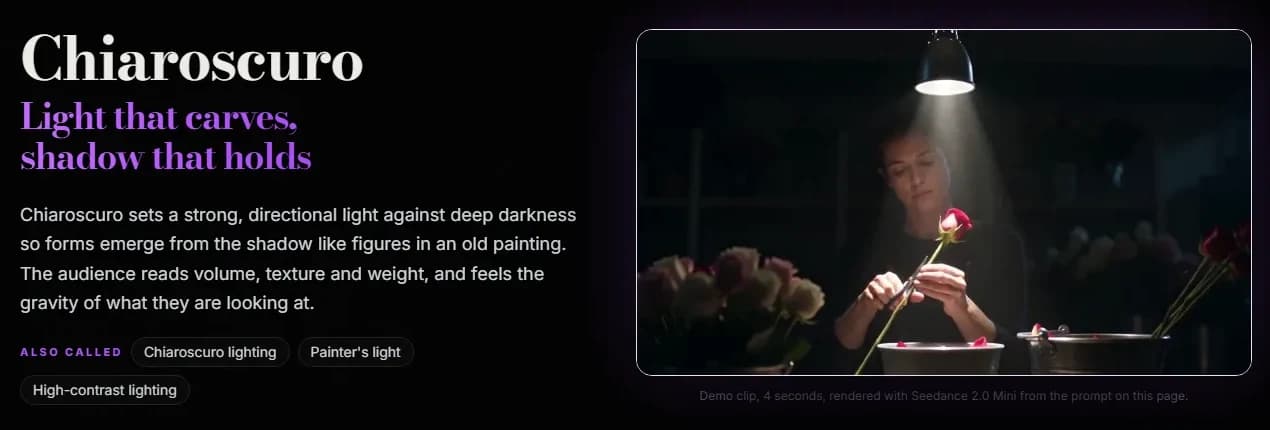
The chiaroscuro page in ScreenWeaver's film techniques library, captured 7 October 2026. The demo clip is 4 seconds, rendered with Seedance 2.0 Mini.
"A single hard shaft of light" fixes one source and its quality. "One side of her face and one hand fully lit" says what the light must reveal. "The entire background collapsing into near total black" is the falloff, stated as a fact about the image rather than a mood.
Low-key follows the same logic with less painterly ambition. The usual failure is mud: the whole frame drops a stop and turns noisy grey. Real low-key is contrast, bright highlights sitting right next to deep shadow. If you write "dark," you get underexposure. If you write "a single warm sidelight on one half of her face, everything else in deep shadow," you get a shape. And keep a sliver of light in the eyes for any shot where the performance matters, or the audience loses the character.
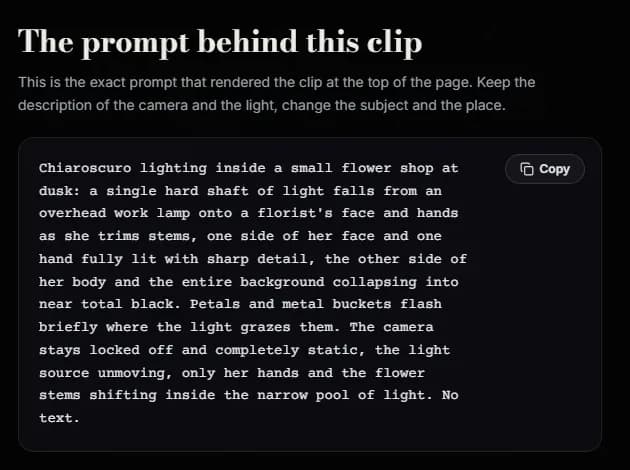
The exact prompt that rendered the chiaroscuro demo clip, from the same page, captured 7 October 2026.
Portrait patterns: describe the shape, not just the name
Rembrandt, loop, split, butterfly, short and broad lighting are names for where the key light sits relative to a face. Google's guide uses "rembrandt lighting on a portrait" as an example, so at least one model family is documented as knowing the term. Even so, the name alone is a gamble, because "Rembrandt" in training data also means paintings, museum shots and brown varnish.
The safer move is to write the name and then the shape it produces:
| Pattern | Write the name, then this |
|---|---|
| Rembrandt | "a single hard light high and to one side, a small bright triangle of light on the shadowed cheek, just under the eye" |
| Split | "light from directly beside him, exactly half of his face lit, the other half in shadow, no fill" |
| Butterfly | "a soft light high and directly in front of her, a small butterfly-shaped shadow under her nose" |
| Loop | "key light slightly above and to the side, a small shadow from the nose falling toward the corner of the mouth" |
Our Rembrandt demo prompt, for reference, reads in part: "a single hard light placed high and to one side. The lit side of his face is bright; the far side is in deep shadow except for a small, clearly visible bright triangle of light on the shadowed cheek." The name opens the prompt. The description underneath carries it.
Try it free
Try Screenweaver for free on your script
It is free. Import your existing project, get a clearer view of your outline, and regain control of your story structure in minutes.
Start FreeGolden hour and blue hour: angle before color
Golden hour is not an orange filter. It's the sun low on the horizon, light arriving almost horizontally, long shadows, warm backlight on hair and dust. The color is a side effect of the angle. A prompt that only asks for "golden hour" can come back with the color on a midday composition: short shadows, high sun, everything tinted amber.
Write the geometry. "Low sun sitting just above the horizon behind them, warm amber backlight, a long stretched shadow across the asphalt" is from our golden hour demo prompt, and every clause is about angle or shadow. If faces matter, put the sun behind or at three-quarter back. Low sun straight into an actor's face makes them squint and flattens them.
Blue hour has the opposite problem. "Blue hour" alone tends to come back as plain dusk or plain night. The look depends on a contrast: the deep blue sky against warm practicals, windows, a lighthouse lamp, a shop sign. Name one warm source in the frame and the blue has something to sit against.
Motivated light, practicals and mixed color
Motivated light means every light in the frame has a reason: the lamp, the window, the fire. It is the most useful idea on this page for AI video, because it hands the model a cause and an effect in one sentence. "Lit only by the desk lamp beside her" tells the model where the source is, what color it probably is, how fast it falls off, and what should be dark.
Direction has to match the source you named: if the lamp is on her left, the light sits on the left side of her face. And a small source can't light a whole room evenly. A candle lights faces at the table, not the far wall.
Mixed color works the same way, just with two causes. Our neon demo prompt puts "hot pink from a neon sign glowing through the window" on one side of a face and "cool cyan from a tube light above the pie case" on the other, "the two colors meeting in a hard line down her cheek." Two named colors, two named sources, one place where they meet. Ask for "neon lighting" without sources and you tend to get a cyberpunk rainbow on every surface.
Volumetric light needs something in the air
Visible light rays are light scattering off particles. No dust, no smoke, no fog, no beams. In a prompt, that means "volumetric light" should always come with its medium: "shafts of sunlight through the carved wooden screen, cutting through hazy air thick with fine dust." Google's own example is careful here too: "volumetric lighting creating visible light rays" describes an effect with its result. Give the model the haze and the beams make physical sense.
Image-to-video: the start frame already chose the light
When you animate a still, the light is mostly decided before you write a word. The start frame fixes the source, the direction and the contrast. Re-describing it in the motion prompt adds little, and asking for a different light than the image shows tends to produce a clip that drifts between the two.
So in image-to-video, use the prompt for what light does over time:
- A flicker: "the candle flame gutters, light wavering on her face."
- A change: "a cloud passes over the sun, the room dims, then brightens again."
- A move through light: "she steps out of the shadow into the window light."
- A practical switching on: "he pulls the lamp chain, warm light fills the corner."
If you want a different light, change the start frame. Regenerate the still with the light you want, then animate it.
Keeping light consistent across clips
A scene is a dozen clips, and each one is a fresh roll of the dice. The light that changes between them is the giveaway that a sequence was generated rather than shot: a window on the left in the wide, on the right in the close-up; warm dusk in one clip, flat afternoon in the next.
The fix is boring and it works. Write one light sentence per scene and paste it, word for word, into every prompt in that scene. Keep the source on the same side of frame across the coverage. Decide the time of day once, in the slugline, and don't let the prompts improvise it. When a character switches off a lamp or closes a curtain, change the light sentence from that clip onward, and only then. Our guide to keeping AI characters consistent across clips applies the same idea to faces and costumes.
This is also where screenplays help. The slugline already says DAY or NIGHT, the action lines mention the window and the lamp. ScreenWeaver breaks a scene into shots from the script itself, so a source you place in the action lines can travel into every shot of the scene instead of being reinvented per clip.
Lighting prompt checklist
Run this before you spend credits on a shot:
- One named source (or two for mixed color), not "cinematic lighting."
- A direction for the key: side, above, behind, below, three-quarter.
- Hard or soft, stated.
- What stays dark, and how dark.
- A color or temperature only if it matters, tied to its source.
- For golden hour, the low angle and long shadows, not only the color.
- For volumetric light, the haze, dust or smoke that makes the rays visible.
- Eyes still readable if the performance matters.
- The light sentence near the front of the prompt, not after a paragraph of costume.
- The same light sentence across every clip of the scene.
- In image-to-video, the prompt describes light changing, not the light already in the frame.
If you'd rather build the rest of the prompt from menus, our AI video prompt generator has a lighting field with twelve presets, from golden hour sunlight to cold fluorescent light, and assembles them with shot, camera and lens choices. The camera side of the same prompt is covered in our page on camera movement prompts.
FAQ
What are the best lighting prompts for AI video?
The ones that name a source, a direction, a quality and what stays dark. "Lit only by a desk lamp on her left, hard light, the room behind her in shadow" beats any list of adjectives. Style names such as chiaroscuro, Rembrandt or golden hour help, but add the physical description underneath them.
Why does my AI video look flat even when I ask for cinematic lighting?
Because "cinematic lighting" doesn't describe a setup, so the model falls back on soft, even light where everything is visible. Name one source, put it to the side or behind the subject, and say what falls into shadow. Falloff is the part that creates depth.
Do AI video models understand terms like Rembrandt or chiaroscuro?
Google's Veo prompt guide lists "rembrandt lighting on a portrait" and "film noir style with deep shadows and stark highlights" as examples, so the vocabulary is documented for at least that model family. The terms are still ambiguous in training data (Rembrandt also means paintings), so pair the name with the shape it produces, such as the small triangle of light on the shadowed cheek.
How do I get real golden hour light instead of an orange tint?
Describe the geometry: a low sun just above the horizon, light coming from behind or from the side, long shadows across the ground, warm backlight on hair and dust. The color follows from the angle. Asking only for golden hour can give you amber tones on a midday composition.
How do I keep lighting consistent between AI video clips?
Write one light sentence per scene and reuse it word for word in every clip, keep the main source on the same side of the frame across the coverage, and fix the time of day in the slugline. In image-to-video, generate your start frames with matching light first, because the still decides the light more than the prompt does.
Should I describe lighting in an image-to-video prompt?
Only when the light changes during the clip: a flicker, a cloud passing, a character stepping into a beam, a lamp switched on. The start frame already sets the source and contrast. If you want different light, regenerate the still instead of fighting it in the motion prompt.
Final Step
Build your next script with Screenweaver
Move from ideas to production-ready pages faster with timeline-native writing and AI-assisted story flow.
Try Screenweaver