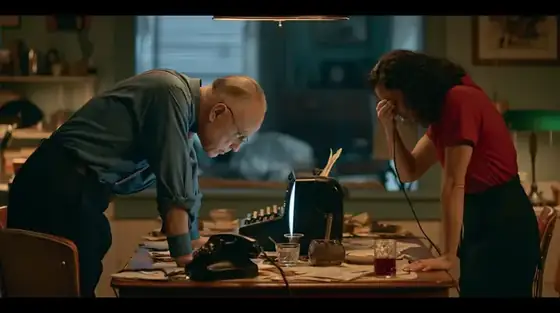
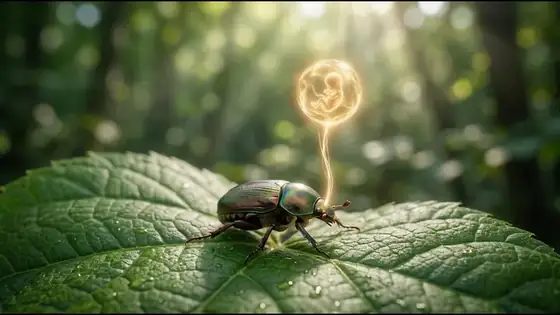
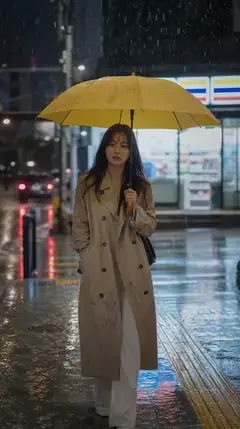
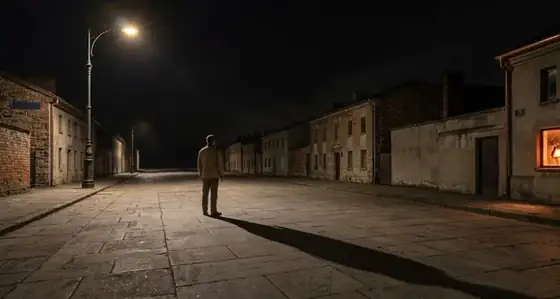
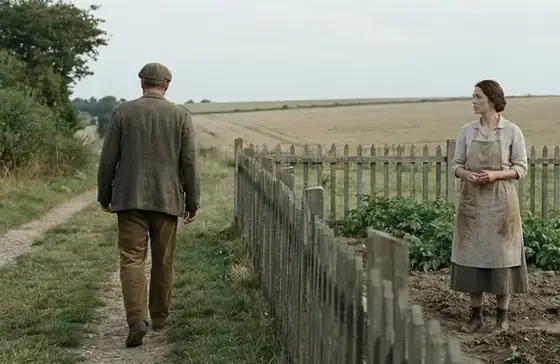
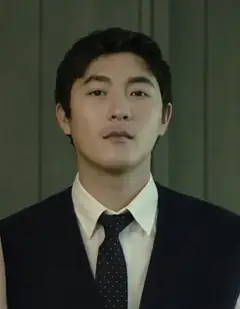
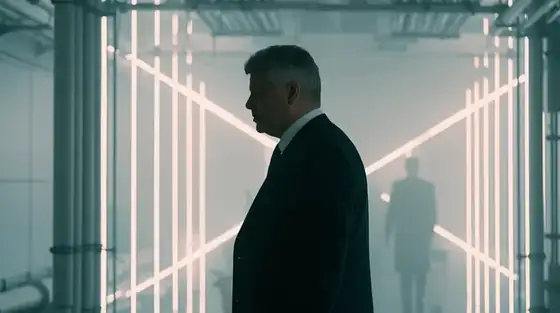
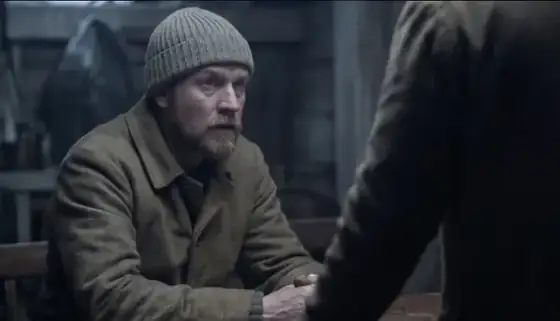
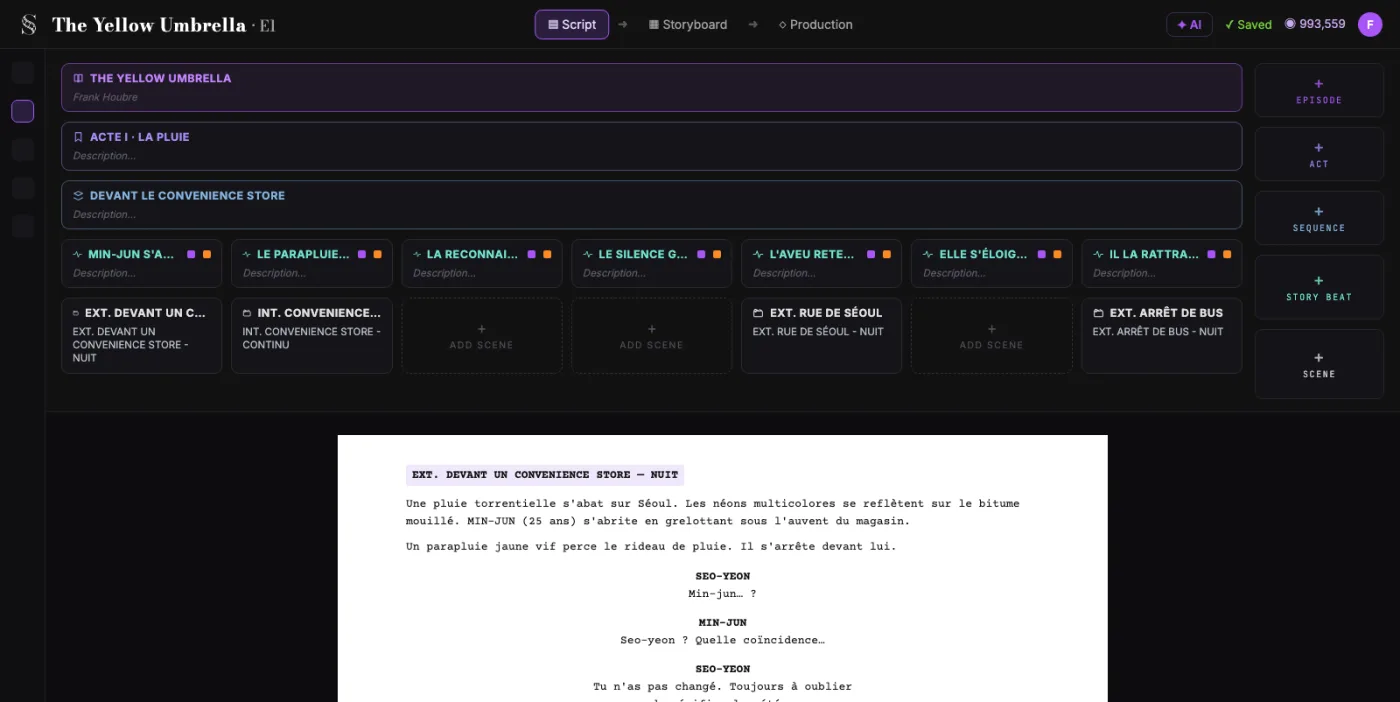
ScreenWeaver breaks your screenplay into shots and generates a frame for each one, with your characters and locations. Every frame stays linked to the scene it comes from.
Most tools start from a blank panel. This one starts from your script.
Board-first tools
You fill empty panels, then copy the script into them by hand.
Video-first tools
You start from a prompt. The clips don't know which scene they belong to.
ScreenWeaver, script-first
You start from the screenplay. The shots and the frames come out of it, scene by scene.
A real production
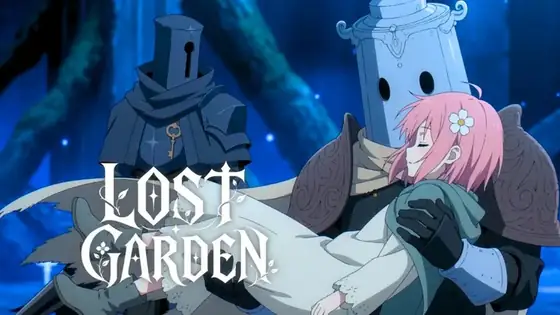
Lost Garden: from the page to the final shot.
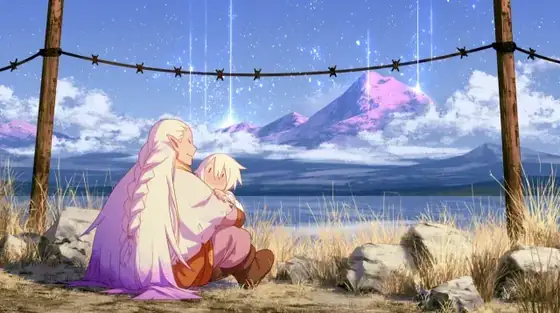
Not a quick demo clip. This is the Source Tree scene of Lost Garden, episode 1, the animated series made by the ScreenWeaver team with Seedance. Read the screenplay page, then follow each shot from its storyboard frame to the final image.
Logline. A small knight wakes up in a dead world and learns he is the last guardian of a seed that could bring the garden back.
Screenplay · episode 1 · the Source Tree
INT. HEART OF THE ROOTS - NIGHT
Living roots coil around LANTERN and pin him down. A voice stops them.
THE SOURCE TREE
Stop. He is my guest.
A giant woman of roots and white lilies opens her arms over the cavern.
Her eyes open. Blue, and vast.
THE SOURCE TREE
Welcome to you, Lantern Knight.
She lifts him in her palm, like a lamp.
THE SOURCE TREE
Do not be afraid. I will not harm you.
In the dark, a seed of light opens. Inside the flower, a sleeping child.
THE SOURCE TREE
You must find yours. Protect her.
CUT TO:
Storyboard frame
Final shot
01Medium shot · the trap
02Wide shot · the Source Tree
03Extreme close-up · the eyes
04High angle · the palm
05Close-up · the touch
06Insert · the seed
Lost Garden, episode 1 runs 17 minutes. The player opens on the Source Tree scene, about 7 minutes 35 seconds in.
How it works
From page to panel in three steps.
Storyboard sketchPrevisualization
Script to storyboard
What happens to your screenplay.
Bring the script you already have, or write it here. The generator reads it scene by scene, along with the scenes around it, and turns it into a shot list with a frame for every shot.
What you bring
A screenplay written in the free editor
Or a script you already have: a Final Draft (.fdx) file or a WriterDuet JSON export, imported through the assistant
If you like, a shooting plan for the scene, in plain words
What the generator decides
Shot size, from extreme close-up to establishing shot, plus over-the-shoulder, POV and insert
Camera movement: static, pan, tilt, dolly, truck, pedestal, crane, handheld, steadicam, whip pan or zoom
Duration of every shot, and the action it shows
Continuity: coverage that respects the 180-degree rule, shots that pick up from the previous one, and the sheets of every character, place and object in frame
What you get
A shot list for every scene, in a sequencer where you reorder and retime shots
A frame for every shot, in the project's aspect ratio: 16:9, 9:16, 2.39:1, 4:3 or 3:4
A playable cut of the storyboard, each shot held for its duration
A straight path to video: on Auteur and Studio, the frames feed the production pipelines
Shot breakdown · S1 to S8
Shot control
The AI drafts. You direct every shot.
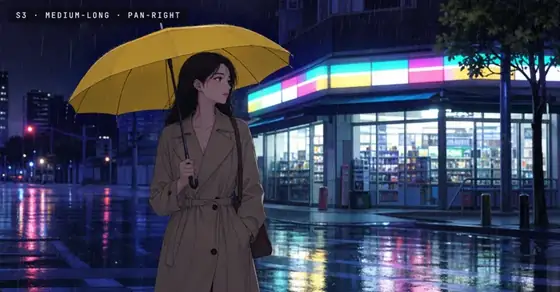
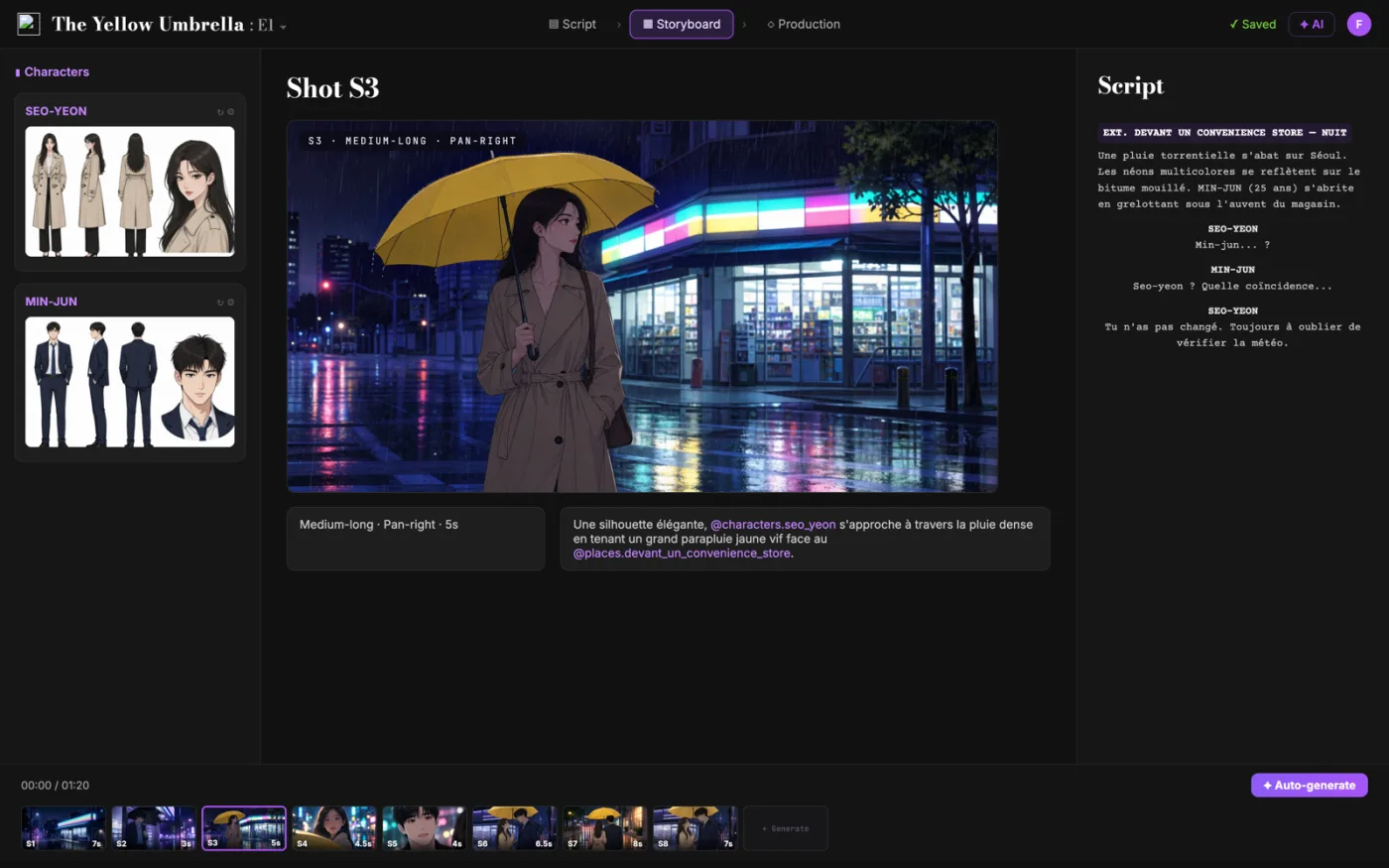
Each shot comes with its own settings, and every one of them is yours to change: framing, angle, movement and duration.
Framing
Medium-long
Angle
Low angle
Movement
Pan right
Duration
5 s
Continuity
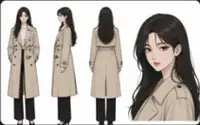
One character sheet. The same face in every shot.
Characters, locations and references carry from shot to shot. Seo-yeon looks like Seo-yeon, in the wide shot and in the close-up.
Character sheets feed every frame they appear in
Locations and references stay the same across the scene
Frames stay linked to their scenes and beats
Character sheetSeo-yeon
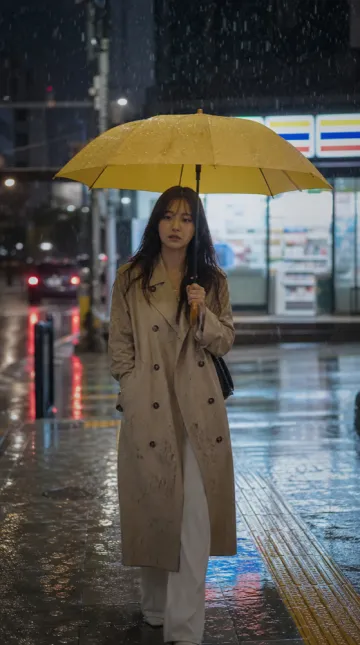
Shot S3
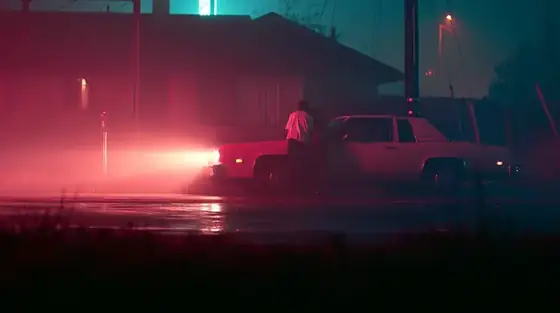
Shot S4
Every format
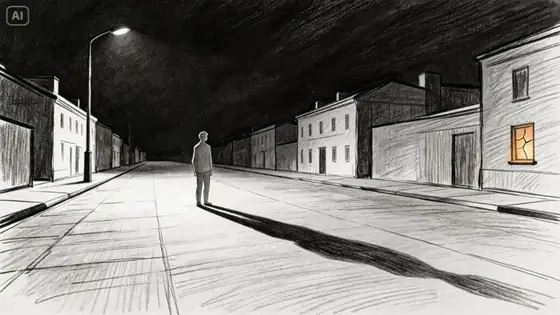
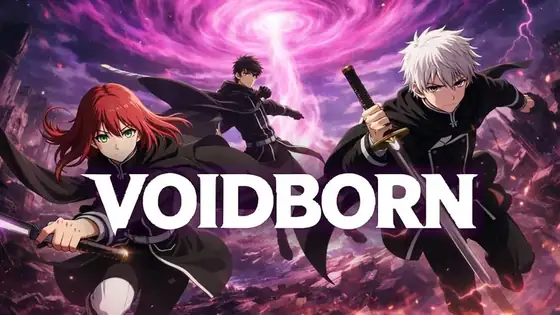
Storyboards for ads, fights, anime and vertical dramas.
A tool that turns text into storyboard frames. In ScreenWeaver, that text is your screenplay: scenes, action and characters become shots you can review and adjust.
How do I turn a script into a storyboard?
Write or import your screenplay, then open the storyboard. For each scene, the generator writes the shot list, then makes a frame for every shot, linked to the scene it comes from. Give it a shooting plan in plain words, or leave it empty for standard coverage.
Is the AI storyboard generator free?
Writing is. The Screenwriter plan costs $0, is free forever and includes PDF and Final Draft export. Storyboard generation comes with the Auteur plan at $39.99 a month, with 6,000 credits a month, and the Studio plan at $149.99 a month adds 25,000 credits and real-time collaboration. You can write and structure the whole film for free, and pay only when you want the frames.
Can I storyboard a script I already wrote?
Yes. Import a Final Draft (.fdx) file or a WriterDuet JSON export through the assistant, and the scenes, characters and dialogue land in the editor, ready to break down. You can also write the script directly in ScreenWeaver.
What does the generator decide for each shot?
The shot size (extreme close-up to establishing shot, plus over-the-shoulder, POV and insert), the camera movement (static, pan, tilt, dolly, crane, handheld, steadicam, zoom and more), the duration and the action. It reads each scene with the ones around it, keeps coverage on the right side of the 180-degree line, and can make a shot pick up where the previous one left off.
Can I change the framing and camera movement of a shot?
Yes. Shot size, camera movement and duration are fields you can change on every shot. The frame itself can be regenerated, edited with a prompt, cropped or moved to a new camera angle. The AI drafts, the decisions stay yours.
Do characters look the same from shot to shot?
Yes, that is what reference sheets are for. Every character, place and object gets a sheet, and each shot calls the sheets of what is in frame. A frame does not generate until the sheets it needs exist, so the face in the close-up is the face in the wide shot.
Which visual style do the storyboard frames use?
One clean style, on purpose: a grey 3D blocking pass, like an animation layout. It shows framing, staging and scale without a debate about color or texture. Your art direction (anime, photoreal, 3D) comes in at production, from the same shots.
Can I storyboard in vertical 9:16 or in scope?
Yes. Each project has its own aspect ratio: 16:9, 9:16, 2.39:1, 4:3 or 3:4. Every storyboard frame is generated in that shape, so a short drama is boarded vertical from the first shot.
Can I export the storyboard to PDF?
Not as a storyboard sheet yet. Today you download each frame as an image, and the screenplay itself exports to PDF and Final Draft for free. If you need a printable board to draw on, our storyboard template generator makes a PDF for free.
Can I play the storyboard like an animatic?
Yes, without sound. The sequencer plays the shots in order, each one for its own duration, so you feel the rhythm of the scene. Drag a shot to move it, or stretch it to change its length.
What is the difference with a storyboard template?
A template gives you empty panels: you still decide every shot and draw it. The generator starts from your script, proposes the shot list and fills every panel, with the same characters from start to finish. Templates are still handy on set or for drawing by hand, and ours is free.
How is ScreenWeaver different from Boords or mStudio?
Boords is board-first and mStudio is video-first. ScreenWeaver is script-first: the screenplay, the shot breakdown and the storyboard live in one project, so the pictures never drift away from the story.
Can it turn the storyboard into video?
Yes. On the Auteur and Studio plans, the storyboard frames feed the production pipelines, where the shots become video.
Does it replace a storyboard artist?
No. It speeds up early visualization, pitches and pre-production. A professional board artist still matters for final shot design.
Your script already holds the storyboard.
Write for free. Generate the frames when you're ready.