Don't just write it.Produce it.
Supported by
Frames from films directed in ScreenWeaver
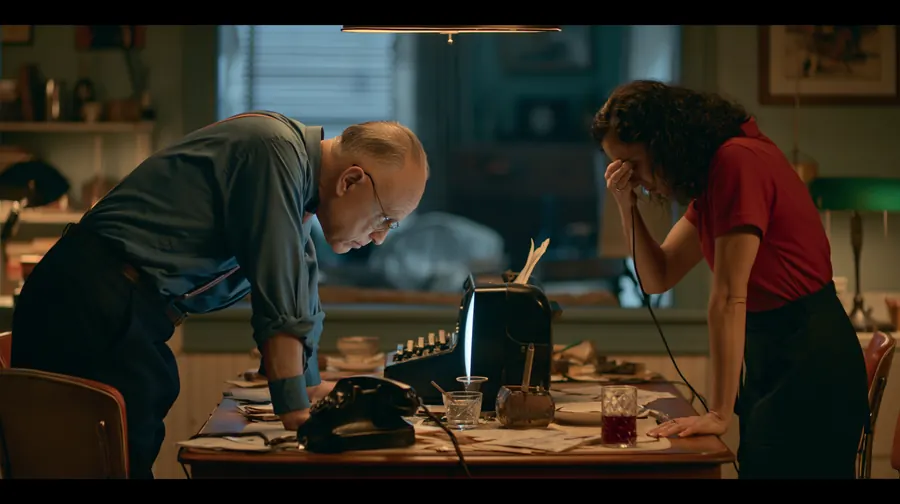
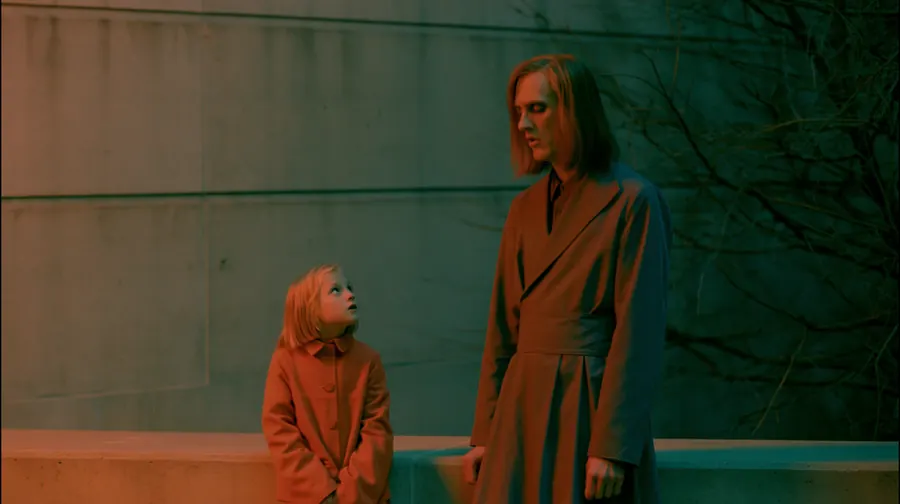
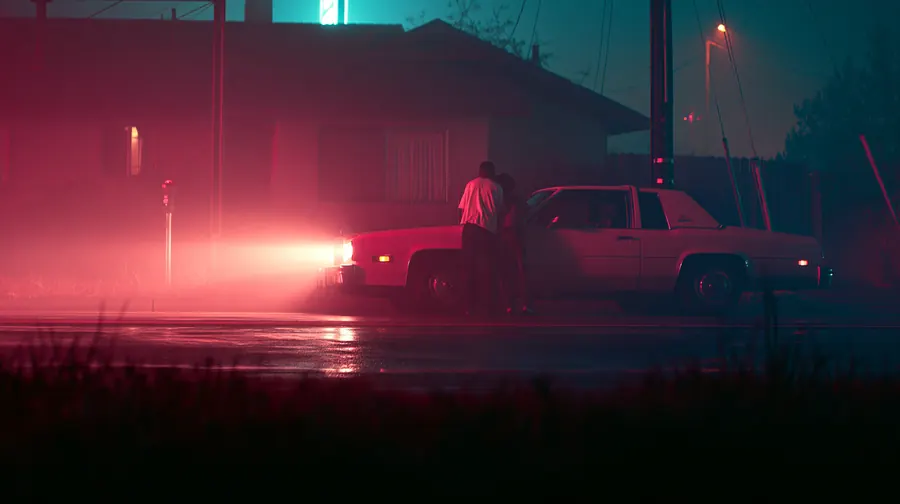

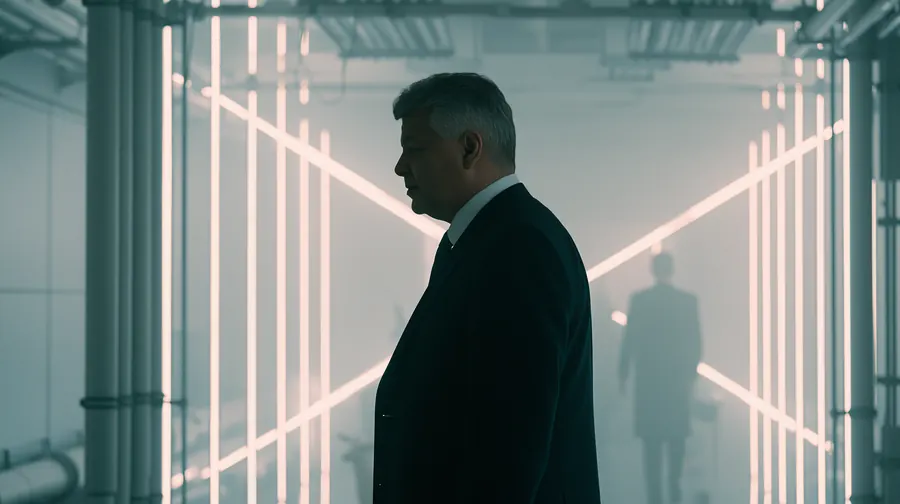
One workspace, every format
Same workflow, different film.
The pipeline you saw above runs a music video and a 3D animated scene just as well. Write the story, get the boards, ship the format you need.
Story to music video
A story becomes a track, and the visuals cut to the beat.
Storyboard to 3D
Boards become a rendered 3D scene. Same characters, same shots.
International festival-recognized films have been written and produced with ScreenWeaver.
ScreenWeaver is already being used as a creative workspace for real AI film productions, from cinematic shorts to animated series pilots selected, nominated, and awarded by international festivals.

VOIDBORN
AI animated / cinematic short
Festival recognition
1st Place Silver
Mondial Chroma Awards
2nd Place Dreamina
Mondial Chroma Awards
Award Winner
Seoul International AI Film Festival

Les Fils du Vinnana
AI short film
Festival recognition
Honorable Mention
Top Quark Film Festival
People's Choice Nominee
Illuminate Oneness of Humanity
Nominee
ALTFF Supershort

Lost Garden
AI animated series pilot
Festival recognition
Finalist
AI London Festival
Writing is not the problem. Fragmentation is.
- The outline lives in one place; the script lives in another.
- Visual references scatter across folders and chat threads.
- Storyboards drift away from the screenplay they came from.
- Continuity breaks as drafts, boards, and notes multiply.
- You rebuild the same intent again and again for every tool and every teammate.
- The film exists in pieces, never as one connected system.
ScreenWeaver is one workspace where writing, structure, visual planning, and workflows stay attached, so the script stays legible as the project grows.
Positioning
Beyond screenwriting software
Final Draft helps you write. ScreenWeaver helps you write, see, and prepare the film.
ScreenWeaver starts as a serious screenwriting environment and grows into a visual filmmaking workspace. The script remains the source of truth while storyboard, continuity, and generation workflows stay bound to the scenes they belong to.
Screenplay as the spine, formatting and structure you can trust.
Boards and frames that stay tied to sluglines and beats.
Continuity that travels with characters, places, and objects.
Workflows that inherit context instead of forcing you to restart from scratch.
A real writing room
Industry-standard formatting, outline, beats, and structure that stay visible while you work. No gimmicks. No broken flow. A serious environment for people who actually write.
Everything starts on the page. The draft stays authoritative when you move into boards and pipelines.
INT. CRISWELL'S COFFIN - NIGHT
CRISWELL sits up in his coffin, addressing the camera. CRISWELL Greetings, my friend. We are all interested in the future...
|
Script and structure in one place
Outline, beats and script stay in sync
- Industry-standard screenplay editor
- Unlimited scripts and pages
- Outline and beats stay in sync with the draft
- Characters, places, and objects connected to the script
- Export to PDF and Final Draft
- Free forever writing core
Turn scenes into storyboard
The screenplay becomes a visual spine. Generate boards linked to the exact scenes, beats, and dramatic intent they came from. Approve, revise, replace, or import your own frames at any time.
- Frames synced to sluglines and beats
- Generate and compare panels fast
- Lock approved boards when they are right
- Import your own references or renders
- Continuity-aware planning across the project
Storyboard
Panels stay tied to the scene you wrote.
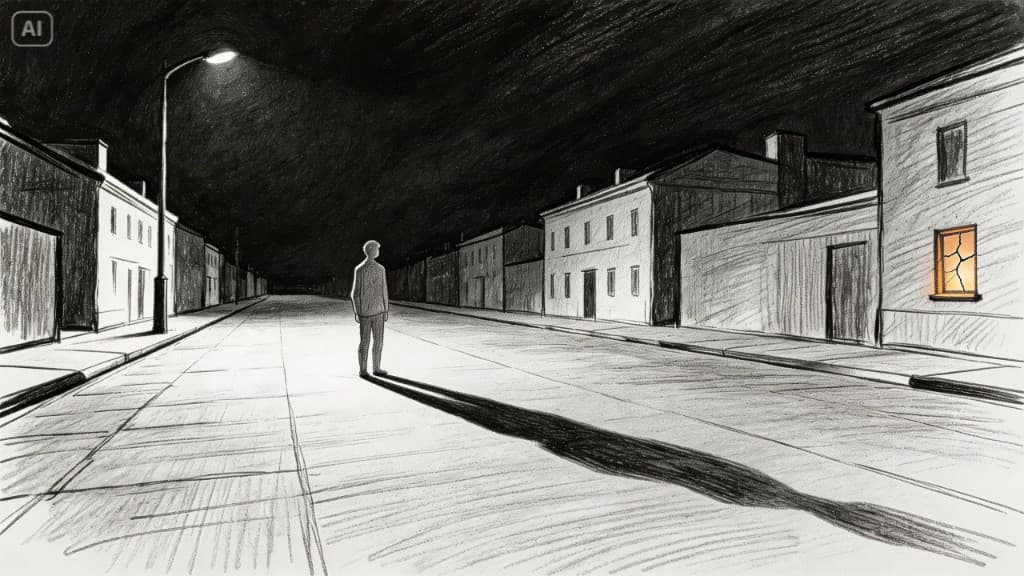 SC 1
SC 1Scenario
EXT. EMPTY STREET - NIGHT
A MAN walks alone under the streetlights.
He freezes as a light suddenly turns on in his house.
Someone is already inside.
Timeline
00:05 / 00:12
Bring your own art anytime, the script remains the map.
Explore storyboardingYour visual pipeline, already wired
Generate image and video workflows from your screenplay, storyboard, characters, locations, and project context. Start from a prepared graph instead of rebuilding prompts and logic from scratch.
Every node is editable. We remove setup friction, not creative control. Route outputs through review, versions, and iteration in one continuous flow.
- Prebuilt from script and story context
- Editable at every step, no rigid automation
- Model and provider flexibility
- Version-aware outputs and review
- Built for iteration, not one-click gimmicks
Source scene → frame direction → references → image → video → outputs
Scenario
EXT. EMPTY STREET - NIGHT
A MAN walks alone under the streetlights.
He freezes as a light suddenly turns on in his house.
Someone is already inside.
FRAME DIRECTOR
Cinematic suspense thriller film still, empty suburban street at night, a lone man walking under dim streetlights, then freezing in place as he notices a light turning on inside his house in the distance, implying someone is already inside. Cold night atmosphere, deep shadows, wet asphalt reflecting the streetlights, quiet neighborhood, subtle fog, realistic cinematic lighting, tension-filled composition, dramatic framing, ultra detailed, photorealistic, 35mm cinematic lens, eerie mood, high-end film photography.
CHARACTER @Jean
IMAGE GENERATION
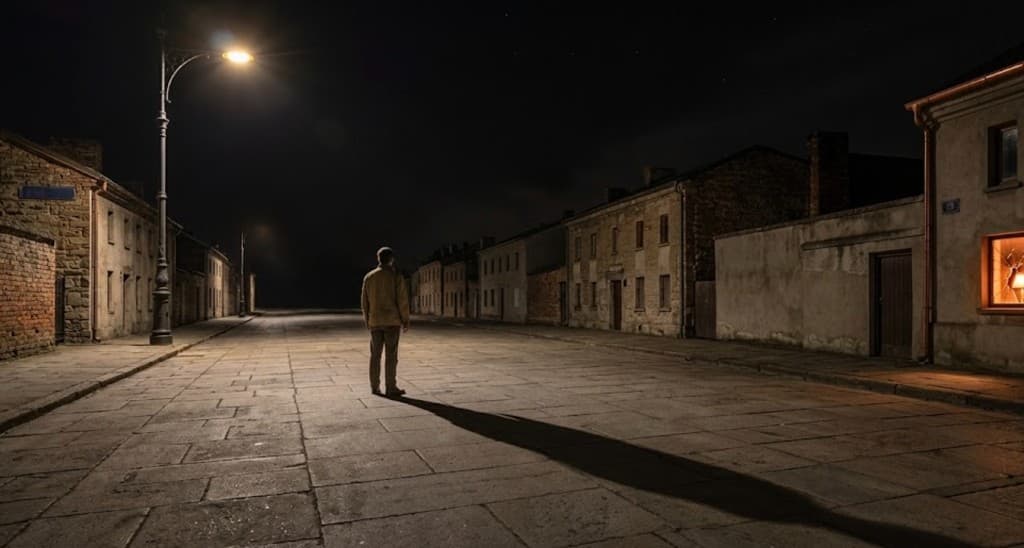
VIDEO DIRECTOR
Wide shot, night. A man stands completely still in the center of a dark, deserted cobblestone street, illuminated by a flickering streetlamp that stretches his long shadow across the ground. A warm, flickering light emanates from a window with broken glass on the right. Silent and mysterious atmosphere. Slow camera zoom in on the man, with light rolling fog on the ground.
VIDEO GENERATION
Script context flows into nodes; prompts stay attached to the scene. Adapt the graph to your process, change models, swap steps, branch variants.
A real screenwriting tool. Free.
ScreenWeaver is not a trial disguised as a writing app. The writing environment is genuinely free: unlimited projects, unlimited pages, industry-standard screenplay formatting, and export to PDF and Final Draft. Pay only when you want advanced AI, storyboard generation, or production workflows.
Start writing at no cost. Grow into storyboard and visual production only when you need it.
Free includes
- Unlimited projects
- Unlimited pages
- Screenplay editor
- Outline and beats
- PDF export
- Final Draft export
The script stays in charge.
Unlike fragmented AI workflows, ScreenWeaver keeps the screenplay as the source of truth. Storyboard, continuity, and generation tools extend from the script instead of replacing it.
- Words remain authoritative, the draft is not a prompt dump.
- Visuals stay tied to story structure, sluglines, beats, intent.
- Continuity lives with the project bible, faces, places, objects.
- AI supports decisions, not authorship.
- Built for serious creators, not toy prompting.
One coherent world bible
As projects grow, inconsistency gets expensive. ScreenWeaver tracks the people, places, and objects that define the story so the screenplay, storyboard, and workflow outputs do not drift apart.
Characters
Motivations, arcs, and visual references follow the cast through the script and into generation, so faces and wardrobe stay consistent from draft to frame.
Places
Locations carry look, layout, and mood from writing to boards to visuals, so environments read as the same world in every scene.
Objects
Key props and details stay tracked across scenes, so story, storyboard, and renders reference the same physical reality.

MATT
Notes, images, links, audio
While you write
INT. CABIN - NIGHT
MATT ●
Continuity: face ref · wardrobe note
Independents
Studio-level clarity for independent creators
ScreenWeaver gives solo filmmakers and small teams a connected system for writing, visual planning, continuity, and generation, without a giant crew or a scattered stack of tools.
Fewer handoffs: structure, script, boards, and notes stay in one environment.
Less drift: everyone works from the same screenplay spine and visual language.
Faster previsualization: see the film before you commit to expensive execution.
Coherent collaboration: writers, directors, and producers align on the same artifact.
More creative control: tools support decisions, they do not replace authorship.
You do not need a studio machine to think in film language. You need a workspace that keeps the story whole.
Start freeOne script. One shared visual language.
When writers, directors, producers, or collaborators touch the same project, drift becomes expensive. ScreenWeaver keeps structure, references, notes, boards, and intent connected in real time.
Virtual Spectator
Consider adding a visual beat here , the silence before the Stranger speaks builds tension.
Team Online
Sarah Chen
Lead Writer
Marcus Webb
Story Editor
Alex Rivera
Producer
Comments2
Love this dialogue! Maybe add a beat before the reveal?
Good call. Adding tension pause.
Install it like an app , work offline on your scripts
Add ScreenWeaver to your phone, tablet, or computer from your browser , no app store required. Keep writing without an internet connection; your work is saved locally and syncs when you're back online.
- Install as an app on your phone, tablet, or desktop
- Edit and write scripts offline , no connection required
- Changes sync automatically when you reconnect
Start as a screenwriter. Grow into a filmmaker.
The writing core stays free. Add storyboard, research, continuity, and workflows when your project is ready.
Screenwriter
A real professional writing workspace, free.
Start free- Unlimited projects
- Unlimited pages
- Screenplay editor
- Outline and beats
- PDF export
- Final Draft export
Filmmaker
For creators who want storyboard, AI research, continuity support, and visual workflows.
Grow into filmmakingDuring beta, Filmmaker features may roll out in stages, your Screenwriter workspace stays free.
- Everything in Screenwriter, plus:
- Storyboard generation
- Continuity-aware visual planning
- Documentalist / research AI
- Visual workflow engine
- Real-time collaboration
No lock-in on your words. Upgrade when the project needs more than the page.
Straight answers
Yes. The screenwriting environment is genuinely free: unlimited projects and pages, industry-standard formatting, outline and beats, and export to PDF and Final Draft. You pay when you want advanced AI, storyboard generation, and visual workflows.
For writing, it is a serious alternative: professional formatting and export to Final Draft and PDF. ScreenWeaver goes further when you need it, storyboard, continuity, and workflows stay tied to the script. Use whichever fits your process.
No. The screenplay stays central. AI assists with research, consistency, and visual iteration, you remain responsible for authorship and creative decisions.
Yes. Final Draft and PDF export are part of the free Screenwriter tier so your draft stays portable and production-ready.
Frames and panels are linked to sluglines, scenes, and beats, not floating in a separate folder. When the script moves, the visual layer stays mapped to the structure you wrote.
Yes. Import references, sketches, or renders at any time. Generated frames are a starting point, you control what ships.
Yes. Workflows are pre-wired from script context to save setup time, but every step can be changed: models, prompts, branching, and review.
You do. Scripts, story materials, and outputs you create belong to you.
Your projects are treated as private work. We do not publish or share your scripts without your permission.
Both. Solo writers get a complete writing-to-visual pipeline; small teams get real-time collaboration on the same script, structure, and boards without losing alignment.
Write freely. Build further when you are ready.
Start with a serious screenwriting workspace. Add storyboard, continuity, and visual workflows only when your project demands it.
No lock-in on your words. The script is always yours.
Get in Touch
Questions about writing workflows, storyboard, or teams? Ask us anything and we'll get back to you fast.
You can also contact us directly at hello@screenweaver.ai
You can contact us in any language.