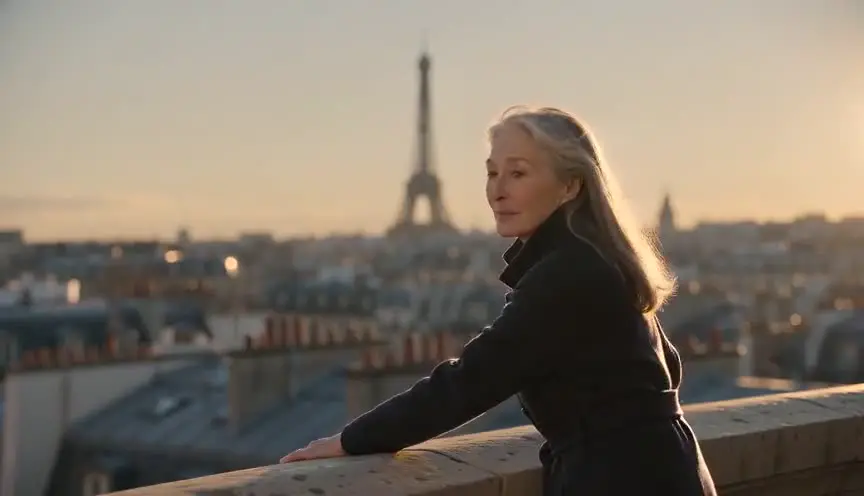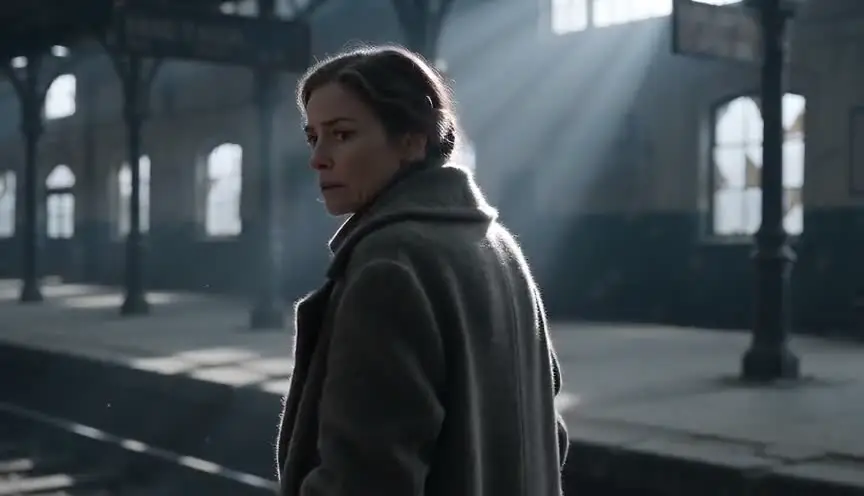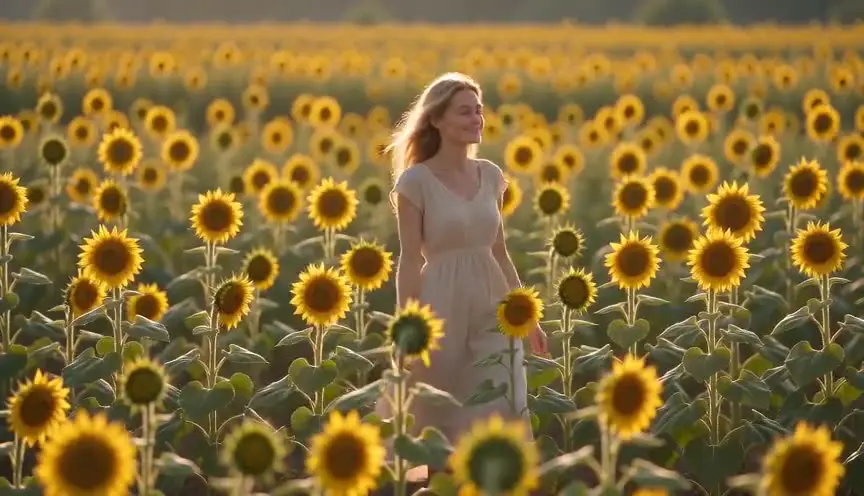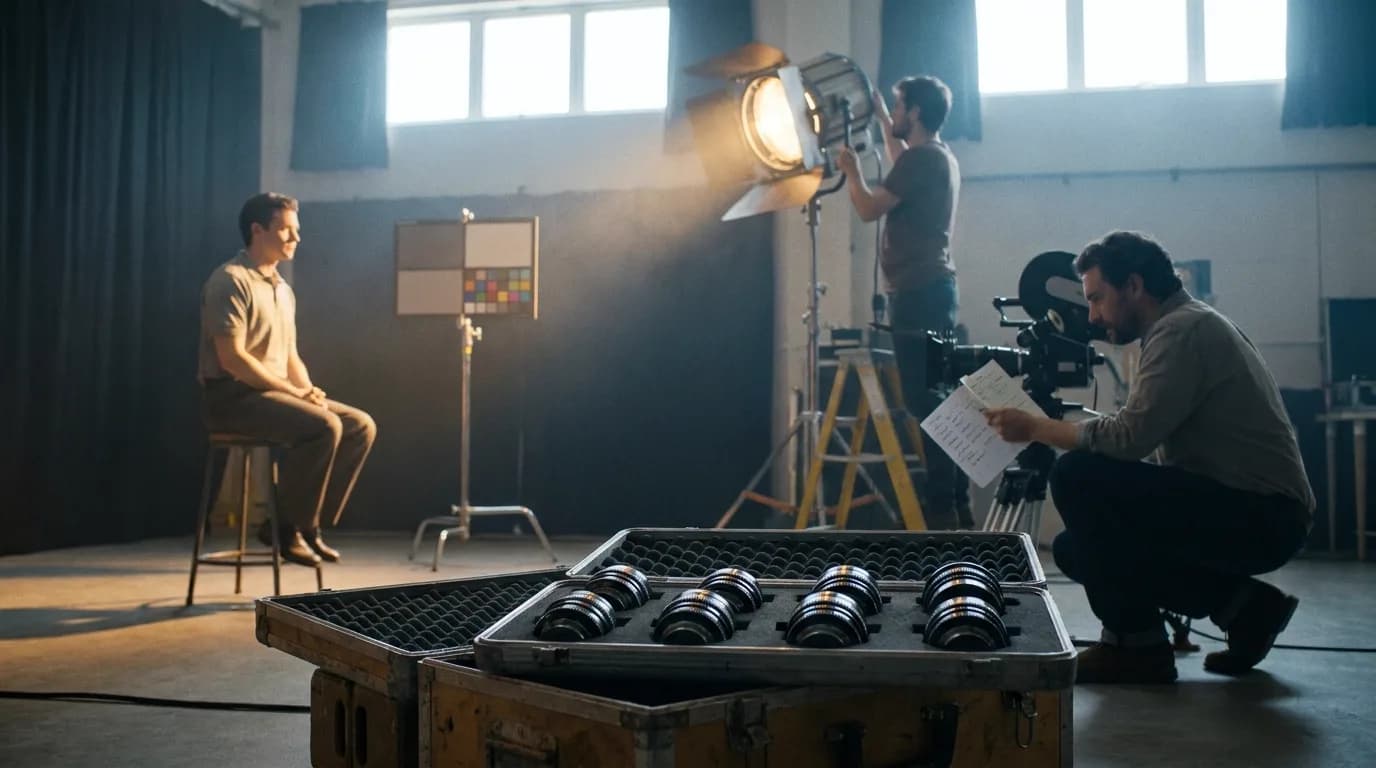

A screenplay already holds most of a video prompt. The slugline gives you the place and the time of day, the action lines give you the subject and what they do, and parentheticals give you expression. Converting script to prompt means splitting those pieces into prompt slots, adding the light and the camera the script leaves out, and writing one clip per beat.
The prompt order itself (camera, subject, action, scene, light, sound) is laid out in our guide to cinematic prompts, and we won't repeat it here. This page starts one step earlier, with a finished scene on the page and no prompt yet.
What maps to what
| Script element | Example | Prompt slot | What you add or remove |
|---|---|---|---|
| INT. / EXT. | EXT. | Scene | Add the light source the setting implies |
| Location | PETROL STATION FORECOURT | Scene | Add two or three specific visible features |
| Time of day | NIGHT | Light | Turn the word into a light direction and a source |
| Character intro | NOOR (34), paramedic jacket over scrubs | Subject | Freeze it as one description you reuse word for word |
| Action line | She counts coins into her palm. | Action | One visible action per clip, written in the present |
| Unfilmable line | Not enough. | Action | Replace with behaviour the camera can see |
| Camera direction | CLOSE ON her hand | Camera | Translate to a shot size |
| Parenthetical | (not quite smiling) | Action | Expression, kept short |
| Dialogue | They said you'd be here. | Sound | A separate sentence, only if your model generates speech |
| V.O. / O.S. | DEV (O.S.) | Sound | Audio only, the character stays out of frame |
| Transition | CUT TO: | None | Delete. Cuts happen in the edit |
Step 1: Split the slugline into three fields
A slugline has three parts: interior or exterior, the location, the time. Our guide to what a slugline is covers the formatting rules. For prompting you only need to pull them apart cleanly, and that part really is mechanical. If your headings are consistent (run them through the slugline formatter first if they aren't), a few lines of code will do it:
const HEADING = /^(INT\.\/EXT\.|EXT\.\/INT\.|I\/E\.?|INT\.|EXT\.)\s+(.+?)\s+-\s+([A-Z ]+)$/;

function splitSlugline(line) {
  const m = line.trim().match(HEADING);
  if (!m) return null;
  const [, setting, location, time] = m;
  return { setting, location, time: time.trim() };
}

splitSlugline("EXT. PETROL STATION FORECOURT - NIGHT");
// { setting: "EXT.", location: "PETROL STATION FORECOURT", time: "NIGHT" }
Because the time field can't contain a dash, sub-locations come out right: "INT. HOSPITAL - CORRIDOR - NIGHT" gives the location "HOSPITAL - CORRIDOR" and the time "NIGHT". The parsing is fine for "INT./EXT. CAR - MOVING - DAY" too, but that one needs more work when you write the prompt. Say where the camera is and what shows through the glass: "inside the car, the street visible through the windshield."
The setting field matters more than it looks. EXT. at night means the light has to come from somewhere outside: street lamps, a shop canopy, headlights. INT. means windows or practical lamps. Leave the source out and the model invents an even, sourceless glow, which is one of the fastest ways to get the flat AI look.
Step 2: Turn the time of day into light
"NIGHT" is a word for the production schedule. A video model needs to know where the light comes from and what color it is. This table is how we translate the common time cues:
| Time cue | What it actually tells you | A prompt sentence to start from |
|---|---|---|
| DAY | Daylight, nothing about the angle | "Overcast daylight, soft and even" or "high midday sun, short hard shadows". Pick one |
| NIGHT | Dark sky, light must be motivated | "Night. Lit by the white strip lights of the canopy overhead" |
| DAWN / MORNING | Low, cool light | "First light, pale blue sky, the sun not yet up" |
| DUSK / SUNSET / MAGIC HOUR | Low, warm sun | "Low sun just above the rooftops, long warm shadows" |
| CONTINUOUS | Same moment as the previous scene | Copy the previous scene's light sentence word for word |
| LATER / MOMENTS LATER | Same place, time has passed | Same light sentence, change one visible detail |
| SAME | Simultaneous with another scene | Match the time cue of the parallel scene |
CONTINUOUS is where most converted sequences fall apart. The writer means "no time has passed", and the model has no idea there was a previous clip. If the corridor was lit by green fluorescent tubes in the last scene, the next prompt has to say green fluorescent tubes again. Our lighting prompts guide has the full vocabulary for the light sentence. Here the job is only to make the time cue produce one.
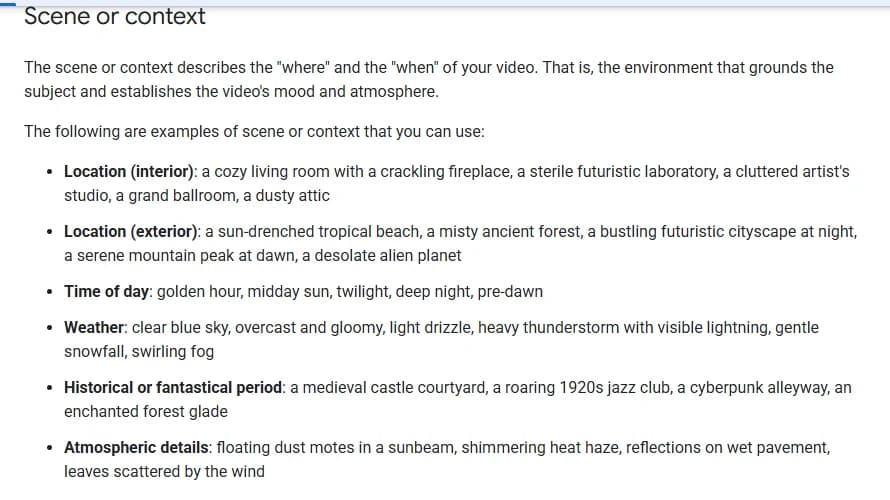
Google's prompt guide for Veo files all of this under "Scene or context", the where and the when of the video. Look at its first three example groups: location (interior), location (exterior), time of day. That's a slugline, in the same order.
Step 3: Make the location visible
PETROL STATION FORECOURT is a category. A hundred different forecourts fit it, and if you generate four clips from that phrase alone you'll get four of them. Write the location once, with two or three details the camera can see, and paste the same sentence into every clip of the scene:
"A small petrol station forecourt on a country road, two pumps under a flat canopy of white strip lights, a closed shop with its shutter half down, wet tarmac."
Keep it short. A location sentence that runs to five lines starts competing with the action for the model's attention, and the action usually loses.
Step 4: Break the action lines into clips
Here's a short scene of ours, written for this article:
EXT. PETROL STATION FORECOURT - NIGHT

Rain on the canopy. One pump still lit.

NOOR (34), paramedic jacket over scrubs, sits on the back step
of her ambulance. She counts coins into her palm. Not enough.

Headlights sweep across her. DEV (40s), soaked, gets out of an
old estate car holding a paper bag of takeout.

                    DEV
          (not quite smiling)
     They said you'd be here.

Noor closes her hand over the coins.
Four beats, so four clips. Each one gets a single visible action, written in the present tense:
| Clip | Beat | Action sentence |
|---|---|---|
| 1 | Establish | Wide shot: the forecourt in the rain, the ambulance parked by the last pump, its back doors open, Noor a small figure on the step |
| 2 | Coins | Close-up: Noor's hand, coins sliding into her palm one at a time. She stops, counts again with her thumb, her fingers close |
| 3 | Arrival | Medium shot: headlights cross Noor's face, she squints toward them. Behind her, out of focus, a car door opens |
| 4 | Line | Medium close-up: Dev in the rain holding a paper bag, a half smile, he speaks |
"Not enough" can't be filmed. It's a thought. The fix is behaviour that shows it: she counts again, and stops. Most screenplays are full of these lines (what someone realises, what they remember, what the place used to be), and every one of them needs turning into something visible or cutting from the prompt. Backstory in a prompt doesn't disappear quietly, either. It tends to show up as random extra objects in the frame.
The model's maximum clip length decides how many beats fit in one generation. The scene-to-clip splitter takes a scene and a model cap and does that split for you, and our action scene prompts guide covers fast sequences, where the one-beat rule is strictest.
Try it free
Try Screenweaver for free on your script
It is free. Import your existing project, get a clearer view of your outline, and regain control of your story structure in minutes.
Start FreeStep 5: Translate the script's camera language
Spec scripts are told to keep camera directions light, so many have none. Shooting scripts and a lot of writer-directors' drafts do use them, and they convert almost one to one:
| In the script | In the prompt |
|---|---|
| WIDE / ESTABLISHING | Wide establishing shot |
| ANGLE ON NOOR | Medium shot of Noor |
| CLOSE ON her hand | Close-up on her hand |
| INSERT - THE COINS | Extreme close-up of the coins in her palm |
| DEV'S POV | Point-of-view shot from Dev's eye line |
| WE SEE / WE HEAR | Delete the phrase, keep what is seen or heard |
| SUPER: "ONE YEAR LATER" | Leave it out. Add titles in the edit |
When the script gives no camera direction, you choose the shot size, and the choice follows the beat: the wide for geography, the close-up for the detail the scene turns on. The shot size prompts guide has the full range from extreme wide to extreme close-up.
Step 6: Handle the character and the dialogue
The character intro is your subject slot, and it gets written once. "NOOR (34), paramedic jacket over scrubs" becomes a fixed description you paste into every clip she appears in, in the same words. Don't paraphrase it from one prompt to the next. A model reads "paramedic jacket" and "green medic's coat" as two different people. For long projects, a reference image does more than any sentence, and our guide to character consistency prompts explains how to combine the two.
Parentheticals become expression, and they should stay small. "(not quite smiling)" works as "a half smile." Stacking three emotions into one clip gets you a face that cycles through all of them.
Dialogue only goes in the prompt if your model generates speech. Google's guide recommends putting audio in separate sentences, and that's what we do: the visual description first, then a line like "He says: 'They said you'd be here.'" Lines marked V.O. or O.S. stay audio only, and the prompt should place the speaker out of frame.
What a tool can automate, and what it can't
Parsing is the easy part. Splitting sluglines, freezing character descriptions, mapping INSERT to "extreme close-up", copying the light sentence across a CONTINUOUS scene: all of that is rule-based, and it's worth automating because humans get it wrong on the fortieth scene. Choosing which beat earns a close-up, or what DAY should look like for this particular film, is direction. A tool can propose it. Someone still has to decide.
That split is how we built the storyboard step in ScreenWeaver, which is our product. The shot breakdown is generated from the scene itself (the heading plus the action lines). Each proposed shot comes with a shot size, a camera movement and a duration you can change. Characters, places and objects are kept as story elements with reference images, so the same Noor and the same forecourt carry from one shot to the next. Then you generate the frames and the video from those shots, inside the same project. The product side of it is on our page about generating AI video prompts from a script.
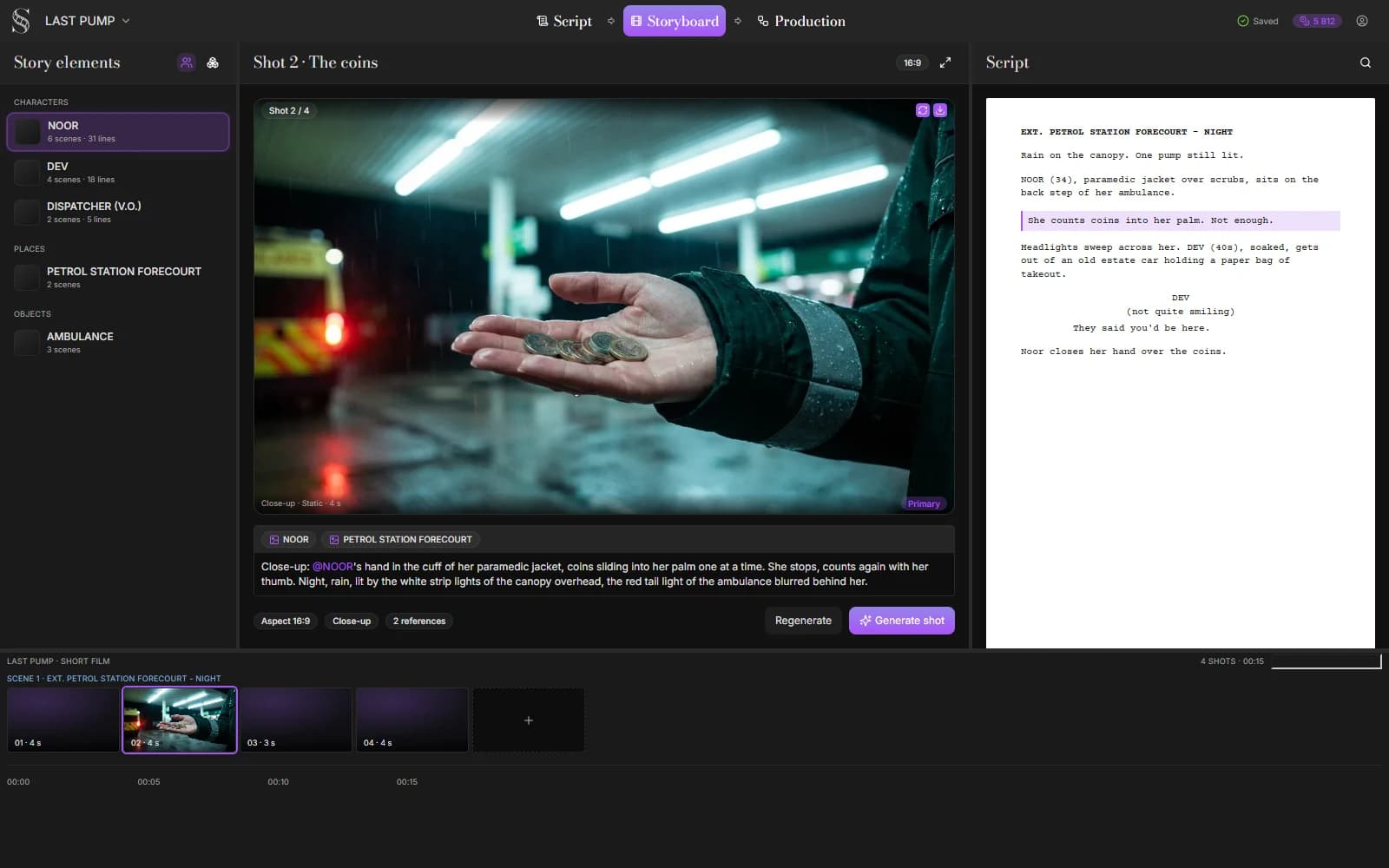
If you'd rather work by hand, the AI video prompt generator fills the slots one clip at a time, and the checklist below covers the rest.
Conversion checklist
- Every slugline split into setting, location and time.
- Every time cue turned into a light sentence with a named source.
- CONTINUOUS scenes reuse the previous light sentence word for word.
- One location sentence per scene, pasted into each of its clips.
- One visible action per clip, in the present tense.
- Thoughts, memories and backstory replaced by behaviour or deleted.
- Script camera directions converted, WE SEE and transitions removed.
- Character descriptions identical across every clip.
- Dialogue in its own sentence, and only for models that do speech.
- Titles and supers left for the edit.
Common failures
| What you see | Usual cause | Fix |
|---|---|---|
| Each clip of the scene shows a different place | Location written as a bare category | One location sentence, three visible details, reused |
| Night scene lit flat and grey | No light source named | Name the source: canopy lights, street lamp, headlights |
| CONTINUOUS scene changes light | Light sentence rewritten from scratch | Copy the previous one exactly |
| Random objects in frame | Backstory or thoughts left in the prompt | Cut anything the camera can't see |
| The character changes between clips | Description paraphrased per prompt | Freeze it, or attach a reference image |
| Title text burned into the video | SUPER or a card left in the prompt | Delete it and add titles in the edit |
FAQ
Can I paste a whole screenplay scene into a video model? You can, and the model will pick one moment, or blur several into a single clip. A scene usually holds several beats, and a clip holds about one. Split the scene first, then write a prompt per beat.
What should I do with DAY in a slugline? Decide what kind of day it is. Overcast, high sun, late afternoon and harsh winter light are all DAY in a screenplay and look nothing alike on screen. Pick one per scene and write it as a light sentence.
Do camera directions from the script belong in the prompt? Yes, translated into shot sizes and moves. CLOSE ON becomes close-up, INSERT becomes extreme close-up, POV becomes a point-of-view shot. Remove WE SEE, WE HEAR and transitions, which a model either ignores or misreads.
How do I keep CONTINUOUS scenes consistent? Reuse the previous scene's light sentence, location sentence and character descriptions exactly, word for word. If you're generating from images, start the new clip from a frame of the last one.
Can software convert a script to prompts automatically? The rule-based part, yes: parsing headings, carrying descriptions and mapping camera terms. Tools like ScreenWeaver generate a full shot breakdown from the scene. The creative choices (which shot size, which light for a given day) should stay yours to check and change.
Final Step
Build your next script with Screenweaver
Move from ideas to production-ready pages faster with timeline-native writing and AI-assisted story flow.
Try Screenweaver