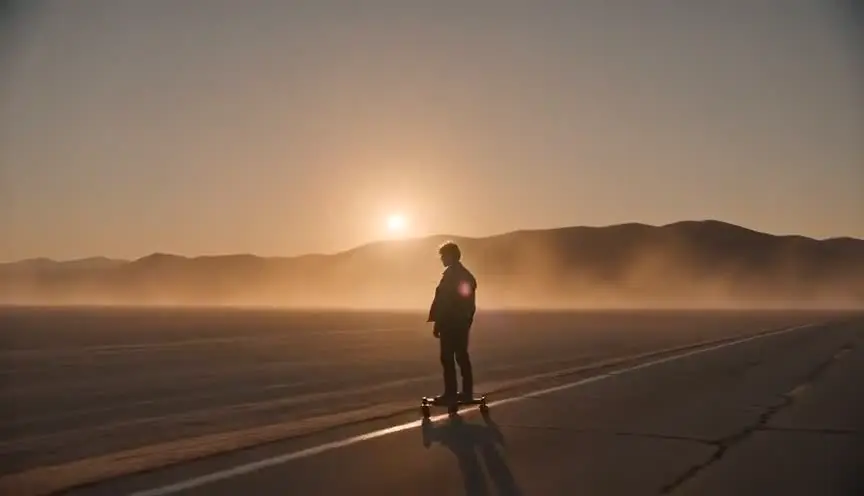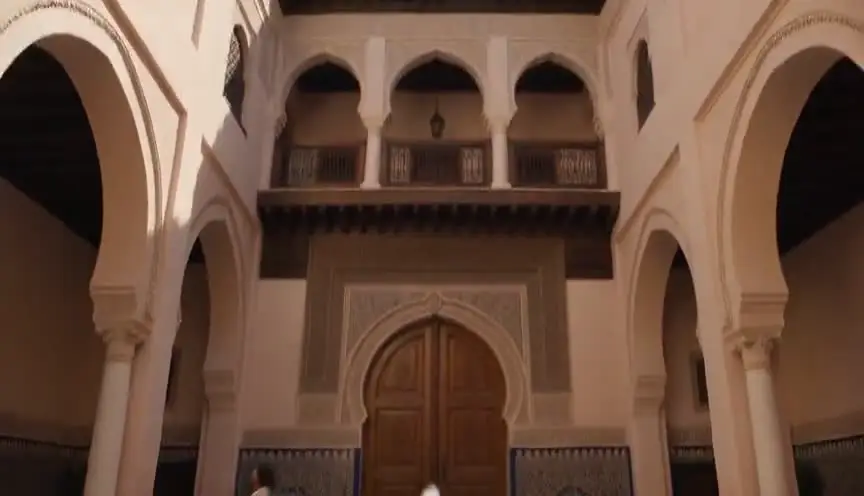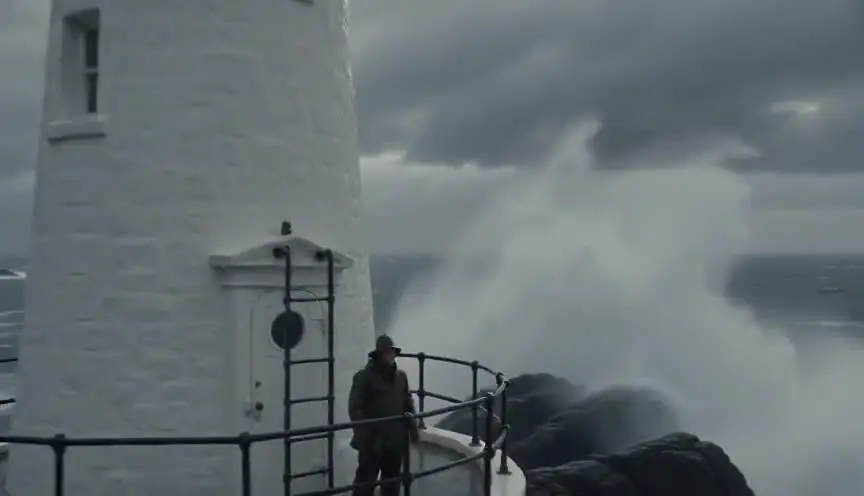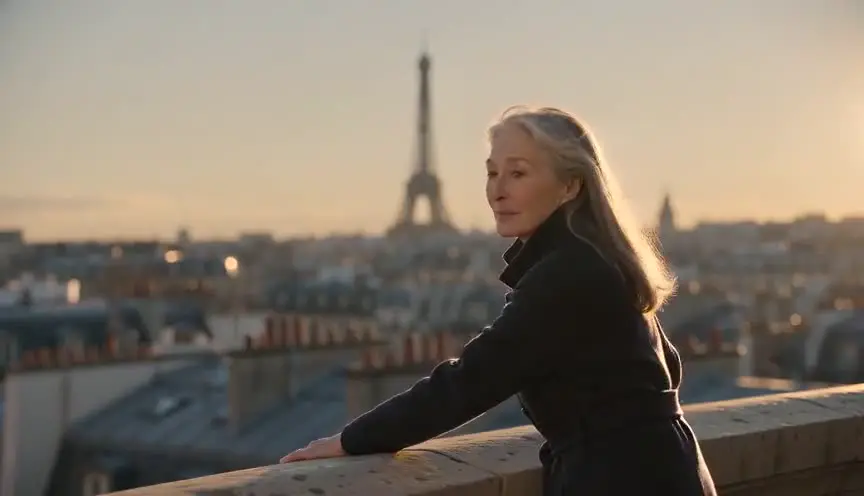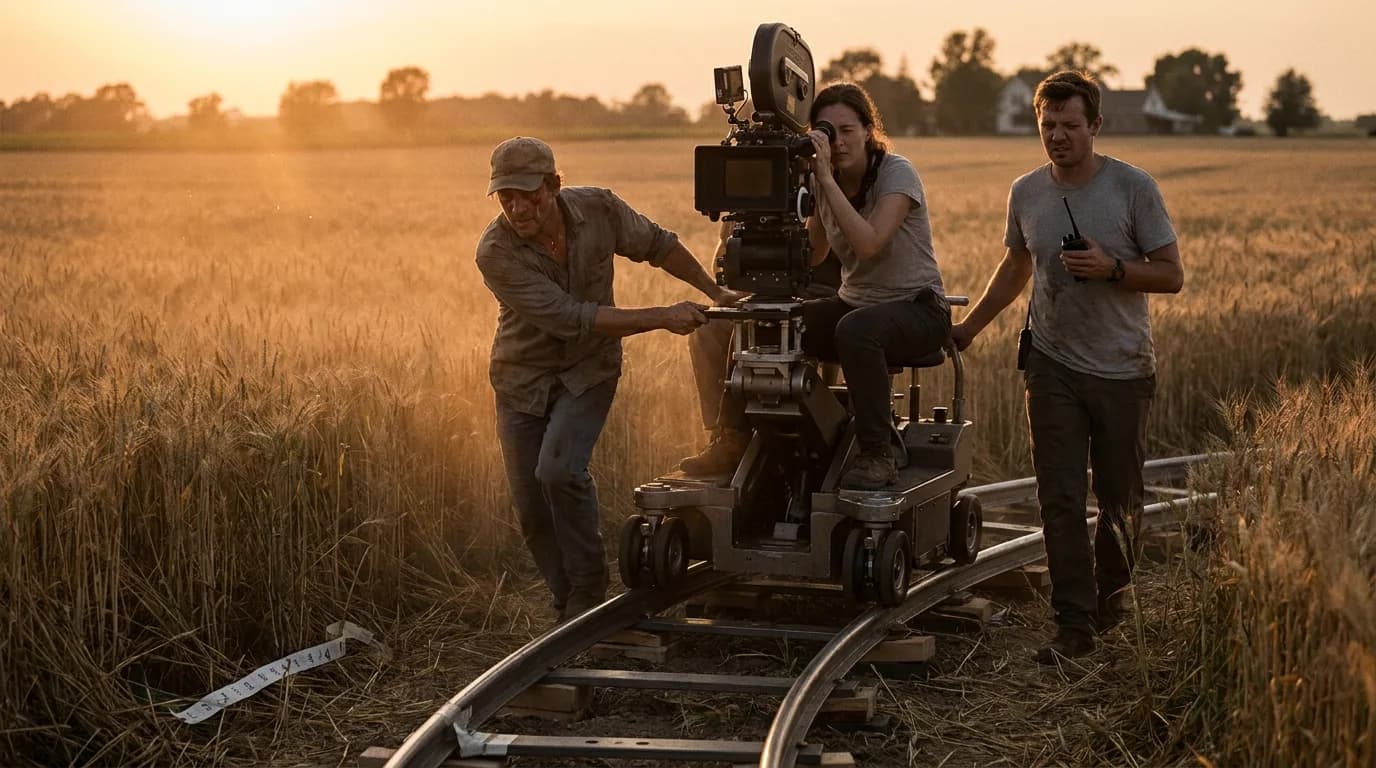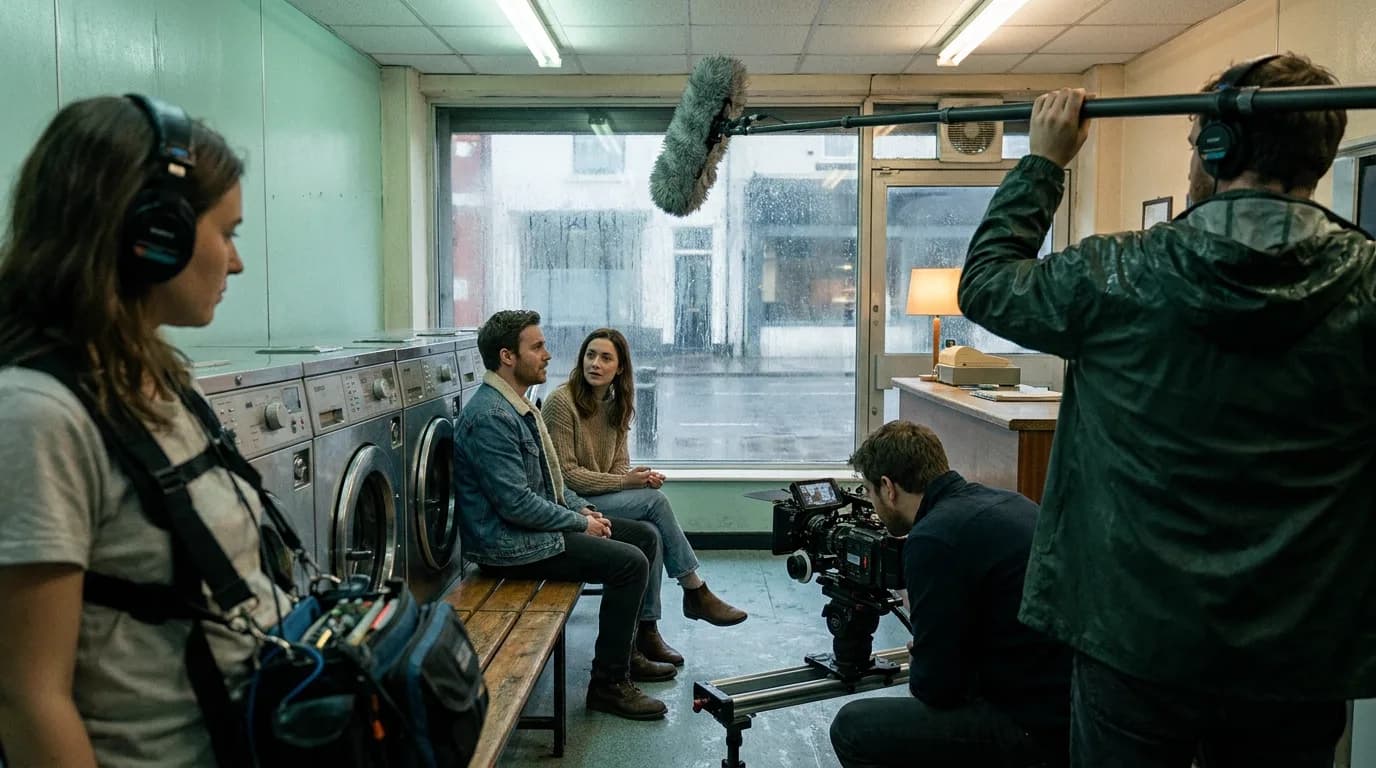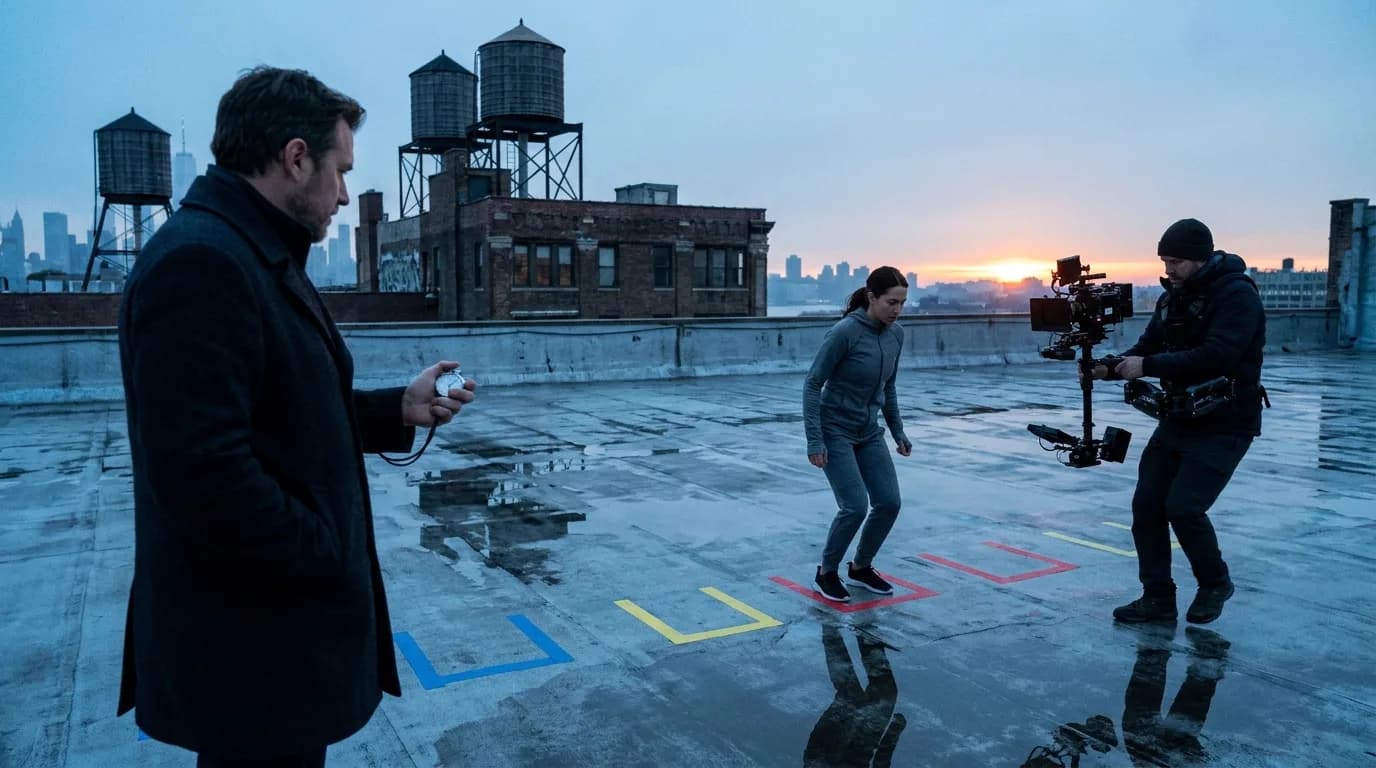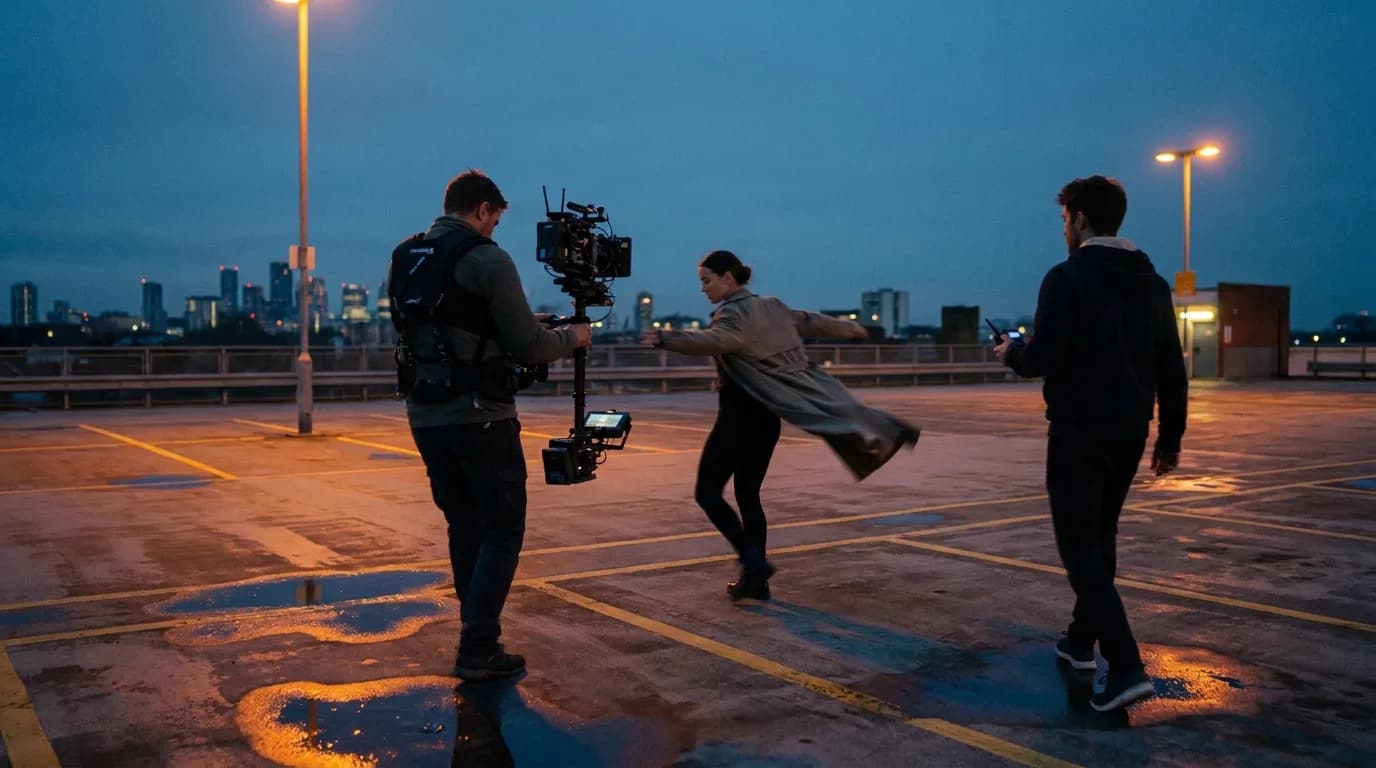

Kling prompts work when the motion is something a viewer could point at. Name one main camera move per shot, make it agree with what the subject is doing, and spread the action across the clip length you picked: 3 to 15 seconds on Kling 3.0. On Kling 4.0, up to 30 seconds and 10 keyframes change how you plan the clip.
Most of what follows comes from Kuaishou's own pages: the Kling AI camera control guide (13 August 2026), the general Kling prompt guide (7 August 2026), the subject binding article (26 June 2026) and the official Kling 4.0 vs 3.0 comparison (30 September 2026). Dialogue formatting comes from fal's Kling 3.0 prompting guide, since fal hosts the model's API. The prompt order that works across every video model lives in the pillar on cinematic prompts, which also shows Kling's subject-first formula.
Check which Kling you're prompting
Write for the model you actually have. On 15 October 2026, Kling 3.0 and 3.0 Omni are the generally available versions. Kling's own post says Kling 4.0 is in early access with "a wider rollout coming in October," and that Kling 4.0 Flash opened to Ultra Yearly subscribers on 28 September. Kling 3.0 is also the version you call through ScreenWeaver.
The official comparison table is the fastest way to see what moved:
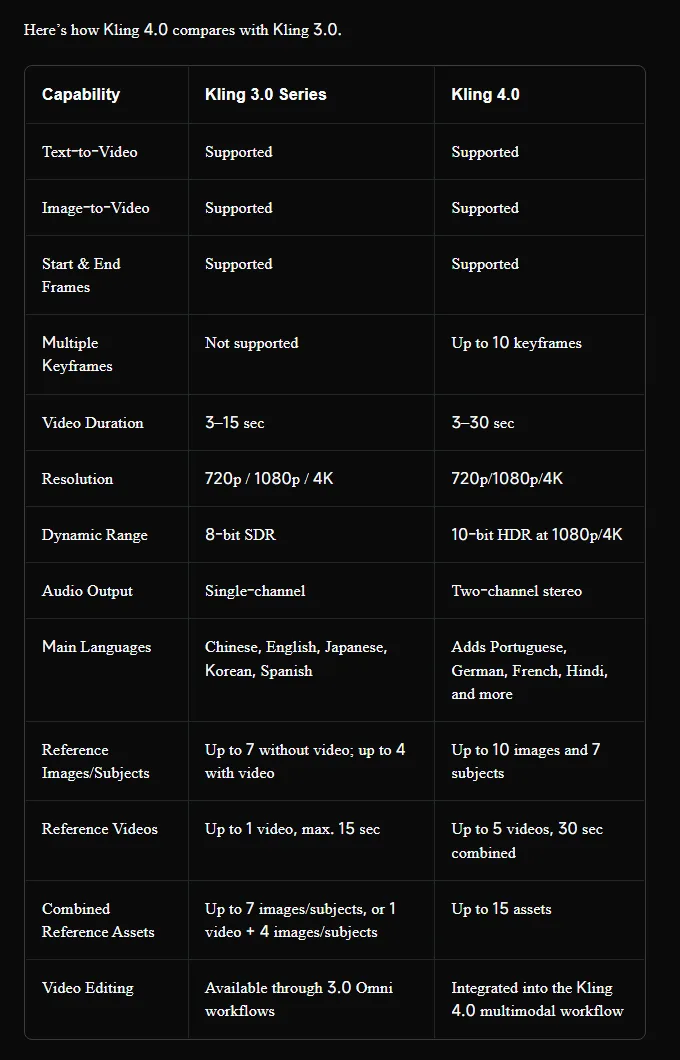
| What you plan around | Kling 3.0 series | Kling 4.0 | What it means for the prompt |
|---|---|---|---|
| Clip length | 3 to 15 seconds | 3 to 30 seconds | More seconds means more beats to place in time, not a longer list of adjectives |
| Keyframes | Start and end frames only | Up to 10 keyframes | On 3.0 the text carries the middle of the shot. On 4.0 images can |
| Reference images or subjects | Up to 7 without video, up to 4 with video | Up to 10 images and 7 subjects | Fewer words describing faces when a reference does the job |
| Reference video | 1 clip, 15 seconds max | Up to 5 clips, 30 seconds combined | Motion can come from footage instead of text |
| Audio | Single-channel | Two-channel stereo | Write sound with a place in the frame on 4.0 |
| Main languages | Chinese, English, Japanese, Korean, Spanish | Adds Portuguese, German, French, Hindi and more | Dialogue outside the five on 3.0 is a gamble |
Resolution stays at 720p, 1080p or 4K on both. Kling's 4.0 launch post marks 10-bit HDR at 4K and 1080p as "coming soon" and quotes prompts of up to 8,000 tokens. Kling's prompt guide prices native 4K on the 3.0 series at 30 credits per second, and adds that "credits, access, and benefits can change," so check your plan before a long 4K run.
Write motion a viewer could point at
Kling's prompt guide puts the whole idea in one line: "Movement cues should describe what the viewer can see." Smoke drifting up. A runner leaning forward. The guide wants pace words like slow, steady or quick only "when they are visible in the scene."
That rules out a whole family of prompt filler. "Dynamic energy," "intense atmosphere," "epic movement" describe how you hope the viewer feels, and that gives the model nothing to animate. A coat hem that swings or rain falling at a slant does.
Here is the same shot written two ways. These are our examples, not Kling's.
Weak: A dancer performs an energetic, emotional routine on a rooftop, dynamic and cinematic.
Better: Medium-wide shot. A dancer in a long grey coat spins on the top floor of a car park at dusk, coat hem flaring out on each turn, then stops dead and looks at the camera. Slow orbit to the left around her. Orange sodium lamps, deep blue sky.
The second version gives Kling three things it can actually animate: the spin, the coat, the stop. It also gives the camera a single job.
The guide makes the same point about camera direction, which "works best when it names what the viewer will see." So write "close-up on her hands" or "wide shot showing the whole car park," not "a revealing shot."
One camera move per shot
Kling's camera control guide lists the words it wants: push in, pull back, pan left, pan right, tilt up, tilt down, track forward, orbit slowly, static camera. The rule right after that list is the one to remember.
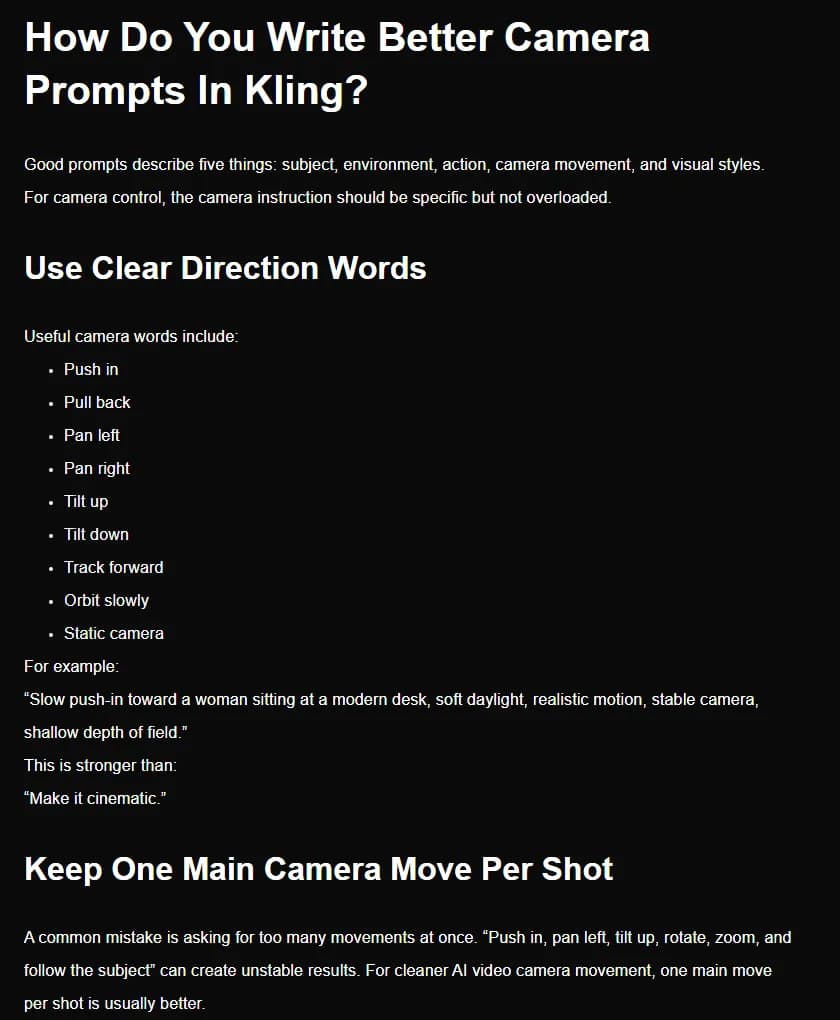
Its counter-example asks for "Push in, pan left, tilt up, rotate, zoom, and follow the subject" in a single shot, which it says "can create unstable results." The fix is boring and it works: one main move. If you need a pan and then a push-in, that's two shots, or two labelled shots in a multi-shot prompt.
Same goes for contradictions. Kling warns against pairing a static camera with a fast push-in, which sounds obvious until you notice how often a "locked-off, tripod" style tag ends up stuck on a prompt that also asks for movement.
| Move | Kling's suggested use | Phrase that works | What usually breaks it |
|---|---|---|---|
| Push-in | Faces, products, key actions | "Slow push-in toward her face as she reads the letter" | The subject also walks, turns and changes expression |
| Pull-back | Reveals, scale, context | "Start on his hands on the railing, pull back to show the empty stadium" | No clear first frame or nothing defined to reveal |
| Pan | Following action, wide scenes | "Slow pan right following the cyclist along the quay" | Panning across nothing in particular |
| Tilt | Height, moving between details | "Tilt up from the muddy boots to the face" | Tilting and pushing in at the same time |
| Track forward | Movement through a space | "Track forward behind her down the hospital corridor" | Asking for a different speed than the subject's walk |
| Orbit | Showing a subject from all sides | "Orbit slowly around the dancer, keeping her centered" | A crowded background that has to stay consistent |
| Static | Performance, dialogue | "Static camera, medium shot, eye level" | Style tags that imply handheld or drone |
For the full vocabulary and how other models read the same words, see our reference on camera movement prompts.
Make the camera agree with the subject
Kling's guide says it plainly: "Camera movement and subject movement need to work together." A product close-up wants a slow push-in. A valley seen from a ridge wants a pull-back. A running character wants a tracking shot. "Random movement can make the clip harder to read," it adds. That sentence covers a lot of failed motion prompts.
The push-in section names a specific failure: if the subject turns, walks and changes expression while the camera pushes in, the result "may become less stable." So when the camera moves a lot, the subject should move a little, and the other way round. It's the same trade a real operator makes on set.
Kling also suggests a start-frame and end-frame pattern for camera moves. Its example opens on "a close-up of a watch face" and pulls back "to reveal the full wrist and dark studio background." Describing where the shot starts and where it ends gives the model both anchors and lets it work out the path between them. On Kling 3.0 you can make those anchors literal by uploading start and end frames, then use the text only for what happens in between.
When the shot starts from an image, fal's guide says to "treat the input image as an anchor": describe what changes, not what's already in the picture. Re-describing the whole image wastes words and sometimes fights it.
Spread the action across the seconds
Kling's older text-to-video guide asked for movement "suitable for a 5-second video." Kling 3.0 runs from 3 to 15 seconds, and that changes the job. A 12-second clip with one action described in one sentence usually gives you a slow-motion version of that action, or a shot that runs out of ideas halfway.
fal's guide says that for longer durations you should describe progression over time: how the action unfolds, how the camera reacts, how the scene transitions. Write the clip as a sequence of visible beats, in order:
Static wide shot of an empty bus shelter at night. A woman runs in from the left, out of breath, and checks the timetable. She sits down slowly. Headlights sweep across her face as a bus passes without stopping. She doesn't move.
That's five beats for roughly 10 to 12 seconds. A beat every two or three seconds is a decent starting ratio, and you adjust after the first render.
Multi-shot on Kling 3.0
Kling 3.0 can cut inside one generation. Kling's subject binding article mentions up to six camera cuts in a single 15-second generation, and fal's guide describes "storyboards of up to six shots in a single output." Kling's camera control guide says 3.0 Omni lets you set duration, shot size, perspective, narrative content and camera movement for each shot, and recommends numbered shots that each do one job instead of a single long paragraph.
A multi-shot prompt in that spirit:
Shot 1 (4 seconds): Wide shot, a fishing boat leaves the harbour at dawn, static camera. Shot 2 (4 seconds): Medium shot on deck, the old captain coils a rope, slow push-in. Shot 3 (4 seconds): Close-up of his hands, rope burn on the palm, static camera.
Each shot gets one size, one subject action and one camera behaviour. Breaking a scene into shots before you prompt is what the scene-to-clip splitter does; set a custom clip length for Kling 3.0 rather than relying on an older preset.
Try it free
Try Screenweaver for free on your script
It is free. Import your existing project, get a clearer view of your outline, and regain control of your story structure in minutes.
Start FreeDialogue and sound in Kling 3.0
Kling 3.0 generates audio with lip-sync. fal's guide is the clearest source on how to write for it. With native audio on, "prompts should explicitly indicate who is speaking and when, especially in multi-character scenes."
The rules from that guide, applied:
- Give each character a unique label and keep it. Labels "must be unique and consistent," with no pronouns or synonyms. If she's "the detective" in line one, she's not "the woman" in line three.
- Describe the action before the line it goes with.
- Give each voice a tone label, like "raspy, deep voice" or "clear, fearful voice."
- Use linking words to control timing. fal suggests "Immediately" to mark a fast speaker switch.
Example, written in that format:
Static medium two-shot in a dim kitchen at night. [The mother, tired low voice] puts her keys on the table: "You said you'd call." [The son, quiet flat voice] doesn't look up from his phone: "I forgot." Immediately [The mother] turns off the light.
On 3.0, keep dialogue to the five main languages Kling lists. And since 3.0 audio is single-channel, don't spend words on left and right placement.
Keep the same face across shots
Kling's subject binding article is specific about what to feed the model. For images, up to four references showing front, side, back and a detail shot, with "even lighting and clear facial geometry." For video, a clip of 3 to 8 seconds with a single character. For voice, a recording of 5 to 30 seconds.
Two prompt habits help the references do their job. Kling's prompt guide says reference workflows work best when "the prompt keeps the character, product, or prop description steady," so you paste the same short description into every shot. The subject binding article also suggests negative prompts such as "morphing features" and "changing clothes."
The longer method is on our page about character consistency prompts. For how to write negatives on Kling without the word "no," see negative prompts for AI video. The free character consistency sheet builds the fixed description block for you.
What Kling 4.0 changes for your prompts
We haven't tested Kling 4.0 yet, so this part sticks to what Kling published and what follows from it for the writing.
30 seconds needs a timeline. Kling's comparison post shows a keyframe plan with moments at 0, 6, 12, 20 and 28 seconds. At that length a single-action prompt will drag. Plan beats as you would for a 30-second commercial: what happens, at what second, from which angle.
Keyframes take over the middle of the shot. On 3.0 the text carries everything between the start and end frames. With up to 10 keyframes on 4.0, a pose or an expression at second 12 can be an image instead of a sentence. Your prompt then describes the transitions between keyframes rather than the keyframes themselves.
More references, fewer adjectives. With up to 15 assets per generation, physical description moves into the references. The text goes back to doing what only text can do: action, timing, camera, sound.
Motion claims. Kling says that with 4.0, "Dynamic Motions and complex camera movements remain smooth and stable," naming tracking and orbit shots. That's a vendor claim. Until it's tested, keep the one-main-move rule. It costs nothing and it's what Kling's own guide recommends for the current version.
Checklist before you generate
- I know which Kling I'm on (3.0, 3.0 Omni or 4.0) and the clip length fits it.
- Every motion word describes something visible: a body part, a fabric, a light, a vehicle.
- One main camera move per shot, and no style tag that contradicts it.
- Camera and subject motion agree: big camera move, small subject move, or the reverse.
- Clips over about 6 seconds have several beats written in order.
- Multi-shot prompts are numbered, with size, action and camera per shot.
- Each speaker has a unique label, a tone label and a line placed after their action.
- The character description is pasted identically in every shot that uses a reference.
Where ScreenWeaver fits
ScreenWeaver integrates Kling v3.0 for text to video, image to video and Motion Control, next to Seedance 2.5, Seedance 2.0, Veo 3.1, MiniMax H3 and Grok Imagine Video 1.5. You write the scene once in the script, break it into shots on the storyboard, and send each shot to the model that suits it. For prompts written straight from your scene text, see how to generate AI video prompts from your script, or try the free AI video prompt generator, which has a Kling target.
If you're still choosing between models for a given shot, our Kling 3 vs Seedance 2 comparison covers the trade-off, and the sister guides cover Seedance prompts and Veo prompts. The full path from script to finished film is in how to make an AI film.
FAQ
What is the best prompt structure for Kling? Kling's prompt guide lists subject, action, setting, camera language, lighting and mood, and its camera control guide boils it down to subject, environment, action, camera movement and visual style. Lead with the subject and what it visibly does, then add one camera move and the light.
How long should a Kling prompt be? Long enough to fill the clip with visible beats. A 5-second shot needs one action and one camera move. A 12 to 15 second clip on Kling 3.0 needs several beats written in order, or a numbered multi-shot prompt. Adjectives about mood don't add length that the model can use.
Can Kling do several camera moves in one clip? Kling's own guide warns that stacking moves like push in, pan, tilt and zoom "can create unstable results" and recommends one main move per shot. If you need two moves, split them into two shots, either as separate clips or as labelled shots in a Kling 3.0 multi-shot prompt.
How do I write dialogue for Kling 3.0? Give each speaker a unique label and a tone label, describe the action before the line, and never switch to pronouns. fal's Kling 3.0 guide suggests linking words like "Immediately" to control when one speaker cuts in after another. Stick to Chinese, English, Japanese, Korean or Spanish on 3.0.
Is Kling 4.0 available yet? Kling's official post from 30 September 2026 says Kling 4.0 is in early access with a wider rollout in October, and that Kling 4.0 Flash opened to Ultra Yearly subscribers on 28 September. Check your own account before planning a project around 30-second clips or keyframes.
Do Kling prompts work the same in Seedance or Veo? The core carries over: visible motion, one camera move, beats in order. The details don't. Veo forces 8-second clips at 1080p, Seedance has its own reference syntax, and each model weighs the opening of a prompt differently. Our Veo and Seedance guides cover those differences.
Final Step
Build your next script with Screenweaver
Move from ideas to production-ready pages faster with timeline-native writing and AI-assisted story flow.
Try Screenweaver