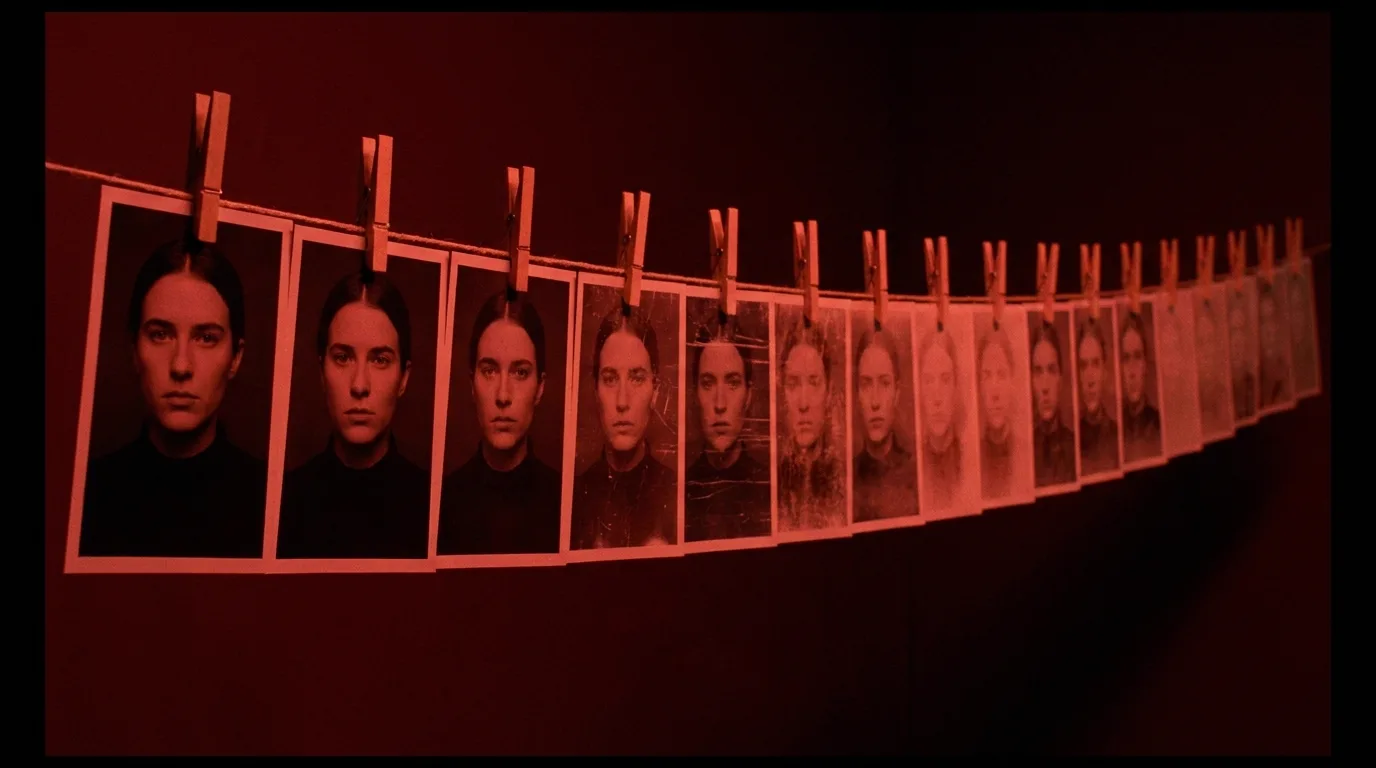

Character drift in AI video happens because every new prompt re-interprets your character from scratch. The fix is a locked reference kit (hero shot, turnaround, wardrobe close-ups) attached to every generation instead of re-described in prose. Faces mostly hold now. Past shot 10, everything else slides, so plan every shot with an AI storyboard generator first.
AI character consistency now fails everywhere except the face
Two years ago, AI character consistency meant one thing: does the face match. It usually didn't. Today, with a decent reference image attached, most models keep the face recognizable across dozens of shots. That war is mostly won.
So why does your short still look wrong by shot 12?
Because the face was never the whole character. Watch your last project again and look past the eyes. The jacket that had two chest pockets in shot 3 has one in shot 9. Your lead was lean in the opening and somehow broad-shouldered in the confrontation scene. The scar migrated. The hairline crept forward. The prop knife changed handle material between cuts. The character who moved with a heavy, tired gait in act one now bounces on his heels.
None of these register as errors on a single viewing of a single clip. Cut them together and the audience feels it immediately, even if they can't name it. Viewers have spent their whole lives watching real actors, who bring the same body, wardrobe, and physicality to every setup for free. Your AI cast doesn't. Every generation is a new audition, and past shot 10 the accumulated small differences read as cheapness. Stretch the same cast across a run of episodes and the problem changes shape again, which is what keeping a world consistent across episodes deals with.
I learned this on a 24-shot short where I checked faces religiously and nothing else. The face passed every review. The costume failed eleven of them, and I only saw it in the edit, after the generation budget was spent.
Why re-describing your character in prose guarantees drift
The instinct is to write a character block and paste it into every prompt. "MARA, 40s, wiry build, grey field jacket with two chest pockets, short silver hair, moves like a former soldier." Do that across 20 shots and Mara will drift anyway. Here's why.
Prose is not a specification. It's a suggestion the model re-rolls every time. "Wiry" spans a real range of bodies. "Grey field jacket" spans hundreds of garments. Each generation samples one interpretation from that range, and each sample lands somewhere slightly different. You're not describing one woman 20 times. You're commissioning 20 sketch artists who each read the same paragraph and never saw each other's work.
It gets worse when you edit prompts mid-project, and you will. You'll trim words to make room for camera direction, reorder clauses, paraphrase from memory at 1 a.m. Every paraphrase widens the range. By shot 15, your prompt says "grey jacket" because the pockets got cut for length three shots ago, and the model happily gives you a grey bomber.
An image ends the argument. A reference photo of Mara is not a range, it's a point. The model doesn't interpret "wiry", it copies the body in front of it. Animation studios understood this a century before generative video existed: the model sheet, a fixed drawing of the character from several angles, existed precisely so that dozens of animators wouldn't each invent their own version of the same character. You're facing the same problem with a different renderer. Steal the same solution.
Keep prose in the prompt for what images can't carry: action, emotion, camera. Cinematic prompting covers how to phrase those three so the model actually obeys them. Identity travels as pixels.
Build a locked reference kit before shot one
A reference kit is three to five images you generate once, approve once, and then never touch again. Mine looks like this for every named character:
- One hero shot. Chest-up, neutral expression, flat even light, facing camera. This is the identity anchor and it goes on every single generation, no exceptions, not even "quick" ones.
- A turnaround. Front, profile, back, ideally in one image. This locks silhouette, posture, build, and hair from angles the hero shot can't defend.
- Wardrobe close-ups. One or two tight frames of whatever the audience will see repeatedly: the jacket with its pocket count and zipper pulls, the boots, the watch. Costume drifts faster than faces because prompts describe it loosely and models fill gaps with fashion averages.
- Signature prop, if there is one. The knife, the camera, the locket. Photograph it like product photography, on its own, sharp.
Two rules make the kit work. First, generate the kit at the start, in one session, from one visual style, so the pieces agree with each other. Second, lock it. The moment you "improve" the hero shot in week two, every earlier shot becomes inconsistent with every later one, and you've built the drift into your pipeline yourself. I version mine like code: kit_v1 is frozen the day principal generation starts. An AI character consistency sheet gives you a fill-in template for exactly this kit, so no detail lives only in your memory at 1 a.m.
If you board before you generate, the same kit starts one stage earlier, as a reference sheet per character in the storyboard; character consistency in AI storyboards covers that version. The same discipline applies to places and recurring objects. A location plate that travels with every scene set there does for your world what the hero shot does for your lead. If your script lives in ScreenWeaver, auto-generated location and character reports tell you exactly which characters and sets recur enough to deserve a kit, before you waste kit-building time on a one-scene walk-on.
Run your shots like a production, not a chat session
Drift thrives in unnumbered work. If your project is a folder of files called "final_v3_actually.mp4", you cannot even say where the jacket changed, let alone fix it.
So borrow the boring machinery of a real set. Number every shot the way a shooting script does: scene 4, shot B, take 3 becomes 4B-3. Generate against that list instead of improvising in the prompt box. If you don't have a shot list yet, build the storyboard first and generate second, which is the entire argument of the storyboard-first workflow, so I won't re-teach it here.
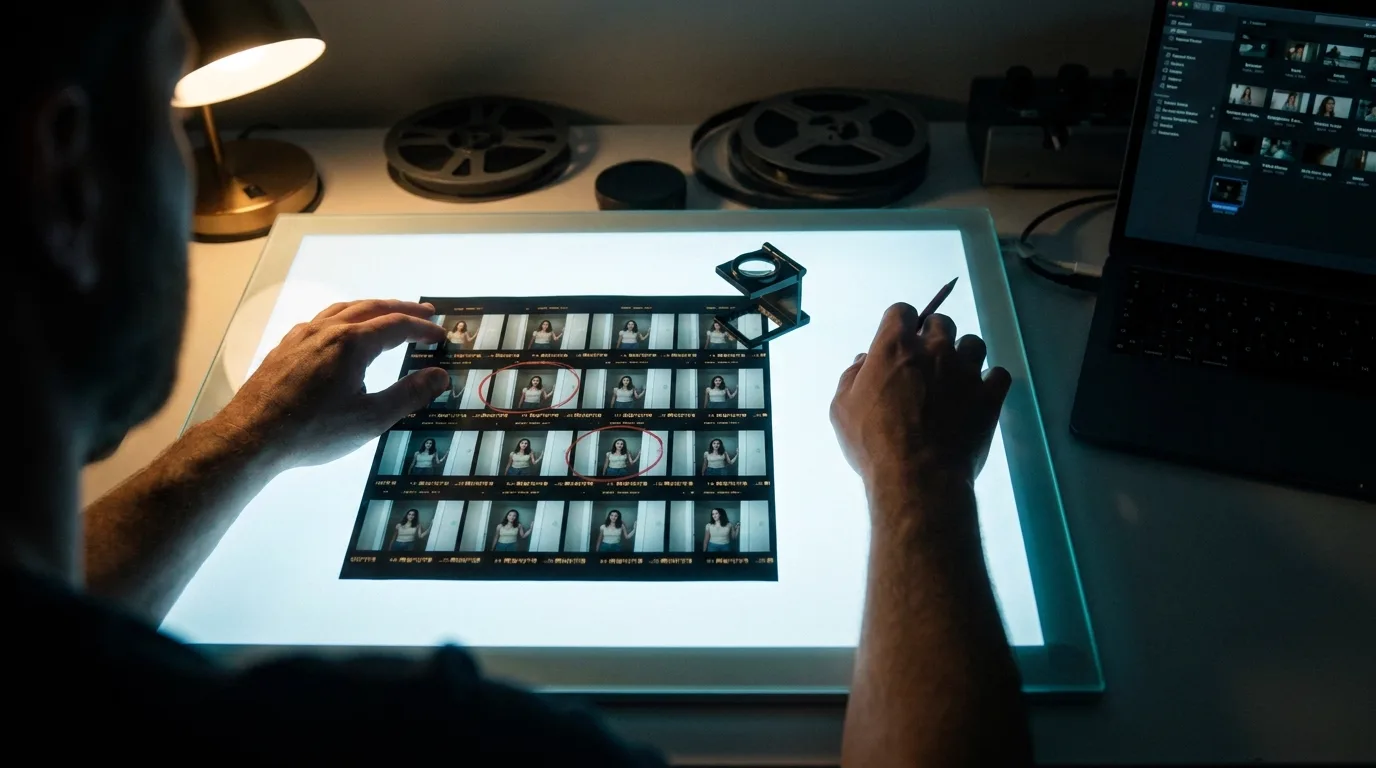
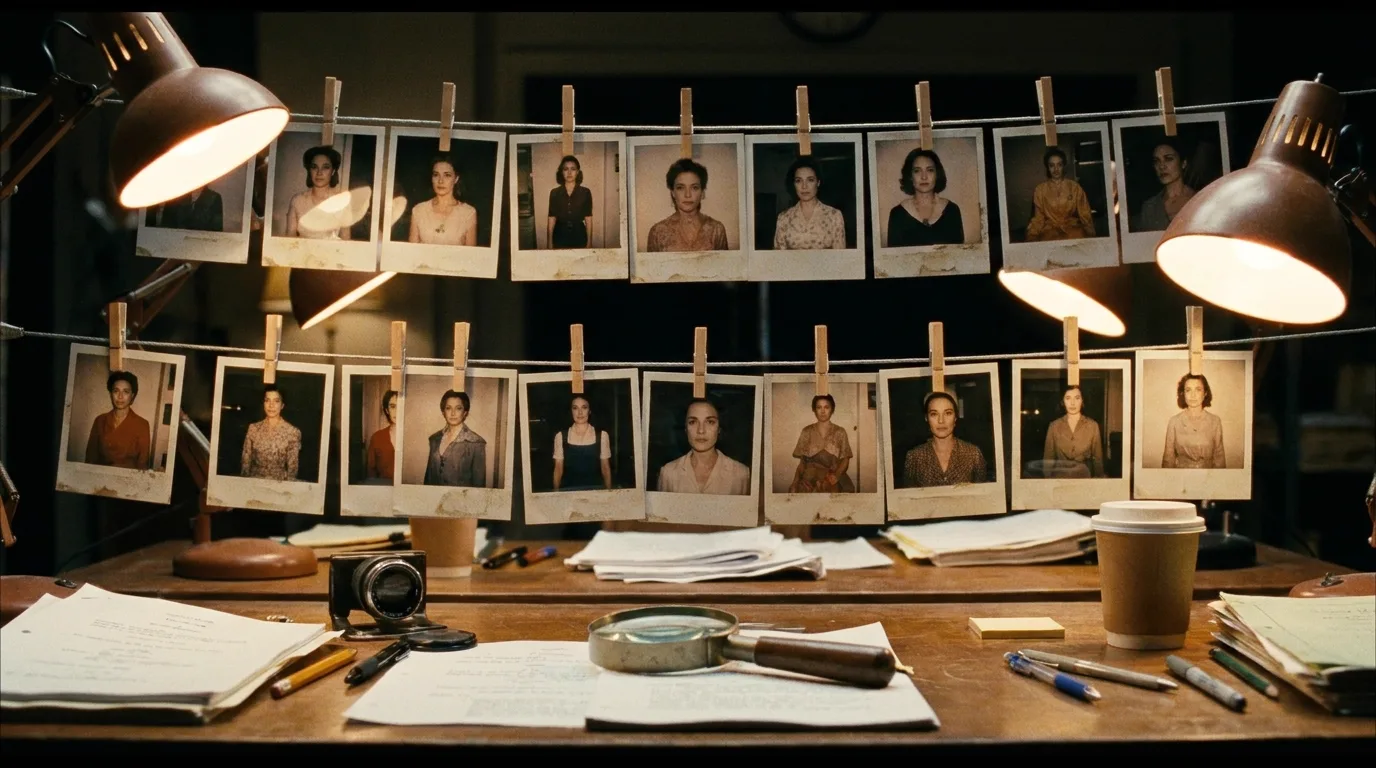
Then do what a script supervisor does with polaroids. On real sets, continuity supervisors photograph the actor at the top of every setup and physically compare against the approved reference before anyone rolls. Your version costs nothing: after each generation, put a frame from the new shot next to the reference kit and look for thirty seconds before you accept it. Not "does this look good." Does this match. Those are different questions, and the second one is the job.
Check at the moment of generation, not in the edit. A mismatch caught immediately costs one regeneration. The same mismatch discovered during assembly costs a regeneration plus every shot you generated afterward that quietly inherited the error, because you kept using a drifted output as your mental baseline. The principle is identical to catching wardrobe contradictions in the script before they reach set, which is why continuity checks on props, time, and wardrobe run before production, not after.
The drift checklist: what to compare shot to shot
Faces get checked instinctively, so drift hides in everything you don't think to look at. This is my per-shot pass, in order of how often each one actually catches something:
- Silhouette. Squint until detail disappears. Same build, same shoulder width, same height relative to doorframes and furniture?
- Costume construction. Count things: pockets, buttons, zips, seams, layers. Counting beats impressions, because your eye forgives what a number won't.
- Hairline and part. Direction of the part, height of the hairline, where the hair sits on the collar.
- Props. Same object, same size, same handle, carried in the same hand it was in last shot.
- Scale against the set. Characters drift in size relative to their environment. Check hands against door handles, head height against shelves.
- Movement quality. Gait, posture at rest, how they gesture. The easiest drift to miss on stills and the hardest to unsee in motion.
- Palette on skin and costume. Warm skin in shot 6 and grey skin in shot 7 reads as a different person before you've noticed anything else.
Seven items, thirty to sixty seconds per shot. On a 30-shot piece that's under half an hour of checking, against days of regeneration if drift compounds unchecked.
Try it free
Try Screenweaver for free on your script
It is free. Import your existing project, get a clearer view of your outline, and regain control of your story structure in minutes.
Start FreeRegenerate or fix it in edit
Not every catch deserves a re-roll. Regeneration costs time and money; some drift is cheaper to hide than to fix. The dividing line is simple: identity errors get regenerated, image errors get graded or cut around.
| Drift you caught | Fix in edit | Regenerate |
|---|---|---|
| Palette or skin tone shift | Yes, color match in grade | Rarely |
| Slightly softer or sharper look | Yes, texture or grain overlay | Rarely |
| Prop wrong for under a second of screen time | Often, trim or crop it out | If it's plot-relevant |
| Costume detail changed (pockets, buttons) | Only if never in close-up | Usually |
| Build, height, or silhouette changed | No | Always |
| Hairline, scar, or facial structure moved | No | Always |
| Movement quality wrong for the character | No | Always |
One honest caveat: "fix it in edit" assumes you have coverage to cut to. If a shot is both drifted and irreplaceable in the cut, you're regenerating whether the table likes it or not. That's an argument for generating a safety alternate on your hardest shots, the same way a director grabs one extra take on the tricky setup.
Which generators make reference attachment easy versus painful changes year to year; the 2026 script-to-video tool comparison covers the current field. Pick a tool where attaching your kit to every shot takes one click, because you'll be doing it a hundred times.
One boundary worth stating: everything above is about identity holding steady across separate shots. Quality decay inside one shot that's been extended over and over is a different disease with a different cure, covered in why AI video extensions degrade every generation.
Freeze the kit tonight, before you generate anything else. Hero shot, turnaround, two wardrobe close-ups, one prop. Attach all of it to shot 4B-1 tomorrow morning, and to every shot after that.
FAQ
What is character drift in AI video?
Character drift is the gradual accumulation of small identity changes across separately generated shots: build, wardrobe details, hairline, props, posture, and movement slowly stop matching. Each generation re-interprets the character, so tiny differences stack up. It's most visible after roughly ten shots, when cuts place mismatched versions side by side.
Why does my character change even though I use the same prompt every time?
Because a prose description is a range, not a point. The model samples one interpretation of "wiry build, grey jacket" per generation, and each sample lands slightly differently. Identical wording narrows the range but never closes it. Only reference images pin identity to specific pixels instead of a re-rolled interpretation.
How many reference images do I need for a consistent AI character?
Three to five per named character works for most projects: one neutral hero shot, one turnaround covering front, profile, and back, and one or two wardrobe or prop close-ups. More images help less than you'd expect. What matters is generating them in one session, approving them once, and freezing them for the whole production.
Is face consistency still the main problem in 2026?
Mostly not. With a clean reference image attached, current models hold facial identity well across dozens of shots. The persistent failures are everything around the face: costume construction, body proportions, silhouette, props, scale against the set, and movement quality. Those drift precisely because most people only check the face.
Should I regenerate a drifted shot or fix it in editing?
Split by error type. Palette shifts, slight softness, and briefly visible prop errors are usually cheaper to grade, trim, or crop around. Changes to build, silhouette, facial structure, hairline, or movement quality break identity itself and should be regenerated, because no grade can hide a different-looking person.
Does character drift affect extended or continued clips too?
Extended clips suffer a related but distinct problem: each extension conditions on a compressed rendering of the previous segment, so detail degrades inside a single shot rather than across shots. The reference kit helps there too, but the main fix is cutting between independent clips instead of chaining extensions.
Final Step
Build your next script with Screenweaver
Move from ideas to production-ready pages faster with timeline-native writing and AI-assisted story flow.
Try Screenweaver