Extreme close-upOne detail filling the screen
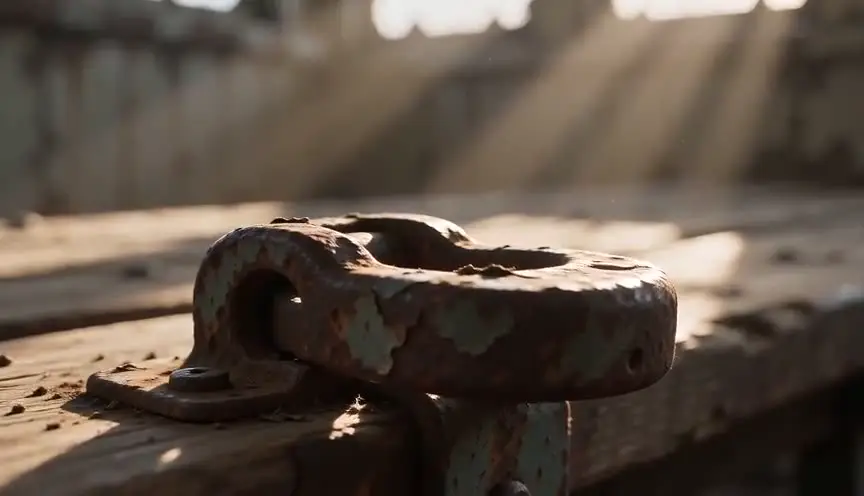
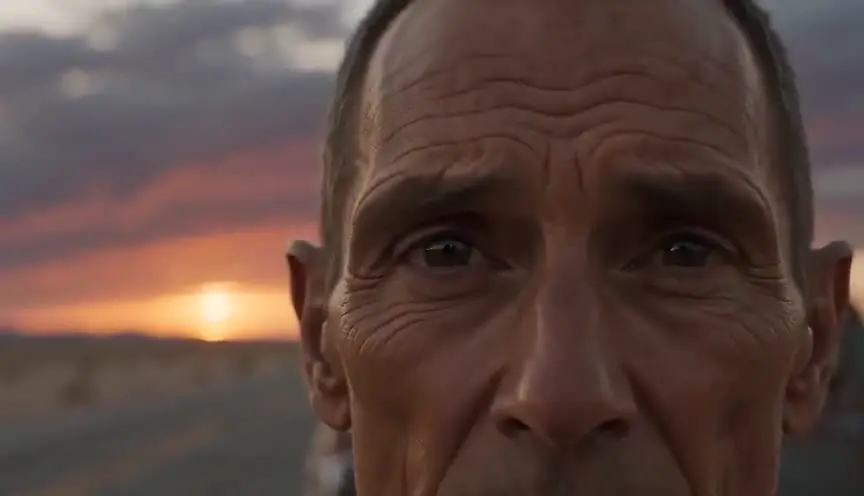
An extreme close-up fills the frame with a single part of a face or an object: an eye, lips, a fingertip, the edge of a coin. The audience sees what normally escapes attention, magnified to the size of a wall.
Also calledECUXCUBig close-upChoker shot
Shot sizes
Why it works on screen
Use it when a tiny detail carries the whole scene. A drop of sweat before a lie, a pencil trembling over an exam answer, a pupil widening, a tattoo half hidden under a sleeve. It serves tension, obsession, intimacy and discovery. By removing the rest of the face or the room, it forces the audience to read one sign with total attention. A scene earns it at a moment of extreme concentration or pressure, when a character's whole world narrows to a point. Used sparingly, it becomes the image people remember. Overused, it turns every beat into an alarm.
The shot list line
- Size
- Extreme close-up
- Angle
- Eye level, or matched to the detail's plane
- Movement
- Static, or a very slow push
- Lens
- 100mm macro or 85mm with extension
- Duration
- 1 to 3 s
Focus depth is tiny at this size, so lock the camera, mark the actor precisely and let the focus puller rehearse the detail before rolling.
Screenplay
On the page
Spec scripts avoid shot sizes, but a writer can point the reader's eye with the action line itself. Isolate the detail in its own short line: a trembling pencil tip, an eyelid twitching. That reads as an extreme close-up without the label. INSERT is accepted for objects, but for a face, the isolated line is enough. Save the notation ECU for the shot list, along with the lens and the focus plan.
INT. EXAM HALL - DAEGU HIGH SCHOOL - DAY
Three hundred students bent over identical desks. The only sound: pencils and the clock.
PARK JI-HOON (18) stares at question forty.
The tip of his pencil hovers above answer box three. Shaking.
A single bead of sweat slides from his eyebrow into his eye. He does not blink.
The pencil moves to box four.
Storyboard
In the storyboard
Draw the detail large, filling nearly the whole panel, and let parts of it break the frame edges. Add a small thumbnail of the wider shot next to the panel with a box showing what portion of the face or object the extreme close-up covers. Note the lens, the focus point and the duration. If the detail moves, add a tiny arrow for its direction.
Pairs well with

A wide shot before the extreme close-up shows the full situation. Jumping from the room to a single eye or finger creates a shock of scale that focuses the audience's attention.

Pulling back to a close-up after the extreme detail lets the audience see the whole face again and read the emotion the detail was hinting at.
Reference
Watch it in
The Good, the Bad and the Ugly (1966)
In the final showdown, Leone keeps cutting to eyes that fill the whole frame, stretching seconds of waiting into an unbearable ritual.
Persona (1966)
Bergman frames parts of two faces so tightly, and merges them in shadow, that the women's identities seem to dissolve into one another.
ScreenWeaver
Set it up in ScreenWeaver
Isolate the detail in its own action line, and ScreenWeaver breaks the scene down into shots automatically. Open that shot, set the framing to extreme close-up, choose an eye-level or matched angle, keep the movement static or a slow push, and give it a short duration. The character carries from shot to shot, so the eye or the hand matches the wider coverage. Use the AI previsualization to judge where the detail should cut in.
Start writing for freeThe prompt behind this clip
This is the exact prompt that rendered the clip at the top of the page. Keep the description of the camera and the light, change the subject and the place.
Extreme close-up of a woman's henna-painted hand resting on a worn zellige tile in a Moroccan riad courtyard, the frame filled entirely by her fingers and the intricate red-brown pattern on her skin, every crack in the tile and every line of henna in sharp focus while the courtyard fountain and tiled walls dissolve into soft out of focus color behind. Warm afternoon light rakes across the skin from one side, catching fine texture and small droplets of water. The camera stays perfectly still for the full four seconds, no zoom, no pan, only the faint natural tremor of a handheld hold. No text.
Common mistakes
- 01
Missing focus
At this size, a millimeter of movement ruins the shot. Lock off, mark carefully, stop down if you can, and shoot several takes to be safe.
- 02
No context
An extreme close-up without an establishing wider shot can confuse. Make sure the audience knows whose eye or which object they are seeing. One wider shot before the detail is usually enough to anchor it for the whole scene.
- 03
Too many in a row
A sequence of extreme close-ups quickly exhausts the audience and flattens the emotion. Reserve them for the key beats and let wider framings breathe in between.