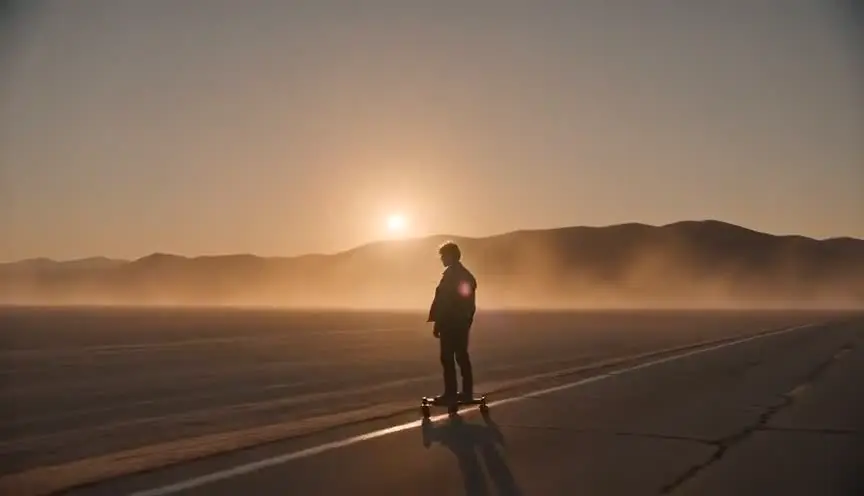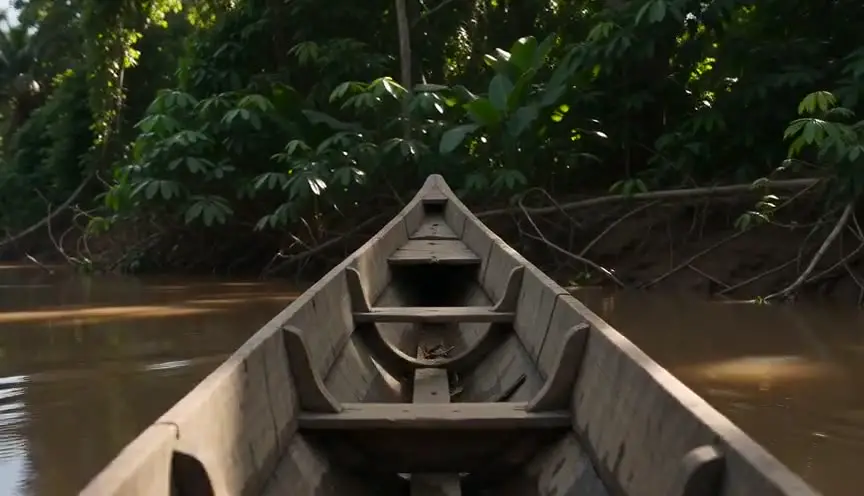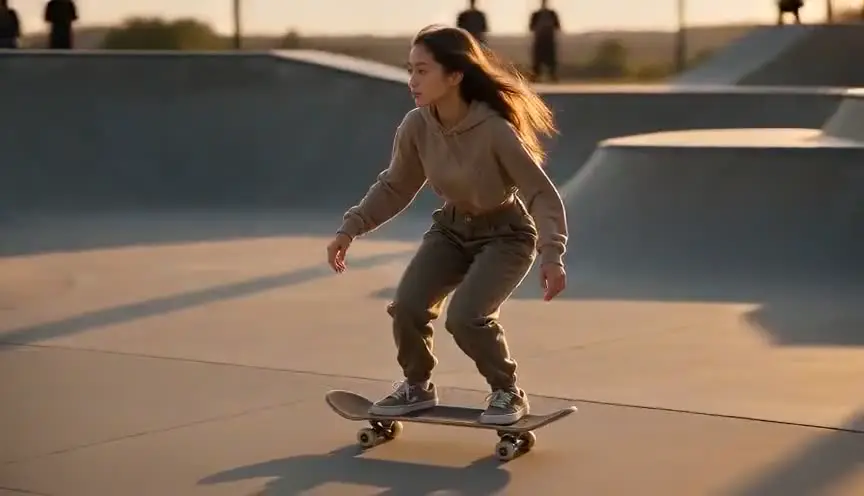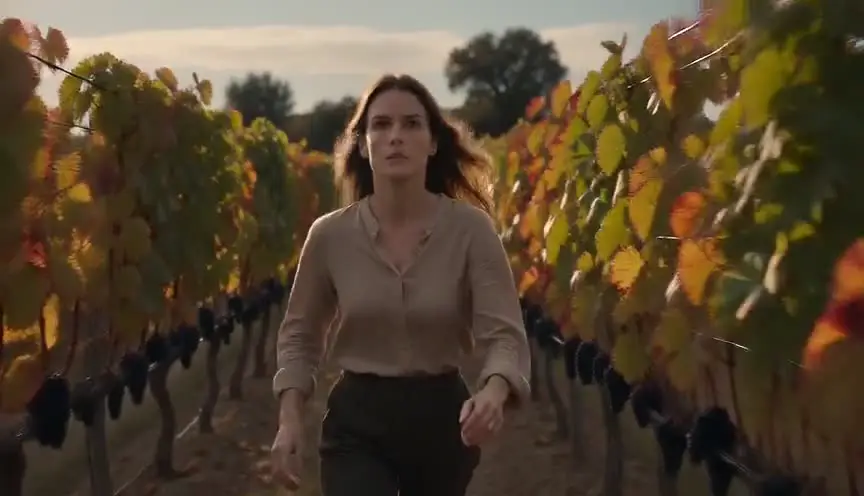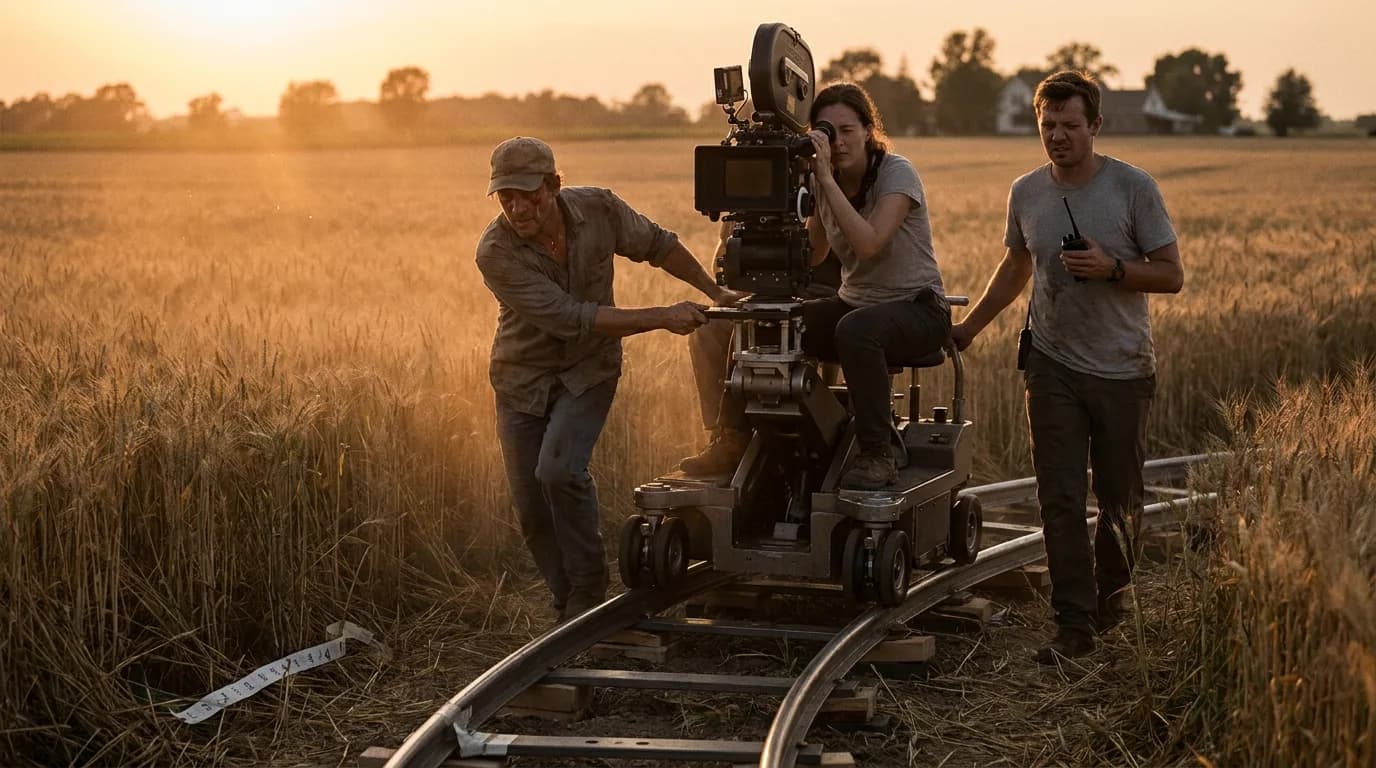

AI video models obey a camera move when you name one move, give it a direction and a speed, put it near the start of the prompt, and leave something in the frame that makes the move visible. When a dolly or a pan gets ignored, one of those four is usually missing. The vocabulary is rarely the problem.
It sits under our director's guide to cinematic prompts, which explains the full prompt structure. If you only want the copy-paste phrasings with animated demos, the camera movement prompt library is faster.
The reference table
All of these moves except the push-in appear in Google's video generation prompt guide for Veo, each with a definition and an example. The last two columns list the usual failure and the edit that fixes it most often.
| Move | What the camera does | Write it like this | Common failure | First fix |
|---|---|---|---|---|
| Static / locked | Nothing | "Locked camera, static shot" | Slow drift or breathing zoom | Say it positively and early, and give the subject the motion instead |
| Pan | Rotates left or right in place | "Slow pan left across..." | Becomes a truck, or the subject turns instead | Name what the pan travels across and where it lands |
| Tilt | Rotates up or down in place | "Tilt down from her face to the letter" | Starts tilting, then cuts to a new framing | Give a start and an end point inside one sentence |
| Dolly in / out | Travels toward or away from the subject | "Slow dolly in on..." | Reads as a zoom, or nothing moves | Put a foreground object between camera and subject |
| Push-in | Short, slow dolly in | "Gentle push-in toward her face" | Too fast, lands too tight | Pair it with a shot size at the end: "ending on a close-up" |
| Truck | Travels sideways | "Truck right alongside him as he walks" | Turns into a pan | Add parallax cues: posts, trees, a fence |
| Pedestal | Rises or lowers, angle stays level | "Pedestal up to reveal the full height" | Becomes a tilt | Rarely worth it; use crane or tilt and accept the difference |
| Crane | Rises or descends, often in an arc | "Crane shot rising over the crowd" | Barely moves in a 5-second clip | Give it the whole clip and one destination |
| Handheld | Carried, unstable | "Handheld camera follows her through the crowd" | Becomes generic shake on a static shot | Give it a subject to follow and a reason to move |
| Arc / orbit | Circles the subject | "Slow arc around the couple" | Subject rotates, camera stays put | Keep the background busy so rotation reads as travel |
| Zoom | Lens changes focal length | "Slow zoom in on..." | Model dollies instead | Fine for most shots; say "zoom" only if you want the flat, lens-based look |
| Whip pan | Very fast pan with blur | "Whip pan from one speaker to the other" | A cut, or a smear with no destination | Name both ends of the whip |
| Aerial / drone | High, flying movement | "Sweeping aerial drone shot over..." | Static high-angle wide | Name the direction of flight and a landmark |
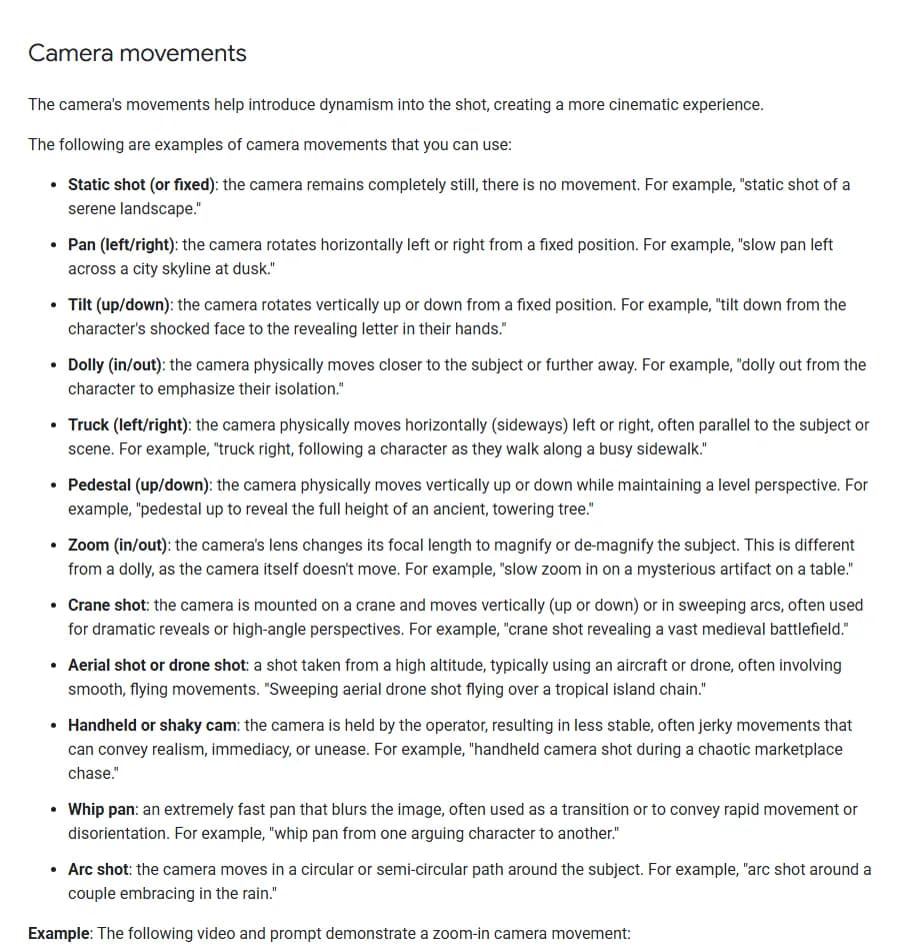
Camera movements section of Google's video generation prompt guide, captured 6 October 2026. The page was last updated 1 October 2026.
Google's guide does one useful thing for dolly and zoom: it separates them. A zoom changes the focal length and the camera stays where it is. A dolly moves the camera. In a real lens that difference shows up as perspective. With a dolly, the background changes size at a different rate than the subject. A zoom magnifies everything evenly. Models trained on real footage reproduce that difference when the frame has enough depth to show it.
Why the model ignores your move
When a camera instruction disappears, I check these five causes in order. Start with the first two: they cost one edit each.
1. The move arrives too late in the prompt. A 90-word paragraph about a character's coat, the rain and the neon sign, with "slow dolly in" tacked on at the end, gets a nice coat and no dolly. Google's own formula puts cinematography first. Kling's published formula puts camera language in a bracket of optional extras at the end, which tells you how little weight it carries when the rest of the prompt is busy. Either way, move the camera sentence up front.
2. Two moves in one clip. "Crane up, then push in, then rack focus to the window." You get one of them, the model decides which, and the clip is spent. If the shot really needs a compound move, split it into two clips and cut, or generate a start frame and an end frame and let the model interpolate between them.
3. Negative phrasing. Runway's Gen-4 prompting guide is blunt about this. It says negative phrasing is not supported and "may produce unpredictable or even opposite results." Its own example swaps "No camera movement" for "Locked camera. The camera remains still." "No camera shake" falls into the same trap, because it puts the words camera shake into the prompt.
4. Nothing in the frame shows the move. A pan across an empty sky looks like a still frame. A dolly toward a face against a plain wall looks like a zoom, or like nothing. Camera movement is only visible through parallax and through things entering or leaving the frame. If your image-to-video start frame is a clean subject on a clean background, give the model something to work with: a doorframe in the foreground, a row of lamp posts, a crowd behind.
5. The move doesn't fit the clip length. Runway's Gen-4 renders 5 or 10 seconds. Kling's text-to-video guide asks for subject movement "suitable for a 5-second video." A crane that rises from street level to rooftop needs time. Compressed into five seconds, it either rushes or barely starts. Pick moves that complete inside the clip, and use speed words ("slow", "gentle", "fast") because they change how far the camera travels.
Dolly and push-in: the move you will use most
The push-in is the workhorse of dramatic coverage. It tells the audience that this moment, this face, matters more than the one before. On a set it's a dolly creeping forward a metre or two over the length of a line. In a prompt, it's the most reliable move you have, and the easiest to overdo.
- Name where it ends. "Slow push-in from a medium shot to a close-up on her eyes" gives the model a destination. Without one, it guesses how far to go, and the guess is usually too far.
- Give it depth. Shoot through something. A glass of water on the table, the back of another character's shoulder, the bars of a stair rail. The foreground slides past and the move reads instantly.
- Keep the subject's action small. A push-in on someone who is also running, turning and shouting turns into chaos. Let the camera carry the emotion and the actor hold still.
Dolly out (or pull-back) is the reverse and works for endings and reveals. Google's example is a dolly out "to emphasize their isolation", which is the classic use: the world grows around the character until they look small.
One vocabulary warning. Some references, including the card in our own tool library, group "dolly" with lateral tracking movement, because on a set the dolly is the cart and it can travel in any direction. Google uses "dolly" for in and out only and "truck" for sideways. Models seem to understand both, but if you want sideways travel, "truck left" or "tracking shot alongside" is less ambiguous than "dolly left."
Pan and tilt: rotation, no travel
A pan rotates the camera on its tripod head. Nothing in the frame changes its relationship to anything else; the whole picture just slides. That's why pans feel observational. They're how a person turns their head.
The common failure is a pan that becomes a truck, with foreground and background separating as if the camera were on rails. In practice this rarely ruins a shot, but if you need a true pan (for a fixed vantage point, or a security-camera feel), say "from a fixed position" and avoid words like "following" or "tracking," which imply travel.
Tilts need a start and an end more than any other move. Google's example is a good model: "tilt down from the character's shocked face to the revealing letter in their hands." That's a story beat in one camera instruction. The face asks a question and the letter answers it. Write tilts that way and they stop being decorative.
Crane and pedestal: vertical moves
Westerns love to open on a crane and war films love to end on one. The move lifts the audience from a person to a place, or brings them down from a place to a person. Models handle the rising crane well when you name what it rises over ("crane up over the market stalls to reveal the harbor"). The descending crane is harder to prompt, because its end point is harder to describe than a reveal.
Pedestal, where the camera rises straight up with its angle level, is the move I'd skip in prompts. It's subtle on a real set and the model rarely distinguishes it from a tilt or a crane. If the difference matters to you, generate the clip from a start frame and an end frame instead.
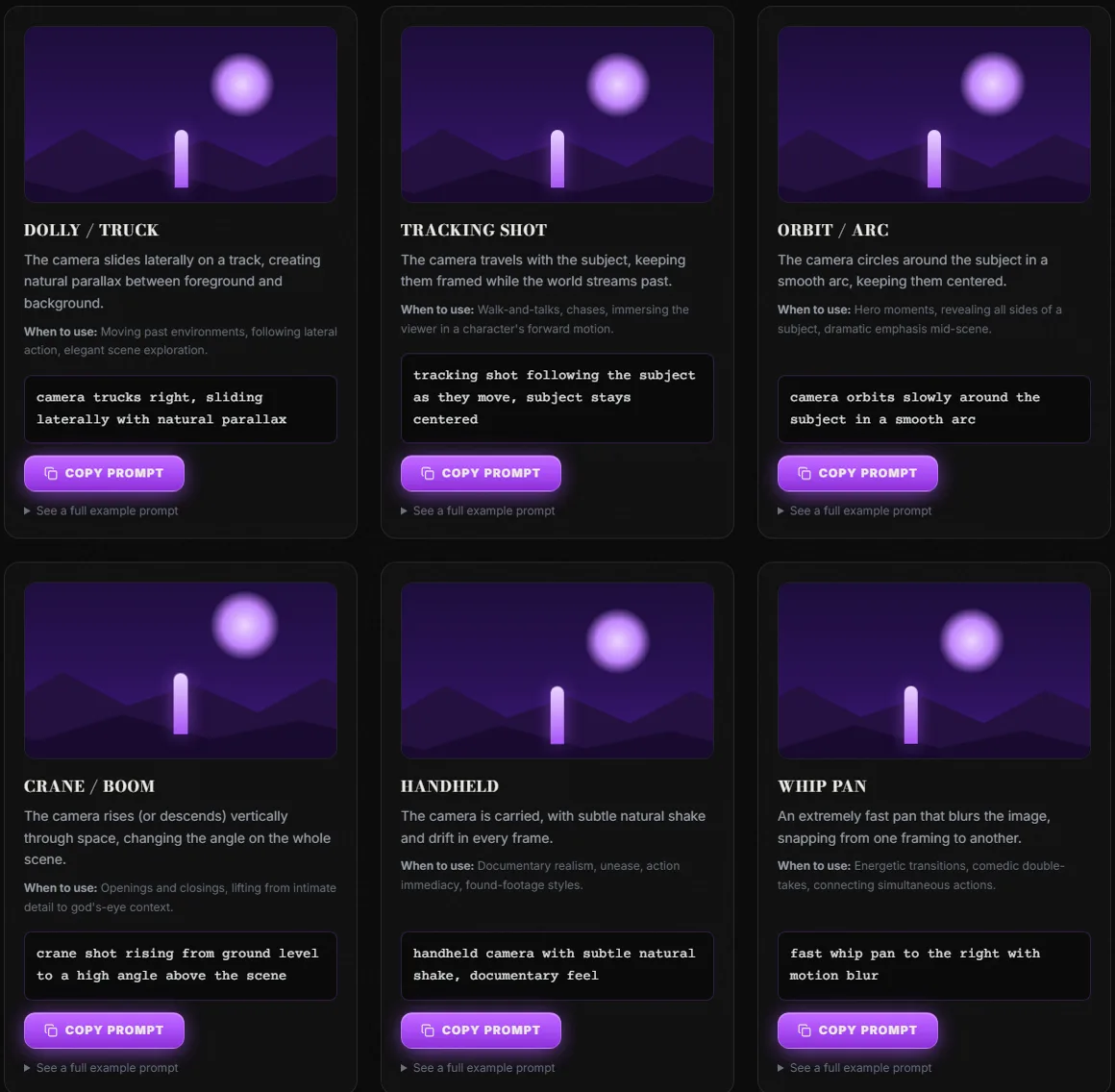
Six of the 22 cards in ScreenWeaver's camera movement prompt library, captured 6 October 2026. Each card animates the move on the same scene so the differences are visible.
Try it free
Try Screenweaver for free on your script
It is free. Import your existing project, get a clearer view of your outline, and regain control of your story structure in minutes.
Start FreeHandheld: a reason to shake
"Handheld" is the move most likely to produce something you didn't ask for. Models often read it as a style filter: they take a static composition and add a shiver. That gives you a shot that looks like it was filmed on a tripod during an earthquake.
Handheld works when the camera has a body behind it. Runway's guide uses "a handheld camera tracks the mechanical bull as it runs across the desert," and Google's example is a "chaotic marketplace chase." Both give the operator something to follow and a reason to be unsteady. So write it as a person: "handheld camera follows him down the corridor, staying just behind his shoulder." The shake comes from the walking, and it looks real.
Handheld also sets a tone for the whole sequence. If one shot in a scene is handheld and the rest are locked, the cut will feel like a mistake unless the story motivates it. Decide per scene, not per clip.
Truck, tracking and arc
Truck and tracking shots travel with or beside a subject. The prompt needs two things: who the camera is following, and what slides past. "Tracking shot alongside a cyclist on a coastal road, fence posts streaming past in the foreground" works because the fence posts prove the movement.
The arc, or orbit, is the hero move. It reveals a subject from several sides in one take. The failure is a subject that spins on the spot while the camera stays still, which reads as a turntable. A busy background is the fix: when the buildings behind the couple slide around them, the brain reads camera travel. Keep it slow. A fast orbit asks the model to invent a new angle on the face every few frames, and the face is where it slips first.
A prompt pattern that holds up
The order I use, in one sentence at the top of the prompt:
[shot size], [move] [direction] [speed], [what the move reveals or follows].
Then subject, action, location and look, as the pillar guide describes.
A before and after:
Before: A detective in a long coat stands in a rain-soaked alley at night, neon reflections in the puddles, moody, cinematic, with a dramatic camera movement.
After: Medium shot, slow push-in toward the detective, ending on a close-up, shooting past a dripping fire escape in the foreground. A detective in a long coat stands still in a rain-soaked alley at night, eyes on a door. Neon reflections in the puddles, hard green side light, 35mm film grain.
The first prompt hands the model a choice of camera moves. The second removes the choice. "Dramatic camera movement" is the phrase that burns the most retries, because every model picks a different one. If the shot itself is still undecided, it helps to settle the size first; our storyboard shot types reference covers the framing vocabulary, and the mistakes that waste AI video credits covers what an unplanned retry costs.
Checklist before you spend a generation
- One camera move per clip, named with a standard term (pan, tilt, dolly, truck, crane, handheld, arc, zoom)
- Direction stated: left, right, in, out, up, down, around
- Speed stated: slow, gentle, steady, fast
- The camera sentence is the first or second sentence of the prompt
- An end point for any move that reveals: "ending on...", "to reveal..."
- Something in the foreground or background that makes the move visible
- The move can finish inside the clip length
- Phrased positively: "locked camera" instead of "no camera movement"
- Subject action small enough to leave room for the camera
- In image-to-video, the start frame composition allows the move (no extreme close-up before a push-in)
Tools for this
The camera movement prompt library animates 22 moves on the same scene, with a copy-paste fragment for each. The shot size reference covers the framing half of the camera sentence. The AI video prompt generator assembles the full prompt in the order above. And if you're planning a whole film rather than one shot, ScreenWeaver turns your script into scenes, storyboards and shot-by-shot prompts; the AI film guide shows how that pipeline runs.
FAQ
What are the best camera movement terms for AI video prompts? The standard film terms: static, pan, tilt, dolly in or out, truck, pedestal, zoom, crane, aerial, handheld, whip pan and arc. Google's Veo prompt guide documents all of them with examples, and Runway's Gen-4 guide uses the same vocabulary. Standard terms beat creative descriptions such as "dramatic movement" because the models were trained on footage labeled with that vocabulary.
Why does my AI video zoom when I asked for a dolly? Usually because nothing in the frame shows depth. A dolly and a zoom look nearly identical on a flat subject against a plain background. Add a foreground element and some distance between subject and background, and the parallax makes the dolly read as a dolly.
How do I stop the camera from moving in an AI video? Say it positively: "Locked camera. The camera remains still." Runway's guide gives that exact phrasing and warns that "no camera movement" may produce the opposite. Put it near the start of the prompt and give the motion to the subject instead.
Can I combine two camera movements in one AI prompt? You can write it, but the model will usually execute one and drop the other. For a compound move, generate two clips and cut between them, or use a start frame and an end frame and let the model interpolate the path.
Which camera move works best in a 5-second AI clip? Short moves that finish on their own: a slow push-in, a short pan or tilt with a clear end point, a handheld follow. Long crane rises and full orbits tend to rush or stop halfway in five seconds. Save them for 10-second clips or split them.
Final Step
Build your next script with Screenweaver
Move from ideas to production-ready pages faster with timeline-native writing and AI-assisted story flow.
Try Screenweaver