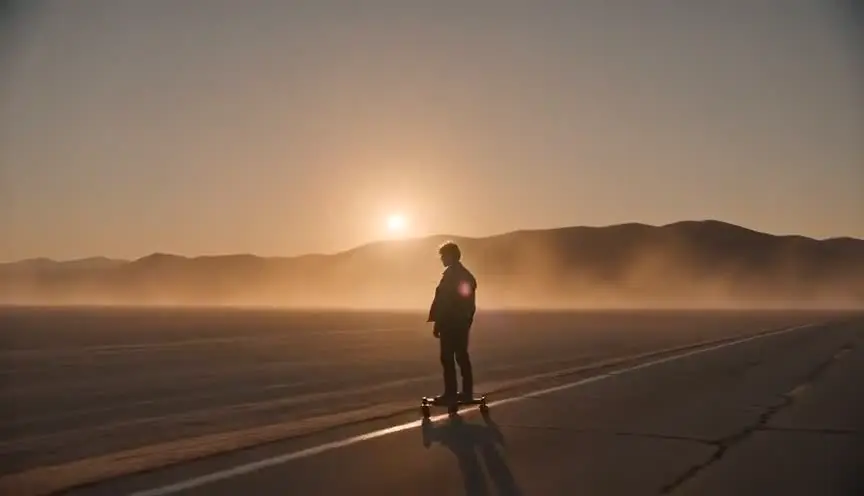
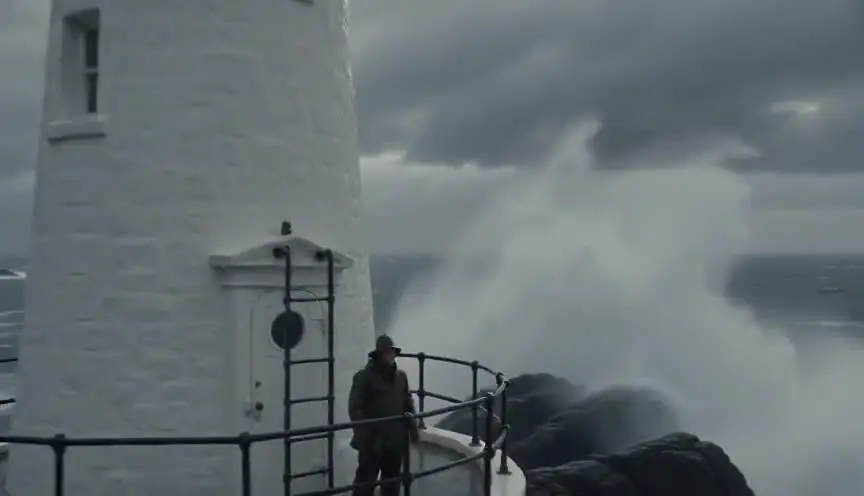
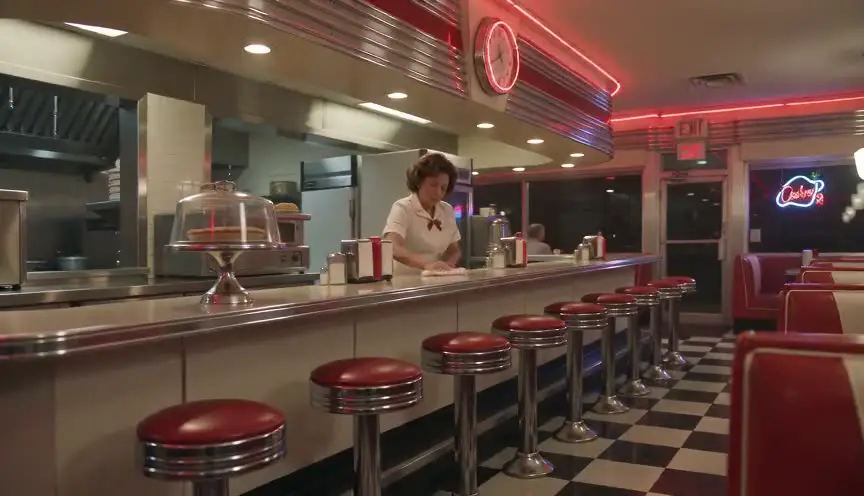
Dolly zoomWhen the world shifts around someone
A dolly zoom moves the camera toward or away from a subject while the zoom travels the opposite way, so the subject holds its size and the background stretches or collapses. The audience feels the ground give way at the exact moment a character does.
Also calledVertigo effectContra-zoomTrombone shotHitchcock zoom
Camera movement
Why it works on screen
Save it for a realization that rearranges a character's world. The beat is internal: the moment a doctor reads a result, a parent sees an empty swing, a witness recognizes a face across a room. Nothing moves in the scene, yet everything feels wrong, and the shot gives that feeling a physical shape. It serves dread, vertigo, shock and sudden clarity. A scene earns it when the story has built pressure for several pages and the character finally understands. Used on a small beat, it reads as a trick. Used once per film, on the turn that matters, it becomes the moment people remember.
The shot list line
- Size
- Medium close-up
- Angle
- Eye level
- Movement
- Dolly out while zooming in (or dolly in while zooming out)
- Lens
- 24-70mm or 18-55mm zoom, focal length rides with the dolly
- Duration
- 3 to 5 s
Lock the subject's size with a frame line on the monitor and rehearse dolly speed against the zoom until the face never breathes.
Screenplay
On the page
Do not write "dolly zoom" in a spec script. Readers skip camera directions, and the term tells them how to shoot rather than what to feel. Write the realization instead: the character goes still, the room seems to pull away, one detail fills their attention. That gives the director permission without an order. If you are directing your own script, keep the technique out of the screenplay anyway and put it in the shot list, where the crew needs it and the reader does not.
INT. HOSPITAL CORRIDOR - NIGHT
MARGUERITE OKAFOR (40s, still in her work fleece) stops at the nurses' station.
The nurse turns a clipboard toward her. A name, a room number.
Marguerite does not move. The corridor behind her seems to stretch, longer than it was a second ago.
The hum of the vending machine is suddenly very loud.
MARGUERITE
That's my brother's name.
Storyboard
In the storyboard
Draw two panels, start and end, with the subject at exactly the same size in both. In the first, keep the background small and distant; in the second, make it loom large behind the head, or the reverse. Add a dolly arrow along the floor pointing one way and a zoom arrow on the frame edge pointing the other. Write the starting and ending focal lengths under each panel, plus the duration, and a note on the beat the shot lands on.
Pairs well with

A locked-off shot before the dolly zoom lets the space feel normal and stable, so when the background suddenly warps the audience senses the change instead of reading it as more camera movement.

After the distortion, cut to the person who notices the character's change. The reaction confirms the emotional turn from outside and brings the audience back to the scene's shared reality.
Reference
Watch it in
Vertigo (1958)
Hitchcock, with camera operator Irmin Roberts, built the shot to make the hero's fear of heights visible as he stares down a bell tower stairwell.
Jaws (1975)
On a crowded beach, Chief Brody understands another attack is happening, and the shoreline behind him lurches while his face stays fixed.
The Lord of the Rings: The Fellowship of the Ring (2001)
Peter Jackson stretches a wooded road around Frodo as he senses a Black Rider approaching, turning a quiet path into a trap.
ScreenWeaver
Set it up in ScreenWeaver
Write the realization in your screenplay as action, and ScreenWeaver breaks the scene down into shots automatically. Open the shot where the character understands, set the framing to medium close-up at eye level, choose the movement as a dolly out with the zoom going in, and give it a duration of three to five seconds. The character and the location carry over from the shots around it, so the background stays consistent. Check the timing in the AI previsualization before you commit it to the shot list.
Start writing for freeThe prompt behind this clip
This is the exact prompt that rendered the clip at the top of the page. Keep the description of the camera and the light, change the subject and the place.
Dolly zoom, the Vertigo effect. A gondolier stands still on a small stone bridge over a Venetian canal, framed from the waist up in the center. For the whole shot he stays exactly the same size in the frame, while the buildings and the canal behind him grow bigger and closer, as if the background were rushing toward him and swallowing the space. The camera travels backward while zooming in. Smooth, unsettling, realistic daylight. No text.
Common mistakes
- 01
The subject changes size
If the face grows or shrinks during the move, the effect turns into a clumsy zoom. The whole point is a fixed subject against a moving world, so match dolly speed and zoom speed with care.
- 02
Too little depth behind
Against a flat wall, nothing visibly changes. The shot needs a deep background with clear lines, such as a corridor, a street or a stairwell, so perspective has room to stretch.
- 03
Using it for decoration
Placed on a minor beat, the shot announces itself and the audience watches the camera instead of the character. Keep it for the single turn the story has been building toward.