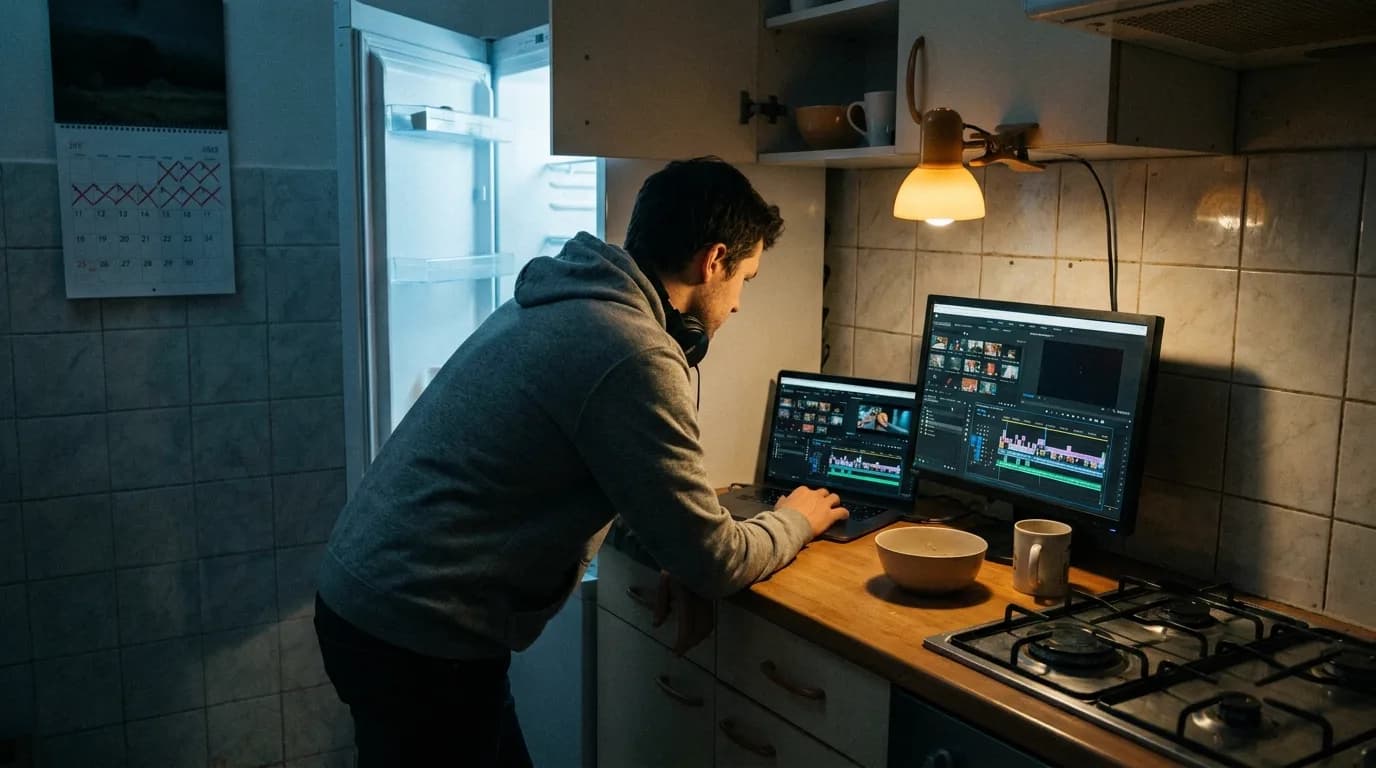
The protagonist is wearing a blue sweater in Scene 12. By Scene 18, it's red. Nobody noticed until the set photographer sent dailies. Now the editor is stitching together takes from two different shooting days, and the sweater changes color mid-conversation.
This is a continuity error. It happens constantly. Not because productions are careless, because tracking every detail across a hundred-page script, dozens of shooting days, and hundreds of setups is genuinely hard. The script supervisor catches most errors on set. But the script itself is where continuity is supposed to be established. If the script contradicts itself, if a prop appears before it's introduced, or the time of day jumps without explanation, or a character's wardrobe description changes, those errors cascade into production.
Continuity checking is tedious. It requires reading the entire script multiple times, keeping mental notes about what was established and where, and flagging every inconsistency. Traditional screenwriting software doesn't help much; it formats pages, but it doesn't understand what's on them.
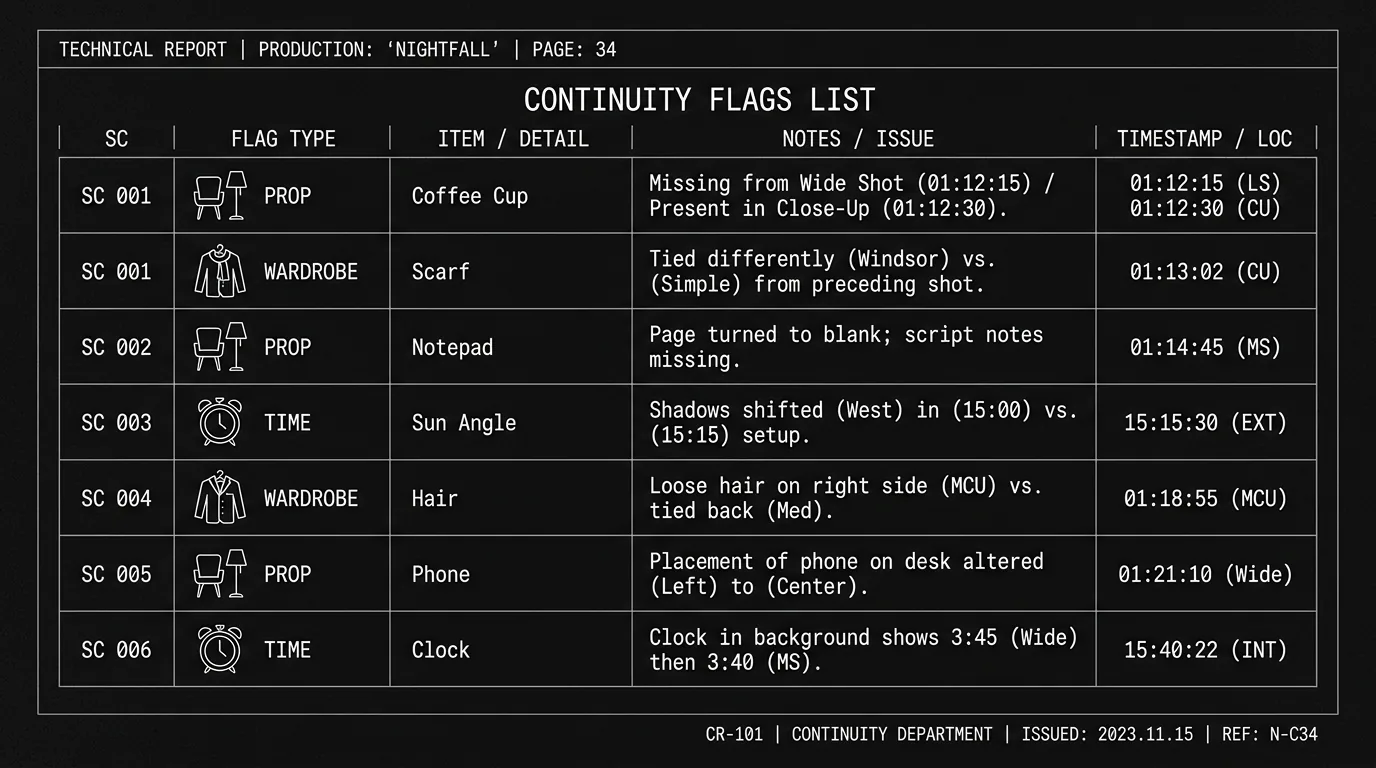
That's changing. Tools that analyze script text can now flag continuity issues before anyone steps on set. They track when props are first mentioned and whether they're used consistently. They parse time-of-day sluglines and alert you when the timeline contradicts itself. They catalog wardrobe descriptions and flag when a character's clothing changes without a scene break.
This isn't magic. It's pattern recognition applied to text. And for writers, script coordinators, and continuity departments, it can save hours of manual review, and thousands of dollars in avoided reshoots. The generated-footage version of the same problem, keeping a character's look stable across shots, is covered in the character drift guide.
Free tool: use the Slugline Formatter to clean up and standardize your scene headings.
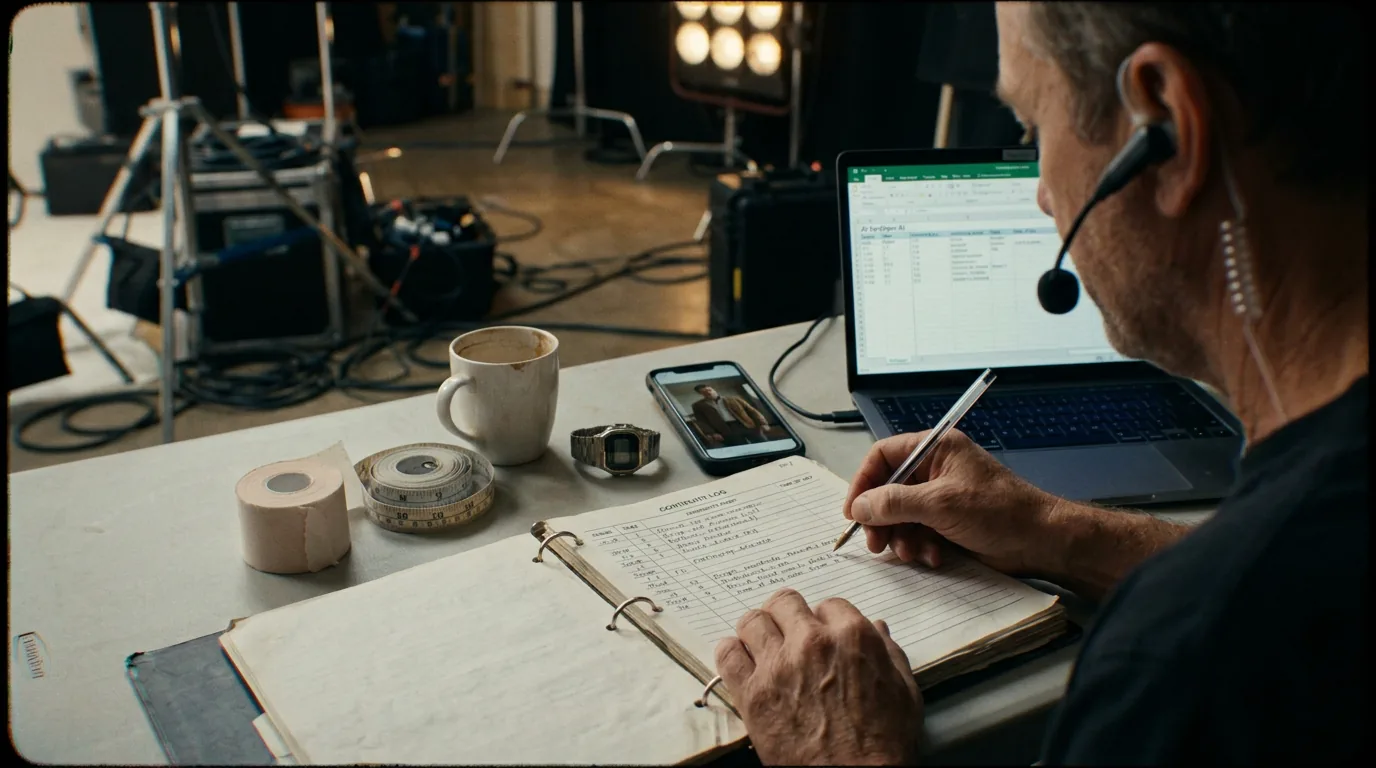
Cinematic workflow frames
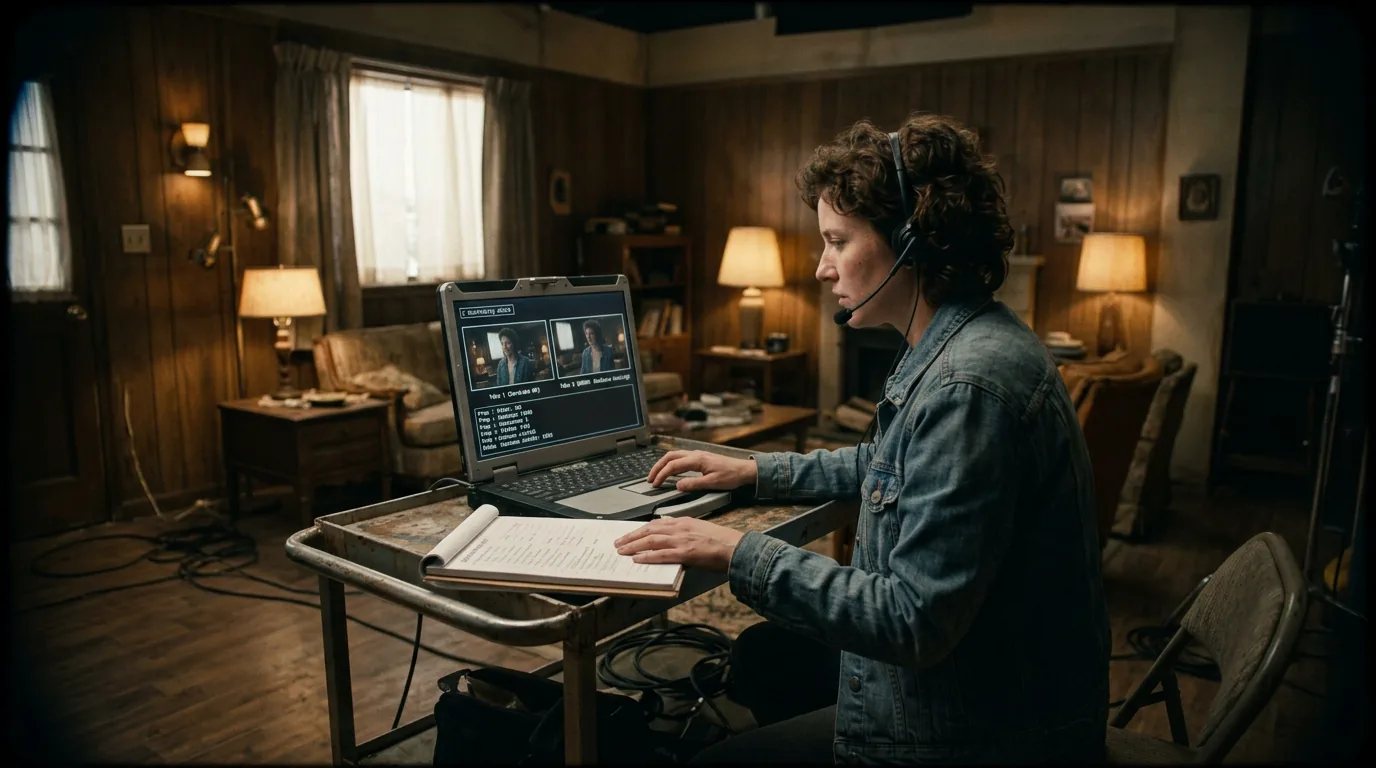
These two visuals work as a pair: the first shows Cinematic workflow still, first angle, 35mm film grain, and the second shifts to Cinematic workflow still, second angle, 35mm film grain - compare them briefly, then move on.
What Continuity Actually Means on the Page
Before we talk about tools, let's be specific about what continuity covers in a screenplay.
Props. Any physical object a character interacts with. A gun, a photograph, a coffee cup, a smartphone. If a prop appears in one scene, it should exist consistently according to the story's logic. Did the protagonist put the gun in her purse? Is the purse in the next scene? Does she still have the gun when she needs it in Act Three?
Time of Day. Indicated in sluglines (INT. OFFICE – DAY, EXT. PARKING LOT – NIGHT). Time should progress logically. If Scene 10 is night and Scene 11 is day, has time passed, or is there a mistake? If a character says "I'll meet you at noon" and the next scene is slugged DUSK, something's wrong.
Wardrobe. What characters are wearing. Described in action lines when first introduced and sometimes when they change. If a character is in "a black suit" and three scenes later is described as adjusting her "white blouse" with no wardrobe change indicated, that's a continuity error, or a missing scene.
Character state. Injuries, intoxication, emotional state. If a character is wounded in Scene 20, they should be bandaged or impaired in Scene 21, unless the script establishes that time has passed or they've been treated.
Geography and location. Where are the characters? If a character is in New York in Scene 5 and Paris in Scene 6 with no travel indicated, how did they get there? Some scripts intentionally jump; others simply forgot a scene.
Continuity errors in the script aren't always visible on screen, they become visible when production tries to shoot the script and realizes it doesn't make sense.
Why Writers Often Miss Continuity Issues
Writers work non-linearly. They write Act Three before Act Two is finished. They revise dialogue without rereading the whole script. They change a prop in revision and forget to update the scene where it was introduced.
This isn't sloppiness; it's how creative writing works. Revision is iterative. Changes ripple outward. And humans are bad at holding a hundred pages of detail in their heads.
The traditional fix is multiple read-throughs. A dedicated continuity pass where you read the script start to finish, tracking every element. But this is slow, and writers under deadline often skip it, or do it incompletely.
Script coordinators and continuity supervisors do this work in prep, and on set the script supervisor tracks it on lined pages; a lined script maker shows how those coverage marks map onto your scenes. By then, though, errors are expensive to fix. A prop established in the wrong place might require reshooting. A timeline contradiction might require restructuring the shooting schedule.
The cheapest place to catch a continuity error is in the script. Every error that survives to production costs money.
This is where automated tools offer value. They don't replace human judgment, but they catch the obvious problems faster than any human could, freeing the human to focus on the judgment calls.
What Continuity-Checking Tools Actually Do
These tools work by parsing the script text and building structured data from it. Think of it like this: the tool reads the script and creates internal databases for props, characters, locations, and time references. Then it cross-references those databases to find contradictions.
Prop tracking. The tool identifies nouns in action lines that are likely props (objects characters use or interact with). It logs where each prop first appears, where it's used, and where it's last mentioned. It flags if a prop is used before it's introduced, or if it's introduced and never used (Chekhov's gun problem).
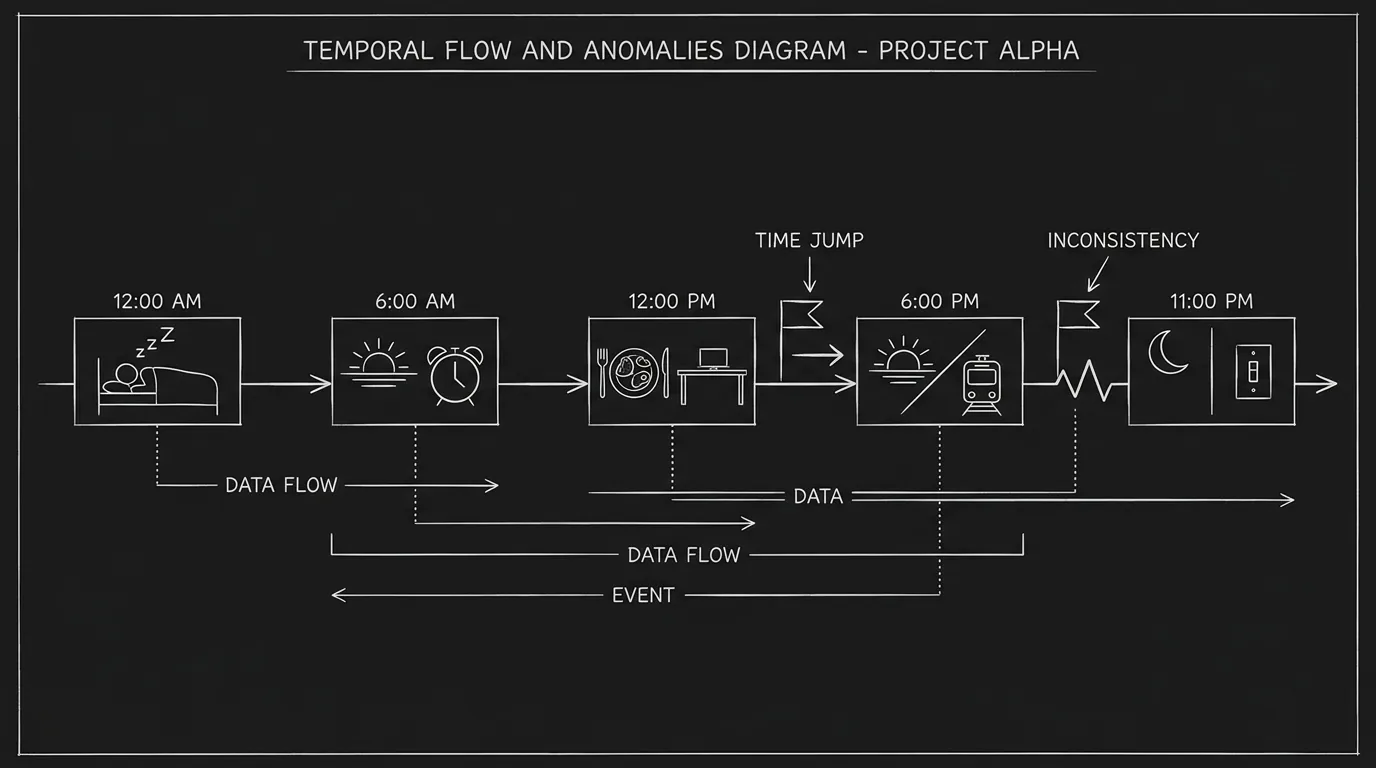
Time-of-day parsing. The tool reads sluglines and extracts time markers (DAY, NIGHT, DAWN, MORNING, CONTINUOUS). It builds a timeline. If DAY follows NIGHT without a scene break or time indicator, it flags the jump. If a character references "tonight" and the next scene is slugged DAY, it flags the potential inconsistency.
Wardrobe catalogs. The tool identifies wardrobe descriptions in action lines (usually associated with character introductions or explicit changes). It tracks what each character is wearing and flags when the description changes without explanation.
Character state tracking. Some tools track physical state, injuries, intoxication, disguises. If a character is shot in Scene 30, the tool expects that injury to be acknowledged in subsequent scenes until resolved.
The outputs are typically reports: a list of flagged issues, sorted by severity or scene number, with links back to the relevant script pages.
A Workflow: Integrating the Tool Into Development
Let's walk through how this works in practice.
Step One: Complete Your Draft
Write the script as you normally would. Don't try to be continuity-perfect on the first pass; you'll revise anyway. Get the story down.
Step Two: Run the Continuity Scan
Once you have a complete draft, upload it to the continuity tool. The tool parses the script and generates a report. This takes a few minutes.
Step Three: Review the Flag List
The report lists potential issues. Not all of them are real errors; some are intentional choices the tool doesn't understand. Your job is to review each flag and decide: is this a problem or not?
Step Four: Fix Real Errors
For errors that matter, a prop used before introduced, a time-of-day contradiction, a wardrobe inconsistency, revise the script. This might mean adding a line ("She slips the gun into her purse"), changing a slugline, or clarifying a character's wardrobe.
Step Five: Dismiss False Positives
For flags that aren't real problems, dismiss them. Good tools let you mark an issue as "intentional" so it doesn't reappear in future scans.
Step Six: Re-Scan After Revisions
Every major revision pass should be followed by a new continuity scan. Changes introduce new errors. The tool catches them before they escape to production.
A Table: Common Continuity Errors and Tool Detection
| Error Type | Example | Tool Detectable? | Notes |
|---|---|---|---|
| Prop used before introduced | Character fires a gun that was never established | Yes | Tool flags first use vs. first mention |
| Prop disappears | Character has coffee cup in Scene 5, doesn't in Scene 6 | Partial | Tool may flag if cup isn't mentioned; human judges |
| Time-of-day jump | Scene 10 is NIGHT, Scene 11 is DAY without transition | Yes | Tool parses sluglines and flags illogical sequence |
| Timeline contradiction | Character says "yesterday" but events don't support it | Partial | Requires dialogue parsing; less reliable |
| Wardrobe change without scene | Character in black suit becomes white blouse | Yes | Tool tracks wardrobe descriptions |
| Injury ignored | Character is shot but walks normally | Partial | Tool may flag if injury keyword present |
| Location jump | Character in NYC, then Paris, no travel | Yes | Tool tracks location sluglines |
| Vehicle continuity | Character drives a Mustang, then a Civic | Partial | Tool may not distinguish vehicle types |
The pattern: structural continuity (sluglines, prop mentions, wardrobe descriptions) is highly detectable. Narrative continuity (what a character said three scenes ago, what they logically should know) is less reliable and requires human judgment.
Try it free
Try Screenweaver for free on your script
It is free. Import your existing project, get a clearer view of your outline, and regain control of your story structure in minutes.
Start FreeThree Realistic Scenarios: Different Production Contexts
Scenario A: Indie Feature, Single Writer
You're writing a contained thriller, one location, five characters, seventy-two hours of story time. Continuity should be simple, but you've revised heavily and lost track of the prop flow. The protagonist starts with a knife, uses it in a fight, but you can't remember if you ever established where the knife came from.
Tool's role: Scan the draft. Flag that the knife first appears in Scene 22 (used) without a prior introduction. You add a line in Scene 8 where she takes it from a kitchen drawer.
Outcome: Error caught before production. No reshoot needed for the knife close-up.
Scenario B: TV Pilot, Writers Room
Multiple writers contributed scenes. One wrote the morning confrontation; another wrote the evening reconciliation. The sluglines say DAY and NIGHT, but there's no scene showing the passage of time, and the dialogue implies only an hour has passed.
Tool's role: Flag the DAY-to-NIGHT jump with no intermediate scene. The showrunner sees the flag, realizes the timeline is compressed, and adds a transitional scene (or changes the NIGHT to DUSK).
Outcome: Network exec doesn't ask "When did it become night?" during the table read.
Scenario C: Period Drama, Extensive Wardrobe
A limited series set in the 1920s. Characters change outfits frequently. The wardrobe department is building twenty costumes per character. The script describes wardrobe in some scenes but not others.
Tool's role: Generate a wardrobe report by character. Show where wardrobe is described, where it's undefined, and where descriptions conflict. The costume designer uses this report to plan.
Outcome: Designer knows exactly which scenes require which costumes. No guessing. Fewer continuity errors during shooting.
The "Trench Warfare" Section: What Goes Wrong
Failure Mode #1: Treating Tool Output as Gospel
The tool flags that "coffee cup" appears in Scene 5 but not Scene 6. The writer deletes the coffee cup from Scene 5. But the coffee cup was intentional, it showed the character's routine, and its absence in Scene 6 was meant to indicate disruption.
How to Fix It: Flags are questions, not instructions. Ask: Is this a problem or a choice? The tool can't know your intent. You must.
Failure Mode #2: Ignoring False Positives Forever
The tool flags a "contradiction" that isn't one. You dismiss it. But you don't mark it as intentional, so it appears on every subsequent scan. After three scans, you stop reading the reports because they're cluttered with old flags.
How to Fix It: Dismiss intentional flags explicitly. Keep the report clean so new issues are visible.
Failure Mode #3: Scanning Too Early
You scan your first draft. The tool generates two hundred flags. You panic. But most of those flags are in scenes you're going to cut anyway, you haven't finished revising yet.
How to Fix It: Scan complete drafts only. The tool is useful for catching errors in a script you believe is finished, not for diagnosing a draft in progress.
Failure Mode #4: Missing Narrative Continuity
The tool gives you a clean report. You relax. But the protagonist knows something in Scene 40 that she shouldn't have learned until Scene 45, and the tool didn't catch it, because that kind of error requires understanding the story, not parsing text.
How to Fix It: The tool catches structural continuity. Human readers must still check narrative continuity, what characters know, believe, and logically conclude.
Failure Mode #5: Over-Engineering the Script
You add excessive wardrobe descriptions, prop mentions, and time indicators to satisfy the tool. The script becomes dense with detail that doesn't serve the story.
How to Fix It: Write for the reader first, the tool second. Add only the detail that matters dramatically. If a prop doesn't need to be described, don't describe it, even if the tool can't track it.
Who Benefits Most
Writers catch their own errors before notes come back from producers or studio.
Script coordinators use reports to prepare continuity documents for production.
Continuity supervisors have a baseline when they join the project, they know what the script says, and they can track what changes during production.
Producers reduce reshoot risk. A script with fewer continuity errors is cheaper to produce.
Editors inherit cleaner material. Fewer mismatches mean smoother assembly.
This isn't about replacing anyone. It's about giving everyone a better starting point.
The Limits of Automation
Let's be clear about what these tools can't do.
They can't understand story. If a character is supposed to be in disguise, the tool might flag "wardrobe inconsistency" when the disguise is intentional. You have to dismiss that flag.
They can't parse subtext. If a character lies about where they were, the tool might flag the lie as a contradiction. It can't know that the contradiction is the point.
They can't handle ambiguity. If your script leaves something deliberately unclear, a prop that may or may not exist, a timeline that's intentionally fractured, the tool will flag it as an error.
In all these cases, the human must override. The tool surfaces possibilities; the human decides meaning.
The tool reads the text. The human reads the story.
The Perspective: Continuity Is Craft, Not Bureaucracy
Some writers resist continuity work. It feels administrative, bean-counting rather than creating. But continuity is part of craft.
A well-tracked script is a script that respects its own world. When the coffee cup stays consistent, the reader doesn't notice, they're absorbed. When it vanishes or changes color, something feels off. They may not identify it consciously, but they feel the unreality.
The same applies to time, wardrobe, and props. A screenplay is a blueprint for a world. The more precise the blueprint, the more stable the world. Continuity tools don't make the world real; they make it coherent.
This coherence isn't a burden. It's a gift to everyone who works on your script after you, directors, designers, actors, editors. They inherit a world that makes sense.
And for you, the writer, it's a confidence. You hand off a script knowing the errors are caught, the logic is tight, and the production can focus on execution rather than fixing your oversights.
That's worth the scan.
[YOUTUBE VIDEO: A walkthrough of using a continuity-checking tool on a sample script, showing how flags appear and how a writer or coordinator reviews and resolves them.]
Further reading:
- For more on managing scene numbers and locked revisions for pre-production, see our production workflow guide.
- Learn how to auto-generate location and character reports to support your continuity documentation.
- The Script Supervisors' Network has resources on set-level continuity practices at scriptsupnetwork.com{:rel="nofollow"}.
Final Step
Build your next script with Screenweaver
Move from ideas to production-ready pages faster with timeline-native writing and AI-assisted story flow.
Try Screenweaver