
Script-to-video sounds like one category. It is four different promises wearing the same hoodie. One tool wants your script as raw material for generated clips. Another wants your script as the spine of a development graph where stills, boards, and motion tests stay indexed by scene. A third routes through mobile-first social formats. A fourth connects writing space to video models like Seedance 2 without pretending the clip is the canonical screenplay.
Choosing wrong costs weeks. You generate beautiful motion while act two still wanders. You buy a writer's room graph when you only needed a sizzle reel. You pitch clips that investors remember while the PDF they never read tells a different story. And the bill compounds quietly: rerolls, not subscriptions, set the real price. If you have no budget at all, start with what free AI filmmaking actually covers without a GPU before comparing paid tiers.
This comparison maps LTX Studio, mStudio, Seedance 2 (via ScreenWeaver integration), and ScreenWeaver across what indie filmmakers and writer-directors actually need: structure fidelity, visual development, motion output, and export discipline.
For dedicated deep dives, read LTX Studio vs ScreenWeaver and mStudio vs ScreenWeaver. For where boards fit before motion, see generate storyboard from screenplay with AI and the AI storyboard generator.
Free tool: use the Slugline Formatter to clean up and standardize your scene headings.
What "Script-to-Video" Should Mean in Development
Script-to-video should specify which artifact leads. Motion-led workflows treat clips as proof of tone and pacing. Script-led workflows treat the screenplay as canonical and use AI to accelerate boards, breakdowns, and selective motion experiments.
Neither is wrong. Confusion arrives when you use a motion-led tool during a structure-led phase. You keep broken sequences because renders look cinematic. You delay the hard rewrite because regenerating feels like progress.
Clips are temporal hypotheses. PDFs are collaboration contracts. Do not swap them.
Comparison Table: Four Tools at a Glance
| Dimension | LTX Studio | mStudio | Seedance 2 (ScreenWeaver path) | ScreenWeaver |
|---|---|---|---|---|
| Primary lead | Motion assembly from script/prompt | End-to-end AI filmmaking stack | Video generation from script-linked beats | Script-first development graph |
| Structure fidelity | Moderate; clip-first mindset | Variable; platform breadth | Strong when scenes are graph-linked | Strong; scenes own IDs across outputs |
| Storyboard / stills | Supported in workflow | Supported | Via Nano Banana stills pipeline | Native AI storyboard generator |
| Motion output | Core strength | Core strength | Core strength via integration | Selective beat tests, not clip factory |
| Best milestone | Sizzle reel, previs mood | Rapid prototype films | Sequence video from written beats | Writing, boards, prep, pitch packages |
| Risk profile | Demo replaces rewrite | Tool sprawl inside suite | Model churn if graph ignored | Less motion wow per minute |
| Indie fit | Strong for proof reels | Strong for experimenters | Strong for script-anchored clips | Strong for writer-directors |
Read the table as phase guidance, not a winner podium. Many indies use motion-led tools for one beat and script-led tools for everything else. For the model layer underneath these platforms, an AI video model picker matches your shot types to Veo, Sora, Kling, or Seedance before you commit credits.
LTX Studio: Motion-First Script Ingestion
LTX Studio emphasizes turning script material into generated video sequences. For filmmakers who need to show motion before anyone reads fifty pages, that is valuable. Tone, pacing, and "does this feel like our movie" questions get answered fast.
The trade-off is canonical drift. When clips look good, teams postpone structure fixes. Sluglines become captions for renders rather than sources of truth. LTX fits pitch sprints and visual mood proofs when paired with strict PDF discipline.
Use LTX when your milestone is "show movement this week." Pair exports with scene-numbered script excerpts. Do not let investors watch clips without anchors.
mStudio: Full-Stack AI Filmmaking Platform
mStudio pitches a broader AI filmmaking environment: writing assistance, visuals, and assembly toward finished-feeling outputs. Breadth helps experimenters who want one login and many modalities.
Breadth also risks sprawl. Without a declared lead artifact per phase, you can accumulate outputs faster than coherence. mStudio fits directors who explore aggressively and enforce their own index rituals.
Compare operational details in mStudio vs ScreenWeaver. The question is not which has more features. It is which protects screenplay truth while you move.
Seedance 2: Video Generation Inside a Script Graph
Seedance 2 targets video from screenplay reasoning: beats, scene objectives, dialogue rhythm, not isolated one-off prompts. Integrated through ScreenWeaver's path, it inherits scene IDs and script context instead of forcing retyping in a separate tab.
That matters when you regenerate. "Scene 22 stairwell" stays identifiable across stills and motion. Filename discipline plus graph discipline reduces the classic indie failure: a gorgeous clip nobody can map to a slugline.
Seedance 2 is not a substitute for structure work. It is a temporal test bench once spatial questions are mostly answered. See also the Seedance 2 integration page for product-specific flow.
ScreenWeaver: Script-First Graph With Visual and Motion Bridges
ScreenWeaver optimizes the development chain writers actually live in: structure, screenplay formatting, AI storyboards, film pre-production, and bridges to motion when timing questions are real, starting with AI video prompts generated from the script so each clip inherits the scene it belongs to. It is not trying to win "most clips per hour."
The win is coherence. Beat-linked scenes, board exports indexed to slugs, prep artifacts that read the same IDs. For writer-directors tired of five-app scavenger hunts, that coherence is the product.
Motion is selective. You test the stairwell beat, not the whole feature, until the script earns the spend. When it does, you can make the AI short film from your screenplay scene by scene, with the boards as the reference for every clip.
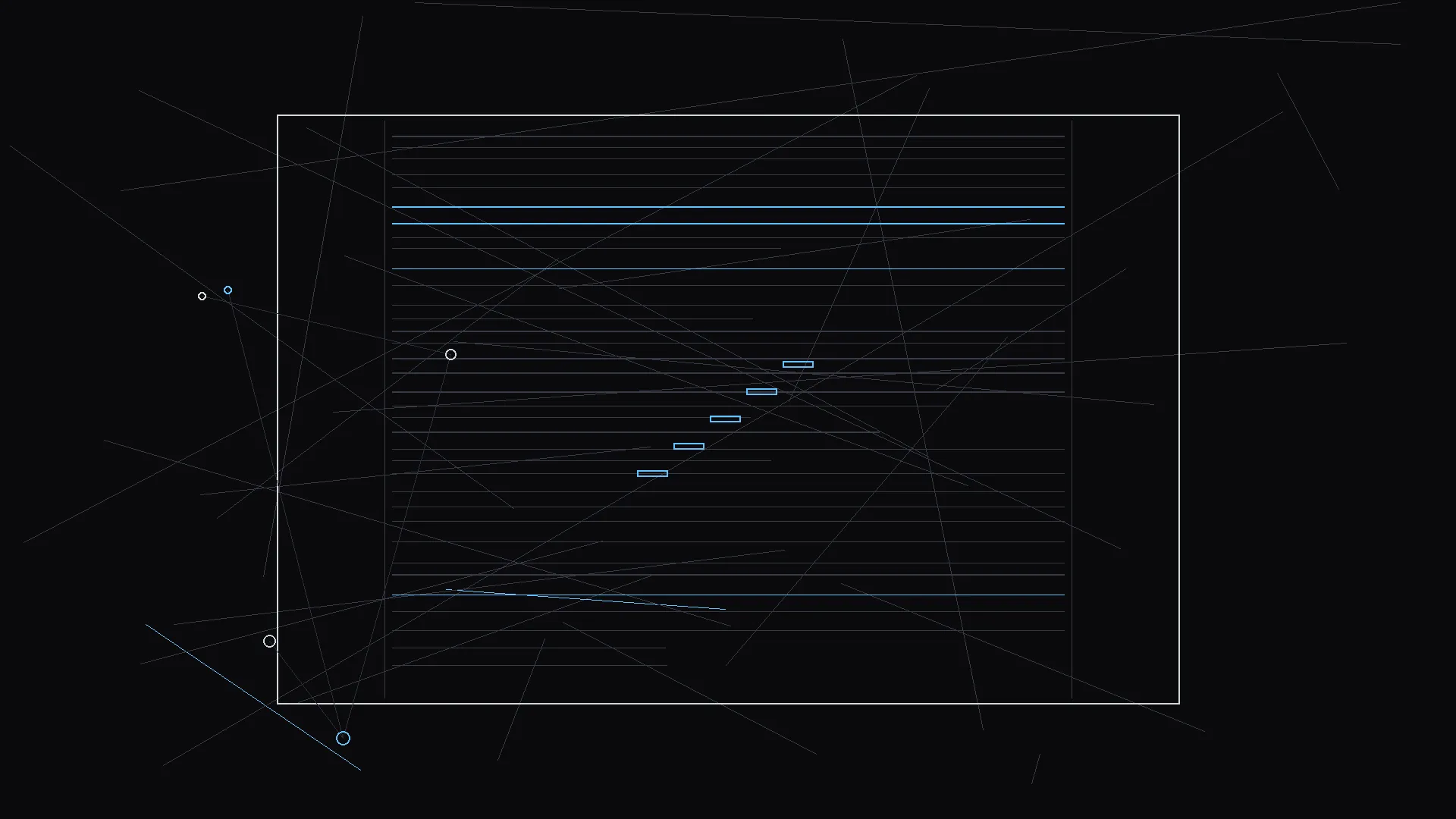
Structure visualization helps you decide which tool to open today. Flat midsections need beat work, not another render farm.
Try it free
Try Screenweaver for free on your script
It is free. Import your existing project, get a clearer view of your outline, and regain control of your story structure in minutes.
Start FreeScenario: Sizzle Reel in Ten Days
Jordan needs investor motion in ten days. Structure is shaky but opening and climax are strong. LTX or mStudio motion paths shine here if Jordan ships scene-anchored excerpts with every clip. ScreenWeaver enters when Jordan must fix midsection beats without losing scene IDs across regens.
Hybrid is valid: motion-led sprint for the reel, script-led graph for the rewrite that follows the meeting.
Scenario: Writer-Director Prep on a Micro-Budget
Sam boards twelve sequences, breakdowns twenty locations, and motion-tests one silent horror beat. ScreenWeaver's script-first graph reduces retyping. Seedance 2 tests whether the pause before the scare reads too long. LTX-style clip floods would distract from prep deadlines.
Scenario: Series Pilot Bible
Aisha needs tone boards and a short motion sample for a pilot bible, not a finished episode. mStudio breadth can prototype fast. ScreenWeaver keeps sluglines and board strips aligned for the writers' room PDF. Tool choice follows which artifact the room will argue about next week.
How to Choose Without Regret
Ask four questions. One: what milestone is due in ten days - PDF, board strip, clip, or schedule? Two: is structure still moving? If yes, deprioritize motion-first tools. Three: do collaborators need scene-indexed exports? Four: will you enforce an index ritual, or do you need the tool to enforce it for you? Then run the money question separately: an AI video pricing calculator estimates generation spend at your shot count before any subscription starts.
Honest answers prevent subscription guilt.
Failure Modes Across Tools
Clip canonization. Motion becomes source of truth while script rots. Fix: PDF leads until picture lock development phase.
Morphing continuity. Characters change between regenerations. Fix: reference packs and graph-linked regen, not prompt roulette.
Pitch mismatch. Room remembers visuals script no longer supports. Fix: package exports same afternoon, same draft number.
Feature tourism. You explore every modal instead of finishing a milestone. Fix: declare lead artifact weekly.
Closing Stance
LTX Studio, mStudio, Seedance 2, and ScreenWeaver are not four ways to do the same job. They are four answers to different phase questions.
Motion-first when you must show time. Script-first when structure and prep still lead. Integrated video when beats are stable enough to deserve temporal tests.
Pick for the milestone in front of you. Index exports like your shoot depends on it. Because eventually it will.
FAQ
Which script-to-video AI tool is best for indie filmmakers in 2026?
Depends on milestone. Use motion-first tools for sizzle reels with strict script anchors. Use script-first platforms like ScreenWeaver when structure, boards, and pre-production still lead.
How does LTX Studio differ from ScreenWeaver?
LTX emphasizes assembling video from script and prompt material. ScreenWeaver emphasizes a script development graph with boards and prep, adding motion selectively. See LTX Studio vs ScreenWeaver.
What is Seedance 2 in this comparison?
Seedance 2 is a video generation model path integrated with ScreenWeaver so clips inherit scene context and beats instead of isolated prompts.
Can I use multiple script-to-video tools together?
Yes with strict indexing: scene IDs, dated exports, and a declared lead artifact per phase. Without rituals, hybrid stacks create silent divergence.
Should I generate video before storyboards?
Usually no. Answer spatial and structure questions first with boards or diagrams. Use motion on single beats once timing becomes the open question.
Final Step
Build your next script with Screenweaver
Move from ideas to production-ready pages faster with timeline-native writing and AI-assisted story flow.
Try Screenweaver