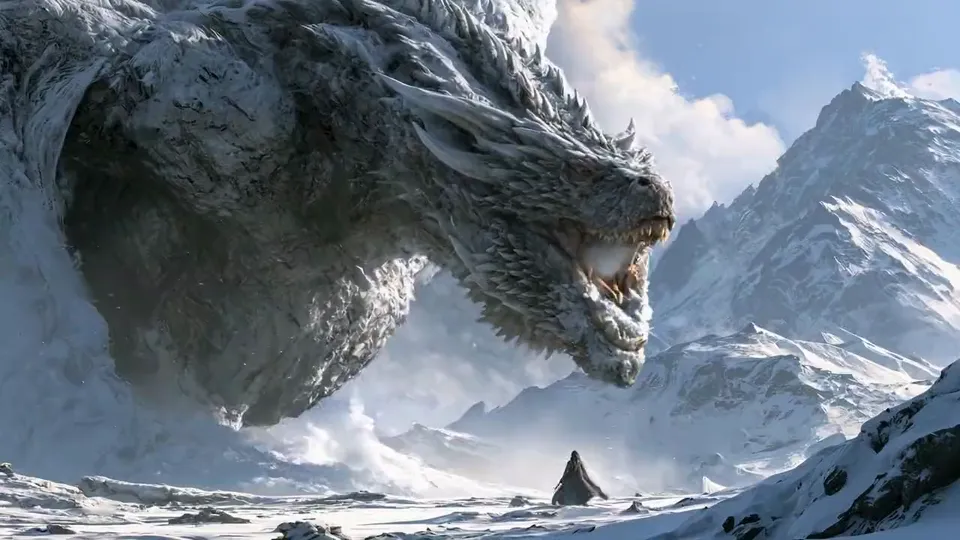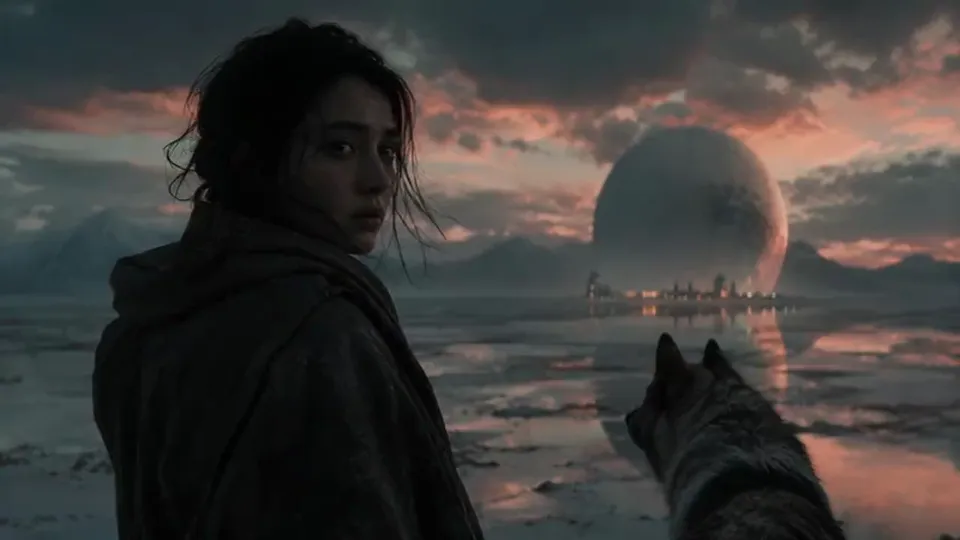
AI monster movie generator

Make a monster movie with AI.From first shadow to final shot.

Write the kaiju screenplay, get a storyboard of every shot, and keep your creature on model from its first silhouette in the fog to the last wide of the ruins.
  • Free screenwriting
  • Shot-by-shot storyboard
  • One creature, locked on model
Monster rushes

Available today: free screenwriting, and a storyboard built from your screenplay with Storyboard Beta, $9.99 a month.

Coming: video generation of each shot with the Filmmaker plan, targeted for 30 September 2026.

Examples

Four creatures from the ScreenWeaver team.

A sea serpent, a shore beast, lava twins and a duel. Each one as its grey storyboard frame and its finished shot.
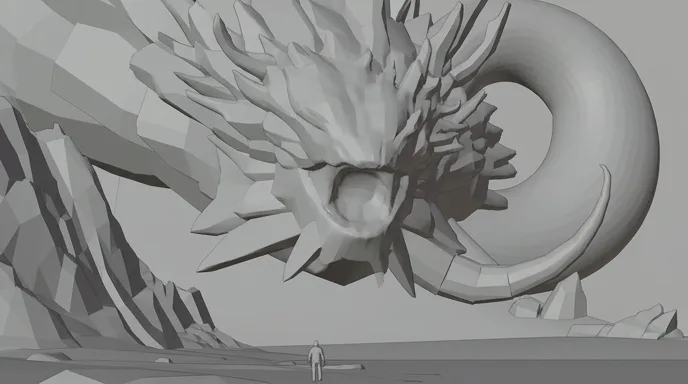
  • A tiny hooded figure on a misty shore before a gigantic coiled serpent-like creature

    Coiled Mist

    A hooded figure on a grey shore, and a serpent coiled into the fog behind.

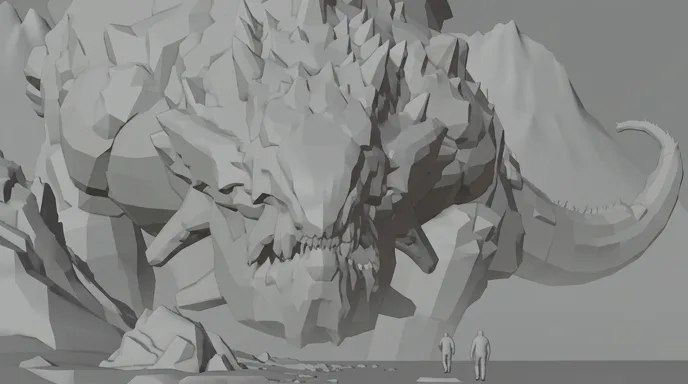
  • Two people walking on a misty beach toward a pale spiked giant creature

    White Beach

    Two walkers on the sand, and a pale spiked head rising out of the mist.

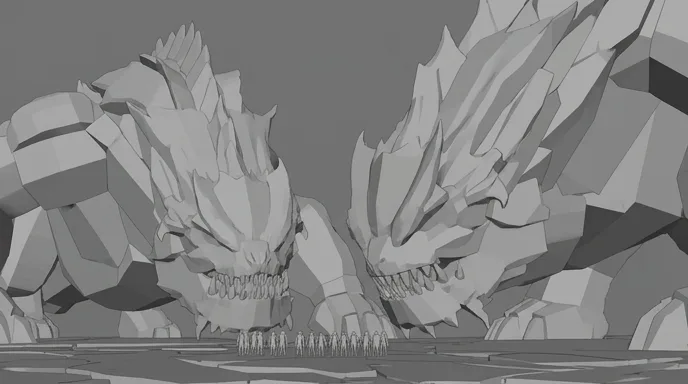
  • Two gigantic lava beasts with glowing eyes loom over a line of tiny soldiers on a volcanic plain

    Lava Twins

    Two lava beasts on a volcanic plain, and a line of soldiers between them.

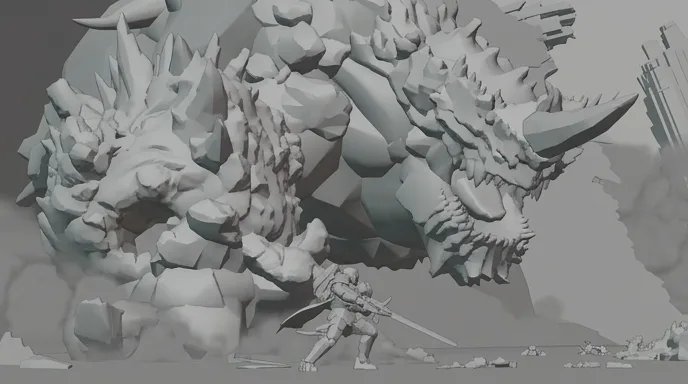
  • An armoured warrior with a glowing blue blade faces a colossal horned creature amid flying rocks

    The Duel

    An armoured warrior with a blue blade against a horned giant.

One scene, script to screen

Kaiju City Street: a monster movie scene in six shots.

A scene written for this page, built on the first law of the genre: the creature is only as big as the human beside it. Each shot as a grey storyboard frame and as the final image, with the direction under it.
Screenplay · page 1

EXT. EMPTY AVENUE - DAY

Rain on dead traffic. A fire truck idles, doors open, no crew. At the end of the avenue, between two towers, something the size of a building crawls toward us.

ELI (30s), a backpack on one shoulder, is the only one walking. He stops.

The mist parts. Two red eyes open, each one wider than a bus.

The creature rears. Its tentacles unfold over the rooftops, slow and heavy. A line of windows bursts.

ELI

(barely a breath)

It's not attacking. It's looking for something.

Glass rains past him. He looks up. He doesn't run.

EXT. EMPTY AVENUE - WIDE - CONTINUOUS

One man in the middle of the street. One monster at the end of it. It lowers its head to his level.

CUT TO:

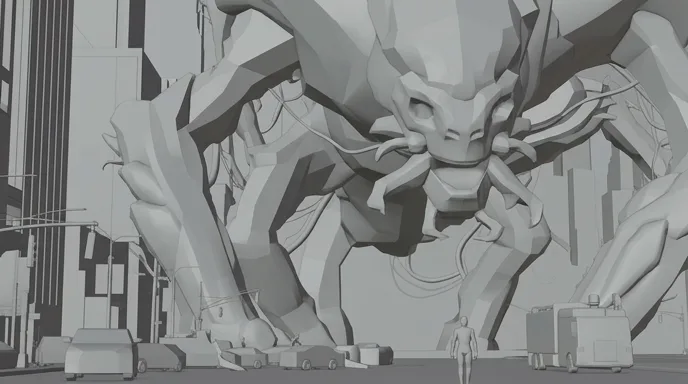
  1. A colossal tentacled creature with red eyes crawls between towers as a lone man walks down a wet avenue
    Storyboard frame of the same extreme wide shot, in grey
    01

    Extreme wide · the scale

    Extreme wide down a rain-soaked avenue, colossal tentacled creature with red eyes crawling between towers, lone man with a backpack small in the street, fire truck, haze

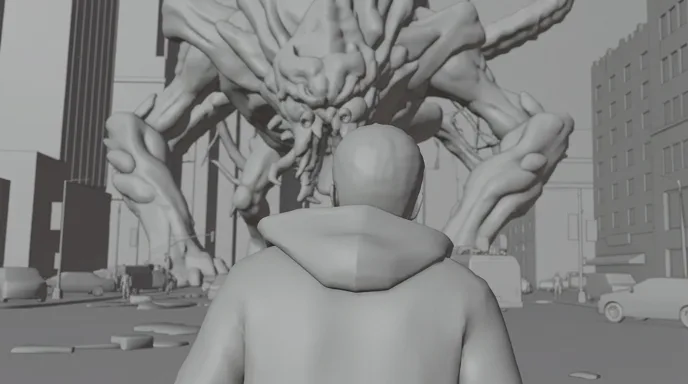
  2. Silhouette of a man seen from behind, facing a giant creature blurred in the fog between buildings
    Storyboard frame of the same over-the-shoulder shot, in grey
    02

    Over the shoulder · silhouette

    Over-the-shoulder silhouette of a man in a hoodie, the creature soft in the fog between the towers ahead, backlit mist, wet street, car lights

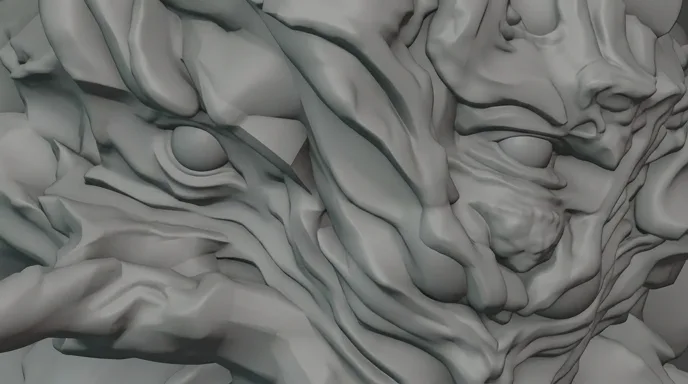
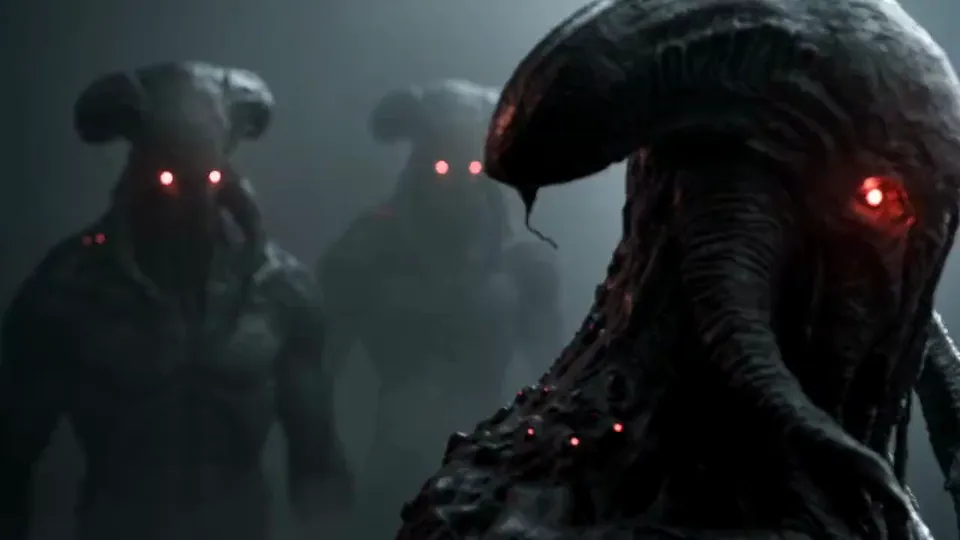
  3. Extreme close-up of a creature's face with two glowing red eyes and red veins in its dark hide
    Storyboard frame of the same close-up, in grey
    03

    Extreme close-up · the eyes

    Extreme close-up on the creature's face, two glowing red eyes, wet ridged hide lit by red veins, shallow depth of field, slow push-in

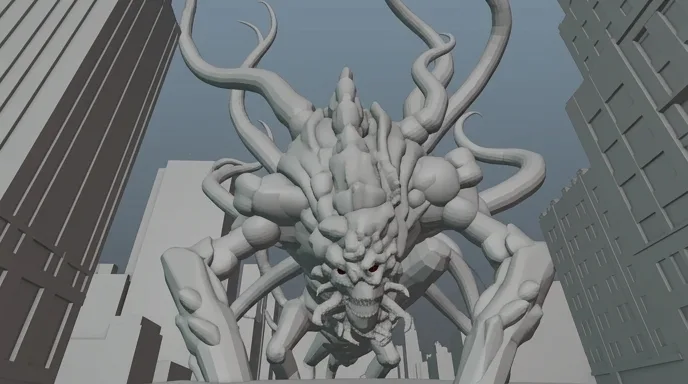
  4. Low angle between two skyscrapers on a giant creature rearing with its tentacles raised
    Storyboard frame of the same low angle, in grey
    04

    Low angle · between the towers

    Low angle from street level, towers converging on both sides, giant creature rearing, tentacles curling over the rooftops, overcast sky, slow heavy motion

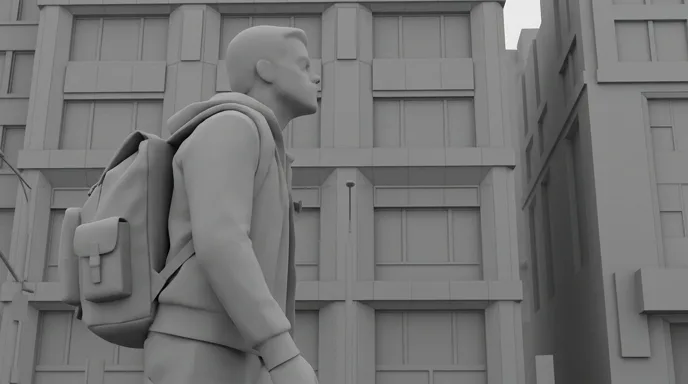
  5. A man with a backpack in profile looks up in front of a grey office building
    Storyboard frame of the same profile shot, in grey
    05

    Medium profile · the witness

    Medium profile of the man looking up, backpack, grey office facade behind him, flat overcast light, creature off screen

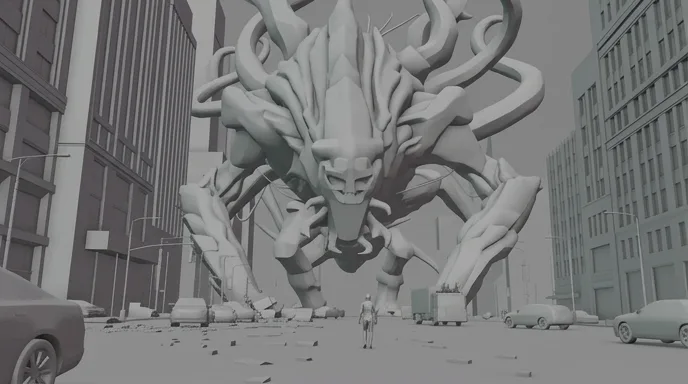
  6. Wide symmetrical view of an avenue with a tiny man facing a giant creature at the far end
    Storyboard frame of the standoff, in grey
    06

    Extreme wide · the standoff

    Symmetrical extreme wide of the avenue, creature lowering its head at the end of the street, tiny man standing in the middle, rain and mist, debris on the asphalt

The six shots cut together: twelve seconds, 16:9.

Writing monsters

Four rules for a monster movie script that films well.

The model draws the creature. The script decides whether it feels enormous, alive and dangerous.
  1. 01

    Give it a human to measure against

    A monster is only as big as the person next to it. Put one human in every wide shot: a man with a backpack, a line of soldiers, two walkers on a beach. The size lives in the contrast, not in the adjectives.

  2. 02

    Reveal it in three stages

    Shadow, part, whole. First the effect (an empty street, a tremor, fog moving the wrong way), then a piece (an eye, a claw, a tail), then the full body. Give each stage its own action line, so each one gets its own shot on the board.

  3. 03

    Decide what it wants

    The best creatures want something simple: food, territory, a lost young. Write behaviour, not a bestiary. What it does next is where the suspense sits.

  4. 04

    Put the weight in the verbs

    Giants crawl, rear, settle, lower their heads. They never dart. Slow verbs in the action lines ask for slow motion, and slowness is what the eye reads as mass.

Structure and pacing

The shape of a three‑minute monster short.

Monster films run on anticipation. The creature earns its screen time: very little in the first half, almost all of it in the second.
  1. 10 %

    The sign

    Something is wrong before anything is seen: a tremor, empty streets, birds leaving.

  2. 20 %

    The shadow

    A shape in the fog, an outline between towers. The human reacts. We barely see.

  3. 20 %

    The part

    An eye, a jaw, a tail. Close enough to fear, too close to measure.

  4. 35 %

    The whole

    The full reveal, in a wide shot with a human for scale. The destruction starts here.

  5. 15 %

    The aftermath

    The dust settles. A last wide shows what is left, and what the creature took.

For a sixty-second teaser, hold the full body until the last ten seconds. Showing the monster too early is the fastest way to shrink it.

Shot vocabulary

Eight shots that make a creature feel colossal.

Each one with the wording that gets it from an image or video model. Place them in the storyboard in the order of the reveal.
  • The human for scale

    A tiny figure at the bottom of the frame, the creature filling the rest.

    extreme wide, lone human small at the bottom of frame, colossal creature filling the frame between buildings, atmospheric haze, rain

  • The shape in the fog

    Stage one of the reveal: an outline, no detail.

    wide, enormous creature silhouette barely visible in thick fog, no details, backlit mist, tiny figures in the foreground

  • The eye

    One part stands for the whole, and hides how big the whole is.

    extreme close-up of a giant creature eye glowing red, wet textured hide, shallow depth of field, slow push-in

  • The worm's‑eye view

    The camera at street level, looking up, like a person would.

    low angle from street level, giant creature rearing between skyscrapers, towers converging, overcast sky, slow heavy motion

  • The witness

    A face looking up, the creature off screen. The reaction sells the size.

    medium close-up of a man looking up in awe, red light reflected on his face, creature off screen, rain, shallow depth of field

  • The debris layer

    Destruction in the foreground, the creature behind it.

    rocks and debris flying toward camera, creature out of focus behind, dust and embers, slow motion, one layer of debris

  • The jaws

    The mouth, framed from inside the danger zone.

    extreme close-up of massive jaws opening, rows of teeth, glowing heat inside, steam, slow motion

  • The standoff

    Human and monster facing each other, in a symmetrical frame.

    symmetrical extreme wide, lone human standing in the center, colossal creature facing him at the end of the street, mist, rain

Light and palette

Storm grey, one red signal.

Monster movies are lit like weather. A cold, washed-out dominant (storm teal, fog, wet asphalt) makes the creature part of the city, and one saturated colour marks it as alive: the eyes, the veins, the lava. The five colours below were sampled from the Kaiju City Street shots. Keep fog, rain or dust in every prompt: they add depth, and they hide the seams where a giant meets a real street.

  • Eye red

    #CC4741

  • Vein ember

    #943B36

  • Storm teal

    #374F51

  • Fog haze

    #E3E1D9

  • Wet asphalt

    #182E2F

Where AI goes wrong

Four monster traps, and how the script avoids them.

Video models love a big creature and forget it by the next shot. These are the usual failures in the genre.
  • A creature that redesigns itself

    Horns appear, eyes move, the tail doubles. Lock the design with a reference sheet (front, profile, back, a close-up of the face): ScreenWeaver carries references from shot to shot.

  • No sense of size

    Without a reference, a kaiju reads as a lizard on a model set. Write a human, a car or a building into every wide shot, and keep the camera at eye level or below.

  • Motion that is too fast

    Models animate giants like dogs. Ask for slow, heavy motion, use slow verbs, and keep shots at two to four seconds so the body holds its shape.

  • Debris that turns to soup

    Too much rubble melts into noise. Keep one layer of debris per shot, and let fog, rain or dust blend the creature into the set.

Sub-genres

Kaiju, creature feature, and the rest.

  • Kaiju

    City-sized, slow, part of the weather. Street-level angles, wide shots with people for scale, and destruction as the set piece.

  • Creature feature

    Human-sized or a little bigger, hunting in the dark. Tight frames, a late reveal, and the fear carried by the characters' faces.

  • Sea monster

    The water hides everything below the surface. Mist, grey shores, and a coil or a fin long before the head.

  • Man versus beast

    A duel with clear geography. Alternate the wide for scale and the close-up for the blow, like The Duel above.

More genres

Make a film in another genre.

The pipeline

Write. Board. Produce.

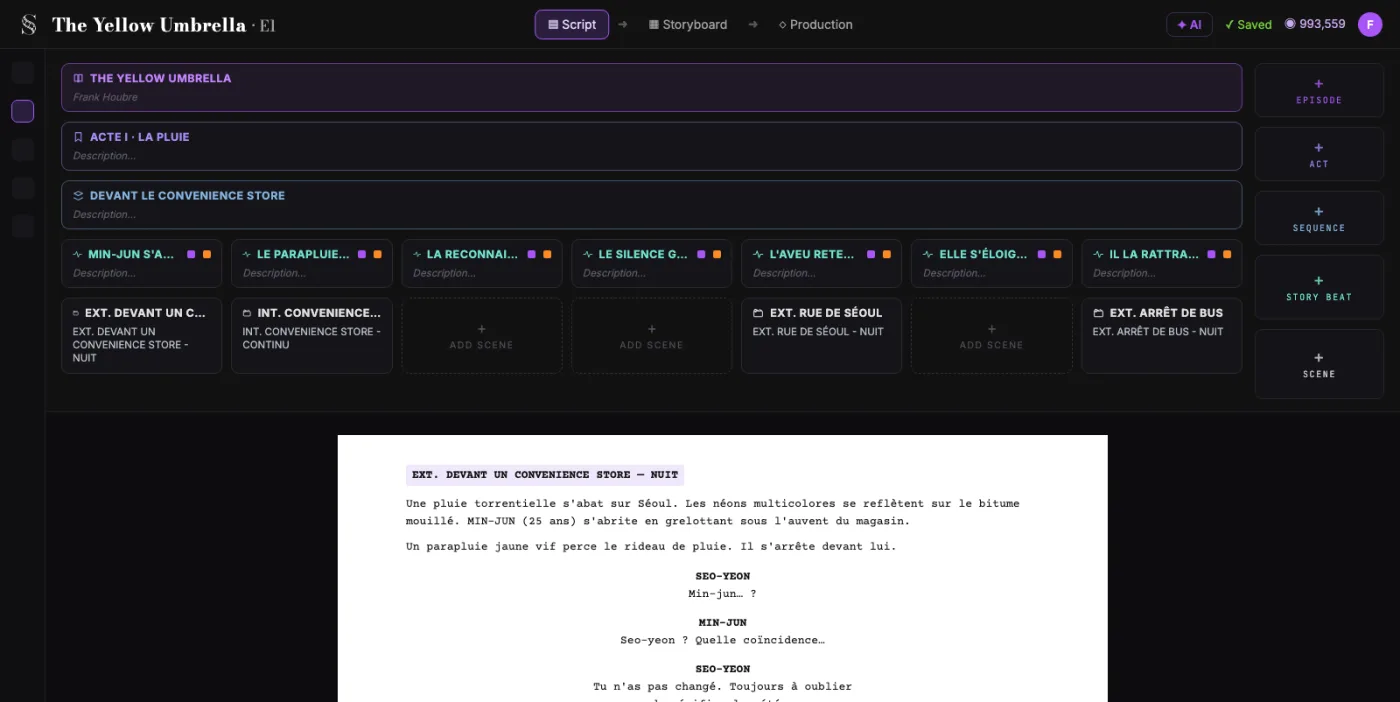
  1. ScreenWeaver screenplay editor: acts, sequences and beats above the formatted script of The Yellow Umbrella

    01The screenplay, enriched

    An industry-standard screenplay editor, and more: a visual outline and beat editor, your writing inspirations (notes, photos, audio) kept next to the page, and an AI researcher to support your writing, not replace it.

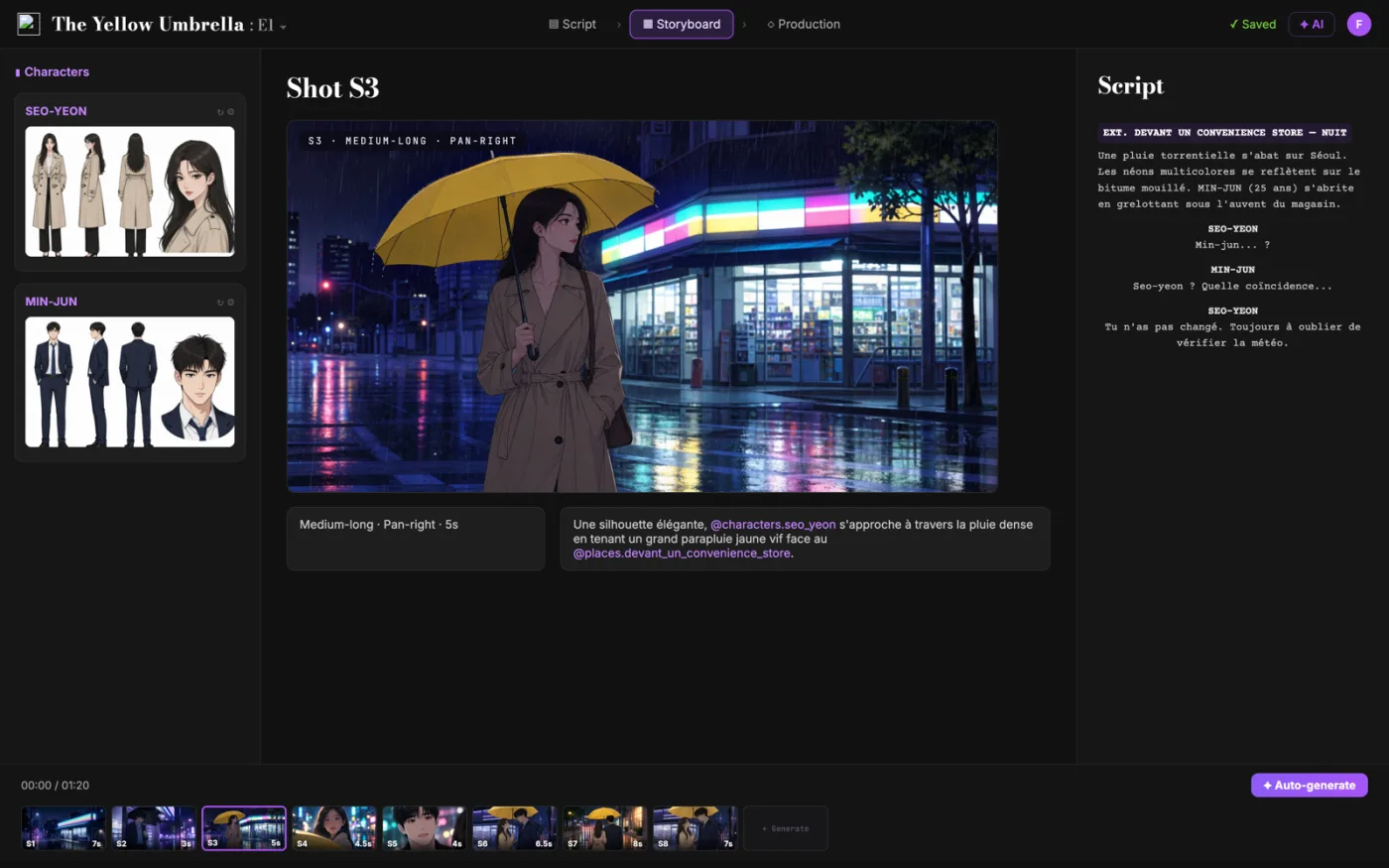
  2. ScreenWeaver storyboard: shot S3 of The Yellow Umbrella with characters, shot settings and the script beside it

    02The storyboard, made easy

    Shot breakdown generated from your screenplay, manual control over every shot (frame, angle, movement, duration), and generative AI previsualization in one click.

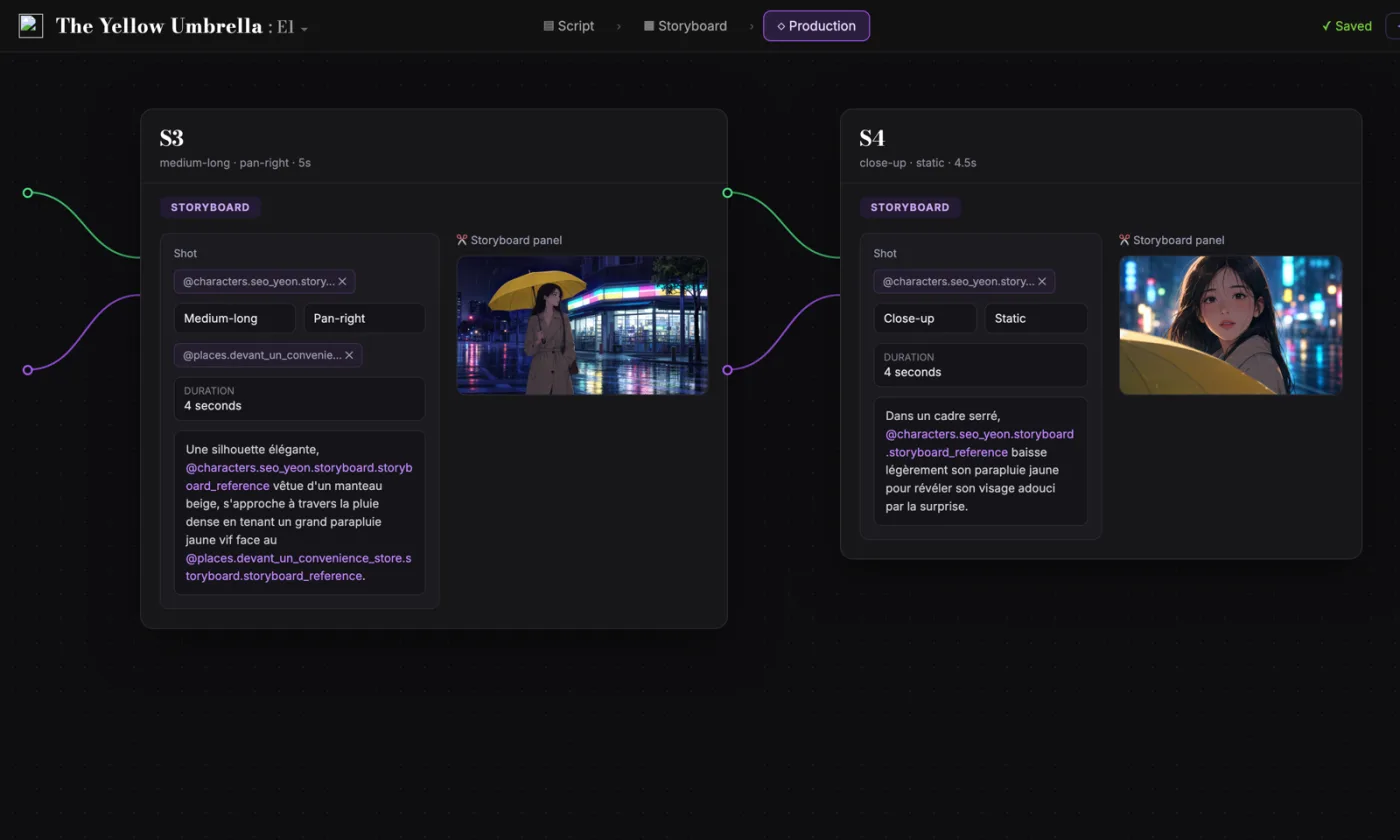
  3. ScreenWeaver production canvas: shots S3 and S4 as connected nodes carrying their storyboard panels and prompts

    03AI production, with finesse

    Footage generation pipelines connected to your screenplay and storyboard. Optimized out of the box, fully editable workflow.

FAQ

Monster movies with AI, your questions

Is ScreenWeaver an AI monster movie generator?
It covers the whole film, not one clip. Write the screenplay for free today, turn it into a storyboard with Storyboard Beta at $9.99 a month, then generate each shot with the Filmmaker plan, targeted for 30 September 2026.
How do I keep my monster the same in every shot?
Design it once with a reference sheet: front, profile, back and a close-up of the face. In ScreenWeaver, characters, locations and references carry from shot to shot, so the eyes in shot 3 are the eyes in shot 6.
How do I make a creature look truly giant?
Put a human, a vehicle or a building in the frame, keep the camera low, and add haze between the lens and the creature. Distant things turn paler in fog, and the eye reads that as size.
Can I put Godzilla or another famous kaiju in my film?
Godzilla and the other famous kaiju are characters owned by their studios. Design your own: a new silhouette, a new colour, a new want. The genre belongs to everyone.
How long should an AI monster short be?
One to three minutes. With shots of two to four seconds, three minutes is about fifty to seventy shots, and the full creature needs to appear in only a handful of them.
Is writing the screenplay free?
Yes. The Screenwriter plan is $0 with no expiry, so the whole creature script can be written before you spend anything: unlimited projects and pages, standard formatting, PDF and Final Draft export.
Which video models does ScreenWeaver use?
Seedance 2.0 and 2.5. Their pipelines are wired to your script and storyboard, so each shot of the reveal is generated from its own board frame, with settings optimised by default and open to editing.
Can I make an anime or animated monster film?
Yes. Kaiju and creatures work in live-action looks, in anime and in 3D animation, in 16:9 or in 9:16 for vertical episodes. Keep the human for scale in every style.

Your monster starts as a shadow on the page.

Write the screenplay for free. Storyboard the reveal when you are ready.