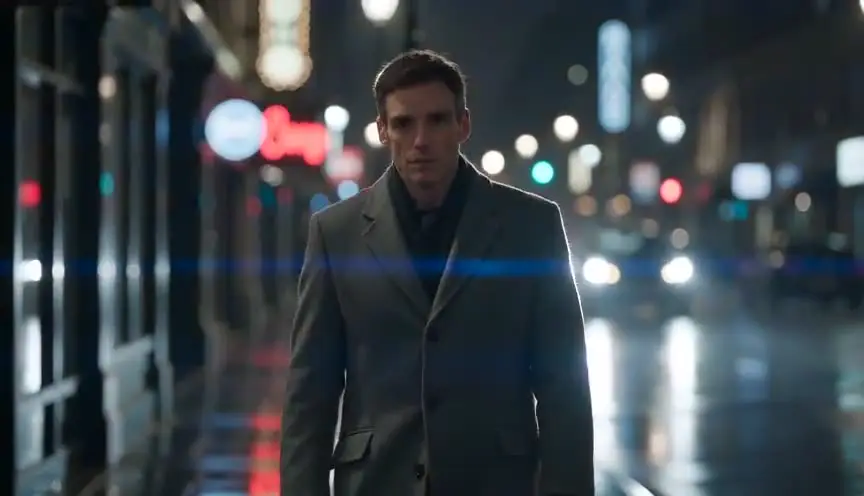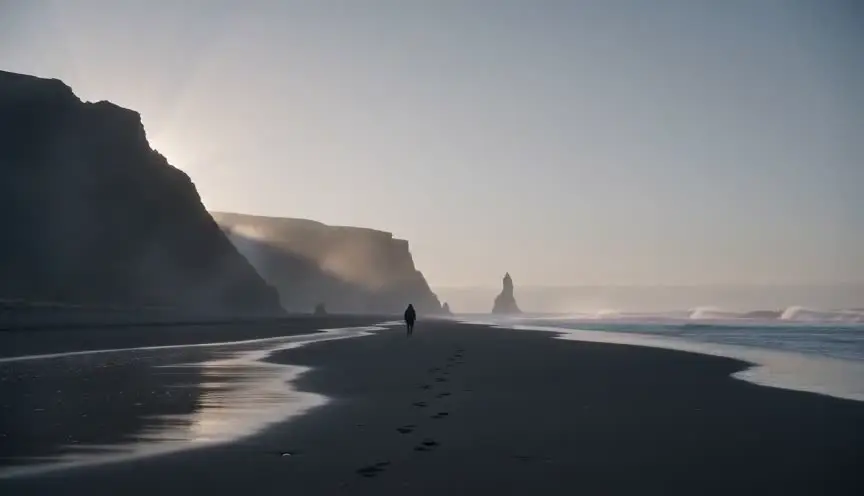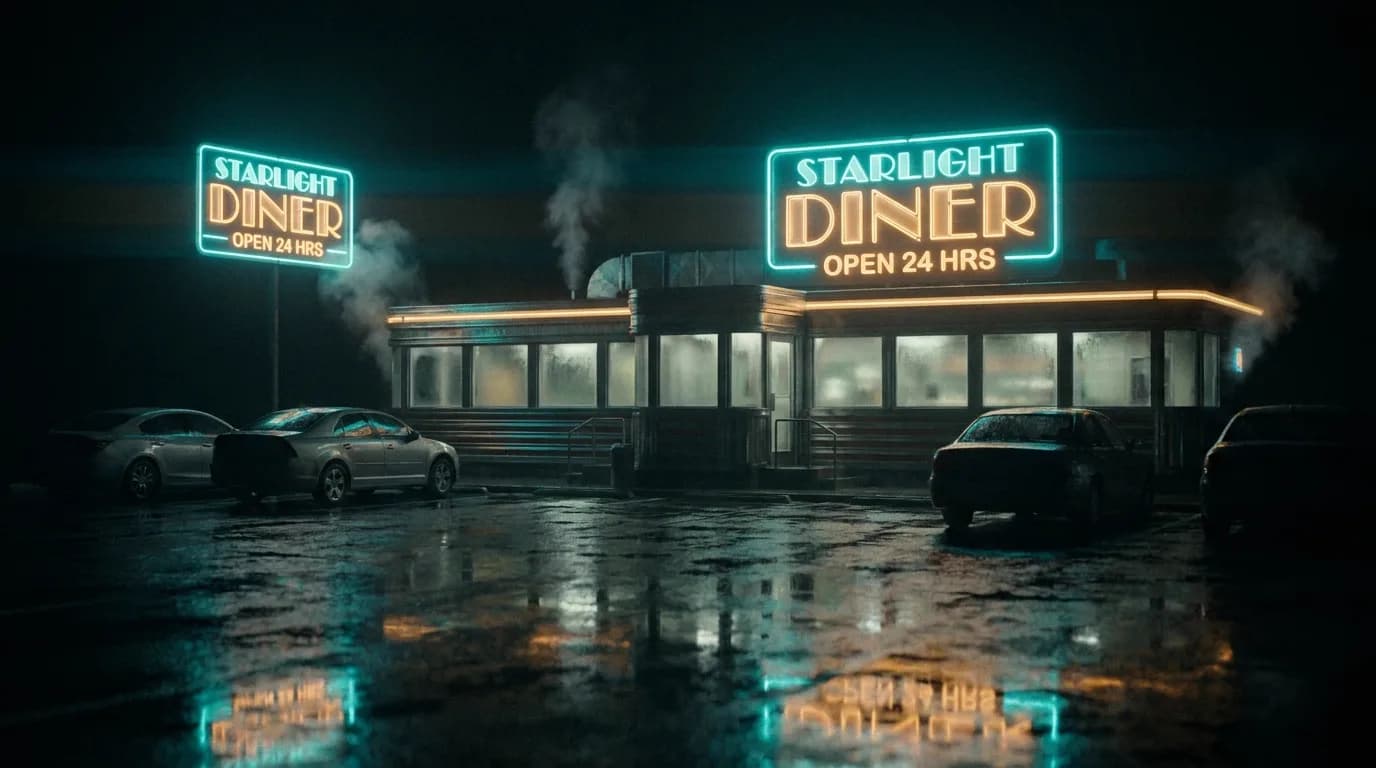

There's a creature. A city in the sky. A battle that can't be shot for real. VFX-heavy scripts have to describe what we'll see so the reader and the production get it, without writing a shot list or locking in costs the project can't afford. Here's how to write for CGI and big visual beats in a way that stays readable and lets the line producer and VFX team plan.
Describe the effect, not the shot count. Give one clear image per beat so production can budget and design.
Think about it this way. The script answers: what does the audience see? (The creature, the environment, the event.) It doesn't need to specify lens, frame rate, or VFX method, that's production. But it does need to be clear and contained: one creature, one environment, one transformation per beat, so the reader and the budget can follow. Our guide on screenplay format covers general layout; this piece is about VFX and clarity. For action and pacing, see fight scenes and car chases.
Free tool: use the Slugline Formatter to clean up and standardize your scene headings.
What Production Needs From the Page
What we see: One clear description. "The creature is seven feet, humanoid, with skin like bark." Not "the creature does 47 things." Where it happens: One environment per sequence when possible, so we're not describing 20 different VFX set pieces in one scene. How long / how many: "The creature appears for the final act." "The city in the sky is one establishing shot and one scene." That helps budget. For scene economy, see scene entry and exit.
Describing the Creature or Effect
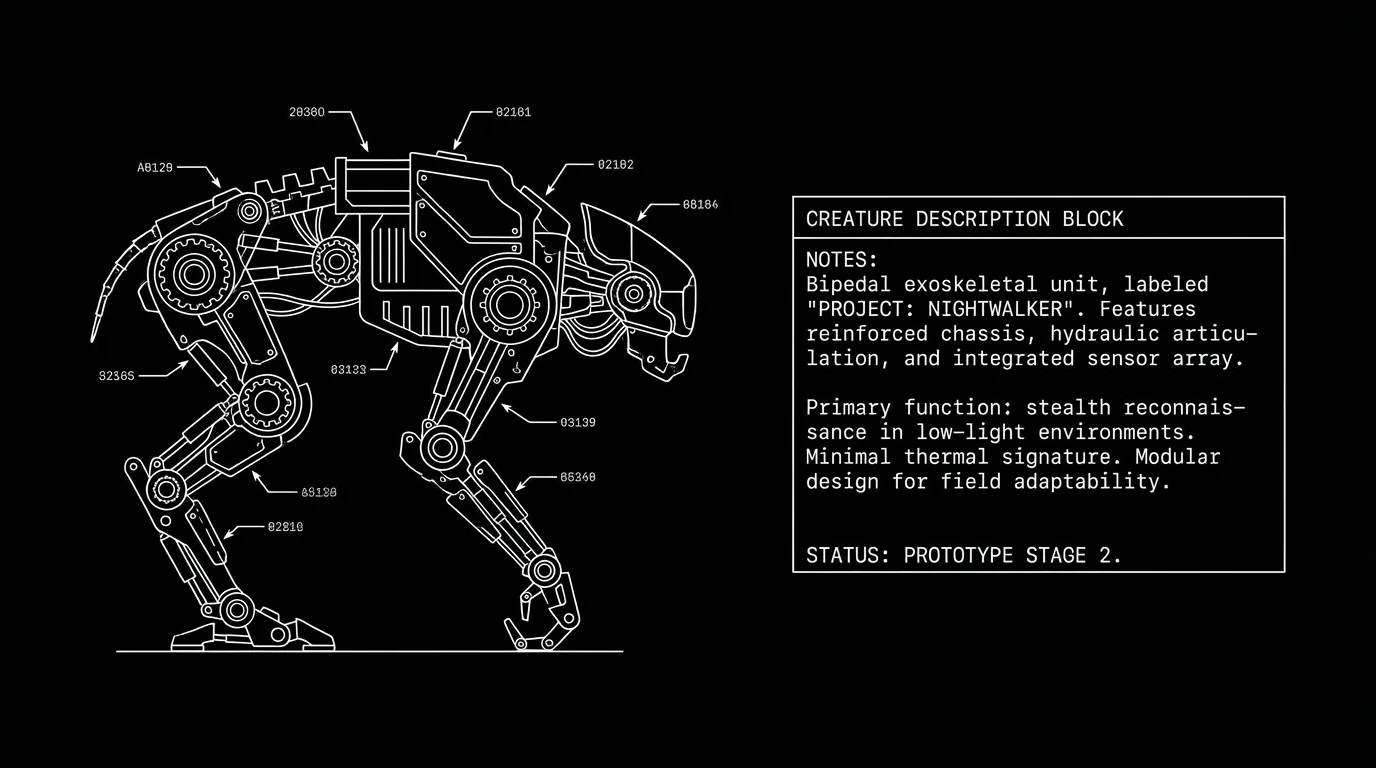
One paragraph. What it looks like. How it moves (if that matters). What it does in the scene. Don't over-specify every twitch, give the designer room. Do give one clear image so the reader sees it. "The creature emerges, tall, gaunt, with too many joints. It doesn't run. It unfolds." For action clarity, see micro-pacing.
Green Screen and "We'll Add It Later"
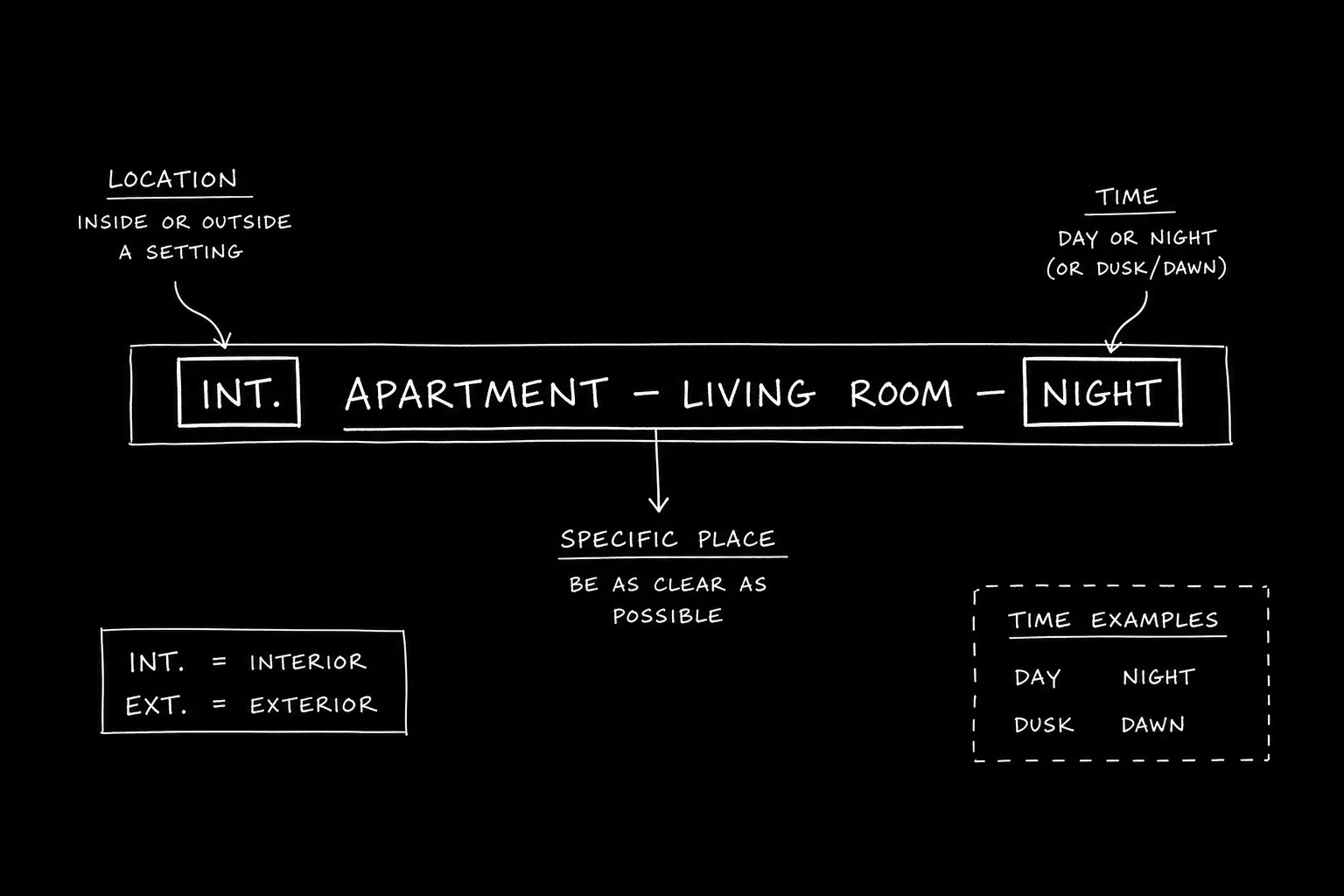
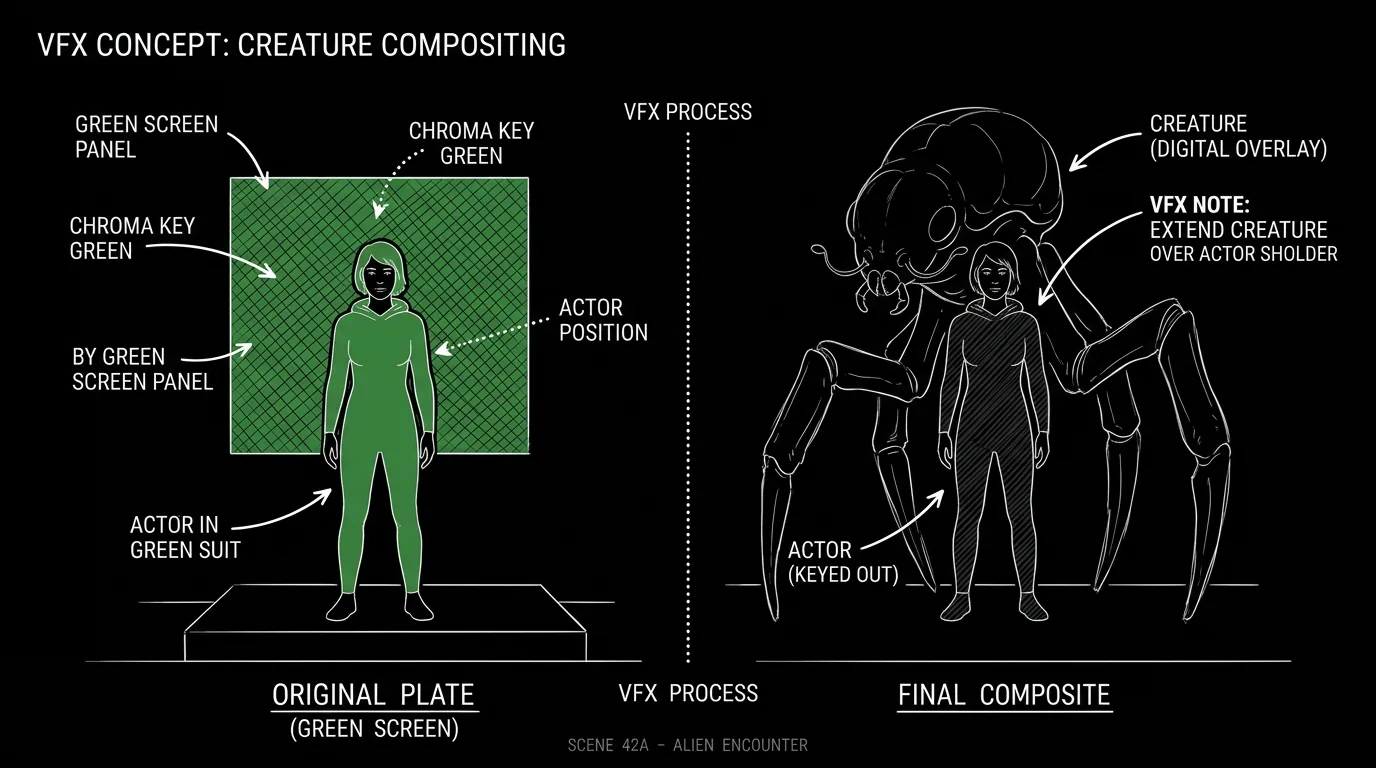
When the location or background is VFX: "EXT. SKY CITY - DAY (GREEN SCREEN)" or "The background is a digital matte, floating islands, distant spires." The reader and the production know it's a build. You don't need to say "CGI" every time, "floating city" is enough. For scene headings, see screenplay format.
Relatable Scenario: The Monster Reveal
We've heard it. Now we see it. Format: One action block that describes the creature, size, shape, key detail. Then what it does in the scene (moves, attacks, speaks). Keep the beat to one or two paragraphs. For tension, see jump scare.
Relatable Scenario: The Big Environment
The characters enter a place that can't be built. Format: Scene heading with (VFX) or (DIGITAL) if you want. Then one description of the space, scale, key features. Then the action (they walk, they react). Don't describe every corner. For pacing, see micro-pacing.
Try it free
Try Screenweaver for free on your script
It is free. Import your existing project, get a clearer view of your outline, and regain control of your story structure in minutes.
Start FreeThe Trench Warfare Section: What Beginners Get Wrong
Over-describing. Every scale, every movement. The script reads like a VFX bid. Fix: One clear image per beat. Let production design the rest. For economy, see screenplay format.
Under-describing. "A creature appears." What creature? Fix: One paragraph, size, shape, one or two key details. Enough so we see it. For clarity, see screenplay format.
Too many VFX beats in one scene. Five creatures, three environments, two transformations. Fix: Spread the work. One big beat per sequence when possible. For structure, see scene entry and exit.
Directing the VFX method. "The CGI creature..." Fix: Describe what we see. Production chooses method. For format, see screenplay format.
VFX in Scripts: What to Include
| Element | Include |
|---|---|
| What we see | One clear description (creature, environment, effect) |
| Where | Scene heading; (VFX) or (GREEN SCREEN) if helpful |
| Scale / scope | One paragraph; one beat per sequence when possible |
| Don't include | Shot count, technical method, frame-by-frame |
Step-by-Step: Writing a VFX Beat
First: One image, what is it? (Creature, place, event.) Second: One paragraph, size, shape, key detail. Third: Action, what it does in the scene. Fourth: Scene heading, location; add (VFX) if it helps. Fifth: Don't multiply beats in one scene. For more on action and format, see fight scenes and screenplay format.
The Perspective
Write VFX-heavy beats by giving one clear description per effect, creature, environment, or event. Don't over-specify. Do give production enough to see and budget. When the page has one image per beat and the scope is clear, the script works. So describe it once. Keep it contained. And leave the rest to production.
Final Step
Build your next script with Screenweaver
Move from ideas to production-ready pages faster with timeline-native writing and AI-assisted story flow.
Try Screenweaver