FogHiding the world to build fear
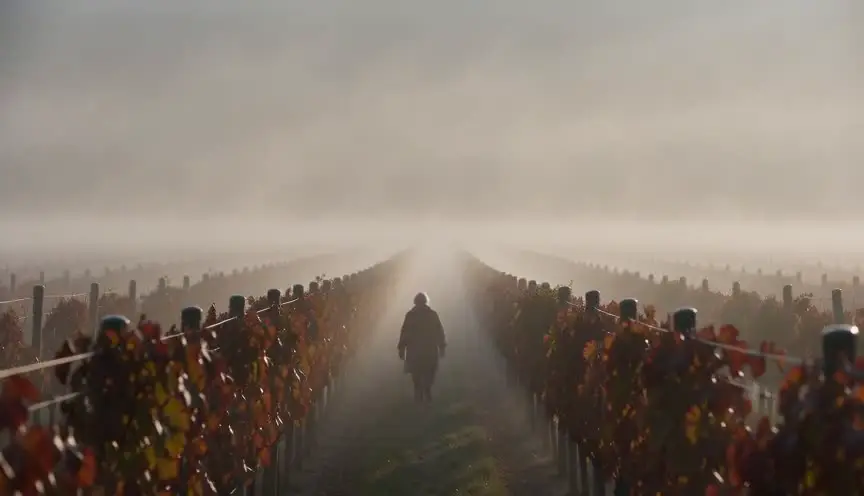
Fog on screen, real or made with fog machines, hides distance and softens light into glowing halos. The audience cannot see what lies ahead, so every shape in the mist becomes a question or a threat.
Also calledFog machine effectGround fogMist
Atmosphere and weather
Why it works on screen
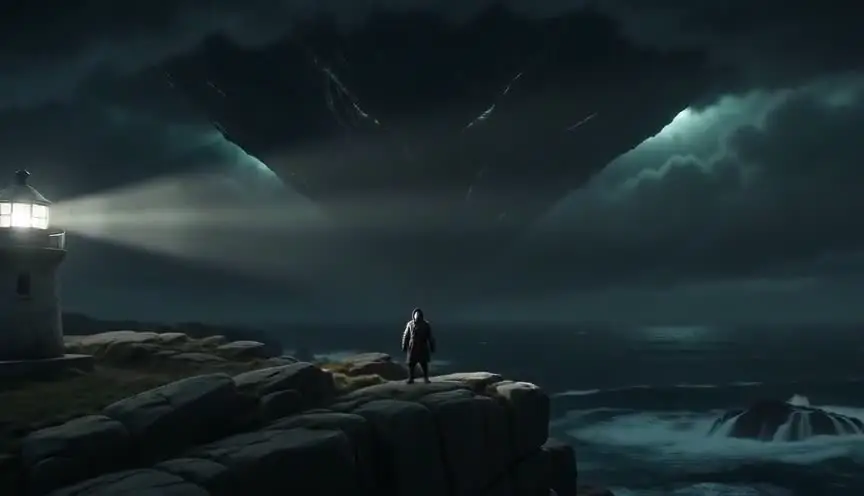
Fog is uncertainty made visible. It serves horror, mystery, gothic tales, war stories and dreams: something could be out there, and no one can tell. It isolates characters in a small bubble of sight, lets figures appear and vanish, and turns familiar places into strange ones. It can also be gentle, a romantic morning, a memory fading. A scene earns fog when the story is about not knowing, danger approaching or a boundary between worlds. The way fog moves, creeping, lifting, swallowing, can become part of the plot, revealing or hiding what matters at the right moment.
The shot list line
- Size
- Wide shots for layers, medium for characters
- Angle
- Eye level or low angle for looming shapes
- Movement
- Slow push in or static
- Lens
- Wide to normal lens, 24mm to 50mm
- Duration
- 4 to 8 s
Control fog density with fans and timing between takes, and backlight it so shapes and beams read clearly.
Screenplay
On the page
Fog belongs on the page when it shapes the scene. Mention it in the scene heading or first action line, and show what it hides and reveals: a shape appearing, a sound without a source, a light floating in gray. Keep the description simple and focused on story effects. Fog machines, wind control, density and lighting are production matters for the director, cinematographer and special effects team, recorded in the shot list and breakdown.
EXT. FERRY DECK - WESTFJORDS, ICELAND - DAWN
Fog so thick the bow disappears ten meters ahead.
DECKHAND GUÐRÚN (24, orange survival suit) coils a rope near the rail. The engine hums low.
A foghorn answers from somewhere out in the gray. Then another. Closer.
Guðrún stops coiling.
GUÐRÚN
There's no other boat scheduled today.
A dark outline slides past the rail, too close, and is gone.
Storyboard
In the storyboard
Draw the scene with soft horizontal bands or smudges for fog, lighter in the distance and thinner near the camera. Sketch shapes that appear or disappear with dotted outlines. Mark light sources with rays to show halos. Add notes on fog density (light haze, thick bank) and whether it moves, lifts or thickens during the shot, as well as the position of fog machines and fans.
Pairs well with
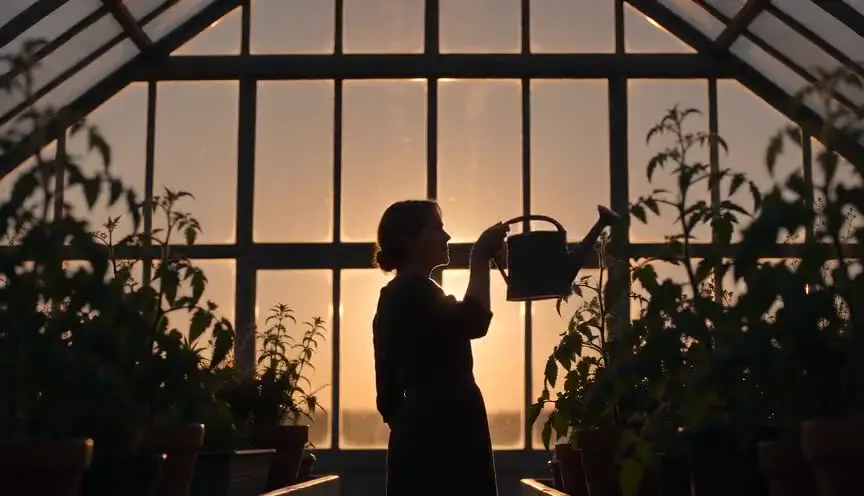
Silhouettes against lit fog create strong, mysterious shapes. The audience sees outlines but no detail, which increases suspense and dread.
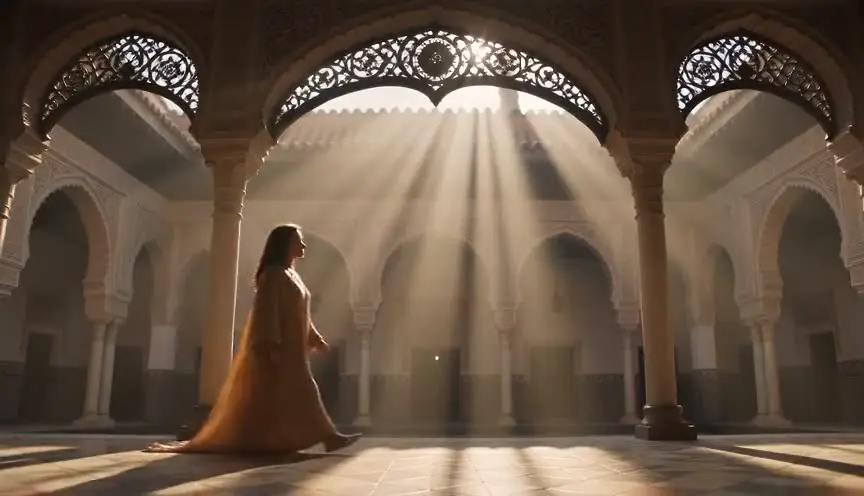
Light beams cutting through fog make space visible and guide the eye. They can reveal a path, a figure or a threat moving in the mist.
Reference
Watch it in
Blade Runner (1982)
Constant machine haze softens neon into glowing halos and wraps the city in a damp, unsettled future.
The Fog (1980)
John Carpenter makes the rolling coastal fog the danger itself, hiding the ghosts until they are almost upon their victims.
Sleepy Hollow (1999)
Tim Burton keeps a low fog in the village streets, nudging the story toward a gothic fairy tale.
ScreenWeaver
Set it up in ScreenWeaver
Put the fog in your scene heading or first action line, and ScreenWeaver breaks the scene down into shots automatically. In the storyboard, give each shot a framing, angle, movement and duration that play with what the fog hides, such as wides with shapes in the distance and slower pushes toward the unknown. Locations and characters carry from shot to shot, so the fog's thickness stays consistent. Check the mood in the AI previsualization and note fog rigs in your shot list.
Start writing for freeThe prompt behind this clip
This is the exact prompt that rendered the clip at the top of the page. Keep the description of the camera and the light, change the subject and the place.
Fog rolls through the inside of a nearly empty subway car at night, thick white mist drifting between the seats and pooling near the floor. A camera holds static at eye level, framing a lone middle-aged woman seated near the doors, her outline blurring as the fog thickens around her. Overhead fluorescent light diffuses into soft glowing halos through the haze, and the far end of the car fades into pale white, hiding the connecting door. The fog thickens steadily over four seconds, reducing visibility until only her silhouette remains sharp. No text.
Common mistakes
- 01
Fog that drifts away
On set, fog can disappear between takes, breaking continuity. Control wind, plan short takes and keep fog machines ready to refresh the scene.
- 02
Flat, frontal light
Fog lit from the front becomes a gray wash. Backlight or side-light it to create depth, halos and shapes.
- 03
Too much fog everywhere
If fog hides everything all the time, the audience loses orientation and interest. Vary density so key elements can emerge when the story needs them.