Scale shiftFamiliar things become giant
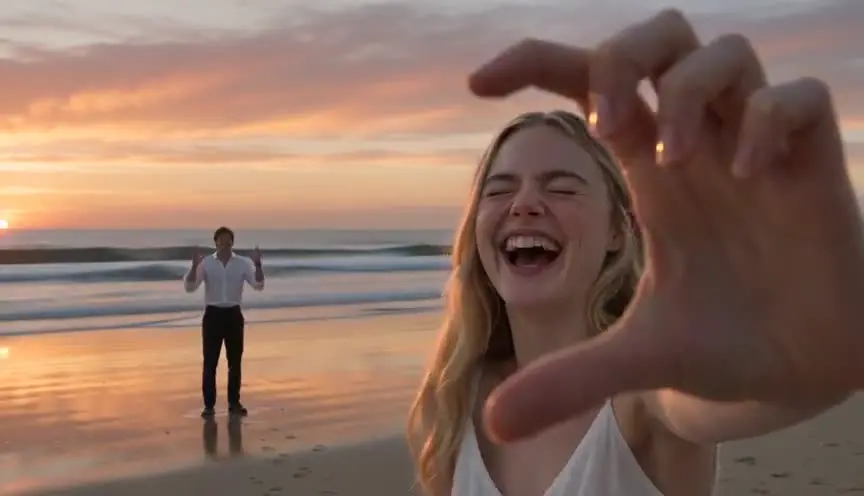
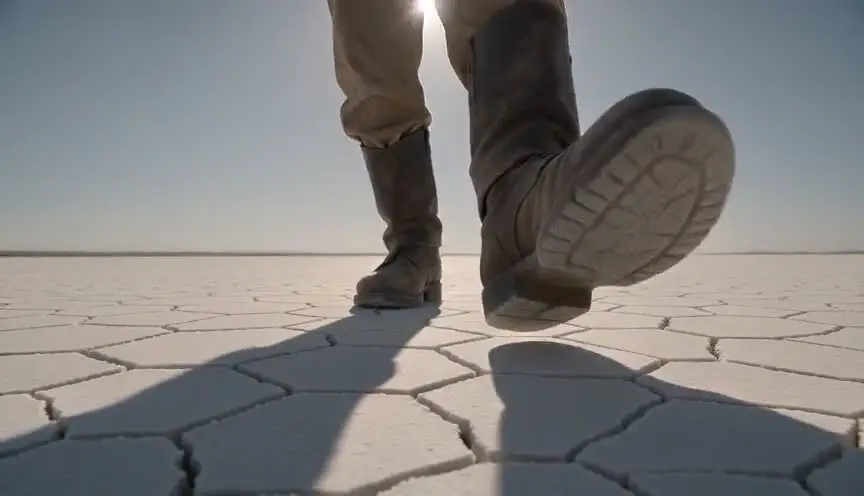
A scale shift makes a character or object grow or shrink against a world that keeps its normal size. The audience measures the change against things they know, a cup, a door, a cat, and feels the danger or wonder of the new proportions.
Also calledSize shiftScale changeGrowth and shrink effect
Optical effects
Why it works on screen
Scale is power. Shrinking a character makes the home a jungle and every pet a monster; growing one makes them clumsy, lonely or godlike. The technique serves adventure, comedy, horror and fables about feeling small or too big for one's life. A scene earns it when the story needs the audience to see an ordinary place with new eyes. The emotional charge comes from the reference objects: a thimble used as a helmet, a raindrop that can knock someone over. Choose them carefully, since they tell the audience how big the danger is. Keep a steady relationship between character and world once the shift happens.
The shot list line
- Size
- Wide shot for the full scale reveal, low close-up for the tiny character
- Angle
- Low angle at the small character's eye height
- Movement
- Static or slow dolly that the composite can match
- Lens
- Wide lens, 18mm to 24mm, for exaggerated depth
- Duration
- 4 to 6 s
Keep a known object in frame as a size reference, and shoot the large and small elements with the same lens height ratio and light direction.
Screenplay
On the page
The size change is a story fact, so write it plainly and anchor it with a reference object the reader knows. "She is now the height of the salt shaker" does more than any technical note. Avoid describing forced perspective, oversized sets or compositing. Those are the director's and VFX team's choices, listed in the shot list and the art department breakdown. On the page, focus on what the new scale does to the character: what becomes dangerous, what becomes funny.
INT. MACLEOD FARMHOUSE KITCHEN - INVERNESS-SHIRE - MORNING
Seven-year-old ISLA MACLEOD stands on the kitchen table. She is now as tall as the butter dish.
A porridge spoon lies beside her like a fallen canoe.
The cat, BRAMBLE, hops onto the chair and lifts its head level with the table edge. Its eye is the size of Isla's whole face.
ISLA
Bramble. It's me. It's Isla.
Bramble's whiskers twitch.
Storyboard
In the storyboard
Draw the small character next to a familiar object at its true size, and write the scale ratio in the margin (for example 1:20). Place the camera height mark at the small character's eye level. If the change happens during the shot, draw a start and end panel with the character's outline in both sizes and an arrow showing growth or shrink. Note which elements are oversized props and which are digital.
Pairs well with
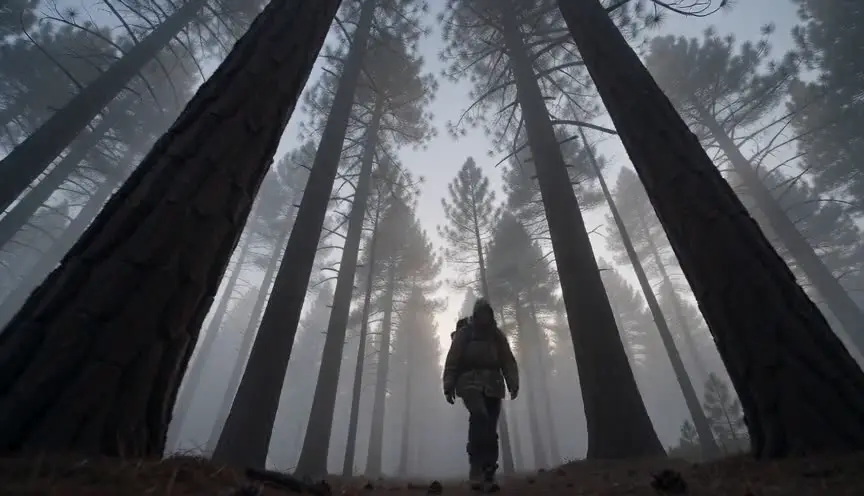
A low angle at the tiny character's eye level, after the reveal, puts the audience inside the new scale. Chairs become towers and the danger becomes personal.
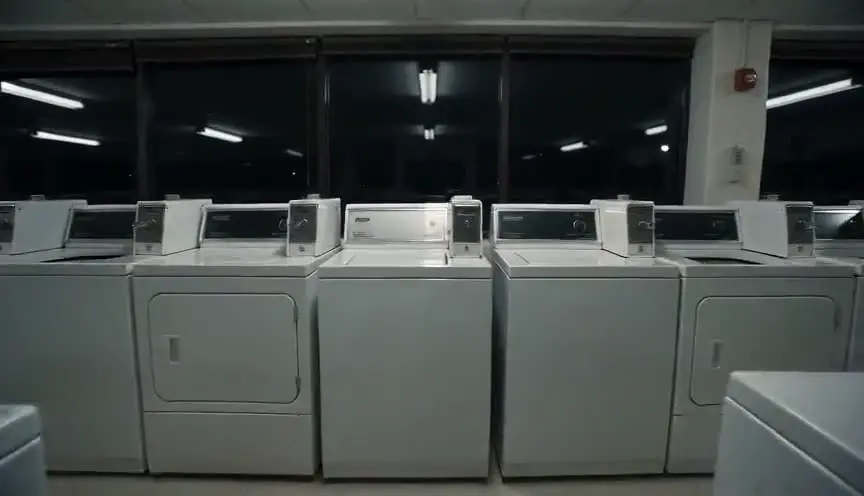
A point-of-view shot from the shrunken or giant character shows the world the way they now see it, turning the effect from spectacle into experience.
Reference
Watch it in
The Incredible Shrinking Man (1957)
Giant props, mattes and optical tricks show Scott Carey getting smaller among everyday objects until his own house turns deadly.
Honey, I Shrunk the Kids (1989)
Huge backyard sets, oversized props and compositing make the children tiny among blades of grass, insects and garden tools.
Ant-Man (2015)
The hero is scaled up and down digitally in the middle of action, while props and other actors stay fixed so the audience can measure the change.
ScreenWeaver
Set it up in ScreenWeaver
Write the new scale in your action lines with a clear reference object, and ScreenWeaver breaks the scene into shots automatically. In the storyboard, set a low angle at the small character's eye height, a wide framing that includes the reference object, a static or slow movement, and a duration of four to six seconds. The character and the location carry from shot to shot, which keeps the proportions steady. Check how the scale reads in the AI previsualization.
Start writing for freeThe prompt behind this clip
This is the exact prompt that rendered the clip at the top of the page. Keep the description of the camera and the light, change the subject and the place.
Scale shift: locked static wide shot on a rooftop basketball court at dusk, city skyline visible past the chain-link fence. A basketball resting near the foreground begins to swell smoothly, growing from its normal size until it stands twice as tall as the hoop by the end of four seconds, while two players near the far end of the court stay completely normal sized and unmoving. The fence line and horizon remain perfectly fixed throughout, the ball's shadow stretching to match its new scale, no camera movement and no cuts. No text.
Common mistakes
- 01
No reference object
Without a known object in frame, the audience cannot tell how big anything is. Keep a cup, a coin, a pet or a door in the composition whenever the scale matters.
- 02
Inconsistent proportions
If the character is thumb-sized in one shot and mug-sized in the next, the audience stops believing. Write the ratio down and check it on every setup.
- 03
Wrong camera height
Shooting a tiny character from a normal human height makes them look like a toy on a table. Drop the camera to their eye level so the world feels huge.