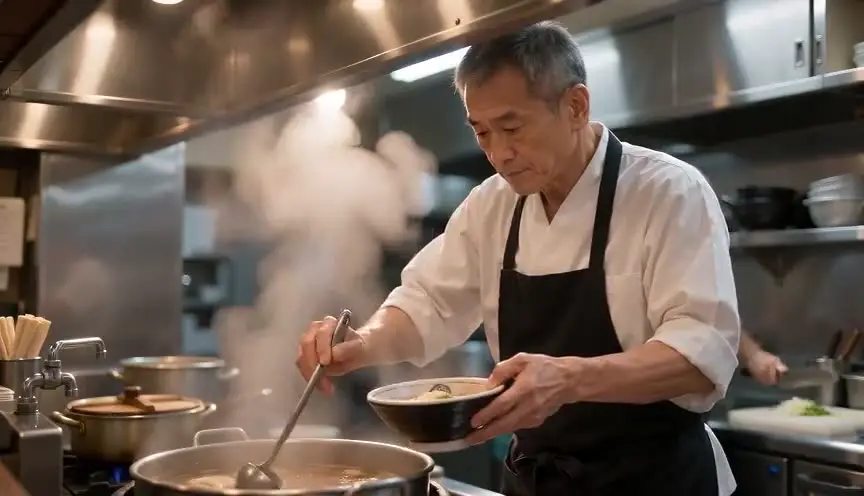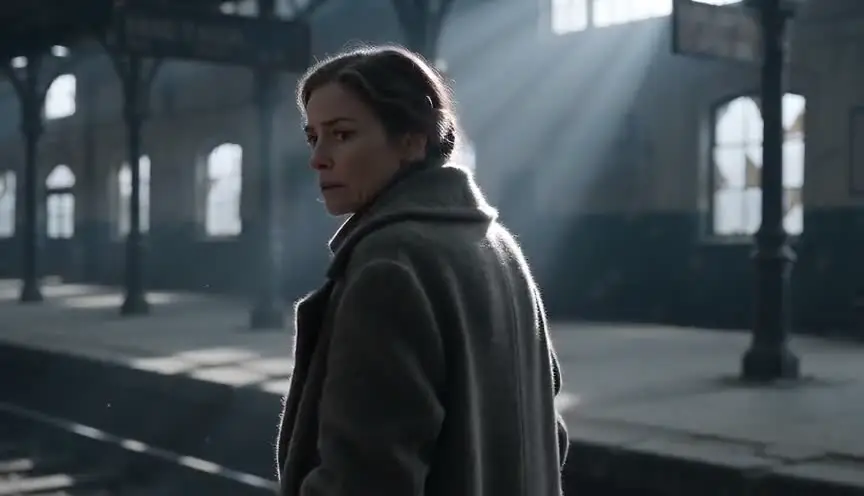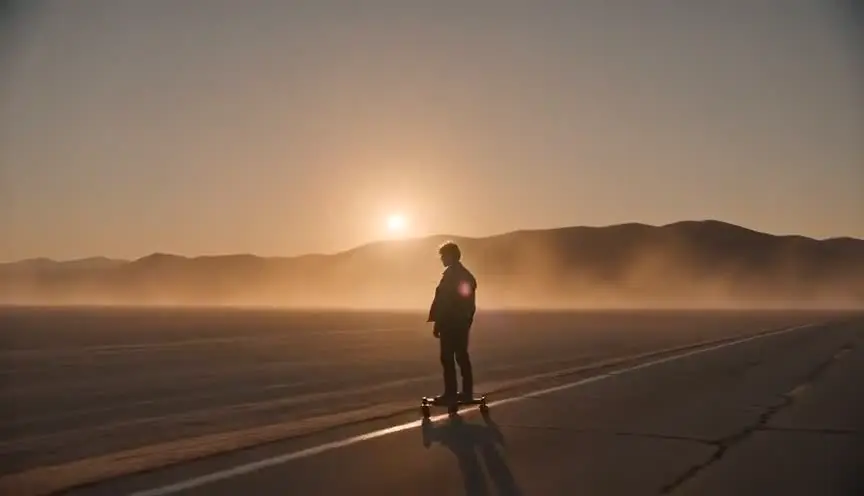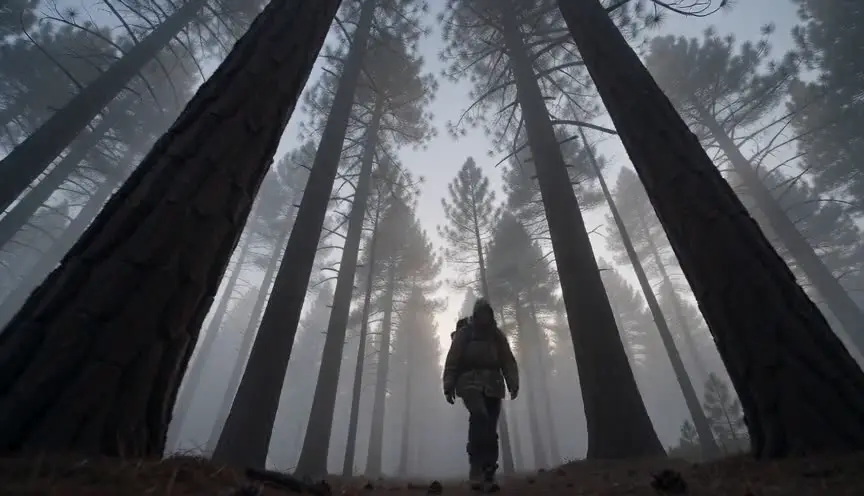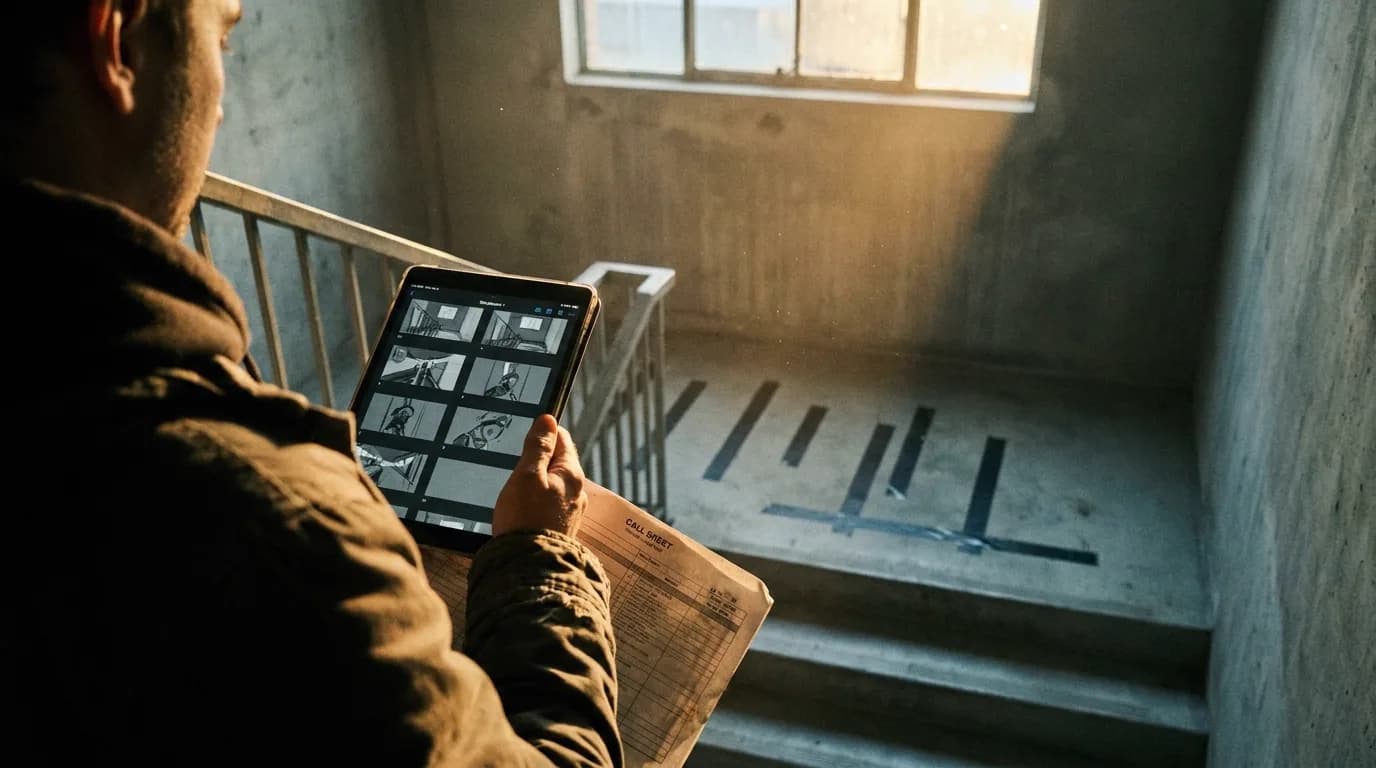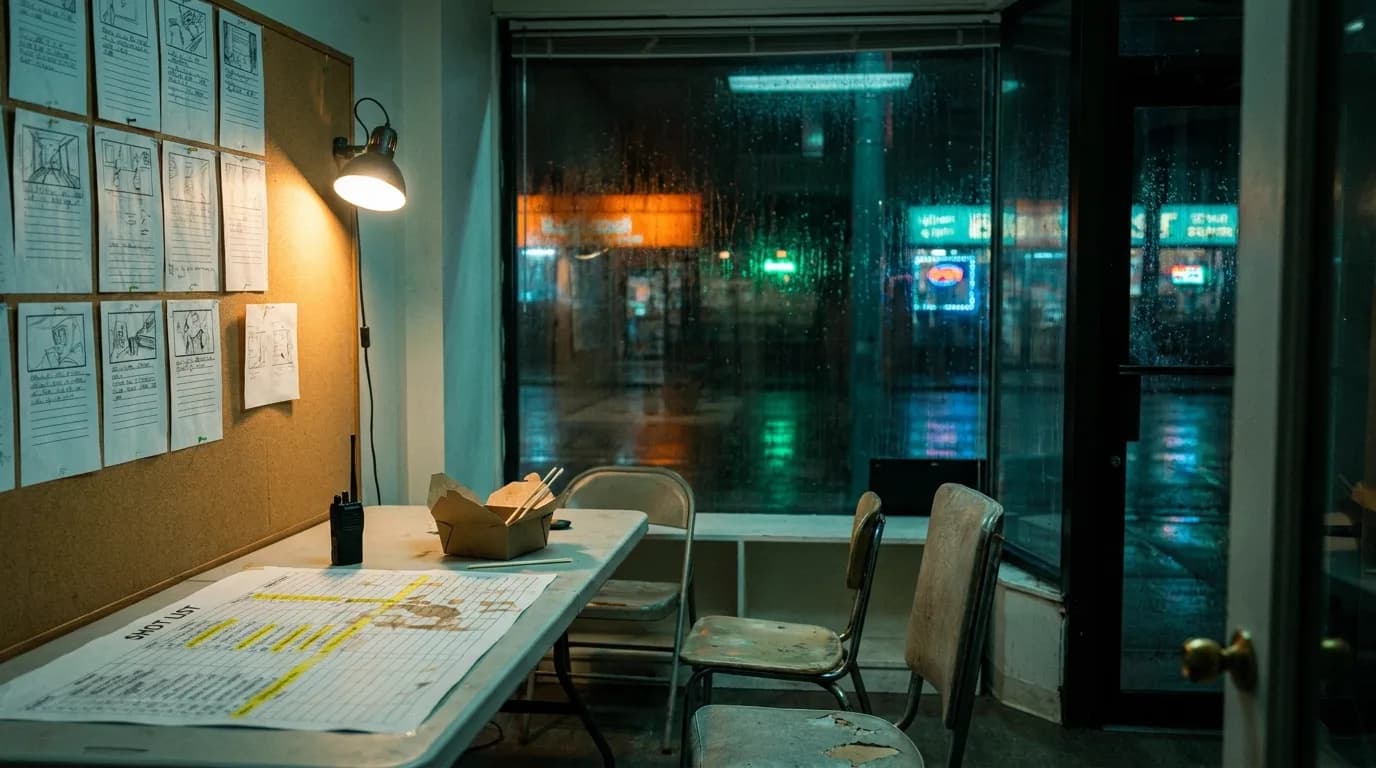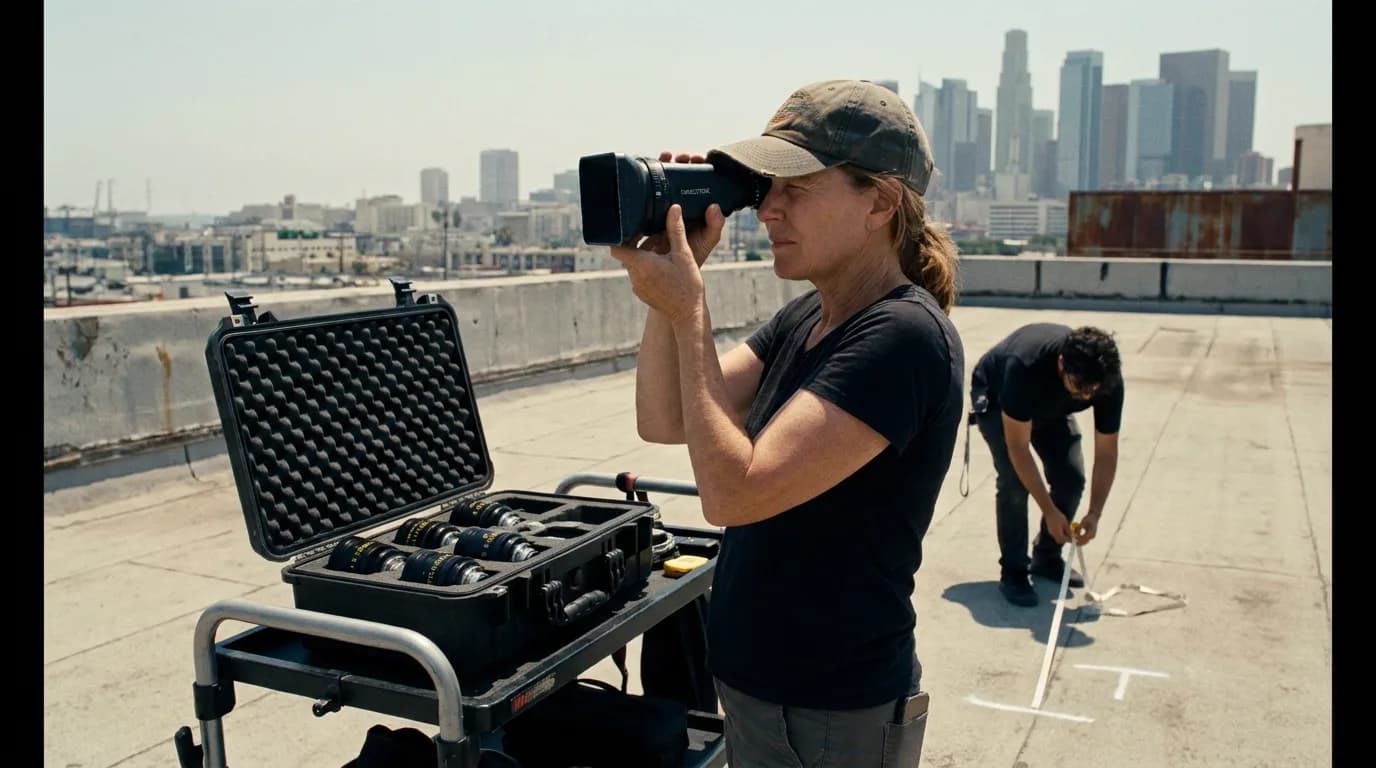

Every storyboard panel records four decisions: shot size (how much of the subject fills the frame), angle (where the camera sits), movement (what it does while the shot runs), and framing relationship (who shares the frame, and from whose side). Name those four and a crew can shoot your board. The rest of the drawing is texture.
If you want the panels themselves drawn for you, an AI storyboard generator that reads your script handles that part. Choosing which shot belongs in which panel is what follows.
The four decisions, in one table
| Decision | The question it settles | Where it lives on the panel |
|---|---|---|
| Size | How much of the subject fills the frame | An abbreviation in the caption: WS, MS, CU |
| Angle | Where the camera sits relative to the subject | The drawing itself, plus a note when it matters |
| Movement | What the camera does during the shot | Arrows across the panel, plus a word |
| Relationship | Who is in frame, and whose side we are on | The composition, plus OTS, POV, 2-shot |
One panel equals one shot, which is one continuous run of the camera. It does not equal one take, and it does not equal one setup: a single camera position can yield three panels if the lens changes and the framing changes with it. Crews count setups because setups cost time. Boards count shots because shots carry story. Confusing the two is how a board with sixty panels gets mistaken for a sixty-setup day.
Shot sizes, widest to tightest
The size scale is the oldest shared vocabulary in the business, and it is the one thing a board absolutely has to communicate. Almost everyone reads it the same way: how much body, how much environment, how much face.
| Abbr | Name | Where the frame cuts | What it is for |
|---|---|---|---|
| EWS | Extreme wide shot | Subject is a speck; the place dominates | Openings, geography, isolation, scale |
| WS | Wide shot | Full subject with generous air around them | Establishing a person in a place, blocking-heavy scenes |
| FS | Full shot | Just above the head, just below the feet | Costume, posture, physical performance |
| MWS | Cowboy shot | Mid-thigh to knee | Confrontation, swagger, hands still in play |
| MS | Medium shot | At the waist | Dialogue coverage, interviews, the default |
| MCU | Medium close-up | At the chest | Emotional beats that still need shoulders |
| CU | Close-up | Around the shoulders, face fills the frame | Decisions, realisations, the inside of a head |
| ECU | Extreme close-up | A fragment of the face, usually the eyes | Maximum pressure, the standoff stare |
| INSERT | Insert shot | A tight detail of an object or action | Story-critical props, plot information in a hand |
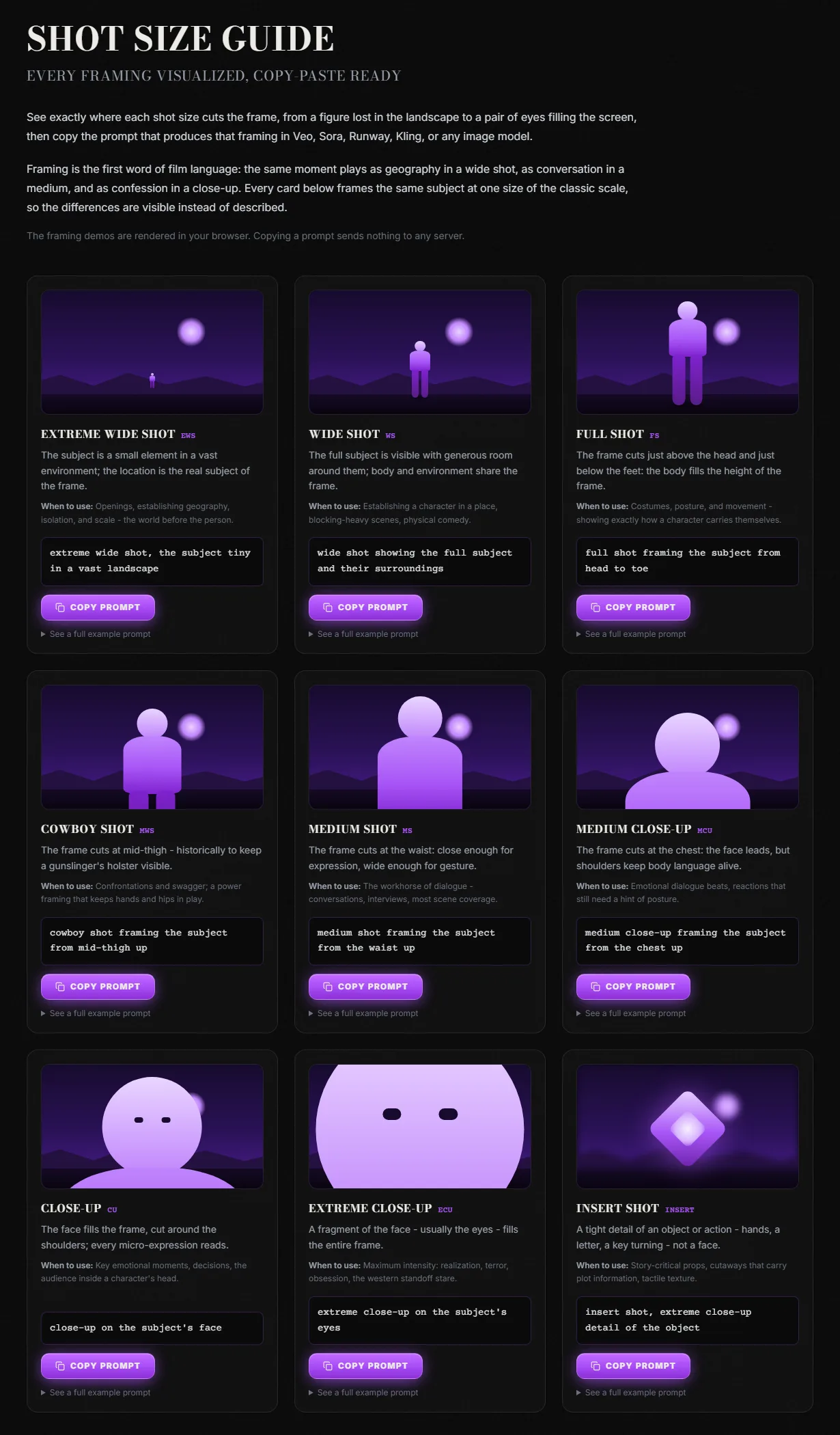
ScreenWeaver, "Shot Size Guide", captured 9 September 2026. The same subject rendered at each size on the scale.
Reading definitions is a slow way to learn framing. Seeing the same figure cropped nine ways takes about eight seconds, which is why that page exists.
Treat the sizes as a scale. What a panel means comes largely from its distance to the panel before it. A close-up after a wide lands hard; a close-up after a medium close-up barely registers as a move at all. Boards that hold the same size for six panels running read as flat even when each individual drawing is good. If the panels feed an AI video model, the size has to survive the prompt too; shot size prompts for AI video covers how to write the cut point so it holds.
The size everybody argues about
Ask five directors where a cowboy shot cuts and you will get answers between mid-thigh and the knee. The name has a documented origin.
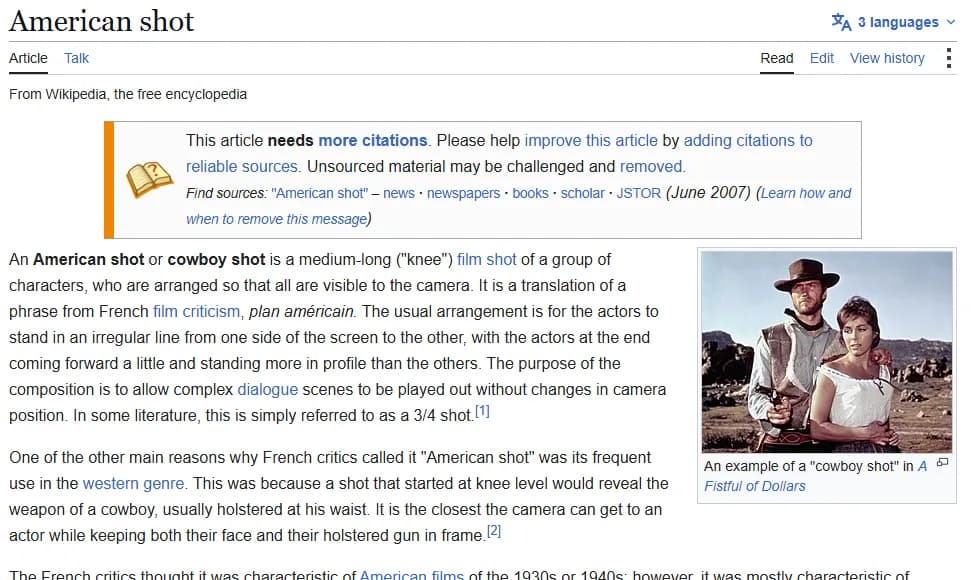
Wikipedia, "American shot", captured 9 September 2026. The page carries a citations warning; the knee-level definition is sourced to Lionel Hurtrez, "Film analysis in English".
The framing is a translation of plan américain, a phrase French critics coined for a house style they saw in American pictures, and some literature calls the same thing a 3/4 shot. And the cut point exists for a reason: knee level is as close as the camera gets while keeping a face and a holstered gun in the same frame.
So when the exact cut point carries meaning, write the cut point. "Cut at the knee, gun in frame" survives being handed to a stranger. "MWS" does not, because half the room reads it as mid-thigh and the other half as knee. Abbreviations are shorthand for agreement you already have.
Angles: where the camera sits
Angle is the second word of the sentence. It answers a different question from size, which is why a board that only lists sizes leaves the operator guessing.
| Angle | Camera position | What it tends to do |
|---|---|---|
| Eye level | Level with the subject's eyes | Neutral; the reader stops noticing the camera |
| High angle | Above, looking down | Shrinks the subject, opens the geography |
| Low angle | Below, looking up | Enlarges the subject, throws them against the ceiling or sky |
| Overhead | Straight down, plan view | Turns a scene into a diagram; good for geography and violence |
| Worm's eye | Ground level, looking steeply up | Extreme version of low; rarely neutral |
| Dutch (canted) | Rolled off horizontal | Signals wrongness; wears out fast |
| Profile | 90 degrees to the subject's eyeline | Cool, observational, deliberately unreadable |
| 3/4 front | Between profile and frontal | The natural dialogue angle for a single |
Height and angle are separate variables that people collapse into one. A camera can be at chest height pointing level, or at chest height tilted up. On a board, the drawing carries this and a written note only clarifies. If your panel does not make the angle obvious at a glance, fix the horizon line. A caption will not rescue it.
Who is in the frame
The relational framings are the ones that break most often when a board goes to set, because they encode geography as well as composition.
| Framing | What it shows | Note on the panel |
|---|---|---|
| Single | One character alone in frame | Add "clean" if nobody else intrudes at the edge |
| Two-shot | Two characters sharing the frame | Say who is camera left |
| Three-shot | Three, usually in an arc | Beyond three, call it a group shot |
| Master | The whole scene playable in one | Usually WS or FS, runs the full scene |
| Over-the-shoulder (OTS) | One character past the shoulder of another | Say whose shoulder; this is the line |
| Dirty single | A single with a bit of another body at the edge | Cheaper than an OTS, reads warmer than a clean single |
| POV | What a character literally sees | Needs the look-at shot before or after it |
| Reaction | A character listening rather than speaking | The shot editors run out of, always |
| Cutaway | Anything outside the main action | Buys the editor a way out of a scene |
Screen direction is where boards earn their money. Once you have put your camera on one side of the line between two characters, every subsequent panel in that scene has to stay on that side, or the two of them will appear to look the same way instead of at each other. This is the 180-degree rule, and a storyboard is the cheapest place on earth to catch a violation of it.
The error I see most in boards from new directors is a flipped over-the-shoulder pair: panel 4 has A looking camera right, panel 5 has B also looking camera right. On the page it looks fine, because each drawing is fine. In the cut, the two of them are staring at the same wall. Draw a small overhead diagram in the margin of the first panel of the scene, mark the line, and stop guessing.
Try it free
Try Screenweaver for free on your script
It is free. Import your existing project, get a clearer view of your outline, and regain control of your story structure in minutes.
Start FreeMovement: the thing a still picture cannot hold
A panel is frozen. Movement has to be written, drawn with arrows, or split into two panels showing start and end frames. Most professional boards use all three. Pair the arrows with a word; arrows on their own get read as decoration.
| Movement | What actually moves | How to mark it |
|---|---|---|
| Static / locked-off | Nothing | Write "static"; silence gets read as an oversight |
| Pan | Camera pivots horizontally, body fixed | Horizontal arrow across the frame |
| Tilt | Camera pivots vertically, body fixed | Vertical arrow |
| Dolly in / push in | Whole camera travels toward the subject | Arrow into frame, plus start and end panels |
| Pull back | Camera travels away | Arrow out of frame |
| Truck | Camera travels laterally | Arrow along the ground, not across the frame |
| Tracking | Camera travels with a moving subject | Two panels: head of move, tail of move |
| Crane / boom | Camera rises or drops | Curved vertical arrow |
| Orbit / arc | Camera circles the subject | Arc arrow around the subject |
| Handheld | Operator carries it | Write it; you cannot draw the texture |
| Whip pan | Very fast pan, motion blurred | Streak lines, plus the panel it lands on |
| Rack focus | Nothing; the lens shifts attention | Two panels, mark which plane is sharp |
| Dolly zoom | Camera and lens fight each other | Note the background behaviour, that is the effect |
A pan pivots and a truck travels, so a subject crossing in front of a fixed camera is a pan, while a camera walking alongside that subject is a truck or a dolly. And a zoom changes the lens while a dolly changes the geometry, which is why they look nothing alike and why the dolly zoom, the one Hitchcock made famous in Vertigo, does both at once in opposite directions.
If you are writing these as prompts instead of drawing them, the camera movement prompt library has the phrasing that video models respond to for each one, and this guide to camera prompts for AI video covers why a model sometimes ignores the move anyway.
Notation that survives contact with a crew
A board caption should be readable by someone who was not in the room when you drew it. That is the whole test.
- One line per panel, in this order: scene and shot number, size, angle, subject, movement.
- Write the size as an abbreviation only when your team already agrees on it. Otherwise write the cut point.
- Say whose shoulder an OTS is over, every time.
- Mark screen direction with a small arrow in the corner of the panel.
- Split any movement into two panels: where it starts, where it ends.
- Never number panels 1 to 200 across the film; number by scene, so an insert added later becomes 14C and nothing else shifts.
- Write "static" on locked-off shots so the absence of an arrow reads as a decision.
- Use a sheet with ruled lines under each frame so the caption has somewhere to live; the free storyboard template has three per panel.
Abbreviations collide, so agree on yours in writing before the board circulates. LS means long shot in most rooms and loose single in a few. FS means full shot to a storyboard artist and full screen to a graphics department. ECU and XCU are the same thing from different decades. MED and MS are the same thing from different software. None of this matters until the day it does, which is usually the morning the 1st AD is reading your board out loud on a cold street.
Picking a shot by what the scene needs
| The scene needs to | Reach for |
|---|---|
| Establish where we are | EWS or WS, held slightly longer than feels comfortable |
| Show how someone carries themselves | FS, at eye level |
| Play a conversation | MS or MCU, matched pair of OTS shots |
| Land a decision | CU, cut in on the line before the decision |
| Hide information from the audience | Frame it out, or block it behind a foreground body |
| Give the audience information the character lacks | Insert or cutaway, before the character turns |
| Make someone dangerous | Low angle, closer than the scene has been so far |
| Make someone small | High angle, wider than the scene has been so far |
| Buy the editor an escape | Cutaway, plus a reaction shot you did not think you needed |
The last row is the one that gets cut from schedules first and missed hardest in the edit.
The same words drive AI generation
This vocabulary stopped being crew-only some time around the first usable text-to-video models. They were trained on described footage, so "medium close-up" and "slow push in" land as instructions, and a board that already carries those words converts into AI video prompts generated from the script with almost nothing lost. That is the practical case for boarding before generating: you spend the thinking once.
The full walkthrough from script to boards shows the process end to end, and generating a storyboard from a screenplay covers what a model can infer from your scene text on its own. If you are still working out what goes on the page before any of that, start with how to make a storyboard from a screenplay or with what a shot list actually contains, since the two documents share this exact vocabulary.
In ScreenWeaver
Make this shot in ScreenWeaver
The pipeline behind the Close-up clip of our film techniques library. Click the nodes to see how they are set.
Click a node to see its settings, drag it to move it.

FAQ
What are the main storyboard shot types?
Nine sizes cover almost everything: extreme wide, wide, full, cowboy, medium, medium close-up, close-up, extreme close-up, and the insert. On top of the size you mark an angle (eye level, high, low, overhead, dutch) and a relationship (single, two-shot, over-the-shoulder, POV, reaction). Those three layers describe any panel you will ever draw, including the beat panels in a fight scene storyboard, where the size is chosen by whether the beat is a hit, a miss or a reversal.
What is the difference between shot size and camera angle?
Size is how much of the subject fills the frame, so it is about distance and lens (the lens prompts guide covers how focal length changes the background for AI video). Angle is where the camera sits relative to the subject, so it is about height and orientation. They vary independently: a close-up can be low angle or high angle, and a wide shot can be either. A board that gives one without the other is half a sentence.
How many shot types do I actually need for a short film?
Four or five sizes will shoot an entire short honestly: a wide for geography, a medium for coverage, a medium close-up for dialogue, a close-up for turns, and inserts for props. Directors who use every framing in the glossary usually end up with a film that keeps clearing its throat.
Should the shot type go on the panel or in the shot list?
Both, and they must match. The panel caption is what the operator reads while looking at the drawing; the shot list is what the 1st AD schedules from. When the two disagree, the shot list wins on the day and the disagreement costs you a setup.
What does OTS mean on a storyboard?
Over-the-shoulder: the camera sits behind one character's shoulder and frames the other. It is the standard dialogue framing, and it always comes in pairs. Write whose shoulder it is over, because that shoulder defines which side of the 180-degree line you are on for the rest of the scene.
Do AI storyboard tools understand these terms?
Yes, and they are the most reliable part of a prompt. Terms like "medium close-up", "low angle" and "slow push in" appear constantly in the described footage these models learned from, so they steer output more predictably than adjectives about mood. Leading with the framing before the subject tends to work better than burying it at the end.
Final Step
Build your next script with Screenweaver
Move from ideas to production-ready pages faster with timeline-native writing and AI-assisted story flow.
Try Screenweaver