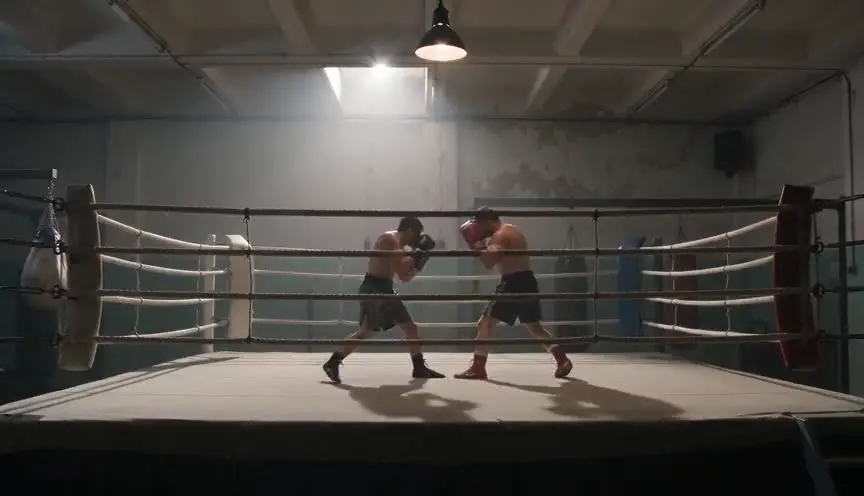

You have a screenplay. You need frames. Drawing every panel by hand would take a week you do not have. Hiring a storyboard artist is right for some projects and impossible for others (the storyboard cost breakdown puts real rates next to the AI figures). AI generation promises a third path: sluglines in, panels out, minutes instead of days.
The promise is real. The failure modes are also real. Faces morph between frames. Wardrobes change. Geography contradicts the location scout photos. You get forty pretty images that do not add up to one scene. This guide explains how to generate storyboards from a screenplay with AI without letting generated confidence outrun script truth.
Free tool: use the Storyboard Template Generator to print boards in your exact aspect ratio, and the Slugline Formatter to clean up your scene headings first.
What AI Storyboard Generation Actually Does
AI storyboard tools read scene context - sluglines, action lines, dialogue rhythm, optional reference images - and produce still frames that approximate staging, lens feeling, and character placement. Good systems anchor generation in scene graphs so Scene 22 stays Scene 22 across regens and exports.
Bad workflows treat generation as a slot machine. Pull the lever until something looks cool. Cool is not the same as playable. Playable means eyelines, exits, and power dynamics match what your action lines claim.
AI frames are hypotheses. The screenplay stays canonical until staging fixes are merged back into sluglines.
For a product-level entry point, see the AI storyboard generator. For how boards fit a wider development chain, read how to make a storyboard from a screenplay and AI filmmaking workflow from script to screen. For why the boards belong upstream of the video model at all, see the storyboard-first AI video workflow, and turn finished boards into a proper shot list before generating.
When AI Generation Beats Hand Drawing
AI wins on speed for iteration. You test three staging options for a kitchen confrontation before lunch. You regenerate a stairwell beat with different shadow placement. You produce a pitch strip for six key scenes the night before a meeting.
AI loses when micro-expression nuance and exact illustration style are the deliverable. Some teams still need human story artists for lookbooks. Many writers need readable spatial logic, not portfolio art. Know which deliverable you owe.
When Not to Generate Yet
Do not generate if act two is wandering. Panels will seduce you into keeping broken structure because they look cinematic. Fix beat sentences first.
Do not generate if sluglines are unstable. Renaming locations without updating prompts produces a montage of different movies.
Do not generate forty scenes because you can. Frame budgets still apply. Three to six panels per dialogue scene. More only when geography or action demands it.
Step-by-Step: Script-Linked AI Board Pass
Step 1: Stabilize scene IDs. INT. HOUSE - KITCHEN everywhere, not mixed with INT. KITCHEN. IDs are how AI tools attach frames to the right graph node.
Step 2: Write beat labels. For each scene you will generate, note the turn: "She realizes he has the keys," not "cool wide shot."
Step 3: Gather reference constraints. Location photos, wardrobe stills, character face references. Feed constraints to reduce morphing.
Step 4: Generate minimal sets. Establishing frame, frames at beat turns only. Skip lines that do not change power or information.
Step 5: Sync check. Read dialogue aloud while skimming frames. Fix script or regen with tighter prompts.
Step 6: Export with index. PDF script plus labeled strip plus scene-to-filename map. Same draft number on everything.
For the click-by-click version of these six steps inside a script-linked workspace, follow the full walkthrough of an AI storyboard from a script.
Prompt Discipline for Screenplay Fidelity
Vague prompts produce vague cinema. "Two people argue in a kitchen" could be any kitchen, any era, any tone. Better prompts cite slugline facts: night, rain on window, protagonist between partner and exit, low-key practical light.
Negative constraints matter. No period drift. No costume change between panels in the same scene. No crowd where the script specifies empty room.
Regenerate to test one variable at a time. If you change staging, location, wardrobe, and lens feeling in one prompt, you will not know what fixed the scene.
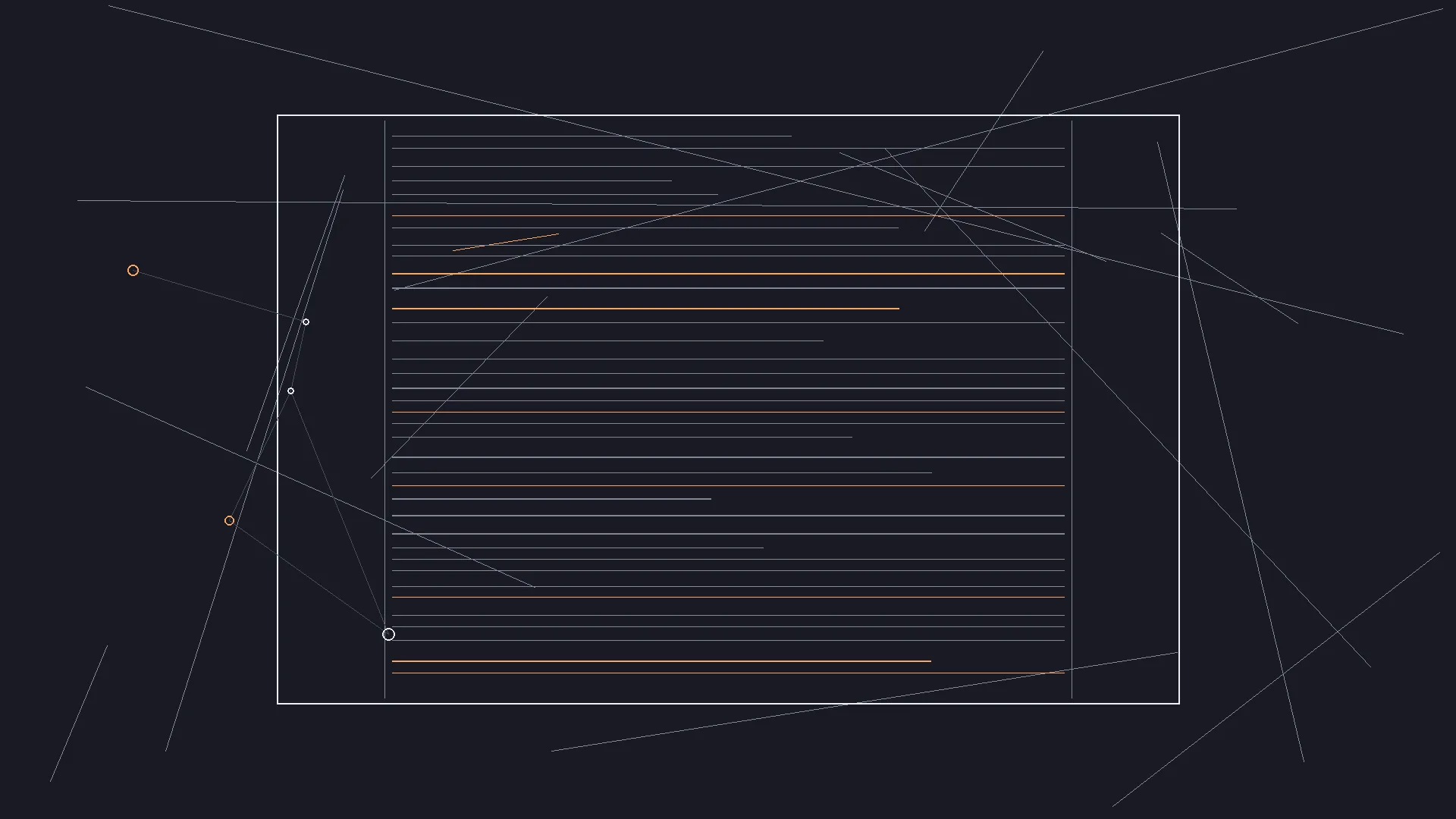
Pair overhead blocking sketches with AI panels. Geometry catches errors beauty hides.
Try it free
Try Screenweaver for free on your script
It is free. Import your existing project, get a clearer view of your outline, and regain control of your story structure in minutes.
Start FreeFailure Modes and Fixes
Character drift. Faces change between panels. Fix: lock reference packs per sequence. Regen with the same anchor images. The full method, from written description to a locked sheet, is in character consistency in AI storyboards.
Geography lies. AI smooths impossible crosses between frames. Fix: validate against a blocking diagram and location photos.
Over-generation. You make thirty panels for a six-line scene. Fix: frame budget and beat labels. Cut panels that do not turn.
Script neglect. You keep adjusting prompts instead of rewriting action lines. Fix: merge staging wins into behavior on the page.
Pitch oversell. Investors remember a frame the script cannot support. Fix: label boards as scale hypotheses. Pair every visual send with PDF truth.
Compare dedicated board handoffs versus script-linked generation in Boords vs ScreenWeaver.
AI Boards Inside Pre-Production
Generated boards are not a shooting plan until prep validates them. Schedules, location contracts, and stunt safety still rule set day. Use AI boards to align department heads early, not to skip film pre-production work.
Breakdowns should reference the same scene IDs as your board exports. When the AD asks which kitchen, the answer is in the slug, the photo pack, and the panel index, not in a chat thread.
After Stills: Motion Tests
Some sequences need temporal proof after stills pass spatial tests. AI video can reveal pauses that read too long once bodies move. Treat motion as a single-beat experiment, not a replacement for boards. Platform comparisons live in script-to-video AI tools compared.
Closing Stance
Generating storyboards from a screenplay with AI is a development accelerator, not a creative bypass. Structure leads. Constraints shape regen. Exports stay indexed.
When panels and sluglines agree, you pitch one movie. When they disagree, you fix the script or the frames until they match.
That matching work is still writing. AI just makes the loop faster.
If the source is a webtoon instead of a screenplay, the panels already carry the shot order. The webtoon to animation with AI walkthrough starts from those panels and builds the character references from the artwork itself.
If the source is a comic, manga or graphic novel, the comic to animation pillar covers sizing the book first and cutting the references from the pages themselves.
FAQ
Can AI really storyboard from a screenplay automatically?
It can generate frames from scene context, but quality depends on stable sluglines, reference constraints, and human sync checks. Treat output as staging hypotheses, not final shot lists.
How do I keep characters consistent across AI storyboard panels?
Use locked reference image packs per sequence and regenerate with the same anchors. Avoid vague prompts that reinvent faces each time.
How many AI-generated frames should I make per scene?
Follow beat-based frame budgets: roughly three to six for dialogue, more for complex action. Cut panels that do not change power or information.
Is AI storyboarding better than Boords or hand drawing?
It depends on deliverable and phase. AI wins on speed for script-linked iteration. Hand drawing and dedicated tools win when illustration style is the product. See Boords vs ScreenWeaver.
What is the next step after AI storyboards?
Run pre-production breakdowns, validate geography against locations, and optionally test single beats with motion tools once timing questions matter. For animation, add a duration to every frame the way an anime e-konte does.
Final Step
Build your next script with Screenweaver
Move from ideas to production-ready pages faster with timeline-native writing and AI-assisted story flow.
Try Screenweaver