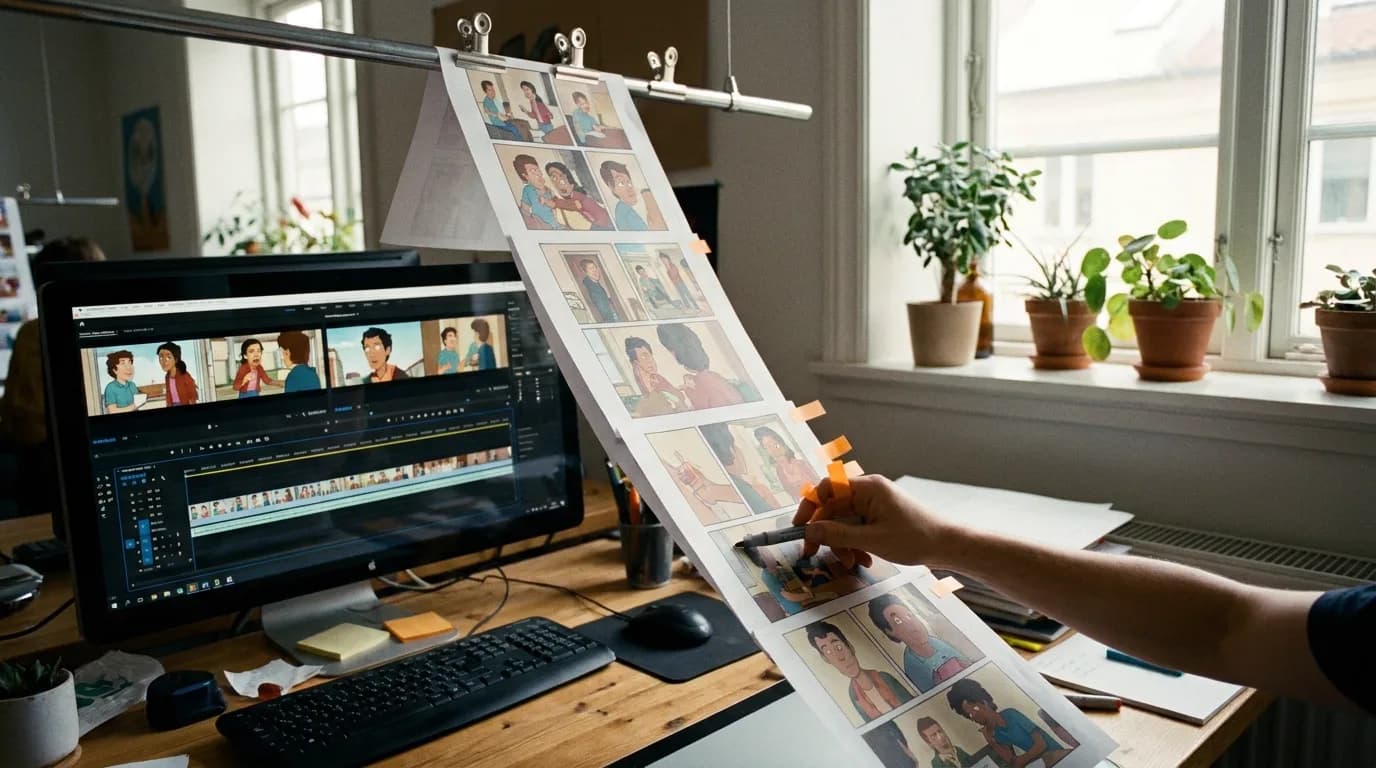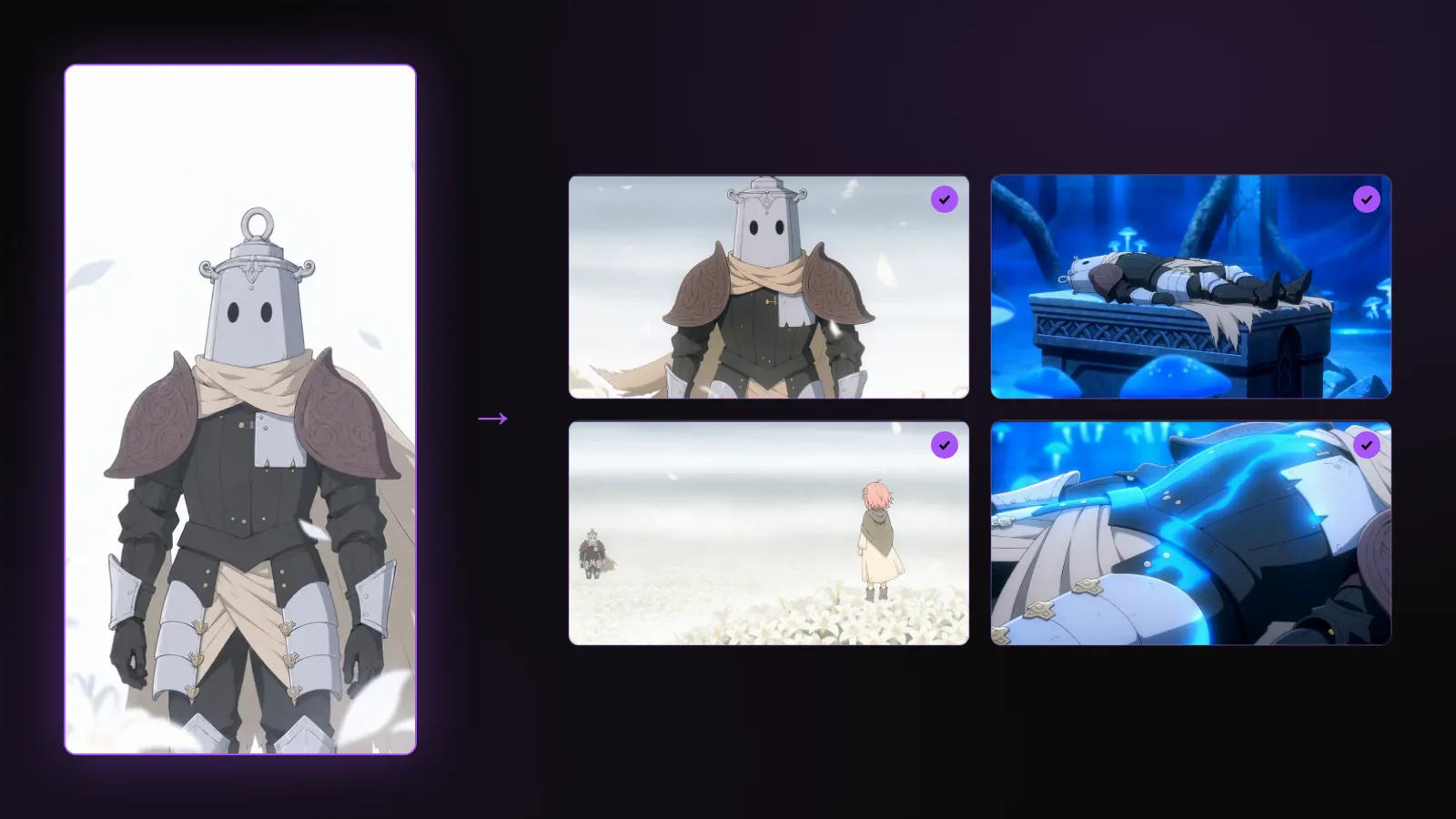

To keep webtoon characters on-model when you animate them with AI, you build every reference from the artist's own panels, pick one chapter as the canon when the art style changed over the series, lock a style reference for the whole project, run a three-shot test before boarding, and check each generated shot against the references before you accept it. The face is rarely what fails now. Hair, outfit details, proportions and palette are.
This is the consistency guide of the webtoon to anime cluster. The full production workflow is webtoon to animation with AI; for live-action and original characters, the general version is character drift in AI video.
Why webtoon readers see drift first
A reader who follows a series has seen its lead drawn hundreds of times, often every week for years. They know the parting of the hair, the shape of the eyes, which ear has the earring. In community discussions about adaptations, the complaints that come back most are not about story changes, which fans argue about but often accept. They are about a character who does not look like themselves: a different face shape between two cuts, an outfit that lost its details, colours that shifted, backgrounds that do not match the place they know.
That changes the order of priorities for an adaptation. A new viewer forgives a slightly stiff movement. A reader does not forgive the wrong face.
Pick a canon chapter before you cut a single reference
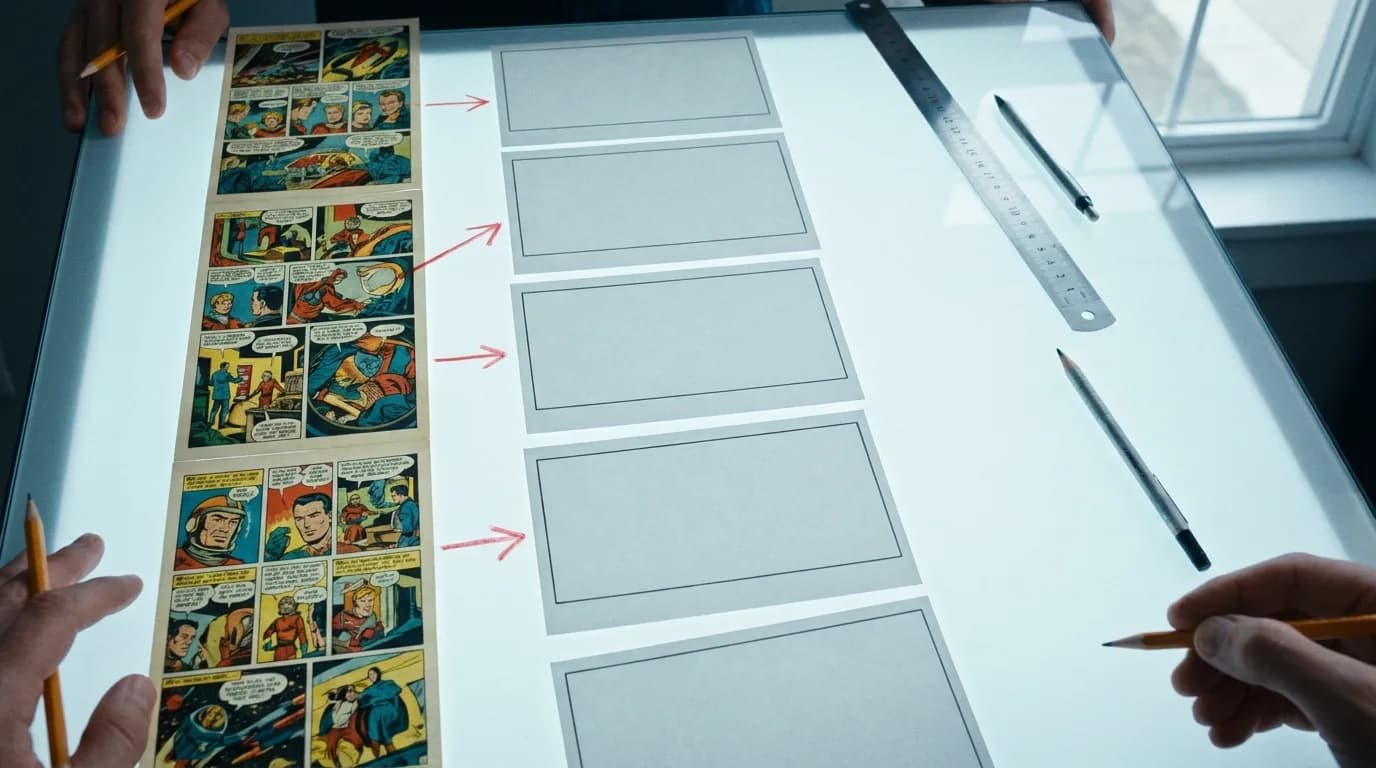
Long-running webtoons drift on their own. The artist's style in chapter 1 and chapter 120 can differ more than any AI model will: proportions get longer, eyes change shape, the colouring moves from flat to painted. If you build references from panels across the whole run, you are feeding the model several versions of the character and it will average them.
So decide first which version you are animating:
| Situation | Canon to choose |
|---|---|
| Pilot of the series' best-known arc | The chapters of that arc |
| Adaptation from episode 1 | The current style, redrawn if needed, unless the early look is part of the identity |
| A series whose style changed deliberately (time skip, new season) | One canon per period, kept as separate references |
| A redesign planned for the animation | Draw or commission the new sheet first; never mix it with old panels |
Write the decision down. Every reference you cut afterwards comes from the canon chapters only.
What to cut from the panels
For each recurring character, from the canon chapters:
| Reference | What it locks | Where it usually is |
|---|---|---|
| Front face, neutral | Face shape, eye shape and colour | Dialogue close-ups |
| Three-quarter face | The angle most shots use | Reaction panels |
| Profile | Nose, jaw, hair volume from the side | Walking panels, two-shots |
| Full body, default outfit | Proportions, height, costume construction | Chapter openers, establishing panels |
| Outfit and accessory details | Buttons, straps, earrings, scars, weapons | Inserts and action panels |
| Two or three strong expressions | Emotional range without breaking the face | The big moments |
Then two sheets the character cannot do without:
- A height line-up of the main cast side by side, from a panel where they stand together. Relative heights are among the first things to slide.
- A colour card: hair, eyes, skin, the two or three main costume colours, sampled from the canon panels. A face can be perfect and still read as wrong in the wrong colour.
In ScreenWeaver these become story elements: each character, place and object has a description, a moodboard and a reference sheet, and shots cite them so the right references travel with every frame. For a webtoon, build the sheet from your own panel crops rather than from a description. The artist already drew the definitive version.
Lock the style, not only the characters
A character can stay on-model and still look wrong if the rendering changes around them. The project's art direction is a style text plus a style image. For a webtoon:
- Style image: one panel from the canon chapters that shows the line weight, the shading and the colour treatment at their most typical. Not the most spectacular panel; the most representative one.
- Style text: three or four facts the image does not make obvious. Line weight, how shadows are cut (hard cel edges or soft gradients), how backgrounds are simplified, the overall palette temperature.
Set both once and do not change them mid-production. Changing the style reference in week two makes every earlier shot inconsistent with every later one.
Places get the same treatment as characters. A recurring location (the classroom, the rooftop, the throne room) needs a reference from the canon panels, cited by every shot set there, or the background will reinvent itself from shot to shot.
Run a three-shot test before boarding the episode
Before you board 60 shots, generate three for each main character:
- A close-up, three-quarter angle, neutral light.
- A medium shot in the default outfit, in a recurring location.
- A wide shot, full body, next to another character.
Put the three next to the reference sheet. If the close-up fails, the face reference is weak: replace it with a cleaner panel. If the medium fails on the outfit, add a detail crop. If the wide fails on proportions, add the height line-up. Fix the references now, while it costs three generations, not after sixty.
Try it free
Try Screenweaver for free on your script
It is free. Import your existing project, get a clearer view of your outline, and regain control of your story structure in minutes.
Start FreeThe QC pass: one check per shot, before you accept it
Accepting a shot because it looks good is how drift gets in. The question is not whether the frame is good, it is whether it matches. For each generated frame, compare it with the references for thirty seconds:
- Face shape and eyes. Same shape, same colour, same distance between them
- Hair. Parting side, fringe, length, the strands that define the silhouette
- Outfit construction. Count things: buttons, straps, layers. Counting beats impressions
- Accessories and marks. Earrings, scars, weapons, in the right place and on the right side
- Proportions. Height against the other characters and against the set
- Colour. Hair, eyes, skin and costume against the colour card
- Background. Same place, same layout, same light as its reference
- Style. Line weight and shading consistent with the style image
Then, once per scene, put all its accepted frames in a grid, a contact sheet, and look at them together. A drift that is invisible from one shot to the next becomes obvious across twelve.
Regenerate, fix or accept
| What drifted | Decision |
|---|---|
| Face shape, eyes, hair silhouette | Regenerate. Nothing else fixes identity |
| Outfit detail visible for more than a second | Regenerate |
| Palette slightly off | Fix in the grade |
| Small background inconsistency in a close-up | Accept, or blur it |
| Accessory wrong in a shot under a second | Trim the shot or regenerate, depending on the story |
Keep a short log of each regeneration and why it happened. After a few scenes, the log tells you which reference is weak, and it becomes the production journal you will want if you publish a breakdown of the pilot.
At series scale: Imaginarium
Imaginarium, a webtoon adapted into an anime in ScreenWeaver by its own author, shows what this looks like on a real board. In episode 1, Lucy, the lead, appears in 33 of the 75 shots and Ethan in 29. Across the six scripted episodes, the project holds 21 characters, 15 places and 9 objects as story elements, and the shots cite them instead of describing them again. Every one of the 75 shots of episode 1 cites its location.
The details the QC pass checks are written into the shots themselves: the mole under Lucy's left eye, Ethan's red eyes, the scar on the Admiral's cheek. When a frame comes back without them, the shot text says what was expected, and the regeneration has a precise target. That is what keeps the 33rd appearance of a face close to the first.
What references cannot promise
The output is generated from your panels, not traced from them. With good references, the composition, the characters and the palette carry over; the artist's exact line does not, and motion shifts the look slightly. A reader who knows the series will see that the frames are in the style, not by the hand. The honest way to present an adaptation is to say so, and to show the references next to the result.
FAQ
How do I keep my webtoon character consistent across AI generated shots?
Build the references from your own canon panels (front, three-quarter, profile, full body, outfit details, expressions), add a height line-up and a colour card, attach them to a named character that every shot cites, and check each frame against them before accepting it.
What if the art style of my webtoon changed over the series?
Choose one canon period for the adaptation and cut every reference from it. Mixing panels from chapter 1 and chapter 120 gives the model several versions of the character, and it will average them.
How many reference images does one character need?
Five to eight crops cover most leads: front, three-quarter and profile faces, full body, one or two outfit details, two strong expressions. Supporting characters seen only in mid-shot can work with three.
Why does my character's outfit change when the face stays right?
Because faces are what current models hold best, and costume details are what they fill in from averages. Give the outfit its own detail crops and count the details during the QC pass.
Should I lock the style reference before or after the character sheets?
Before. The style image and style text decide how every reference sheet is rendered. Change the style afterwards and the sheets no longer match the frames.
Will the animation look exactly like the artist's drawings?
It will be in the style, not by the hand. Composition, characters and palette carry over well with good references; the exact line quality does not. Show the source panels next to the shots and readers judge the adaptation on what it is.
Final Step
Build your next script with Screenweaver
Move from ideas to production-ready pages faster with timeline-native writing and AI-assisted story flow.
Try Screenweaver