
A webtoon storyboard is built by walking the strip panel by panel and answering three questions each time: is this one shot or several, what shot size is it, and how does a vertical panel become a widescreen frame. Answer those for 75 panels and you have a board of 50 to 70 shots that a person or a generation model can produce from.
This is the craft article. The workflow it plugs into is in webtoon to animation with AI, and the reasons to do it at all are in how to turn a webtoon into an anime.
The strip already contains a rhythm. Read it before you draw anything.
Webtoon artists control pacing with vertical space. A big gap between two panels is a pause. Panels stacked tightly are fast. A single panel that fills the whole screen is a held moment. Before assigning a single shot, scroll the chapter once and mark where the artist slowed down and where they sped up. Those are your durations.
| What the artist did | What it means in time | What it becomes on the board |
|---|---|---|
| Large empty gutter before a panel | A beat of silence | A hold on the previous shot, or a slow push |
| Panels stacked with almost no gap | Fast cutting | Short shots, one to two seconds each |
| One panel taking the full screen height | A held image, the reader stops | Three to five seconds, minimal motion |
| Tiny panel between two big ones | An insert, a glance | A half-second cutaway |
| A panel wider than the strip, bleeding to the edges | A cinematic moment | Your widest shot, and probably your best frame |
| Text with no drawing, on black | Narration or a time skip | Voiceover over black, or over a slow environment shot |
Get this pass wrong and no amount of good frames will fix the pacing.
One panel, one shot, until it isn't
Default rule: each panel is one shot. Break it in these cases, and only these.
Split a panel into two or more shots when:
- It draws the middle of an action. The impact frame implies a wind-up before and a result after. Board all three.
- It has two subjects in different parts of the frame and the eye is meant to move between them. Board the move, or board two shots.
- It is a tall panel that reads top to bottom: a fall, a tower, a character looking up at something. That is a tilt. Board the start frame and the end frame.
- It contains dialogue from two characters. Reverse angles are how film handles that, and it is cheaper to generate two close-ups than one two-shot that has to keep both faces on-model.
Merge several panels into one shot when:
- They are the same framing with different dialogue. Three panels of the same close-up is one shot with three lines.
- They are a slow reveal the artist drew as a sequence (a door opening over four panels). In motion that is one shot.
- They are reaction panels of a group, one face each. One slow pan across the group covers it, and costs one generation instead of four.
A 75-panel chapter usually lands between 50 and 70 shots after this pass. If yours lands at 110, you are boarding pauses as shots. If it lands at 30, you are missing the action beats hidden inside single panels.
Assign a shot size to every panel
Webtoon panels are almost all mediums and close-ups, because a phone screen is small and faces sell drama. Animation needs wides too, or the audience never learns where anyone is. Your shot list will add establishing shots the strip never drew.
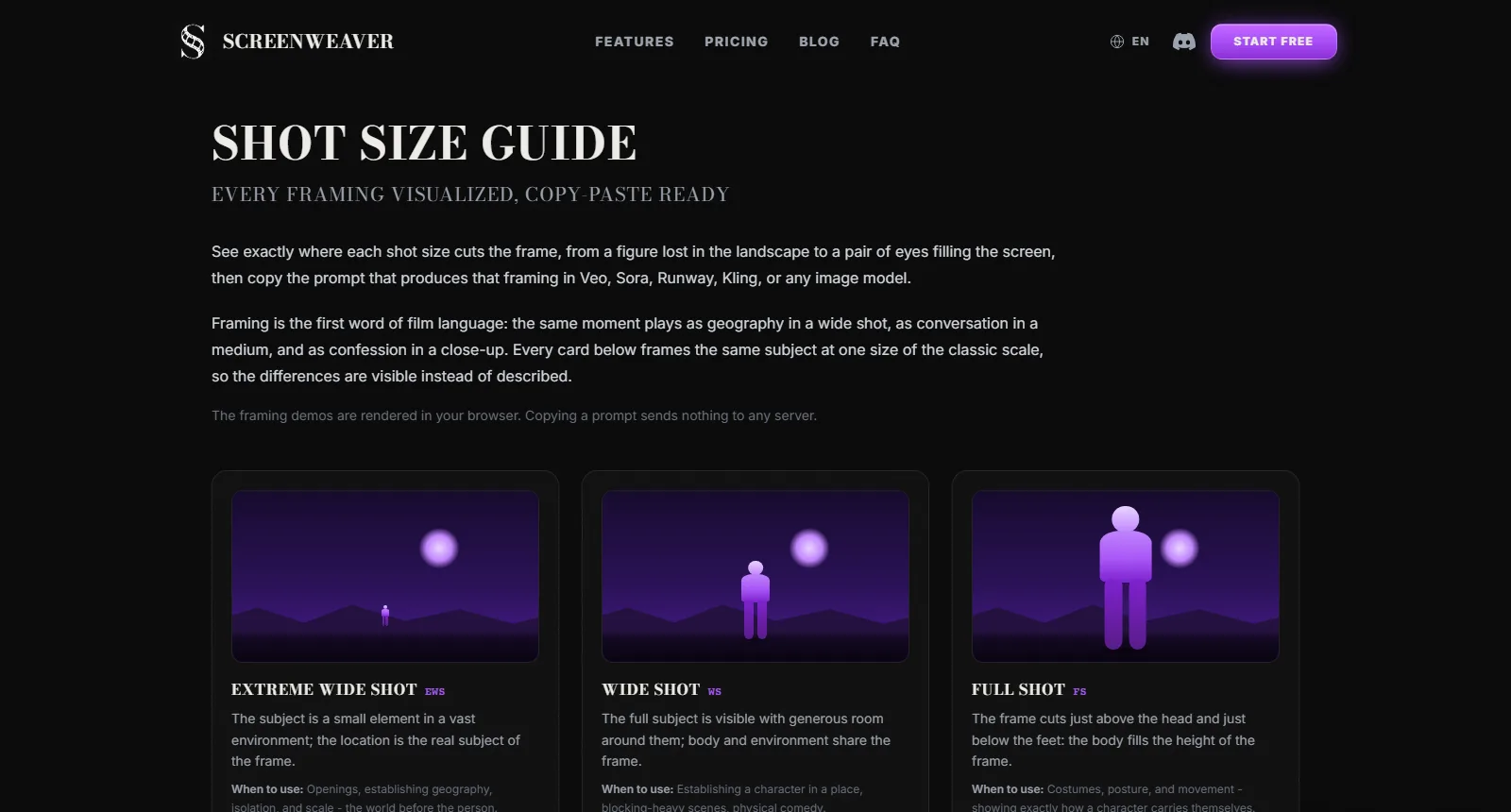
The shot size guide on screenweaver.ai, captured 3 September 2026. Each framing comes with the prompt phrasing that produces it in an image model.
The translation table I use:
| Panel type in the strip | Shot size on the board | Notes |
|---|---|---|
| Face filling the panel | Close-up | Crop straight from the panel. Free |
| Head and shoulders | Medium close-up | Same |
| Waist up, with some background | Medium | Extend the sides slightly |
| Full body, small in the panel | Full shot or wide | Extend the sides a lot. Needs the location reference |
| Environment only, no character | Establishing wide | The panel is probably taller than wide. Reframe or tilt |
| Hands, an object, a detail | Insert | Crop. These are the shots that make a cut feel professional |
| Nothing drawn: the scene changes | Add an establishing shot | The strip skipped it. You cannot |
Adding establishing shots is the single most common fix. Webtoon readers accept a scene starting on a face because the previous scene ended a second ago. Viewers need to know they are in a new place.
Reframing: the vertical to widescreen problem
Every panel was composed for a portrait canvas. The board is landscape. This is the step that has no equivalent in adapting a film script, and it is where most webtoon storyboards go wrong.
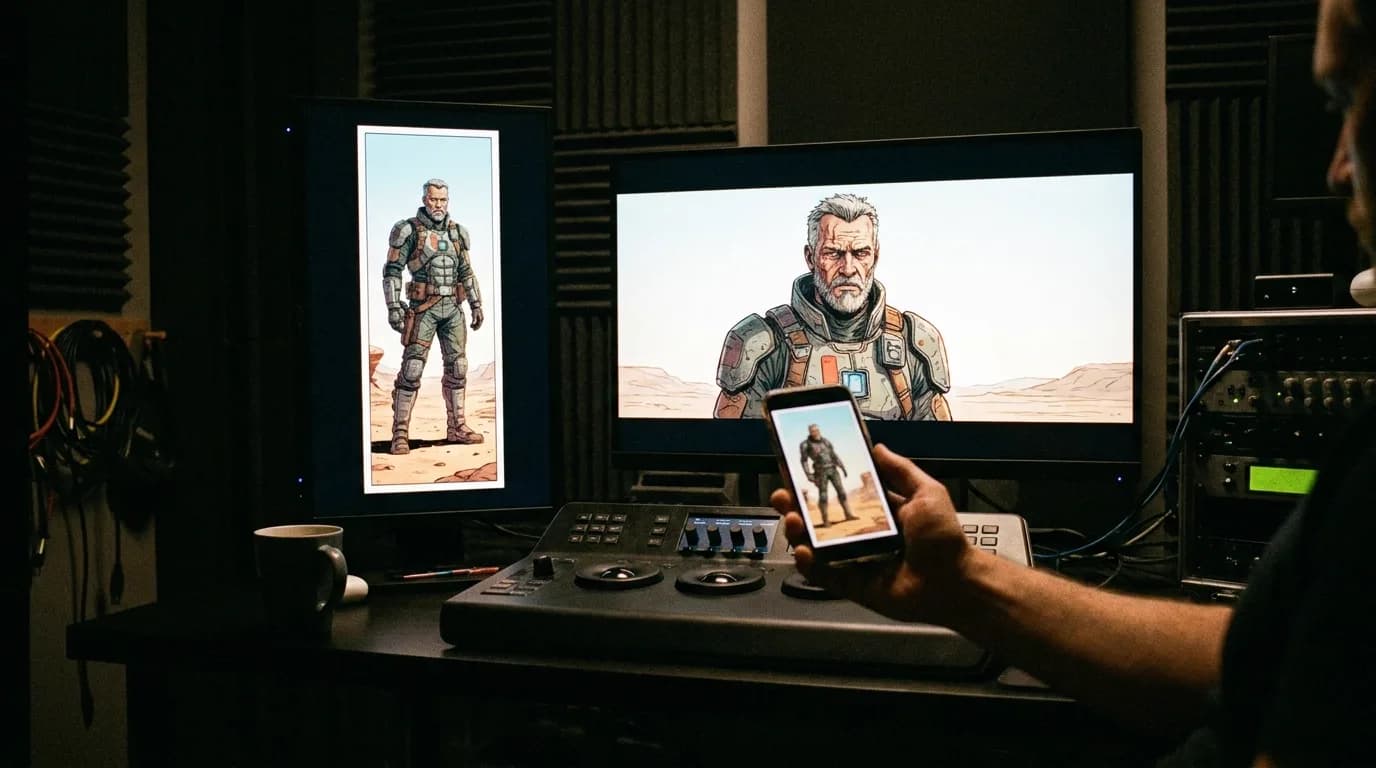
Four moves cover it:
1. Crop. For close-ups and mediums. Take the face or the action, lose the top and bottom. Nine out of ten dialogue panels reframe this way and lose nothing.
2. Extend. For wides where the location matters. The frame needs more world on the left and right than the artist drew. If you are generating, the model paints it from the location reference; check the new background against a real panel of the same place. If you are drawing, you invent it from the establishing panels.
3. Convert the height into a camera move. A tall panel is a tilt. A panel of a character at the bottom looking up at a building at the top is a tilt up from the face to the building, two board frames, one shot. This is the move that makes a webtoon adaptation feel animated rather than scrolled.
4. Split. When a panel has two compositions in it (a wide of the room with a close-up inset, which webtoon artists love), board it as two shots, wide then close, and let the cut do what the inset did.
Do not letterbox the vertical panel inside the widescreen frame with black bars at the sides. It reads as a slideshow of the comic, which is exactly what the audience will accuse you of.
Try it free
Try Screenweaver for free on your script
It is free. Import your existing project, get a clearer view of your outline, and regain control of your story structure in minutes.
Start FreeWhat each board card carries
A webtoon board frame needs more written on it than a film board frame, because the source has no timing and no stated geography.
| Field | Why |
|---|---|
| Scene and shot number | The address |
| Source panel numbers | So you can go back to the strip when the frame is wrong |
| Shot size | The one instruction models ignore most, so write it down |
| Reframe move (crop, extend, tilt, split) | Tells production whether this frame needs background painted |
| Duration | From the rhythm pass. Nothing else supplies it |
| What moves | The gutter action, as one movement. Camera or subject, not both |
| Dialogue and speaker | From the bubble, with the bubble's reading order preserved |
| Character references in frame | By name, so generation attaches the sheets |
The storyboard template generator prints 16:9 grids with note lines for exactly this, and a 9:16 grid if you are boarding a vertical cut for the platforms your readers are already on.
Worked example: a five-panel confrontation
A typical webtoon beat: two characters in a hallway, one confronts the other.
| Panel | What the artist drew | Board |
|---|---|---|
| 1 | Tall panel: hallway, character A small at the far end | Shot 1, establishing wide, tilt down from the ceiling lights to A, 3 s |
| 2 | Close-up of B's face, angry, speech bubble | Shot 2, close-up B, crop, line 1, 2.5 s |
| 3 | Medium of A, hands up, two bubbles | Shot 3, medium A, crop, lines 2 and 3, 4 s |
| 4 | Wide panel: B grabs A's collar, impact lines | Shot 4a, medium two-shot, B steps in, 1.5 s. Shot 4b, close on the hands at the collar, 1 s. Shot 4c, A's face, 1.5 s |
| 5 | Big empty gutter, then A's eyes, small panel | Hold on 4c for 2 s more, then Shot 5, extreme close-up A's eyes, 2 s |
Five panels became seven shots and about 17 seconds. Panel 4 alone became three, because it drew the middle of an action. Panel 5's gutter became a hold, not a shot. That is the whole method.
Checklist before the board goes to production
- Every shot has a source panel number, so drift can be checked against the strip
- Every scene opens on a shot that says where we are, even if the strip didn't
- No panel is letterboxed; every one was cropped, extended, tilted or split
- Action panels are split into before, during and after
- Same-framing dialogue panels are merged into one shot with several lines
- Durations come from the gutters, not from the number of words in the bubble
- Every character in frame is named on the card so the reference sheet attaches
- Inserts exist: hands, objects, details. At least one per scene
- Shot count sits in the 50 to 70 range for a standard chapter, or you know why not
If you want the frames generated rather than drawn, an AI storyboard generator builds them from the scene breakdown, generating a storyboard from a script covers the prompt side, and the webtoon animation cost article turns this shot count into a budget.
Page-based comics add page turns, splash pages and right-to-left manga order to this method; comic panels to storyboard covers those cases.
FAQ
How many shots does one webtoon chapter make?
Between 50 and 70 for a typical 60 to 90 panel chapter, after splitting action panels and merging repeated dialogue framings. Talky chapters land lower, fight chapters higher. If you are far outside that range, re-check the split and merge rules.
How do you turn a vertical webtoon panel into a 16:9 frame?
Four ways: crop to the subject for close-ups and mediums, extend the sides for wides, convert a tall panel into a tilt with a start and end frame, or split a panel with two compositions into two shots. Never letterbox the panel with black bars at the sides.
Do webtoon speech bubbles become the dialogue?
Yes, in bubble reading order, with the speaker named. What changes is duration: a bubble reads in a second but takes three to say. Record or generate the voice first, then set the shot's duration to the line, not the other way round.
Should I storyboard my webtoon in 9:16 instead?
If the animation is going where your readers already are, shorts and vertical platforms, 9:16 is legitimate and needs far less reframing. Most creators board in 16:9 for the main cut and derive a vertical version from the same shots, marking a vertical safe area on each card.
Where do the sound effects from the panels go?
Into the sound design, not the frame. Onomatopoeia drawn into a panel becomes an effect in the edit and a note on the board card. Leaving the lettering in a generated frame reads as a comic, not an animation.
Can a tool do the panel to shot breakdown for me?
Partly. ScreenWeaver's storyboard generates frames from a scene breakdown with named character references, and the batch mode handles the dialogue shots where the default crop is right. The split, merge and rhythm decisions in this article are still made by a person; the webtoon import that proposes them from the strip is the next step of that pipeline. Once the board is approved, the AI anime video generator takes those frames on to animated shots.
Final Step
Build your next script with Screenweaver
Move from ideas to production-ready pages faster with timeline-native writing and AI-assisted story flow.
Try Screenweaver