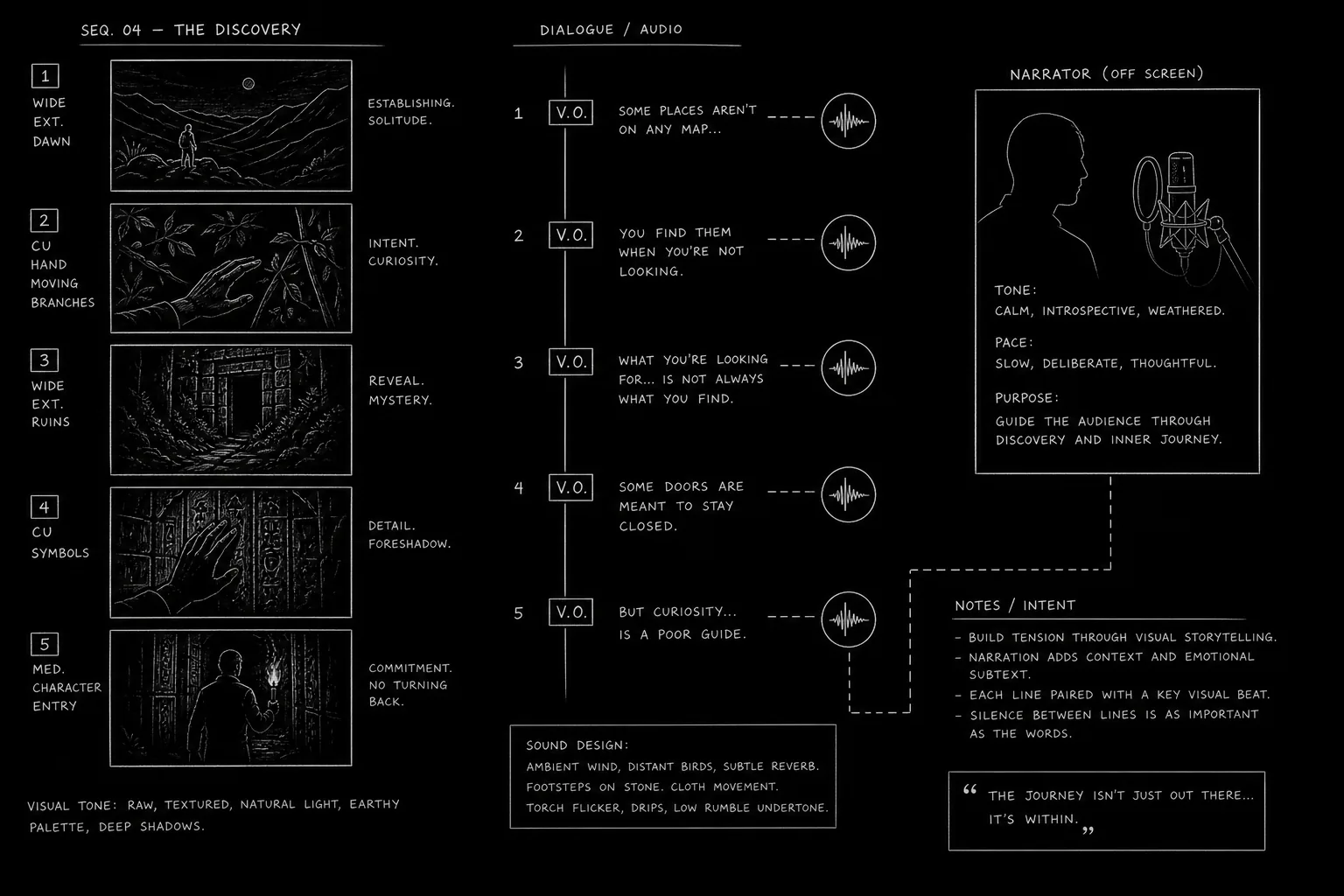

The short answer: a documentary voice-over sounds real when it is written for the ear, timed to the picture and read by one consistent voice. Write the narration in the script as NARRATOR (V.O.), keep one idea per line, spell out how dates and names are said, time every block before you board it, then record a human narrator or generate the voice in a dedicated tool. Most "robotic" AI narration is not a voice problem. It is a writing problem.
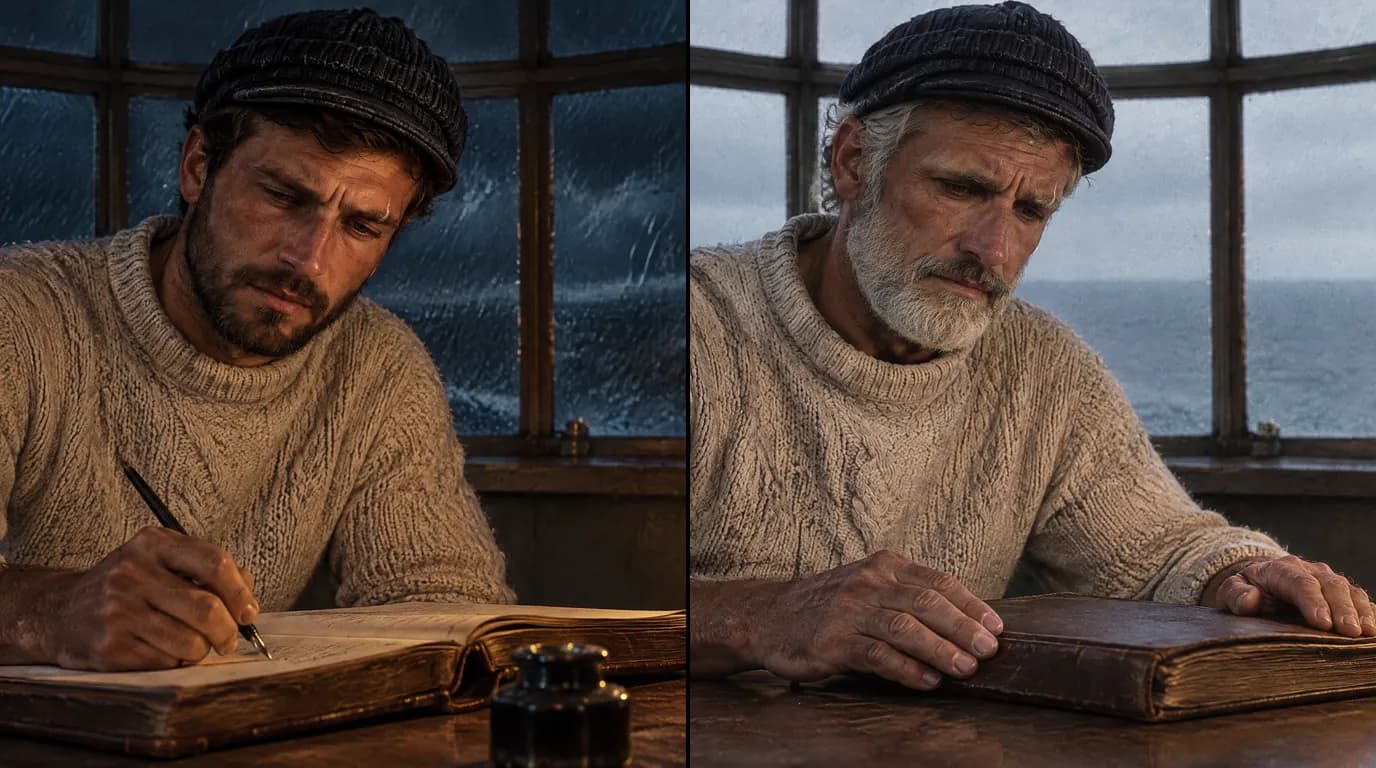
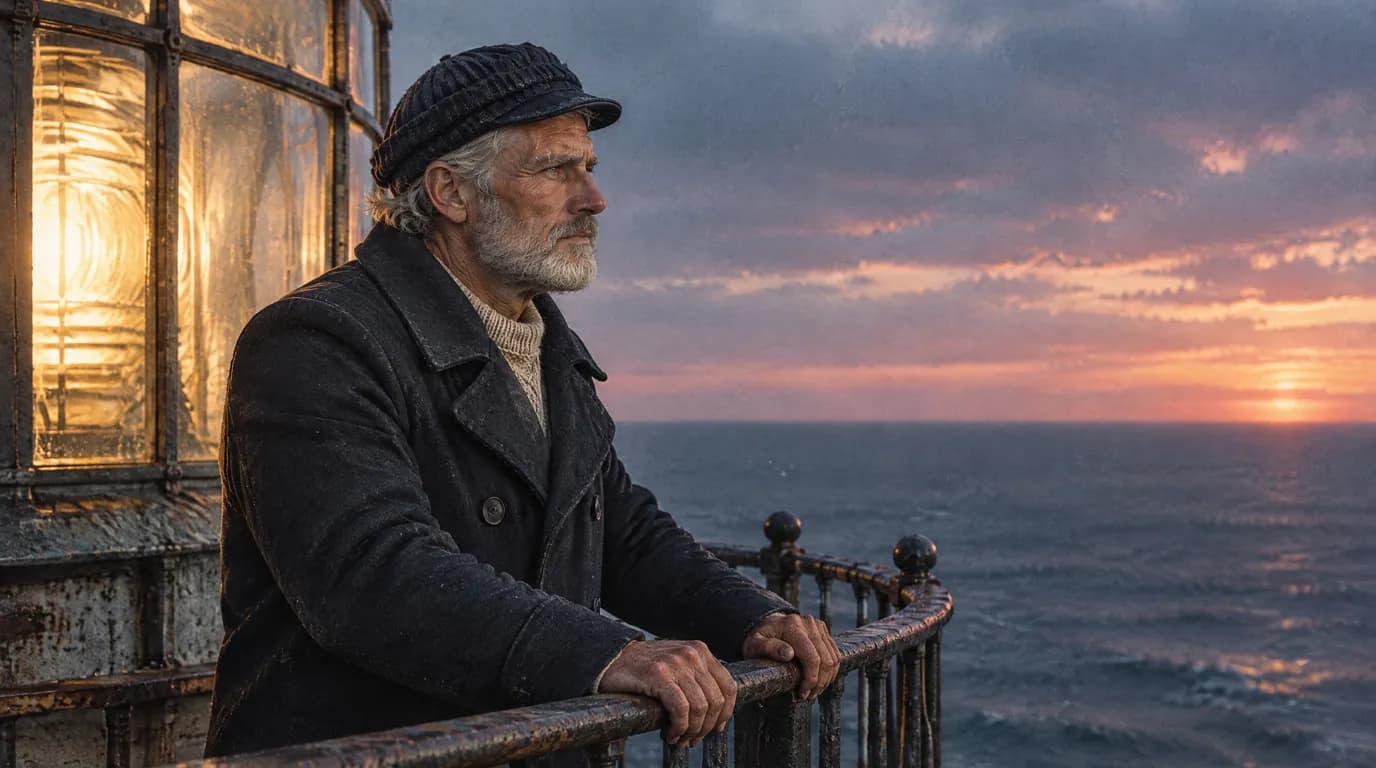
This guide follows one running example: The Last Keeper, the fifteen-second reconstruction on our AI documentary generator page. Six shots of a composite, fictional keeper on Ar-Men, the Breton lighthouse lit in 1881 and automated in 1990. Two lines of narration:
The keepers had a name for this rock: hell of hells.
In 1990, the light no longer needed him.
One thing first. ScreenWeaver does not generate voices: it has no text-to-speech, no music generation and no edit export. You write and time the narration in ScreenWeaver, record or synthesize it elsewhere, and cut the film in your editor. We cover each step, including the ones outside the app.
What makes narration sound like a real narrator
Viewers judge four things at once: the writing, the density, the voice and the mix. A great voice reading a sentence built for the page still sounds like someone reading. A plain voice reading a line built for the ear sounds like someone telling you something. Start with the writing.
How to write a documentary narration script for the ear
Narration is heard once, at the speed of speech. The viewer cannot reread a sentence. So every rule here serves one goal: the meaning lands on the first hearing.
One idea per line
"The keepers had a name for this rock: hell of hells." One idea: the rock was feared. The colon gives the narrator a natural beat before the payoff. If you need a second idea, write a second sentence.
A useful test: if a line has two commas and a "which", split it.
Short sentences, but not only short sentences
Short sentences are easy to say, but a string of them sounds like a telegram. Vary the length, and put the important word at the end, where the voice naturally lands. "In 1990, the light no longer needed him" ends on him, the keeper, which is the point of the film.
Numbers and dates, written the way they are said
The page says "1990". The narrator says "nineteen ninety". A synthetic voice may get it wrong, and a human reading cold may hesitate. In the recording script, write dates and numbers as spoken: "nineteen ninety", "eighteen eighty-one". Round numbers where precision adds nothing to the ear: "about forty years" beats "thirty-nine years and seven months", unless the precision is the point.
Proper nouns with pronunciation notes
Ar-Men, Iroise, Ouessant: a local viewer will notice a wrong pronunciation. Put a pronunciation note in a parenthetical the first time a hard name appears, and keep a pronunciation list for the whole film. Ask someone who knows the place or the person. Do not guess from spelling.
Read every line aloud
Read the whole narration aloud to someone who has not seen the script. Every stumble is a line to rewrite. Every "wait, who?" is a missing name.
How to format the narration on the page is covered in our guide to formatting voice-over and narration in a screenplay. This article stays on what the words do once spoken.
Narration density: when to talk and when to stay silent
The narrator carries the facts. The images carry the feeling. When the narrator describes what the viewer already sees, the film starts to sound like a slideshow with a caption read over it.
Look at where The Last Keeper puts its two lines:
| Shot | Picture | Narration |
|---|---|---|
| 1 | Storm waves against the tower, 1950 | "The keepers had a name for this rock: hell of hells." |
| 2 | The keeper climbs the stairs with the oil can | None |
| 3 | He writes the night into the logbook | None |
| 4 | Relief day, the rope crossing above the swell | None |
| 5 | Forty years later, the same keeper on the gallery at dusk | "In 1990, the light no longer needed him." |
| 6 | He closes the logbook for the last time | None |
The first line gives what the picture cannot: what the keepers called the rock. The second gives the fact that turns the film. The four shots in between are life on the rock. They need sound, not words.
Stay silent:
- During action. A man crossing above the sea on a rope does not need a commentary.
- After a strong line. Let it land. The next shot is the answer.
- At the turn. Silence before the key fact makes the viewer lean in.
- When the image is the evidence. A logbook page, a photograph, an empty room today.
Talk when the viewer needs something the picture cannot give: a name, a date, a cause, a consequence, a contradiction.
Words per minute: timing the narration to the picture
Narration length sets the film's length. Time it before you board, not after you generate.
Our free script time calculator estimates screen time from word count on a scale of 130 to 150 words per minute. The pace slider moves between the two: 130 for slow, contemplative material, 150 for faster delivery. The default sits in the middle, at 140. Documentary narration usually belongs at the slow end, because the voice leaves room for the picture.
Here is The Last Keeper run through the calculator:
| Line | Words counted | At 130 wpm | At 140 wpm | At 150 wpm |
|---|---|---|---|---|
| "The keepers had a name for this rock: hell of hells." | 11 | 5 s | 5 s | 4 s |
| "In 1990, the light no longer needed him." | 8 | 4 s | 3 s | 3 s |
| Both lines | 19 | 9 s | 8 s | 8 s |
Three things this table tells you.
The film is half silence. The cut runs fifteen seconds. The narration fills about eight. That is the density we chose on purpose, and the calculator shows it before a single credit is spent.
The first line is longer than an average shot. Six shots in fifteen seconds is two and a half seconds per shot on average. A five-second line cannot sit on a two-and-a-half-second shot. So either the establishing shot holds longer, or the line starts on the storm and finishes on the stairs. Decide on the storyboard, not in the edit.
The calculator counts what is written, not what is said. It counts "1990" as one word. Spoken, it is two: "nineteen ninety". On a long script with many dates, that gap adds up. Time the recording script, with dates spelled out, not the reading script.
Then check with a stopwatch: the calculator gives the budget, a read-through gives your narrator's real pace.
Choosing a documentary narrator voice
The narrator is a character. The viewer spends the whole film with that voice, and it shapes how they feel about everything else.
Register, age and accent
Ask what the film needs, not what sounds impressive:
- Register. Warm and close, for a personal film. Measured and neutral, for an investigation. Grave, for a tragedy. A voice that "sounds like a trailer" undercuts a documentary.
- Age. A film about a man who spent forty years on a rock may want a voice with some years in it. A film about a young movement may not.
- Accent. It places the film. A local accent can be a strong choice for a regional story. A neutral accent can be the right choice for an international release. Choose on purpose.
- Distance. Your own voice says "this is my film". A professional voice says "this is the story".
The voice is a character: keep it across a series
If you make a series, an episode two with a different narrator feels like a different show. Keep the same voice across every episode, the same way you keep the same face for a recurring person.
In ScreenWeaver, a face stays consistent because every shot is generated from the same reference sheet. Narration needs the same discipline, outside the app: keep a short voice sheet with the narrator (a person, or a named voice and its settings), how they were recorded, their pace and the pronunciation list. Episode six should sound like episode one.
Option 1: record a human narrator
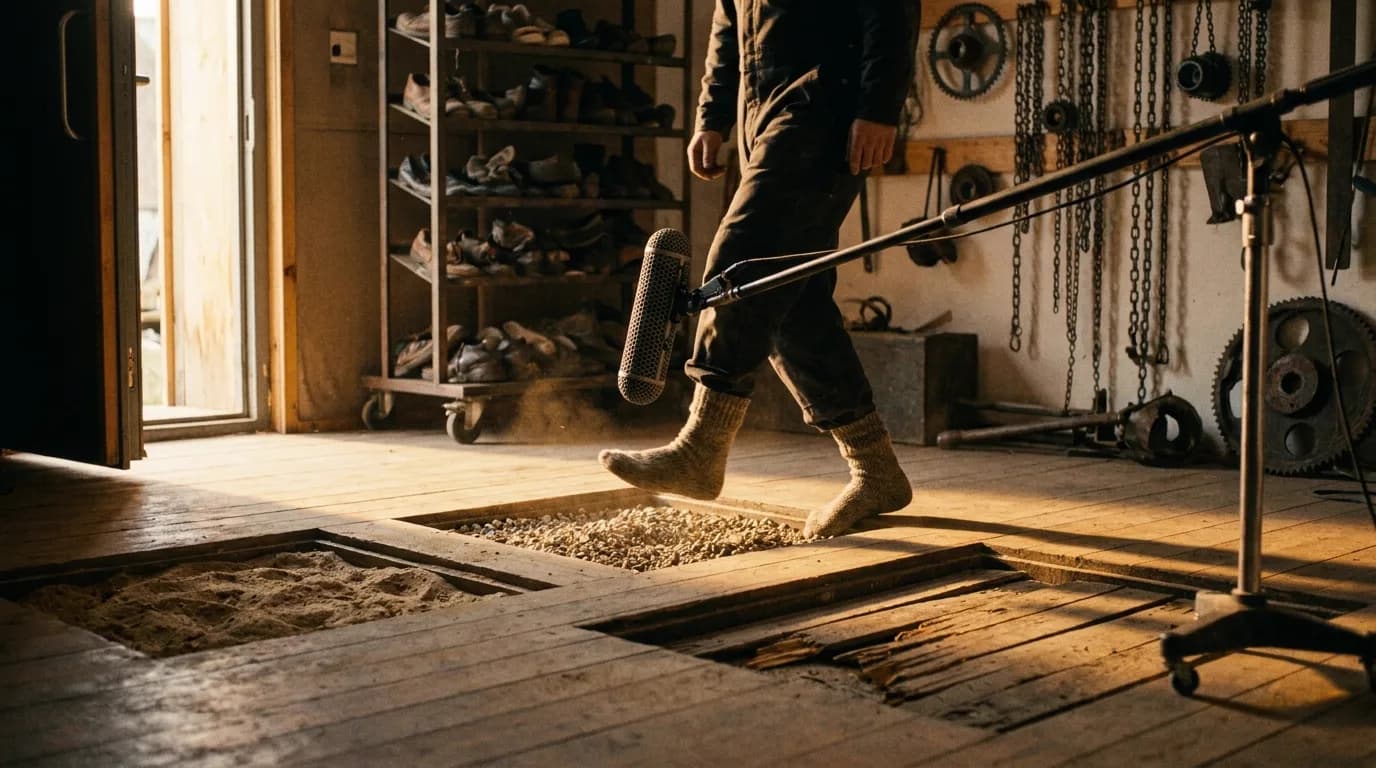
A human narrator is still the first option for a long documentary, and often the best one for a short. You can record good narration without a studio.
The room matters more than the microphone
A small room full of soft things (clothes, a sofa, curtains) beats a big bare room with an expensive microphone. Hard parallel walls make echo, and echo sounds like a kitchen. Turn off fans, fridges and anything that hums. Record a stretch of the room's silence on its own: the editor needs that room tone to fill gaps.
Microphone and distance
Any decent microphone works if it is close to the voice and stays at the same distance. Use a pop filter, or angle the microphone slightly off the mouth, to soften hard consonants. Keep the distance constant for the whole session, or the voice will change colour between lines.
Mark the script
Give the narrator a recording script, not the screenplay:
- One line per breath, numbered to match the scene in the screenplay.
- The word that carries the stress, underlined.
- Pauses marked with a slash.
- Dates and numbers spelled out as spoken.
- Pronunciation notes next to every hard name.
During the session
Record each line several times, at slightly different paces, and note the take you prefer. Record pickups in the same room, with the same microphone at the same distance, or they will not match. Narrating your own film? Your voice does not need to be beautiful. It needs to be clear and consistent.
Try it free
Try Screenweaver for free on your script
It is free. Import your existing project, get a clearer view of your outline, and regain control of your story structure in minutes.
Start FreeOption 2: generate the voice in a dedicated tool
Text-to-speech has become good enough for drafts and for many finished films. ElevenLabs is the tool we see documentary makers use most. Checked on its official documentation on 8 October 2026, it offers:
- Text to Speech, with a library of stock voices.
- Voices you design from a text description, or clone from a recording.
- Instant Voice Cloning and Professional Voice Cloning. Its documentation says a Professional Voice Clone can only be made of your own voice and requires a verification step.
- A pronunciations editor in Studio, with alias rules (swap a word for a spelling the voice reads correctly) and phoneme rules (an exact phonetic spelling).
- Dubbing, for other languages.
Other tools exist, and features change often: check the current documentation before you build a workflow on one.
What works with any synthetic voice:
- Feed it the recording script, dates and numbers spelled out, and fix names with the pronunciation feature rather than by misspelling them.
- Generate in paragraphs, listen in one sitting. A voice that sounds fine line by line can turn monotonous over ten minutes. The fix is usually in the writing: vary sentence length.
- Keep the same voice and settings for the whole series, and generate several takes of key lines.
Do not chase a famous narrator's sound. A voice built to sound like a well-known nature presenter is the fastest way to a rights problem and a film that sounds like a parody.
Human or synthetic voice: consent and rights
The rule is short. Never clone a real person's voice without their consent, and never make a real person say words they did not say without telling the audience.
Documentary makers learned this in public. In Roadrunner (2021), a synthetic version of Anthony Bourdain's voice read a few lines he had written but never recorded, and the film did not flag it. The consent behind it was disputed after release. We cover the case and the Archival Producers Alliance guidelines in AI in documentaries: ethics and disclosure.
The law is catching up:
- Tennessee's ELVIS Act (Ensuring Likeness, Voice, and Image Security Act), signed on 21 March 2024 and in force since 1 July 2024, added voice to the state's existing protection of name, photograph and likeness. It creates a civil action against using someone's voice without authorization, including through AI tools (AP, 21 March 2024).
- In the European Union, Article 50(4) of the AI Act, applicable from 2 August 2026, requires anyone who uses AI to generate or manipulate deep fake image, audio or video content to disclose that it is artificially generated (Article 50). A synthetic voice that passes for a real person falls within that definition.
An invented narrator voice is a production choice. Credit it, the way you credit the music: the tool, the voice, the person who directed it. A cloned voice of a real person needs written consent, a label on screen and a lawyer's read before release.
The narration workflow, from script to edit
Here is the whole chain, with what happens in ScreenWeaver and what happens outside it.
- Write the narration in the script. In ScreenWeaver's screenplay editor, each narration block is
NARRATOR (V.O.)under the scene it plays over. The AI assistant can read your imported research and flag claims in the narration that your sources do not support. A ready-made structure is in our documentary script template. - Time every block with the script time calculator, and adjust the shot list so the picture has room for the words.
- Board and generate the shots. Video models can generate ambient sound with each shot: wind, sea, footsteps. Seedance 2 and Seedance 2.5 also accept an uploaded audio file as a reference input. Treat that as a reference, not as a way to sync a shot to your narration.
- Export the script as PDF or FDX, and turn it into the recording script: dates spelled out, stresses marked, names annotated.
- Record or generate the narration, as above.
- Cut in your editor. ScreenWeaver does not edit or export a finished film. Bring shots, narration, ambience and music into DaVinci Resolve or Premiere Pro.
- Mix and deliver.
Cut picture to narration, or narration to picture?
For a narrated documentary, lay the narration first and cut picture to it. The voice is the spine. It sets the rhythm, and picture is easier to trim than a sentence. This is the default in our guide to making a documentary with AI.
Cut narration to picture when the picture is the evidence: an interview, a long observational take, a real archive sequence you cannot shorten. Then the narration has to fit the gaps the picture leaves. Rewrite the line shorter rather than speeding up the read.
In practice you go back and forth: lay the voice, cut, rewrite a line that crowds a shot, re-record it in the same setup.
Mixing narration against music and ambience
- Narration on its own track. Never bounce it with the music. You will need to move it.
- Music steps back when the voice speaks. Lower the music under each line and let it come back in the silences. Most editors can automate this, often called ducking.
- Ambience stays low and continuous. Model-generated ambience changes from clip to clip, so smooth it or replace it with one continuous bed.
- Avoid lyrics under narration. Two voices fight, and the viewer loses both.
- Listen on a phone speaker and on headphones. If a line disappears on the phone, the music is too loud.
Loudness targets depend on where the film goes. For European broadcast, the EBU R 128 recommendation sets an average programme loudness of -23 LUFS (version 5.0, November 2023, EBU). Streaming platforms and distributors publish their own specs. Ask for the delivery spec before you mix. Our guide to sound for AI films covers the full mix workflow and the main platform targets.
Narrating a documentary in other languages
A narration is not a subtitle. Adapt it per language rather than translating it word for word: the same idea often takes a different number of words, and the cut has to hold. Retime every language in the calculator. Check how each language says your dates and names: "1990" is two words in English and many more in French.
Keep one narrator voice per language for the whole series. If you use a dubbing tool, have a native speaker listen to the full result before release, and label a synthetic voice in every language you publish.
FAQ
Can ScreenWeaver generate the narration voice?
No. ScreenWeaver has no text-to-speech and no voice generation. You write the narration in the script as NARRATOR (V.O.), time it with the free script time calculator, export the script as PDF or FDX, then record a human narrator or generate the voice in a dedicated tool such as ElevenLabs. You cut the narration with the shots in your own editor, since ScreenWeaver does not export a finished film.
What is the best AI voice for a documentary?
There is no single best voice. Pick the register, age and accent your film needs, test it on your hardest names and dates, and listen to a full read in one sitting, not line by line. Then keep the same voice and settings for the whole film and every episode of a series.
How many words per minute should documentary narration be?
Our script time calculator works on 130 to 150 words per minute. Documentary narration usually sits at the slow end, because it leaves room for the picture. Time the recording script with dates spelled out, then confirm with a read-through aloud.
Can I use an AI voice that sounds like a famous narrator?
Do not. Cloning or imitating a real person's voice without consent raises legal risks, such as Tennessee's ELVIS Act, which added voice to the state's likeness protection in 2024. In the EU, deep fake audio must be disclosed under Article 50 of the AI Act from 2 August 2026. Choose or design a voice that belongs to your film.
Should I cut picture to narration or narration to picture?
For a narrated documentary, lay the narration first and cut picture to it: the voice sets the rhythm. When the picture is the evidence, such as an interview or real archive, fit the narration to the picture instead and rewrite lines shorter rather than reading them faster.
How do I narrate a documentary myself?
Record in a small room full of soft furnishings, with the microphone close and at a constant distance. Read from a marked recording script: one line per breath, stresses underlined, pauses marked, dates spelled out, pronunciation notes for every hard name. Record several takes of each line and record pickups in the same setup.
Where to go next
Write the narration before anything else: open a project, write the scene, and put the first line under NARRATOR (V.O.). The free Screenwriter plan is enough for that: start in ScreenWeaver.
Then read on:
- AI documentary generator, with The Last Keeper from script to film
- How to make a documentary with AI, the full workflow
- Formatting voice-over and narration in a screenplay
- AI in documentaries: ethics and disclosure
- Making AI history documentaries for YouTube
- Sound for AI films
- Script time calculator and documentary script template
Sources
- ScreenWeaver, script time calculator: 130 to 150 words per minute, default 140
- ElevenLabs, documentation overview, voice cloning guide and Studio pronunciations editor, checked 8 October 2026
- Associated Press, Tennessee's ELVIS Act, 21 March 2024
- EU AI Act, Article 50, checked 8 October 2026
- EBU, R 128 loudness recommendation, version 5.0, November 2023
Final Step
Build your next script with Screenweaver
Move from ideas to production-ready pages faster with timeline-native writing and AI-assisted story flow.
Try Screenweaver