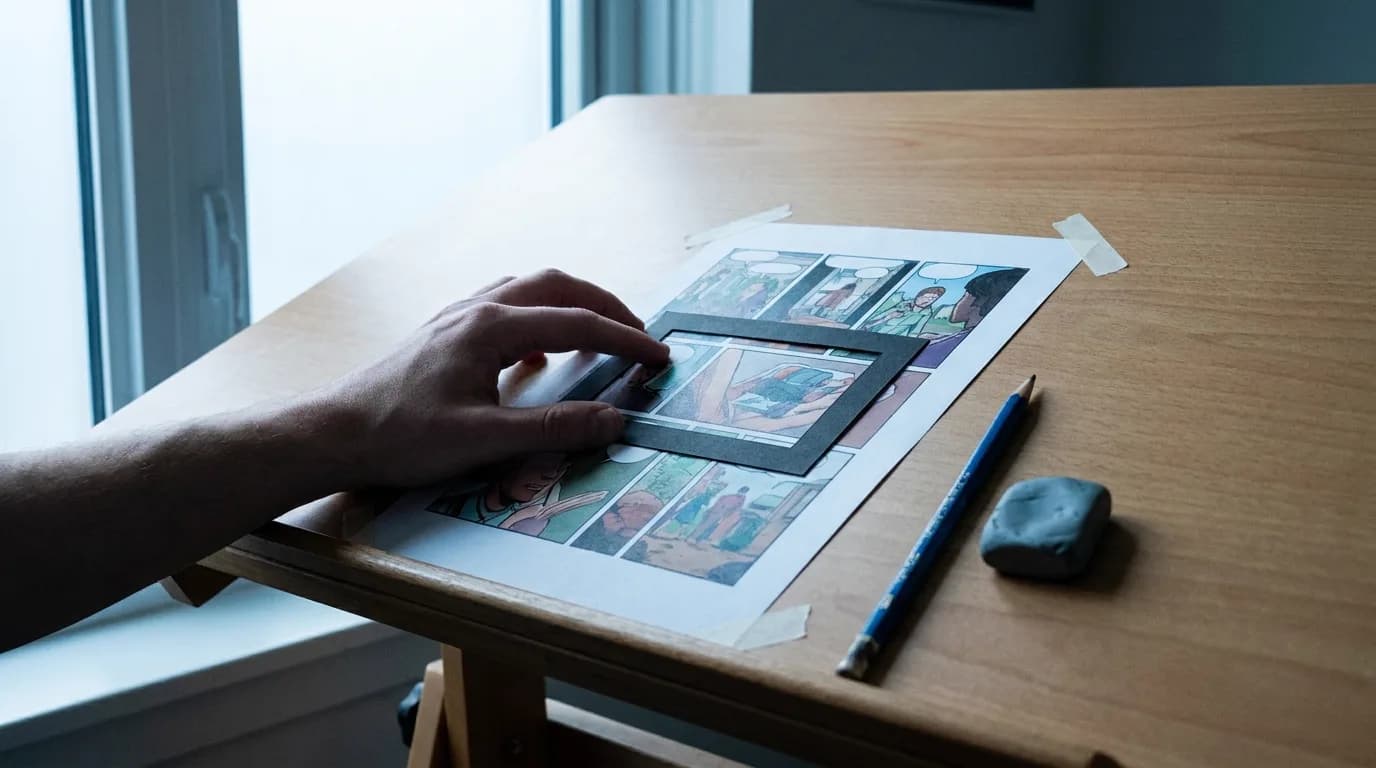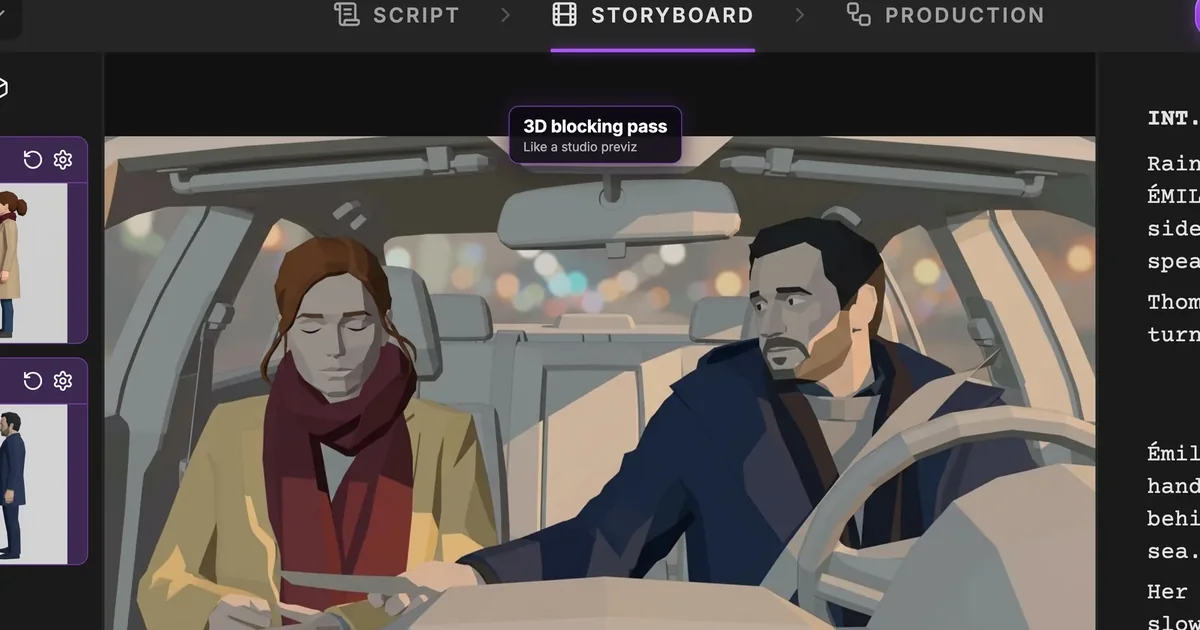

To turn a comic into an animated series with AI you size the book first, then break each page into shots, build character and style references from your own panels, storyboard in the target aspect ratio, generate motion one shot at a time and cut it to recorded voices. The book already contains the cast, the art direction and most of the script. What it does not contain is time, and every step below is about adding it.
This is the pillar for comics, graphic novels, albums and manga. Each step links to the article that goes deep on it, and the comic to animation calculator does the sizing in a minute.
What a comic already gives you, and what it withholds
| Already in the book | Still missing |
|---|---|
| A cast drawn on-model hundreds of times, from every angle | Duration: how long each panel lasts on screen |
| Backgrounds and locations, composed and lit | Establishing shots: pages open on faces because the page turn told the reader where they were |
| Dialogue in balloons, in order | Performance and timing: a balloon reads in a second and takes three to say |
| A colour palette, a line weight, a rendering style | The frames between the panels: the wind-up before the punch and the result after it |
| Page composition that already directs the eye | Motion: what moves inside the frame, and what the camera does |
| Chapter and issue boundaries, cliffhangers included | The cut order, which is usually but not always the reading order |
Every studio adaptation has spent its budget on the right-hand column. Invincible ran for years as an Image comic before its animated series, Chainsaw Man took a decade of manga before MAPPA animated it, and in both cases the studio rebuilt the timing, the motion and the establishing geography from scratch while keeping the cast and the look. The AI path does the same thing with the same priorities, at a scale one person can afford.
Step 1: Size the book before boarding anything
A comic page is not a minute of screen time and a panel is not a shot. Two books with the same page count can be a nine-minute short and a forty-minute film, depending on how many panels are action, how many are conversation, and how many scenes there are.
| Format | Pages | Panels per page | Shots after splits, merges and establishing shots | Runtime at 3.5 s per shot |
|---|---|---|---|---|
| US single issue | 22 | 5 to 6 | about 150 | 8 to 9 min |
| Franco-Belgian album | 48 | 8 to 10 | about 400 | 22 to 25 min |
| Manga tankobon | 192 | 4 to 6 | about 1,300 | 75 to 90 min |
| Graphic novel | 150 | 6 | about 1,150 | 65 to 70 min |
Those are the calculator's defaults: 20% of panels are action and become 2.5 shots each, 15% are same-framing dialogue and merge three to one, and every scene gets an establishing shot the page never drew. Change the ratios to match your book and the runtime moves by a factor of two. Then pick a delivery format: one issue is a nine-minute short or four 90-second vertical episodes, a tankobon is four 22-minute episodes.
Step 2: Break the pages into shots
The default is one panel, one shot. The comic to storyboard article covers the exceptions page by page; the short version:
- An action panel drawn mid-movement becomes the wind-up, the impact and the result.
- Three panels of the same character in the same framing become one shot with three lines.
- A splash page is not one shot. It is the widest shot in the sequence plus the details the eye travels to.
- A page turn was a beat. Keep the beat, not the page.
- Every scene opens on a shot that says where we are, even if the page started on a face.
Write it as a shot list: scene, shot, source page and panel, shot size, what moves, dialogue. Pasted into ScreenWeaver as scene headings, action and dialogue, that list is a screenplay, and the outline gives you the episode boundaries for free.
Step 3: Build the references from your own panels
The book is the reference. Do not generate a "similar" character when the artist already drew the definitive one four hundred times.
For each recurring character, crop from the pages: a front face, a three-quarter, a profile, a full body in each costume, and three or four expressions the artist went big on. For each recurring location, the widest panel of it. For the style, one page with the line weight, the colour approach and the shading. The character consistency sheet formats this for generation, and in ScreenWeaver each character and place is a story element with its own reference sheet that every shot prompt references by name.
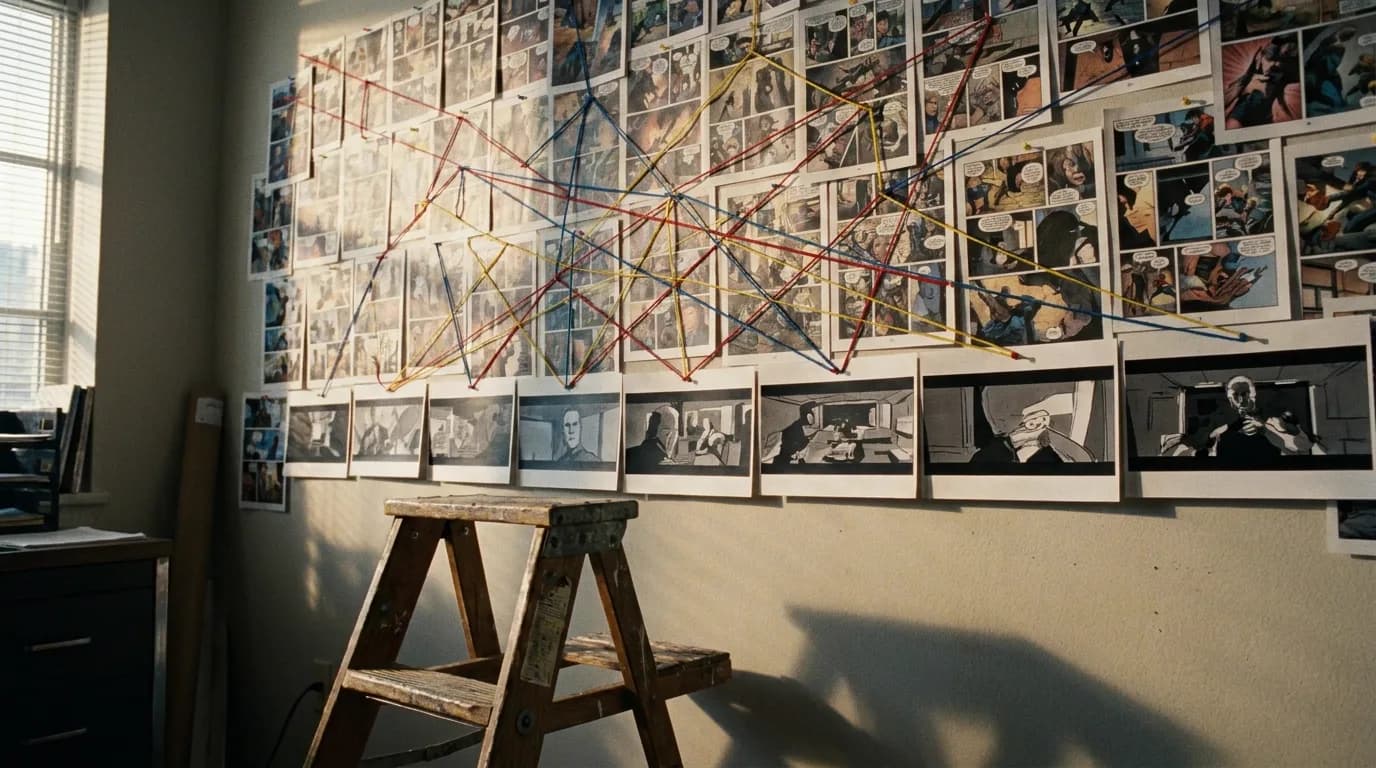
Manga needs one extra decision here, colour, and the manga to anime article is about that decision and the screentone problem underneath it.
Albums and newspaper strips usually need the opposite decision: their round, simple designs belong to the Western cartoon tradition, flat colour, squash and stretch, rather than to anime. The AI cartoon method is written for that look, with one model sheet per character doing the work your cropped panels do here. To see what that looks like on screen, the AI cartoon generator page shows Mila's Delivery, six shots of a fox courier kept on model from one sheet.
Step 4: Storyboard in the delivery aspect ratio
A comic panel is any shape the artist wanted. A frame is 16:9 or 9:16. Set the project aspect ratio first, then for every shot choose one of four reframes: crop to the subject, extend the sides with the location reference, turn a tall panel into a tilt, or split a two-composition panel into two shots. Never letterbox the panel inside the frame; it reads as a slideshow of the comic, which is the accusation you are trying to avoid.
The board frame per shot uses the references by name: shot size, character, the action from between the panels, location, style, aspect ratio. Batch the dialogue shots, where the crop is obvious; do the action shots one at a time. The storyboard-first workflow is the general method and it applies unchanged.
Step 5: Generate motion, one movement per clip
Each board frame becomes a clip through image-to-video generation, with the frame as the first image and a prompt describing one movement. Faces at mid-shot or closer hold better than wides. Dialogue clips run three to five seconds, cut to the listener, come back. Fights are eight to twelve clips of one movement each and the cut does the choreography. Nothing over eight seconds in one clip.
Models differ in how they respect references and whether they generate speech; the AI video model picker keeps the current answers. Budget three generations per shot, because that multiplier, not the per-clip price, is the bill: the webtoon animation cost breakdown applies to any comic and the AI video cost calculator takes the clip count from step 1.
Try it free
Try Screenweaver for free on your script
It is free. Import your existing project, get a clearer view of your outline, and regain control of your story structure in minutes.
Start FreeIn ScreenWeaver
Turn a panel into an anime shot
Your own panel goes in as a reference, an Image node redraws it as a widescreen anime frame, and a Video node animates it. Click the nodes to see how they are set.
Click a node to see its settings, drag it to move it.


The tools that animate panels directly
A category of tools now takes a comic panel or page as input and returns motion, and they are worth knowing for what they are: teaser makers and motion tests, not series pipelines.
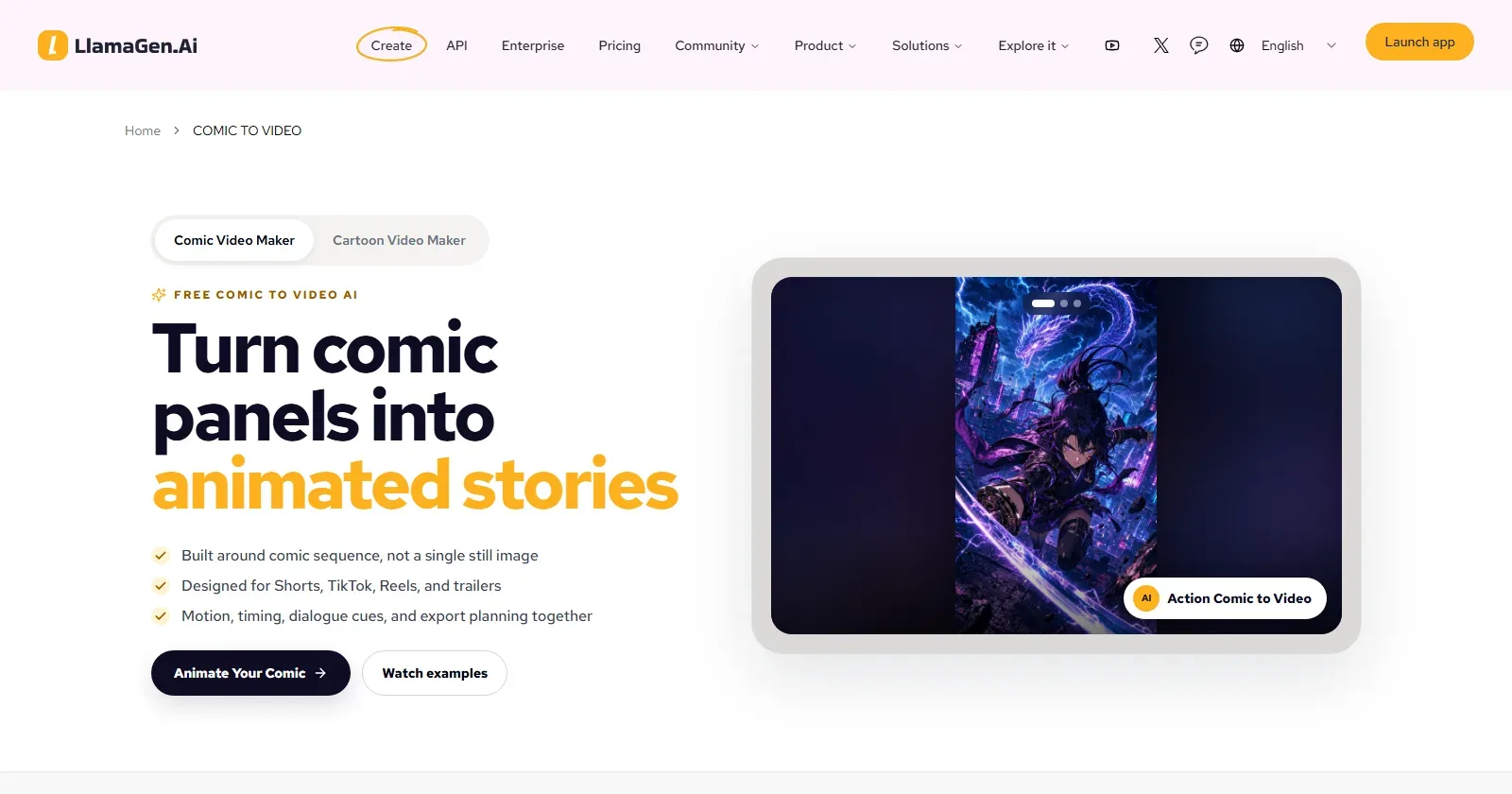
LlamaGen's Comic to Video feature, captured 3 September 2026. It reads panel order, including right-to-left for manga, recognises speech bubbles for dialogue timing, exports 9:16 and 16:9, and has a free tier with no card required.
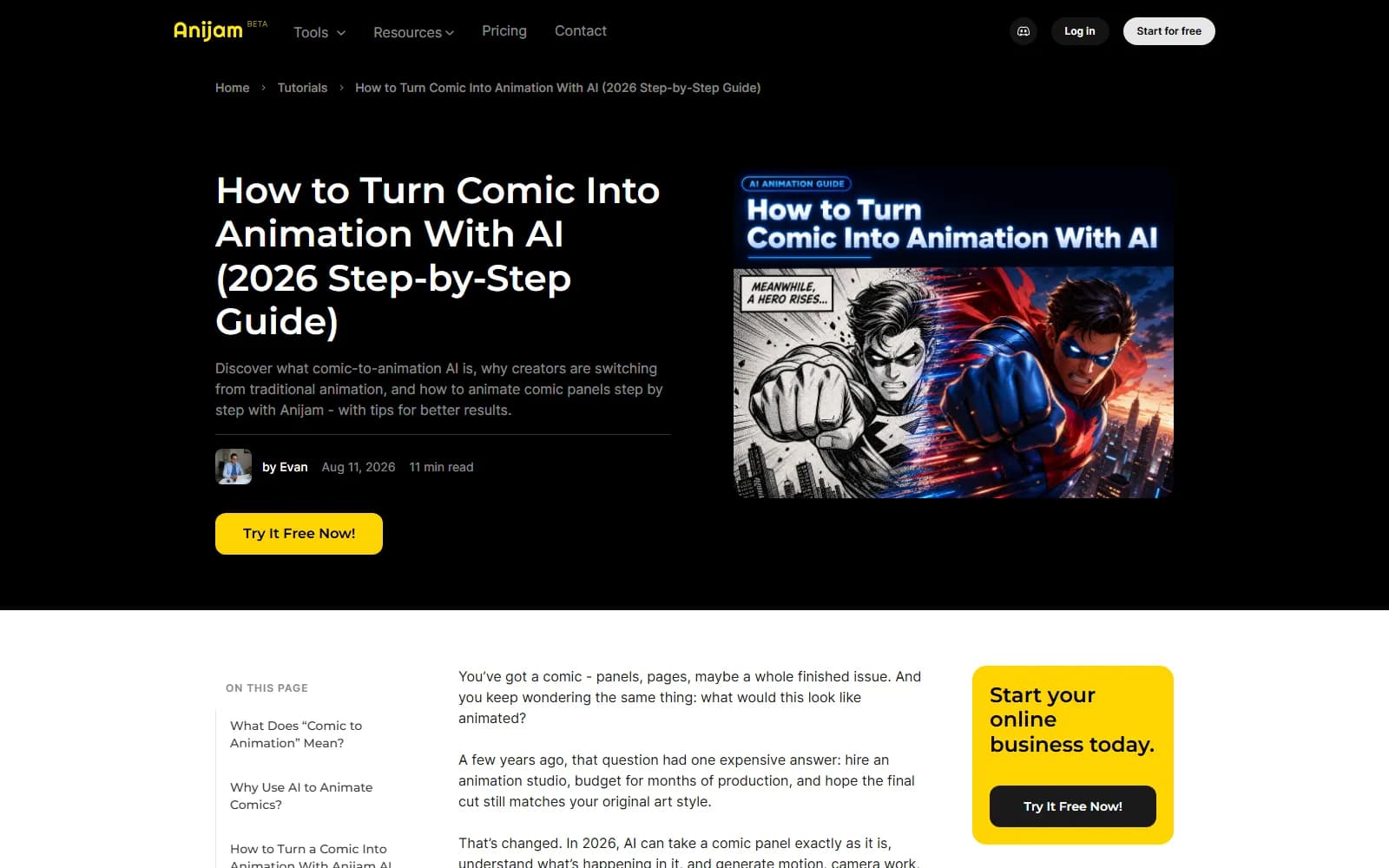
Anijam's comic-to-animation guide, dated 11 August 2026 and captured 3 September 2026. Upload panels or pages, type a motion prompt, pick a style (comic book, anime, 3D, cartoon), add a voice from "30+" options with lip sync, and refine in a timeline editor.
| Tool | Input | Best at | Where it stops |
|---|---|---|---|
| LlamaGen Comic to Video | Strips, manga pages, manhwa, webtoon panels | Teasers and PV-style clips that keep the original panels as the source of truth | Motion is per panel; there is no season, no script, no reframing logic |
| Anijam | Panels, pages, character art, or generated art | A quick animated version of a page with voice and lip sync | Same: one page at a time, the pacing is yours to fix in the timeline |
| Morphic | Text descriptions in a manga or comic look | Generating new clips in the style, with a Character Lineup for consistency | It does not take your pages as input; it makes new ones |
| ScreenWeaver (script-first) | A shot list as a script, references cut from the book | A full adaptation: outline by episode, board per shot, generation routed per shot type | Slower to a first clip, because you build references first |
Use the panel animators to test whether your art moves well and to cut a teaser. Use the script-first route for anything longer than a page, because the season, the reframes and the establishing shots live in the script, not in the panel.
Step 6: Voice, sound, cut
Record or generate the lines before the video so the durations are known, cut clips to lines, put the onomatopoeia into the sound design rather than the frame, and score the page turns, which are your act breaks. The comic book adaptation guide covers how sound effects and splash pages translate on the page side.
Which format to deliver
| Book | Natural delivery | Why |
|---|---|---|
| One issue | A 5 to 9 minute short, or four to six 90-second vertical episodes | An issue has one arc and one cliffhanger |
| A story arc of 4 to 6 issues | A 40 to 50 minute special or a 4-episode season | Arc structure matches episode structure |
| An album | A 22 to 25 minute episode | Albums were built as one sitting |
| A tankobon | Four 22-minute episodes | Two to three chapters per episode is the anime norm |
| A graphic novel | A feature, or a limited series | The graphic novel article is about that choice |
Vertical is the cheapest to produce and the easiest to publish, and the short drama pipeline covers the 9:16 grammar if your readers are on their phones.
A realistic first project
One issue, or one chapter, boarded fully. Sixty to ninety seconds of it generated: the sequence readers already screenshot, three characters, one location. That is 25 to 40 shots, 80 to 120 generations and a week, and it tells you whether the art survives motion before you commit a season.
FAQ
Can AI turn my comic into an animated series?
AI can keep your characters and style on-model from your own panels and generate motion from a storyboard frame, which are the two expensive parts. The sizing, the shot breakdown, the establishing shots, the timing and the edit are still decisions a person makes. A first episode is a realistic solo project; a season is a realistic small-team one.
How long would my comic be as an anime?
A 22-page issue lands around eight to nine minutes; an album 22 to 25; a tankobon 75 to 90; a 150-page graphic novel a little over an hour. The ratios of action to conversation move those numbers by a factor of two, which is what the calculator is for.
Do I need to write a script for the adaptation?
You need a shot list, which is a script by another name: scene, shot, source panel, shot size, what moves, dialogue. Written as scene headings, action and dialogue it gives you runtime estimates, episode boundaries and an outline. Skipping it is fine for a one-minute teaser, which has its own rules, and expensive for anything longer.
What about the tools that animate a panel directly?
LlamaGen, Anijam and their peers take a panel or a page and return a clip with motion and voice. They are good for teasers and for testing whether your art moves well. They do not handle establishing shots, reframing, season structure or a locked cast across hundreds of shots, which is where a series is made or lost.
Will the animation look like my art?
In the style, yes, if the references are cut from the book: palette, line weight, shading approach and the character designs hold well. The exact hand of the artist does not survive generation, and motion shifts the look slightly. Readers will notice; new viewers will not.
Should I animate in 16:9 or 9:16?
16:9 for YouTube, festivals and a pitch; 9:16 for a serialized release where your readers already are. Vertical needs fewer reframes for a page-based comic than you expect, because most comic panels are close-ups, and it is cheaper to produce. Many creators board once and deliver both.
Final Step
Build your next script with Screenweaver
Move from ideas to production-ready pages faster with timeline-native writing and AI-assisted story flow.
Try Screenweaver