
Turning manga into anime with AI follows the same pipeline as any comic (size the book, break pages into shots, build references from your panels, board, generate, cut) with three problems the format adds: the pages read right to left, the art is black and white with screentone shading, and the line is the whole style. Solve those three and a tankobon becomes four 22-minute episodes; skip them and it becomes a slideshow with the wrong screen direction.
The general method is in how to turn a comic into an animated series. This article is only about what manga changes.
Sizing: chapters per episode
A weekly manga chapter runs 18 to 20 pages at four to six panels; a tankobon collects nine to eleven chapters, 180 to 200 pages. Anime studios cover two to three chapters per 22-minute episode, and that ratio has stayed stable for decades because it is where the page count meets the shot count.
| Source | Pages | Shots (calculator defaults) | Runtime at 3.5 s per shot | Episodes at 22 min |
|---|---|---|---|---|
| One chapter | 19 | about 120 | 7 min | a third of an episode |
| One tankobon | 192 | about 1,300 | 75 to 90 min | 4 |
| A 5-volume arc | 960 | about 6,500 | 6 to 7 hours | 18 to 20 |
Fight-heavy shonen doubles the shot count and halves the pages per episode. Talky seinen does the opposite. Run your own volume through the comic to animation calculator with the manga preset and adjust the action share after boarding one chapter.
Problem 1: right to left
Manga pages read right to left and top to bottom, and the artist composed every panel for that flow: characters face left when they advance, the eye enters a panel from the top right, and the last panel of a page sits bottom left, next to the turn.
Two things follow for the board.
Cut order follows the story, not the page. Number the panels in reading order first, so the shot list matches what the artist intended. A naive left-to-right read of a manga page reverses the order of a conversation.
Screen direction is a real risk. Inside a single panel, a character advancing leftward is fine on screen; it is a convention, not an error. Across a cut it can break: if shot 1 has A looking screen-left at B, and the next panel, composed for the page, has B looking screen-left too, the cut puts them facing the same way. Fix it on the board, not in generation: mirror the framing of one shot when you write the prompt, and keep the artist's composition where it does not conflict. Note the flips on the board card so the edit knows they were intended.
Some panel animators now read manga in the right order automatically; LlamaGen's comic-to-video tool advertises right-to-left sequence awareness for manga pages. That handles the order. It does not handle the screen-direction flips, because those are a cut decision.
Problem 2: screentone and the colour question
Manga is drawn in black ink with screentone for shading, and anime is in colour. Every manga adaptation makes a colour decision, and it is the most visible decision in the project.
| Option | What it looks like | What it costs |
|---|---|---|
| Keep it monochrome | Ink and halftone in motion, a manga PV look | The cheapest and the most faithful. Motion in halftone can shimmer; keep tones flat or replace them with grey |
| Full anime colour | The studio look: cel-shaded flats, painted backgrounds | You invent a palette the artist never chose. Do it once, on a colour reference sheet, before any generation |
| Two-tone or limited palette | Ink plus one or two colours | Distinctive, cheap, and it survives generation better than full colour because there is less to drift |
Whichever you choose, decide it on the reference sheets, not in the prompts. A colour reference sheet for each character (skin, hair, eyes, each costume) and one per location is what keeps 1,300 shots in the same palette. If the manga has a colour cover or colour chapter openers, those are the artist's own palette; use them.
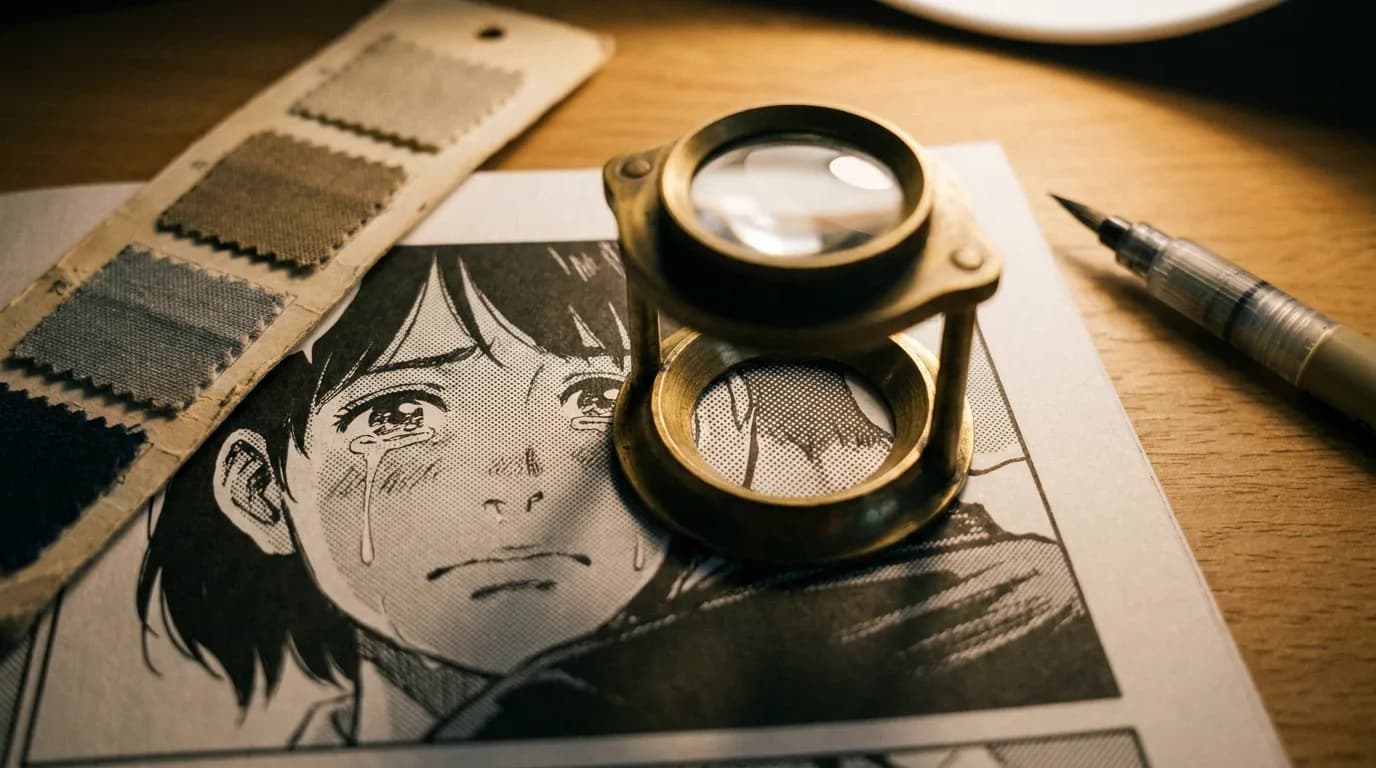
Screentone itself is a generation hazard. Halftone dots are a high-frequency pattern, and image-to-video models treat them as texture to animate, so monochrome clips can crawl. Two fixes: build the reference sheets from panels with the least tone, or flatten tone to grey in the references so the model learns the shape of the shadow rather than the dots.
Problem 3: the line
Manga style is the line: its weight, where it thickens, how hair and cloth are drawn, the speed lines, the way backgrounds are simplified or photographed. Anime keeps the line and simplifies it for motion; a studio's character designer redraws every character with fewer strokes and a consistent line weight so the animators can hold it across thousands of drawings.
An AI adaptation needs the same step, done once. Pick the twelve panels where the artist's line is cleanest and most characteristic (usually close-ups and chapter openers), and make those the style reference. Do not feed dense action pages with speed lines as style references; the model will put speed lines in a conversation.
Morphic's manga generator, for instance, describes the look it targets as high-contrast ink, halftone shading and speed lines, which is the right list. It generates new panels in that look from text rather than animating your pages, so its place in the pipeline is style tests and inserts, not the adaptation.
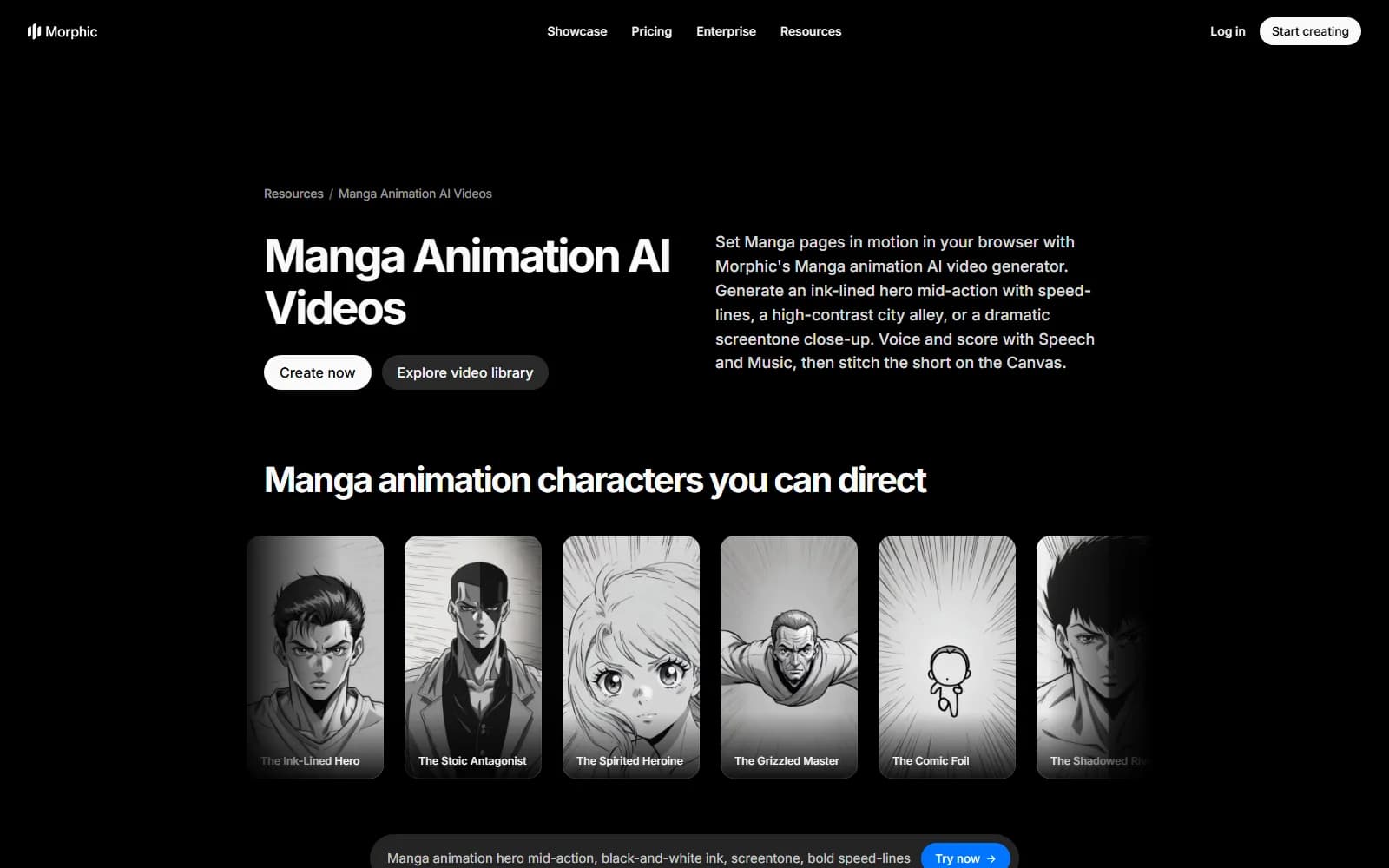
Morphic's manga animation page, captured 3 September 2026. Its Character Lineup locks a design across scenes; the free tier gives 20 monthly credits and the top plan is $170 a month.
Try it free
Try Screenweaver for free on your script
It is free. Import your existing project, get a clearer view of your outline, and regain control of your story structure in minutes.
Start FreeThe board, manga-specific rules
Everything in comic panels to storyboard applies. The additions:
- Number panels in right-to-left reading order before anything else.
- Mark screen-direction flips on the card and mirror the framing in the prompt.
- Board a spread as a sequence: wide, inserts, move. Manga uses spreads for the biggest beats and they deserve five shots, not one.
- Chapter endings are your act breaks. Every chapter ends on a hook; the episode's cliffhanger is the strongest of the two or three hooks it contains.
- Speed lines and impact frames are motion notes, not frames. Write "fast push in" or "smash cut", do not generate the lines.
- Sound effects, which manga draws large and integrates into the art, go to sound design. Never leave lettering in a frame.
- Keep the artist's close-up-heavy framing. Anime is a close-up medium too, and it is where AI generation is strongest.
Where the studio path and the AI path meet
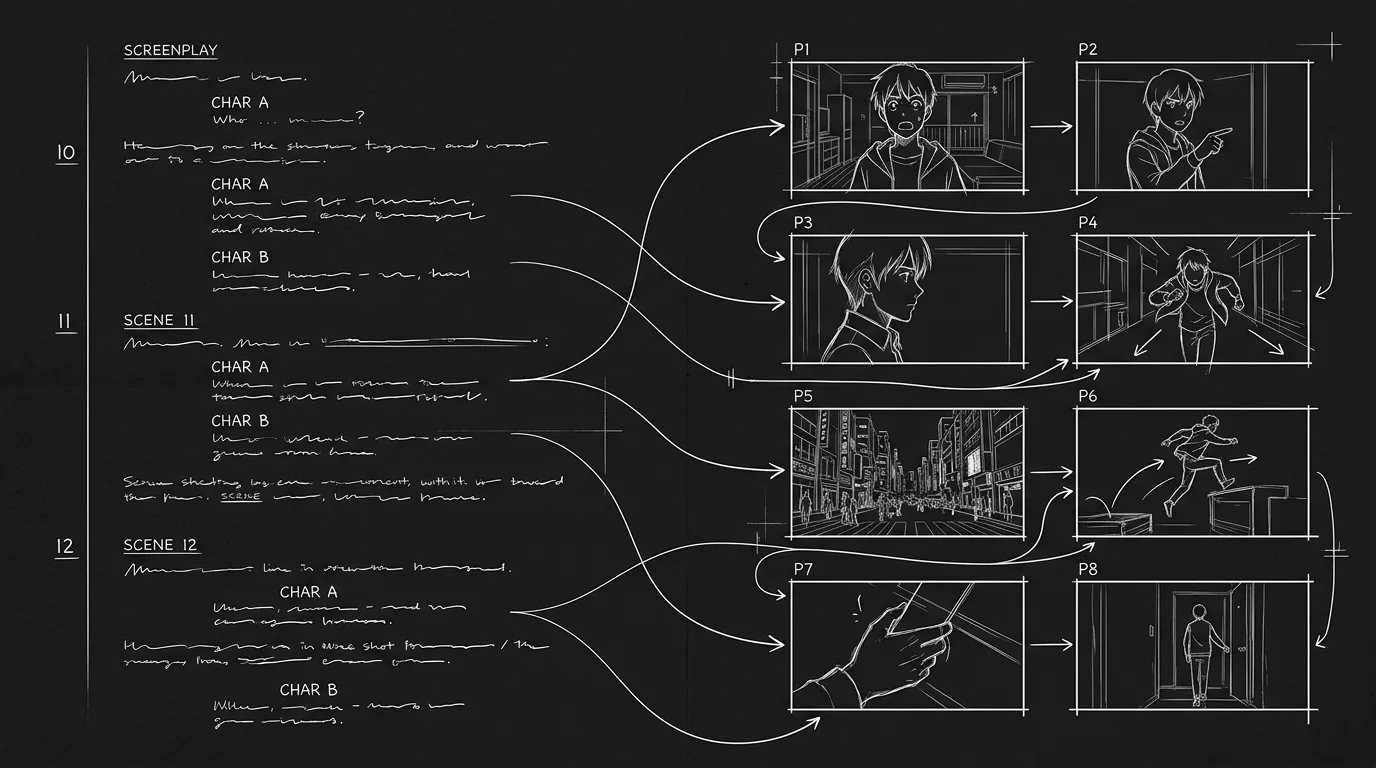
Anime studios document their boards as e-konte, a storyboard format with columns for the cut, the drawing, the action, the dialogue and the timing in seconds and frames. The anime production codes article explains how the Japanese script and board divide the work. The AI pipeline produces the same information on a board card (an AI storyboard generator drafts the frames from your shot breakdown), and if a studio ever picks up your series, a shot list with source panels, timing and screen-direction notes is a document they can read. The stage-by-stage mapping between the two, from genga down to the frame rate you finish on, is laid out in the AI anime production pipeline guide.
In ScreenWeaver
Turn a panel into an anime shot
Your own panel goes in as a reference, an Image node redraws it as a widescreen anime frame, and a Video node animates it. Click the nodes to see how they are set.
Click a node to see its settings, drag it to move it.


A first project
One chapter, monochrome or two-tone, the sequence readers already screenshot. Sixty to ninety seconds, three characters, one location, boarded fully in right-to-left order with flips marked. Thirty to forty shots, about a hundred generations, a week of work, and a clear answer on whether your line survives motion before you decide on colour for a volume.
Once the pilot convinces you, everything after the adaptation steps is ordinary anime production. How to make anime with AI is that generalized method: script as a cut list, three-view sheets, one beat per shot and motion retimed to twos, shown on a 21-minute original episode.
FAQ
Can AI turn manga into anime?
AI can keep your characters and line on-model from your own panels and, with an AI anime video generator, generate motion from a storyboard frame. The reading order, the screen-direction fixes, the colour decision and the timing are yours. A chapter is a realistic solo project; a volume, four 22-minute episodes, is a small-team season.
How many manga chapters make one anime episode?
Two to three chapters of 18 to 20 pages per 22-minute episode, which is the ratio studios have used for decades. A tankobon of nine to eleven chapters is about four episodes. Fight-heavy chapters cover fewer pages per episode.
Should a manga adaptation be in colour or black and white?
Both work. Monochrome is cheaper, more faithful and survives generation well if screentone is flattened. Colour needs a palette decided once on reference sheets before any generation; use the artist's colour covers if they exist. Two-tone is a strong middle path.
How do you handle right-to-left reading order?
Number panels in reading order first so the shot list follows the story. Then check screen direction across every cut, mirror the framing in the prompt where two consecutive shots would face the same way, and mark the flip on the board card.
Why does screentone cause problems in AI video?
Halftone dots are a high-frequency pattern and video models animate them as texture, so tone areas can crawl or shimmer. Build references from low-tone panels or flatten tone to grey so the model learns the shadow shape instead of the dots.
What about tools that animate manga pages directly?
LlamaGen's comic-to-video reads manga panel order right to left and makes short clips from your pages; Morphic generates new clips in a manga look from text. Both are useful for teasers and style tests. Neither handles establishing shots, screen-direction cuts or a locked cast across a volume.
Final Step
Build your next script with Screenweaver
Move from ideas to production-ready pages faster with timeline-native writing and AI-assisted story flow.
Try Screenweaver