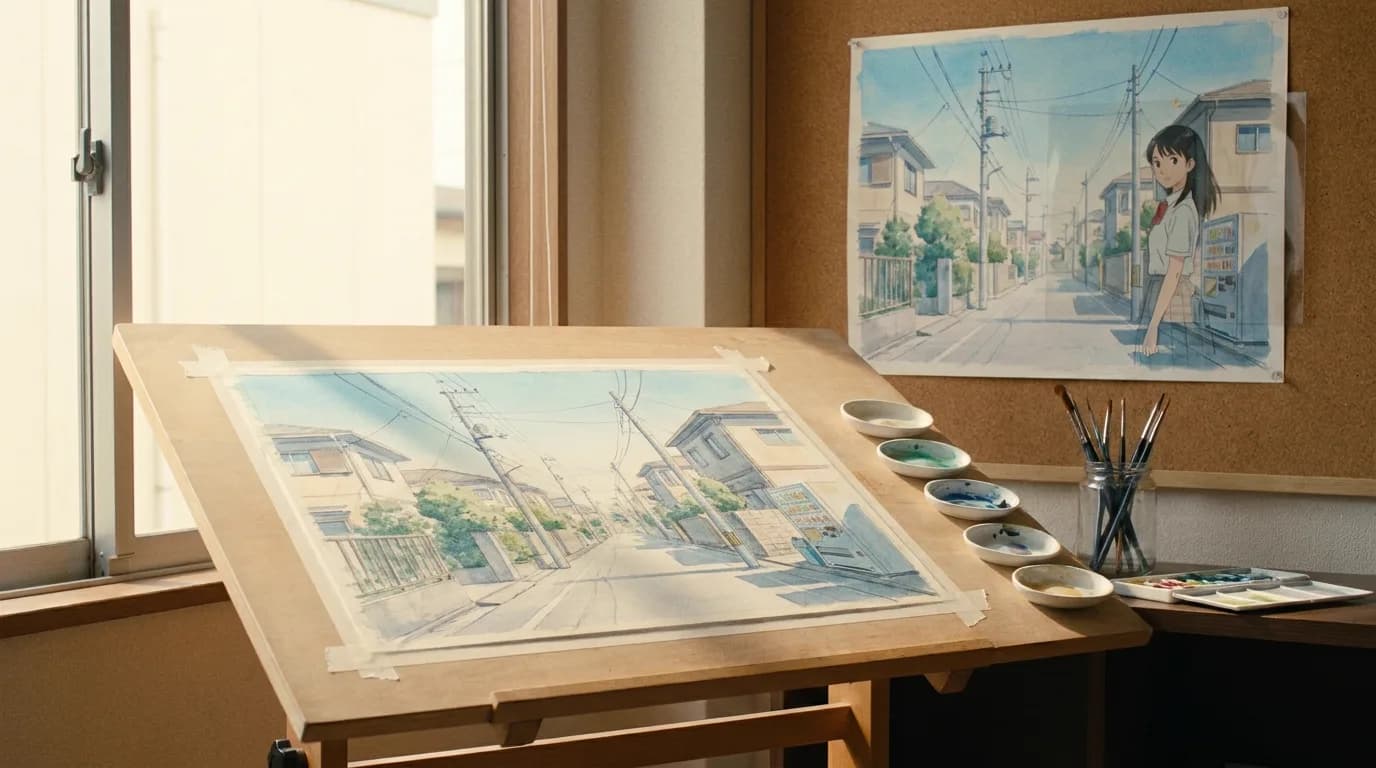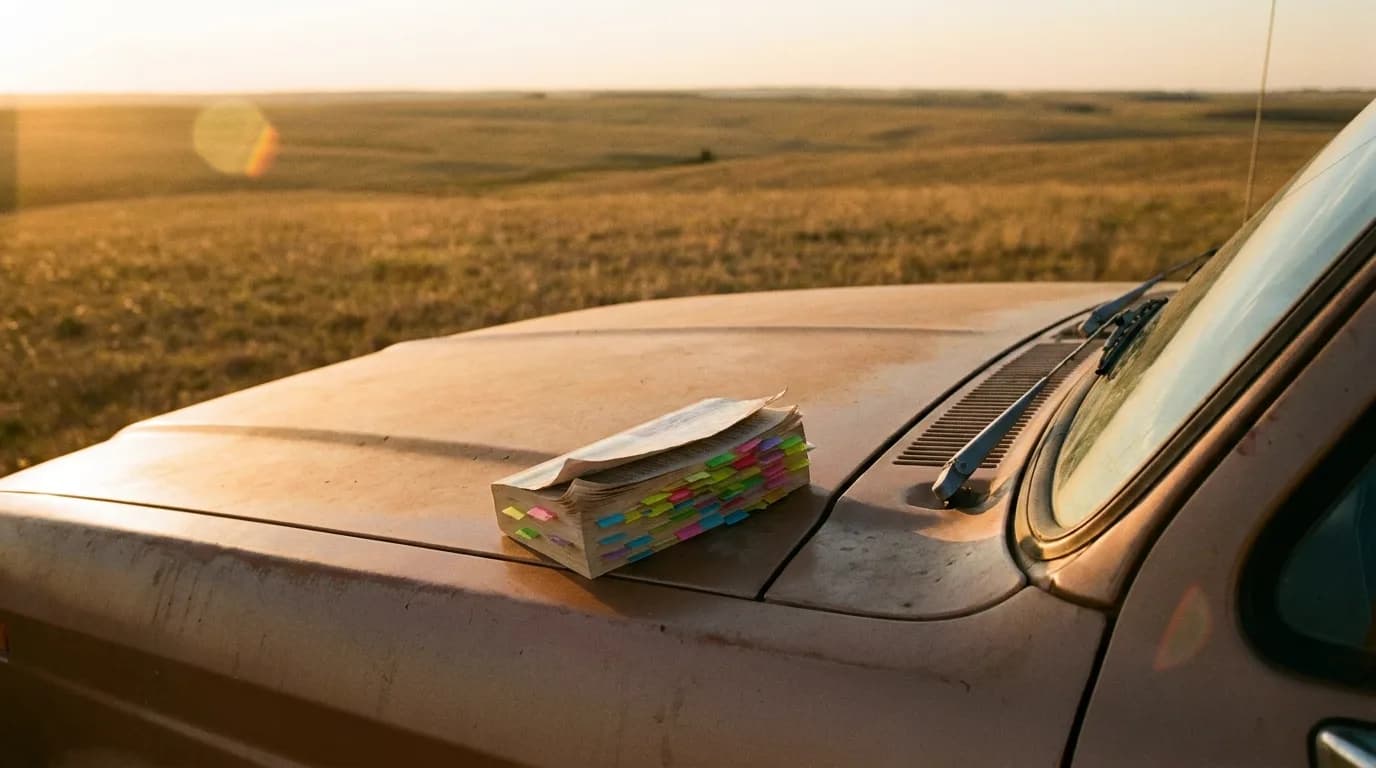
To turn a novel into an AI film, you break chapters into numbered scenes, convert interior prose into visible behavior, build character and location sheets, write a shot list, and only then generate clips. No tool skips those steps and stays watchable. This guide walks the full chain, with variants for stage plays and visual novels.
The one-click chapter-to-video promise skips the work
Here's the part nobody selling you a button wants to say out loud: prose does not convert into clips. A paragraph can spend three hundred words inside a character's head. A camera cannot photograph a thought. So when a tool promises to swallow chapter seven and spit out chapter seven as video, what it actually produces is a slideshow of loosely related images with the book's sentences read over the top. I've watched people burn a month of generation credits on exactly this and end up with nothing they could show anyone.
Filmmakers have been adapting books since the silent era, and the pattern of film adaptation has never changed: the book is raw material, not a script. The adaptation work happens between the two. AI generation moves the camera department onto your laptop, but it does not do that middle work for you. You still have to.
The real chain looks like this: chapter, scene breakdown, character and location sheets, shot list, generation. Skip a link and the break shows up two steps later, usually as a character who looks different in every clip or a scene where nobody can tell where anyone is standing.
Before the craft question, the rights question
Everything below is about how to adapt. There is a question that comes before it, and getting it wrong costs you the whole project: are you allowed to adapt this particular book?
Adaptation is not a gray area. The right to prepare derivative works belongs to the copyright holder, and a film made from a novel is the textbook derivative work. If the book is still in copyright and you hold no license, what you make is unreleasable. No festival, no distributor, no client, no monetized upload. You can build it. You just cannot show it to anyone who matters.
Five situations cover almost everybody:
| Your source | What you can do with it | What to check before you start |
|---|---|---|
| Your own novel | Adapt it however you like | Your publishing contract. Some trade deals assign film rights to the publisher |
| Published in the US in 1930 or earlier | Public domain in the US, adapt and monetize | Whether it is also free in the country you release from |
| Author died more than 70 years ago | Public domain across the EU and the UK | Translations and annotated editions carry their own fresh copyright |
| Still in copyright, written by someone else | Option or license it from the rights holder | Who actually controls film rights, usually the author through an agent |
| Unlicensed fan adaptation | Private link, portfolio, nothing public | Nothing protects you here, so plan for the video to come down |
That last row is where most people reading this actually are, so let me be blunt about it. A gorgeous unlicensed adaptation of a living novelist's book is a private showreel. It will not screen, it cannot carry ads, and if it travels far enough the publisher's legal team will find it. If the goal is to be hired, a two-minute piece from a book nobody owns will do more for you than a twenty-minute one from a book someone does.
If the book you want is owned and you want it anyway, the instrument is an option. You do not buy the novel. You buy a window of exclusivity: the right to develop the adaptation and set it up, for a fixed period, at a purchase price agreed in advance that you only pay if you exercise. Options get extended for a further fee when the window closes with nothing set up, which is what usually happens. The Authors Guild publishes a model film and TV option contract with commentary on each clause, written from the author's side of the table, and reading it is the fastest way to understand what you would be asking for before you email anyone.
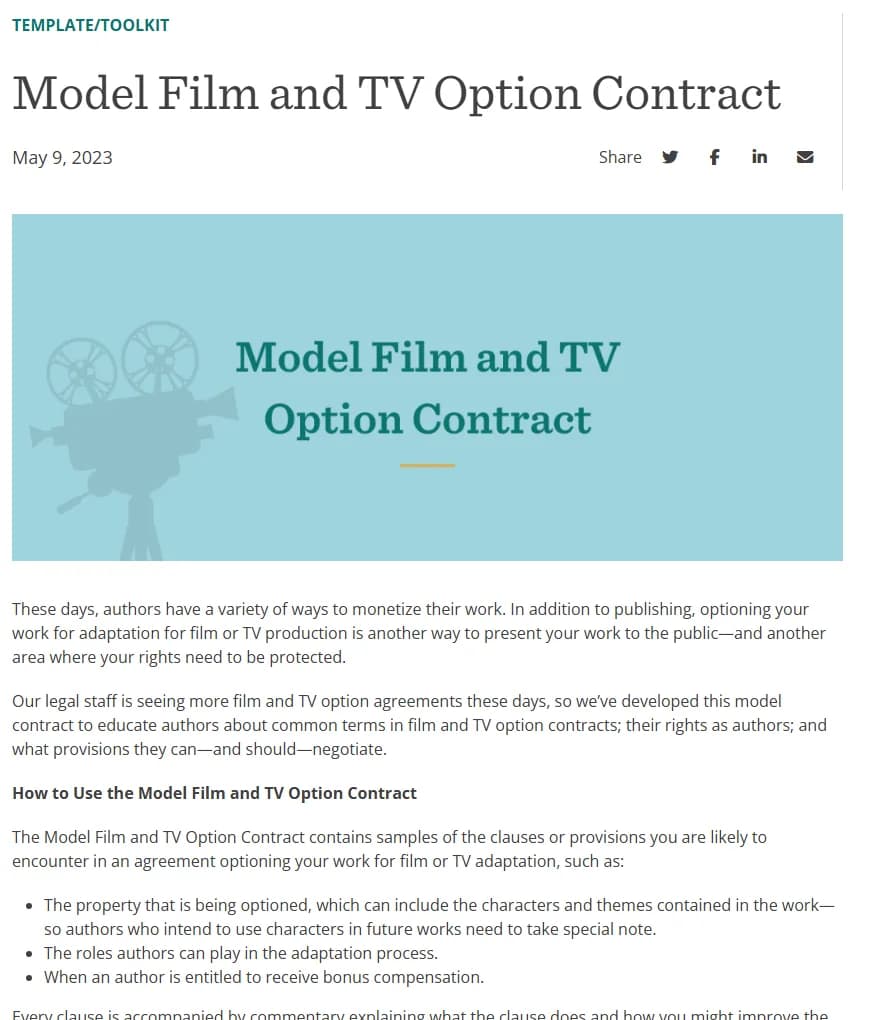
The Authors Guild's Model Film and TV Option Contract resource page, captured 3 October 2026.
One clause matters more for AI work than for traditional production: the optioned property normally includes the characters and themes, not only the plot of that one book. If you generate a character sheet from a licensed novel and then reuse that face in an unrelated project, you are outside the agreement. Keep the reference kits for a licensed adaptation in their own folder and do not borrow from them.
None of this is the same question as who owns the film you generate. Having the right to adapt a book says nothing about whether your output is protectable, which depends on how much of the work was yours and where you are registering. That side is covered in the guide to copyright of AI films in 2026, and the script you write along the way follows the rules in how to copyright a screenplay.
The public domain shortcut
Here is the pragmatic route for a first adaptation: take a book nobody owns.
In the US, works published in 1930 or earlier entered the public domain on 1 January 2026, under the 95-year term that applies to anything published before 1978. Duke's Center for the Study of the Public Domain publishes the year's list every January, and the 1930 cohort is unusually good for filmmakers.
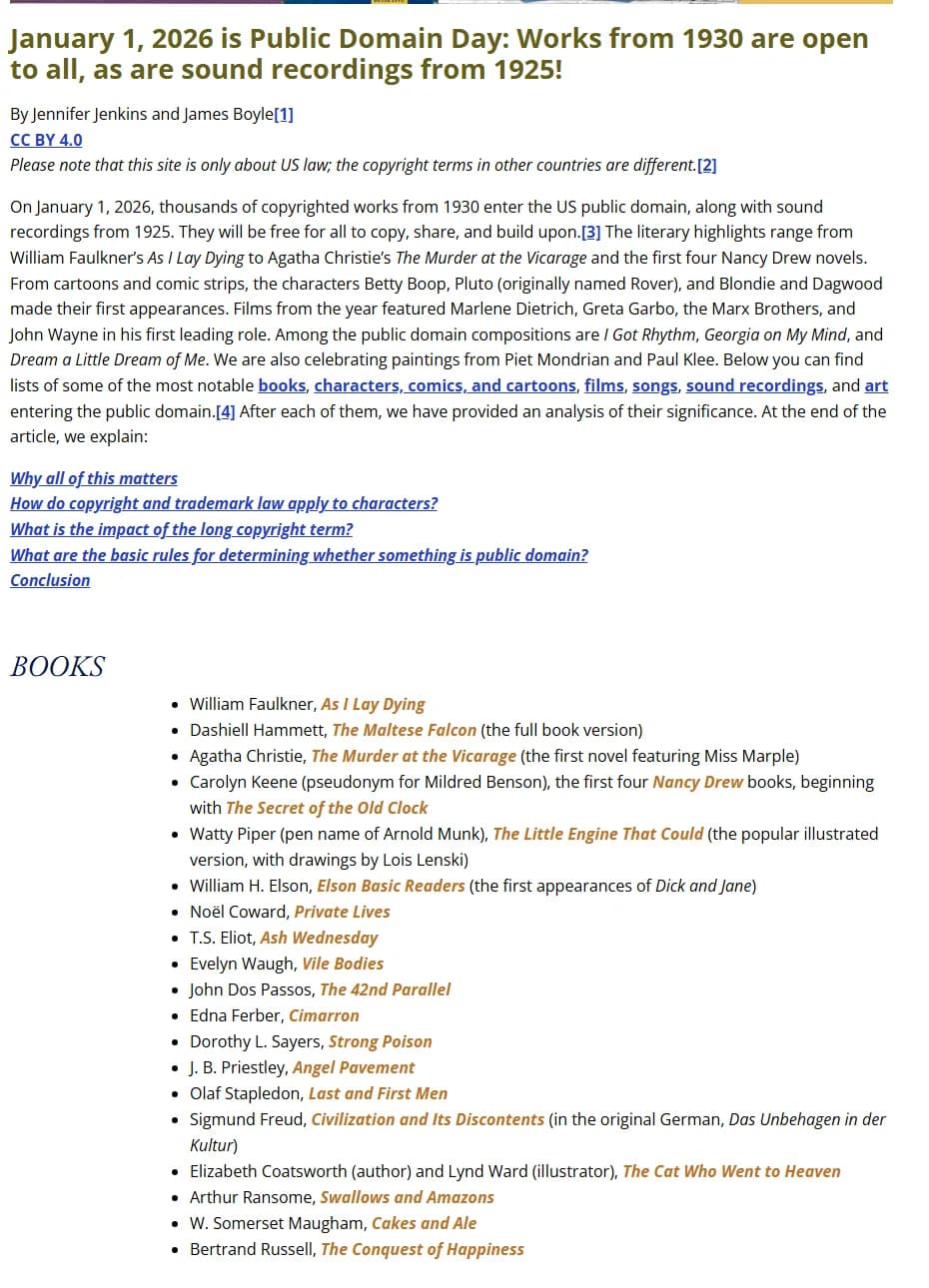
Public Domain Day 2026, Duke Center for the Study of the Public Domain, captured 3 October 2026. The page states it covers US law only.
Faulkner's As I Lay Dying, Hammett's The Maltese Falcon, Christie's The Murder at the Vicarage, Dorothy L. Sayers' Strong Poison, the first four Nancy Drew books. Detective fiction from that period is particularly friendly to this method, because the prose already runs on scenes, locations and dialogue rather than on interior life, so the conversion work in the next section is half done for you.
Two traps, both of which catch people every year.
Public domain is decided country by country, and the Duke list is US law. The EU and the UK run on the author's life plus seventy years, which produces completely different dates. Hammett died in 1961, so The Maltese Falcon clears in Europe in 2032. Faulkner died in 1962, so 2033. Christie died in 1976, so The Murder at the Vicarage is free to adapt in the US this year and locked in Europe until 2047. If you are generating in Paris and releasing on a platform that geoblocks nothing, the US date alone is not your answer.
The second trap is translation. The translation of a public domain foreign novel is a separate work with its own copyright, usually much younger than the original. The 1930 Russian or French novel may be free while the 2004 English edition sitting on your desk is not. Adapt from an edition whose translation is itself out of copyright, or work from the original language, or commission your own. The same applies to introductions, footnotes and the restored texts that scholarly editions advertise as their selling point.
What survives adaptation and what dies on the page
Two conversion rules do most of the heavy lifting.
First: interior monologue must become visible behavior. Your novel says the character "felt the last of her patience drain away." The screen version is her closing the laptop lid with two fingers, slowly, and smiling at the person who caused it. If you can't invent behavior that carries the feeling, the feeling doesn't make it into the film. That's not a limitation of AI video. That's cinema.
Second: a line of prose summary must become a scene or die. "The winter passed and they drifted apart" is one sentence in the book. On screen it's either a real scene you author (one dinner, two people, two phones, no conversation) or it's cut and the story bridges the gap another way. There is no third option. Narrated summary over stock-looking footage is where adaptations go to die.
Here's the full mapping I use when I mark up a chapter:
| Prose element | What it becomes on screen | What you actually write |
|---|---|---|
| Interior monologue | Visible behavior, a look, an action | An action line a character can perform |
| Summary ("months passed") | A scene, a montage, or a cut | One authored scene, or nothing |
| Place description | A location sheet plus an establishing shot | Reference notes and one wide shot |
| Dialogue with interiority woven in | Spoken lines plus performance notes | Clean dialogue, behavior in action lines |
| Backstory chapter | A short flashback scene, or subtext | Usually subtext; flashbacks are expensive |
| The narrator's voice | Voice-over, used sparingly, or nothing | A few lines max, never wall-to-wall |
Print that table and run it against one chapter. You'll find most of the book lands in rows two and six, which is why a 300-page novel becomes a 40-minute film without losing its story.
Number and tag scenes like a production
Real productions number scenes because footage gets shot out of order. AI production is worse: you'll generate scene 14 on Tuesday, regenerate half of scene 3 on Thursday, and add a pickup for scene 9 the following week. Without a numbering system, continuity dissolves.
Give every scene a number and a tag block. Mine looks like this:
- SC-014 | INT. KITCHEN | NIGHT | Story day 3 | Characters: MARA, DEDE | Props: the green thermos, Mara's bandaged hand | Carries from SC-012: rain on windows, Mara's wet hair
That tag block is what saves you when you come back to a scene cold. The bandage is on the left hand in every clip because the tag says so, not because you remembered. ScreenWeaver builds these automatically from the script, and its location and character reports will pull every scene a given prop or person appears in, which is exactly the view you need before regenerating anything.
Story day matters more than most people expect. Novels blur time. Films can't. Assign a story day to every scene during the breakdown, and wardrobe, weather, and light stay coherent across generations made weeks apart.
Try it free
Try Screenweaver for free on your script
It is free. Import your existing project, get a clearer view of your outline, and regain control of your story structure in minutes.
Start FreeBuild the character sheet before you generate a single frame
This is the step people skip because generation is fun and paperwork isn't. Skip it anyway and you'll pay double.
An AI character sheet needs: a locked face (reference images from consistent angles), age, build, wardrobe per story day, and the two or three physical details the story depends on, like a scar, a ring, a limp. Generate your reference set first, pick the strongest images, and then every scene prompt points back at that kit instead of re-describing the character in prose. Describe a character fresh in twelve prompts and you'll get twelve cousins. The full mechanics of keeping a face stable across a project are covered in the guide to character drift in AI video, so I won't repeat them here.
Do the same for locations. Three reference frames of the kitchen (wide, medium, detail) beat any paragraph describing it.
The step-by-step workflow
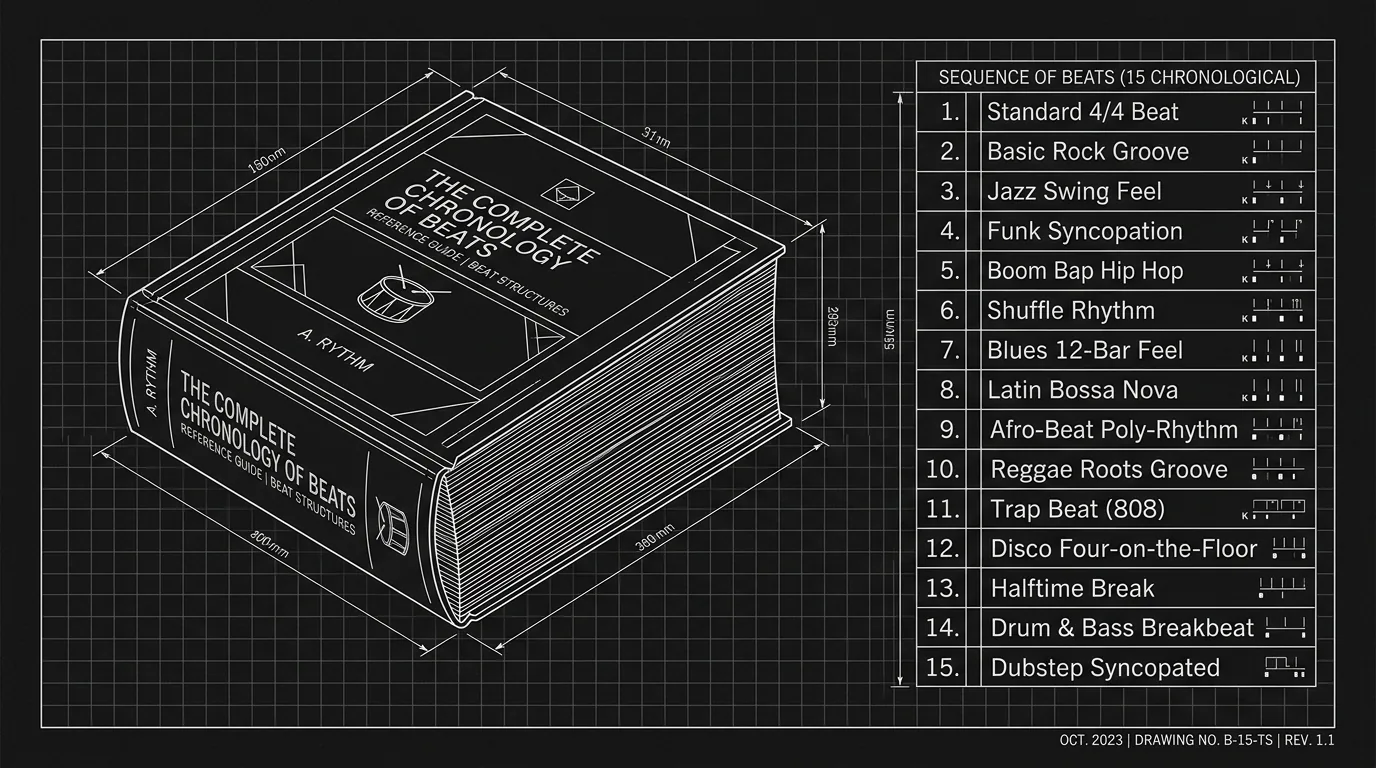
- Compress the book into a beat structure. Decide what the film's spine is before touching scenes. We've covered compressing a 400-page novel into a 15-point beat sheet in depth, so do that work there and come back with your beats.
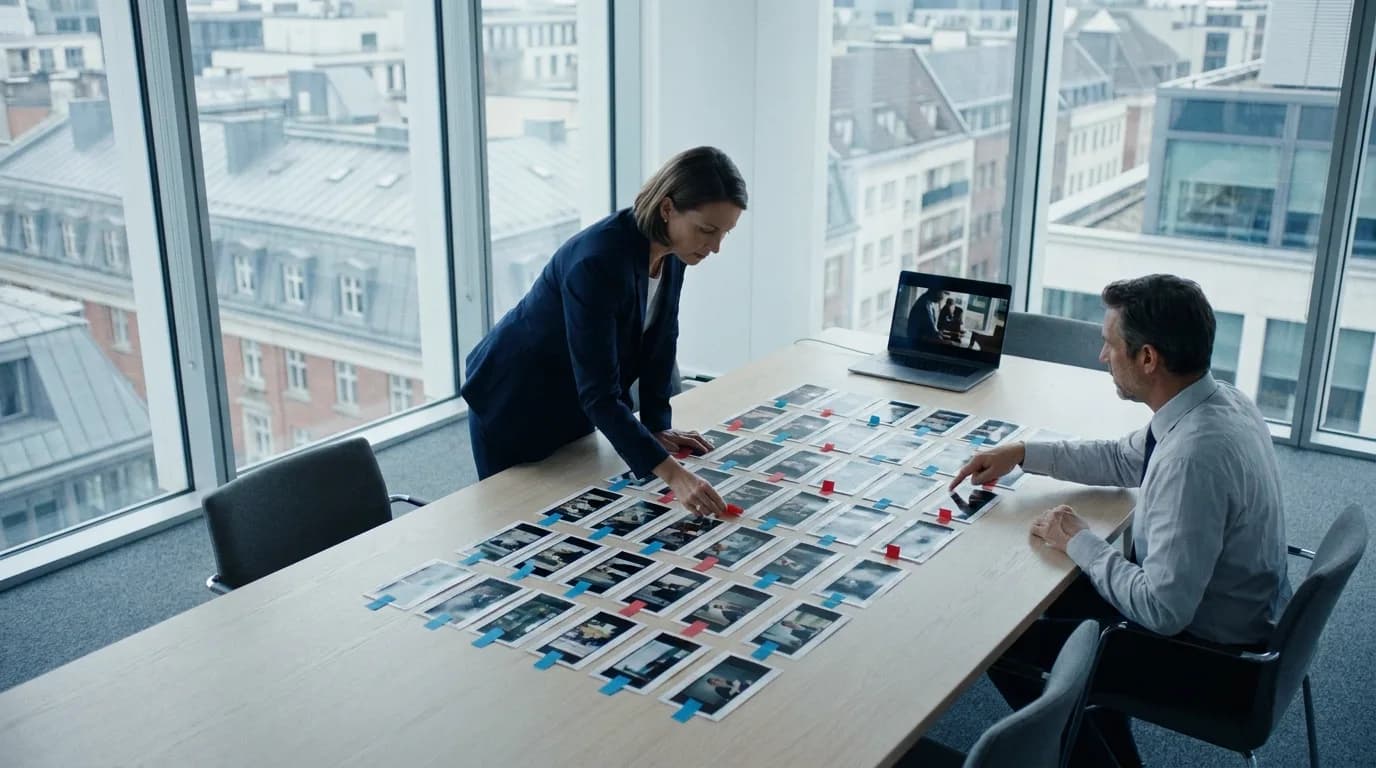
- Break each beat into scenes. One location, one continuous stretch of time per scene. Most beats become one to three scenes.
- Apply the conversion table. Mark every piece of interior monologue and summary in the source chapters and decide: behavior, scene, or cut.
- Write the scenes as a script. Action lines a camera can see, dialogue a person can say. An AI screenplay writer speeds up the drafting, but you make the conversion calls.
- Number and tag everything. Scene numbers, story days, characters, recurring props.
- Build character and location sheets. Reference images locked before any scene generation.
- Write the shot list. Per scene: shot size, angle, subject, movement, duration. If shot lists are new to you, start with what a shot list is and how to build one.
- Generate scene by scene, in shot list order. Not chapter by chapter. Check each clip against the scene's tag block before moving on.
- Cut a scene together before generating the next one. Editing exposes coverage gaps while they're still cheap to fix.
- Do a continuity pass at the end. Watch for wardrobe, props, and light against your story days.
Steps 1 through 7 are unpaid, unglamorous, and they are the film. Steps 8 through 10 are the part that looks like filmmaking on social media.
One practical note on tooling: pick software that holds the script, the sheets, and the shot list in one place, because the whole method depends on those documents staying linked. The comparison of screenplay software for novel adaptation covers that decision, so I'll leave it there.
A stage play is already halfway there
If your source is a play, congratulations: someone already did the hardest conversion. A play is scenes and speakable dialogue. There's no interior monologue to translate and no summary prose to kill. It's the closest thing to a shot list you'll ever inherit.
What a play lacks is geography and coverage. Theater is one wide shot from a fixed seat. Film needs the scene taken apart: whose face do we watch during this speech, when do we cut to the person receiving it, where does the camera stand. So the play workflow compresses to three jobs. Decide your locations (a play's single set often wants to become three or four film spaces). Convert stage directions into blocking that reads on camera. Then make coverage decisions line by line, which is really just building the shot list. Long monologues need special attention: on stage they hold a room, on screen they need cutaways and reaction shots or they stall.
A visual novel hands you the reference kit
A visual novel is the inverse case. The prose still needs full conversion, but the art department is done: character sprites, expression sets, and background paintings already exist and already match each other. That art becomes your reference kit directly. Feed the sprites in as character references and the backgrounds as location references, and you've skipped the most failure-prone part of step 6.
Two things still bite. Branching stories must be flattened to a single route before the breakdown, and pick the route with the strongest causal chain, not the fan favorite. And sprite art usually shows characters from one or two angles, so generate a proper turnaround from the existing art before you need a profile shot in scene 20, not after.
FAQ
Can I adapt a novel I don't own the rights to?
Only for yourself. Adapting a book that is still in copyright without a license makes an unreleasable film: festivals ask for a chain of title, platforms act on takedown notices, and no client will touch it. If you want a book that is owned, the route is an option agreement with the rights holder, usually reached through the author's agent. For a first project, a public domain source removes the problem entirely.
Is a public domain book safe to adapt anywhere in the world?
No, and this is the mistake that burns people. Public domain status is national. The US works on a 95-year term for older publications, so 1930 titles are free there in 2026, while the EU and the UK run on the author's life plus seventy years and reach different dates for the same book. Check the status in the country you release from, not just the one the list you read was written for. Translations carry their own separate copyright on top of the original.
Can AI turn a novel into a film automatically?
No. AI can generate the footage, draft the scenes, and hold the continuity paperwork, but the conversion decisions (what becomes behavior, what becomes a scene, what gets cut) are authorship, and no model makes them well unattended. Tools that promise full automation produce narrated slideshows. The step-by-step chain in this article is the practical minimum.
Do I need to write a full screenplay before generating anything?
You need scenes and a shot list; you don't need a polished, formatted feature script. A rough script with clean action lines and numbered, tagged scenes is enough to generate from. Most people find the script tightens naturally while they build the shot list, because unfilmable lines expose themselves there.
How do I keep characters looking the same across scenes?
Lock a character sheet with reference images before generating any scene footage, and point every prompt at those references instead of re-describing the character in words. Fresh prose descriptions produce a slightly different person every time. Tag scenes with story days so wardrobe and injuries stay consistent too.
Should I use the novel's narrator as voice-over?
Sparingly, if at all. A few lines of voice-over can bridge a time jump or open the film, but wall-to-wall narration means the conversion work didn't happen and the audience is listening to an audiobook with pictures. If a narrated line matters, ask first whether a scene or a behavior could carry it instead.
How long should my first adaptation be?
Adapt one chapter or one act into a 3 to 8 minute film before committing to the whole book. A single chapter forces you through every step of the chain (breakdown, sheets, shot list, generation, edit) at a scale where mistakes cost days instead of months. Most of what you learn transfers directly to the full project.
Is a play easier to adapt than a novel?
For AI film specifically, yes, and it isn't close. A play arrives as scenes and speakable dialogue, so the prose conversion step mostly disappears. The remaining work is locations, blocking, and coverage decisions, which is shot list work. A novel demands the full conversion of interior life into visible behavior first.
Final Step
Build your next script with Screenweaver
Move from ideas to production-ready pages faster with timeline-native writing and AI-assisted story flow.
Try Screenweaver