Convert your webtoon.Into an anime.
- Webtoon import: coming soon
- 16:9 or 9:16
- Used on award-winning anime

Where we are
Webtoon import is in development. Not live yet.
You cannot upload a webtoon episode into ScreenWeaver today. We are building that step now. Everything after it already works: adapt your episode as a screenplay and ScreenWeaver turns it into an anime storyboard.
- Upload an episode, as a vertical strip or as panels
- Automatic breakdown of panels into shots, and speech bubbles into dialogue
- Video generation of each shot, targeted for 30 September 2026
- Write the adaptation as a screenplay, free on the Screenwriter plan
- Storyboard generated from the screenplay, shot by shot
- Reference sheets that keep characters on model
Lost Garden · Episode 1
One episode. As a webtoon, and as an anime.
Webtoon
Anime
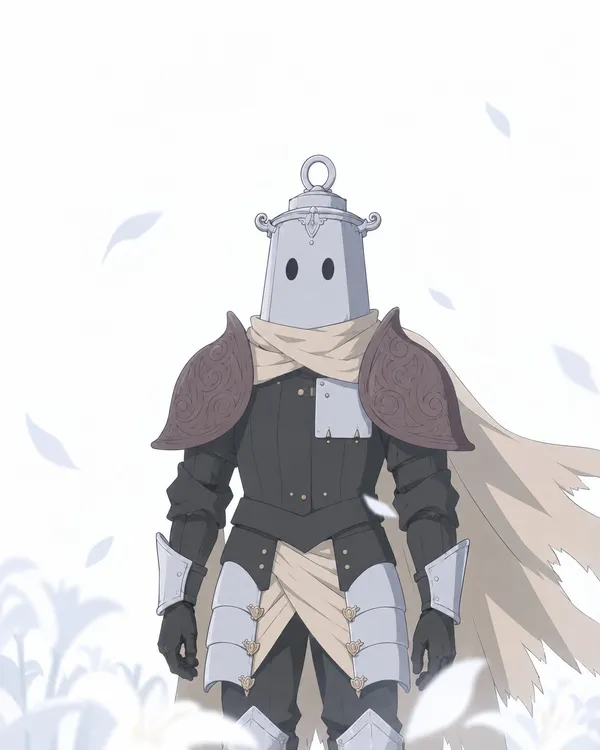
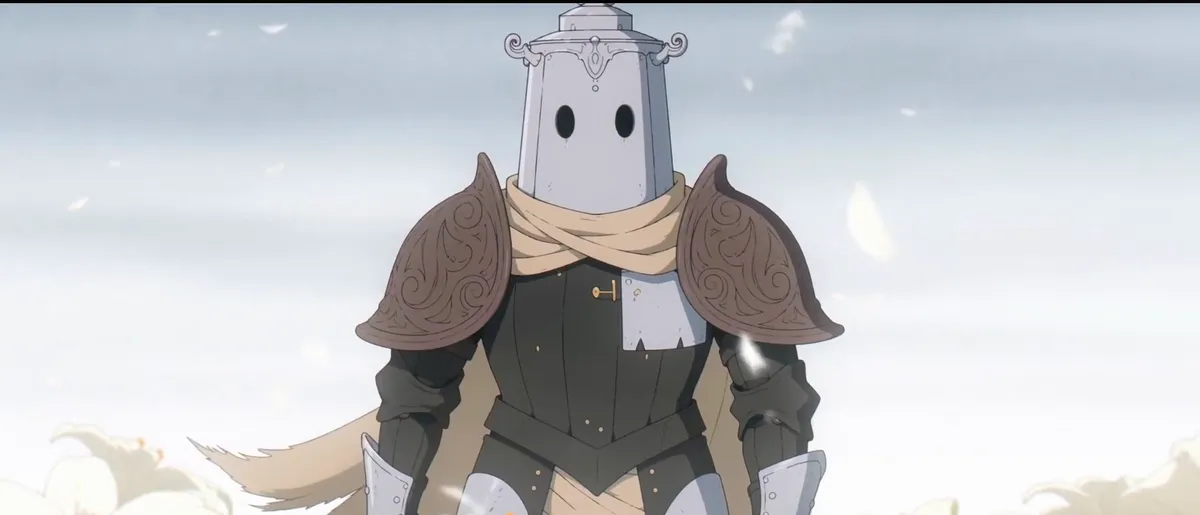
Alone in the white
A full-figure panel becomes a medium shot. The cape the panel could only draw now moves in the wind.
Webtoon
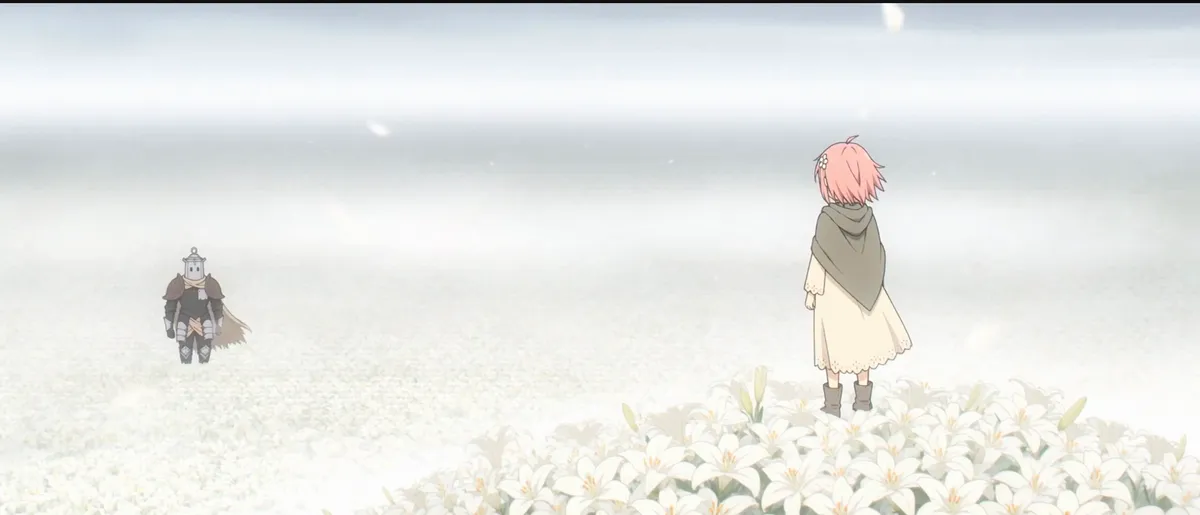
Anime
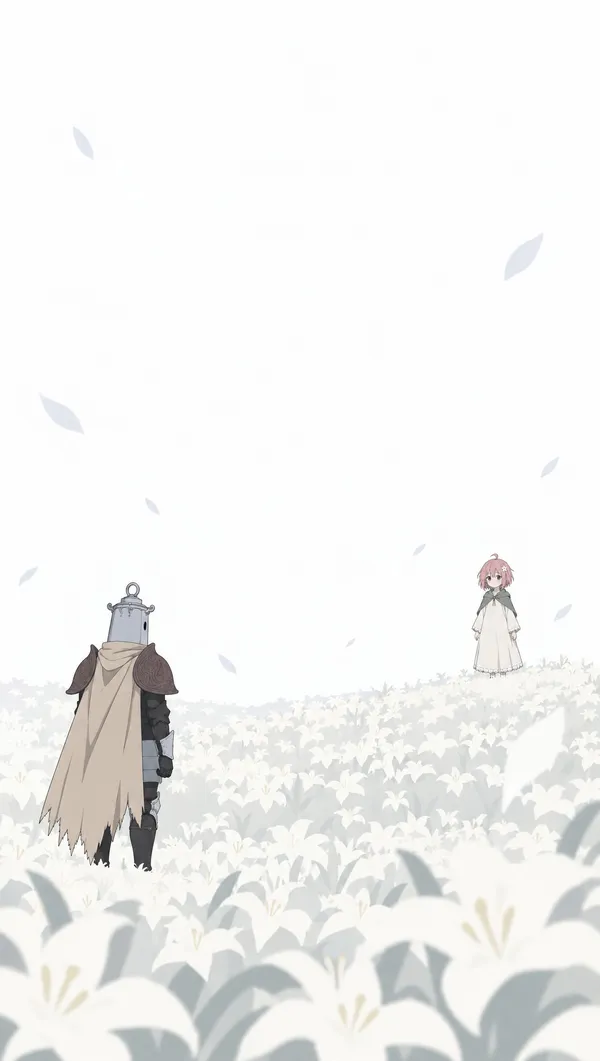
A tall panel becomes a wide shot
In the scroll, the distance between the two characters is vertical. In the anime, it runs across a widescreen frame.
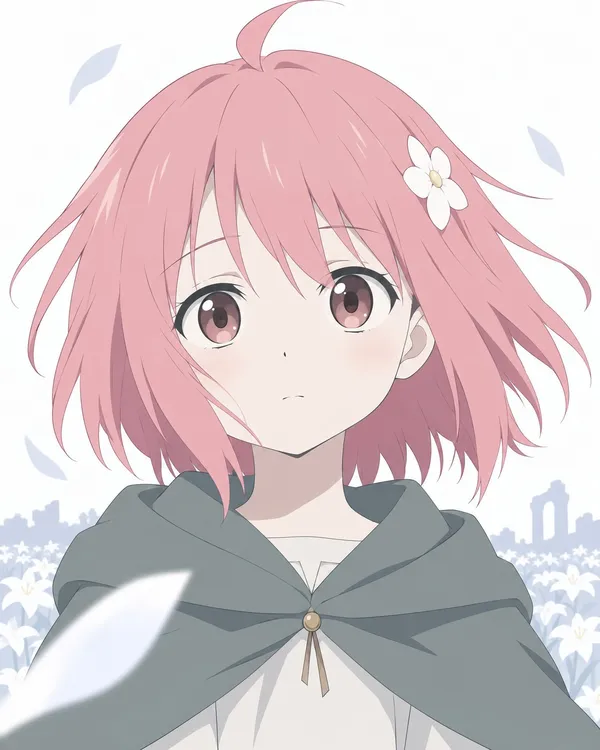
Webtoon
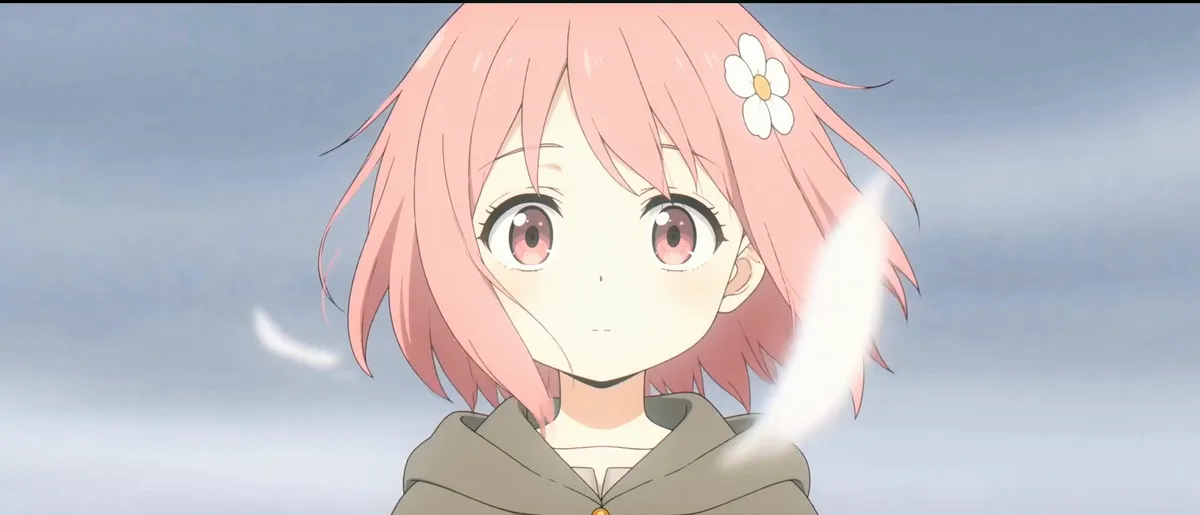
Anime
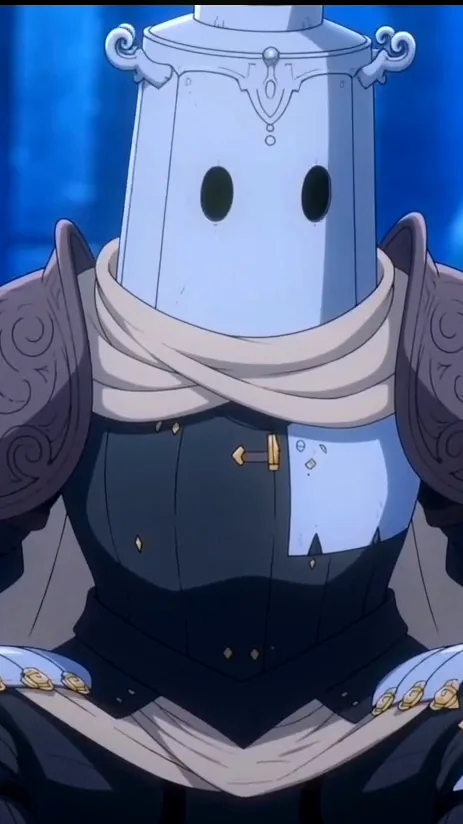
A close-up stays a close-up
Crop to the face and the panel is already a shot. Most dialogue panels convert this simply.
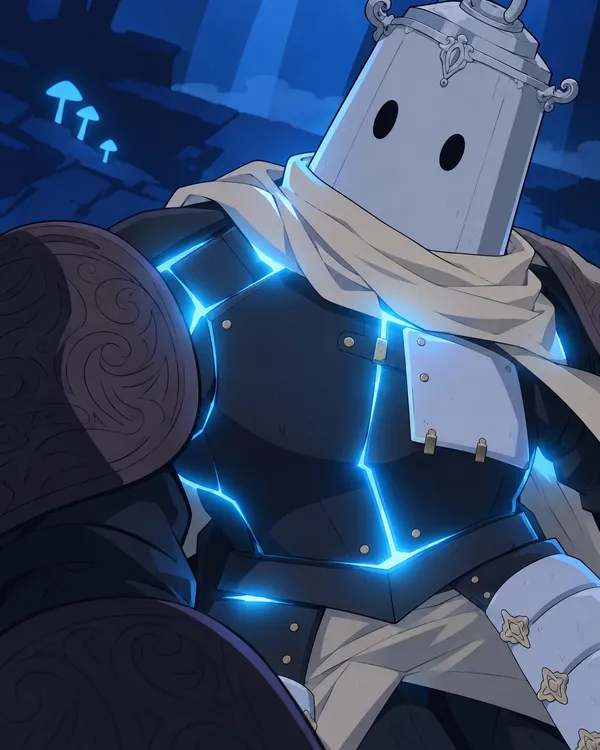
Webtoon
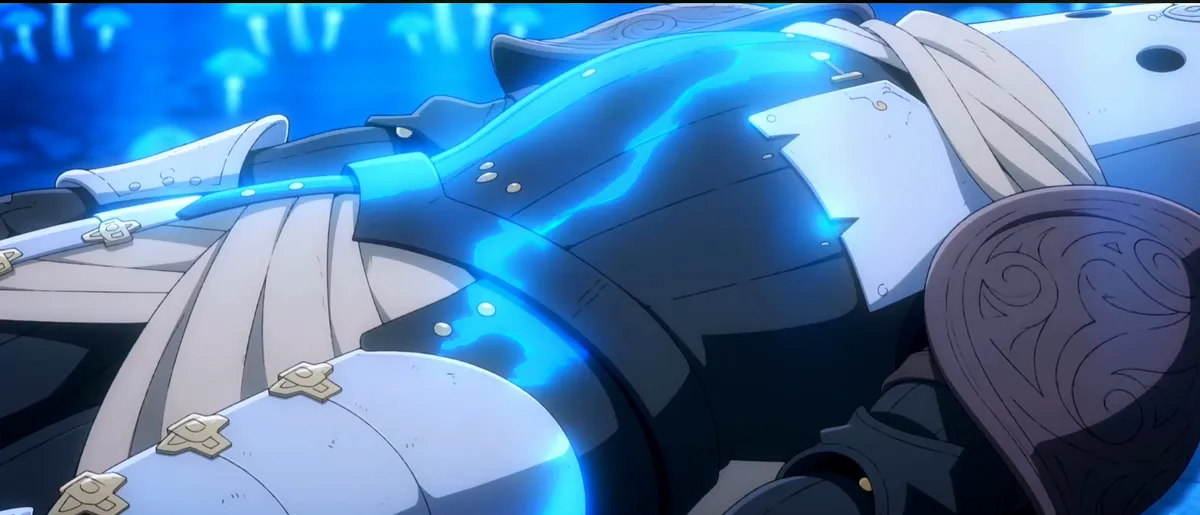
Anime
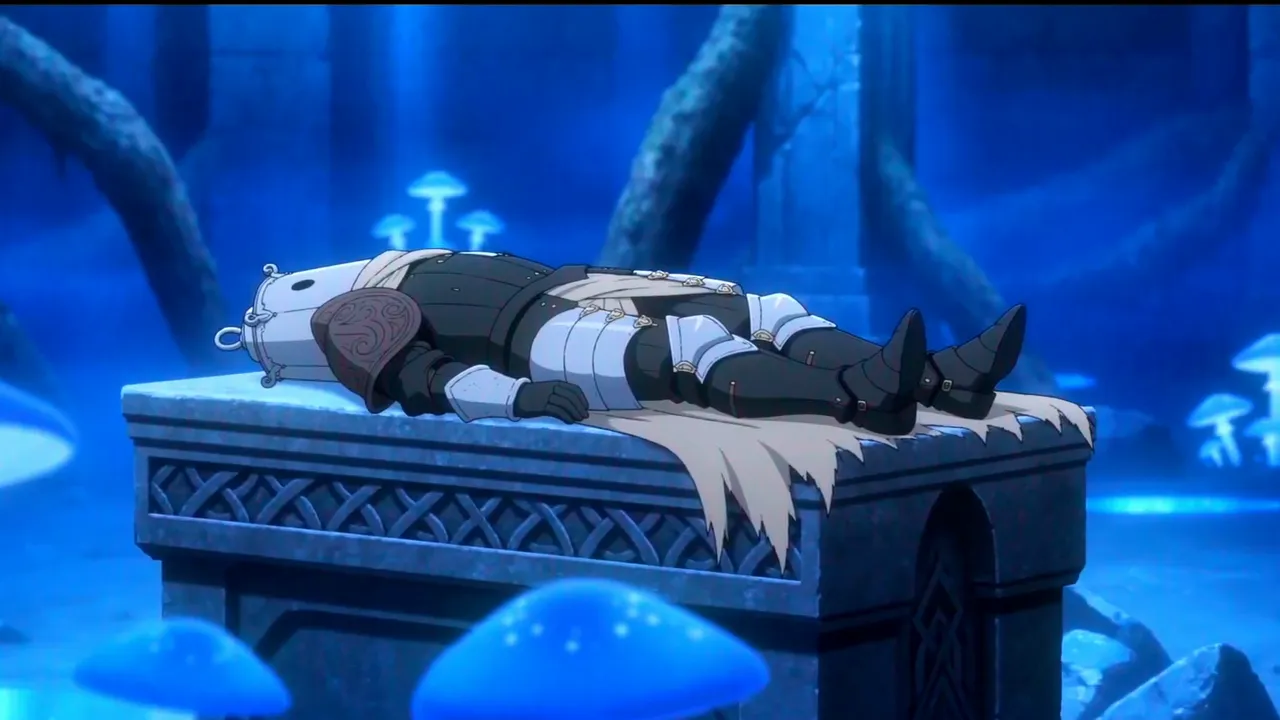
The light enters the metal
One glowing panel becomes a shot that lasts, with light running across the armour. The gutter becomes time.
The Lost Garden webtoon was drawn from the anime. Webtoon import will work the other way round: from your panels to your shots.
How it will work
From vertical scroll to anime episode, in five steps.
- 01
Drop in your episode
Upload the vertical strip or the panels of one chapter.
Coming soon - 02
Panels become shots
One panel can be two shots. Three panels can be one. Bubbles become dialogue lines.
Coming soon - 03
Characters stay on model
Each character gets a reference sheet that carries from shot to shot.
Available today - 04
An anime storyboard
Every shot is boarded. You control framing, angle, movement and duration.
Available today - 05
Boards come to life
Each approved board becomes a short clip. Targeted for 30 September 2026.
Coming soon
Panel to shot
A webtoon is almost a storyboard. Almost.
| Your webtoon has | An anime needs | In ScreenWeaver |
|---|---|---|
| Panels, in reading order | Shots, in cut order | A shot list you can reorder, split or merge |
| Gutters between panels | A duration for every shot | Duration set per shot, in seconds |
| Speech bubbles | Lines with a speaker and a performance | Dialogue attached to the character in the scene |
| A tall, narrow canvas | A 16:9 frame, or 9:16 for vertical | Framing and angle chosen shot by shot |
| Characters drawn hundreds of times | Characters that never drift off model | Reference sheets tagged with @ in the action |
| Weekly chapters with a cliffhanger | Episodes with a running time | One project per series, scenes grouped in episodes |
The right column describes ScreenWeaver today, starting from a screenplay. Direct import of panels is coming soon.
Start today
Don't wait for the import to start your anime.
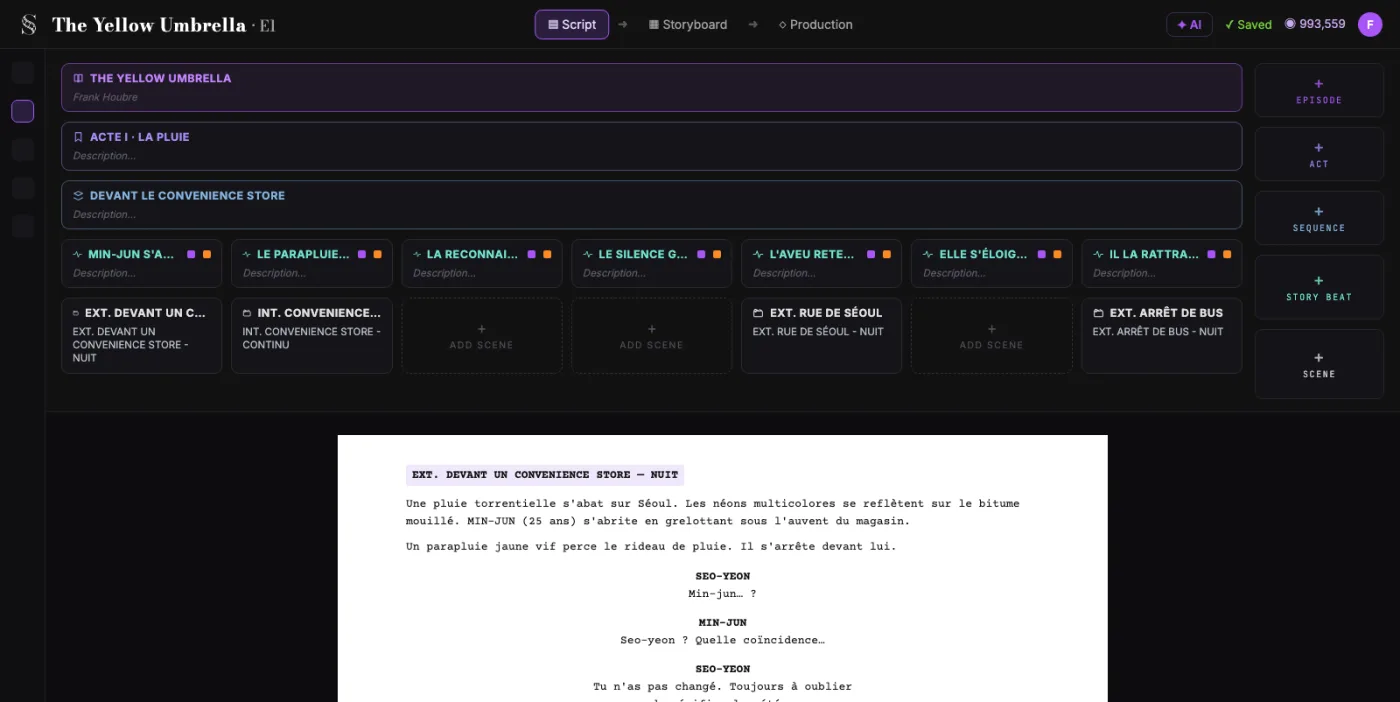
01 · Adapt
Write the episode as a screenplay. For free.
- Unlimited projects and pages
- Acts, sequences and beats above the page
- PDF and Final Draft export
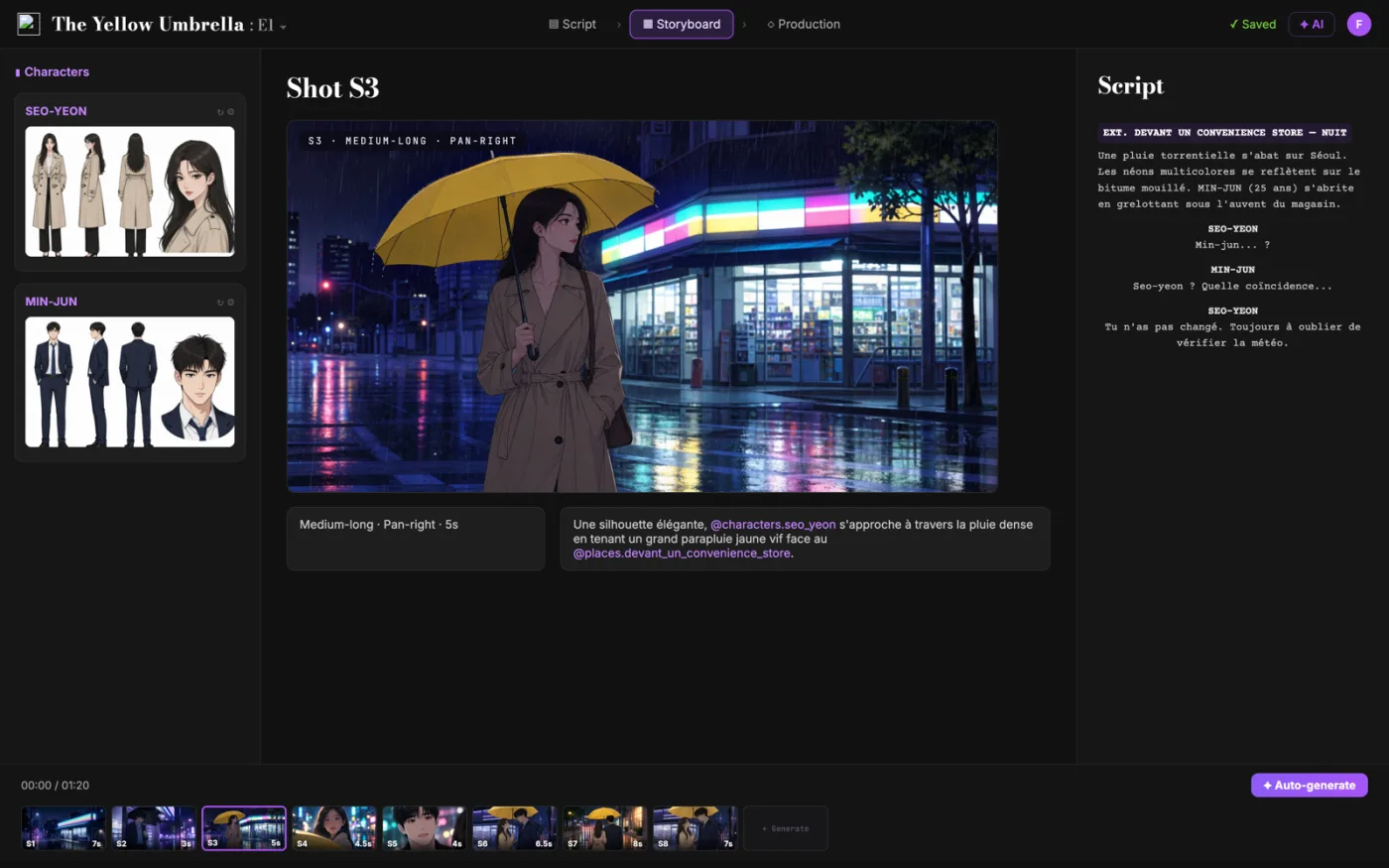
02 · Board
Every scene becomes anime shots.
- Storyboard generated from the screenplay
- Frames linked to scenes and beats
- Storyboard Beta: $9.99 a month during the beta
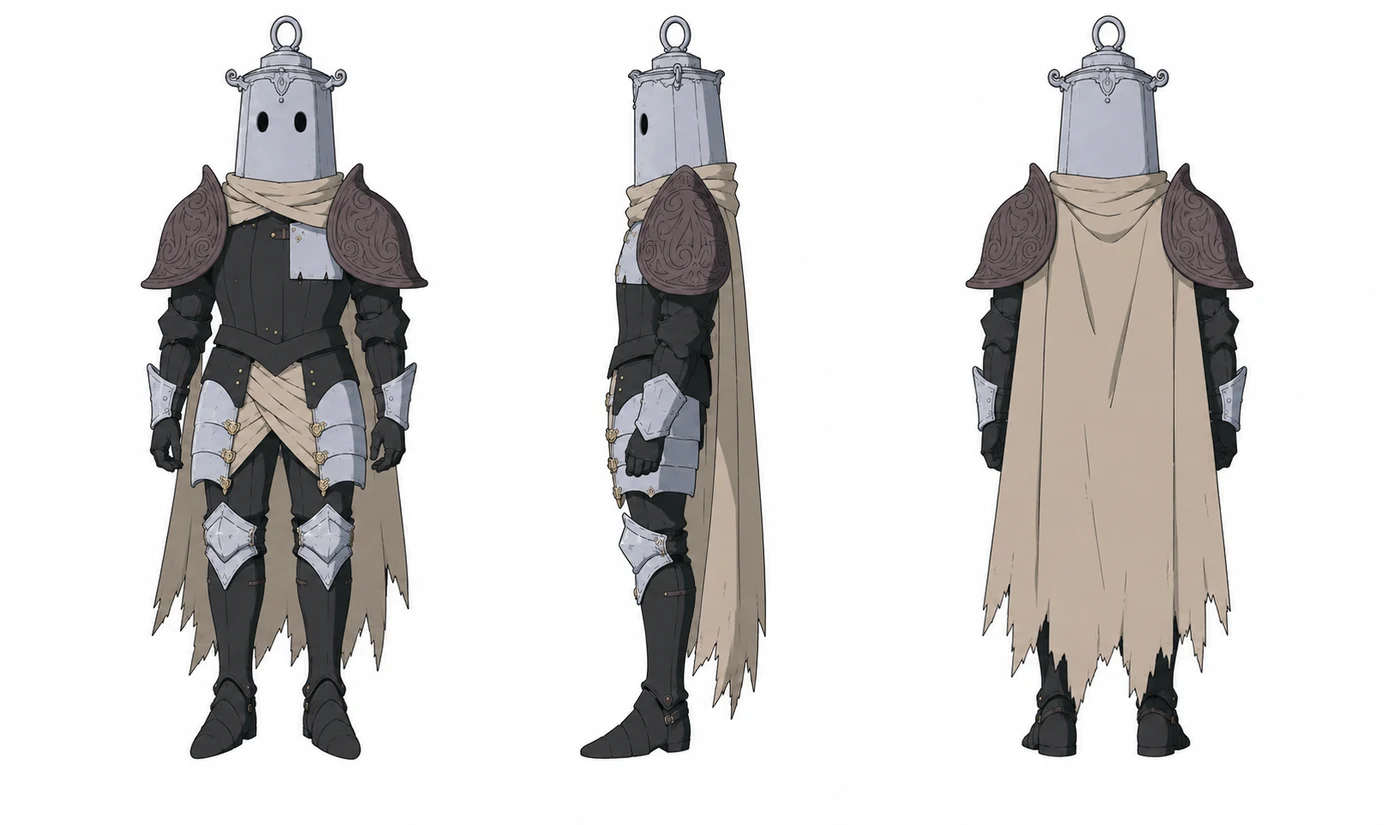
03 · Characters
Your characters, on model in every shot.
- Front, profile and back views
- Tag a character with @ in the action line
Formats
Widescreen anime, or keep the vertical scroll.
 16:9
16:9Anime series and pilots
The classic 16:9 frame, for a pilot, an episode or a trailer.
 9:16
9:16Vertical episodes
9:16 shots made for the phone, like the webtoon itself.
Made with ScreenWeaver
Lost Garden: an anime pilot, script to final.
Dark fantasy about empty suits of armour waking up twenty centuries after the end of the world. Written, boarded and produced in ScreenWeaver. Finalist at the AI London Festival.
Read how it was made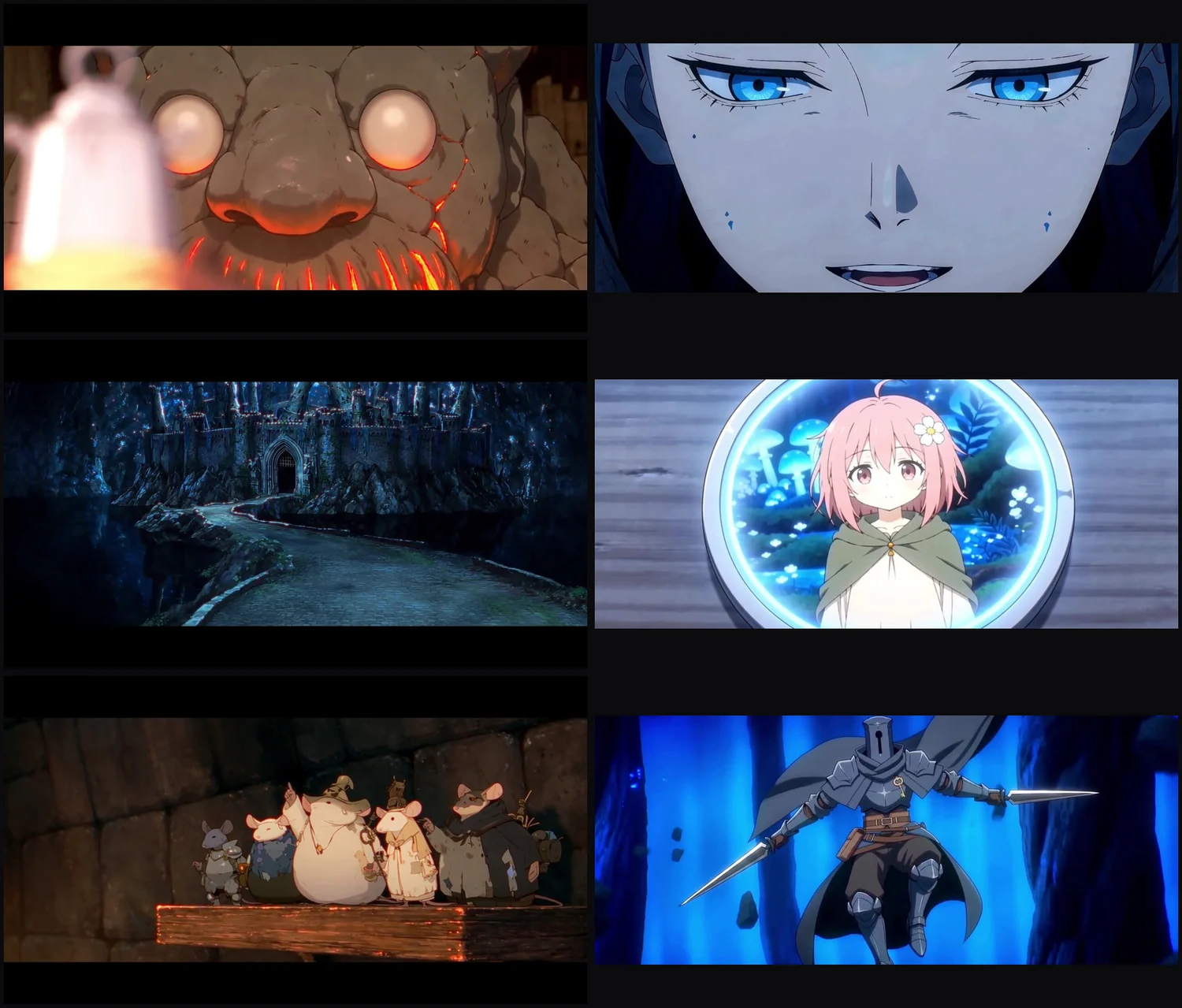
- Two episodes
- 38 min
- Two episodes
- Shots in episode 2
- ≈ 400
- Shots in episode 2
- Per shot
- 2 to 3 s
- Per shot
- Workspace
- 1
- Workspace
International festival-recognized films have been written and produced with ScreenWeaver.
ScreenWeaver is already being used as a creative workspace for real AI film productions, from cinematic shorts to animated series pilots selected, nominated, and awarded by international festivals.
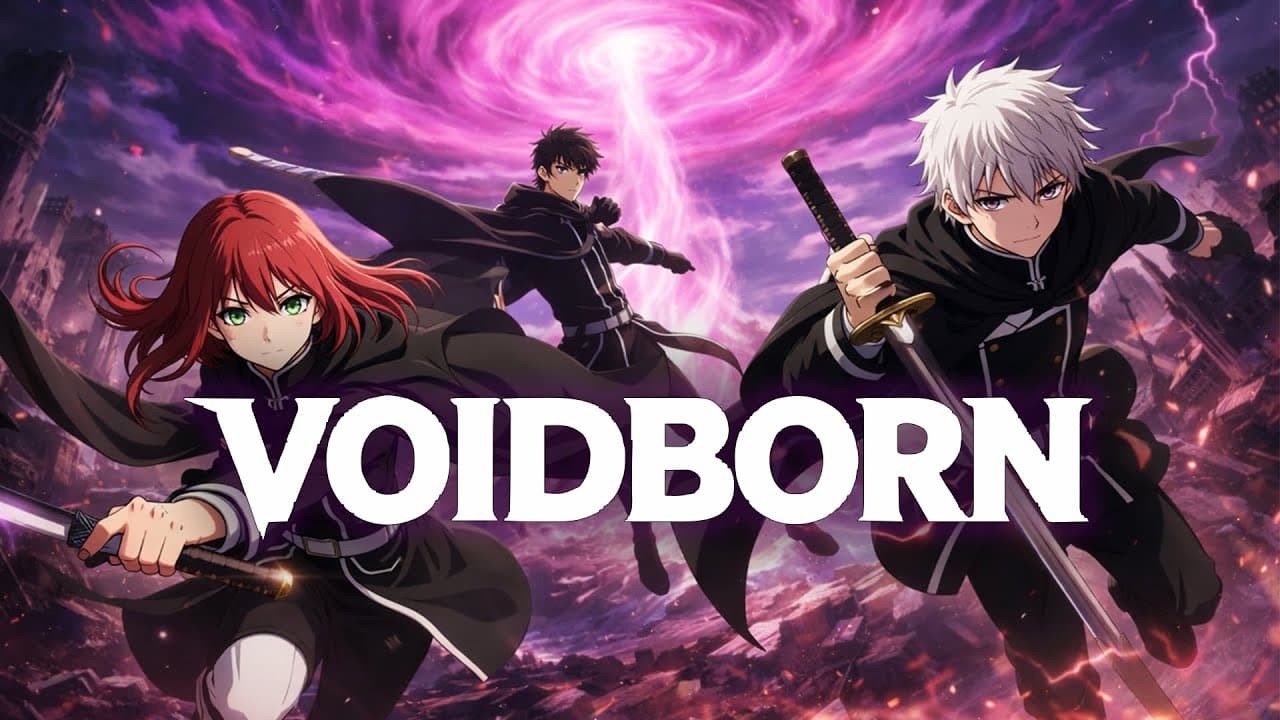
VOIDBORN
AI animated / cinematic short
Festival recognition
1st Place Silver
Mondial Chroma Awards
2nd Place Dreamina
Mondial Chroma Awards
Award Winner
Seoul International AI Film Festival
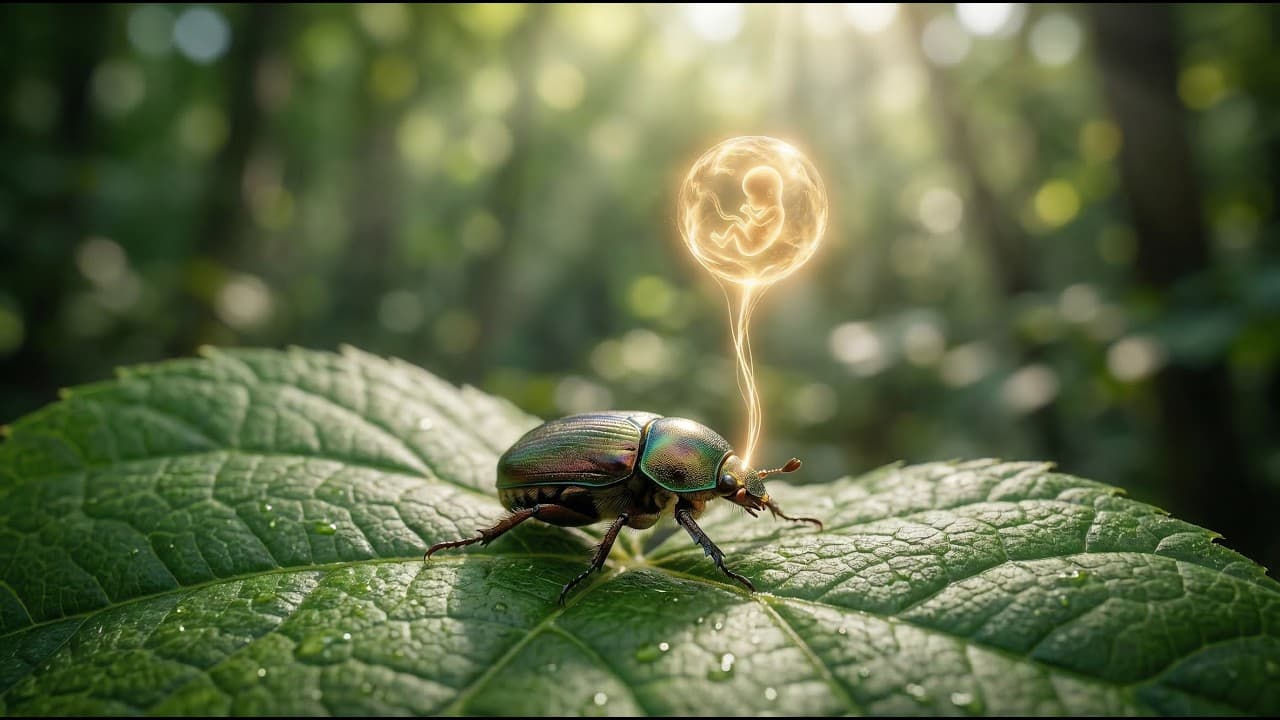
Les Fils du Vinnana
AI short film
Festival recognition
Honorable Mention
Top Quark Film Festival
People's Choice Nominee
Illuminate Oneness of Humanity
Nominee
ALTFF Supershort
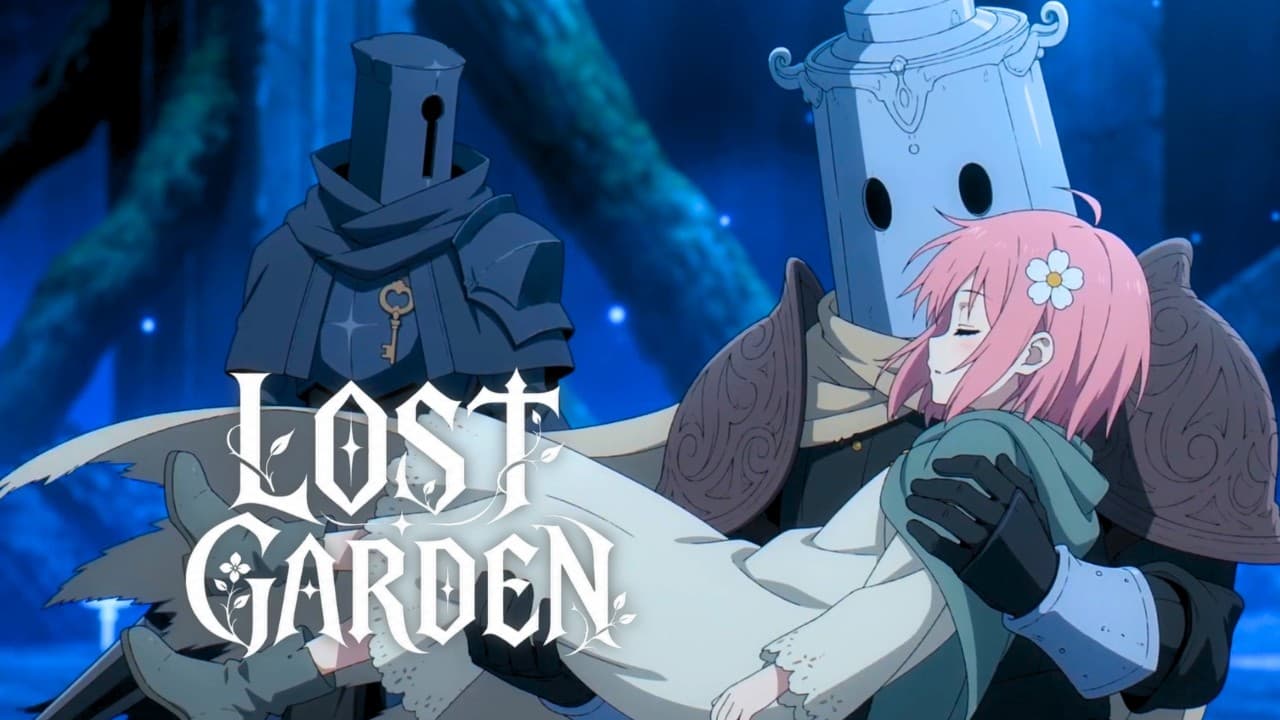
Lost Garden
AI animated series pilot
Festival recognition
Finalist
AI London Festival
Be first to convert your webtoon.
Create your free account on app.screenweaver.ai. It puts you on the waitlist, and you will be among the first to try webtoon import.
Create my free accountScreenwriter plan: free, and it does not expire.
FAQ