Gimbal shotSmooth motion on any budget
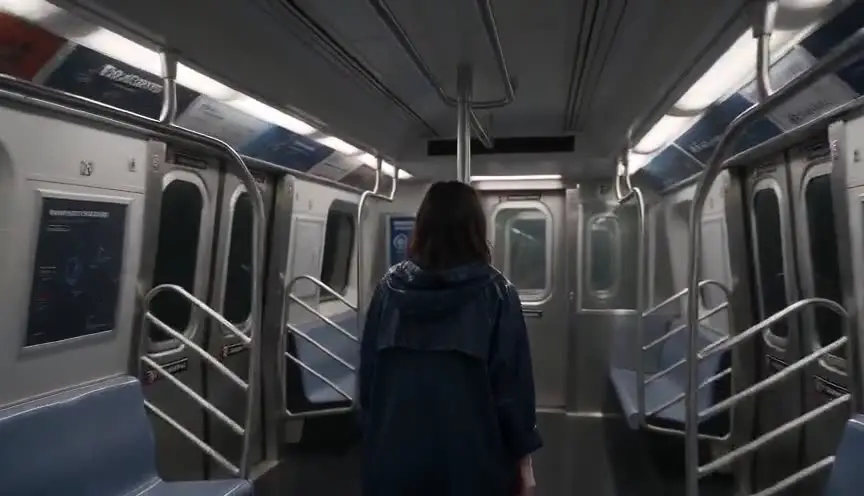
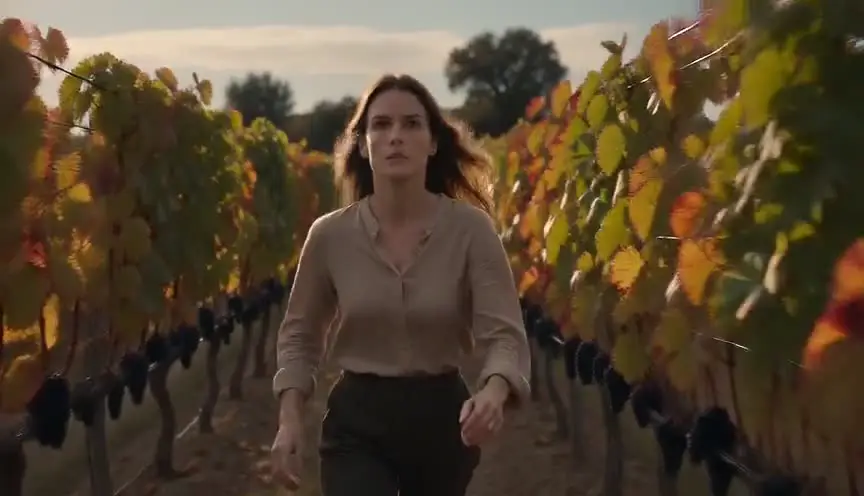
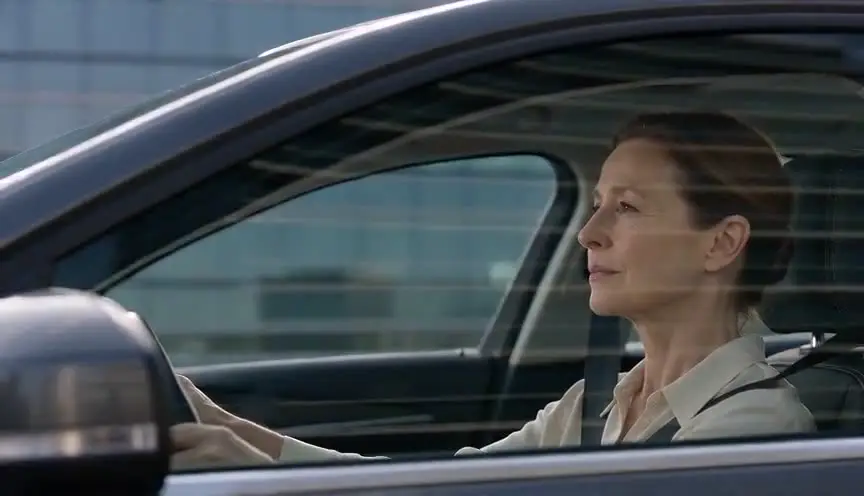
A gimbal shot uses a motorized stabilizer that keeps the camera level and steady while the operator walks, runs, climbs into a car or hands it to someone else. The audience glides through the action with a fluid, weightless viewpoint.
Also calledGimbal stabilizer shotMotorized stabilizer shotRonin shot
Camera movement
Why it works on screen
The gimbal lets a small crew move the camera almost anywhere with smooth results. It can chase a character through a crowded station, slip through a car window, follow a fight from room to room, or drift beside a couple at night. Its lightness makes it ideal for long, flowing takes that change direction and height quickly. It serves action, pursuit, immersion and the sense of a continuous journey. A scene earns it when the audience should move with the action without the shake of handheld, and when the route is too complex for tracks.
The shot list line
- Size
- Medium or full shot
- Angle
- Eye level, rising or dropping as needed
- Movement
- Gimbal following, leading or circling the subject
- Lens
- 16mm to 35mm
- Duration
- 10 s to several minutes
Balance the camera perfectly before powering the gimbal, and rehearse any handoff between operators or vehicles so the frame stays level through it.
Screenplay
On the page
A spec script should not mention a gimbal. It is equipment, and readers do not care how the camera stays steady. What you can write is a fluid, continuous action through changing spaces: a chase through a train, a character running from a street into a building and up the stairs. That continuity suggests a smooth moving camera. When you direct, specify the gimbal, the route and any handoffs between operators in the shot list.
INT. TRANS-SIBERIAN EXPRESS, THIRD-CLASS CARRIAGE - NIGHT
Bunks stacked three high. Snoring. A samovar steams at the end of the car.
ALYONA VOLKOVA (16, puffer jacket, a stolen wallet in her fist) sprints down the narrow aisle.
She ducks under a hanging towel, hurdles a sleeping soldier's boots, shoulders through the connecting door.
Behind her, the CONDUCTOR (60s, whistle in his teeth) is gaining.
She reaches the last door. It's locked.
Storyboard
In the storyboard
Draw a floor plan or map of the route with a dashed line for the gimbal path and arrows for direction. Mark handoff points with an H and the name of the next operator or vehicle. Add small frame thumbnails at each key moment, noting size and height. Label the shot GIMBAL, with the total duration and the moments where the camera passes through narrow gaps.
Pairs well with

A whip pan during a gimbal move can hide a cut between two takes, stitching them into one apparent journey. It is a common trick for long action oners.

After a long gimbal chase, a steady wide shot shows where the characters have ended up. The stillness lets the audience catch their breath and read the new situation.
Reference
Watch it in
Mad Max: Fury Road (2015)
Stabilized rigs on speeding vehicles held the horizon steady while the chases were shot for real across rough desert terrain.
Extraction (2020)
In the long Dhaka chase, the stabilized camera slips through cars, streets and buildings, passed between operators at hidden joins in the action.
ScreenWeaver
Set it up in ScreenWeaver
Write the continuous action in your screenplay, and ScreenWeaver breaks the scene down into shots automatically. Open the shot, set the framing to medium or full, set the angle, choose a gimbal move as the movement and give it the duration of the run. Characters and the location carry from shot to shot, so the carriage, the people and the props stay consistent along the route. Test the path and the pacing in the AI previsualization before planning rehearsals.
Start writing for freeThe prompt behind this clip
This is the exact prompt that rendered the clip at the top of the page. Keep the description of the camera and the light, change the subject and the place.
Gimbal shot in a sunlit pottery workshop: the camera glides at chest height, perfectly level, following a middle-aged woman with clay-streaked hands as she walks past a row of spinning wheels and shelves of unfired bowls. The frame stays smooth and steady with no vertical bounce, gently turning to keep her centered as she rounds a worktable, shot on a 35mm lens with warm window light and soft shadows. No text.
Common mistakes
- 01
Everything floats
When every shot glides, the film loses weight and texture. Mix gimbal moves with static and handheld shots, so smoothness becomes a choice rather than a habit.
- 02
Robotic horizons
Gimbals keep the horizon perfectly level, which can feel mechanical in a chaotic scene. Allow a little roll or switch to handheld when the moment calls for instability.
- 03
Walking bounce
A gimbal smooths rotation, not the up and down of footsteps. Operators should walk with bent knees in a gliding step, or the frame will still bob.