Slow zoom outRevealing what surrounds the moment
A slow zoom out widens the frame by shortening the focal length while the camera stays put, so a single detail gradually becomes part of a larger picture. The audience rereads what they just saw once they see where it sits.
Also calledReveal zoomPull back zoomZoom out
Camera movement
Why it works on screen
Use it when context changes the meaning of what came before. A close face turns out to be one of hundreds in a stadium. A child playing turns out to be alone in a huge empty house. The shot serves irony, isolation, scale and the quiet end of a sequence. Because the camera does not travel, the reveal feels composed rather than discovered, as if the film is stepping back to show you a painting. A scene earns it when the wide frame tells the audience something the close frame hid, and when that information lands as feeling rather than as plot.
The shot list line
- Size
- Close-up to wide shot
- Angle
- Eye level or slightly high, centered
- Movement
- Zoom out, camera locked off
- Lens
- Long zoom such as 25-250mm, from around 200mm down to 25mm
- Duration
- 10 to 25 s
Frame and light the final wide first, then find the close detail inside it, so the end of the zoom lands on a finished composition.
Screenplay
On the page
Do not write "zoom out" in a spec script. Instead, order your action lines so the reveal happens on the page: describe the close detail first, then widen the description sentence by sentence until the reader sees the whole space. That order is a strong hint to any director. The focal lengths, the speed and the final composition belong in the shot list, where the camera team will look for them.
INT. HIGH SCHOOL GYMNASIUM, DAYTON - NIGHT
A corsage on a wrist. White carnation, a little crushed.
It belongs to DESTINY ALVAREZ (17), in a borrowed silver dress, sitting very straight on a folding chair.
The chairs beside her are empty. So are the ones beyond those.
Paper streamers hang over a dance floor where a janitor pushes a wide broom.
The DJ booth is dark. Somewhere a door bangs shut.
Storyboard
In the storyboard
Draw the final wide frame as your main panel, fully composed. Inside it, draw a small solid box around the starting detail and label it START. Add arrows from the small box outward to the frame corners and write ZOOM OUT with both focal lengths. Note that the camera does not move. If the reveal has a key element, circle it and add the second of the move where it should come into view.
Pairs well with

Hold a close-up long enough before the zoom starts that the audience settles into it and draws a conclusion. The wider frame then overturns that conclusion, and the reveal has something to push against.
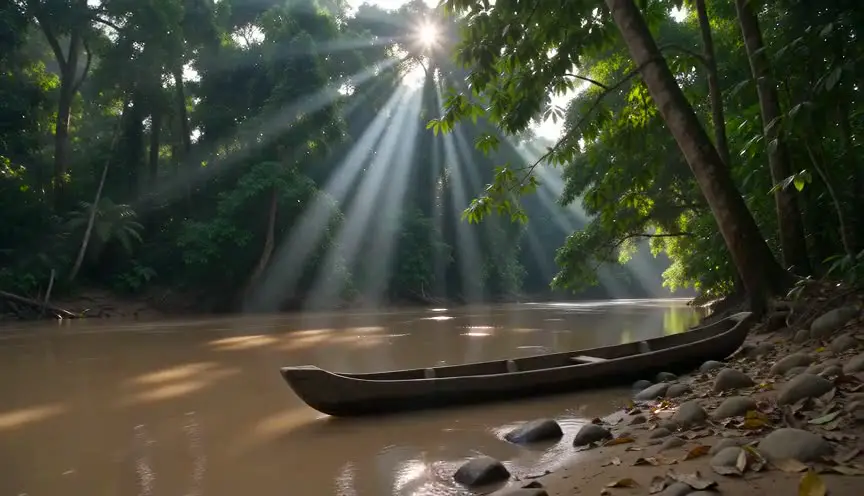
A slow zoom out often closes a chapter. Letting the wide frame settle and then fading out gives the audience time to take in the tableau and signals a clear pause in the story.
Reference
Watch it in
Barry Lyndon (1975)
Kubrick and John Alcott keep starting on one figure and backing the lens away until a room or a landscape stands composed like an old master canvas.
A Clockwork Orange (1971)
The film begins on Alex's stare and widens to show his gang and the milk bar around him, arranged in a cold, uneasy symmetry.
ScreenWeaver
Set it up in ScreenWeaver
Write the reveal in your screenplay from detail to whole, and ScreenWeaver breaks the scene down into shots automatically. Open the reveal shot, set the framing to start on a close-up, choose a slow zoom out as the movement, set the angle and give it a long duration. Characters and the location carry from shot to shot, so the room you reveal matches the one in the scenes around it. Check the final composition in the AI previsualization before locking the shot list.
Start writing for freeThe prompt behind this clip
This is the exact prompt that rendered the clip at the top of the page. Keep the description of the camera and the light, change the subject and the place.
Slow zoom out: a locked-off camera holds on a tight close-up of a middle-aged man's frost-reddened face as he stares out a cabin window, then over four seconds the lens gradually widens, the focal length dropping smoothly and continuously, revealing the wooden cabin interior, a crackling stove, and finally the snow-covered mountains framed through the window behind him. The camera itself never moves, no pan, no tilt, no dolly; only the optical zoom changes, keeping his face centered and in focus throughout. No text.
Common mistakes
- 01
A wide that reveals nothing
If the final frame only shows more of the same room, the zoom was decoration. The wider view must add information or change the mood, or a simple cut to a wide shot will do the job faster.
- 02
Unfinished final frame
Crews often dress only what the close-up sees. By the end of the zoom, stands, cables and crew appear. Dress and light the widest frame first and check it at the end focal length.
- 03
Ending the shot too soon
Cutting the moment the zoom stops wastes the reveal. Let the wide frame sit for a few seconds so the audience can read it before the next shot arrives.