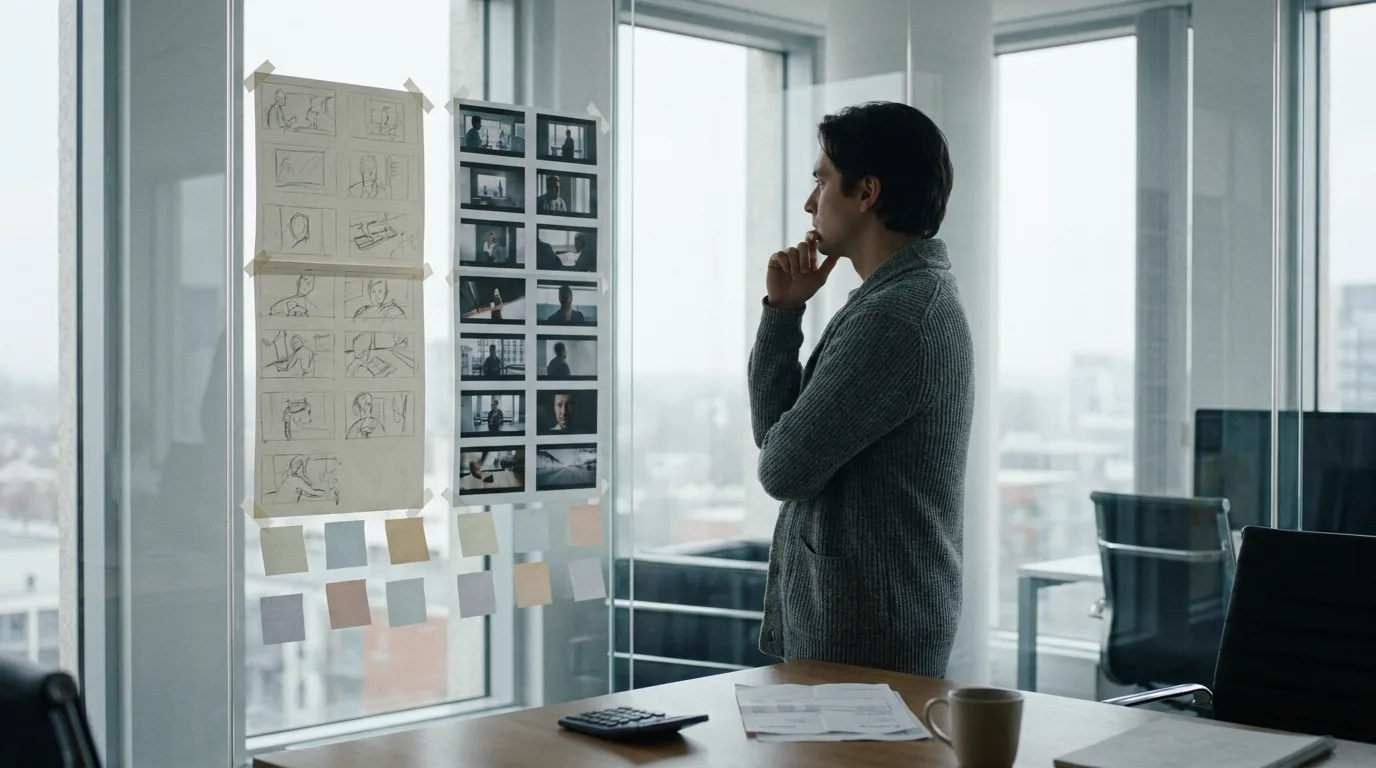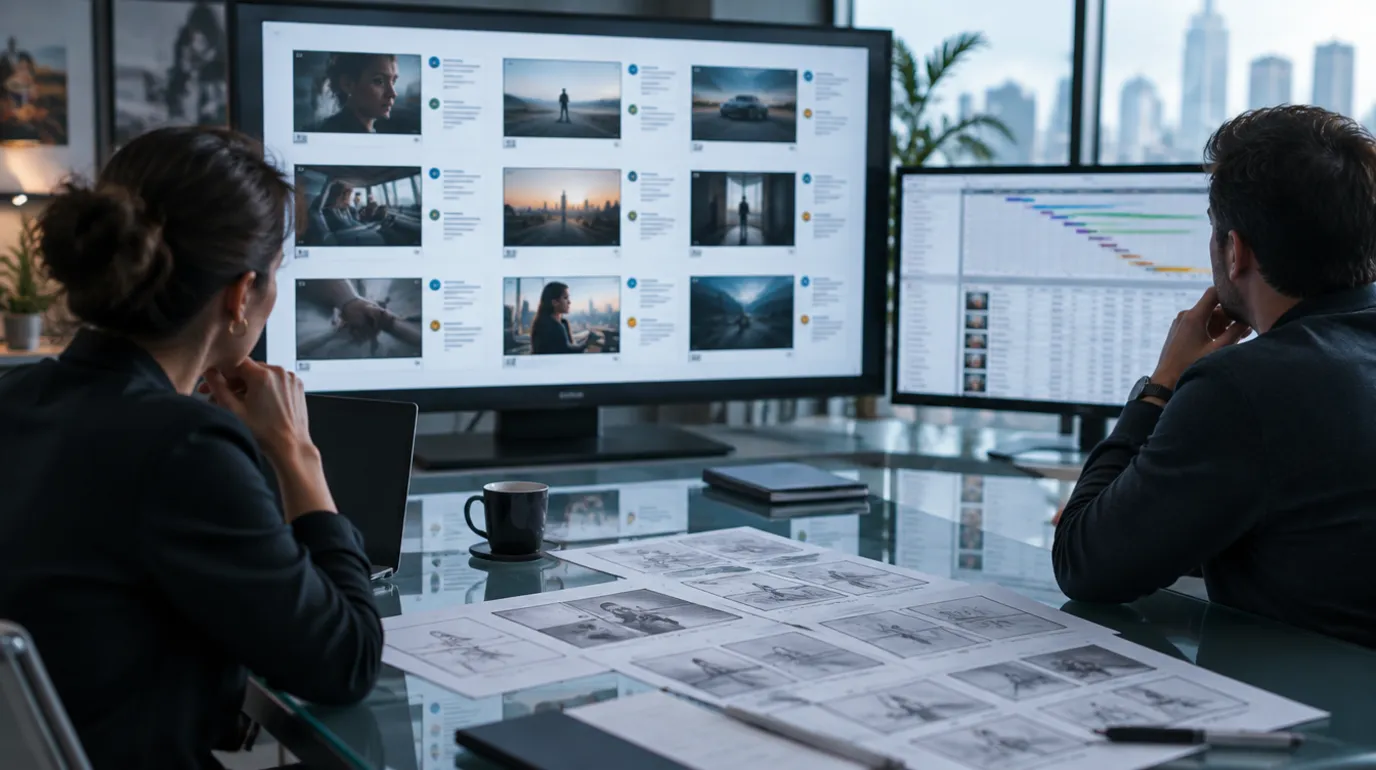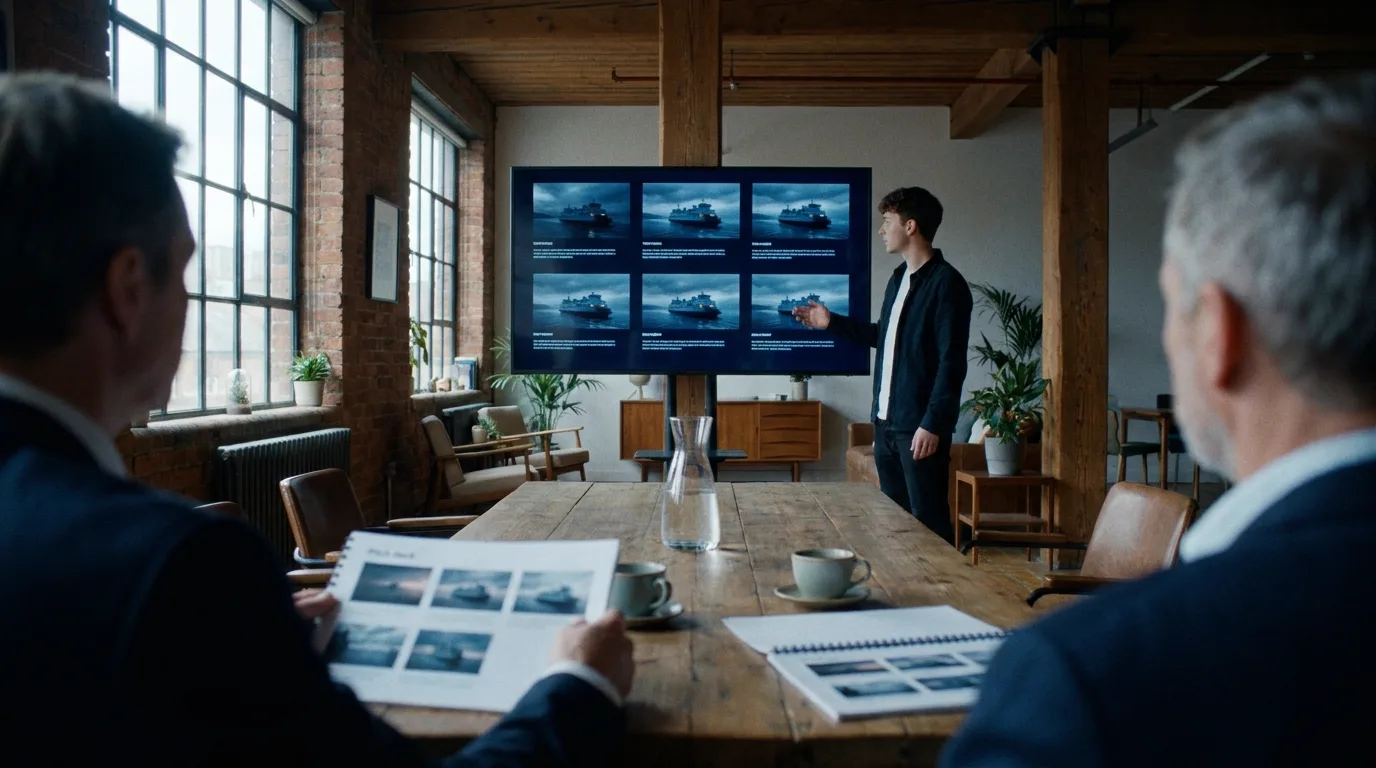

A pitch deck storyboard is one sequence, six to twelve panels, on one or two slides. It is not the film boarded end to end. Its job is to show that you can turn the logline into shots, which is the one thing a mood board of borrowed stills cannot prove. Pick the sequence a reader will doubt, board that, and stop.
The panels can be drawn or generated. If you want them generated from the pages, the script-linked storyboard workspace reads the scene and returns frames you can rearrange, and the layout advice below applies either way. What follows is the process: which sequence, how many panels, how to build them, how to place them on the slide. For the question of when in development you should visualise at all, read using generative storyboards responsibly first. That is the strategy piece. This is the build.
What a storyboard proves that a mood board cannot
Most decks already have a visual section. Film stills, a colour palette, a page of locations, maybe a costume reference. That page answers "what does it feel like." It does not answer "can this person shoot it," because every image on it was shot by somebody else.
A storyboard is the only page in the deck made entirely of your own decisions. Where the camera is. What size the shot is. Who is in frame and who is not. Where the cut lands. A reader who has sat through two hundred decks knows the difference between a filmmaker who has thought about coverage and one who has collected pictures, and the storyboard page is where it shows.
Two famous pitch documents mark the ends of the scale. The Stranger Things pitch bible, written when the show was still called Montauk, ran to roughly twenty pages styled like a worn Stephen King paperback, with reference stills from E.T., Close Encounters and Stand By Me. No storyboards at all. It sold on tone and prose, and it could, because the Duffers were pitching a world and a voice, and had a pilot script and a mock trailer alongside it.
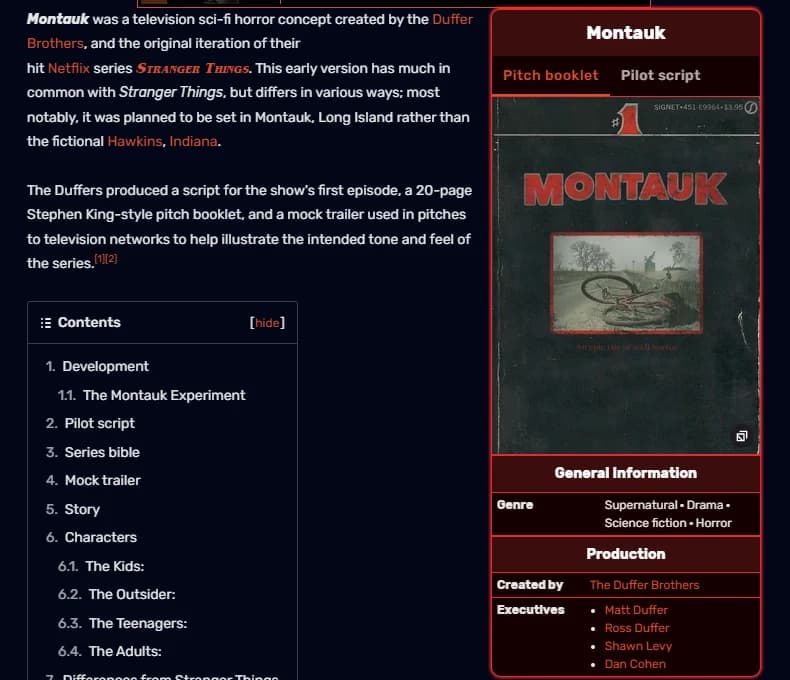
The Stranger Things wiki entry on the Montauk pitch package, captured 16 September 2026.
At the other end, George Miller and Brendan McCarthy developed Mad Max: Fury Road as a storyboard of more than 3,500 panels, drawn from the late 1990s, before the shooting script was assembled. Miller has since pushed back on the myth that the film had no screenplay, and IndieWire quotes him on it, but the pitch material was the boards, because the thing being sold was a two-hour chase and no synopsis can carry a chase.
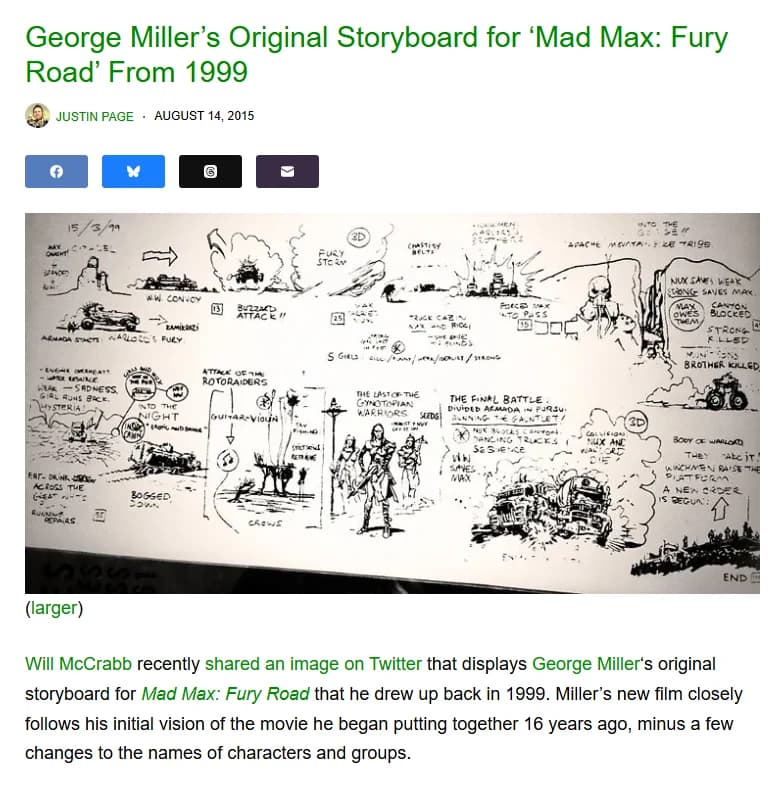
George Miller's 1999 Fury Road story sheet as posted by Laughing Squid in 2015, captured 16 September 2026.
Your deck sits between those two. You are not pitching a chase movie with three thousand panels and you are probably not a pair of showrunners with a finished pilot. You have a script and a look in your head, and one boarded sequence is how the look gets out of your head and onto the table.
Pick the sequence the reader will doubt
The instinct is to board the opening. Sometimes that is right. More often the opening is the safest scene in the script, and safe scenes do not need proving.
Board the scene that makes a producer put the synopsis down and think "how would they even shoot that." It is the scene where the budget lives, or the scene where the tone turns, or the one that only works if the camera does something specific. If a reader believes you can shoot that scene, they will believe the rest.
| Candidate sequence | Board it when | Skip it when |
|---|---|---|
| The opening | The film's grammar is unusual (long takes, a fixed frame, a format gimmick) and the first minute establishes it | It is a conventional establishing sequence any competent unit could cover |
| The set piece | The budget question is "can they do this for the money" | It is a spectacle scene that concept art sells better than panels |
| The tonal pivot | The genre shifts mid-film and the reader will not believe the shift from the synopsis alone | The shift is carried by dialogue, not by images |
| The quiet scene | The script is a two-hander and the pitch is "watch how I hold a room" | Nothing visual changes across the scene |
| The ending | The reader will ask "how do you pay this off" | The ending is a spoiler you are deliberately holding back |
Two rules apply whichever row you land on. Board a scene that exists in the script, in the draft you are sending, at the page count you are claiming. A panel that shows a shot the script does not contain is a contradiction a careful reader will find. And board one scene, not a highlight reel. Eight panels from eight different scenes is a mood board with extra steps; it proves nothing about coverage, because there is no cut between any two of them.
How many panels, and how many slides
A feature deck runs ten to twenty slides; a short film or proof of concept deck, six to eight. The slide-by-slide deck template walks the whole structure. The storyboard gets one slide in a short deck, two at most in a feature deck, and it lives in the visual section, after tone and before the team.
| Deck | Panels | Slides | Where |
|---|---|---|---|
| Short film or proof of concept (6 to 8 slides) | 6 | 1 | After the logline and the one tone slide |
| Feature (10 to 20 slides) | 8 to 12 | 1 to 2 | After the world and references, before key sequences |
| Series bible | 8 to 12 from the pilot | 1 to 2 | After the pilot synopsis |
| Appendix or look book | Up to a full scene, 20 to 40 | Separate document | Linked, not embedded |
The panel count comes from the scene, not from the slide. A sixty-second sequence is five or six shots in a drama and twenty in an action scene, and how many storyboard frames a minute of film needs covers the ratios. You then cut that to the eight or ten that carry the idea, or, for the drama, keep all of them and add the two frames that show the moves. If you cannot tell the sequence in twelve panels, you have picked a sequence that is too long, not a slide that is too small.
Anything beyond twelve goes into an appendix. Readers who want the full board will ask for it, and the ones who do not will have stopped turning pages.
Build the panels
1. Write the shot list first
Before anyone draws, list the shots. Number, size, angle, movement, one line of action, the script line it covers. The shot list versus storyboard article explains why the list comes first on a shoot; in a deck the reason is different. The list is what lets you cut twenty shots to ten without losing the sequence, because you can see which shots are coverage and which are ideas. Coverage goes. Ideas stay.
2. Decide the render style before the first frame
Pencil, clean line, greyscale render, full colour. The style is a promise about the film, so choose it to match the promise. A grounded drama boarded in glossy colour renders looks like a commercial. A stylised genre piece boarded in loose pencil looks unresolved. Whatever you pick, every panel on the page uses it. Mixed styles read as mixed confidence.
The storyboard cost comparison has the current numbers for an artist versus generation. For a deck the calculation is short: ten panels from a working storyboard artist is a small invoice, ten generated panels is an afternoon, and the reader will not care which you chose as long as the frames agree with each other.
3. Lock the faces and the place
Generated panels drift. The lead's jaw changes between frame three and frame seven, the kitchen gains a window. In a shoot that is an annoyance; in a deck it is fatal, because the reader is looking for exactly that kind of inattention. Build a reference sheet for each character and the location before generating a single panel. The free character consistency sheet produces the description block that keeps a face stable across frames, and the walkthrough of boarding a script with AI shows where the sheets plug in.
If you are drawing by hand, the equivalent is a one-line model description on the shot list so the artist draws the same person ten times.
4. Generate or draw, then cut
Produce every shot on the list. Lay them all out. Then remove panels until the sequence still reads and the page breathes. The cut is where most decks fail: the filmmaker keeps every frame because every frame cost something. A reader does not know what it cost. They know whether the page is dense.
5. Caption every panel with two things
Shot size and the script line. "MCU. She does not answer." That is the entire caption. No camera arrows, no lens, no movement notes; those belong on a shooting board, and a deck reader who sees them assumes you have confused the documents. The visual grammar of shot types has the size vocabulary if you need it. The script line does the real work: it ties the picture to the pages, and it shows the reader that the frame came from the writing rather than from an image search.
Try it free
Try ScreenWeaver for free on your script
It is free. Import your existing project, get a clearer view of your outline, and regain control of your story structure in minutes.
Start FreeLay the panels on the slide
The slide is 16:9. The panels should be too, unless the film is not, in which case the panels carry the film's ratio and the slide background carries the difference. A 2.39:1 film boarded in 4:3 panels tells the reader you have not thought about the frame you are selling.
A checklist for the page:
- Two rows of three, or three rows of three, on a plain background. Filmstrip layouts look good and read badly, because the eye has to travel further between cuts.
- Same size for every panel. A hero panel blown up in the middle breaks the sequence.
- Gutters wide enough that panels do not touch. A touching gutter reads as one wide image.
- Captions under the panel, one line, same font as the deck body text, no italics.
- Reading order left to right, top to bottom, and nothing else. No numbers on the frames; the order is the number.
- The last panel is the button. It should be the frame you would freeze on if the sequence were a trailer.
- No arrows, no lens notes, no timing. If a panel needs a note to be understood, the panel is wrong.
- One heading for the slide: the scene name and its page number. "The Ferry, pp. 42 to 44."
- Export at the deck's resolution, not the panel's. A 4K render scaled onto a slide is wasted bytes in a PDF that is going to be emailed.
If you want to sketch on paper before laying out, the free storyboard template generator prints six 16:9 frames a page with a caption line under each, which is the same grid you will end up with on the slide.
Sketched or rendered: what reads in the room
For a pitch, rendered panels beat sketches, and it is not close. One exception, below.
A sketch says "I have a plan." A rendered panel says "I have a look." Decks are about the look. The plan is proven by the shot list and the schedule slides. A reader looking at a grey pencil board is doing the imagining for you, and the whole point of the page was to stop asking them to.
The exception is a reader who is a director themselves, or a producer who has sat in enough edits to distrust polish. For that room, a clean line board with the tone slide doing the colour work can land better, because it reads as craft rather than as sales. Know who is in the room.
A reader in 2026 can tell when panels were generated, and increasingly does not mind, provided the frames agree with each other and the faces do not shift. What they mind is a panel that looks like a stock render of a generic scene. The fix is the same as in step 3: specific references, specific location, the actual script line under the frame. A generated panel that matches page 42 is a storyboard. A generated panel that could belong to any film is decoration, and the concept art from scene descriptions piece is blunt about where that line falls.
The mistakes that get a deck closed
All eight turn up in real decks, usually in the same deck.
- Boarding the whole film. Forty panels across six slides. The reader stops looking at panels and starts counting pages.
- Panels that contradict the synopsis. The synopsis says she leaves; the panel shows her staying. The reader now trusts neither.
- Mixed aspect ratios. Three panels at 16:9, two at 4:3, one square, because they came from different sessions.
- A different lead in every frame. The single most common failure in generated boards, and the easiest to prevent.
- Shooting-board notation. Arrows, lens lengths, "DOLLY IN," timing in seconds. Wrong document.
- A storyboard of a scene that is not in the draft attached. Usually because the scene was cut and the board was too nice to lose.
- No captions. The reader cannot connect the panels to the pages, so the panels float.
- The hero frame in the middle at double size. It breaks the reading order and makes the other five look like filler.
Where the panels come from in ScreenWeaver
The storyboard workspace is attached to the script, so the sequence you board is the sequence in the draft, at the page numbers you are quoting. The scene text sits in a reader beside the frame you are composing, the characters and places come from the script as entities with their own reference sheets, and each shot carries its action text, shot size, camera movement and duration before anything is rendered. Citing a character's sheet inside the action text is what keeps the same face in frame three and frame seven. Writing and structure are free; board generation is a paid feature (the Auteur plan, $39.99 a month) and each image draws credits, so do the cutting at the shot-list stage, where it costs nothing.
That does not decide which scene to board or how many panels to keep. Those are the judgement calls above, and they are yours.
FAQ
Should a film pitch deck include a storyboard?
Include one boarded sequence, six to twelve panels, when there is a scene the reader will doubt from the synopsis alone. If the film's appeal is tone and voice rather than a specific piece of staging, a strong reference page can do the work and the storyboard becomes optional. Never include a board of the whole film in the deck itself; that goes in an appendix if anyone asks.
How many storyboard panels go in a pitch deck?
Six for a short film deck, eight to twelve for a feature or series deck, on one or two slides. Cut from the full shot list rather than boarding fewer shots to begin with, so the panels you keep are the ideas and not the coverage.
Storyboard or concept art for a pitch deck?
Different jobs. Concept art sells a single image: a creature, a set, a costume, a world. A storyboard sells a sequence: how shots follow each other and where the camera is. Big-world genre projects usually need both; a contained drama usually needs the storyboard and a tone page. The concept art piece on this blog covers the single-image side.
Can I use AI-generated storyboard panels in a pitch deck?
Yes, and many decks now do. The conditions are consistency and specificity: the same faces and places across every panel, the film's aspect ratio, and a script line under each frame so the panel is clearly derived from the pages. A reader objects to a board that looks generic, not to a board that was generated.
Should the storyboard panels be in colour?
Match the promise of the film. Rendered colour panels sell a look and suit most pitches. Clean line or greyscale suits a room of directors and producers who read polish as sales, or a film whose look is deliberately austere. Whichever you choose, use it for every panel on the page.
Where does the storyboard slide go in the deck?
In the visual section, after tone and references and before the team and budget slides. In a series bible it follows the pilot synopsis. It should never be the first slide, because the reader needs the logline and the world before the panels mean anything.
Writing is free
Write your next script with ScreenWeaver
Write for free, export to PDF and Final Draft, and turn your scenes into a storyboard when you are ready.
Start writing free