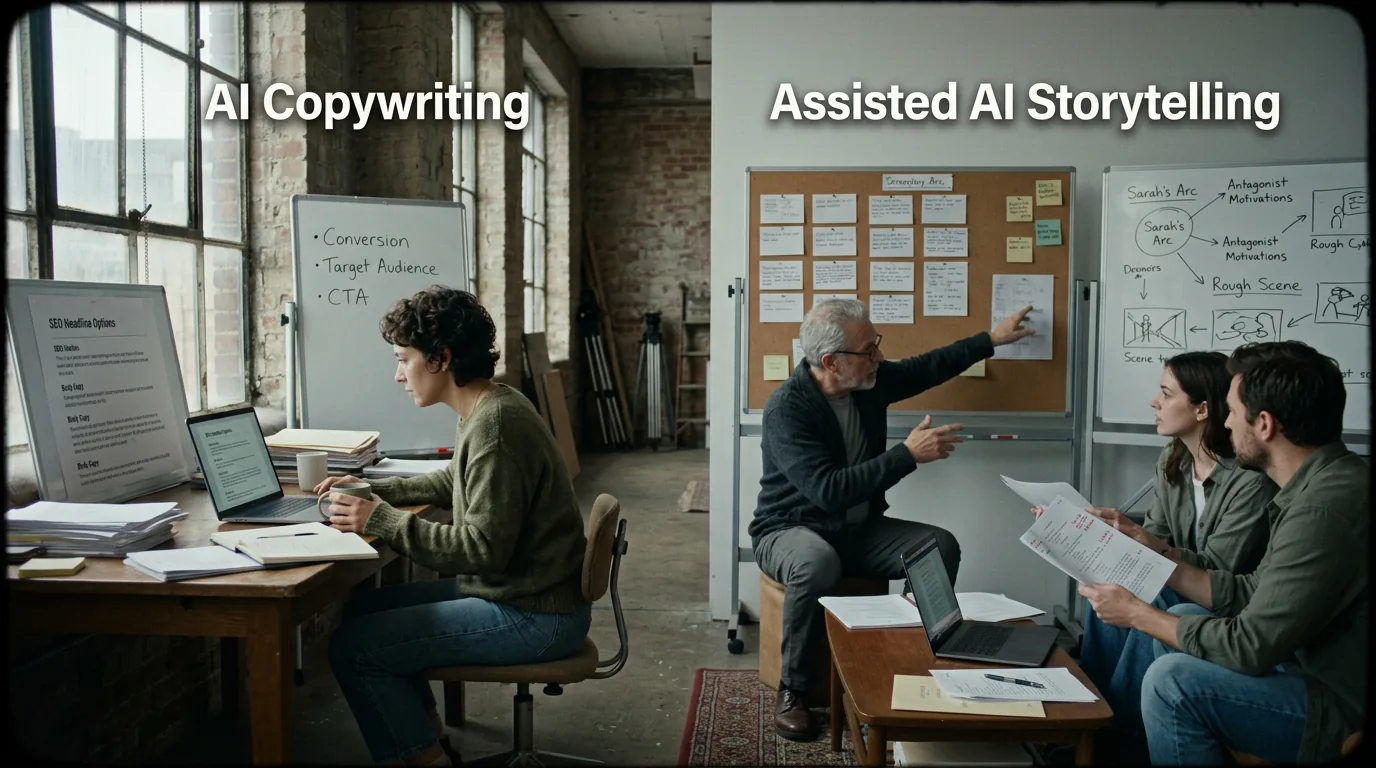
The investor meeting is in three days. You have the logline. You have the treatment. You even have a rough pitch deck, but every slide that should show your vision looks like a placeholder from a free stock photo site. The problem is obvious: you wrote a noir-drenched heist film set in an underground Montreal speakeasy during a blizzard, and you're showing people generic images of men in suits looking pensive.
Your words are there. Your vision isn't. Yet.
Here's the thing about concept art for pitch decks: it was never supposed to be cheap or fast. Studios pay tens of thousands for concept artists to illustrate key frames. Indie producers trade favors with friends who went to art school. And for years, if you didn't have a budget or a contact, you were stuck with mood boards cobbled together from Pinterest and hope. But the tools available today, specifically image generators that can interpret descriptive prompts, have shifted the calculus. You can now go from scene description to custom visual asset in minutes. Not perfectly. Not without learning curve. But meaningfully enough to change how you pitch.
This isn't about replacing artists. It's about giving writers without access a seat at the table where decisions get made with visuals, not just words. And it starts with understanding what these tools actually do well, what they butcher, and how to extract useful output from your script without burning hours on dead ends.
Free tool: use the Logline Workshop to build and pressure-test your logline.
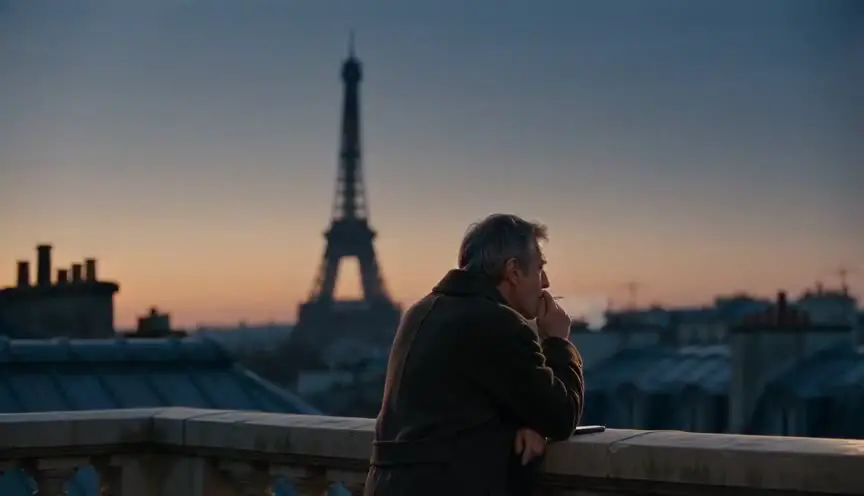
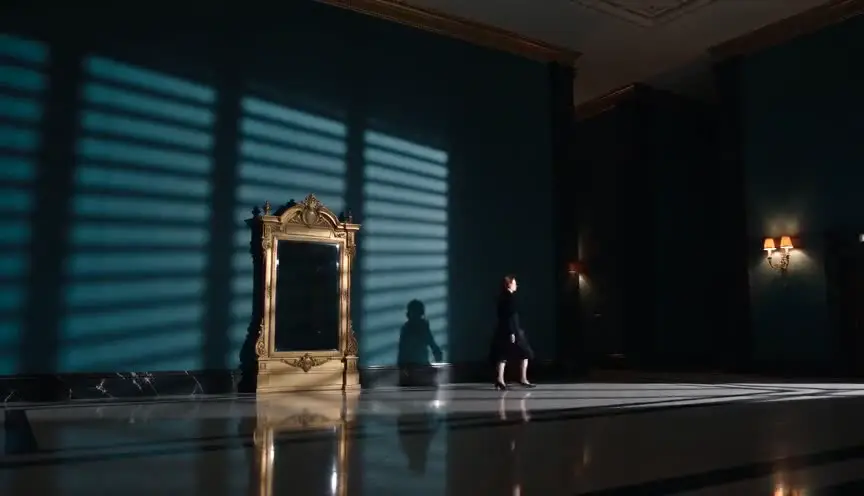
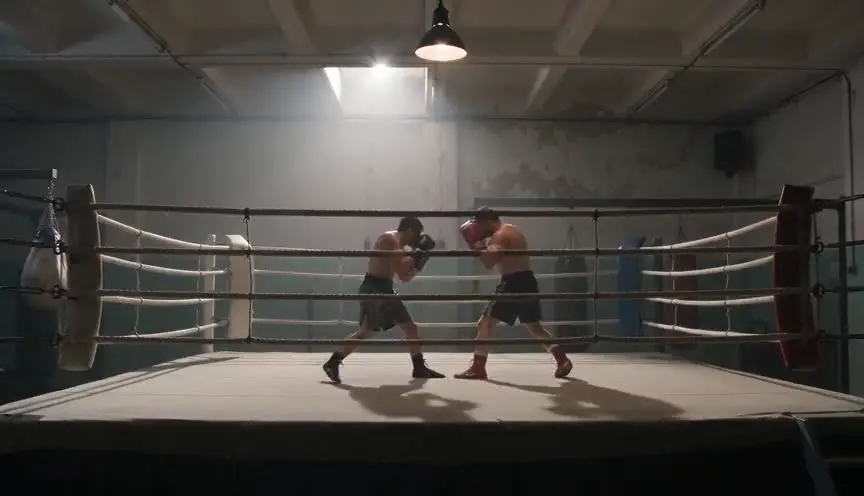
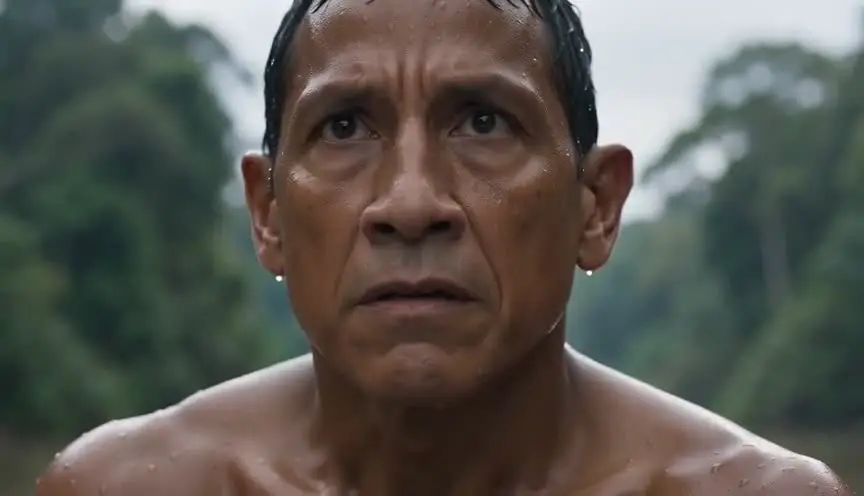
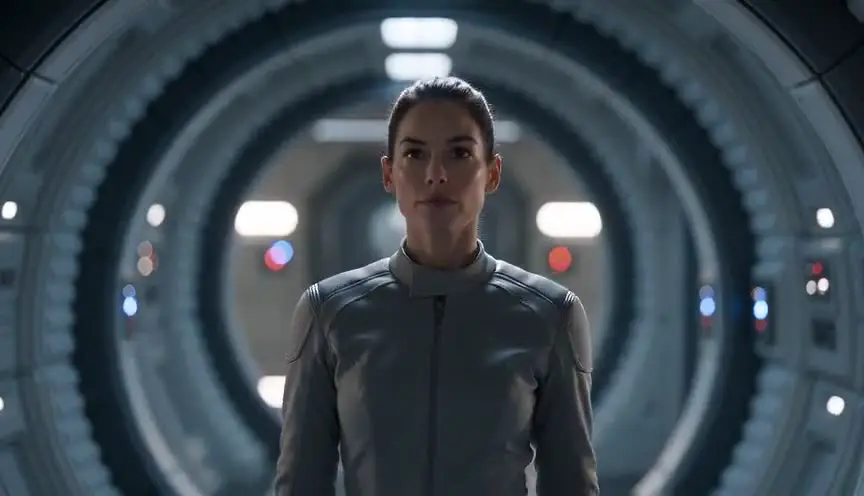
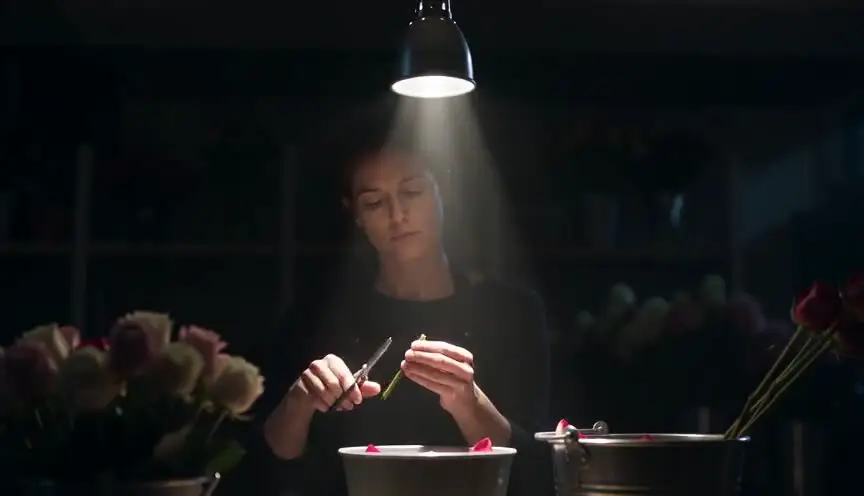
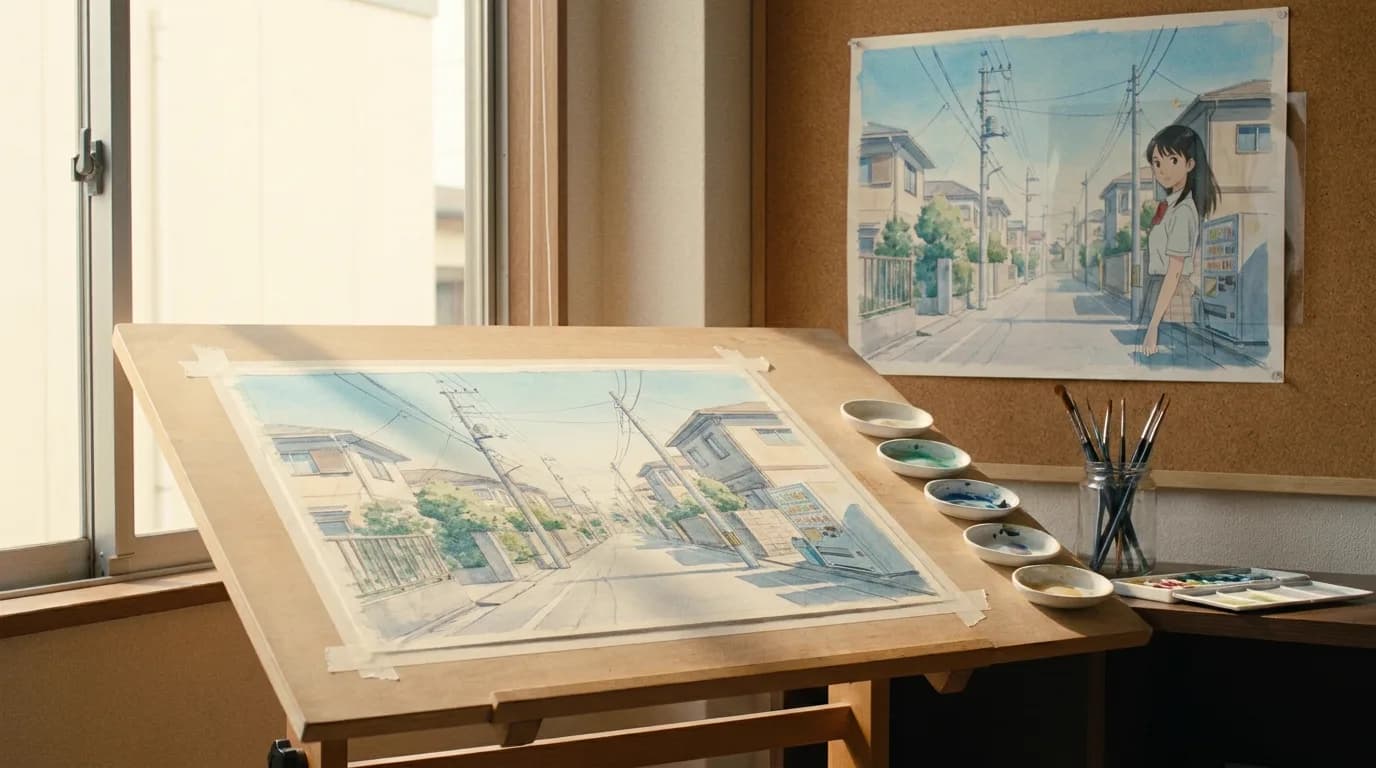
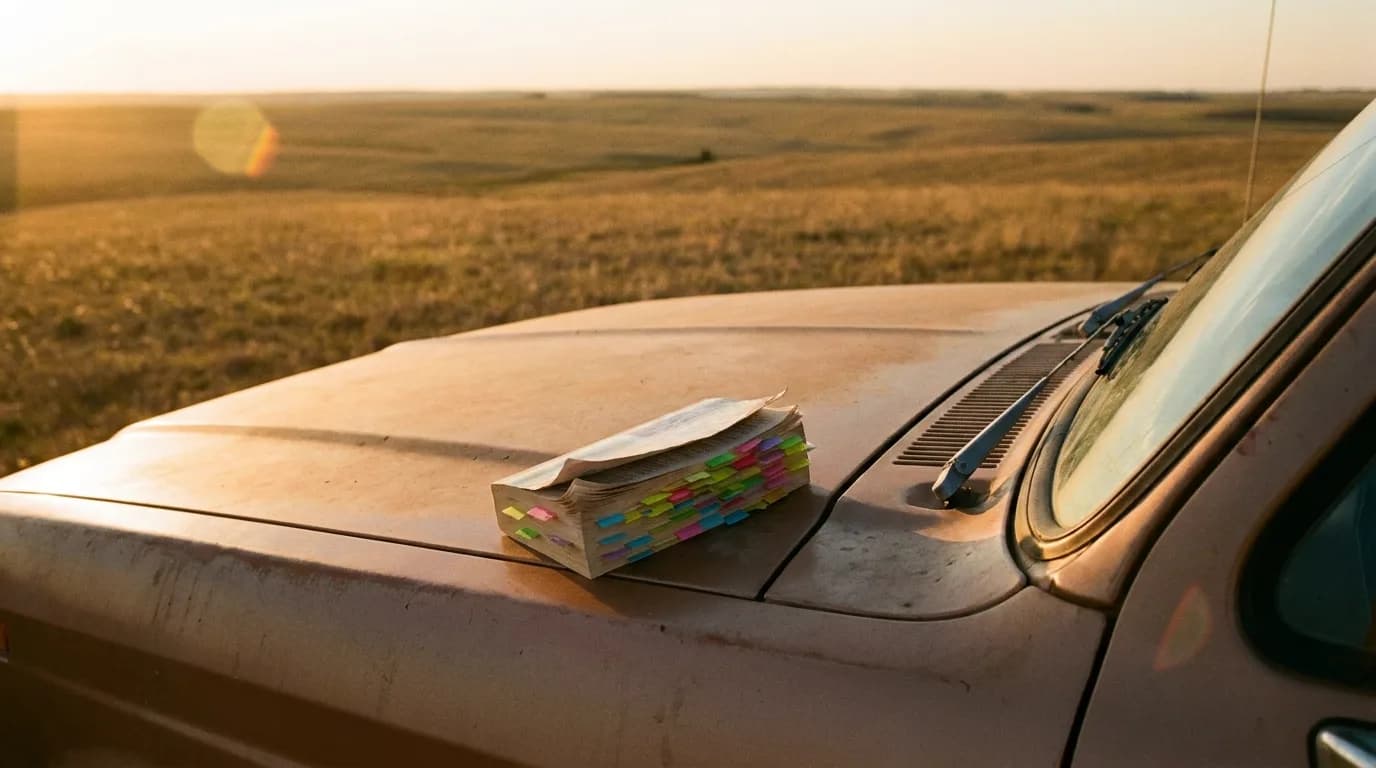
Cinematic workflow frames
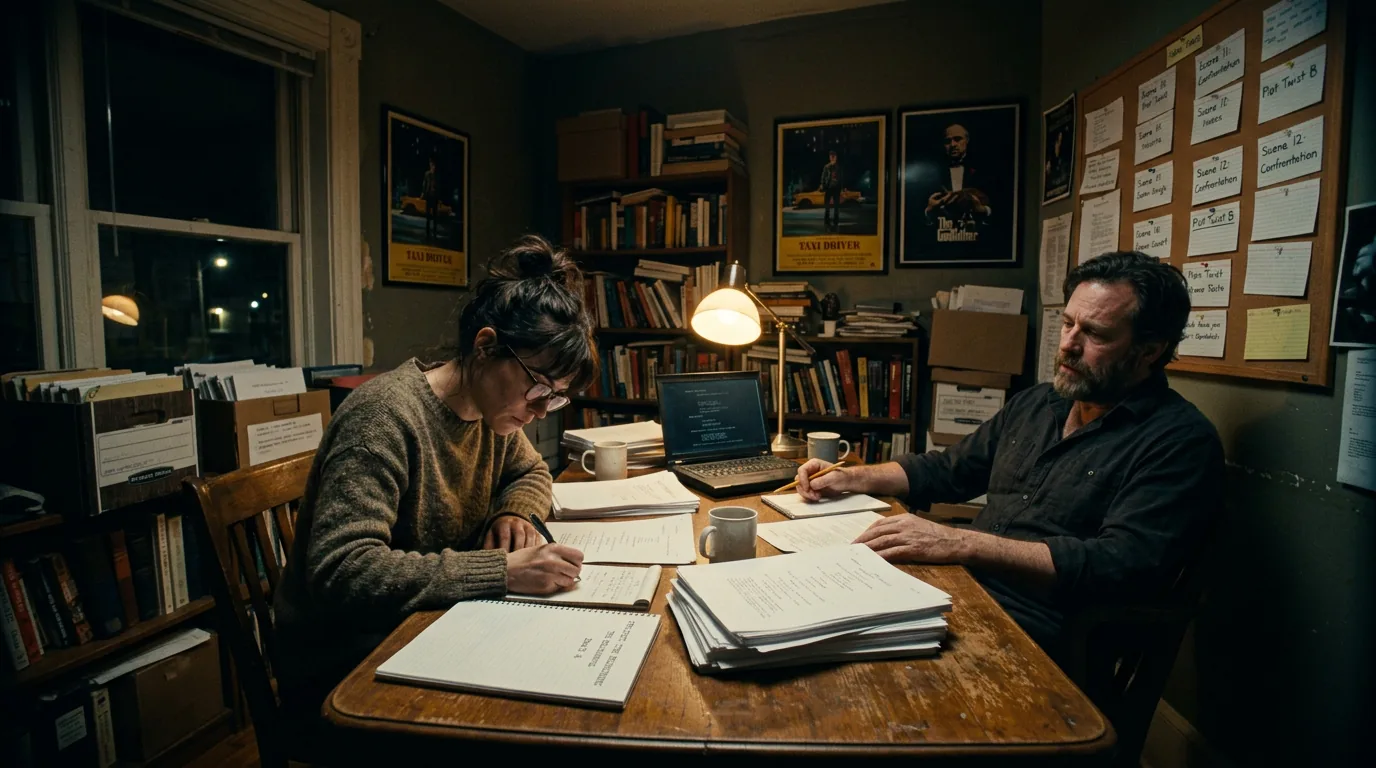
These two visuals work as a pair: the first shows Cinematic workflow still, first angle, 35mm film grain, and the second shifts to Cinematic workflow still, second angle, 35mm film grain - compare them briefly, then move on.
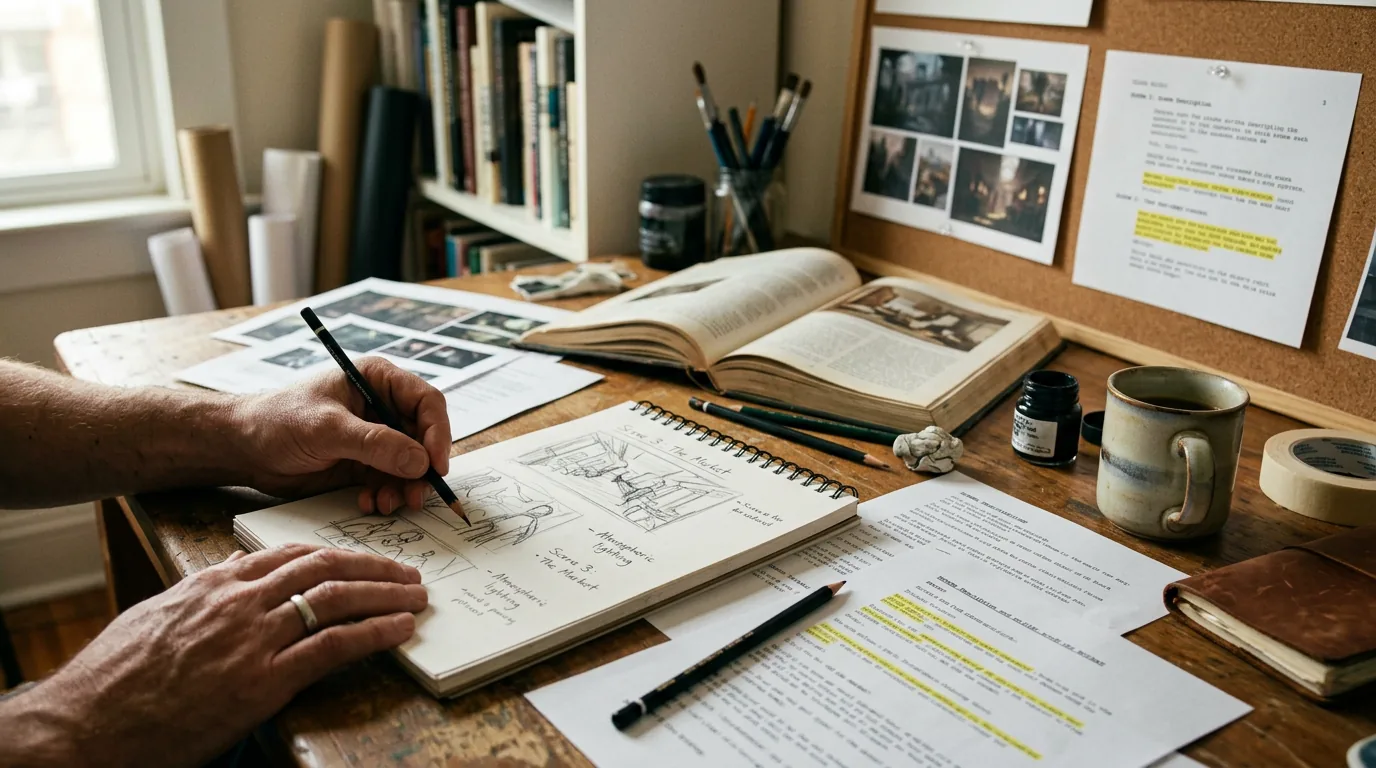
The Real Problem: Pitch Decks Are Visual Arguments
Most screenwriters underestimate how much visual evidence matters in a pitch. You can describe the tone of your film brilliantly. You can nail the elevator pitch. But when an executive flips through your deck after you leave the room, what do they see? Text and stock photos. Or worse, nothing.
A pitch deck is a visual argument. It's not a document someone reads carefully; it's a stack of impressions that sit in someone's memory for three seconds per slide. Color. Mood. Character silhouettes. Location atmosphere. These do more work than your carefully chosen adjectives.
The problem is that screenwriters traffic in words. Producers and financiers traffic in images. Every meeting is, to some extent, a translation problem. And concept art, real, specific, aligned-with-your-script concept art, is how you bridge that gap.
The difference between "a gritty neo-noir thriller set in Quebec" and showing someone the frozen alley behind a speak-easy lit by a single amber light is the difference between telling and showing. In a pitch deck, showing wins.
For decades, the barrier was simple: concept art required artists. Artists required money or relationships. Most emerging writers had neither. So the workaround was the mood board, grab stills from Blade Runner, Se7en, and Heat, slap them together, and hope the reader squints past the fact that none of these images are from your movie.
Mood boards still work. But now there's another option: generating images that actually match your scene descriptions. Not reference images from existing films. Original images that depict your world, your characters, your light.
What Scene Descriptions Actually Contain (And What They Don't)
Before you open any image generator, you need to understand what's already in your script, and what isn't.
Your scene descriptions are written for a reader, usually a producer, director, or actor. They're designed to evoke feeling and suggest action, not to specify visual composition. A line like:
"A cramped office. Stacks of yellowed paper everywhere. MARLA, 40s, sits behind a desk buried in files, cigarette smoke curling toward a cracked ceiling light."
This is rich. It gives us location (office), clutter (papers, files), character (Marla, middle-aged), atmosphere (smoke, cracked light), and an implied economic status (cramped, disrepair). A concept artist would take this and make decisions about color palette, camera angle, the specific texture of the ceiling light, whether the papers are legal documents or newspapers, what Marla is wearing.
You will need to make some of those decisions yourself, or let the generator make them for you, which produces variable results.
Here's why this matters: image generators interpret language literally and sometimes erratically. "Yellowed paper" works well. "Cigarette smoke curling" might produce something usable or something cartoonish, depending on the model. "Cracked ceiling light" could yield an evocative chiaroscuro effect, or a glowing orb in the wrong place.
The skill you're developing here is prompt translation: taking descriptive prose written for emotional resonance and reshaping it into prompts written for visual fidelity.
Breaking Down the Workflow: From Page to Image
Let's walk through the actual process, because generalities won't help you when you're staring at a cursor and wondering what to type.
Step One: Identify the Hero Frames
Your pitch deck doesn't need art for every scene. It needs images for key moments: the establishing shots, the turning points, the set pieces. These are the visual anchors of your story. For a feature, you might need five to ten images total. For a short film, three might be enough.
Go through your script and mark the scenes that define the tone. Usually, these include:
- The opening image or location
- The protagonist's introduction
- The central location or world
- One or two action set pieces or dramatic peaks
- The climax environment
Think of it this way: if you were making a trailer, what would the poster frames be?
Step Two: Extract and Expand the Description
Take your scene description and expand it with visual specifics. Here's where you leave screenwriting mode and enter art direction mode.
Original:
"EXT. TRAIN YARD – NIGHT. A rusted locomotive sits under a sodium-vapor light. LENA approaches on foot, duffel bag over her shoulder."
Expanded prompt:
"A desolate train yard at night. A rusted red freight locomotive sits motionless under a single sodium-vapor light casting an orange glow. Puddles on the cracked asphalt reflect the light. In the foreground, a woman in her 30s, wearing a dark coat, approaches with a heavy duffel bag. The background fades into darkness. Gritty, cinematic, wide shot, shallow depth of field. Photorealistic. Moody neo-noir lighting."
Notice what was added: color (red locomotive, orange glow), texture (cracked asphalt, puddles), composition (wide shot, foreground figure), style descriptors (gritty, cinematic, photorealistic, neo-noir).
Image generators don't know your movie. They know language associated with images. The more specific and visually directive your prompt, the closer you'll get to what you actually imagined.
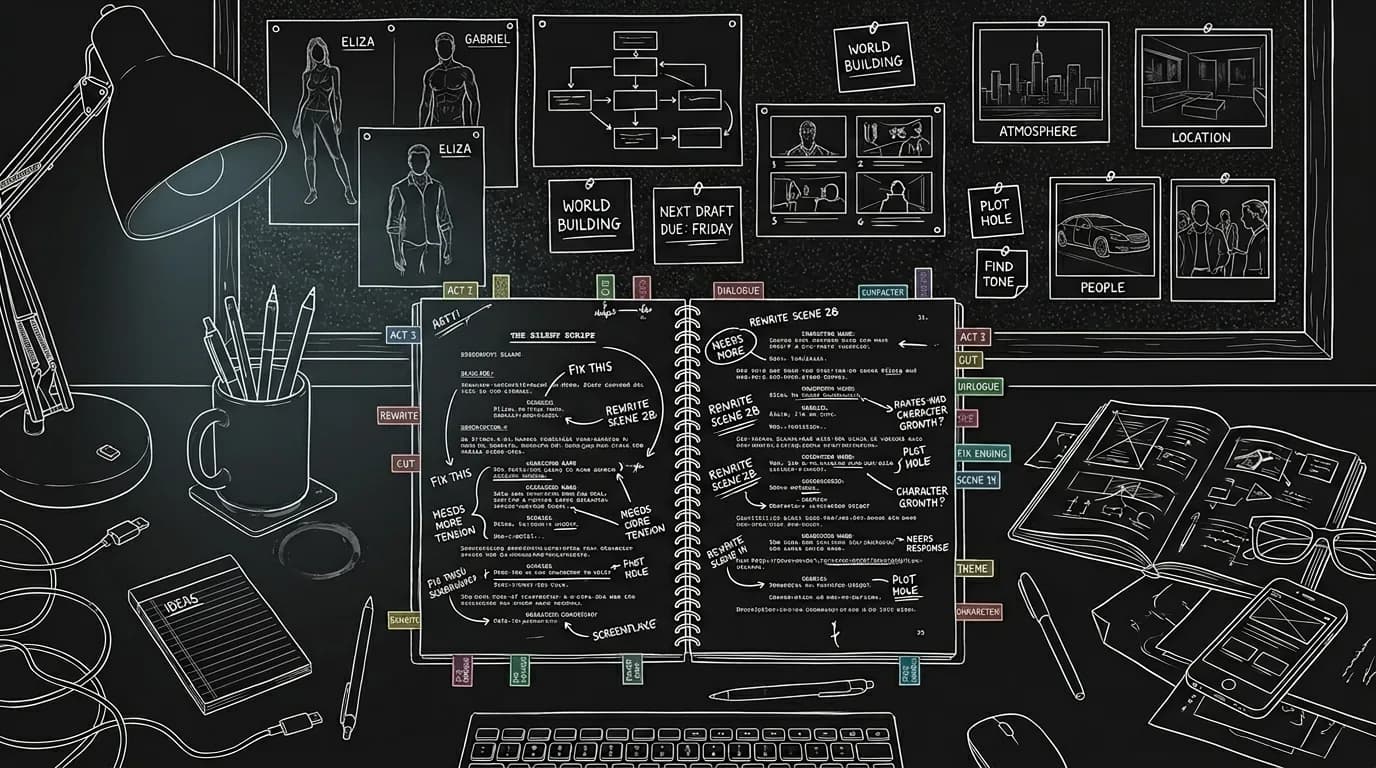
Step Three: Run and Iterate
No generator gets it right on the first try. Expect to run four to eight iterations for each concept before you get something usable. Sometimes the framing is off. Sometimes the face looks wrong. Sometimes the generator interprets "sodium-vapor light" as "giant glowing orb."
Learn the tool's vocabulary. If it keeps making faces too smooth and symmetrical, add "realistic skin texture, slight imperfections." If the lighting is too flat, add "strong directional lighting, deep shadows." If the composition is too centered, specify "rule of thirds, subject off-center."
This is the learning curve. And it's real. The first time you use these tools, you'll waste an hour generating images that look nothing like your film. By the fifth time, you'll have developed a personal prompt library and know what phrases trigger the effects you want.
Step Four: Select and Refine
From your batch of iterations, choose the image that's closest to your vision. Most tools allow for "inpainting" or region-specific edits, you can change just the background, or just a character's clothing, or just the lighting on one side of the frame. Use these features sparingly, because over-editing often introduces artifacts or destroys coherence.
Sometimes the image is eighty percent right but has one glaring flaw: the character's face looks weird, or there's an extra limb. For pitch deck purposes, you can often crop, darken, or strategically blur problem areas. You're not submitting this to a museum. You're creating a visual impression that lasts three seconds.
What These Tools Get Right (And Spectacularly Wrong)
Let's be direct about the strengths and weaknesses, because overpromising leads to frustration.
| Strength | Weakness |
|---|---|
| Atmosphere and mood: These tools excel at lighting, color palettes, and general "feel." | Human faces: Still inconsistent. Close-ups often require heavy manual tweaking or outright avoidance. |
| Environments and locations: Interiors, exteriors, landscapes tend to render well. | Hands and fine details: You'll get six fingers, blurred hands, melting props. |
| Composition and framing: You can usually guide wide/close, symmetry, depth of field. | Text and signage: Forget trying to generate readable text on a neon sign or document. It's gibberish. |
| Costume and silhouette: General wardrobe and body language come through. | Consistency across images: Getting the same character to look the same across multiple images is difficult. |
| Stylized aesthetics: If you want "noir," "sci-fi," or "western," the style will be recognizable. | Literal accuracy: If you need "exactly a 1987 Ford Taurus," you'll get "something that looks like a car from the 80s." |
Use the strengths. Work around the weaknesses. Don't generate close-ups of faces unless you're prepared to discard ninety percent of the results. Focus on mood, location, and composition, the things that define a pitch deck anyway.
The "Trench Warfare" Section: What Beginners Get Catastrophically Wrong
This is where we stop being polite and start being specific about failure modes.
Failure Mode #1: Using Scene Descriptions Verbatim
You paste your action line into the prompt box and expect magic. You get garbage. Why? Because screenwriting prose is optimized for economy of language, not visual specification. "She walks in, pissed" is great for a script. It's useless as an image prompt. The generator doesn't know what "pissed" looks like. You need to translate: "A woman in her 30s enters a dingy apartment, jaw tight, posture stiff, fists clenched at her sides, sharp overhead lighting casting hard shadows on her face."
How to Fix It: Before pasting anything, reread the description and ask: What does this actually look like? Then write a new version for the machine.
Failure Mode #2: Ignoring Style Anchors
You describe the scene perfectly but forget to tell the generator what kind of image you want. Is it photorealistic? Painterly? Noir? Sci-fi? The generator doesn't assume a style; it averages across everything it's seen. If you don't specify, you'll get something that looks like a random Shutterstock composite.
How to Fix It: End every prompt with style anchors: "Cinematic, photorealistic, 35mm film grain, moody lighting, directed by Denis Villeneuve" or "Stylized illustration, graphic novel aesthetic, bold shadows, limited color palette." These anchors do more work than the rest of your prompt combined.
Failure Mode #3: Overcrowding the Prompt
You describe every character, every prop, every piece of furniture, the time of day, the weather, and the backstory, all in one prompt. The generator chokes. It tries to render everything and renders nothing well. You get a chaotic mush.
How to Fix It: Simplify. Focus each prompt on one or two visual priorities. If the scene has a protagonist and a location, generate them separately and composite later, or generate the location and leave the figure vague (silhouette, back to camera).
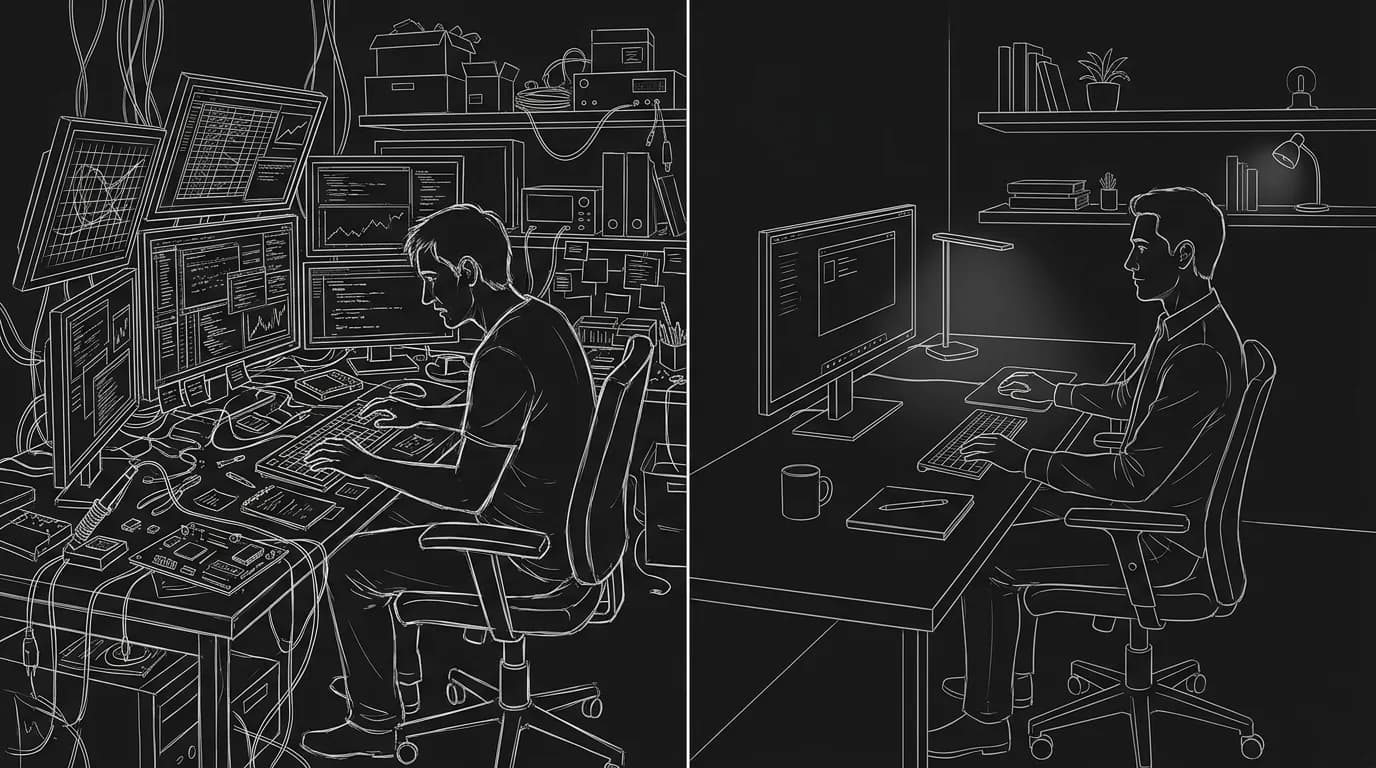
Failure Mode #4: Expecting Consistency Across Images
You generate five images for five scenes and each one looks like a different movie. Different color temperatures, different aspect ratios, different degrees of realism. The pitch deck feels like a collage of unrelated projects.
How to Fix It: Establish a style guide before you start generating. Choose a consistent palette (warm and desaturated, or cold and high-contrast), a consistent level of realism, and a consistent framing philosophy (wide establishing shots vs. intimate close-ups). Then bake those choices into every prompt. If you want the deck to feel like one film, the prompts must feel like one set of instructions.
Failure Mode #5: Falling in Love with the First Output
The generator gives you something that's kind of close. You stop there. You put it in the deck. In the meeting, you realize it doesn't quite work, the lighting is wrong, the character's silhouette doesn't match your description, the atmosphere is off.
How to Fix It: Treat the first output as a draft, not a deliverable. Run variations. Push for better. Most generators allow you to use an image as a reference and ask for "more like this, but with X change." Use that feature. Don't settle until the image could genuinely belong in your film's visual canon.
Failure Mode #6: Overreliance on Generated Art
You fill every slide with generated images. The deck starts to feel uncanny, or samey, or disconnected from reality. Investors sense that something is "off" but can't articulate it.
How to Fix It: Mix generated concept art with real reference images. Use actual location photos, real casting ideas (public-domain headshots or stills from actors' past work, used clearly as references), and hand-drawn diagrams where appropriate. The generated images should feel like accents, not wallpaper.
Try it free
Try Screenweaver for free on your script
It is free. Import your existing project, get a clearer view of your outline, and regain control of your story structure in minutes.
Start FreeThree Realistic Scenarios: Where This Works (And Where It Doesn't)
Scenario A: The Micro-Budget Horror Pitch
You're pitching a contained horror film, five characters, one location, a farmhouse during a blackout. You have no budget for concept art, and your director friend's sketches look like stick figures.
What to generate: The farmhouse exterior at night (wide shot, no visible characters). The interior living room lit only by candles. A hallway with a single light at the end. A window showing a silhouetted figure outside.
Pitfalls to avoid: Don't try to generate the monster or any close-up horror imagery, faces and creatures are unreliable. Use silhouettes and shadows. Let the atmosphere do the work.
Outcome: Four images. Consistent dark palette. Feels like a horror film you could make for $200K. The investor can see it.
Scenario B: The Period Drama with Elaborate Locations
You're pitching a drama set in 1920s Shanghai. You have no way to travel there, and stock photos of modern Shanghai are useless. You need to show the world.
What to generate: Wide shots of period-appropriate streets (rickshaws, colonial architecture, paper lanterns). An interior of a wealthy household (art deco furniture, silk screens). A waterfront dock at dawn.
Pitfalls to avoid: Don't overspecify historical accuracy; the generator will get details wrong (wrong era of clothing, anachronistic vehicles). Focus on feel, not documentation. Use the images to suggest the world, then clarify in your verbal pitch.
Outcome: Three or four establishing shots that feel lush and specific. The investor thinks: This looks expensive but achievable.
Scenario C: The Sci-Fi Short with No Budget
You're a first-time filmmaker pitching a proof-of-concept short set on a space station. You have $5,000 total. You need investors to believe you can pull off the visuals.
What to generate: Corridors, control rooms, exterior shots of the station (wide, miniature-scale feel). Interior quarters with visible wear and grime. A viewport showing a planet below.
Pitfalls to avoid: Don't promise photorealism; it will look fake. Lean into stylization, "used future," "lo-fi sci-fi," "practical effects aesthetic." Make it clear the images represent tone, not VFX breakdown.
Outcome: Six images that feel coherent. The pitch emphasizes practical builds and limited CGI. Investors understand you're going for Moon or Dark Star, not Interstellar.
How to Organize Your Prompts for Efficiency
Once you've been through the workflow a few times, you'll want to systematize. Here's a structure that works:
Create a prompt document for each project. At the top, establish your style anchors, the phrases you'll append to every prompt. Below that, list each target scene with its original action line, your expanded prompt, and notes on what worked/didn't work in generation.
This document becomes your art direction bible. If you hand off to a concept artist later (or if you need to regenerate images for a different slide size), you have a record.
Example header:
Project: The Last Speakeasy Style Anchors: "Cinematic, 35mm film grain, neo-noir, cold desaturated palette, strong directional lighting, shallow depth of field, photorealistic" Negative Anchors: "No cartoons, no 3D renders, no neon, no glossy surfaces"
Then list each image target:
Image 1 – Exterior speakeasy entrance
Original action line: "A narrow stairwell descends below a laundromat. Neon from above casts blue shadows on the steps."
Expanded prompt: "A narrow concrete stairwell descending into darkness below a run-down laundromat. Blue neon light from a sign above casts cold shadows on the steps. Wet pavement. A single figure at the bottom of the stairs, silhouetted. Cinematic, 35mm film grain, neo-noir..."
Notes: v1 had too many figures. v3 worked after simplifying to one silhouette. Crop out upper left corner (artifact).
This level of documentation sounds tedious, but it saves you from re-learning the same lessons on every project.
When to Use Generated Art (And When to Skip It)
Generated concept art works best when:
- You have no budget for a professional concept artist.
- The pitch is early-stage, you're trying to get a meeting, not close financing.
- Your film relies on atmosphere and location more than close-up character work.
- You need images fast, the meeting is next week and there's no time to commission art.
Generated concept art is risky when:
- The pitch requires character likenesses, casting packages or specific actor references.
- Investors expect polished, production-ready materials, here, subpar AI art will hurt you.
- Your film's visual hook is highly specific practical effects or creatures, unreliable terrain for generation.
- You're pitching to an audience that has seen a lot of AI-generated content and will clock it immediately.
Know your audience. A savvy executive who's seen a hundred pitch decks this month will recognize generated art instantly. That's not automatically bad, it shows resourcefulness, but it's bad if the art looks generic or half-finished. The standard isn't "this was made by a computer." The standard is "this helps me see the movie."
Integration with Your Pitch Deck: Practical Layout Notes
You've generated the images. Now they need to work inside the deck.
Keep image-to-text ratio high. A strong concept image should take up most of the slide. One line of text, a scene heading, a location name, is enough. Don't caption your art with paragraphs.
Maintain visual consistency. Use the same filters, the same border style (or no border), the same aspect ratio across all images. If your images look like they came from different projects, the deck feels amateurish.
Place concept art on specific slides. Not every slide needs an image. Use concept art for: title slide (hero image), world/setting slide, one or two key set-piece slides, and optionally the closing slide. Logline and story structure slides can be text-only or text-with-simple-graphics.
Control the resolution. Images that look crisp on your laptop may pixelate on a projector or a large screen share. Export at the highest resolution available and test before the meeting.
For more on deck structure itself, see the slide-by-slide pitch deck template we've covered elsewhere on this site. And if what you need to sell is a sequence rather than a single image, the storyboard for a pitch deck guide handles the panel count and slide layout.
The Bigger Picture: What This Changes for Writers Without Access
For a long time, pitch materials were gatekept by cost. If you couldn't afford a concept artist, you showed up with stock photos and asked people to imagine harder. That created a bias, toward writers who already had connections, toward projects that already had momentum.
The ability to generate custom concept art, even imperfect concept art, is an equalizer. It's not a shortcut to quality. It's a door that used to be locked.
This won't work for everyone. Some writers will never get comfortable with the prompt-iteration workflow. Some films simply don't benefit from generated images. And there are serious conversations to be had about the ethics and labor implications of these tools, conversations that are ongoing and unresolved.
But if you're a writer with a vision, a deadline, and no budget, the question isn't whether these tools are perfect. The question is whether they're useful. And right now, for pitch deck concept art, they often are.
A Perspective: Don't Outsource Your Imagination
Here's the catch. These tools can generate images. They can't generate taste. They can't tell you which moment in your script deserves to be a hero frame. They can't decide whether your film's palette should be warm or cold, or whether the protagonist should appear in silhouette or full view. Those decisions are yours.
The trap is to let the generator make creative choices by default. You type something vague, the machine gives you something generic, and you accept it because it's an image. That's not concept art. That's random output.
The goal is to use these tools as an extension of your vision, not a replacement for it. That means arriving with a clear sense of what you want, then wrestling with the tool until it gives you something close. It means discarding the eighty percent that doesn't work and hunting for the twenty percent that does. It means recognizing that "close enough" isn't always good enough.
The best pitch decks, even now, aren't just illustrated. They're directed. The images feel intentional. The palette reflects the script. The framing anticipates how the film will be shot. That direction comes from you.
So generate the art. But don't stop thinking. The machine is the brush; you're still the painter.
Further reading:
- For more on using a short film as a proof of concept for your feature pitch, see our deep dive.
- If you're creating rip-o-matics or sizzle reels to sell tone, visual consistency is even more important.
- Explore the ethics and creative implications of AI-assisted research for period dramas at No Film School.
Final Step
Build your next script with Screenweaver
Move from ideas to production-ready pages faster with timeline-native writing and AI-assisted story flow.
Try Screenweaver