
The short answer: yes, you can use AI in a documentary. What you cannot do is let the audience believe that something generated was filmed. The serious frameworks agree: rank your uses by risk, log every generated element, label it where viewers see it, and never fake a real person's face or voice without consent. Here is that, as a working method.
A documentary makes a promise that fiction does not. The Archival Producers Alliance borrows a phrase from the scholar G. Roy Levin to describe it: the genre has an "inherent obligation to reality." The promise is simple. What is presented as real is real. Generative AI does not break that promise by itself. Silence does.
So the useful question is not "is it OK to use AI in documentaries?" It is "which use, and how will the viewer know?"
Four cases that drew the lines
The rules below came from films that tested the edges in public.
Roadrunner (July 2021). Morgan Neville's film about Anthony Bourdain opened in US theatres on 16 July 2021. Neville told The New Yorker he had an AI model of Bourdain's voice read three lines Bourdain had written but never recorded: less than a minute of audio, according to the film's representatives. Nothing in the film flagged it. Neville said Bourdain's widow and literary executor had agreed. His ex-wife Ottavia Busia publicly denied being the one who approved it (Boston Globe, TheWrap, 16 July 2021). The lesson: consent from the right person, and disclosure inside the film, not in a press interview.
What Jennifer Did (April 2024). The Netflix true crime film premiered on 10 April 2024. Viewers, then Futurism, pointed to photos of Jennifer Pan around the 28 minute mark with what they read as AI artefacts, such as distorted hands. Executive producer Jeremy Grimaldi told the Toronto Star the photos were real and the background had been anonymised to protect a source. Netflix did not comment (Futurism, 19 April 2024; Today, 23 April 2024). Nobody outside the production can settle what was done. That is the lesson: even a legitimate edit, such as protecting a source, becomes a credibility problem when it is not labelled and not documented.
Channel 4 Dispatches (October 2025). "Will AI Take My Job? Dispatches" aired on 20 October 2025 at 8pm. Its presenter, seen reporting throughout, was revealed as entirely AI-generated in the closing moments. Channel 4 said the film met its editorial guidelines on AI, and Louisa Compton, its head of news and current affairs, said it was "not something we will be making a habit of" (Channel 4 press release). The reveal was the point. Its weakness: it does not travel with a clip shared from minute ten.
Dreams of Violets (June 2026). Ash Koosha's 75 minute film premiered at the Tribeca Festival on 10 June 2026. Variety describes it as a fully AI-generated docudrama inspired by the January protests in Tehran, made over three months for about $2,000 according to the studio, Fountain 0 (Variety; Business Wire, 27 May 2026). When the whole film is generated, disclosure is the premise. The hard question becomes how you depict real victims.
What the Archival Producers Alliance actually asks for
The most cited framework is the APA's Best Practices for Use of Generative AI in Documentaries, dated September 2024. A first draft was presented at the International Documentary Association's Getting Real conference in April 2024, and the final version lists dozens of endorsing organisations, the IDA among them. We read the full document. Here is what it asks, in practice.
It rests on four principles: the value of primary sources, transparency, legal considerations, and the ethics of human simulations. It sets aside minor alterations such as retouching, restoration and upres. Its concern is new material, and changes to primary sources that could mislead.
It splits transparency in two. Inward transparency is with your team, lawyers, insurers, distributors and subjects. Outward transparency is with the audience. Inside the production, it suggests a temporary watermark on synthetic material so nobody mistakes it for archive in the edit.
It asks for a cue sheet for every generated element, built like the music and archive cue sheets productions already deliver. For each element: the prompts, the software and version with its terms, the date, any reference material and its copyright status, and a description with timecodes of where it appears.
For the audience, it lists lower thirds and bugs, a distinct visual vocabulary, a narrator who says it, top or end of show text, and mentions in trailers and press. Opening and closing cards should not be the only method, because films get excerpted.
It asks for extra diligence in three cases: making a real person say or do something they did not, altering or creating footage of a real event or place, and generating a realistic historical scene that never happened. And it asks for generative AI to appear in the end credits, like archive and music: tools and versions, the people who wrote the prompts, the companies involved.
Five uses of AI in documentary, ranked by risk
Not every use carries the same weight. Here is a ladder, from least to most dangerous for trust.
| Use | Example | Risk | Minimum disclosure |
|---|---|---|---|
| 1. Restoring archive | Denoising, stabilising, upscaling a scan | Low | Note in credits; label if format changes |
| 2. Illustrative B-roll | Waves on rocks, an oil lamp, fog on a coast | Low to medium | Credits, cue sheet; label if it could pass for archive |
| 3. Reconstructing events with no footage | A storm night in 1911 that nobody filmed | High | On-screen label on every sequence, cue sheet, credits, platform settings |
| 4. Synthetic voices | A narrator voice, or a real person "reading" a letter | High to very high | Consent for any real voice, on-screen label, credits |
| 5. Synthetic faces of real people | Animating a photo of a real victim, a lookalike | Highest | Consent, label on screen, legal review. In most cases: do not |
1. Restoring archive. Cleaning a damaged scan sits outside the APA's scope. The line is crossed when restoration changes the nature of the source. The APA's own example: turning a still photo into a moving image implies that a film camera was there. Generative fill can add people who were never in the frame. Keep the original form, or tell the viewer.
2. Illustrative B-roll. Generic atmosphere claims nothing specific. The risk returns when a generic shot is cut into an archival sequence and looks like part of it. Then label it.
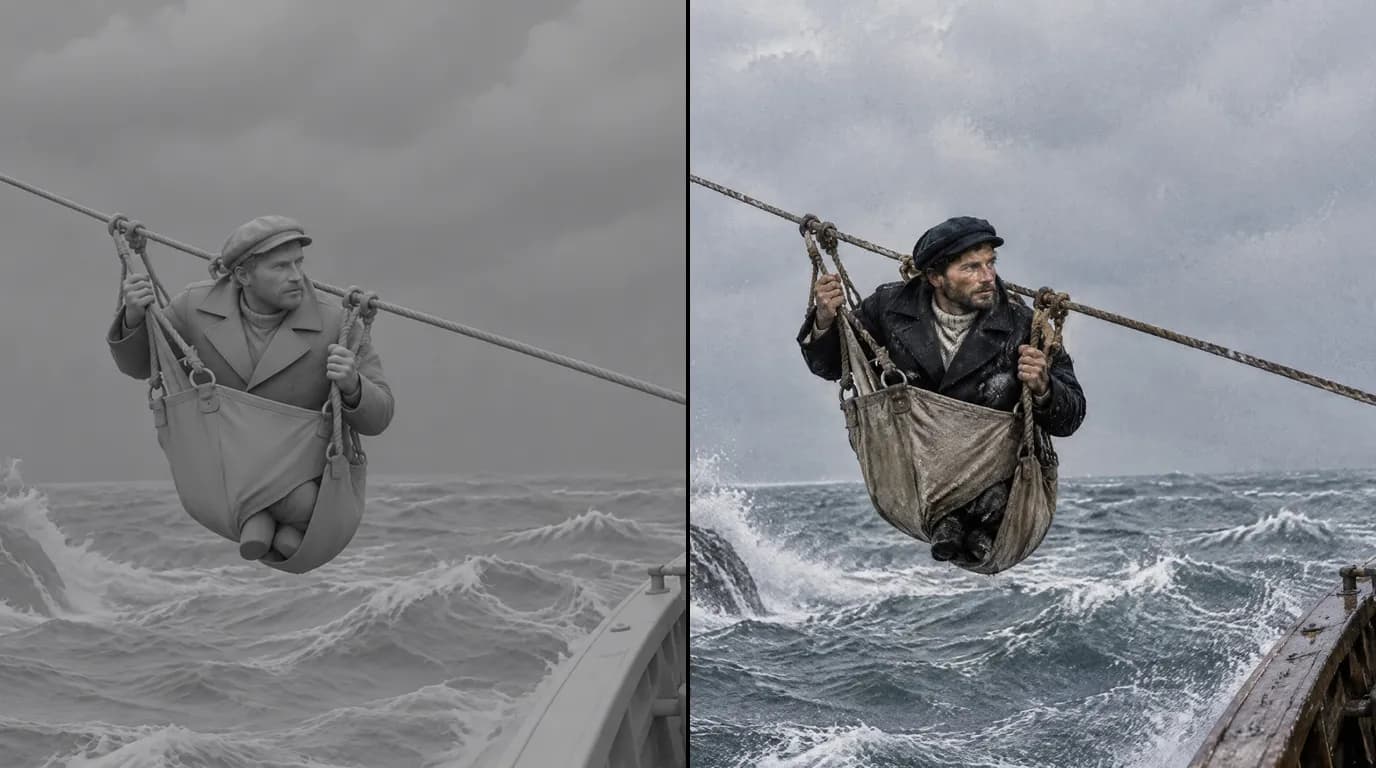
3. Reconstructing events with no footage. The core use, and the most valuable. Many stories have no images at all: a shipwreck at night, a trial behind closed doors, a life nobody photographed. The APA places AI on the same continuum as traditional re-enactment, with one warning: generation is so cheap and fast that it invites less care. Give each generated reconstruction the intention you would give a staged one.
4. Synthetic voices. An invented narrator voice is a production choice you credit. A real person's voice is another matter, as Roadrunner showed.
5. Synthetic faces of real people. The APA calls this human simulation. It asks you to first search seriously for real images of that person, to seek consent from them or from those who can speak for them, and to weigh the effect on the historical record. Our position is simple: do not recreate a real, identifiable person's face or voice without consent. Even with consent, label it on screen.
The disclosure checklist
On screen
- A label on the shot itself, for example "Reconstruction. AI-generated images." Put it on every reconstructed sequence, not only once at the start.
- A consistent visual grammar for reconstructions: one frame style, one grade or one aspect ratio. The viewer learns it in the first minute.
- A line of narration when it helps: "No camera recorded that night. What follows is a reconstruction."
- Top or end of show text as an extra layer, never the only one.
In the credits
- Generative tools and versions, as you list archive sources and music.
- The people who wrote prompts and designed the reconstructions.
- The companies whose models you used.
In your files: the AI cue sheet
One row per generated element, as the APA recommends. A short example for a hypothetical film about a lighthouse keeper:
| Timecode | Element | Tool and version, date | Prompt or prompt ID | References used, rights | Sources behind it | On-screen label |
|---|---|---|---|---|---|---|
| 00:04:12 to 00:04:31 | Keeper climbs the tower stairs at night | Video model name and version, date generated | P-014 | Keeper reference sheet v2 (generated); lighthouse photo, 1909 postcard, public domain | Logbook entry, 3 March 1911 | "Reconstruction" |
| 00:07:50 to 00:08:02 | Storm on the rocks | Video model name and version, date generated | P-022 | None | Weather report, local paper | None (generic atmosphere) |
In your research folder
- For every reconstructed shot, the documents it rests on. If a historian asks "how do you know?", the answer should take one click.
On platforms
- YouTube announced on 18 March 2024 that creators must disclose realistic altered or synthetic content. The label sits in the expanded description, and more prominently on the video for sensitive topics such as health, news, elections and finance (YouTube Official Blog). The setting is "AI use" in YouTube Studio, and a photorealistic reconstruction of a real event is in scope (YouTube Help).
- On 15 July 2025, YouTube renamed its "repetitious content" monetisation policy "inauthentic content". Its examples include AI-generated content built on generic templates that looks mass-produced (YouTube Partner Program policies). A sourced documentary with an argument is the opposite of that.
In the European Union
- Article 50(4) of the AI Act requires deployers who generate or manipulate deep fake image, audio or video content to disclose it, from 2 August 2026. For evidently artistic, creative, satirical or fictional works, the duty shrinks to disclosing that such content exists (Article 50). The Act defines a deep fake as content that resembles real people, places or events and would falsely appear authentic. A realistic documentary reconstruction fits, and a documentary is not evidently fictional. Do not count on the lighter regime. Ask a lawyer.
- Article 50(2) asks the makers of generation tools to mark outputs in a machine-readable way. The Digital Omnibus, Regulation (EU) 2026/1744, in force since 27 July 2026, gives systems already on the market until 2 December 2026 (summary). That marking is the tool maker's job. Your label on screen is still yours.
If you prepare a festival run, we keep notes on how the big documentary festivals approach AI work: IDFA, CPH:DOX, Hot Docs and Sheffield DocFest. The platform side is covered in more depth in AI film disclosure rules.
Try it free
Try Screenweaver for free on your script
It is free. Import your existing project, get a clearer view of your outline, and regain control of your story structure in minutes.
Start FreeCharacter consistency is an honesty tool
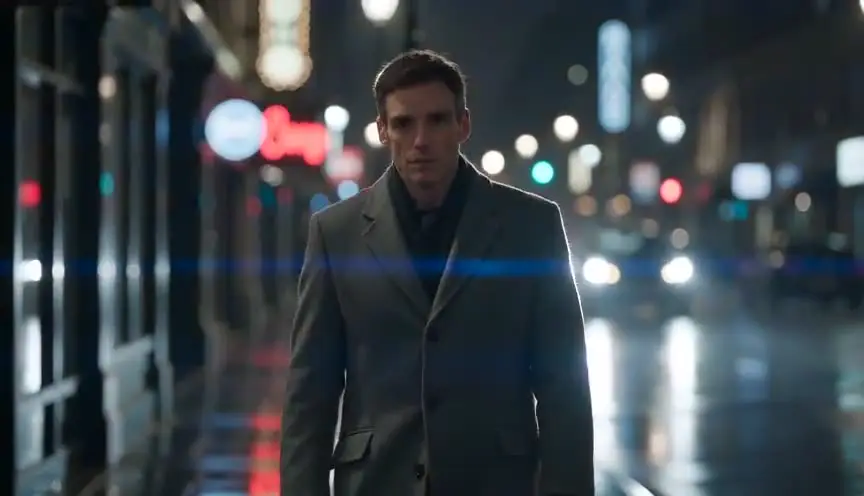
Say your film tells the story of a lighthouse keeper known only from his logbook. No photograph survives. You reconstruct him. If his face changes from shot to shot, because each shot was generated without a fixed reference, the viewer does not see a reconstruction. The viewer sees three or four different men. Worse, a photorealistic face that keeps changing reads like a set of real photographs of different real people. You have misled them without meaning to.
One face across the whole film does three things.
It tells the truth about the number of people. One keeper, one face. The viewer follows a single person, as the logbook does.
It makes the label readable. You label the keeper once as a reconstruction, with the same on-screen grammar every time he appears. The audience learns the rule: this face is a reconstruction, the photographs in the other frame are archive. An unstable face breaks that rule, because nobody knows which images belong to which category.
It makes the cue sheet traceable. When every shot of the keeper cites the same reference sheet, version 2 for example, your cue sheet can answer "where did this face come from?" in one line. When the face was re-invented in every prompt, there is no answer.
The same logic applies to places and objects. The lighthouse, the lamp, the logbook: one reference each, ideally built from real period photographs, attached to every shot where they appear.
Two cautions. First, check that your invented face does not resemble a real, identifiable person. A model can produce a lookalike by accident. Second, the APA notes that AI can help protect people whose appearance on screen would put them at risk. That is a legitimate use. It still needs a label, such as "face altered to protect identity." The What Jennifer Did debate shows what happens when that label is missing.
For the production technique itself, see how to keep characters consistent in an AI storyboard.
Real people: where the line is
Archival photos of real people are research material: use them for period, clothing, setting and light. Think twice before using one as the face reference for generated shots. Some video models refuse photographic references of real people, a reasonable safeguard.
For a real, identifiable subject, many documentaries choose figures that evoke rather than impersonate: seen from behind, in silhouette, hands only, or clearly stylised. Each is easier to defend than a lifelike face. Whatever you choose, log it and say it on screen.
A traceable workflow in ScreenWeaver
Disclosure is easier when the record builds itself during production. Here is what ScreenWeaver does for that, and where it stops.
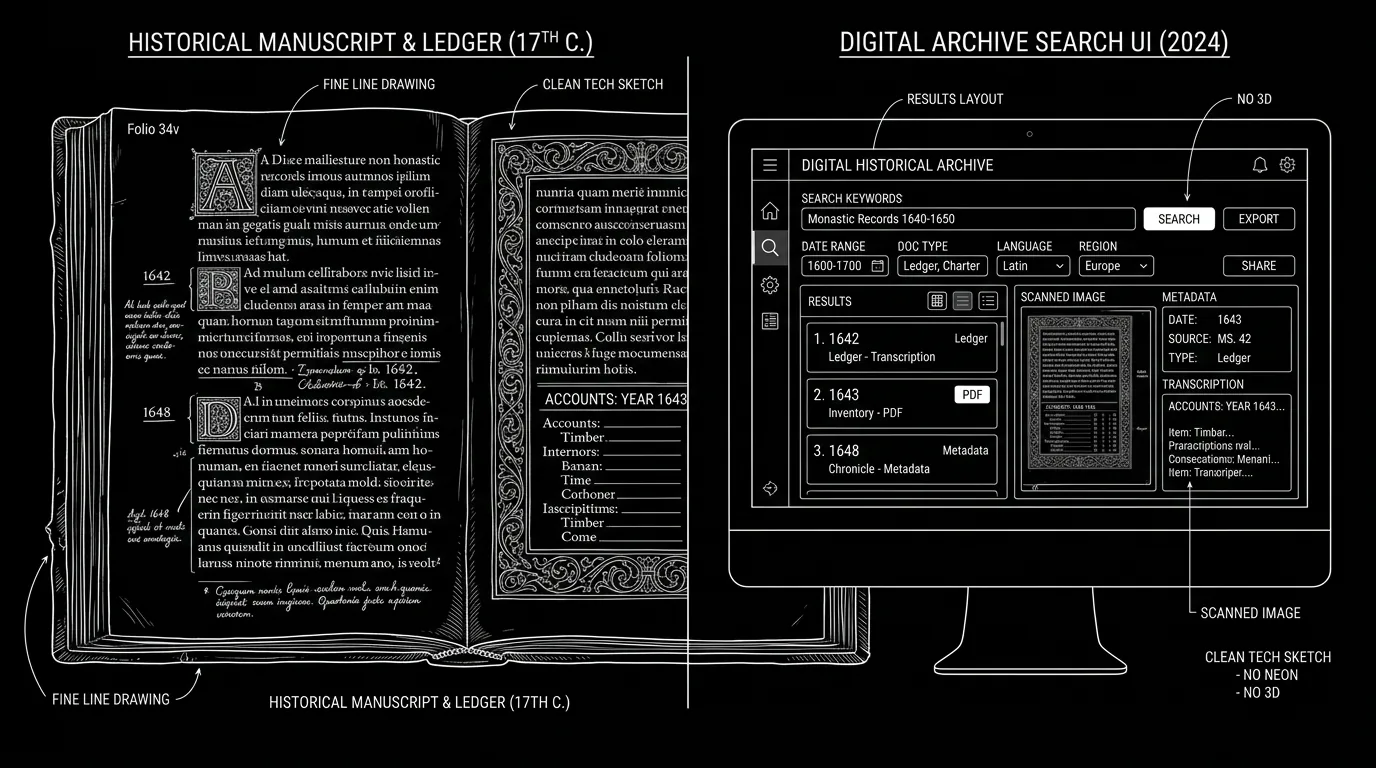
A script built on your sources. You write the script in the editor, narration included. The AI assistant reads the documents you import into the project: PDFs of archives, transcripts, articles, photographs, maps. Ask it questions anchored in your material, like "which pages of this PDF mention the storm?", rather than asking it to write history from memory.
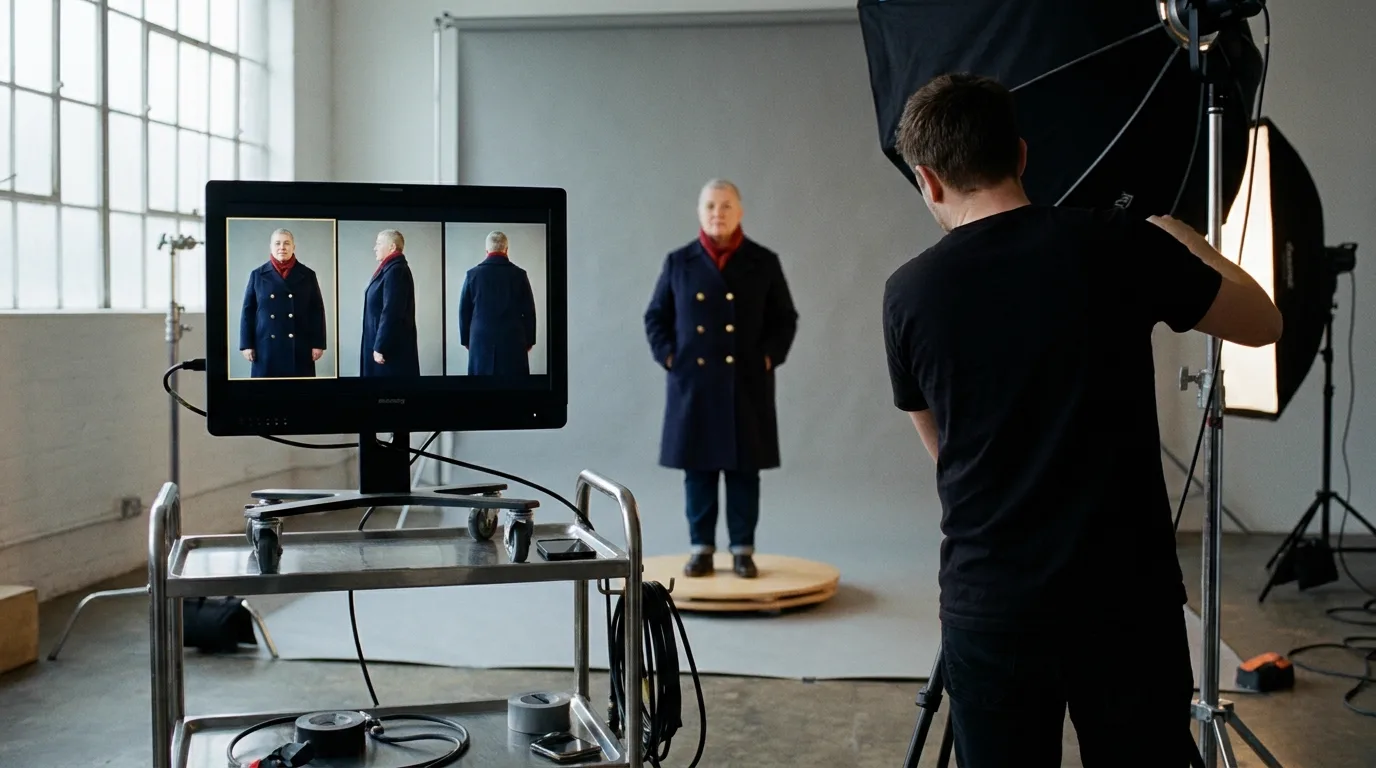
Characters, Places and Objects with reference sheets. Each person, place and thing you reconstruct becomes an entity with an AI reference sheet. You can also upload your own images as references, such as a period postcard of the lighthouse or a museum photo of the lamp. The sheet is the fixed reference that keeps the keeper's face stable and makes your cue sheet traceable.
A storyboard validated before generation. You and your historian check every reconstructed shot on the board before any video exists. An anachronism caught on a panel costs one regeneration.
Review with roles. Projects support real-time collaboration with three roles: Owner, Editor and Viewer. Give a historian or a commissioning editor Viewer access to read the script and the boards. Everyone reviews the same version.
What ScreenWeaver does not do. It does not burn a disclosure label into your video. It does not generate voices or narration. It does not export an edit. Labels, narration and credits happen in your editing software. The cue sheet is a document you keep, fed by the references and prompts used in the project.
Writing and organising sources is free on the Screenwriter plan ($0). Storyboard and video generation start with Auteur at $39.99 a month (6,000 credits). Studio is $149.99 a month (25,000 credits). The full production method is in how to make a documentary with AI, and the tool page is the AI documentary generator. For period films, see the AI historical movie generator and the documentary look guide. If your subject is historical research itself, read our piece on the ethics of AI-assisted historical research.
The rule in one line
Reconstruct what no camera saw, label it where the viewer sees it, document it where a historian can check it, and leave real faces and voices alone unless their owners say yes. Do that and AI expands what a documentary can show without spending the trust that makes it a documentary.
FAQ
Is it OK to use AI in documentaries?
Yes, if the audience can tell what is generated and what is real. The Archival Producers Alliance guidelines of September 2024 accept generative AI in documentary, provided productions keep a cue sheet of every generated element, label it on screen, credit it, and take extra care with real people, real events and realistic historical scenes.
Do I have to label AI reconstructions in a documentary?
Yes. The APA recommends on-screen labels, a consistent visual treatment and end credits, not just a card at the start or end, because films get excerpted. On YouTube, realistic scenes that did not occur must be disclosed through the AI use setting in YouTube Studio.
What is an AI cue sheet?
It is a log of every generated element in a film, modelled on music and archive cue sheets. The APA suggests recording the prompts, the software and version with its terms, the date, any reference material and its copyright status, and a description with timecodes. Adding the source documents behind each reconstructed shot makes it even more useful.
Can I recreate a real person's voice with AI for a documentary?
Only with consent from that person or from whoever can legitimately speak for them, and with disclosure on screen. The Roadrunner case of 2021, where less than a minute of synthetic Bourdain voice went unflagged in the film, shows the cost of unclear consent and silent use.
Does YouTube penalise documentaries that are labelled as AI?
The label is a transparency measure. What threatens monetisation is the inauthentic content policy, renamed on 15 July 2025, which targets mass-produced, templated videos. Failing to disclose is the real risk: it can lead to removal or suspension from the Partner Program.
Does the EU AI Act apply to documentaries?
Article 50(4) requires deep fake image, audio or video content to be disclosed from 2 August 2026. Evidently artistic or fictional works get a lighter duty, but a documentary presents itself as real. Disclose realistic reconstructions plainly, and check your release with a lawyer.
Can ScreenWeaver add an AI disclosure label to my video?
No. ScreenWeaver has no built-in disclosure watermark and does not export an edit. It helps you keep the record behind the label: sources read by the AI assistant, reference sheets for every reconstructed character, place and object, and a storyboard reviewed before generation. The label itself goes on in your editing software.
Sources
- Archival Producers Alliance, Best Practices for Use of Generative AI in Documentaries, September 2024
- Boston Globe and TheWrap on Roadrunner, 16 July 2021
- Futurism, 19 April 2024, and Today, 23 April 2024, on What Jennifer Did
- Channel 4 press release on Will AI Take My Job? Dispatches, October 2025
- Variety and Business Wire on Dreams of Violets, 2026
- YouTube, disclosure announcement, 18 March 2024; altered or synthetic content help page; monetisation policies
- EU AI Act, Article 50; Digital Omnibus on AI summary
Final Step
Build your next script with Screenweaver
Move from ideas to production-ready pages faster with timeline-native writing and AI-assisted story flow.
Try Screenweaver