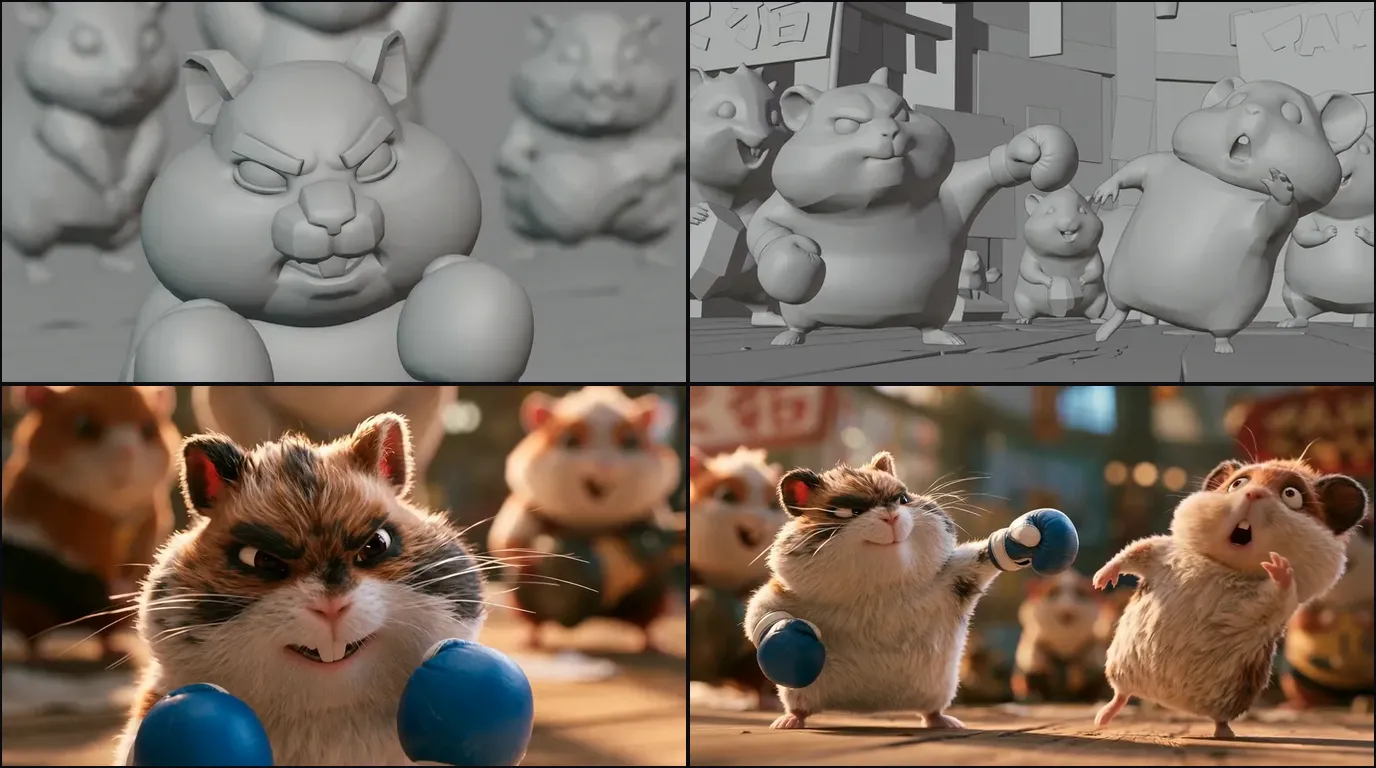

A 3D animation storyboard, or 3D storyboard, has a shorter job than a live-action one. It fixes staging, acting beats and cut points, then hands the camera to layout and the timing to blocking, both of which will overrule it. Board the decisions that get expensive later. Do not board the framing you are going to rebuild in a viewport anyway.
If you want the panels drawn before you start assigning them to shots, you can generate the storyboard panels from your script first. The rest of this is about which decisions belong on the page.
In 3D, the camera is data, not a drawing
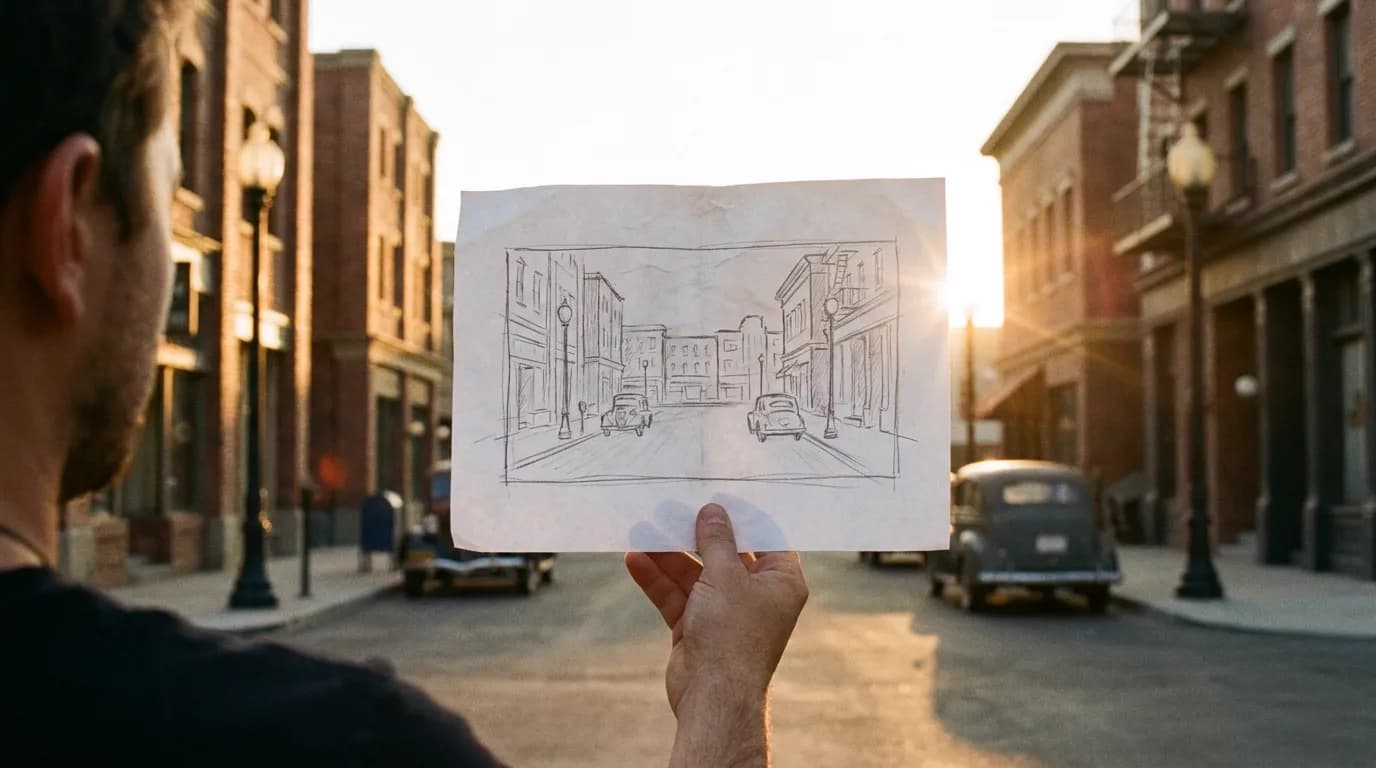
This is the difference that reorganises everything. In live action, a board frame is an argument you make to a director about a lens and a position, and if you get it wrong you find out on the day when the room does not fit the shot. In 3D, the camera is a solvable object in a scene you also built. Somebody will place it, animate it, and change it four times, and none of those changes cost a location.
So a beautifully composed 3D board frame carries less authority than people expect. Framing is the part least likely to survive the trip. The order of events, the acting intention, the geography of the space and the length of the cut are the parts that do.
Board those hard. Let the framing be a suggestion.
The one exception is any framing that constrains the build. If a shot needs the ceiling of a set, someone has to model the ceiling. Board that panel carefully and annotate it, because it is a purchase order disguised as a drawing.
The chain the board actually feeds
Story boards, then a story reel, then layout, then blocking. Each stage inherits the previous one's decisions and throws away its pictures.
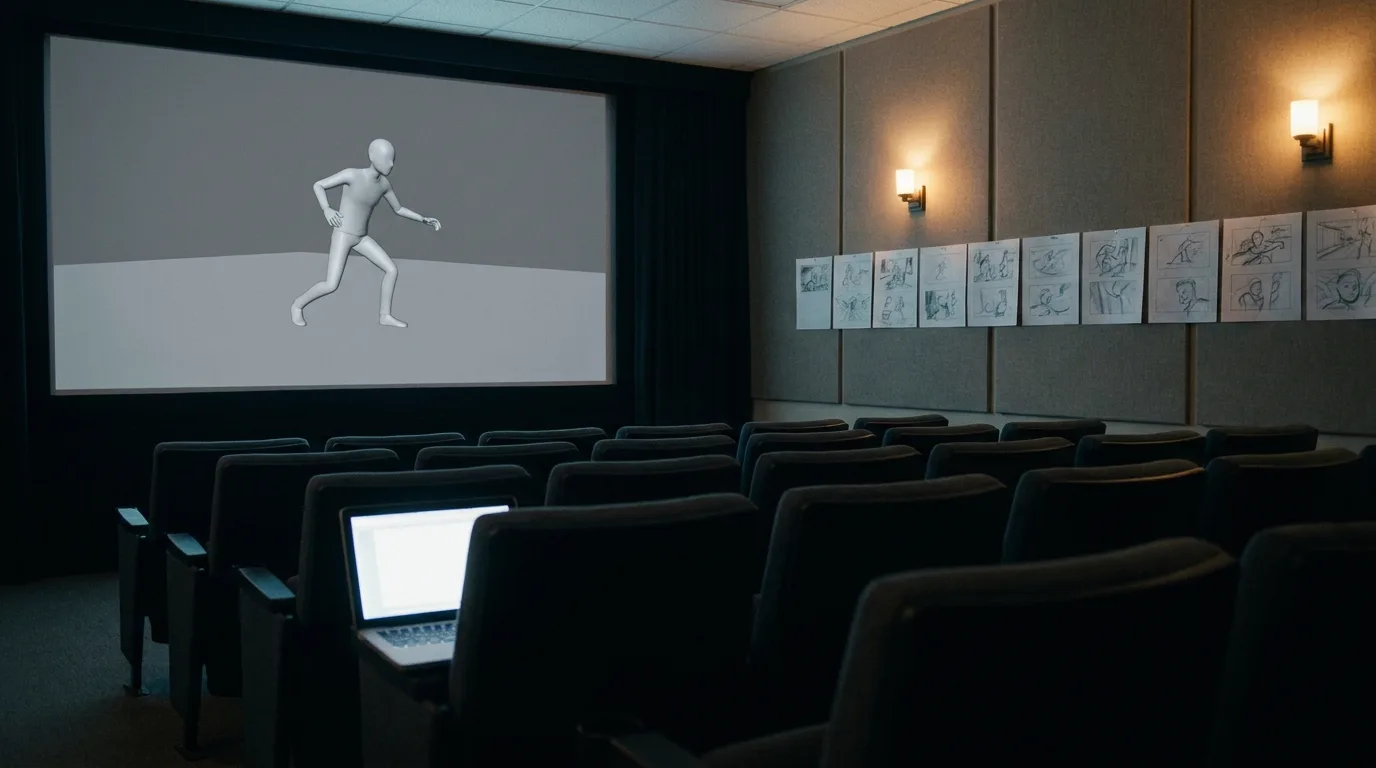
The story reel is the board cut to time with scratch dialogue and temp music. It is the first version of the film that runs at the right length, and it is the cheapest place in the entire pipeline to discover that your second act is ninety seconds too long. Feature animation rebuilds this reel continuously, swapping boarded panels for layout, then layout for animation, until the reel is the film.
Layout is where the board's suggestion becomes geometry. Cameras get placed in the real set with real lenses, characters get staged as rough proxies, and the shot gets its actual duration. In a lot of modern pipelines the board and the layout now happen in the same application.
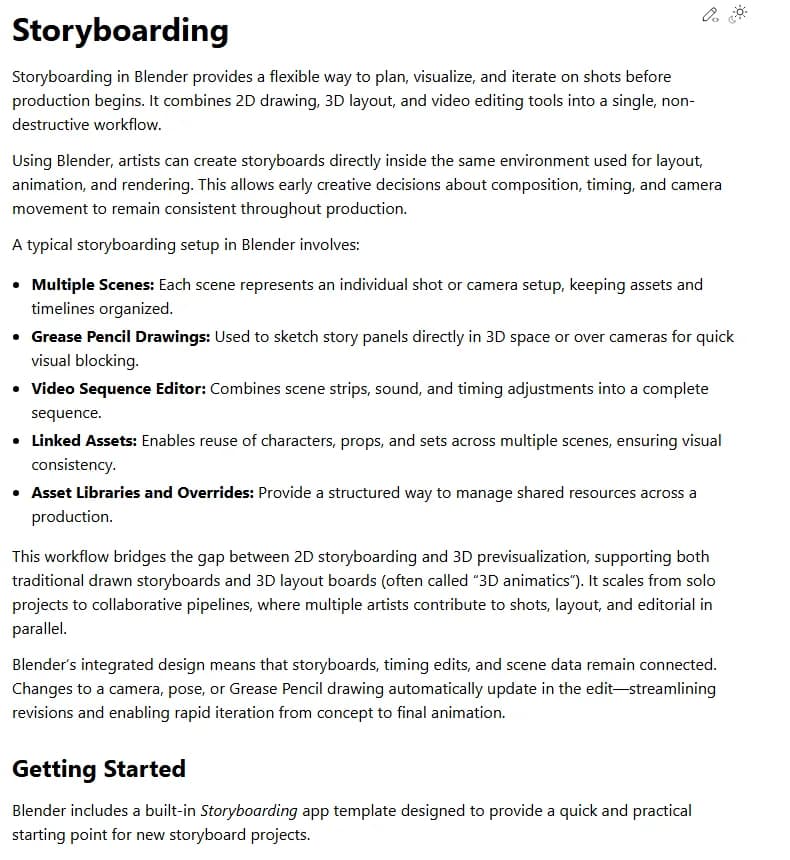
Blender 5.2 LTS Manual, "Storyboarding", captured 7 September 2026.
Read the bullet list in that page and you have the shape of a modern 3D board: one scene per shot, panels drawn with Grease Pencil directly in 3D space or over a camera, and a sequencer holding the timing. The manual calls the result a 3D animatic, and it names the useful thing about the approach in the last paragraph: change a camera, a pose or a drawing and the edit updates, because the board and the scene are the same file.
If you work that way, the storyboard stops being a document you hand over and becomes the first version of the shot. That is a genuine improvement, and it also means a sloppy board now carries its sloppiness downstream instead of getting quietly fixed by a layout artist.
Blocking is where your board gets audited
Blocking is the first animation pass: key poses that establish timing and placement, with no interpolation between them. Animators set the curves to stepped or constant so the character snaps from pose to pose and nothing smooths over a bad idea.
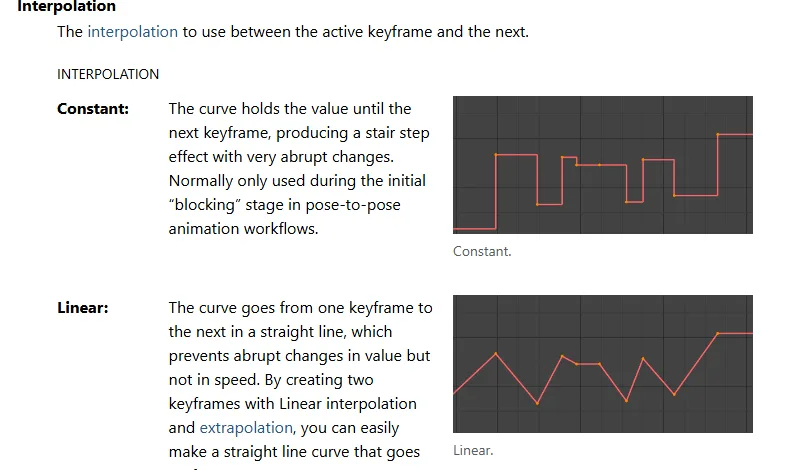
Blender 5.2 LTS Manual, "F-Curve Properties", captured 7 September 2026.
The documentation puts it plainly: constant interpolation holds each value until the next keyframe, producing a stair step, and it is normally used during the initial blocking stage of pose-to-pose animation. Maya's equivalent is the stepped tangent, and the reason both exist is the same. Smooth interpolation flatters weak timing. Stepped poses do not.
A blocking pass is a direct test of your board. If the panel said the character notices the door, then decides, then moves, blocking will show you within an hour whether those three beats read as three beats or as one confused gesture. Panels that were vague about which pose matters produce blocking that is vague about which pose to hold.
After blocking comes the breakdown pass, then splining, then polish for arcs, overlap and facial work. By splining, your board has stopped being consulted. Everything it was going to contribute has already been either accepted or thrown out.
What a 3D board panel has to carry
The drawing is about a third of the panel. The rest is the part that gets read by people who are not looking at your linework.
| Field | Why it exists in 3D |
|---|---|
| Shot code | The scene and shot ID everything downstream is filed under |
| Duration | Fed straight into the story reel and then the shot's frame range |
| Camera intent | Static, push, handheld feel, follow. Not a lens number unless it matters |
| Acting beat | The one thing the character decides in this shot |
| Contact points | Feet on floor, hand on rail, weight transfer. Blocking needs these |
| Screen direction | Which way the character travels, so the cut does not flip |
| Asset call-outs | Any prop, set piece or ceiling the shot needs someone to build |
| Continuity note | Costume state, damage, time of day, anything that persists |
Contact points are the field most boards skip and the one blocking most wants. A character in mid-stride with no indication of which foot is planted forces the animator to invent weight, and invented weight is where a shot starts feeling like a puppet.
Asset call-outs are the field production most wants. A board that quietly introduces a staircase in shot 14 has just added modelling, texturing and lighting work that nobody scheduled.
Five ways 3D boards go wrong
- Boarding coverage you do not have the assets for. Every new angle in a set means more of that set has to hold up, and three boarded reverses in a room that was built as a facade is a modelling request wearing a board's clothes.
- Boarding camera moves without a floor plan. A crane that starts high and ends at eye level needs a path through space that exists. Sketch the top-down next to the panel and half of these die before layout ever sees them.
- Acting arcs with no contact points. If the animator cannot tell where the weight is they will guess, and you will write it up in dailies as feels floaty without knowing why.
- Boarding at final-frame quality. Time spent rendering a beautiful panel is time not spent finding out whether the sequence reads. Boards are meant to be thrown away, so make them cheap enough that you are willing to throw them away.
- No durations. A board without a seconds column cannot become a story reel, and a sequence you have never watched at speed is a sequence whose length you are guessing at. The video frames calculator converts durations into frame ranges if your shots are specified in frames.
Try it free
Try Screenweaver for free on your script
It is free. Import your existing project, get a clearer view of your outline, and regain control of your story structure in minutes.
Start FreeWhere AI frames fit in a 3D pipeline
Generated frames are useful earlier in this process than most 3D people expect, and useless later.
They work for the exploratory pass: the version of the board you make to find out whether the sequence works at all, before anyone has built a set. They are also good for pitch boards, where the audience is a producer or a client rather than a layout department, and the job of the frame is to communicate tone.
They stop working the moment the board has to agree with geometry. A generated frame does not know your set's dimensions, so two frames of the same room will not share a floor plan, and a camera move implied across three generated panels will not survive being rebuilt with a real camera. The same limitation shows up in anime storyboards, where the frame has to leave room for camera moves that a generated image cannot express.
The practical use I would defend: generate to find the sequence, then rebuild the keepers as rough 3D layout in your own scene. That way you get the speed of generation for the part that is disposable and the accuracy of your own set for the part that is not. The broader version of this workflow is in the storyboard-first AI video workflow, and the manual baseline in how to make a storyboard from a screenplay.
There is also a route that never builds the 3D scene at all: the board goes straight to a video model, and turnaround sheets plus a single materials and lighting plate hold the stylised look from shot to shot. That route, its limits and a worked example are in how to make 3D animation with AI, and the AI 3D animation generator page shows it applied from script to finished shots. If your characters are plasticine on a miniature set rather than CG, the AI claymation method adds the step that makes generated clay read as stop motion: retiming the clips to 12 poses per second.
For character work across many frames, build the reference before you generate anything. The character consistency sheet exists for that.
Checklist before layout gets your board
- Every panel has a shot code and a duration.
- The durations add up to a sequence length you have watched at speed.
- Contact points are marked on any panel where weight matters.
- Screen direction is consistent across the cut, or deliberately broken with a note saying so.
- Every new prop, set piece or extension is called out by name.
- Camera moves have a top-down sketch, not just an arrow on the frame.
- The acting beat of each shot is written in words, not left implied by the drawing.
- Panels that only exist because they were fun to draw have been cut.
Tools for this
- Storyboard template generator for printable 16:9 panels with note lines under each frame.
- Video frames calculator for converting shot durations into frame ranges.
- Shot size reference when the camera intent field needs a standard term.
- ScreenWeaver's storyboard generator to generate the exploratory pass from the script before you commit anyone to modelling.
FAQ
Do I still need a storyboard if I am animating in 3D?
Yes, and for a cheaper reason than you might expect. The board is where you find out a sequence does not work while fixing it costs a drawing. Skipping straight to layout means discovering the same problem after somebody has staged a set and placed cameras.
What is the difference between a storyboard and a 3D animatic?
The storyboard is still frames. The animatic is those frames cut to time. A 3D animatic goes further: the panels are replaced by rough camera views of the actual scene, so it carries real geometry and real lens behaviour rather than an artist's estimate of them.
Where does blocking come in?
After layout. Blocking is the first animation pass, built from key poses with stepped or constant interpolation so there is no interpolation to hide behind. It is the stage that tests whether the beats you boarded actually read.
How detailed should 3D board panels be?
Detailed about staging, silhouette, contact points and screen direction. Rough about everything else. A panel that took an hour to render is a panel you will defend past the point where you should have cut it.
Can I board directly in my 3D software?
You can, and increasingly people do. Blender ships a storyboarding app template that puts one scene per shot, Grease Pencil panels and the sequencer in one file, so the board and the edit update together. The tradeoff is that boarding inside the scene tempts you into fixing the geometry before the story works.
Should a 3D board specify lenses?
Only when the lens is the point. Write the camera intent as behaviour, a slow push or a locked wide, and let layout choose the focal length in the real set. A lens number written on a board and copied blindly in layout is how a shot ends up technically correct and wrong.
Final Step
Build your next script with Screenweaver
Move from ideas to production-ready pages faster with timeline-native writing and AI-assisted story flow.
Try Screenweaver