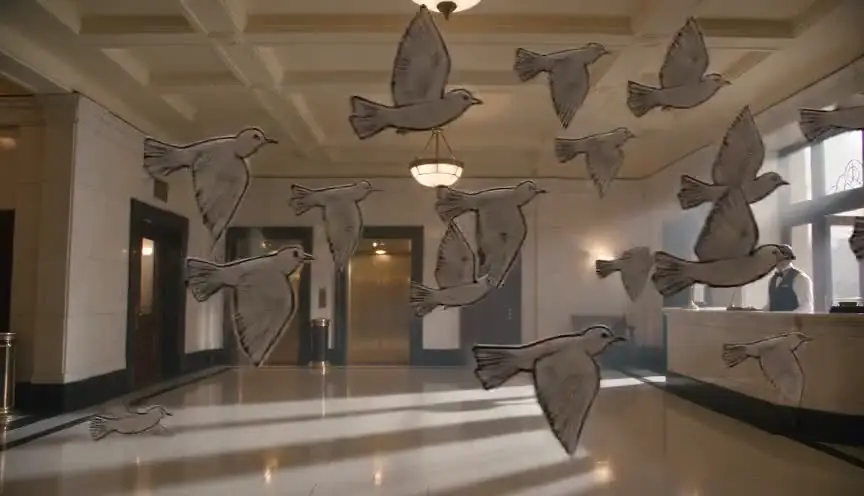
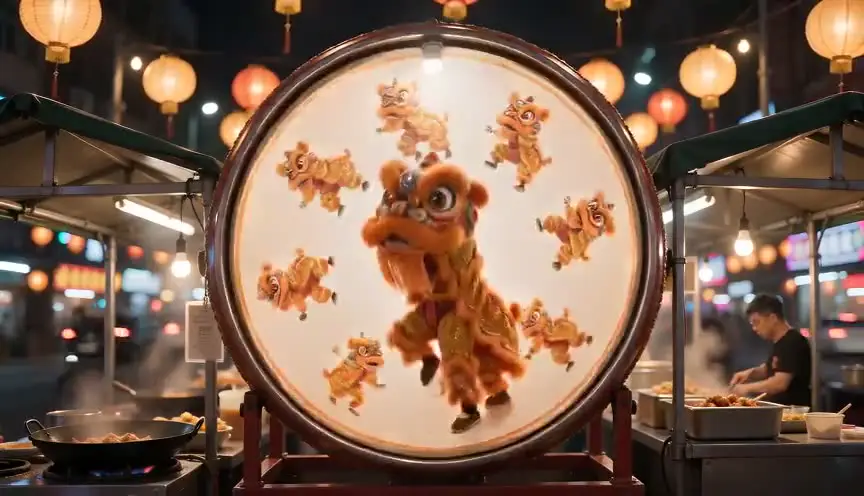
Stop motionA world moved by hand
Stop motion animates puppets, clay or objects by moving them a tiny amount between single photographed frames, so they seem to move on their own when played back. The audience feels the hand of the maker in every twitch, and the world gains a tactile, slightly uncanny life.
Also calledFrame-by-frame animationObject animationPuppet animationClaymation
Time and motion
Why it works on screen
Use it when the story benefits from a world that is visibly made. Stop motion suits fables, dark fairy tales, childhood memories, dreams and satire, where a small scale and a handcrafted texture add warmth or strangeness. Inside a live-action film, a short stop-motion passage can show a child's imagination, a toy coming alive or a memory rebuilt from objects. It serves wonder, melancholy, humor and the uncanny. A project earns it when the texture itself carries meaning, not just charm. It is slow and costly, so every second on screen must be planned and must earn its place.
The shot list line
- Size
- Medium shot of the puppet, often full shot of the set
- Angle
- Eye level of the puppet, which means low for a human
- Movement
- Static, or a slow motion-control move frame by frame
- Lens
- Macro or short prime with small aperture
- Duration
- 3 to 6 s
Tie down the camera, the set and the lights completely, and plan the animation on an exposure sheet before the first frame is shot.
Screenplay
On the page
If your whole project is stop motion, say so on the title page or in a short note, then write the script like any other: action and dialogue, no frame counts. Animators need clear, playable actions and strong silhouettes, so write physical gestures rather than subtle interior states. For a stop-motion passage inside a live-action script, describe what the audience sees, objects coming to life, and flag it once. Timing, frame rates and puppet specifications belong to the animation breakdown.
INT. ATTIC BEDROOM, CORNWALL - NIGHT
TEN-YEAR-OLD PIRAN lies awake beside a shelf of hand-knitted animals his grandmother made.
The wool hare on the top shelf turns its head. Then the badger. Then the whole row.
They climb down the bedspread in small, careful hops, each one leaving a tiny dent in the quilt.
Piran pulls the blanket up to his nose.
PIRAN
Nan said you'd do this.
Storyboard
In the storyboard
Draw key poses rather than a single frame: the start pose, the extreme of the action and the end pose, in consecutive small panels. Number them with frame counts, for example frame 1, frame 12, frame 24. Mark what moves with arrows and what stays fixed. Note the scale of the set compared to the puppet, the eye line and any replacement parts needed, such as mouths or faces for dialogue.
Pairs well with

A macro lens brings the audience down to the puppet's scale, revealing fabric, clay and fingerprints. That closeness makes the handmade texture part of the storytelling, not just a production detail.

A wide establishing shot of the miniature set before the action gives the audience the scale and rules of the world, so the small animated gestures that follow read clearly.
Reference
Watch it in
The Nightmare Before Christmas (1993)
Swappable heads on jointed puppets gave Jack and the townspeople a wide range of expressions, shaping the handmade gothic mood of Halloween Town.
Coraline (2009)
Replacement faces printed in 3D allowed tiny shifts of emotion between frames, making the Other Mother's world feel both cozy and wrong.
Fantastic Mr. Fox (2009)
Wes Anderson let the puppets' fur ripple and show traces of the animators' hands, choosing visible craft over a polished finish.
ScreenWeaver
Set it up in ScreenWeaver
Write your script with clear physical actions, and ScreenWeaver breaks each scene into shots automatically. For each storyboard shot, set the framing at the puppet's scale, a low or eye-level angle, a static or slow movement and a precise duration, since every second is animated by hand. Characters, sets and references carry from shot to shot, keeping puppet designs consistent. Use the AI previsualization as an animatic, to lock timing before any frame is animated.
Start writing for freeThe prompt behind this clip
This is the exact prompt that rendered the clip at the top of the page. Keep the description of the camera and the light, change the subject and the place.
Stop motion animation of a felt puppet saxophonist on a miniature jazz club stage, lit by a single warm spotlight against a dark velvet backdrop. The puppet's arms and horn shift in small discrete increments between frames, creating a slightly jittery, staccato motion with no motion blur, while a tiny articulated drummer puppet in the background holds a fixed pose that snaps to a new position every few frames. The camera stays completely locked off on a low tripod angle. Visible fingerprints in the clay-like puppet surfaces and faint frame flicker in exposure reinforce the handmade, frame-by-frame look. No text.
Common mistakes
- 01
Unplanned timing
Improvising timing frame by frame leads to uneven motion and wasted days. Plan each shot with an animatic and an exposure sheet before animation starts.
- 02
Light and camera drift
A bumped tripod or a changing daylight source makes the image flicker. Fix the camera and use controlled artificial light only, blacked out from outside.
- 03
Subtle acting on the page
A tiny interior change of mood is hard to animate and easy to miss. Write clear gestures and poses that puppets can perform, and let the voice acting carry nuance.