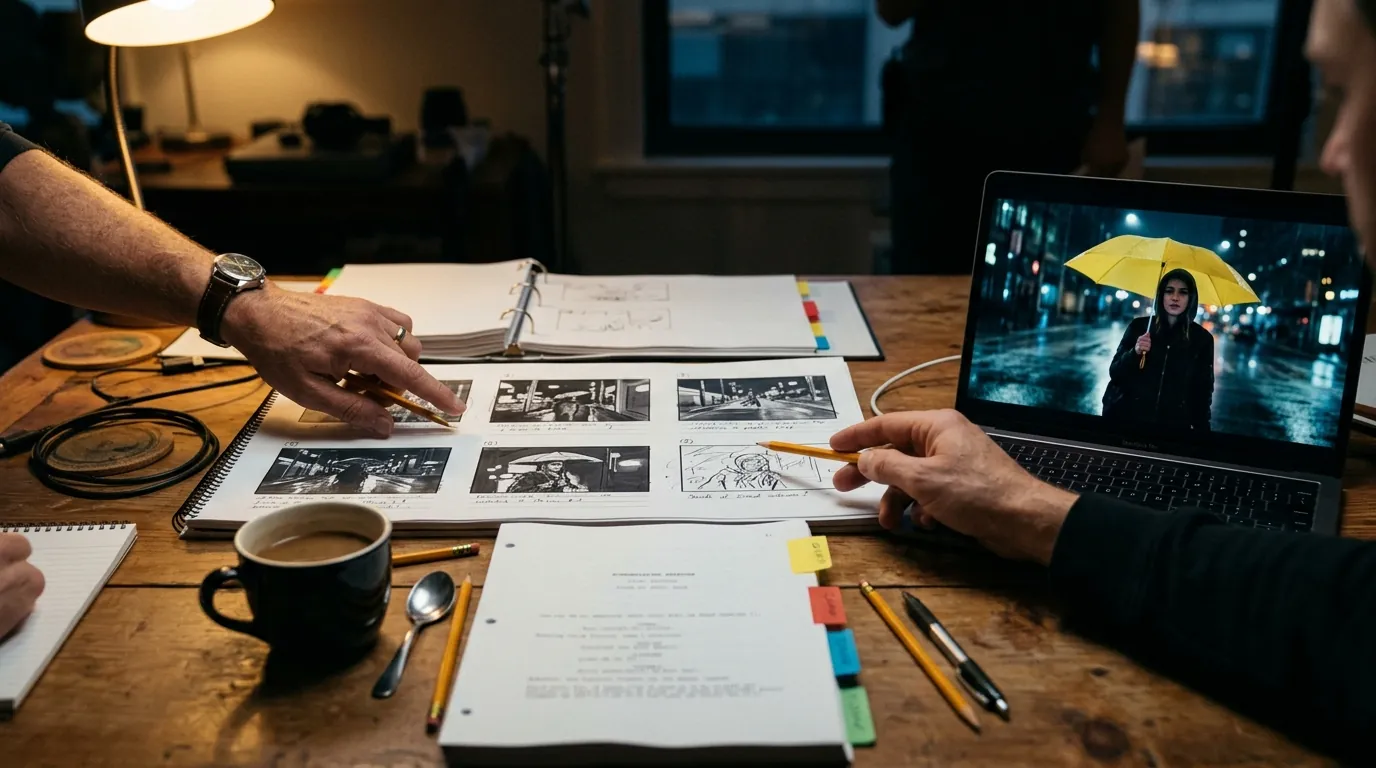

The short answer: Higgsfield gives you strong video models. A film also needs a script, a shot list and the same faces from the first shot to the last. Write and storyboard the film in ScreenWeaver, let it wire your characters and places into each shot, then run the video nodes on your own Higgsfield credits with Seedance 2.5, Seedance 2.0, Kling 3.0, Veo 3.1 or MiniMax H3.
Most people who try to make a short film straight from a video generator hit the same three walls around the tenth clip. The character's face has drifted. Nobody remembers which prompt made the good take. The clips do not cut together because they were never planned as shots of one scene. None of that is the model's fault. It is the missing pre-production.
This article walks through the split that works: ScreenWeaver for everything before and around the generation, Higgsfield models for the clips, paid with the credits you already have.
Who does what
| Stage | Where | Paid with |
|---|---|---|
| Script, outline, revisions | ScreenWeaver script editor | Free on every plan |
| Shot list and storyboard | ScreenWeaver Storyboard tab | ScreenWeaver credits (panel images) |
| Characters, places, objects | ScreenWeaver story elements and their sheets | ScreenWeaver credits |
| Art direction | ScreenWeaver, one style for the project | ScreenWeaver credits |
| Video clips | ScreenWeaver video nodes, run on Higgsfield | Your Higgsfield credits, plus 10 ScreenWeaver credits per run |
| Edit, sound, grade | Your editing software |
The video step is the only one that touches Higgsfield. Everything before it is what makes the clips usable.
1. Start from a script, even a short one
A two-page script is enough for a first film. What counts is that every shot you will generate comes from a scene with a heading, an action and, if needed, dialogue. ScreenWeaver's editor formats it as a real screenplay and imports Final Draft, Fountain or a PDF if you already wrote it elsewhere. The idea to first draft guide covers the writing itself.
2. Let the storyboard cut the scenes into shots
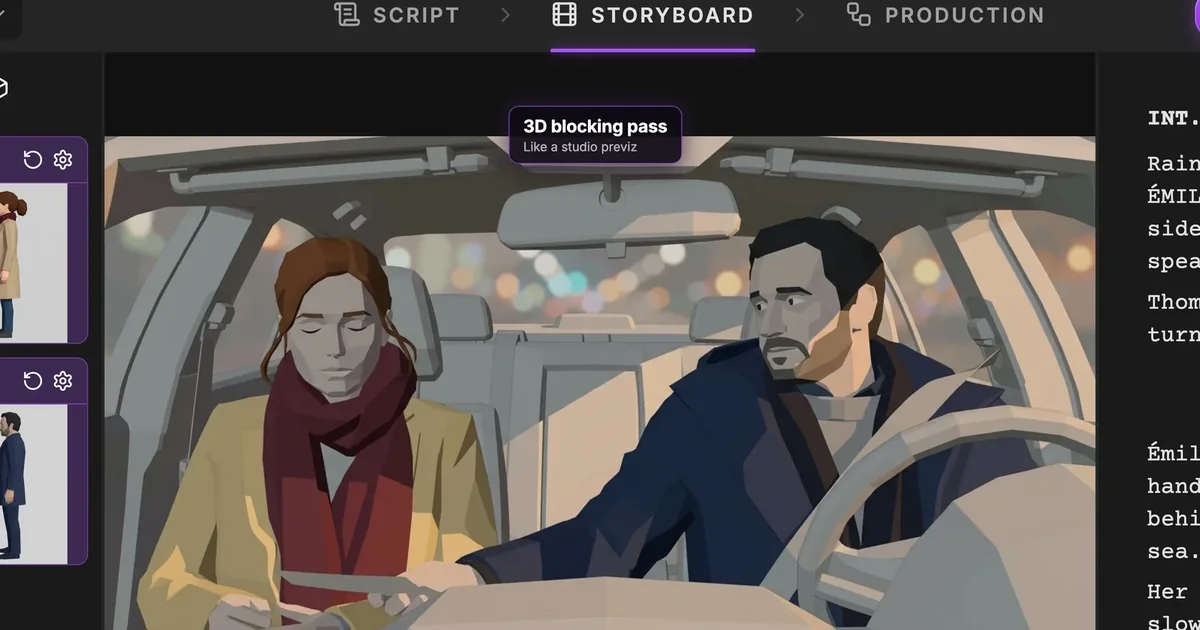
From the script, the storyboard proposes the shots of each scene: framing, camera movement, duration, action. You review, merge, split, reorder. This is your shot list, and it is also the plan your clips must follow to cut together. Our guide to storyboarding from the script goes deeper.
3. Fix the faces and places before any video
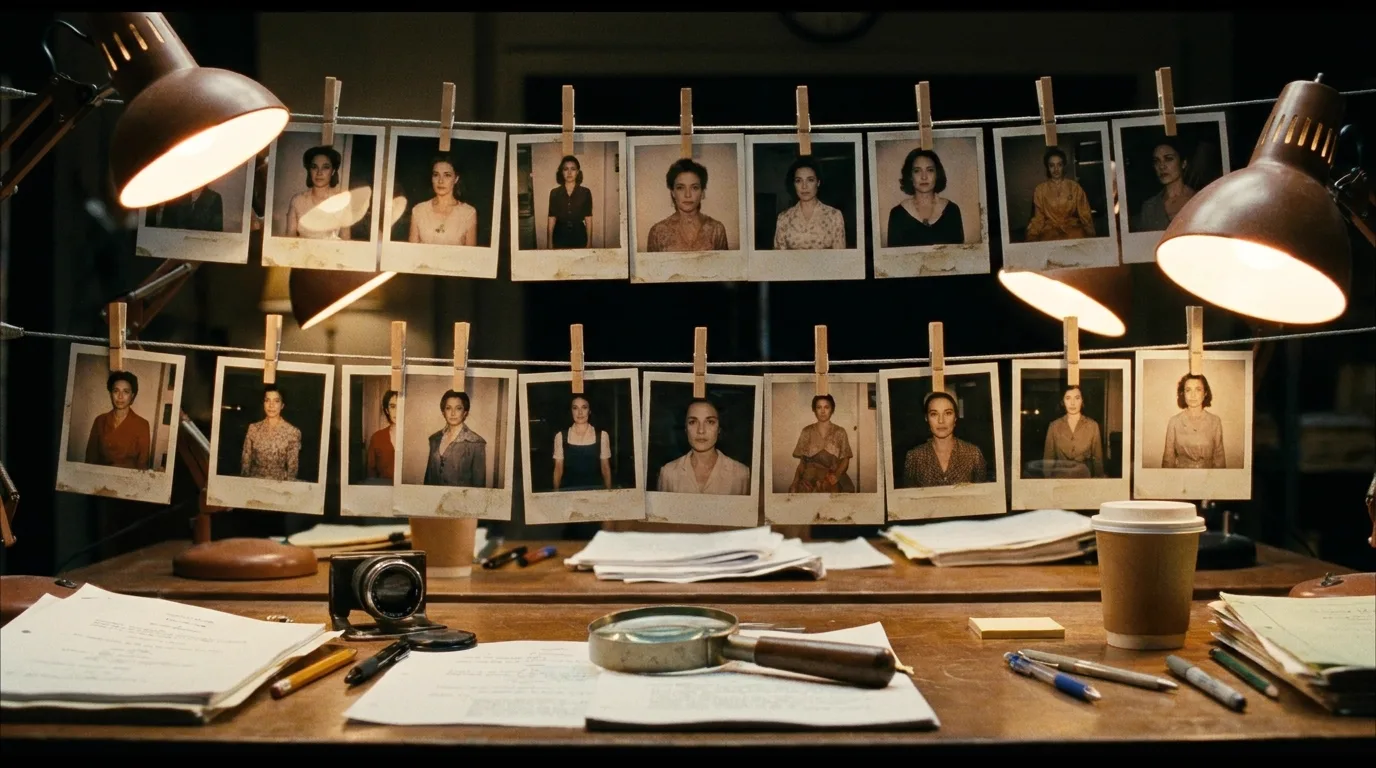
This is where most generator-only films break. In ScreenWeaver, each character, place and object of the story gets a reference sheet, generated once, in the project's art direction. The storyboard then links them to the shots where they appear. When a shot reaches the Production tab, its video node already has the right references connected: Seo-yeon's face sheet, the crossing at night, the yellow umbrella.
That wiring is what you would otherwise rebuild by hand for every clip on a generator page. The character drift guide explains why references beat longer prompts.
4. Connect Higgsfield and switch the nodes
Connect your Higgsfield account once, from your ScreenWeaver profile settings (Connected apps, then External providers). On each video node, set Run on to My Higgsfield account. The full walkthrough, with costs and limits, is in how to use your Higgsfield credits in ScreenWeaver.
You do not have to switch everything. A common setup is to run the long hero shots on Higgsfield and keep quick tests on ScreenWeaver credits, or the reverse, depending on which balance you want to spend first.
5. Pick the Higgsfield model per shot
Each model on your Higgsfield account accepts different inputs, and that should drive the choice more than taste.
| Shot | Good fit on Higgsfield | Why |
|---|---|---|
| A character we must recognise, with a place behind | Seedance 2.5 | Takes reference images, so the sheets your storyboard wired in are used. 4 to 30 s, up to 1080p |
| A move from one frame to another (a door opens, a head turns) | Kling 3.0 | Start and end frames, 3 to 15 s, up to 4K, sound on or off |
| One strong opening frame to bring to life | Veo 3.1 | Start frame, 4, 6 or 8 s, up to 4K |
| A high resolution shot with references | MiniMax H3 | 2K, start and end frames and reference images |
| A shorter shot with the same inputs as Seedance 2.5 | Seedance 2.0 | Same inputs as 2.5, 4 to 15 s |
Before each run, ScreenWeaver checks the node against the model's specs on Higgsfield. If you ask Kling 3.0 for reference images it does not take, the node says so and Generate waits until you fix it. You find out before spending credits, not after.
Try it free
Try Screenweaver for free on your script
It is free. Import your existing project, get a clearer view of your outline, and regain control of your story structure in minutes.
Start Free6. Generate, compare, keep
Each node keeps all its takes. Generate two or three versions of the shots that matter, keep the best, move on. The takes run on your account show where they were billed in the media window's info panel, so you can always tell which balance paid for what.
When the scene is done, the Bundle node gathers the takes in one ZIP for your editing software. ScreenWeaver produces your rushes; the cut, the sound and the grade happen in your editor.
Three mistakes to avoid
- Writing a long prompt to describe the character every time. Use the character sheet as a reference instead. A prompt describes the action; the reference carries the face.
- Generating before the shot list is settled. A clip made for a shot you later cut is credits gone, on either balance.
- Mixing models inside one sequence without a reason. Each model has its own look. Pick one per sequence, and change only when a shot needs a capability the other lacks, like an end frame.
What it costs
On Higgsfield, each clip costs what Higgsfield charges for that model and those settings, taken from your Higgsfield balance. Higgsfield Unlimited and free generations do not apply to runs from ScreenWeaver. On ScreenWeaver, each run on your account costs a flat 10 credits for hosting and processing, refunded if the run fails. The images (storyboard panels, sheets) are ScreenWeaver credits, included in the Auteur and Studio plans.
FAQ
Can I make a whole film with Higgsfield models in ScreenWeaver?
Yes. Write and storyboard the film in ScreenWeaver, then run the video nodes on your own Higgsfield account with Seedance 2.5, Seedance 2.0, Kling 3.0, Veo 3.1 or MiniMax H3. The editing happens in your own software.
Which Higgsfield model keeps my characters consistent?
The ones that take reference images: Seedance 2.5, Seedance 2.0 and MiniMax H3. Kling 3.0 and Veo 3.1 work from start frames, so the consistency comes from the frame you give them.
Do I need to rewrite my prompts for Higgsfield?
No. The node sends the same prompt and references whichever account runs it. Only the settings must fit the model's specs on Higgsfield, and the node checks that for you.
Which plan do I need?
ScreenWeaver Auteur or Studio for the storyboard, the production canvas and running nodes on your Higgsfield account, plus a Higgsfield plan with credits.
Start with one scene
Pick one scene, storyboard it, and run its shots on the Higgsfield credits you already have: open ScreenWeaver. Plans are on the pricing section.
Final Step
Build your next script with Screenweaver
Move from ideas to production-ready pages faster with timeline-native writing and AI-assisted story flow.
Try Screenweaver