Master shotThe whole scene in one take
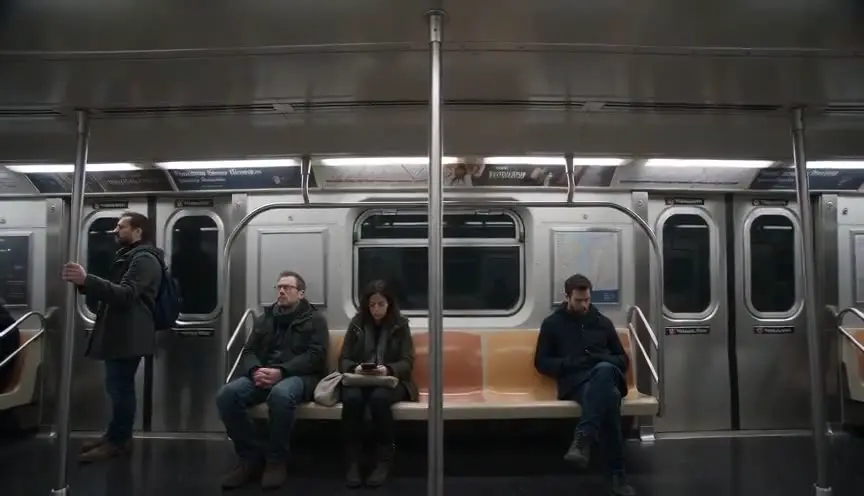
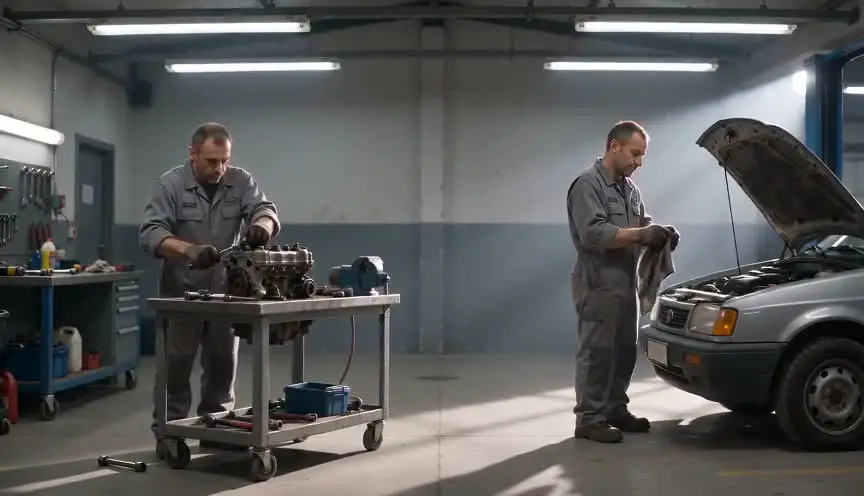
A master shot records an entire scene from beginning to end in a single framing, usually wide enough to include every character. The audience may see only pieces of it, but it holds the scene together.
Also calledCover shotWide coverageSafety shot
Shot sizes
Why it works on screen
The master serves the scene's architecture. It shows who is where, how they move, and how the tension shifts across the room. In ensemble scenes, family dinners, meetings, arguments, it lets the audience see the group dynamics in one image. It can also stand alone as the only shot of the scene, letting actors play with each other without cuts, which builds realism and suspense. A scene earns a held master when the relationship between people in space is the point, or when the performances gain from being unbroken. As coverage, every scene with several characters benefits from one.
The shot list line
- Size
- Wide shot covering all characters
- Angle
- Eye level
- Movement
- Static, or a slow move that follows the main action
- Lens
- 24mm to 35mm
- Duration
- Full scene, 1 to 4 min
Shoot the master first to set blocking, continuity and light, then match every closer angle to the positions and actions it records.
Screenplay
On the page
A master shot is a production term, so it never appears in a spec script. But the way you write the scene helps: clear positions, entrances and exits, and movement across the room give the director a map for the master. Mention where people sit or stand when it matters. The coverage plan, master first, then singles and inserts, lives in the shot list.
INT. FERNÁNDEZ HOUSE - DINING ROOM - BUENOS AIRES - SUNDAY
A long table crowded with plates of asado. Twelve relatives, three generations.
At the head, ABUELA TERESA (84) serves the meat. At the far end, her grandson NICOLÁS (30) sits beside a woman nobody knows.
The conversation dies, one voice at a time.
TERESA
Nicolás. You brought a guest.
NICOLÁS
I brought my wife.
Storyboard
In the storyboard
Draw an overhead floor plan of the room with every character's position and a camera icon marking the master's placement. Add arrows for entrances, exits and movements during the scene. Then draw one wide panel showing the full composition. Note the lens, the camera height and the scene length. List the closer shots that will cover the key lines below the panel.
Pairs well with
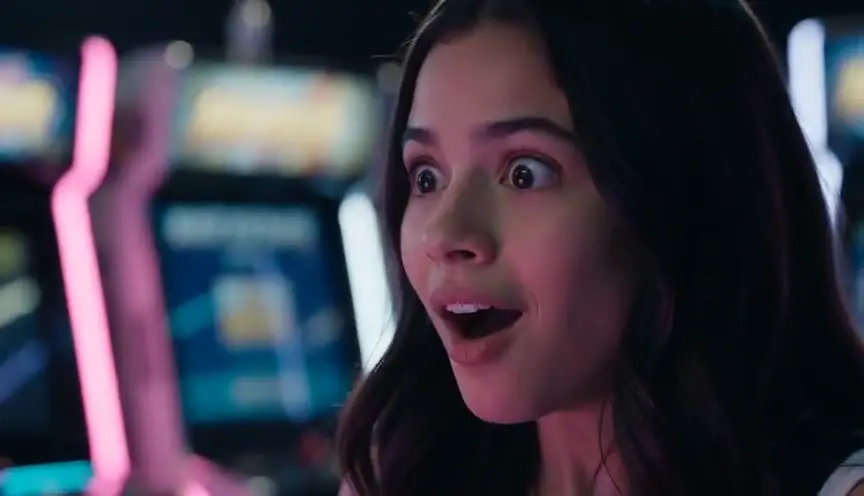
After the master shows the whole table, reaction shots of individual characters reveal how each one takes the news. The master shows the group, the reactions show the individuals.
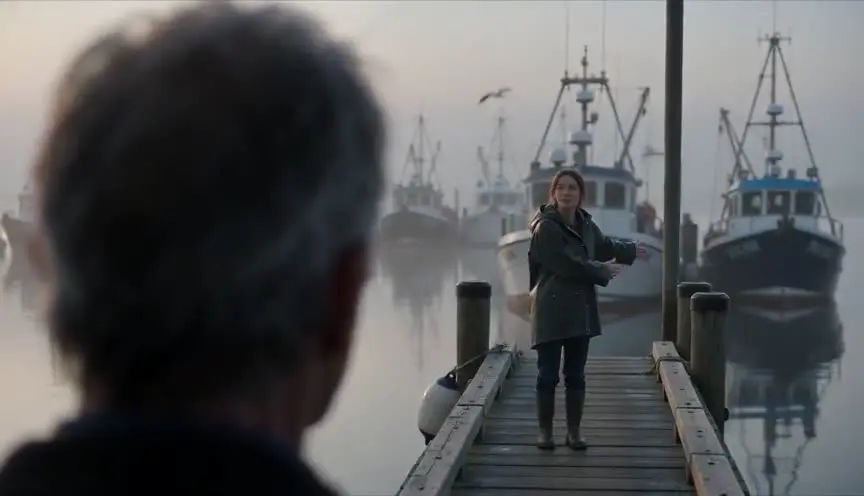
Over-the-shoulder coverage after the master brings the audience into specific conversations within the group, while the master keeps the geography clear.
Reference
Watch it in
Citizen Kane (1941)
Deep-focus wide takes keep whole rooms sharp, so characters near the lens and far behind them play one scene together with no cut.
The Best Years of Our Lives (1946)
In homes and in a bar, William Wyler holds deep wide takes where full dramatic exchanges play out across foreground and background at once.
ScreenWeaver
Set it up in ScreenWeaver
Write the scene with clear positions and movements, and ScreenWeaver breaks it down into shots automatically. Open the master, set a wide framing at eye level, keep the movement static or gentle, and give it the full length of the scene. The characters and the location carry from shot to shot, so every closer angle matches the master's positions. Use the AI previsualization to check the blocking before planning the coverage.
Start writing for freeThe prompt behind this clip
This is the exact prompt that rendered the clip at the top of the page. Keep the description of the camera and the light, change the subject and the place.
Master shot of a Victorian library, a wide locked-off frame from a tripod holding the entire room: two floor-to-ceiling bookshelves, a rolling ladder, and a reading table lit by a green-shaded lamp. An elderly woman in a shawl enters from the left, crosses to the shelves, and hands a leather-bound book to a young man waiting by the table. The camera does not move, pan, or zoom; both figures remain fully visible at all times, lit by warm practical lamps and soft window light. Shot on a 28mm lens, deep focus keeps foreground and background sharp. No text.
Common mistakes
- 01
Skipping the master
Without a master, the editor may lack a way to show the geography or bridge between closer shots. Shoot one, even if you plan to use little of it.
- 02
Characters blocked by others
In large groups, some actors can hide others. Plan positions so every important face is visible in the wide frame. Rehearse the blocking with the camera in place and adjust before lighting.
- 03
Coverage that does not match
If closer shots do not follow the master's positions and actions, continuity breaks. Use the master as the reference for everything else. Keep a script supervisor's notes on every prop and gesture.