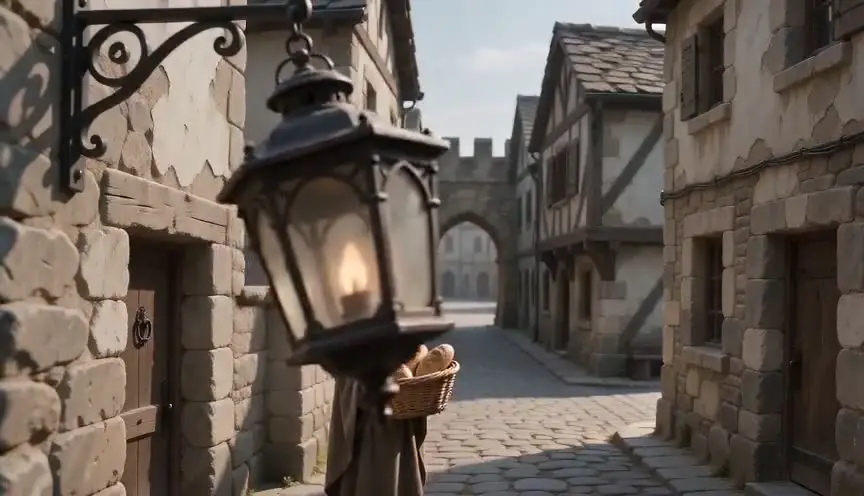
Bullet timeWalk around a frozen instant
Bullet time slows or freezes an action while the camera keeps moving around it, often in a wide arc, so the audience can inspect a split second from several sides. It turns a fleeting instant into a space you travel through.
Also calledTime sliceFrozen moment orbitFlo-Mo
Time and motion
Why it works on screen
Use it when a character's control of time or perception becomes the story. Bullet time says this person sees what others cannot: a fighter reading every blow, a thief finding the gap, a kid realizing the world has paused for her. It also works for a single catastrophic instant the story needs to examine, a glass breaking over a secret, a collision, a jump. It serves power, revelation, spectacle and suspended wonder. A scene earns it when the frozen instant contains a decision or a turn. Because it is so recognizable, use it once or twice, and give it a clear reason inside the fiction.
The shot list line
- Size
- Full shot or medium shot
- Angle
- Eye level
- Movement
- Orbit of 90 to 180 degrees around a frozen or slowed subject
- Lens
- 35mm or 50mm, same across the rig
- Duration
- 3 to 6 s
Lock the subject's mark and the center of the orbit first, then build the camera path around it so every angle keeps the subject at the same size.
Screenplay
On the page
Do not write "bullet time" in a spec script. Describe the instant as the character lives it: everything stops, drops of water hang in the air, she can see the whole room at once. A SLOW MOTION heading is an accepted convention if you need one, but the orbit itself is a director's choice. The arc, the number of cameras or the virtual camera path, and the speed profile go in the shot list and a dedicated previz.
INT. WEDDING HALL, ISTANBUL - NIGHT
The bride's cousin, DENIZ (14, braces, borrowed heels), trips on the dance floor carrying a tray of glasses.
The tray tilts. The glasses leave it.
And everything stops.
Deniz stands inside the moment: a hundred drops of juice hang in the air, a grandmother frozen mid-clap, the band's drummer with sticks raised.
She walks around her own falling tray, studying it.
DENIZ
Okay. Think.
Storyboard
In the storyboard
Draw a top-down diagram with the subject at the center and a curved arrow showing the camera path, marked with degrees and start and end positions. Add two or three small frame panels along the arc showing the subject from front, side and back. Circle what is frozen in the air (drops, debris, hair) and note the speed profile, for example real time, freeze, orbit, ramp back to real time.
Pairs well with
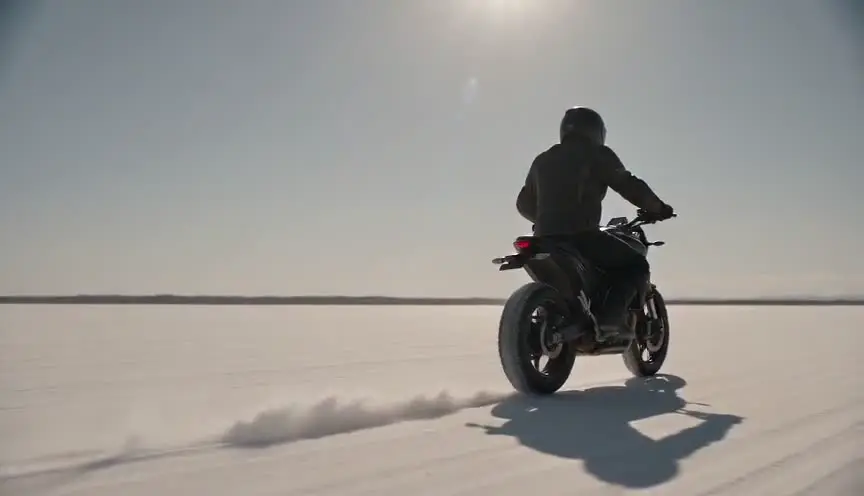
Ramping from real speed into the freeze and back out makes the entry and exit feel organic, so the frozen orbit sits inside the action instead of interrupting it like an insert.

After the frozen instant, a reaction shot at normal speed shows the other characters did not see what the hero saw, which confirms the gap between their perception and everyone else's.
Reference
Watch it in
The Matrix (1999)
On a rooftop, Neo bends back as bullets ripple past him and a ring of still cameras lets the viewpoint circle the impossible moment.
The Matrix Reloaded (2003)
In the fight against many copies of Agent Smith, digital doubles and virtual cameras stretch the idea into longer, freer slow-motion orbits.
ScreenWeaver
Set it up in ScreenWeaver
Write the frozen instant as the character experiences it, and ScreenWeaver breaks the scene into shots automatically. Open the key shot, set a full or medium framing at eye level, choose an orbit as the movement and give it three to six seconds. Characters and the location carry over from the surrounding shots, so the frozen room matches the one we just saw in real time. Check the arc and the timing in the AI previsualization before you plan the rig or the 3D camera path.
Start writing for freeThe prompt behind this clip
This is the exact prompt that rendered the clip at the top of the page. Keep the description of the camera and the light, change the subject and the place.
Bullet time at a night market in Taipei: a young woman spins to dodge a cup of tea knocked into the air, her body frozen mid-turn with the liquid suspended in droplets and her scarf frozen mid-flutter. The camera performs a fast 180-degree orbit around her at eye level, gliding smoothly through the frozen instant while the neon signs, paper lanterns and crowd behind her stay sharply lit but completely motionless. Only the camera moves, revealing her from front, side and back within the shot. No text.
Common mistakes
- 01
No story reason
Freezing a random action and orbiting it is pure spectacle. Tie the effect to a power, a perception or a decision, so the audience understands why time stops here.
- 02
Subject drifts in frame
If the subject slides off center or changes size along the arc, the orbit feels shaky. Fix a precise center point and a constant distance for every camera position.
- 03
Messy frozen background
Extras who blink or sway ruin the illusion that time has stopped. Choose a background that can truly hold still, or plan to build it digitally.