Time-lapseHours pass in a breath
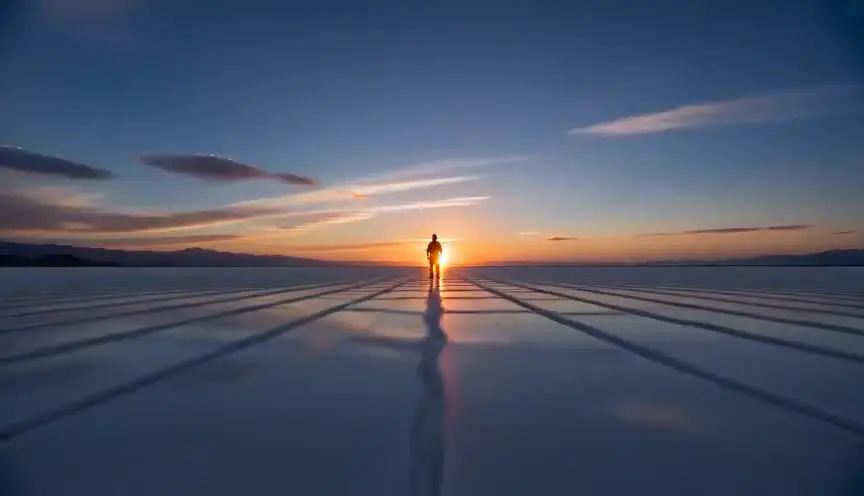
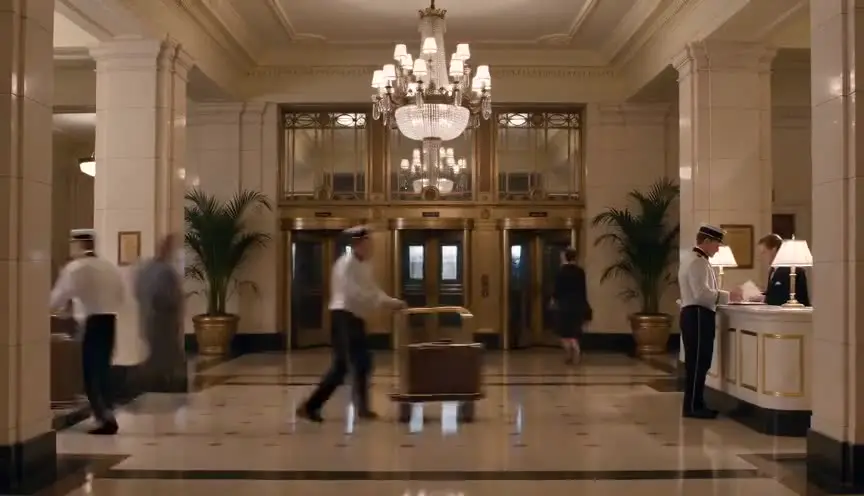
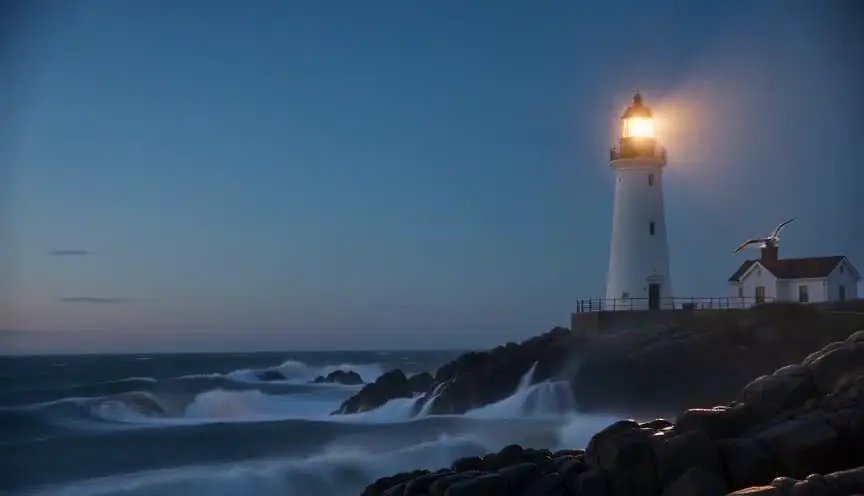
A time-lapse records one frame at long intervals and plays them back at normal speed, so hours or days race by in a few seconds. The audience sees patterns the eye cannot catch in real time: clouds breathing, crowds flowing, a city switching on.
Also calledInterval shootingAccelerated motionTimelapse
Time and motion
Why it works on screen
Use it when the passage of time is the point, not a gap to skip. A time-lapse can show a character waiting all night, a building rising, a season turning, or a place living on without the people we follow. It serves transitions, scale, loneliness, endurance and the feeling that the world does not care about our problems. A scene earns it when the audience needs to feel duration rather than be told about it. It also resets rhythm between dense dialogue scenes. Avoid it as a generic establishing shot: if the time that passes changes nothing in the story, a simple cut will do.
The shot list line
- Size
- Wide shot
- Angle
- Eye level or slightly high
- Movement
- Locked off on a tripod, or a slow motion-control slide
- Lens
- 24mm or 35mm
- Duration
- 4 to 8 s on screen
Lock exposure and white balance by hand or plan a smooth ramp, and weigh the tripod down so wind and footsteps do not shake the interval.
Screenplay
On the page
Do not write "time-lapse" as a camera order. Describe what changes over time and give the span, so the reader feels the duration: the shadow crosses the floor, the sky empties, the café fills and empties again. A director will recognize the invitation. "LATER" or a SERIES OF SHOTS heading can carry a time jump if you need a convention. Interval, shutter and playback speed belong in the shot list, where the camera team will plan the rig.
INT. SEWING WORKSHOP - DAY INTO NIGHT
AHMAD RASULI (60s, reading glasses on a string) sits at the only lit machine in a room of covered ones.
The window light slides across the fabric bolts, turns orange, then blue.
His hands never stop. The pile of finished jackets on the chair beside him grows.
The street lamp outside flickers on.
Ahmad finally lifts his foot off the pedal.
Storyboard
In the storyboard
Draw a single frame with the fixed elements in solid line and the changing elements repeated faintly in several positions: a shadow in three places, clouds as streaks, a crowd as blur. Add a time label in the corner, such as 6 pm to midnight. Under the panel, note the real span, the interval between frames and the target screen length, for example 6 hours at one frame every 5 seconds for 6 seconds on screen.
Pairs well with

Following the time-lapse with a normal establishing shot of the same place drops the audience back into real time and tells them the story has resumed, now at the new hour.

A static shot of the character at normal speed right after the time-lapse gives human scale back to the scene, and makes their stillness feel heavy against all that rushing time.
Reference
Watch it in
Koyaanisqatsi (1982)
Godfrey Reggio uses accelerated traffic, crowds and clouds to present the modern city as a living machine racing through its own cycles.
Baraka (1992)
Ron Fricke compresses night skies, weather and human crowds into one continuous rhythm, linking nature and ritual across many countries without dialogue.
ScreenWeaver
Set it up in ScreenWeaver
Describe what changes over the hours in your screenplay, and ScreenWeaver breaks the scene into shots automatically. Open the time-lapse shot, choose a wide framing at eye level, set the movement to static or a slow slide, and give it a screen duration of four to eight seconds. The location carries over from the neighboring shots, so the time-lapse and the normal-speed shot after it describe the same place. Review the pacing in the AI previsualization before adding the interval and span to your shot notes.
Start writing for freeThe prompt behind this clip
This is the exact prompt that rendered the clip at the top of the page. Keep the description of the camera and the light, change the subject and the place.
Time-lapse of a rooftop basketball court at sunset, camera locked on a tripod in one fixed wide shot, the hoop, backboard, and court lines staying perfectly still while clouds streak rapidly overhead and the sky shifts from gold to deep blue. Shadows of the backboard sweep across the concrete in fast arcs, a few players flicker through the frame in quick blurred bursts, and distant city lights and rooftop floodlights switch on as darkness falls. No text.
Common mistakes
- 01
Flicker from auto exposure
Letting the camera adjust exposure on its own makes every frame slightly different and the result pulses. Shoot in manual and plan exposure ramps, or smooth them in post.
- 02
Nothing moving in frame
A time-lapse of a static scene looks like a still photo that twitches. Frame something that changes clearly: light, weather, traffic, people, growth, so the compression becomes visible.
- 03
Wrong interval
Too short an interval and the action barely speeds up; too long and movement turns into jumps. Calculate it from the real span and the seconds you need on screen.