WigglegramA frozen moment you can almost walk around
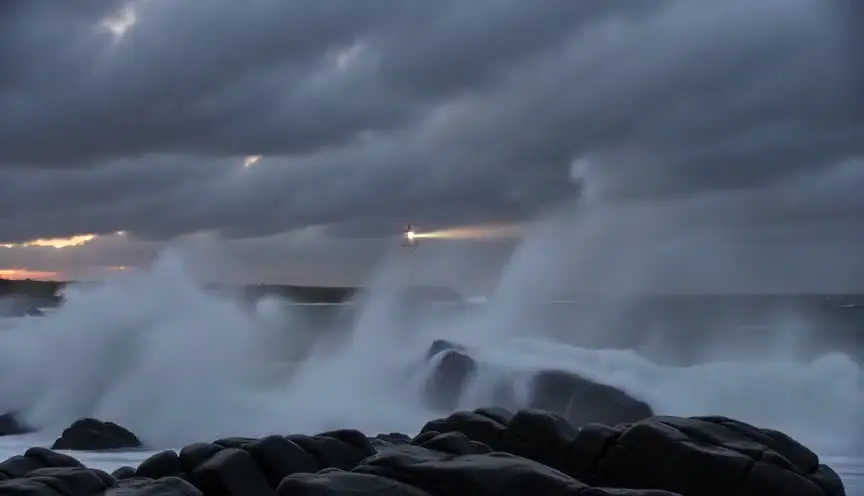
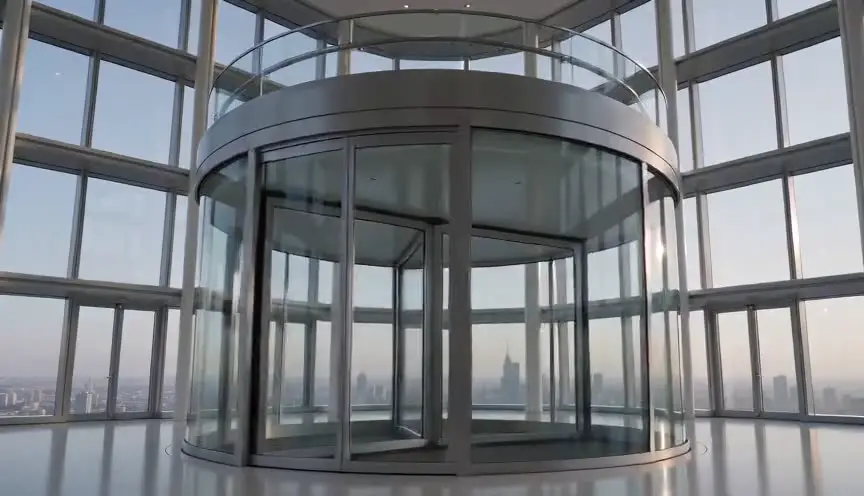
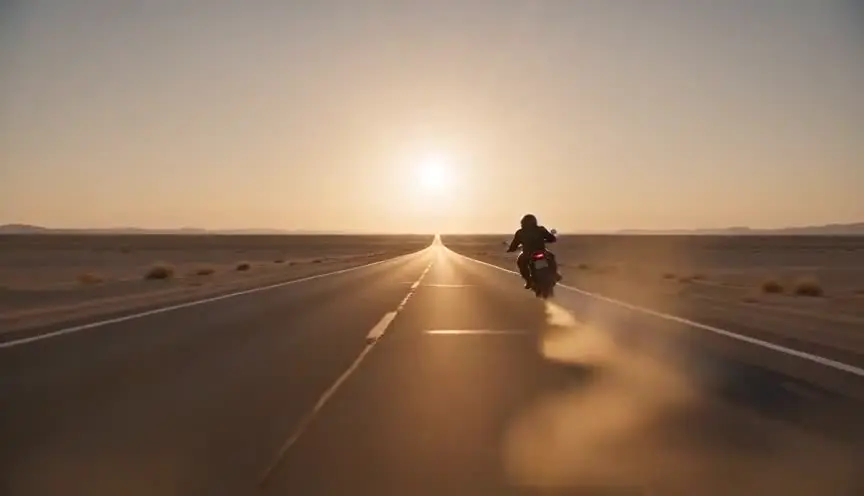
A wigglegram loops a few frames taken from slightly different viewpoints, so a frozen moment rocks back and forth and the depth pops out. The audience feels they are looking at a memory in three dimensions, suspended and handmade.
Also calledWiggle GIFStereo parallax loopNishika loop
Optical effects
Why it works on screen
The wigglegram belongs to memory and nostalgia. It suits snapshots from a party, a family holiday, a gig, a first date, the kind of moment people want to keep and return to. Because the subject is frozen while the viewpoint moves, time stops but the space stays alive, which makes it ideal for flashbacks, photo albums, title sequences and music-driven montages. A scene earns it when the story wants the audience to hold a single moment and look at it from all sides. It can also mark a character as a photographer or a collector of moments, and its analog feel places a film in a certain era.
The shot list line
- Size
- Medium shot or medium wide of a frozen moment
- Angle
- Eye level
- Movement
- No real camera move: three to four viewpoints on a short horizontal baseline
- Lens
- Matched lenses, 35mm to 50mm, same focus plane on the key subject
- Duration
- 2 to 4 s (several loops of 3 to 4 frames)
Fire all viewpoints at the same instant and keep the key subject at the same point in each frame so the loop pivots around it.
Screenplay
On the page
Leave the term out of a spec script unless the characters are actually making wigglegrams, in which case the camera and the images are props and can be described. Otherwise, write the moment as a frozen memory: a photograph that seems to breathe, faces stopped mid-laugh. The director will choose the treatment. The number of frames, the camera spacing and the loop speed belong in the shot list and the post notes, where a specialist can plan the capture.
EXT. ROOFTOP WEDDING - LAGOS - NIGHT
String lights, jollof steam, a live highlife band.
CHIDERA OKONKWO (20s, the bride's cousin) raises an old four-lens film camera and shoots the dancing couple.
The bride's gele catches the light, her hand thrown in the air, the groom mid-spin.
The moment stops, rocks gently left and right, as if we could step around it.
Then the music crashes back in.
Storyboard
In the storyboard
Draw one panel with the frozen moment and mark the pivot point, usually the main face, with a small crosshair. Below it, draw three or four camera icons on a short horizontal line with the spacing written in centimeters. Add a double-headed arrow across the frame showing the rocking motion and note the loop speed (for example 8 frames per second). Write which moment in the scene is frozen.
Pairs well with
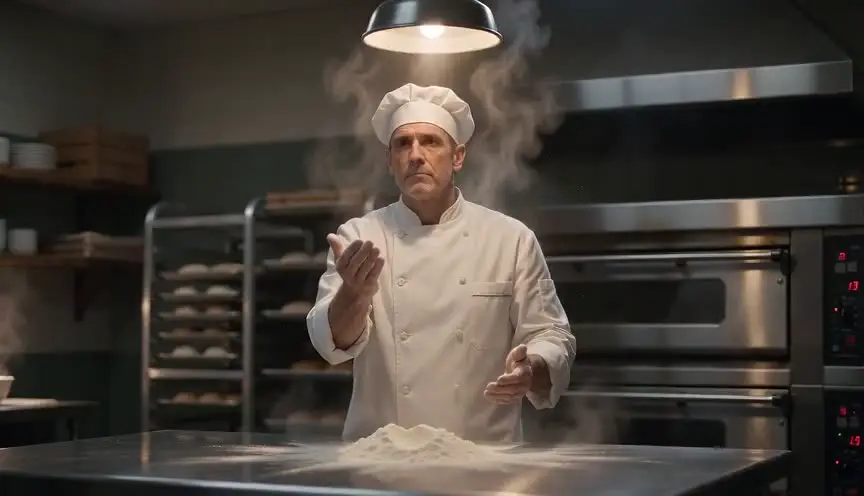
A plain freeze on the same moment, just before the wigglegram, stops time. When the image then starts to rock in depth, the frozen moment seems to open up and become a place.

Several wigglegrams cut into a montage turn a night out or a summer into a string of kept memories, each one a snapshot the audience can almost step into.
Reference
Watch it in
The Matrix (1999)
Its bullet time rig, a row of still cameras firing in order around the actor, is the direct technical ancestor of the wigglegram's multi-angle capture.
Swordfish (2001)
The opening explosion freezes in place while the viewpoint travels through a still camera array, a cinematic cousin of the wigglegram's parallax.
ScreenWeaver
Set it up in ScreenWeaver
Write the frozen moment as action in your screenplay, and ScreenWeaver breaks the scene into shots automatically. In the storyboard, open that shot and set a medium framing at eye level, a small arc as the movement and a short duration of two to four seconds, then note the loop treatment in the shot description. Characters carry from shot to shot, so the frozen moment matches the scene around it. Check the placement and rhythm in the AI previsualization.
Start writing for freeThe prompt behind this clip
This is the exact prompt that rendered the clip at the top of the page. Keep the description of the camera and the light, change the subject and the place.
Wigglegram of a narrow medieval stone lane between two-story stone houses, captured from four fixed horizontal viewpoints spaced a few centimeters apart, looping back and forth between the four framings at roughly ten switches per second in a stepped, non-smooth motion. A wrought iron lantern hanging close to the lens swings noticeably between frames while a distant stone archway and cobbled square barely shift. A cloaked merchant with a basket of bread stands motionless in the midground under flat, even daylight, with no motion blur and no camera glide. No text.
Common mistakes
- 01
No clear pivot
If the frames are not aligned on one subject, the whole image jitters instead of rocking in depth. Choose the pivot point, usually the main face, and align every frame on it.
- 02
Too wide a baseline
Viewpoints spaced too far apart make the loop jump and hurt the eyes. For people at a few meters, a few centimeters between viewpoints is enough to show depth.
- 03
A moving subject between frames
If the frames are not taken at the same instant, the subject shifts and the illusion breaks. Use synchronized cameras, a multi-lens camera or 3D capture.