Night visionOne side sees, the other does not
Night vision shows the world as seen through an image intensifier: grainy green monochrome, glowing eyes, lights that bloom, a round frame around the view. The audience knows immediately that someone is seeing in the dark, and usually that someone else cannot.
Also calledNight vision goggles lookNVG effectGreen night vision
Optical effects
Why it works on screen
Use it when sight itself is the source of power in a scene. Night vision can put the audience in the eyes of a hunter stalking someone who is blind in the dark, of a soldier moving through a raid, or of a parent watching a baby monitor at three in the morning. It serves suspense, horror, military procedure and surveillance. A scene earns it when the imbalance between who sees and who does not drives the tension. Because it removes color and detail, it quickly becomes tiring, so keep it for short, focused passages.
The shot list line
- Size
- Medium shot or wide shot, as a point of view
- Angle
- Eye level, the wearer's height
- Movement
- Handheld, head-like movement
- Lens
- 24mm to 35mm, with a circular matte in post
- Duration
- 3 to 8 s
Light the scene with infrared sources invisible to the eye, or shoot dim and plan the green treatment, grain and bloom in post.
Screenplay
On the page
You can name night vision in a screenplay when it is a device inside the story: a character puts on goggles, a security camera switches to night mode. Write it as a point of view, for example THROUGH THE GOGGLES or a POV slug, and describe what they see. That is story information, not a camera direction. The optical look, the grain and the vignette shape belong in the shot list and the effects notes.
INT. MUSEUM STOREROOM, VIENNA - NIGHT
Pitch black. Something breathes near the crates.
THROUGH NIGHT-VISION GOGGLES: green rows of shelves, a marble bust, and a figure crouched behind it, eyes shining.
JONAS WEBER (50s, night guard, goggles strapped over thinning hair) takes one slow step forward.
The figure in the green stays perfectly still.
JONAS
I can see you, you know.
Storyboard
In the storyboard
Draw the view inside a circle or two overlapping circles to represent the goggles, with dark edges outside. Shade the inside in green pencil and keep detail simple. Mark hot points such as eyes or lamps with a small glow. Add the wearer's movement with an arrow and a note that this is a POV. Draw the next panel as a normal dark shot, so the contrast between seeing and not seeing is planned.
Pairs well with
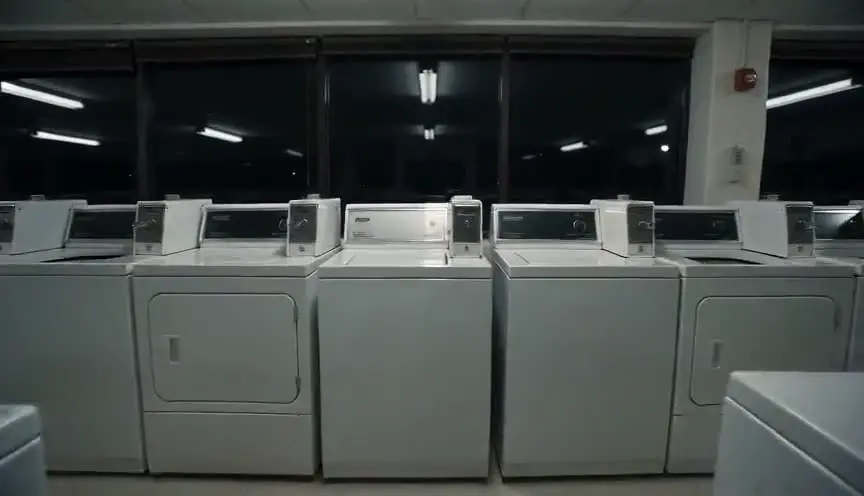
Night vision almost always works as a point of view. Planning it as a POV shot makes clear whose eyes the audience shares and why their sight matters in the scene.
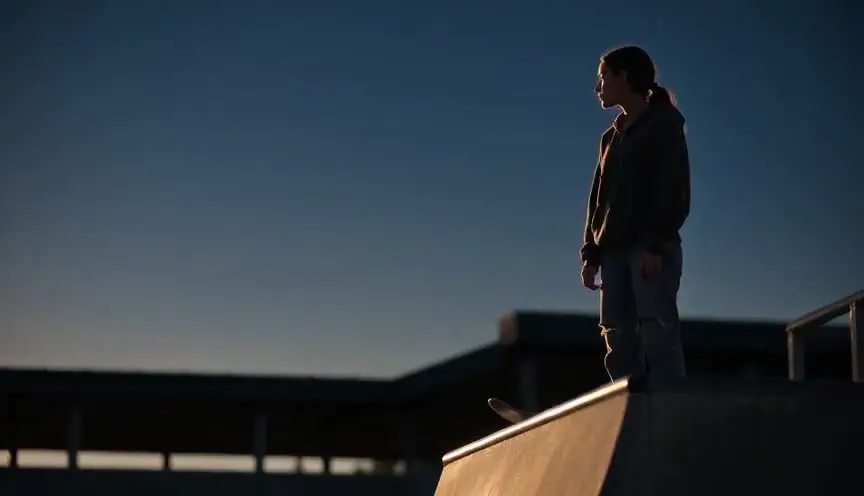
Cutting between low-key lighting, where the audience sees almost nothing, and the night vision view shows how blind one side is and how exposed the other has become.
Reference
Watch it in
The Silence of the Lambs (1991)
In the dark basement, the killer watches Clarice through goggles, and the green view makes her helplessness and his control painfully clear.
Zero Dark Thirty (2012)
Much of the compound raid is seen through green night vision, grounding the sequence in the equipment and routine of a real operation.
ScreenWeaver
Set it up in ScreenWeaver
Write the goggles into your screenplay as a point of view, and ScreenWeaver breaks the scene into shots automatically. Open the POV shot, set a medium or wide framing at the wearer's eye level, a handheld movement and a duration of three to eight seconds, and note the night vision look in the shot description. Characters and locations carry from shot to shot, so the storeroom matches in both views. Use the AI previsualization to plan the cutting between green and dark.
Start writing for freeThe prompt behind this clip
This is the exact prompt that rendered the clip at the top of the page. Keep the description of the camera and the light, change the subject and the place.
Night vision footage of a pottery workshop at night, captured through a handheld night vision device: the entire frame is rendered in high-contrast green monochrome with visible grain and a soft circular vignette darkening the edges. An adult potter leans over a spinning wheel, silhouetted against the dim glow of a single bare bulb that blooms into a bright halo. The camera drifts slowly forward and slightly to the right, unsteady and handheld, while the potter's hands and the wet clay remain the only clear points of motion in the frame. No text.
Common mistakes
- 01
Staying in green too long
Long night vision passages tire the eye and flatten emotion. Keep them short and cut back to normal images to restore faces and space.
- 02
Unclear whose view
If the audience does not know who is wearing the goggles, the tension collapses. Show the character putting them on or looking before cutting to the view.
- 03
Too clean an image
Real intensifiers add grain, bloom and a soft vignette. A clean green tint looks like a filter. Add texture that matches the device.