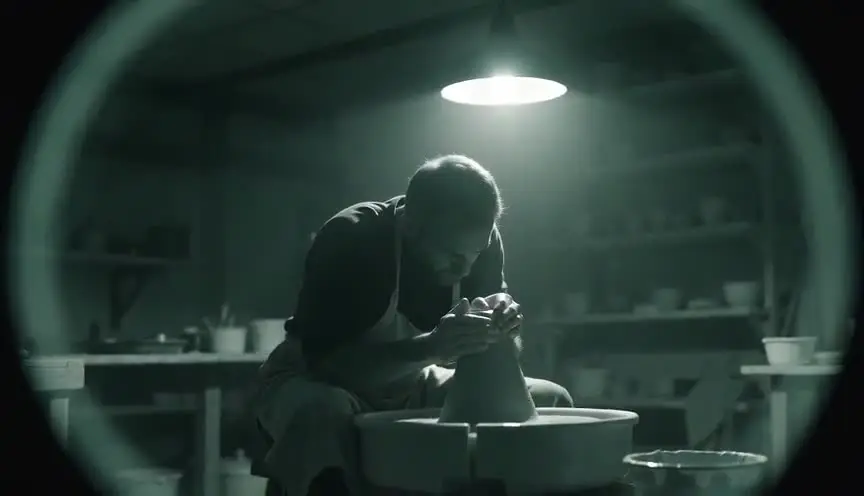
X-ray effectSeeing what is hidden inside
An X-ray effect shows the inside of a body or object, bones under skin, a weapon in a bag, wiring behind a wall, as if the image could see through matter. The audience gets access to something hidden and knows more, often before the characters do.
Also calledX-ray visionSkeleton visionSee-through effectRadiographic effect
Optical effects
Why it works on screen
The effect is about exposure. It serves thrillers, when a scanner reveals a gun or a smuggled package; science fiction and superhero stories, when a character gains the power to see through things; horror, when the body under the skin becomes monstrous; and medical drama, when an image carries a diagnosis. The key story function is a reveal: the hidden truth becomes visible in one image. A scene earns it when a secret has been built up and the story is ready to expose it, or when a new power changes how a character sees everyone around them.
The shot list line
- Size
- Insert or close-up of the scanned area
- Angle
- Straight on, flat to the subject
- Movement
- Static, or a slow pan that follows the object through the scan
- Lens
- 50mm or macro for monitor inserts
- Duration
- 2 to 4 s
Shoot a clean normal pass and a matching locked pass for the X-ray layer, and keep the hidden object's position documented for the VFX team.
Screenplay
On the page
If the X-ray view comes from a device or a power in the story, write it as what the character or screen shows: the bag on the monitor, the pistol outlined in blue. That is story information. Avoid naming the visual treatment or describing color grades and layers. The look, the transition into and out of the view, and the plates needed for compositing belong in the shot list and the VFX notes. Keep the page focused on what is revealed and who sees it.
INT. CONTAINER PORT SCANNER BOOTH - MARSEILLE - NIGHT
Customs officer NADIA BENSALEM (40s, tired eyes, sharp) watches the monitor as a crate of olive oil tins rolls through.
On screen, the tins glow a pale blue. In the middle row, one tin is darker, and inside it, the outline of a small revolver.
Nadia sets down her coffee.
NADIA
Stop the belt.
On the dock, the driver keeps smiling at nobody.
Storyboard
In the storyboard
Draw two panels of the same framing: the normal view and the X-ray view. In the second, sketch the skeleton, the hidden object or the internal structure in a contrasting color and outline the key element with a circle. Add a note on the transition (hard switch, wipe, scan line). If the view is a character's power, show whose point of view it is with a small eye icon and the story beat it reveals.
Pairs well with
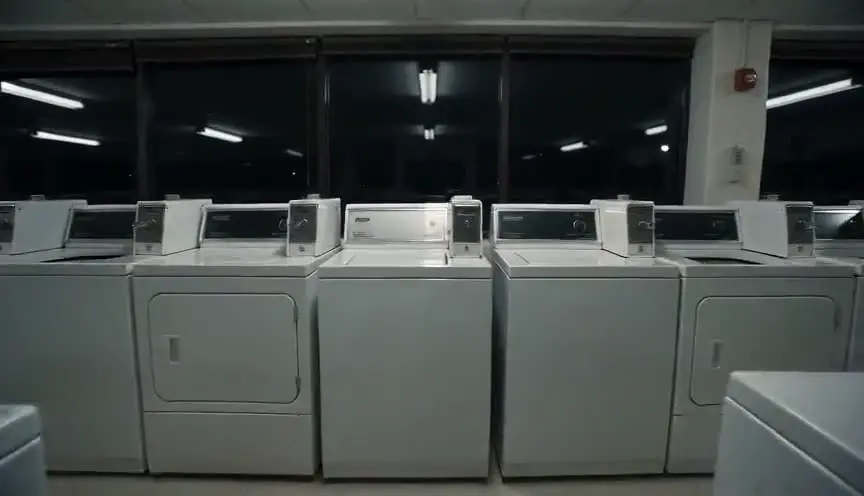
A POV shot before the X-ray view places the audience behind the character's eyes or the scanner. When the image turns transparent, the reveal belongs to that character.

Cutting to a face after the X-ray reveal shows what the discovery means: fear, triumph, suspicion. The reaction turns a visual effect into a story turn.
Reference
Watch it in
Total Recall (1990)
At a spaceport checkpoint, a scanner turns walking passengers into moving skeletons and exposes Quaid's hidden gun just before the chase begins.
Hollow Man (2000)
In the first invisibility test, digital layers peel away skin, muscle and organs, leaving a skeleton for a moment before Sebastian disappears.
X: The Man with the X-Ray Eyes (1963)
Optical composites show Xavier's sight cutting through clothing and skin, including carnival scenes where he looks into strangers' bones and organs.
ScreenWeaver
Set it up in ScreenWeaver
Write what the scanner or the power reveals in your action lines, and ScreenWeaver breaks the scene into shots automatically. In the storyboard, open the reveal shot, set a close framing that is flat to the subject, a static movement and a short duration of two to four seconds, and describe the X-ray layer in the shot notes. References carry from shot to shot, so the hidden object matches the prop elsewhere. Use the AI previsualization to check the timing of the reveal.
Start writing for freeThe prompt behind this clip
This is the exact prompt that rendered the clip at the top of the page. Keep the description of the camera and the light, change the subject and the place.
X-ray effect: a static medium shot inside a fluorescent-lit laundromat at night, a middle-aged woman resting her hand against a spinning dryer. Halfway through the shot, a soft blue-white radiographic glow sweeps across her torso from left to right, turning skin and clothing translucent to reveal her ribcage and spine rendered in bright cyan bone detail against a black internal void, while the background laundromat stays fully lit and unchanged. The glow recedes at the same speed, her skin returns opaque, and she continues resting, untouched. No text.
Common mistakes
- 01
Revealing too early
If the X-ray view appears before the audience cares about what is hidden, it becomes decoration. Build the question first: what is in the bag, what is wrong with the body.
- 02
Anatomy that looks wrong
Skeletons with the wrong number of ribs or bones floating in place distract viewers. Use real anatomical references and match the X-ray layer to the actor's actual pose.
- 03
Unclear point of view
Without knowing who sees the X-ray image, the audience cannot read the scene. Establish whether it comes from a machine, a character's power or the film's own narration.