Thermal visionSee the heat, lose the face
Thermal vision shows the world as a map of temperature, with warm bodies glowing in white, yellow and orange against cold blues and purples. The audience instantly understands they are seeing through a machine or a non-human eye that tracks life, not identity.
Also calledHeat visionHeat-map viewThermal imaging shot
Optical effects
Why it works on screen
Use it when the scene is about being hunted, searched for or watched by something that does not see as we do. Thermal vision can be the point of view of a creature, a drone operator, a rescue team looking through smoke or a border patrol scanning the dark. It serves menace, surveillance, rescue and the cold logic of machines. A scene earns it when the question is where the warm bodies are, and when losing faces and expressions adds to the fear or the distance. It removes emotion from the image, so pair it with normal shots to bring the human stakes back.
The shot list line
- Size
- Wide shot or medium shot, as a point of view
- Angle
- Eye level or high, depending on the viewer
- Movement
- Slow handheld scan or drone drift
- Lens
- Wide, low-detail look, often with an interface overlay
- Duration
- 3 to 8 s
Shoot the plate normally or with a real thermal camera, and decide early whether the heat map is captured on set or built in post.
Screenplay
On the page
Thermal vision is legitimate on the page when a device or a creature in the story sees this way. Establish the source, then use a point of view line, for example THROUGH THE THERMAL SCOPE or CREATURE'S POV, and describe what glows and what stays cold. Keep it short. Color palettes, resolution, scan lines and how the effect is produced are for the shot list and the visual effects notes, not the screenplay.
EXT. COLLAPSED APARTMENT BLOCK, IZMIR - NIGHT
Dust still hangs in the air. Floodlights. Silence ordered through a megaphone.
SELIN KAYA (31, rescue helmet, thermal camera in both hands) sweeps the rubble.
ON HER SCREEN: blue concrete, purple steel, nothing. Nothing.
Then, deep in the slabs, a small orange shape. It moves.
SELIN
Here! Everybody quiet!
Storyboard
In the storyboard
Draw the scene with simple shapes, then color warm areas in yellow and orange and cold areas in blue and purple. Keep faces as blobs with no features. Mark the viewer's scan with an arrow and circle the heat signature the story is about. Note POV and the source (device, drone, creature). Draw the reverse normal shot next to it, so the switch between thermal and human vision is planned.
Pairs well with
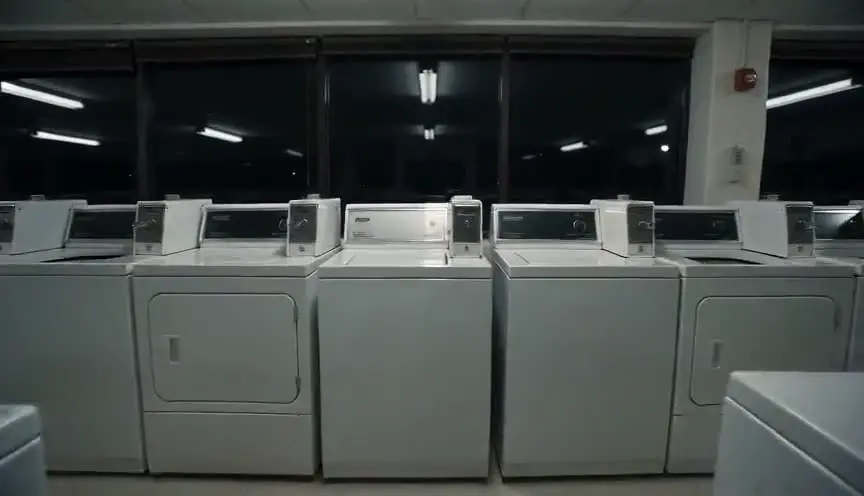
Thermal vision is almost always a point of view. Framing it as a POV shot makes clear whose perception the audience shares, whether hunter, rescuer or machine.
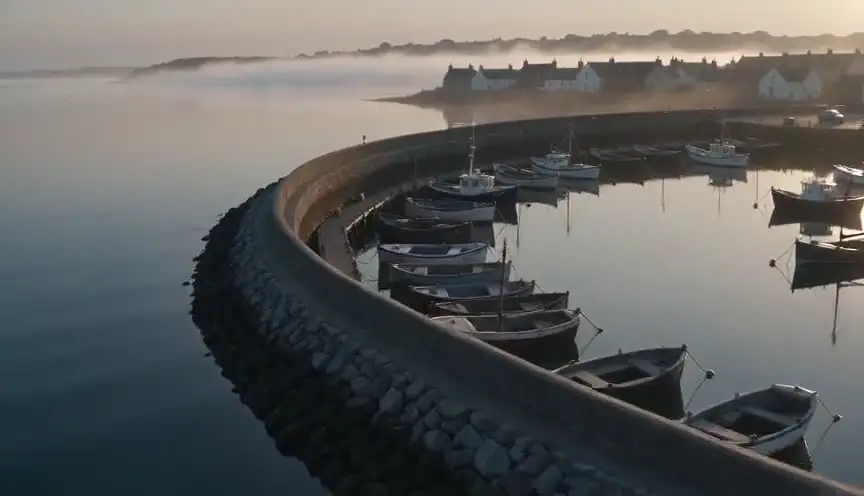
An aerial shot in thermal view shows bodies moving across dark terrain from above, which suits drones, helicopters and searches where the pattern of heat tells the story.
Reference
Watch it in
Predator (1987)
The hunter's point of view turns jungle and commandos into glowing patches of color, making thermal sight the mark of an alien predator.
The Predator (2018)
The later film brings back the creature's heat-map viewpoint, keeping its crude false colors as instant shorthand for how the hunter sees.
ScreenWeaver
Set it up in ScreenWeaver
Write the device or creature and its point of view into your screenplay, and ScreenWeaver breaks the scene into shots automatically. Open the POV shot, set a wide or medium framing, an eye-level or high angle, a slow scanning movement and a duration of three to eight seconds, and note the thermal look in the shot description. Characters and locations carry from shot to shot, so the rubble matches in both views. Use the AI previsualization to plan the cutting between heat and normal vision.
Start writing for freeThe prompt behind this clip
This is the exact prompt that rendered the clip at the top of the page. Keep the description of the camera and the light, change the subject and the place.
Thermal vision: a static wide shot of a neon arcade rendered entirely in false-color heat imaging, a cold blue-purple background where the arcade cabinets glow deep violet, while two adult figures walking between the machines glow white-hot and orange along their heads, hands and chests. The image is low-resolution and slightly soft, with a faint scan-line flicker and warm blooming halos around the hottest edges. No fine detail, no visible text, no normal color, just a shifting heat map. No text.
Common mistakes
- 01
Physics that do not add up
Thermal cameras do not see through walls or glass. Audiences who know that will be pulled out. Keep what glows plausible, or establish a special device.
- 02
Too long in thermal
Without faces, the audience loses emotional contact. Cut back to normal shots regularly so the stakes stay human.
- 03
Unclear whose view
If the audience cannot tell who is looking, the menace or the hope disappears. Show the viewer or the device before the first thermal shot.