HalationA warm edge around the light
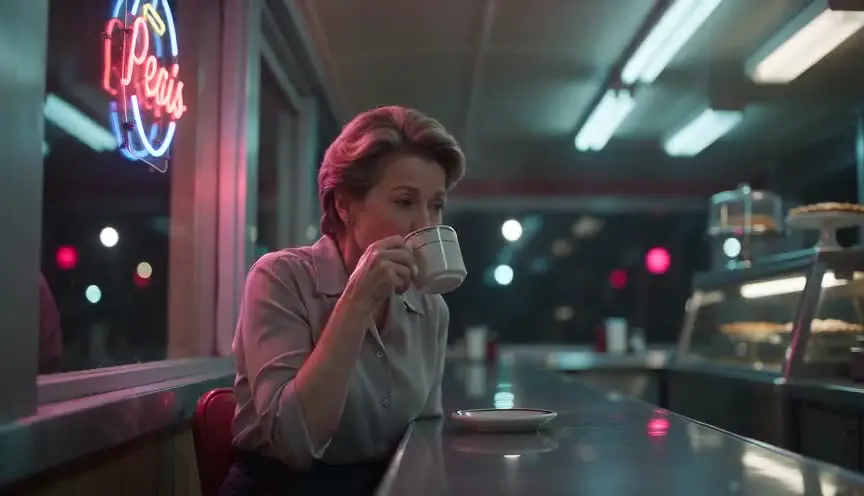
Halation is the soft, usually red-orange glow that forms around bright highlights on film, as light bounces back through the emulsion. The audience feels it as warmth and texture: the image seems remembered rather than recorded.
Also calledHalo glowFilm bloomRed halation
Optical effects
Why it works on screen
Use it when the film's world should feel lived, tactile or remembered. Halation softens hard lights into halos: streetlamps, car headlights, candles, neon signs. It serves period stories, love stories, night wanderings and anything told from memory, where the audience should feel that time has touched the image. It can also add a feverish heat to a night of crime or panic when the halos turn red and magenta. A project earns it when texture supports the story's point of view. It is a look for a whole film or a whole sequence, rarely for a single shot.
The shot list line
- Size
- Medium shot or wide shot
- Angle
- Eye level
- Movement
- Static or slow push
- Lens
- 35mm or 50mm, vintage glass or a light diffusion filter
- Duration
- 4 to 8 s
Put practical lights in frame and slightly overexpose them, then decide with the colorist how much red glow to keep or add.
Screenplay
On the page
Halation is a question of film stock, lenses and grading, so it never belongs in a spec script by name. What the writer can do is fill scenes with practical light that will glow: Christmas bulbs in a shop window, a flickering motel sign, candles on a birthday cake. That gives the cinematographer material. If you are directing, discuss the look early and write it in the visual notes, including whether it will come from film, filters or a digital emulation.
INT. ROADSIDE DINER, NEW MEXICO - NIGHT
The neon OPEN sign buzzes red in the window.
CONSUELO BAPTISTE (60s, waitress, reading glasses on a chain) counts tips at the end of the counter.
Headlights swing across the glass. A pickup pulls in and stays, engine running.
She stops counting.
The driver's face is just a shape behind the glare.
CONSUELO
Kitchen's closed, hon.
Storyboard
In the storyboard
Draw each practical light source with a soft ring around it, shaded in red or orange pencil to show the glow spreading into the dark. Keep the rest of the frame darker and cooler. Note the sources that should glow, such as a neon sign, headlights or candles, and under the panel write the treatment: film stock, diffusion filter or grading. Use the same notation across the sequence so the look stays consistent.
Pairs well with
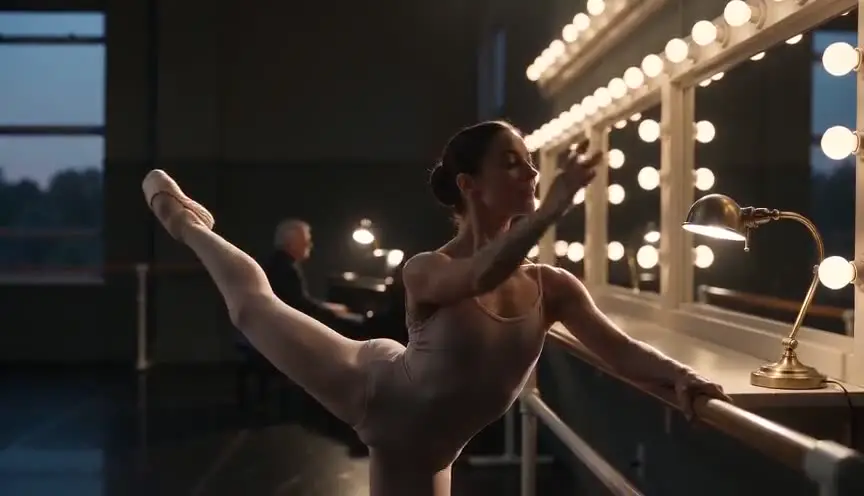
Halation needs bright points in frame to glow around. Practical lights, lamps, signs and candles, give it those points while also motivating the scene's lighting.
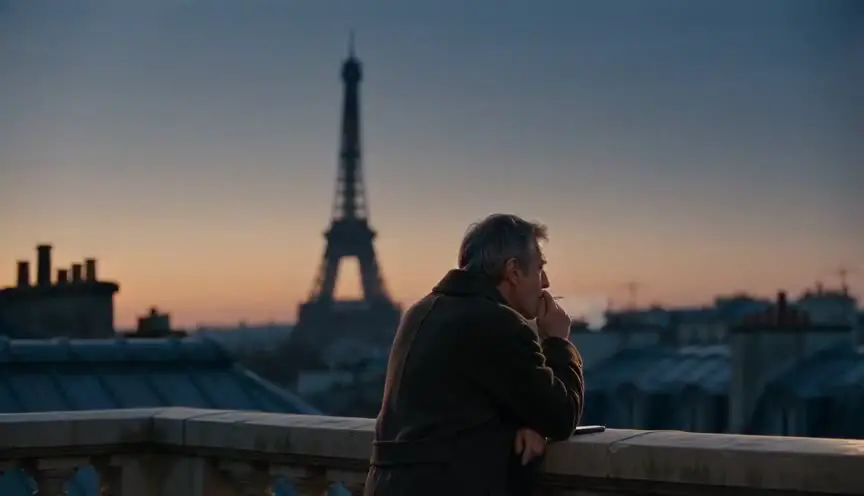
Halation and grain are both signs of film. Used together, they give the image a coherent, organic texture, so neither looks like a filter added on its own.
Reference
Watch it in
Carol (2015)
Ed Lachman shot on Super 16mm, so holiday lights, headlights and rain on windows spread into soft amber halos that feel like a remembered winter.
The Batman (2022)
Greig Fraser printed the digital images to film and scanned them back, giving Gotham's streetlights and gunfire warm, glowing edges.
Good Time (2017)
On 35mm, neon, police lights and shop signs in Queens bleed red and magenta around the frantic brother running through the night.
ScreenWeaver
Set it up in ScreenWeaver
Place the practical lights in your screenplay's action lines, and ScreenWeaver breaks the scene into shots automatically. Open the shots where those lights appear, set a medium or wide framing at eye level, a static or slow push movement and a duration of four to eight seconds. Locations and references carry from shot to shot, so the neon or lamps stay the same. Use the AI previsualization to check the balance of light and shadow, then note the halation treatment for the camera and grading teams.
Start writing for freeThe prompt behind this clip
This is the exact prompt that rendered the clip at the top of the page. Keep the description of the camera and the light, change the subject and the place.
Halation glows warmly around a single caged lamp swinging faintly from the ceiling of an abandoned train station at night. The camera is locked off on a low angle with a 35mm lens, framing cracked tile floor and rusted ticket booths softened by dust haze. A middle-aged woman in a worn coat walks slowly past the light, her silhouette briefly crossing the bulb, which blooms into a soft red-orange halo bleeding outward while the rest of the frame stays cool and dim. No text.
Common mistakes
- 01
Glow on everything
If every edge glows, the image loses contrast and looks foggy. Halation works best around a few strong highlights against darker areas.
- 02
Applying it to one shot
A single glowing shot in a clean digital sequence looks like an error. Decide the look for the whole scene or film and apply it consistently.
- 03
Wrong color
Real film halation tends to red and orange. A neutral white bloom reads as diffusion, not as film. Choose the color to match the intended texture.