Stutter motionEvery impact feels sharper
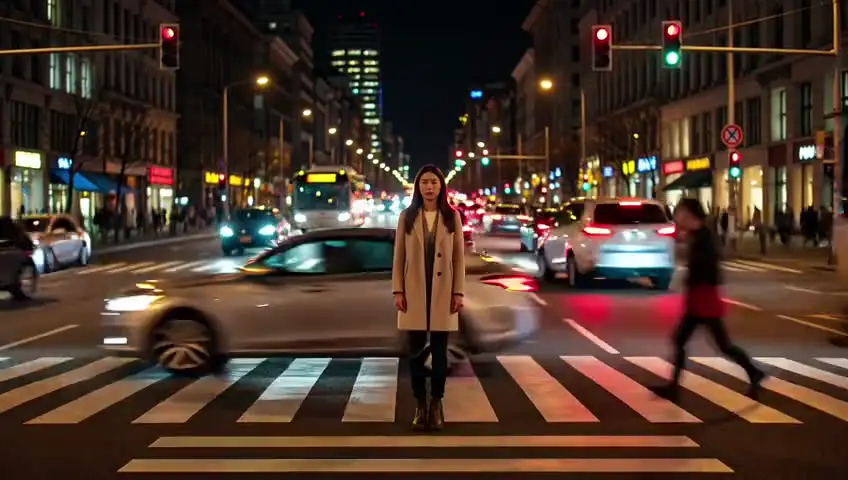
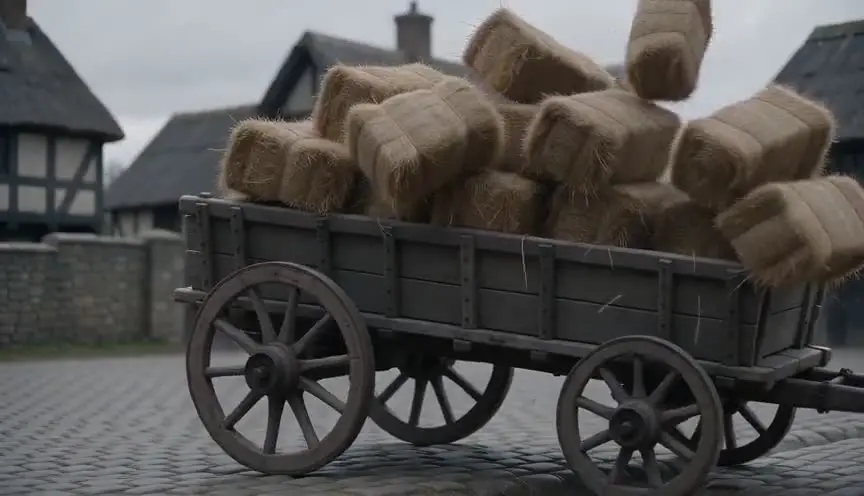
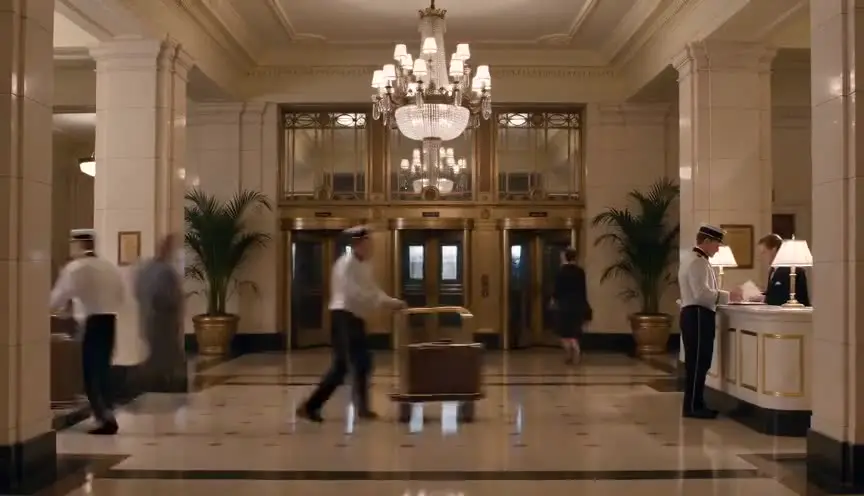
Stutter motion makes movement look crisp and jerky, as if the image jumps from position to position instead of flowing. The audience reads it as raw, nervous and immediate, like newsreel footage or a pulse of adrenaline.
Also calledStrobing motionChoppy motionStaccato motionNarrow shutter look
Time and motion
Why it works on screen
Use it when the story wants chaos to feel real and dangerous. Stutter motion sharpens explosions, debris, sprays of water and fast bodies, so the audience sees every fragment instead of a soft smear. It serves combat, disasters, panic and moments of heightened alertness, when a character's senses switch to survival mode. It can also feel mechanical and cold, suiting a world of machines or a character who has lost their humanity. A scene earns it when violence or danger should feel shocking, not choreographed. On a calm dialogue scene, it simply reads as a technical fault.
The shot list line
- Size
- Medium shot or wide shot
- Angle
- Low angle or eye level
- Movement
- Handheld or static
- Lens
- 24mm to 35mm
- Duration
- 2 to 6 s
Set a narrow shutter, 45 or 90 degrees, and add light to compensate, then check playback on a large monitor to make sure the strobing is readable, not distracting.
Screenplay
On the page
This is a look created by the camera, so do not name it in a spec script. Write the experience: debris hangs sharp in the air, every movement jerks, the noise is deafening. The reader feels the brutality and the director hears the cue. If you are directing, note the shutter angle and frame rate in the shot list and the camera report, and discuss with your editor whether some stutter will be added or removed in post.
EXT. QUARRY ROAD, PATAGONIA - DAY
The blast goes off early.
RUBÉN CASTILLO (45, dust mask around his neck) is thrown against the truck door.
Rocks the size of fists spin through the air, each one sharp, each one frozen then gone.
He crawls under the chassis as stones hammer the roof.
The ringing in his ears swallows everything.
RUBÉN
Marco! Marco!
Storyboard
In the storyboard
Draw moving elements in several crisp, separate positions with no speed lines, like a sequence of stamps: the flying rocks, the body, the spray. Leave clear gaps between each position to show the jumps. Write STUTTER or the shutter setting under the panel, such as 45 degree shutter, 24 fps. Note which shots in the sequence use it, so the editor knows where the texture starts and stops.
Pairs well with
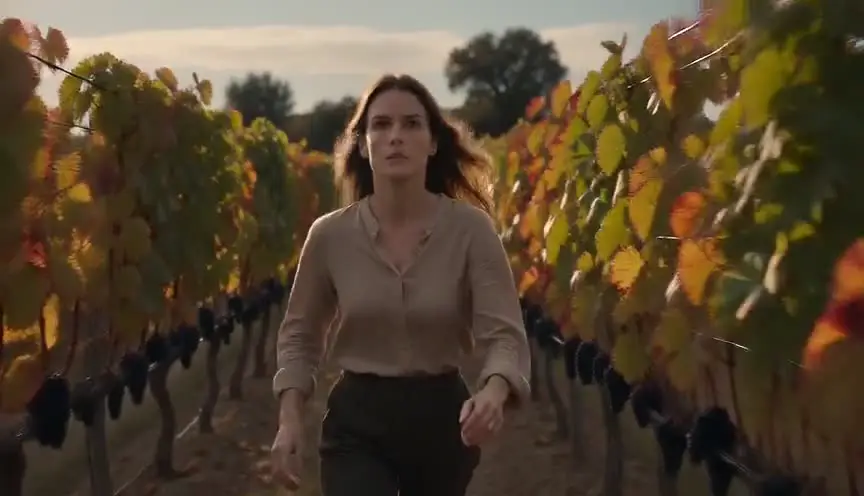
Handheld camera combined with a narrow shutter turns every shake into crisp jolts, which puts the audience inside the danger. The two together feel like footage grabbed by someone who was there.
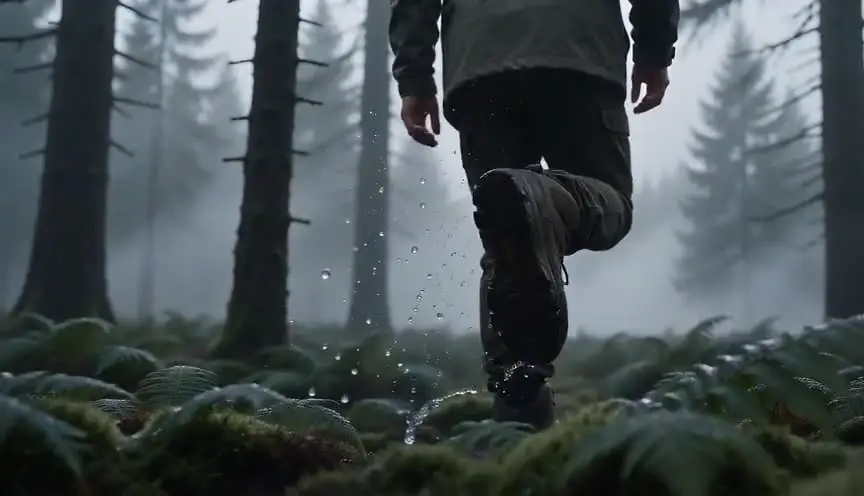
A slow motion shot right after a stuttering sequence changes the texture completely. The sudden smoothness can show shock, injury or the moment a character goes numb after the chaos.
Reference
Watch it in
Saving Private Ryan (1998)
On the landing beach, a narrow shutter makes sand, water and bodies snap from frame to frame, so the assault feels brutally present.
Gladiator (2000)
The forest battle at the start uses altered shutter and frame rate, giving swords, arrows and charging soldiers a hard, staccato edge.
ScreenWeaver
Set it up in ScreenWeaver
Write the danger in your screenplay as the character lives it, and ScreenWeaver breaks the scene down into shots automatically. Open the action shots, set a medium or wide framing, a low or eye-level angle, a handheld or static movement, and short durations of two to six seconds. Characters and locations carry from shot to shot, so the sequence stays coherent while the texture changes. Use the AI previsualization to check the rhythm of the cuts, then add the shutter setting to your shot notes.
Start writing for freeThe prompt behind this clip
This is the exact prompt that rendered the clip at the top of the page. Keep the description of the camera and the light, change the subject and the place.
Stutter motion: a lone motorcyclist speeds along a straight desert highway at dusk, camera locked on a wide static shot from the roadside with warm amber backlight from the setting sun. The rider's body and the motorcycle appear to jump between distinct positions every few frames instead of moving smoothly, as if frames were dropped, while the flat horizon, road markings, and dust cloud behind the wheel stay sharp and continuous. The judder is confined to the rider and bike only, giving a jagged, newsreel-like feel against the still landscape. No text.
Common mistakes
- 01
Using it everywhere
A whole film in stutter motion tires the eye and loses its shock. Keep the narrow shutter for the sequences that should hurt, and let the rest breathe with normal motion.
- 02
Too little light
A narrow shutter cuts exposure sharply. Without extra light or a faster lens, the image gets noisy or dark. Plan the lighting with the shutter choice.
- 03
Confusing it with dropped frames
Accidental frame drops from a bad export look like errors. Real stutter motion comes from a deliberate shutter or frame choice, applied consistently across the chosen shots.