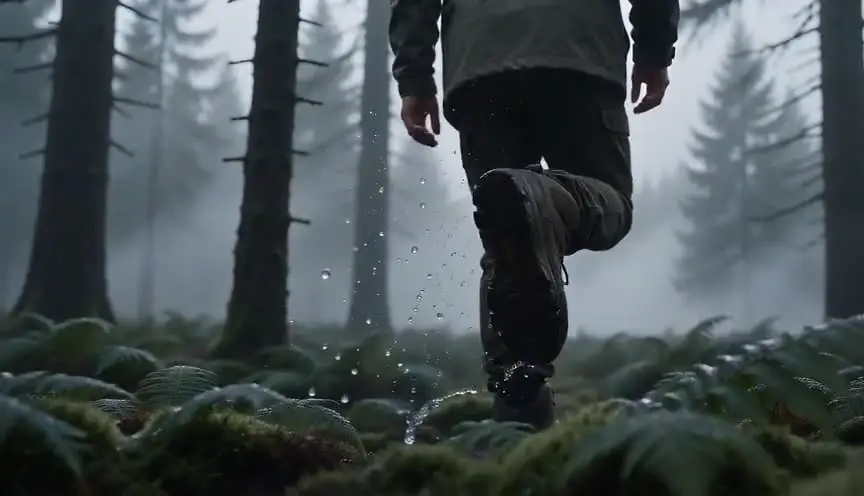
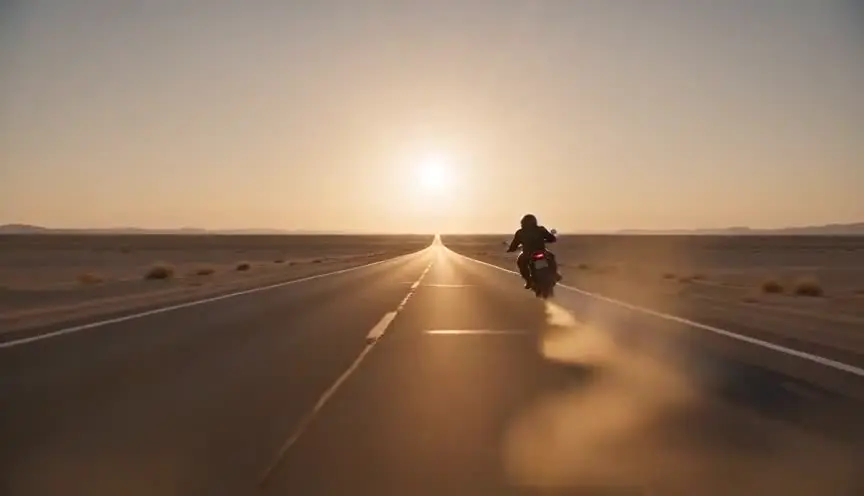
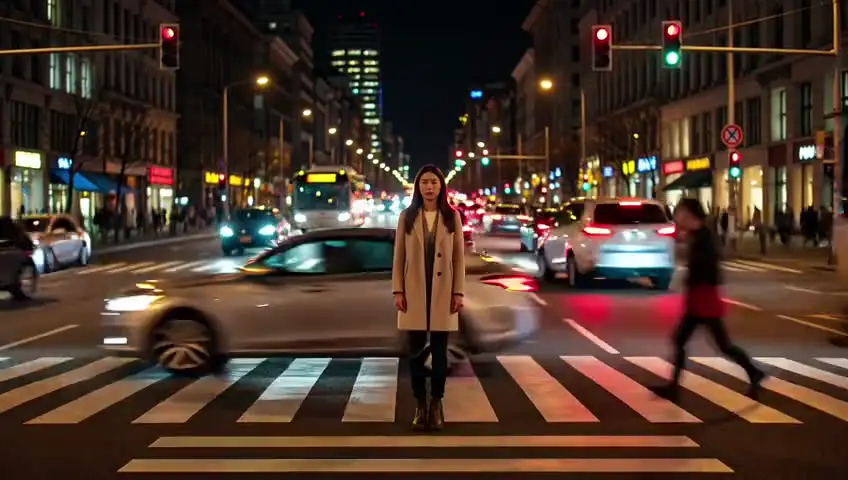
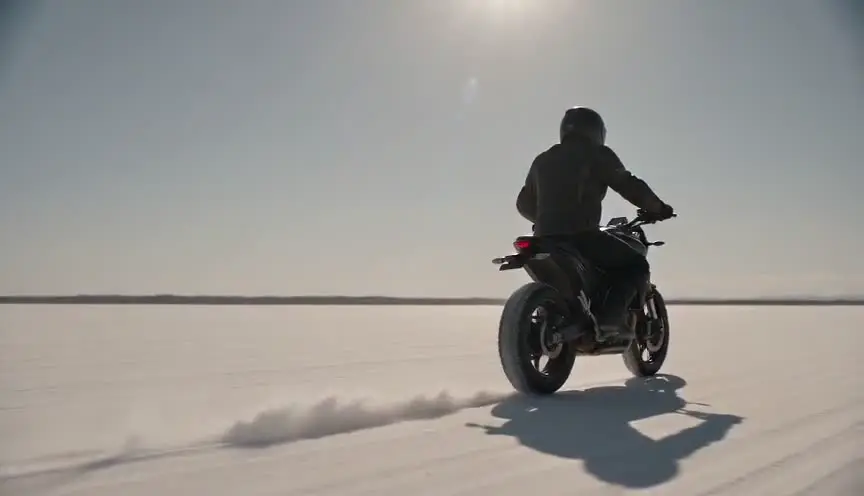
Step printingMotion that drags and skips
Step printing repeats each frame of a shot two, three or more times, so the action slows down without new in-between images and moves in small jumps. The audience feels time stretched and slightly broken, like a memory replaying itself or a nerve misfiring.
Also calledStep-printed slow motionFrame-holdingSmear motion
Time and motion
Why it works on screen
Use it when a character's perception drifts out of sync with the world. Step printing serves intoxication, infatuation, panic, exhaustion and the strange suspension of a moment you will remember later. A chase through a market can feel dreamlike instead of fast. A daily walk past the same person can turn into a ritual the character cannot escape. A scene earns it when the story is inside someone's head and normal slow motion would feel too smooth, too polite. It belongs to subjective passages and short bursts, not to scenes where the audience must follow blocking and dialogue precisely.
The shot list line
- Size
- Medium shot
- Angle
- Eye level, often handheld
- Movement
- Handheld follow at normal speed, stepped in post
- Lens
- 18mm to 25mm wide
- Duration
- 3 to 6 s
Shoot at a slow shutter, around 1/12 to 1/25, and a low frame rate so each held frame carries a long smear, then repeat frames in the edit.
Screenplay
On the page
Keep the term out of a spec script. Write how the moment feels to the character: the crowd seems to lurch, lights smear, every step lands late. That tells the director the scene is subjective without choosing the method. If you want a convention, a SLOW MOTION heading is accepted, but it promises smooth slowness, so be careful. The step rate, shutter angle and whether it happens in camera or in post go in the shot list.
EXT. NIGHT MARKET, BANGKOK - NIGHT
PICHAYA (22, delivery helmet under her arm) pushes through the stalls after a man in a green jacket.
The crowd moves wrong around her, jerking forward, freezing, jerking again.
Lanterns trail streaks of red across the frame of her vision.
She loses him behind a noodle cart.
Everything snaps back to speed. A vendor shouts at her to move.
Storyboard
In the storyboard
Draw three panels in a row showing the same action in slightly different positions, with the subject outlined twice in each to show smear. Put a small hold mark, like a pause symbol, between panels to show the image sticks before it jumps. Add a note such as step x3 or 8 fps printed to 24. Mark where the passage starts and where it snaps back to normal speed, since the return matters as much as the effect.
Pairs well with
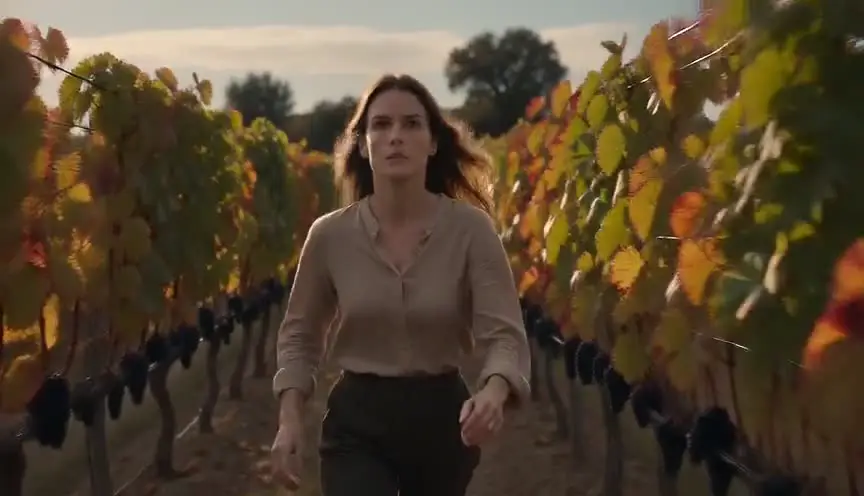
Handheld movement gives step printing its texture. The camera's own shake gets frozen and repeated, so the smear feels bodily and nervous, as if the character's eyes are struggling to keep up.
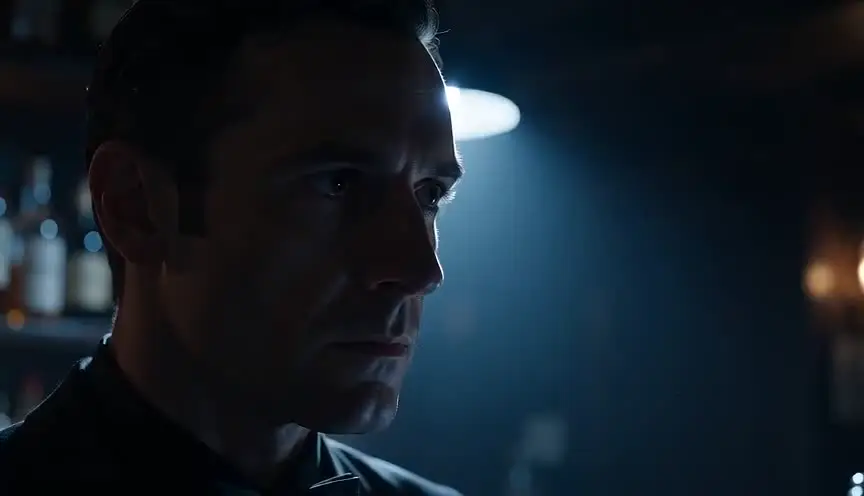
Ending a stepped passage on a smash cut to normal speed and full sound jolts the character, and the audience, out of the altered state and back into a harsh, ordinary present.
Reference
Watch it in
Chungking Express (1994)
The opening pursuit through crowded Hong Kong streets stutters and smears, so a cop's chase feels like a blurred rush of urban noise.
Fallen Angels (1995)
Wide lenses and stepped frames make neon streets and motorcycle rides pulse and lurch, matching the restless nights of a hired killer.
In the Mood for Love (2000)
The two neighbors pass each other on their way to the noodle stall in stretched, stepped slow motion, turning an errand into a longing ritual.
ScreenWeaver
Set it up in ScreenWeaver
Write the subjective moment in your screenplay as the character experiences it, and ScreenWeaver breaks the scene down into shots automatically. Open the shot where perception slips, set a medium framing at eye level, choose a handheld follow as the movement, and give it a short duration of three to six seconds. Characters and locations carry from shot to shot, so the stepped shot and the return to normal speed match. Use the AI previsualization to judge where the passage should start and stop.
Start writing for freeThe prompt behind this clip
This is the exact prompt that rendered the clip at the top of the page. Keep the description of the camera and the light, change the subject and the place.
Step printing: in a medieval stone village square, a loaded wooden cart hits a rut and tips sideways, spilling bundles of straw into the air. The motion is rendered as jerky, stroboscopic slow motion, each pose of the tipping cart and scattering straw seems to hold for a beat then skip forward, never blending smoothly between positions. The camera is locked on a low tripod at eye level, framing the cart center-frame with stone walls and thatched roofs static behind it, flat overcast daylight, no camera movement. No text.
Common mistakes
- 01
Fast shutter, no smear
Repeating crisp frames only produces a choppy image. The look depends on long motion blur inside each frame, so open the shutter and lower the frame rate when you shoot.
- 02
Using it for action clarity
Stepped motion hides the geography of a fight or a stunt. If the audience must understand exactly who hits whom, choose clean slow motion or normal speed instead.
- 03
No way back
A long passage with no clear return blurs subjective and objective time. Plan a precise exit, a sound, a cut, a change of shot, so the audience knows the spell has broken.