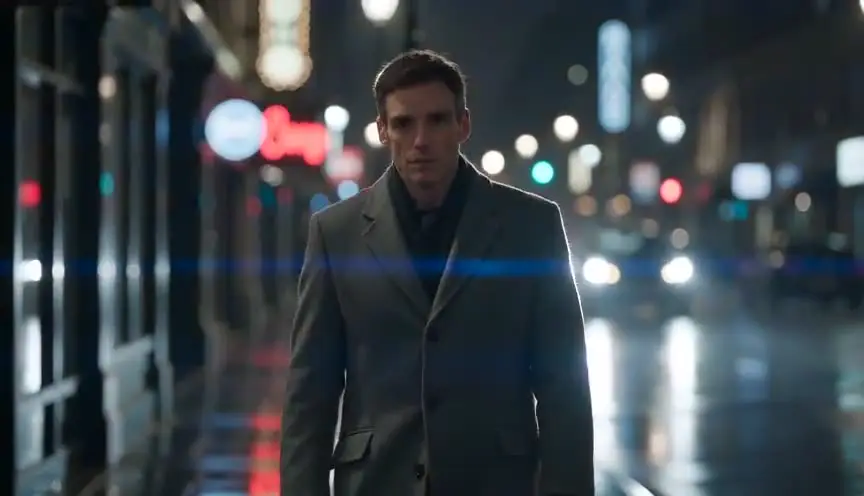
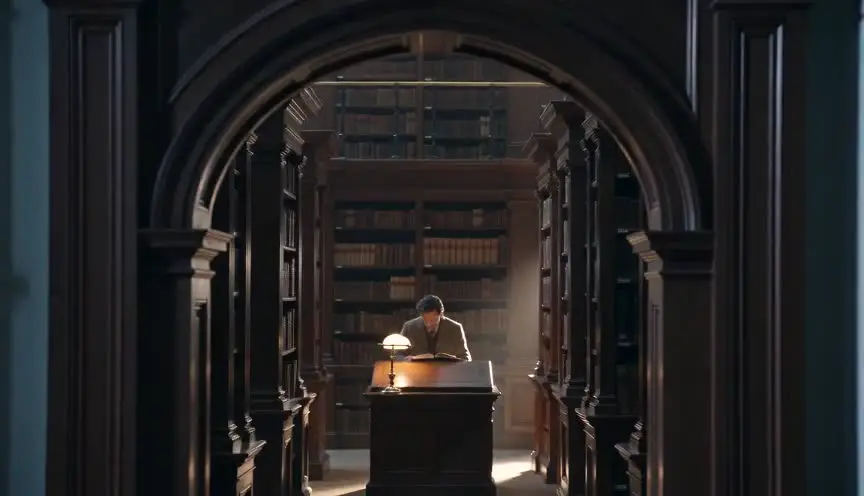
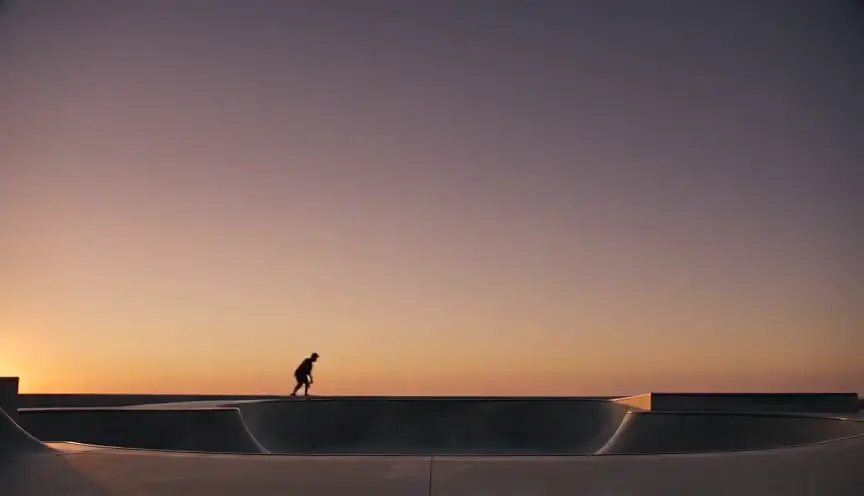
Aspect ratio switchWhen the frame itself changes shape
An aspect ratio switch changes the shape of the image during a film, from square to wide, from wide to narrow, or between eras. The audience feels the world open up or close in, often before they notice the black bars moving.
Also calledRatio changeFrame shape shiftLetterbox switch
Optical effects
Why it works on screen
The frame is a container for the character's world, so changing its shape changes how that world feels. Widening can mean freedom, hope, release from a prison or a small town. Narrowing can mean a trap, a memory, an older time, a mind closing. A switch can also sort timelines, giving each era its own shape so the audience always knows when they are. A scene earns it when a character's situation truly transforms, and the story wants the audience to feel that transformation in their body. Used once, on the right beat, it can be the most emotional cut in the film.
The shot list line
- Size
- Wide shot, composed for both ratios
- Angle
- Eye level
- Movement
- Static or slow push, with the matte opening or closing during the shot
- Lens
- Wide lens, 24mm or 28mm, protecting the full sensor area
- Duration
- 3 to 6 s for the change
Frame for the widest ratio while keeping the action safe inside the narrower one, and mark both frame lines on the monitor.
Screenplay
On the page
Aspect ratio is a directing and delivery decision, so most spec scripts should leave it out. If the switch is central to the story, such as a character literally pushing the walls of the frame, a single line describing the image opening or closing is acceptable, used once. For timelines, a title card or scene heading with the year does the story work on the page. The exact ratios, the transition speed and the delivery format belong in the shot list and the director's notes.
INT. TRUCK CAB - INTERSTATE 80, NEBRASKA - PRE-DAWN
DOLORES KWIATKOWSKI (58, twenty years on this route) drinks the last of a thermos coffee. The windshield is a narrow slot of dark road.
Her phone buzzes. A text: "It's a girl. 7 lbs."
Dolores reads it twice, then pulls onto the shoulder.
EXT. INTERSTATE 80 - CONTINUOUS
She climbs down. The picture seems to widen with her, until the whole flat horizon glows orange from edge to edge.
Storyboard
In the storyboard
Draw the panel at the full width and draw both frame lines inside it, the narrow one in a solid line and the wide one in a dashed line. Add arrows on the matte edges pointing outward or inward to show the direction of the change. Write both ratios (for example 1:1 to 2.39:1) and the timing of the move. Note the story beat that triggers it, so the editor places it on the right frame.
Pairs well with

A tight close-up in the narrow ratio before the change keeps the character boxed in with their feeling. When the frame opens, the release is sharper because the audience has been confined with them.
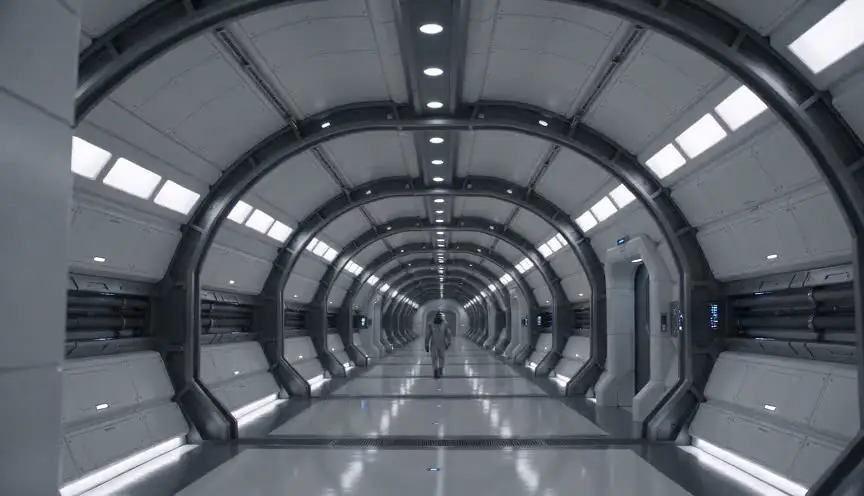
After the frame widens, an extreme wide shot uses all the new space. The landscape spreads to the edges, and the audience understands how much bigger the world has just become.
Reference
Watch it in
The Grand Budapest Hotel (2014)
Each timeline gets its own frame shape, 1.37:1, 1.85:1 and 2.35:1, so the audience can tell the era from the edges of the image.
Mommy (2014)
Kept in a tight square, the film stretches to full width during a burst of hope, then narrows again when reality returns.
ScreenWeaver
Set it up in ScreenWeaver
Write the beat that triggers the change as action, and ScreenWeaver breaks the scene into shots automatically. In the storyboard, give the shots before the switch a framing and composition that suit the narrow shape, then set the turning shot to a wide framing at eye level with a static or slow movement and a duration of a few seconds. Characters and locations carry from shot to shot. Use the AI previsualization to judge the rhythm and note the ratio change in your shot list.
Start writing for freeThe prompt behind this clip
This is the exact prompt that rendered the clip at the top of the page. Keep the description of the camera and the light, change the subject and the place.
Aspect ratio switch: a static camera holds a bakery counter at 5 am, warm tungsten light on a middle-aged baker dusting flour over dough, the frame boxed into a tight 4:3 with black bars on both sides. Two seconds in, the bars slide outward smoothly and evenly, widening the image to a full 2.39:1 frame that reveals the ovens, hanging trays, and steam drifting behind him. The baker's motion stays continuous and unchanged, only the frame's shape changes, in one unbroken shot. No text.
Common mistakes
- 01
Switching without a reason
A ratio that changes from scene to scene with no logic feels like a technical accident. Tie each shape to a timeline, a state of mind or one turning point, and keep that rule.
- 02
Action outside the safe area
If a face or a gesture falls outside the narrow frame, it gets cut off before the switch. Frame everything important inside both frame lines from the start.
- 03
Ignoring delivery
Some platforms crop or letterbox automatically. Test the final file on a phone, a TV and a projector so the switch reads as intended and no one sees extra bars.